

Gantt Chart Project Planner (Excel)
Plan any project on a timeline that draws itself.
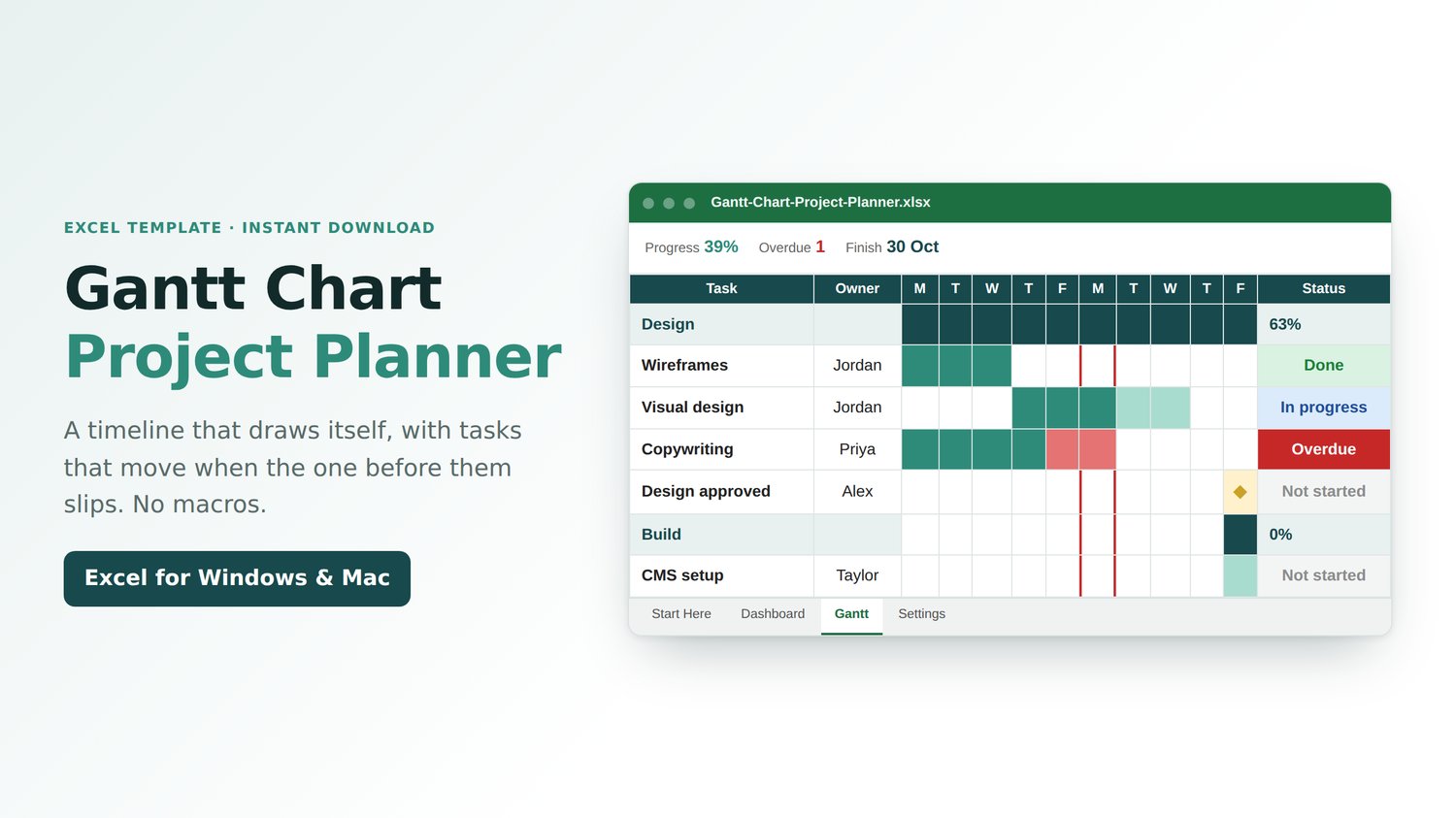
List your tasks and how long they take. The Gantt chart draws the bars, moves every task when the one before it slips, and marks today with a red line. No macros.
WHAT IT DOES
• Up to 40 tasks, phases, and milestones
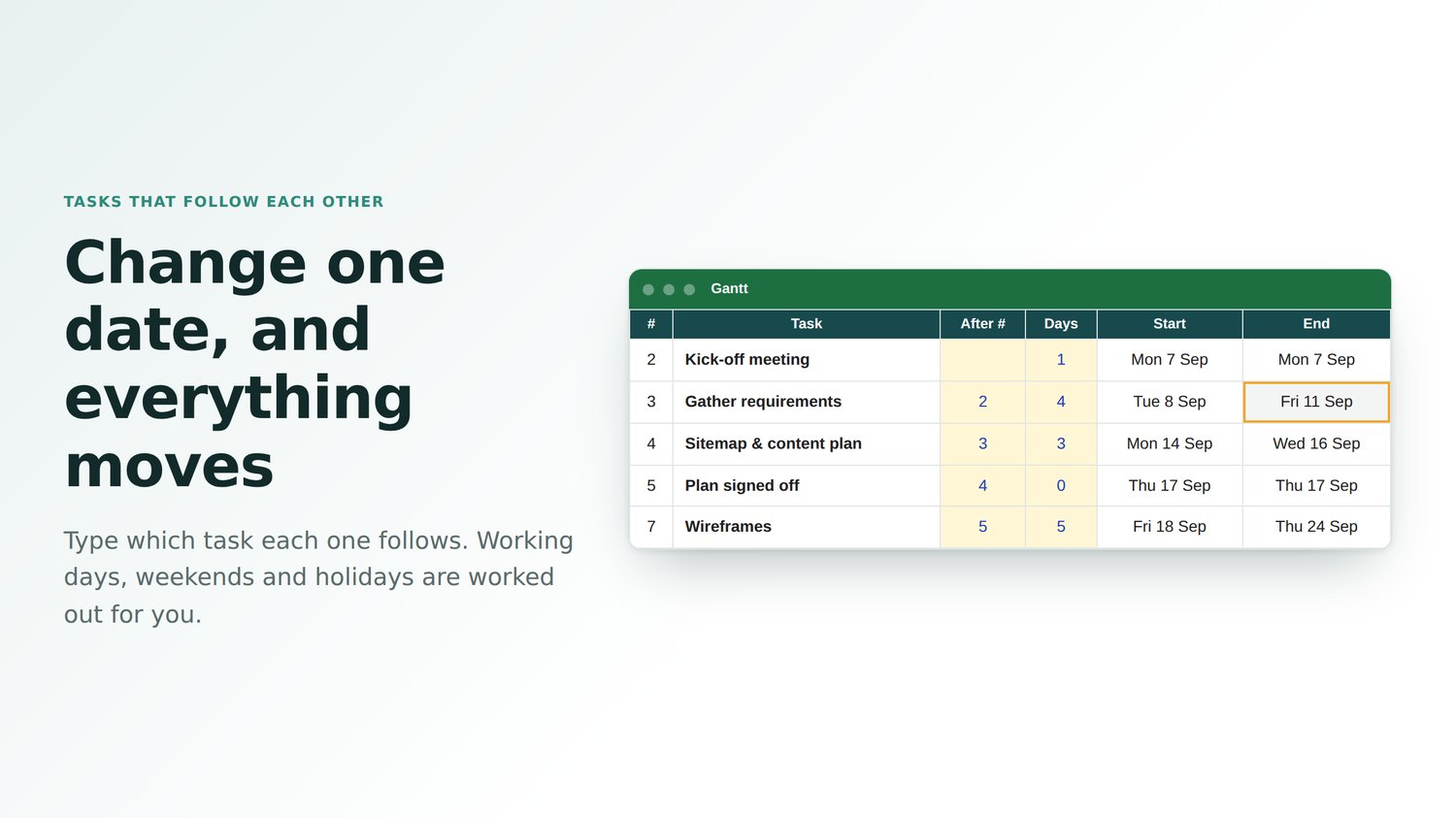
• Tasks linked with After #: dates move when a task slips (WORKDAY)
• Working days, with weekends and your holidays skipped
• Bars that fill in as you type % done
• Late tasks in red and a red line for today
• Done, In progress, Behind, Overdue and Not started
• Phases worked out from their tasks
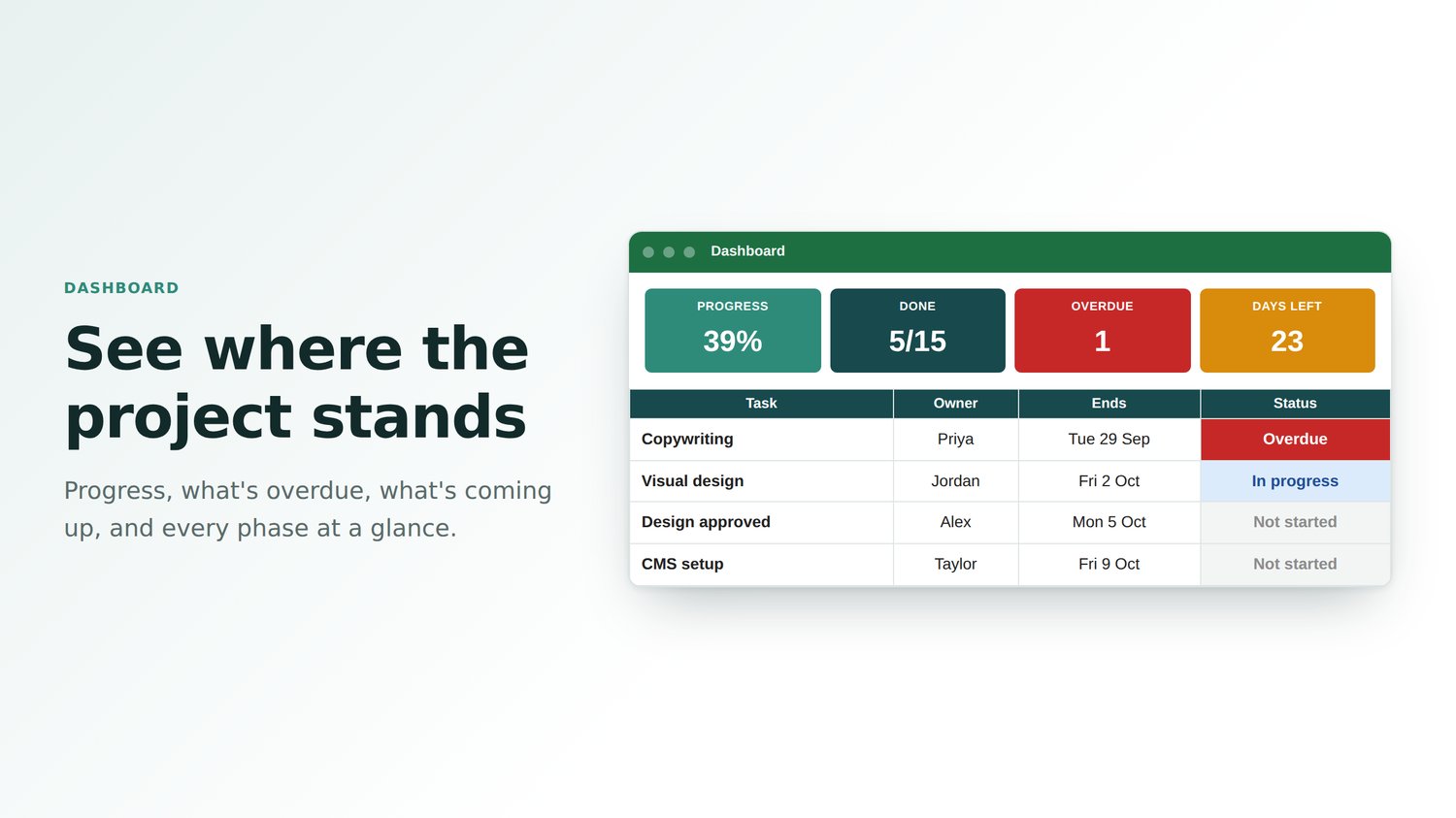
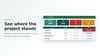
• Dashboard: progress, coming up and overdue, phases, workload and a chart
• 13-week timeline you can scroll to any date
WHO IT'S FOR
Project managers, small teams, students, and anyone planning a project.
GOOD TO KNOW
• Works in Microsoft Excel: Microsoft 365, Excel 2010 or later on Windows, and Excel for Mac
• Normal .xlsx file: no macros to enable
• One-off payment, instant download
Made by Lee at Sheet Leveller, whose tutorials have been watched 6.3 million times on YouTube.