
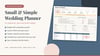
Small Wedding Planner Spreadsheet | Budget, Guest List & RSVP, Checklist, Day-Of Timeline (Google Sheets)
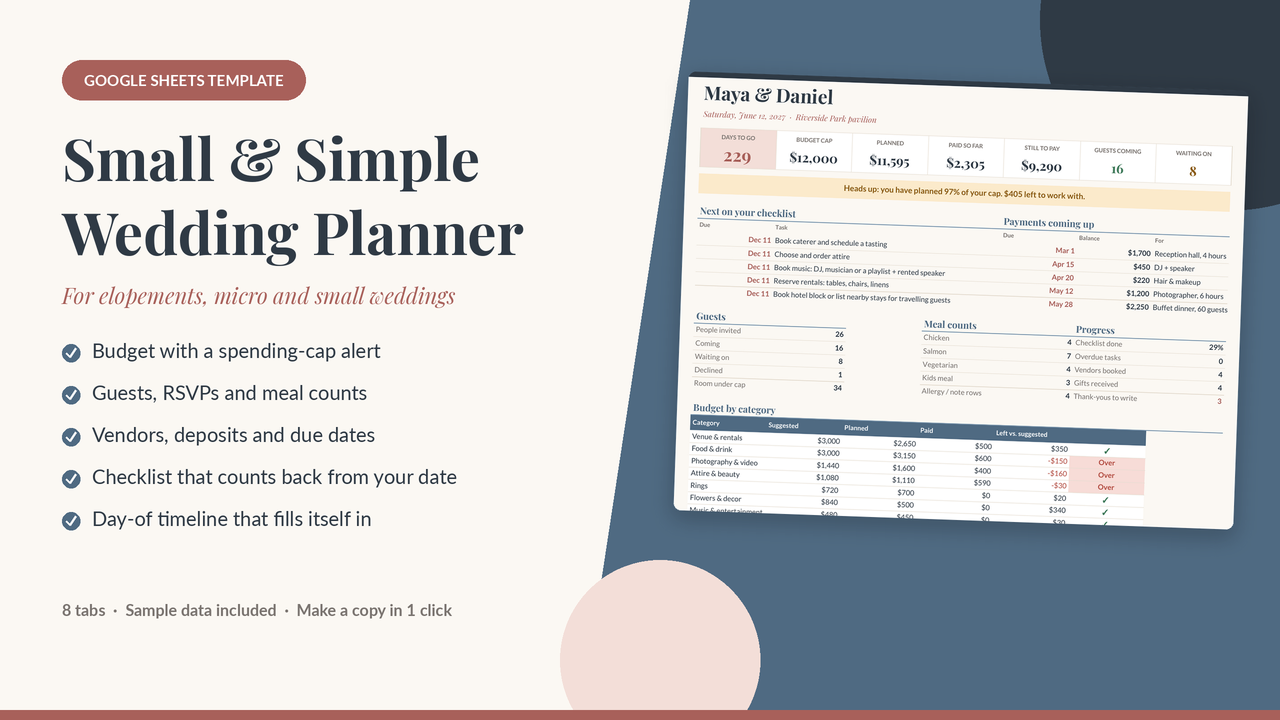
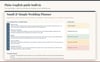
Most wedding planners are built for 200 guests and a 40-tab binder. The Small & Simple Wedding Planner is a Google Sheets wedding planner template for elopements, micro weddings and small weddings, for couples who want a lovely day without losing track of the money.
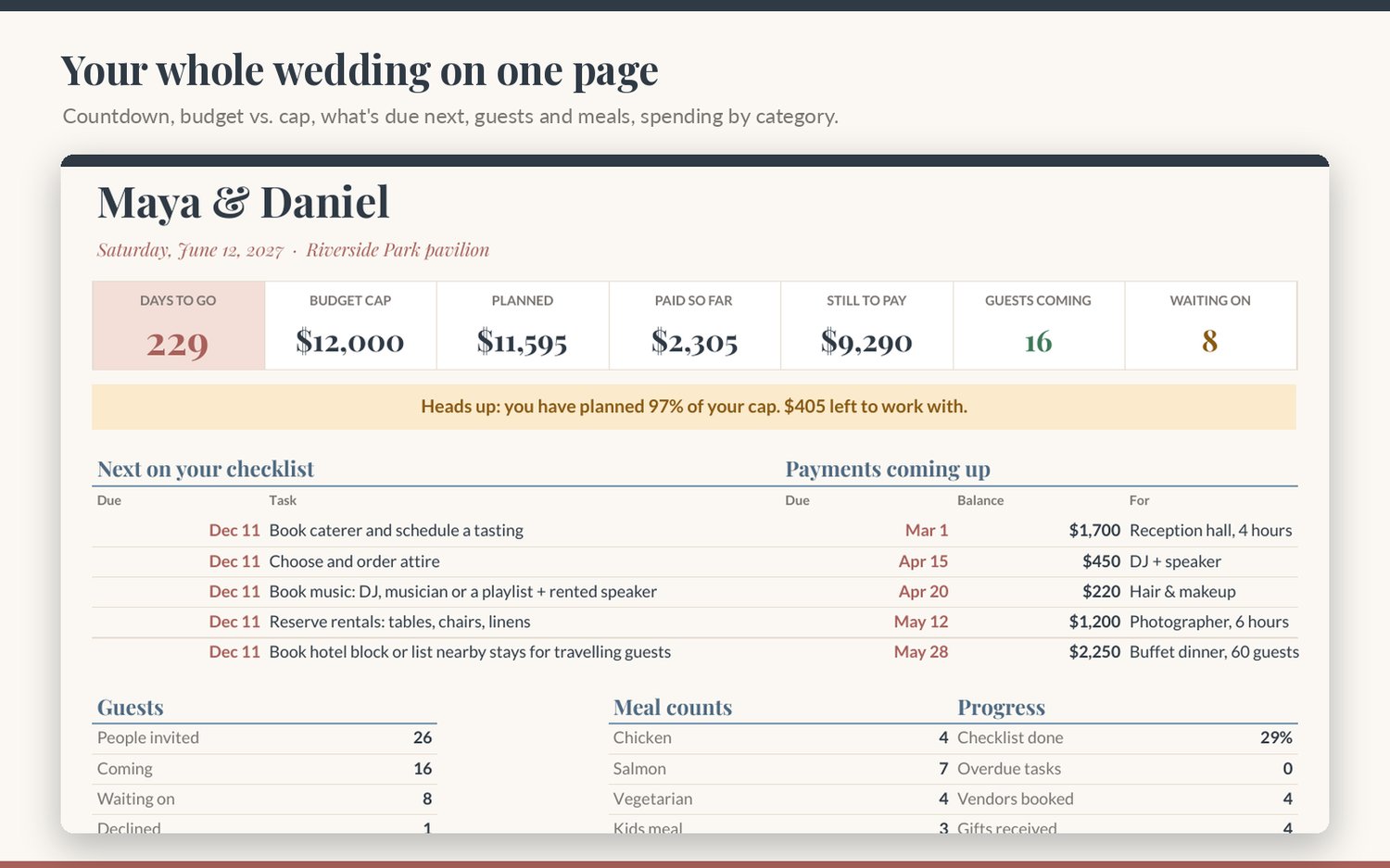
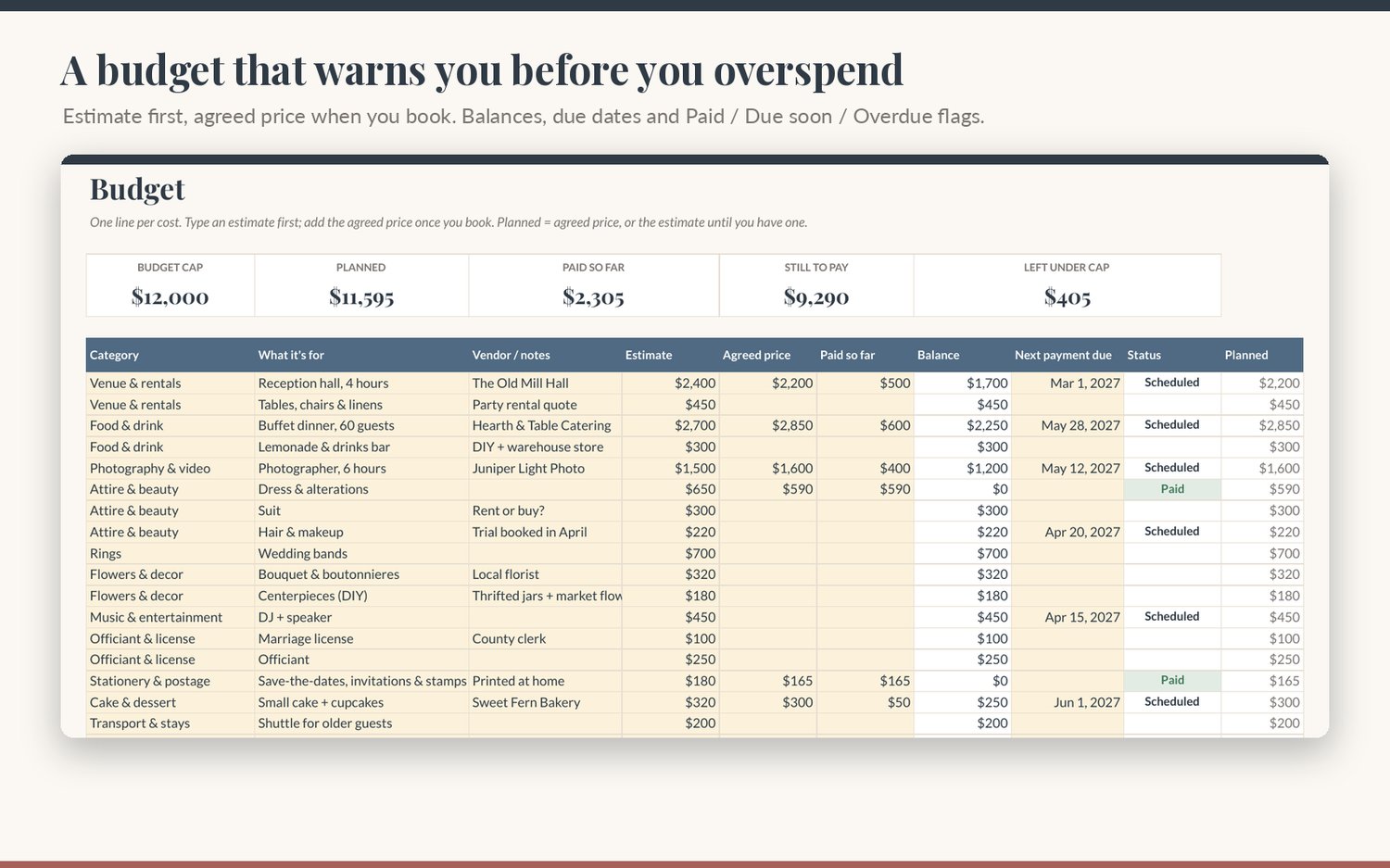
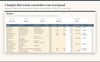
Set your cap, and it watches it for you. Type your total budget once. Every cost gets an estimate first and the agreed price once you book. The Dashboard shows what you have planned, paid and still owe, and it warns you when you reach a share of your cap that you choose (90% by default) and again if you go over. A budget-by-category table compares what you planned with a suggested split for small weddings, so you can see exactly where the money went.
Never miss a deposit. Each budget line has a next-payment date. Upcoming payments appear on the Dashboard in date order, and the Status column turns to Due soon, Overdue or Paid automatically.
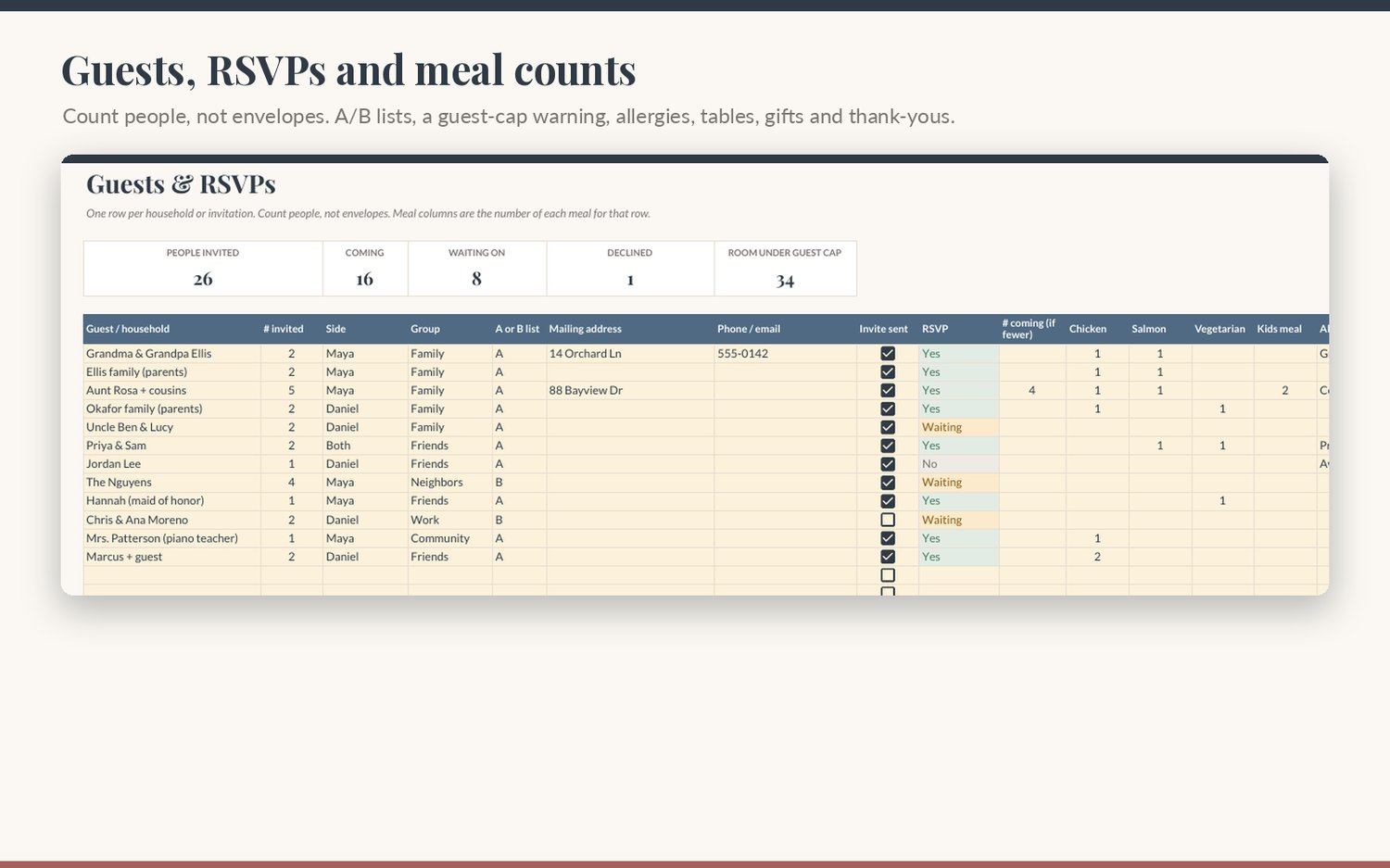
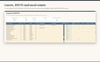
Guests, RSVPs and meals in one list. One row per household. Count people, not envelopes. Mark the side, group and A or B list, tick when the invite goes out, and set RSVP to Yes, No or Waiting. Type how many of each meal (you name up to four choices), plus allergies, table and gifts. A guest-cap warning tells you before you mail too many invitations, and a pink box flags every thank-you note you still owe.
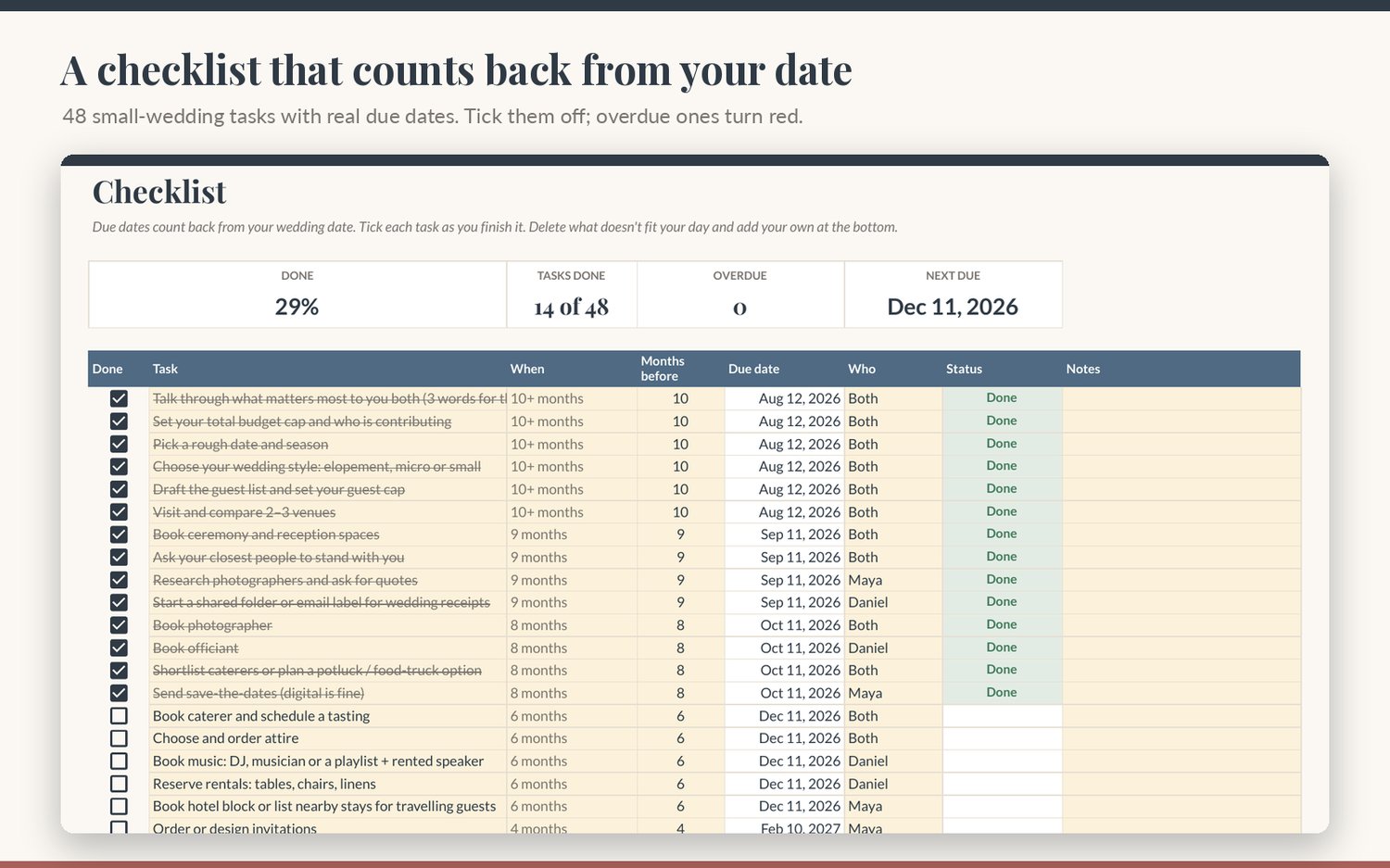
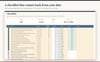
A checklist that knows your date. 48 tasks written for small weddings, from "set your budget cap" 10 months out to "back up your photos" afterward. Due dates count back from your wedding date. Overdue tasks turn red, and the next five show on the Dashboard. Delete what doesn't fit and add your own.
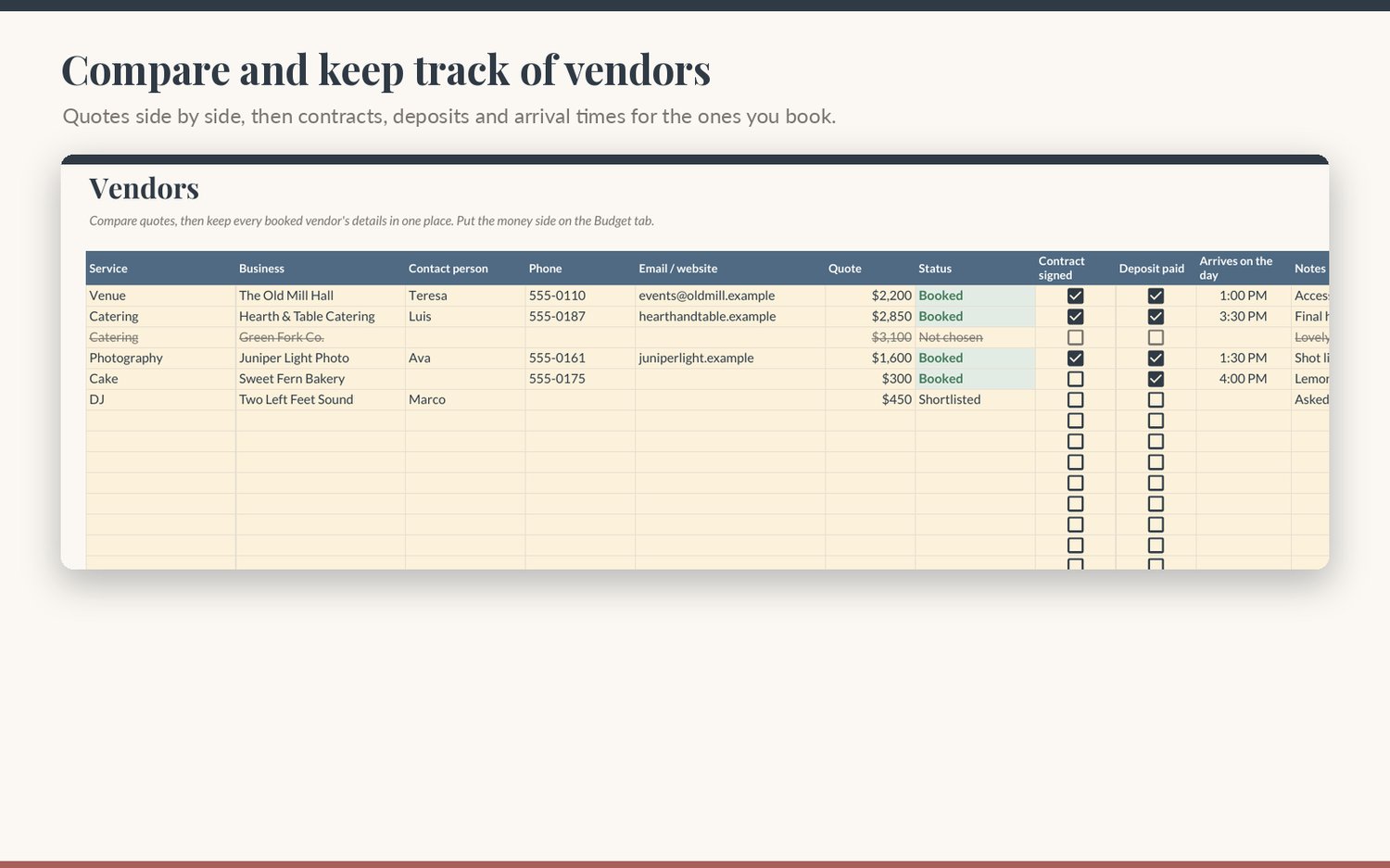
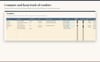
Vendors, side by side. Compare quotes, then keep contacts, contract and deposit checkboxes, and arrival times for everyone you book.
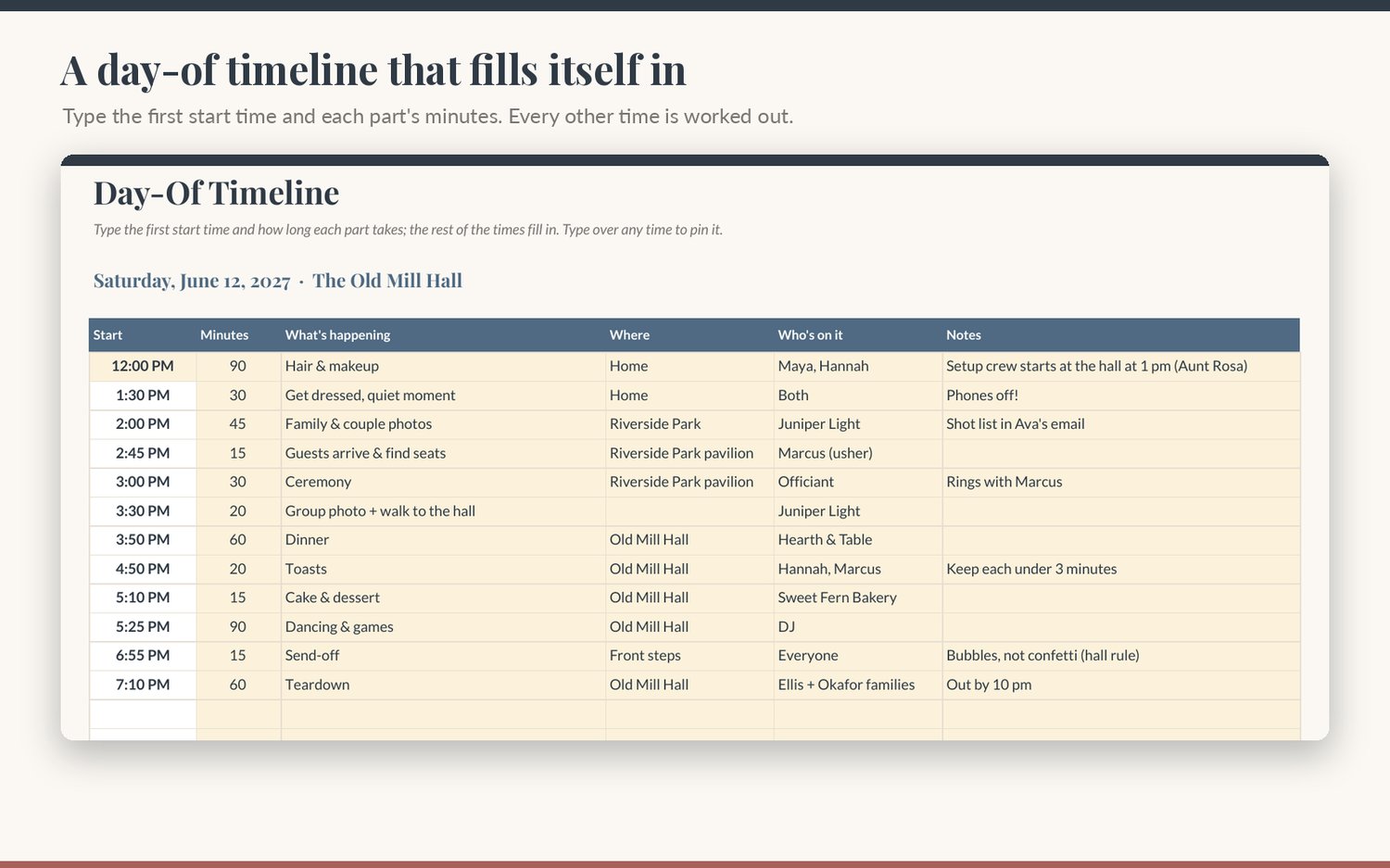
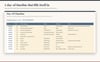
A day-of timeline that does the math. Type your start time and how many minutes each part takes. Every other time fills in. Share it with your helpers so nobody has to ask "what's next?"
Works in any free Google account. Comes filled with clearly marked sample data for a made-up couple so you can see how it all works before you add your own.
What's included
- Google Sheets template (one-click "Make a copy" link in the PDF), 8 tabs:
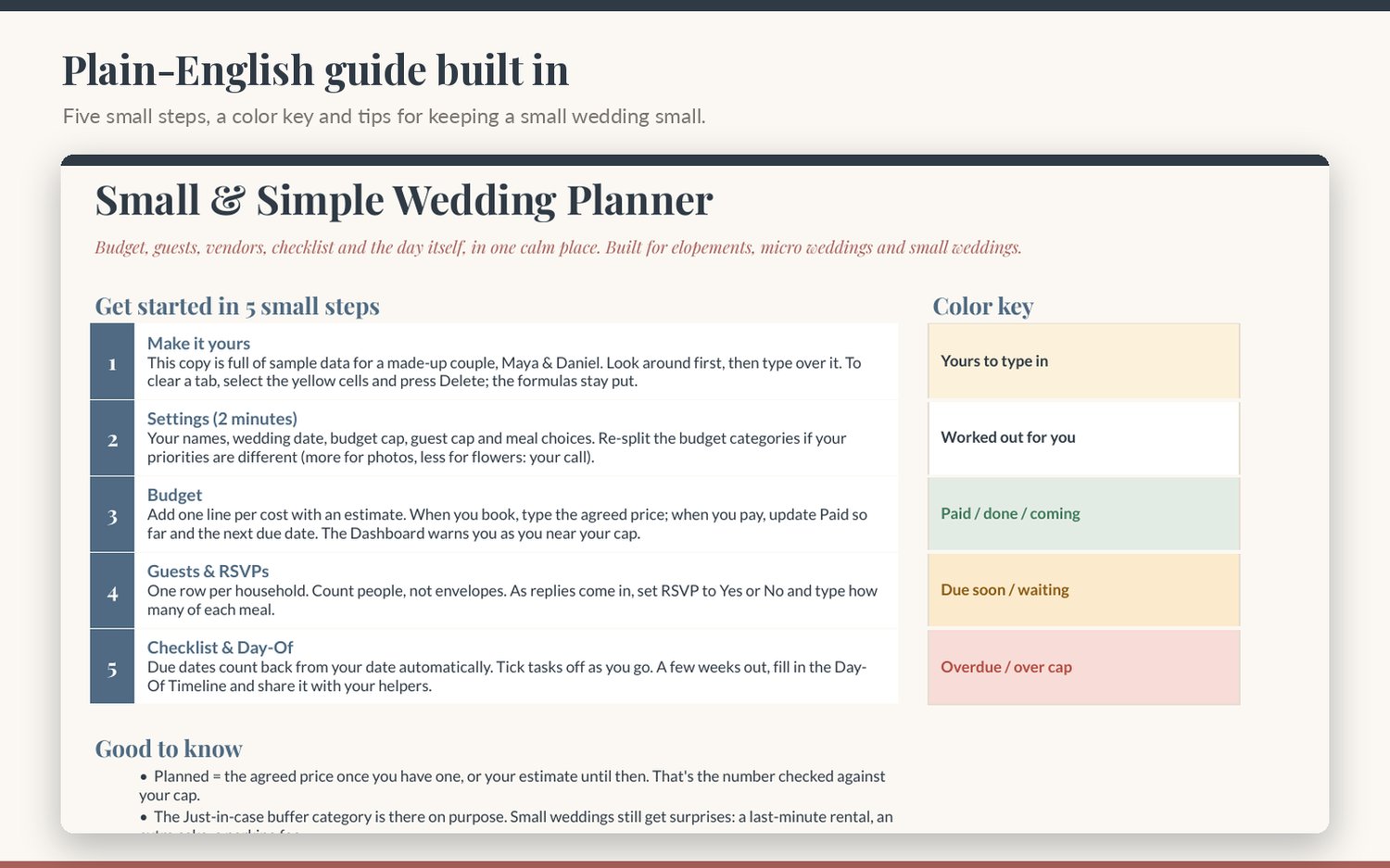
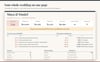
- Start Here: 5 small steps, color key, tips for keeping a small wedding small, fine print
- Dashboard: countdown, budget cap, planned, paid, still to pay, guests coming, RSVPs waiting; budget alert banner; next 5 checklist tasks; next 5 payments due; guest totals; meal counts; progress; budget-by-category table; planned-vs-suggested bar chart
- Settings: names, wedding date, wedding style, budget cap, guest cap, alert threshold, ceremony and reception places, up to 4 meal choices, up to 15 budget categories with suggested % and $
- Budget: 80 cost lines with category dropdown, estimate, agreed price, paid so far, balance, next payment due, automatic status (Scheduled / Due soon / Overdue / Paid)
- Guests & RSVPs: 120 household rows: people invited, side, group, A/B list, address, contact, invite sent, RSVP, number coming, 4 meal columns, allergies, table, gift received, thank-you sent; guest-cap warning
- Vendors: 25 rows: service, business, contact, phone, email/website, quote, status, contract signed, deposit paid, arrival time, notes
- Checklist: 48 small-wedding tasks + room for 27 of your own, with automatic due dates, owner dropdown and status
- Day-Of Timeline: 25 rows; start times fill themselves in from the minutes you give each part
- Soft, calm design: slate, dusty blue, champagne and blush. Butter-yellow cells are yours to type in; formula cells are protected with a gentle warning
- PDF quick-start guide with your copy link
Specs
- Format: Google Sheets (needs a free Google account). Works on computer, tablet and phone; editing is easiest on a computer
- Delivery: 1-page PDF with the "Make a copy" link, downloaded right after purchase
- Currency: amounts show with a $ sign; switch to another currency with Format › Number › Custom currency
- Not an Excel file. You can download your copy as .xlsx, but the Dashboard's sorting formulas are made for Google Sheets
FAQ
- Do I need Excel? No. It runs in Google Sheets with any free Google account.
- Can my partner and I both use it? Yes. Share your copy with them from the Share button and you'll both see changes live.
- We're having a big wedding. Will it still work? It holds 120 households (often 250+ people) and 80 budget lines, so yes. It's designed around small weddings, though, so the checklist and budget split assume a simpler day.
- We're eloping. Is it overkill? Use only Settings, Budget, Checklist and Day-Of; leave the rest empty.
- Can I change the budget categories and split? Yes. Rename them, change the %, or add up to 15 in Settings.
- Is the sample data real? No. The couple, the vendors and every number are made up. Clear the butter-yellow cells and type your own.
- Is this financial advice? No. The suggested split is a starting point for small weddings.
- Refunds? Because it's an instant digital download, all sales are final, but reply to your receipt email if anything isn't working and we'll fix it.
License
For your own wedding planning. Please don't resell, share, give away or redistribute the template or its copy link, in original or modified form. Sharing your own copy with your partner, family or wedding helpers is fine.