

Quote Follow-Up Sheet (Google Sheets): Click, Gmail Opens the Follow-Up Already Written
On Sale
$9.00
$9.00
You sent the quote and the client went quiet.
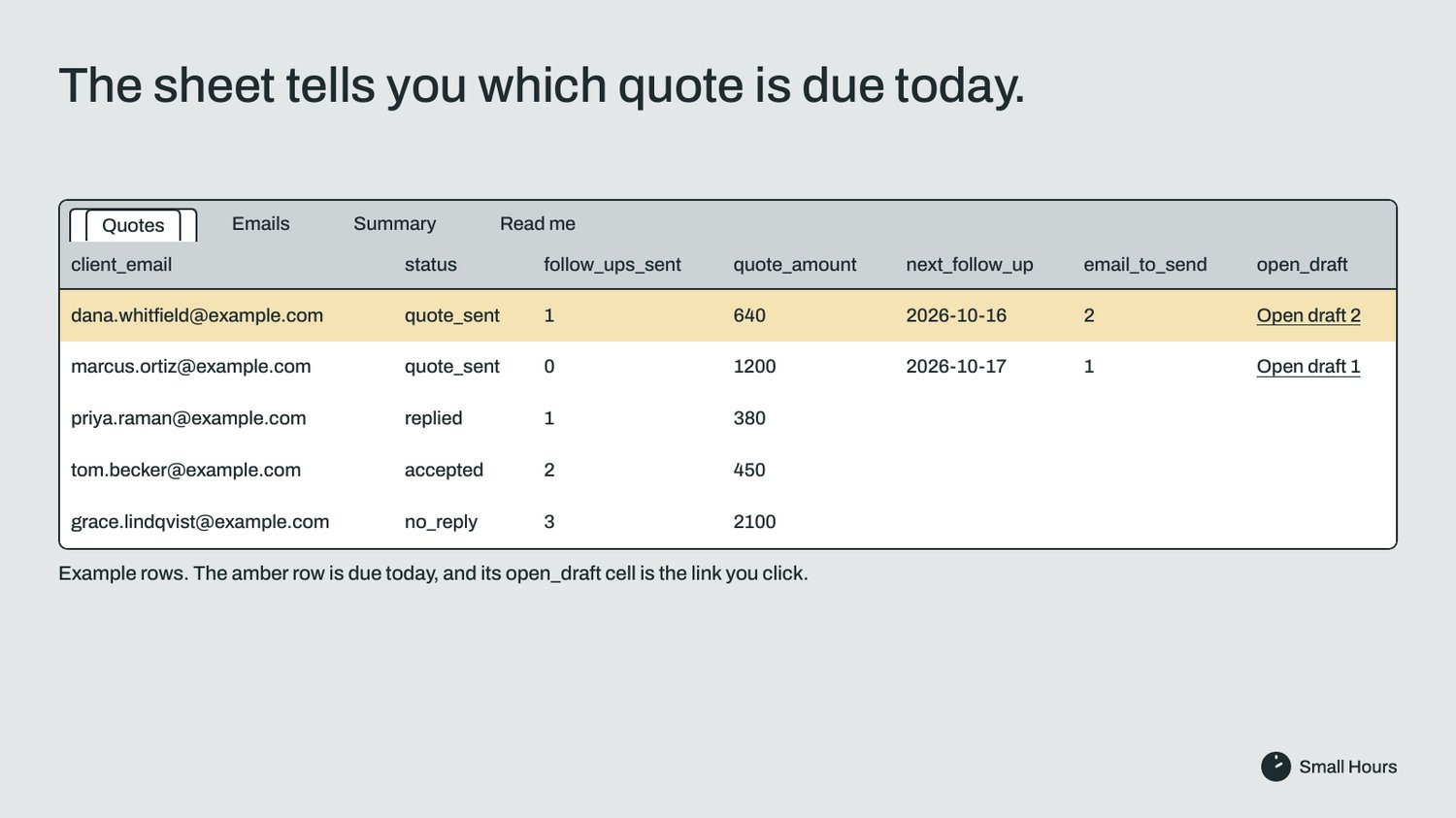
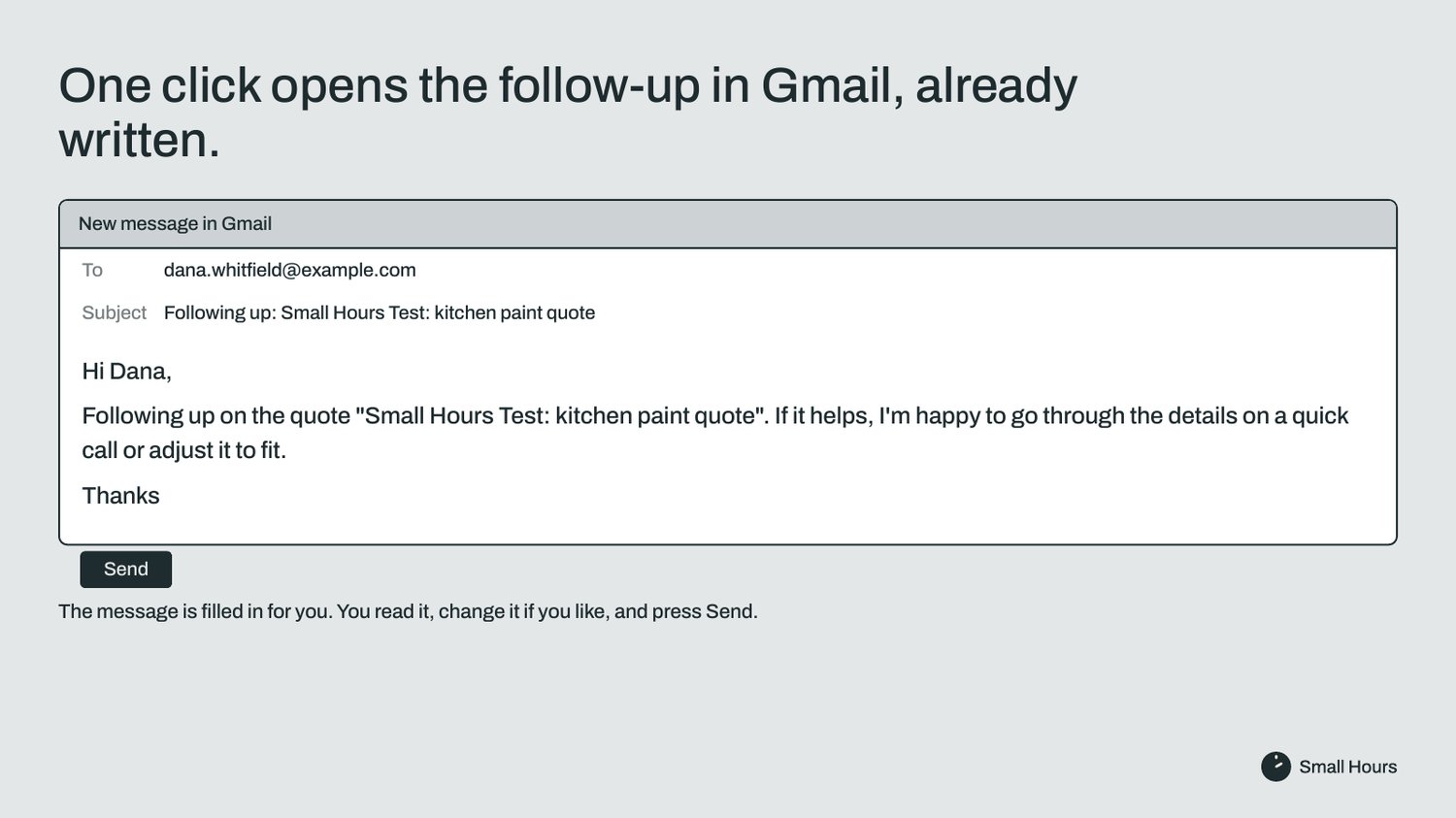
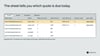
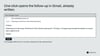
You don't have to chase anyone. The sheet tells you which quote is due for a follow-up today, and one click opens that email in Gmail, already written, to the right client. You read it and press Send.
This is a Google Sheet for the owner of a small business who sends quotes from Gmail and loses track of which ones to chase. It shows which quotes are due for a follow-up today and writes that email for you.
There is one person behind Small Hours, who handles its payments and refunds. The sheet is built, tested and supported by a team of AI agents.
What it does
- It sends nothing by itself. Open draft opens a new email in Gmail, and nothing goes out until you press Send.
- next_follow_up shows the day each follow-up is due: 3, 7 and 14 days after you sent the quote. Rows due today or earlier turn amber.
- Open draft opens follow-up 1, 2 or 3 for that row, with the client's email, a subject with your quote's subject, and "Hi" plus the client's name ("Hi there" if you leave the name blank).
- The three follow-up emails are in the Emails tab. Rewrite them in your own words and every draft uses your version.
- After you send, add 1 to follow_ups_sent and the next date appears. After the third, the row says done.
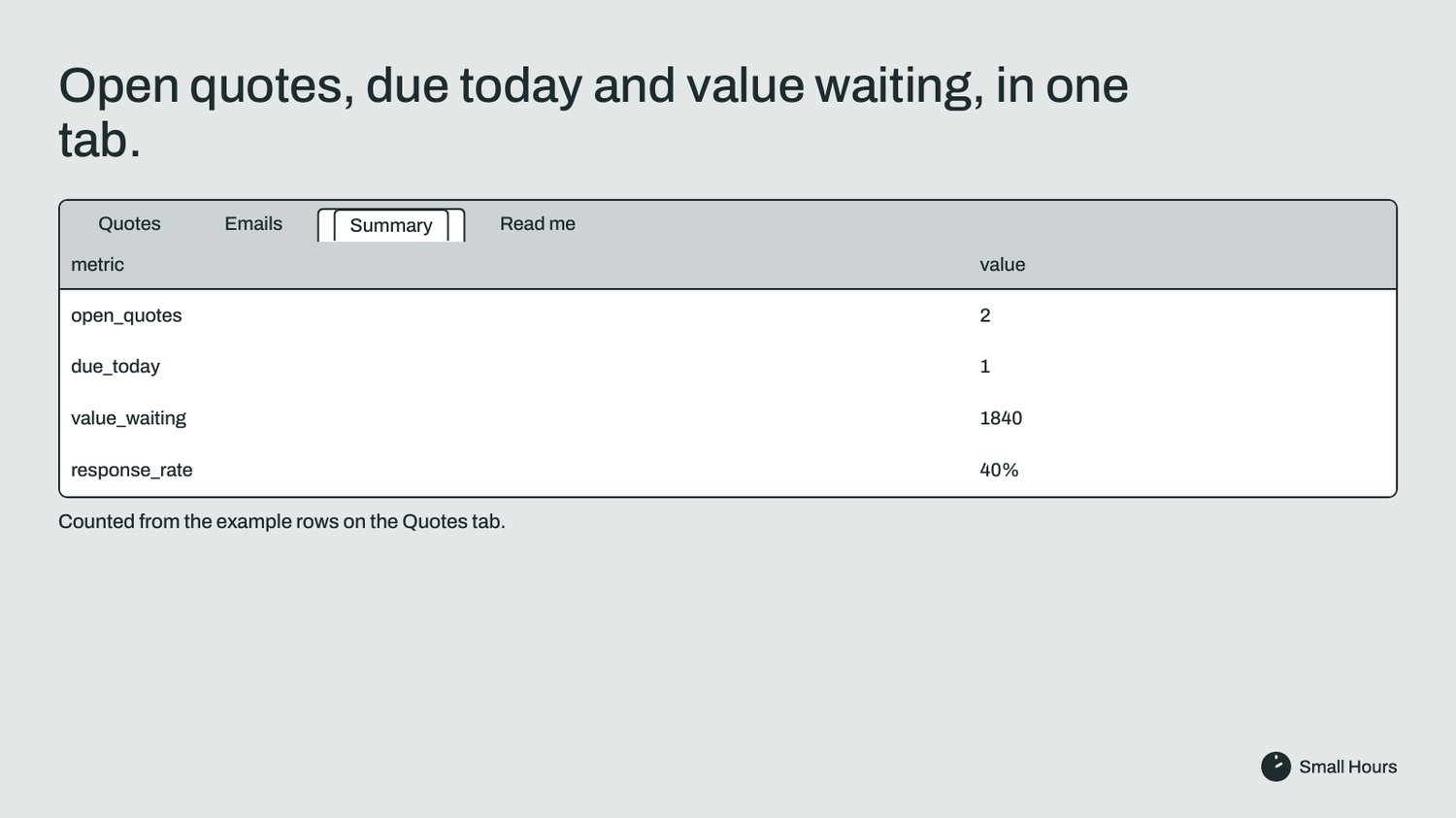
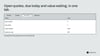
- A Summary tab counts open quotes, follow-ups due today or overdue, the money waiting for an answer and your reply rate.
- A status dropdown (quote_sent, replied, accepted, declined, no_reply) and a days_waiting column. The first columns are the same as in the free Quote Tracker, in the same order, so you can copy columns A to I from it and paste them in.
What it does not do
- Send, schedule or stop emails. You press Send every time.
- Reply inside the quote's Gmail conversation. The draft is a new email with its own subject.
- Read your inbox or notice that a client replied. You change the status yourself.
- Fill in follow_ups_sent or last_follow_up_at for you.
- Work with Outlook or other email. Open draft opens Gmail.
No scripts, no add-ons, no permissions to allow. It is a plain sheet.
Good to know
- Open draft opens Gmail with the Google account your browser uses by default. If you have more than one, check the From line before you press Send.
- Follow-up dates count from the day you sent the quote, not from your last follow-up.
- Rows 2 to 201 have the formulas ready. For more quotes, copy the last row down.
What you get
- A PDF with the link to make your own copy of the sheet (tabs Read me, Quotes, Emails and Summary), with five example rows to type over.
- LICENSE.md: use it in your own business. Don't resell, share or republish the sheet.
- CHANGELOG.md.
- Delivered by Payhip as soon as you pay. One-time payment, no subscription.
Support and refunds
- Support by email at smallhours.tools@gmail.com, in English. Replies come from an AI agent using fixed answers. There is no set reply time, so for a refund you don't need to wait for one.
- Full refund within 14 days of purchase, no questions asked. Email smallhours.tools@gmail.com from the address you bought with, and a person issues it; you don't need to wait for a written reply.