
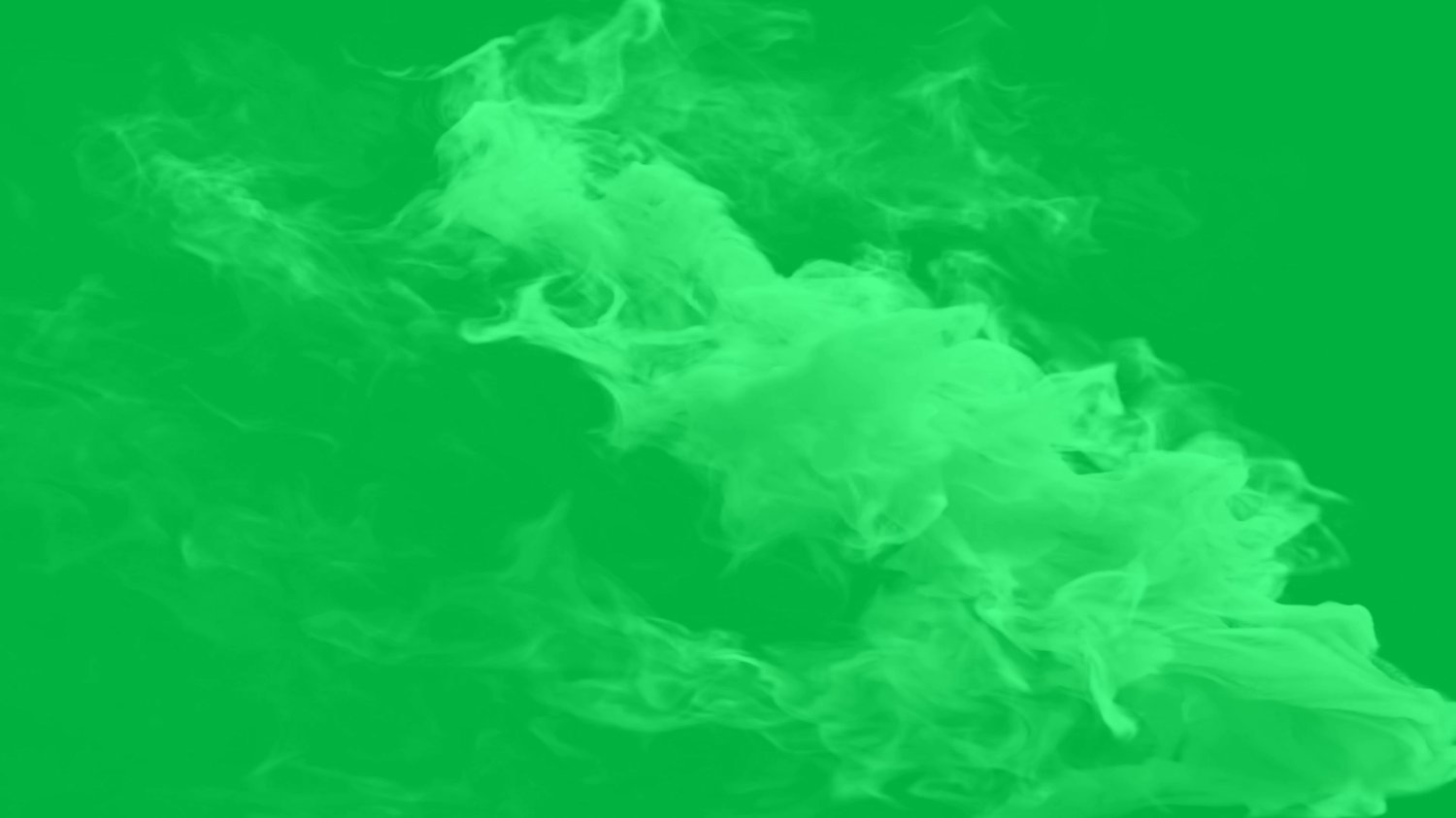
White Smoke Green Screen - Cinematic Smoke Overlay Effect 4k
On Sale
$5.00
$5.00
Smoke green screen effect in 4k + License.
Size: 573 MB
Duration: 1 Min
Resolution: 3840X2160 4K
Frame Rate: 60
Video Format: MOV
License: Included
Apply Ultra Key / Chroma Key effect
Adobe Premiere Workflow:
Go to the Effects panel and search for Ultra Key.
1. Drag and drop Ultra Key onto your green screen video clip on the timeline.
2. Open the Effect Controls panel.
3. Select the Eyedropper tool next to the Key Color setting.
4. Click on the green background in your video preview window to make it transparent.
Creating all kinds of visual effects, motion backgrounds and overlays.
Check out my entire portfolio https://payhip.com/Channelartbackground