
Rabid AI Host — All-In-One AI GPU Host Installer for Vast, Clore, OctaSpace & Nosana (USB ISO)
Turn your GPU into a paycheck — the easy way.
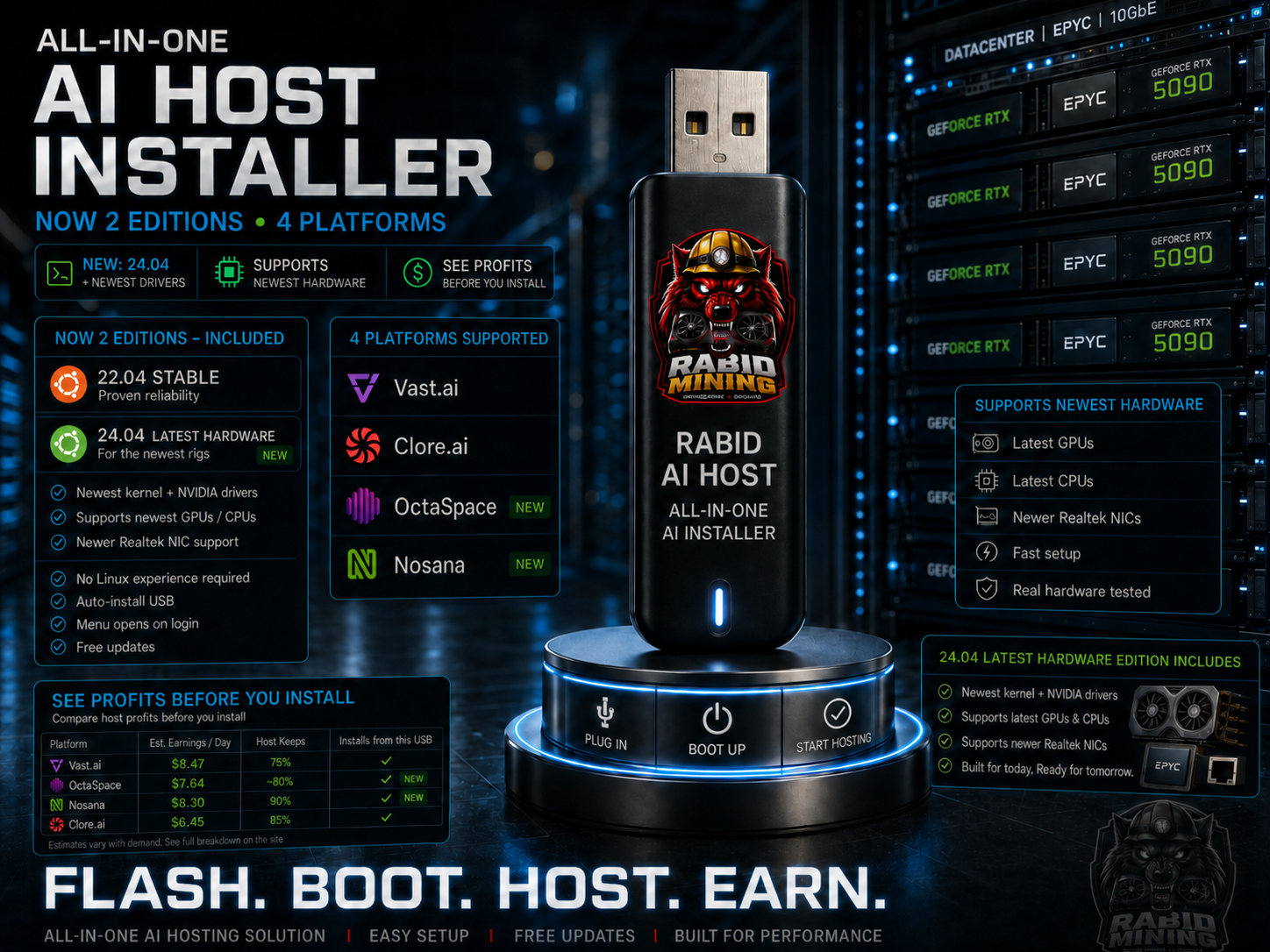
Rabid AI Host is a ready-to-flash USB installer that sets up a professional GPU rental host in one sitting. Flash it, boot your rig, and a menu does the rest — Ubuntu, NVIDIA drivers, Docker and the host agent, all handled automatically.
No command line. No Linux experience. Just flash, boot, and pick your platform.
Now in TWO editions — one purchase, pick the one that fits your rig:
- 22.04 Stable — the battle-tested base. Rock-solid, and the edition Clore.ai recommends. Start here if you're not sure.
- 24.04 Latest Hardware (NEW) — newest kernel and NVIDIA drivers for the latest GPUs and CPUs, plus support for newer Realtek network cards that the older edition can't see. Use this if your rig is brand-new or won't boot the Stable edition.
Both editions install all the same platforms — you're not giving anything up either way.
Pick your platform from one menu:
- Vast.ai — the largest GPU rental marketplace, fully automated
- Clore.ai — crypto-native hosting, hands-free registration
- OctaSpace (NEW) — decentralized compute, GPU rendering and more
- Nosana (NEW) — Solana-based AI compute network; generates your node wallet automatically
- More platforms added in free updates — want one added? Email rabidmining@hotmail.com
What makes it different:
- ✅ No Linux experience required — the menu walks you through everything
- ✅ Truly walk-away — auto-installs, auto-resumes across reboots, boots even with the USB left in
- ✅ Menu opens automatically on login — nothing to type
- ✅ Smart NVIDIA driver setup — installs the right driver for your card and kernel, verifies it built, and automatically falls back to a working one so you're never left with a dead GPU
- ✅ Hands-free platform registration — each host registers itself to your account and shows up on your dashboard; Clore uses its current onboarding method, so pasting one line from your dashboard is all it takes
- ✅ Credentials shown on screen — no guessing how to log in
- ✅ Names each rig and sets a password — run a whole fleet cleanly
- ✅ Battle-tested — every platform proven on real hardware before release
What you get:
- Both ISOs — Rabid AI Host 22.04 (Stable) and 24.04 (Latest Hardware)
- A step-by-step setup guide
- Free updates as new platforms are added
You'll need:
- An NVIDIA GPU (GTX 1000 series or newer)
- A USB stick (8GB or larger)
- A wired internet connection
- A free host account on your chosen platform (Nosana is the exception — it generates a wallet for you)
Which edition should I pick? If you're not sure, go with 22.04 Stable — it's the most-tested and what Clore recommends. If your rig is brand-new (latest GPUs, motherboards, or Realtek network cards) and the Stable edition won't boot, use 24.04 Latest Hardware. Both give you every platform.
A note on Nosana: it creates a Solana wallet for your node automatically — there's no account to set up first. Two things to know: the node needs a small amount of SOL (about 0.005) in that wallet to activate, and the wallet key is saved on the rig — back it up before re-flashing, or the wallet is lost. The installer and guide walk you through both.
⚡ Built by Rabid Mining — GPU hosting made stupid simple. 📺 Full tutorials on YouTube: youtube.com/@RabidMining ✉️ Requests or platform suggestions? rabidmining@hotmail.com