

TRAC 2 Estimate Suite — Takeoff + CSI Estimating in One Program.
WHAT YOU GET
Three programs in one, and they work together. Measure the concrete, price the
whole job across CSI divisions, then hand the Owner a proposal that does not
show what any of it cost you.
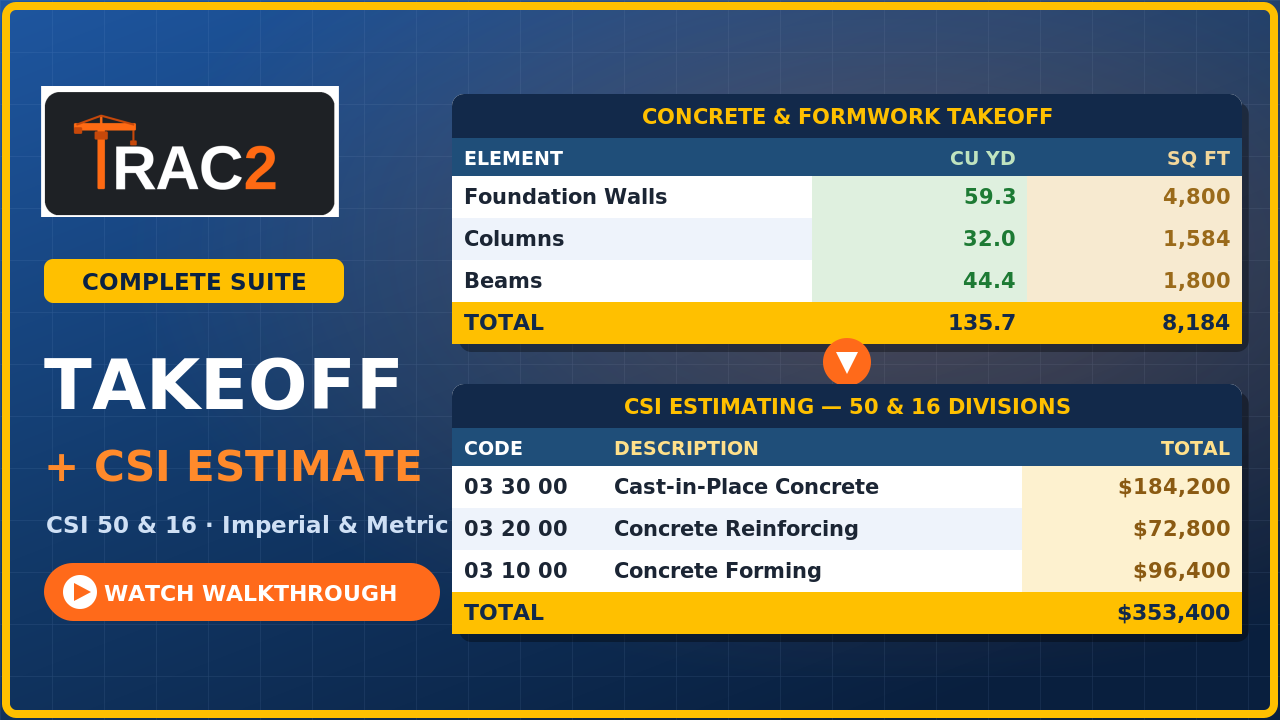
THE TAKEOFF
Concrete and formwork quantities, entered the way you measure on site.
Footings, grade beams, walls, columns, beams, slabs, slab on grade and stairs.
Put in length, width, height and the number of repeats and it works out cubic
yards or cubic metres and square feet or square metres as you go.
Work in Imperial or Metric - switch whenever you like. Group by location, type
or floor to check a pour before you commit to it, and put it back in entry
order afterwards. Add a stair and the stair calculator handles the risers,
treads and landings.
Export to CSV, save the takeoff to a file, and carry the quantities into the
estimate instead of typing them twice.
THE ESTIMATE - CSI 50 AND CSI 16
Both MasterFormat structures in the one purchase. Use whichever the job calls
for.
Every division comes loaded with sections and line items you can edit, plus a
searchable MasterFormat code list - click a code and it drops into the division
you are working in.
Every line carries Material, Labour, Equipment and Subcontractor in separate
columns, so a sub price sits beside your own work instead of being buried in
one number. Quantities, units, unit rates and man hours on every line, rolling
up by division and again to the project total.
Your GC markups sit on the Summary page - permits and bonds, insurance,
contingency, overhead and profit, payroll burden, labour escalation, financing -
with room to add your own. General Conditions and supervision get estimated as
real line items in Division 01, not guessed at as a percentage.
THE OWNER PROPOSAL
One click turns the estimate into a proposal you can send to the Owner.
Your letterhead, licence number, the Owner and the project, proposal number and
date, scope of work organised by CSI division in wording you can edit, division
amounts, the contract total, and a signature block. Print it, save it as a PDF,
send it.
Your material, labour, equipment and subcontractor costs are not on it. Neither
is your profit. Your markup is spread across the divisions so your fee is never
a visible line, and the divisions still add up to the contract amount.
The Owner sees what they are buying. They do not see what it costs you.
THE PART MOST ESTIMATING TOOLS LEAVE OUT
When you win the job, the estimate becomes your cost tracking sheet. Same
lines, same CSI codes, nothing re-typed.
The Efficiency Report puts Estimated, Actual and Difference side by side for
Equipment, Material, Labour and Sub on every single line, then rolls it up by
division and across the project. Add what you still expect to spend and it
gives you a cost to complete and a percentage against your original estimate.
Anything running over turns red. Anything under turns green. Line by line and
division by division.
You find out you are losing money on a trade while you can still do something
about it - not at closeout.
ALSO IN THERE
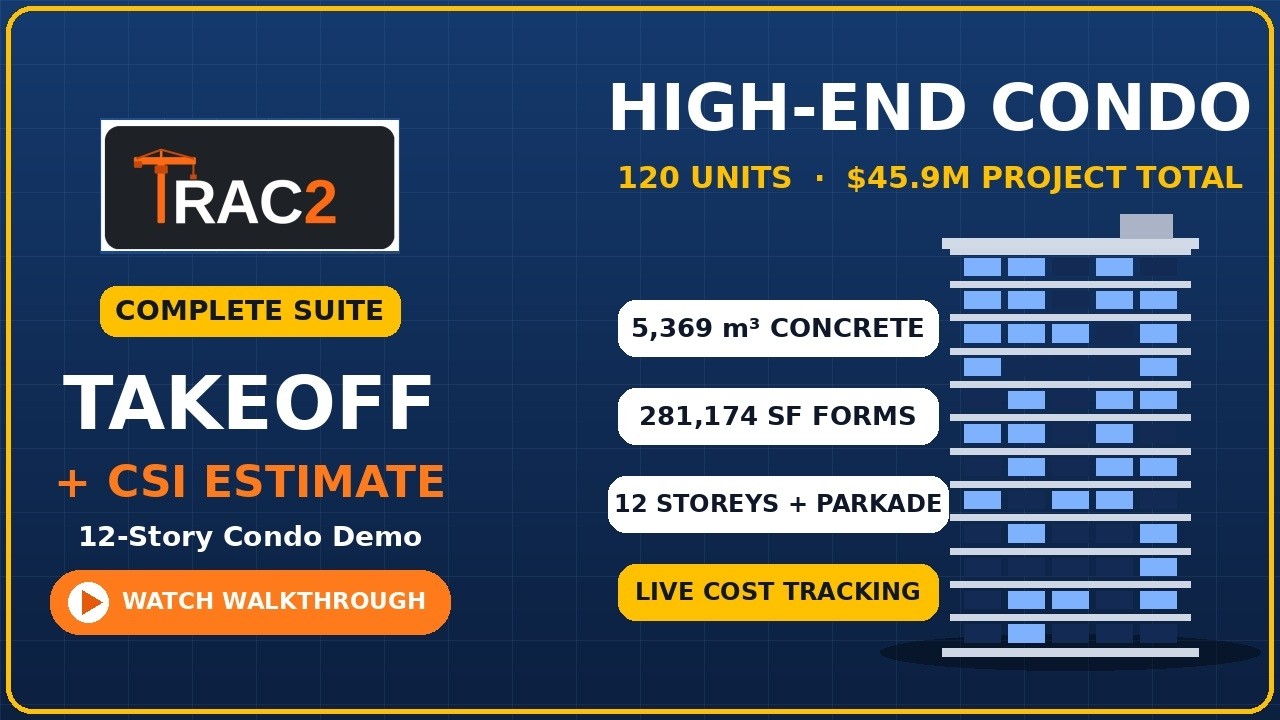
- A worked 12-storey sample estimate to open and click through
- Print any sheet, or save it as a PDF, with the job name and date on every page
- Export to Excel and CSV
- Save a job to a file and reopen it, so a standard estimate becomes a template
- Keep several jobs on the go and switch between them
- Works in Chrome, Edge and any modern browser
- Opens in your browser. No install, no account, no internet needed after you
download it. Everything stays on your own computer and no one sees your
numbers
WHAT IT DOES NOT DO
I would rather you know before you buy.
The takeoff is concrete and formwork - it does not measure drywall, steel or
mechanical. No subcontractor bid levelling screen. No schedule of values or AIA
G702/G703 progress billing. No alternates, allowances, exclusions or
clarifications as built-in sections - put them in the proposal notes for now.
If any of those are what you came for, wait, and there are no hard feelings.
One-time purchase. No subscription, no renewals, no seat fees, no upgrade
paywall. Improvements to the program go out to everyone who has bought it -
download it again from your original link.
Questions? trac2.mgmt@gmail.com - I answer them myself.
Walkthroughs on YouTube: search Trac2.ca