
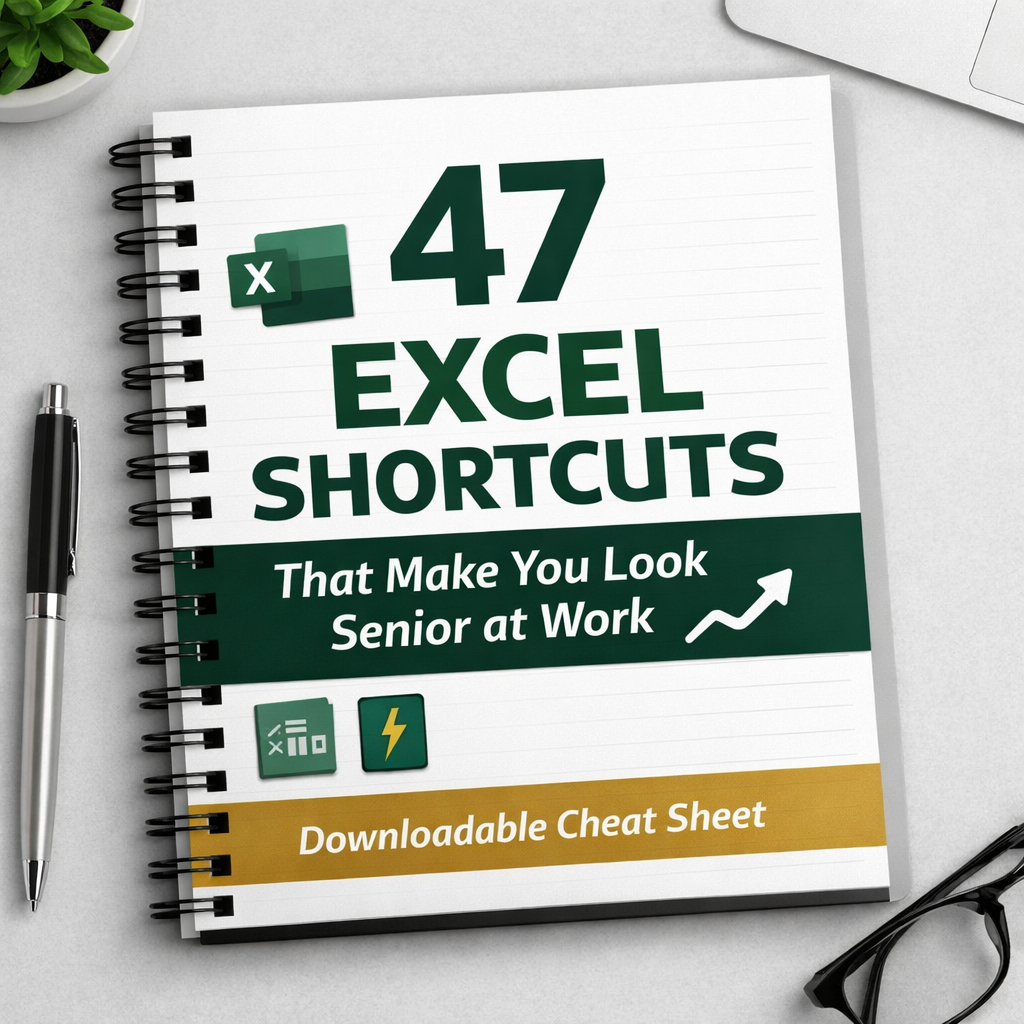
47 Excel Shortcuts That Make You Look Senior at Work
On Sale
$9.00
$9.00
47 Excel Shortcuts That Make You Look Senior at Work
Most people use Excel every day — and still waste hours doing things manually.
This downloadable cheat sheet contains 47 practical Excel shortcuts used by senior analysts and managers to work faster, reduce mistakes, and look more confident at work.
No theory. No fluff. Just shortcuts you can use immediately.
What you’ll learn
- Keyboard shortcuts that save hours every week
- Data-cleaning tricks that instantly make spreadsheets look professional
- Formatting shortcuts that make your work easier to read and trust
- Speed techniques used by senior Excel users
- Small habits that make a big difference in day-to-day work
Who this is for
- Office professionals who use Excel regularly
- Analysts, assistants, and graduates
- Anyone who wants to work faster without advanced Excel knowledge
What you get
- ✔️ 47 Excel shortcuts explained clearly
- ✔️ Clean, easy-to-reference PDF
- ✔️ Instant digital download
- ✔️ One-time purchase (no subscription)
If you use Excel at work, this will pay for itself the first time you use it.
Instant access after purchase.
📌 Note
The downloadable PDF includes 45 core Excel shortcuts used daily in professional environments.
To complete the full 47-shortcut set, here are 2 additional advanced shortcuts:
- ALT + ↓ (with filters applied) — Instantly opens the filter menu for the selected column without using the mouse.
- CTRL + PAGE UP / CTRL + PAGE DOWN — Quickly switch between worksheets in large Excel files.
These two shortcuts are commonly used by senior Excel users for faster navigation and data filtering.