
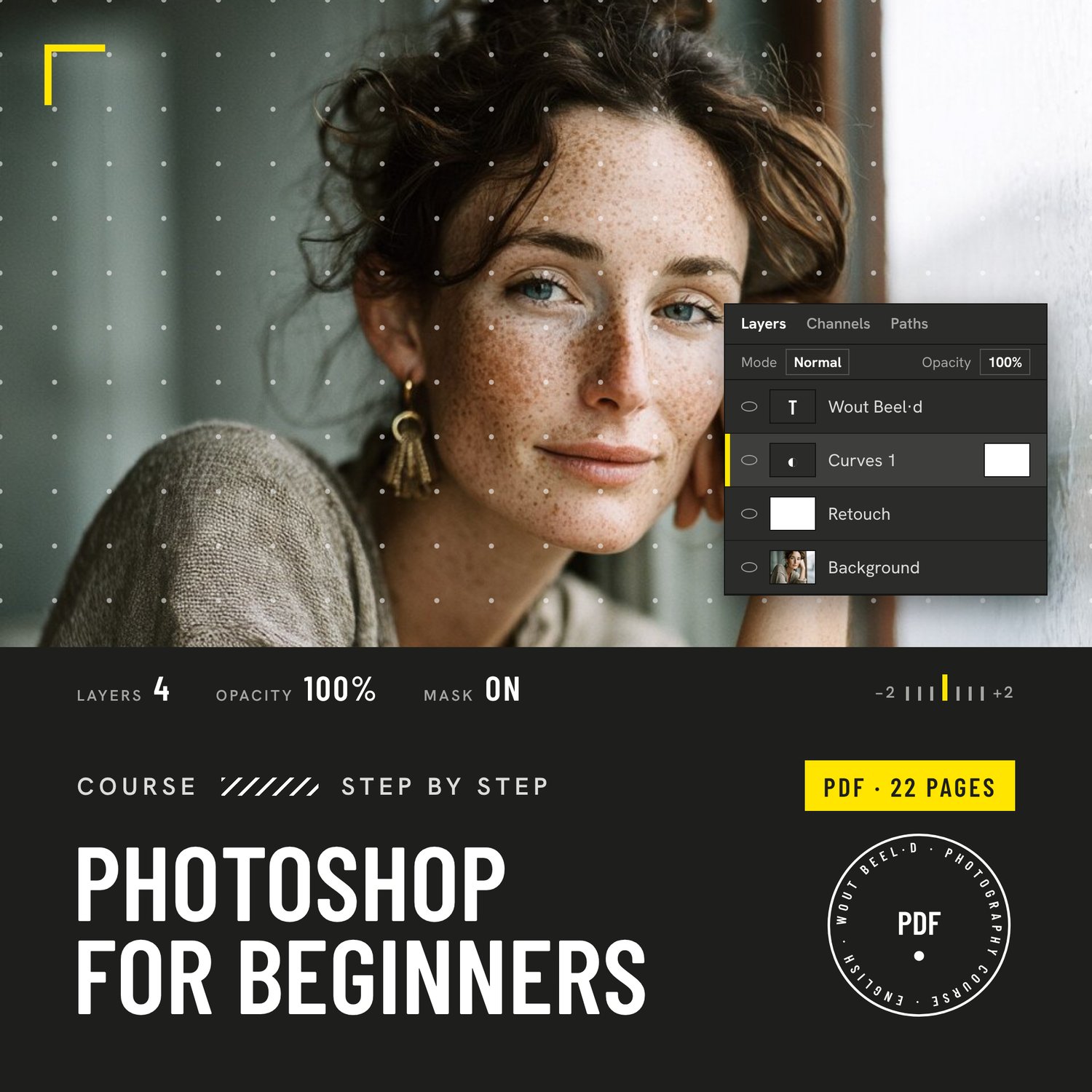
Photoshop for beginners
PHOTOSHOP FOR BEGINNERS — €35
Photoshop is big. You only need a small part of it.
Most photographers open Photoshop, see hundreds of menus and close it again. As a photographer you use maybe ten percent of it, and that ten percent is this course. I've used Photoshop for more than fifteen years for portraits, weddings, sport and studio work. These are the steps I use every week, in the order you need them, explained without the jargon.
WHAT YOU'LL LEARN
• Photoshop or Lightroom: which one to use when, and how they work together
• The workspace and the 12 tools you really need, with their shortcut keys
• Opening RAW files, Smart Objects, saving the right file and undoing anything
• Layers: the heart of Photoshop, explained with a clear visual
• Masks: white reveals, black conceals, the most useful skill in Photoshop
• Adjustment layers, Levels and Curves: edit light and contrast without damage
• Crop and straighten, plus Content-Aware and Generative Expand
• Selections: Select Subject, Object Selection and Select and Mask for clean edges
• Clean-up tools: Remove, Spot Healing, Healing Brush and Clone Stamp
• Natural portrait retouching in six steps (no plastic skin)
• Dodge and burn with a 50% grey layer
• Black and white conversion with control per colour
• Text and watermarks: make your own social posts
• Resize, sharpen and export for Instagram, web and print
ALSO INCLUDED
• Real before and after examples on every key technique
• An exercise at the end of every module, plus 8 practice assignments
• A printable shortcut sheet
• 12 common beginner mistakes and how to avoid them
PDF · 22 pages · English · written for the current Photoshop (Creative Cloud) · Windows and Mac shortcuts · instant download
For photographers who are new to Photoshop or feel they are guessing. Works perfectly next to my Lightroom essentials course. Photoshop is a trademark of Adobe; this course is not affiliated with Adobe.