
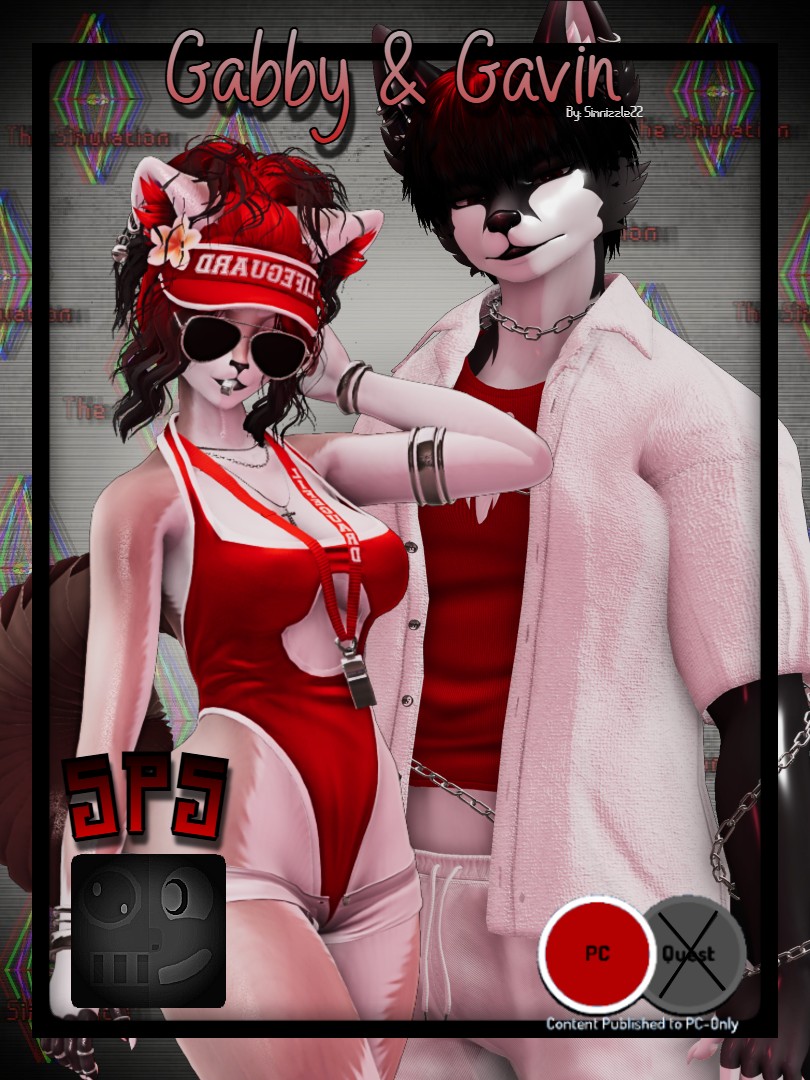
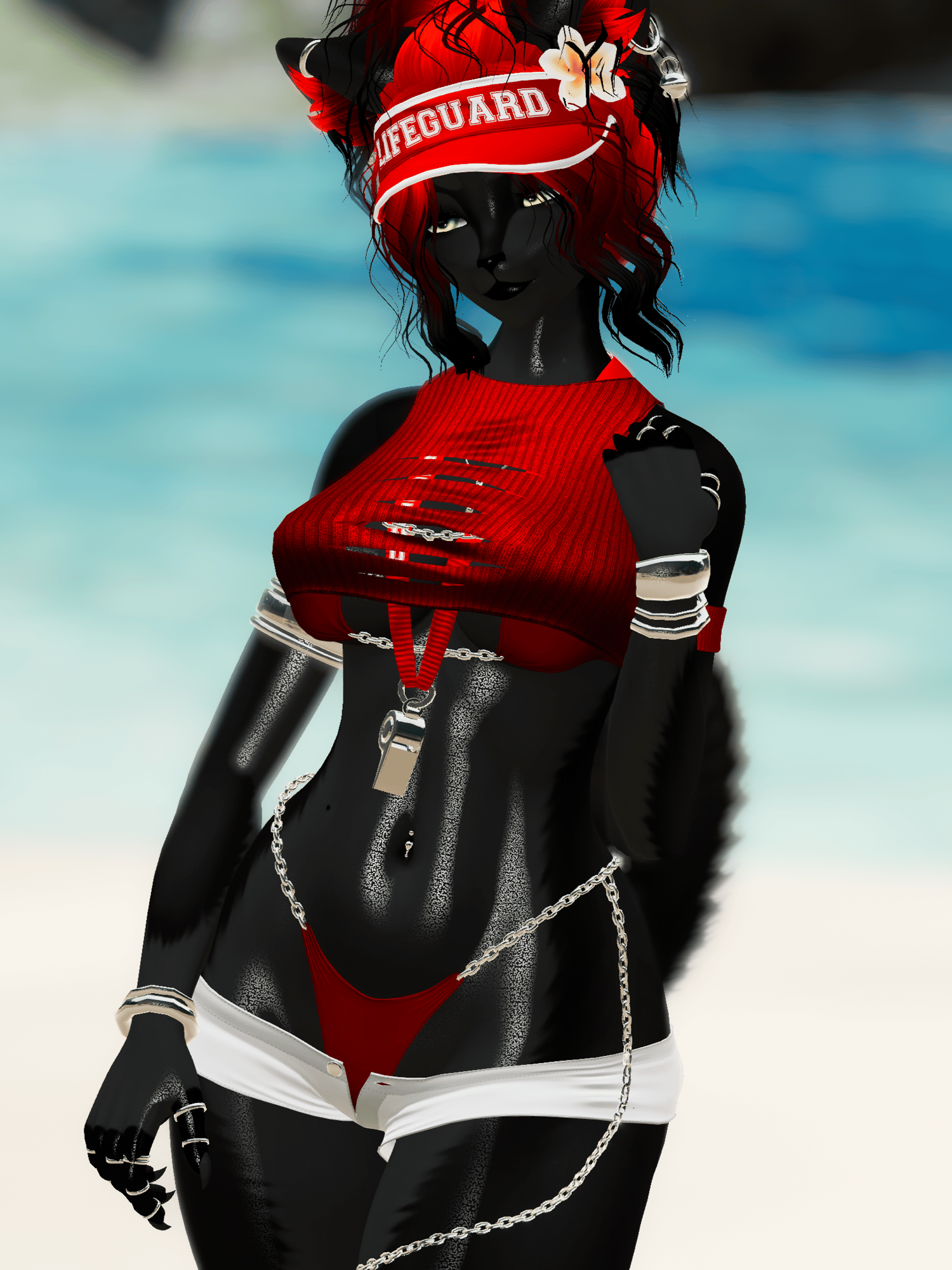
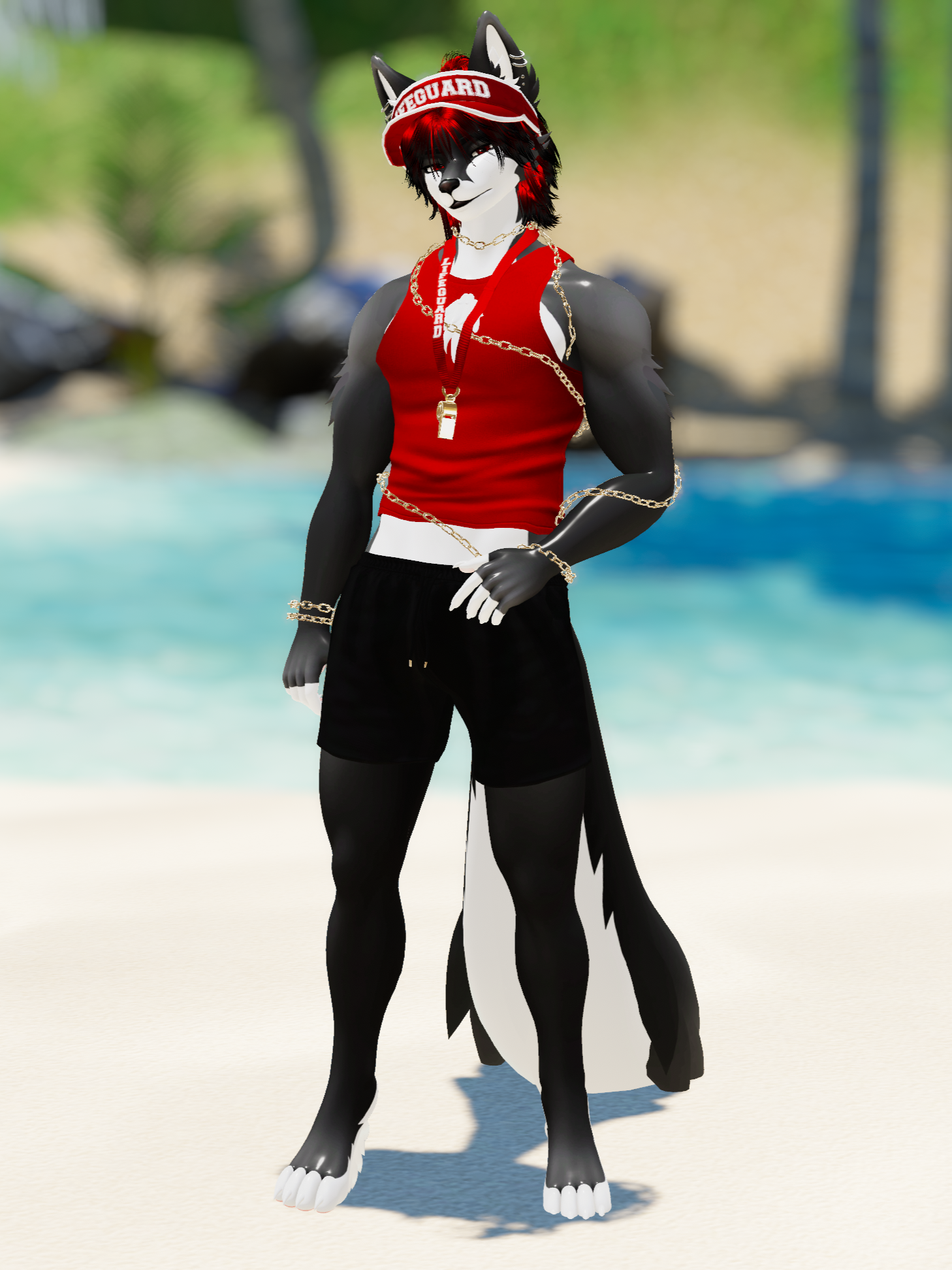
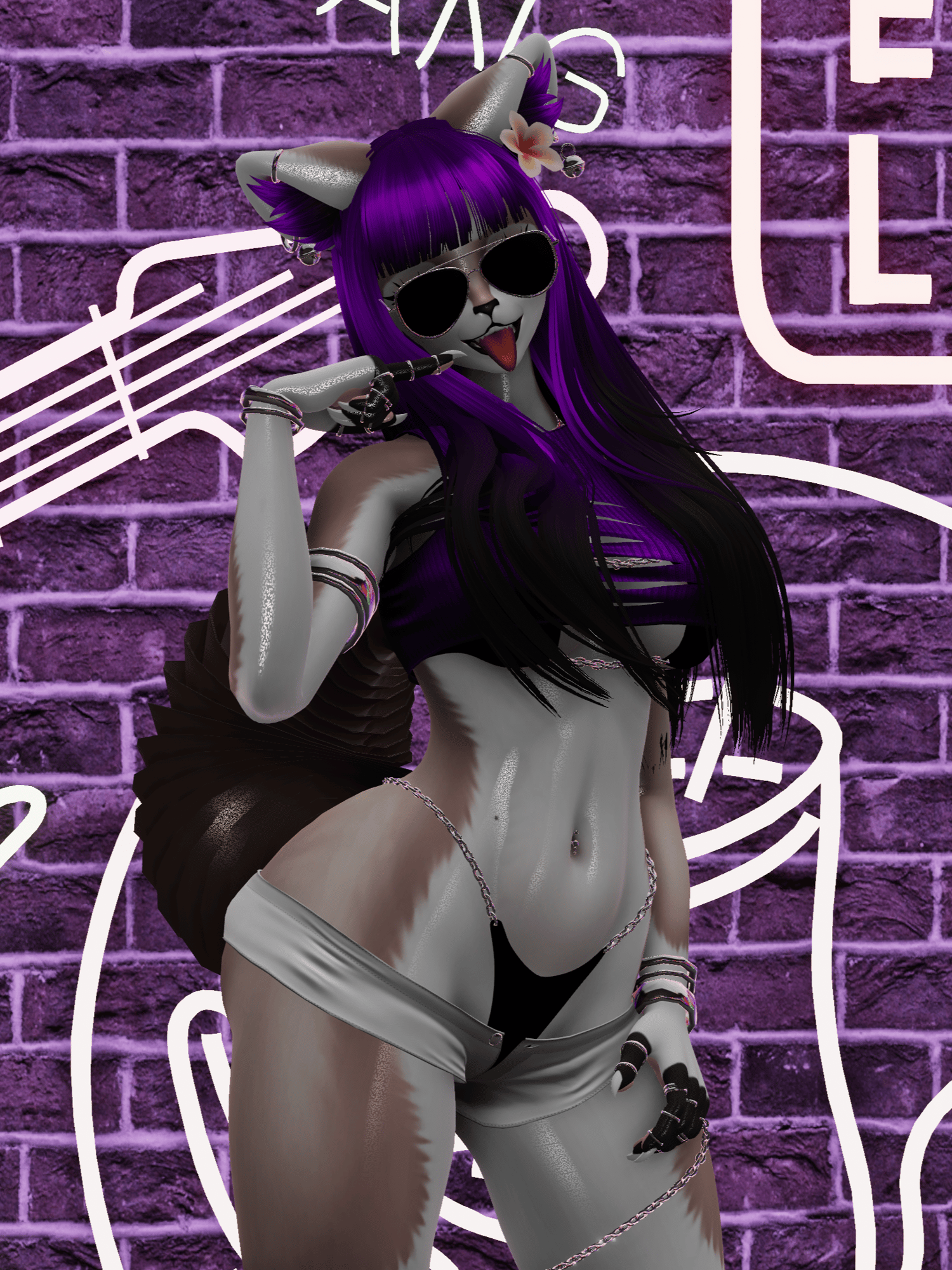
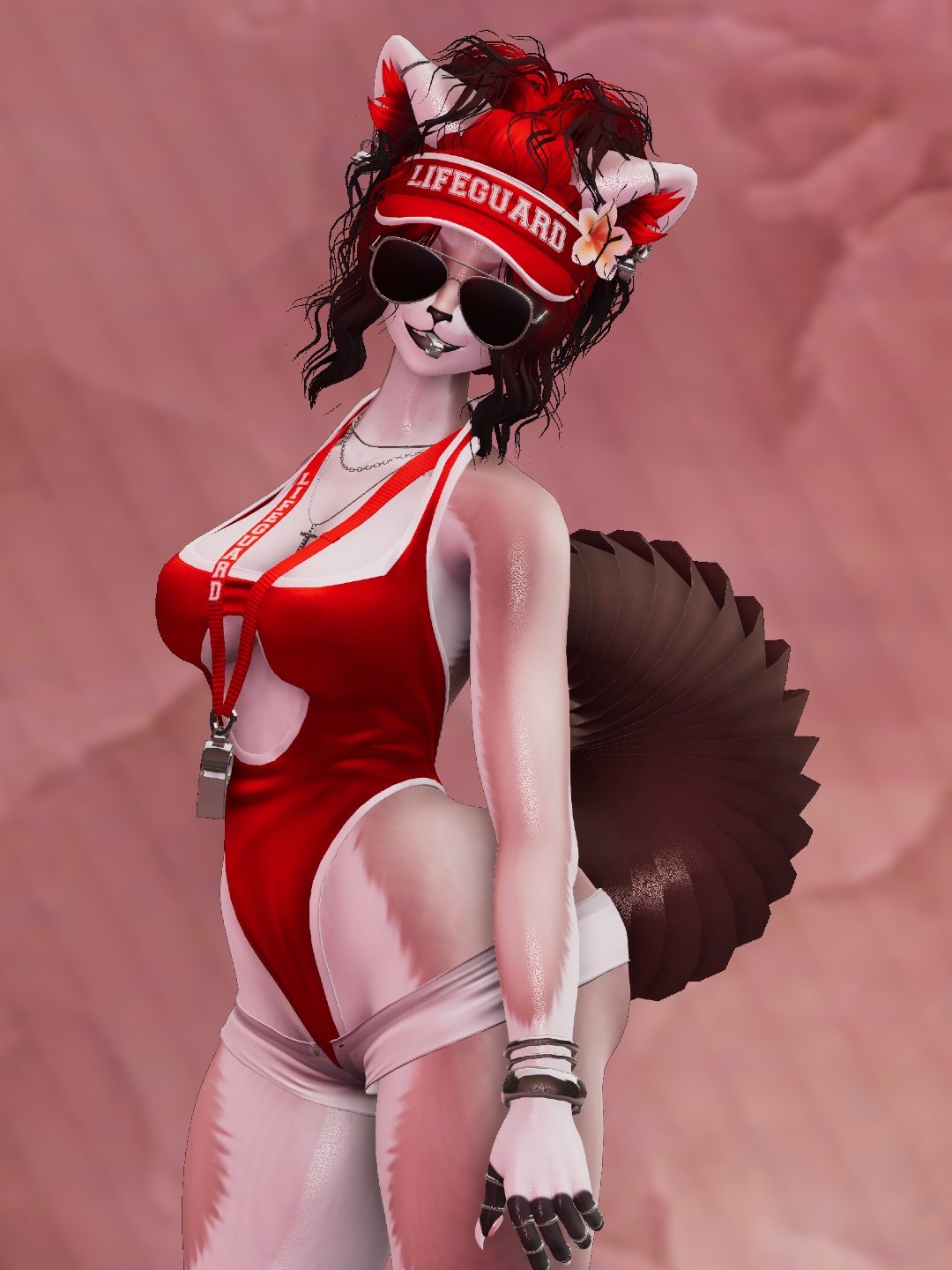
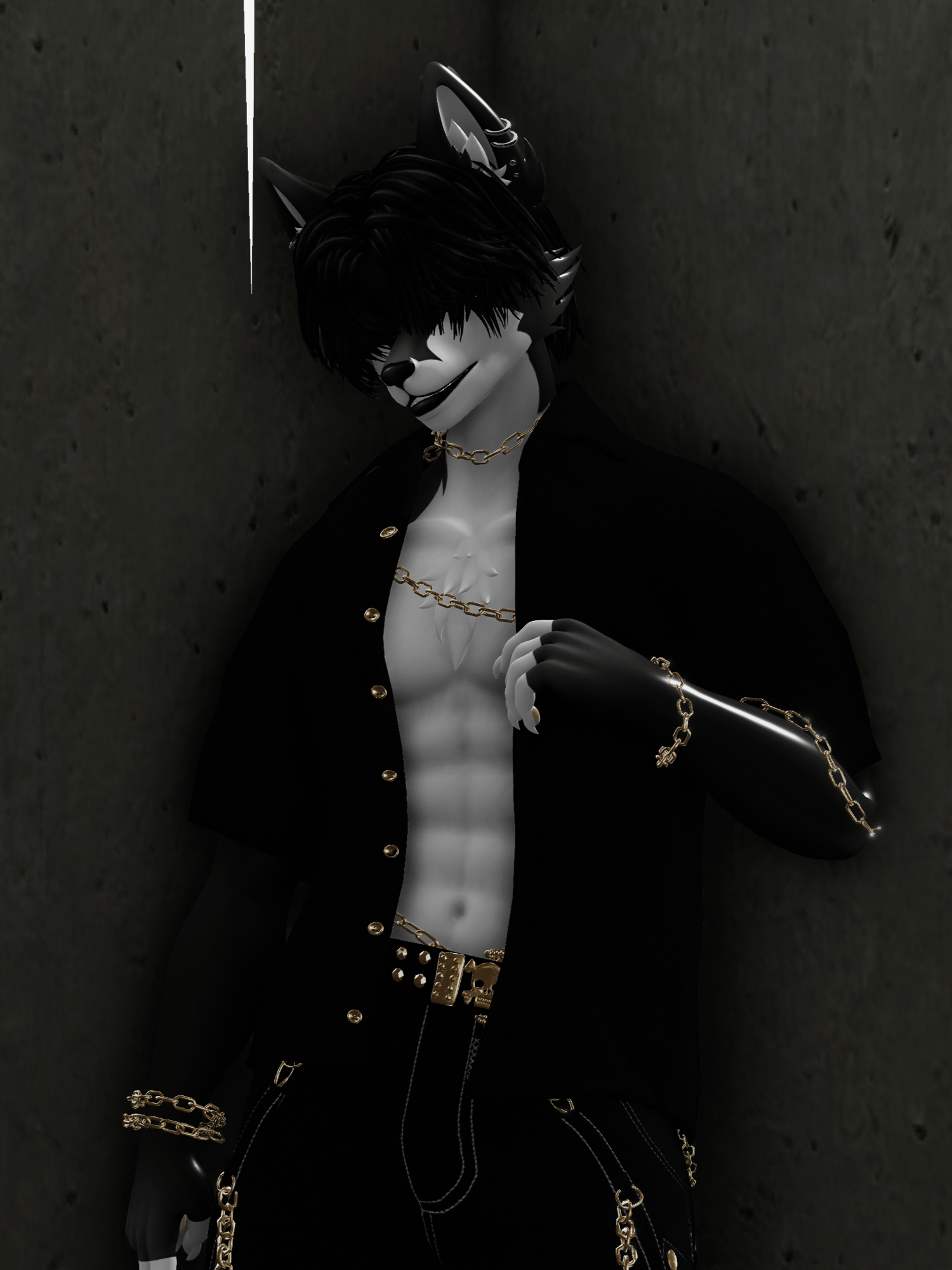
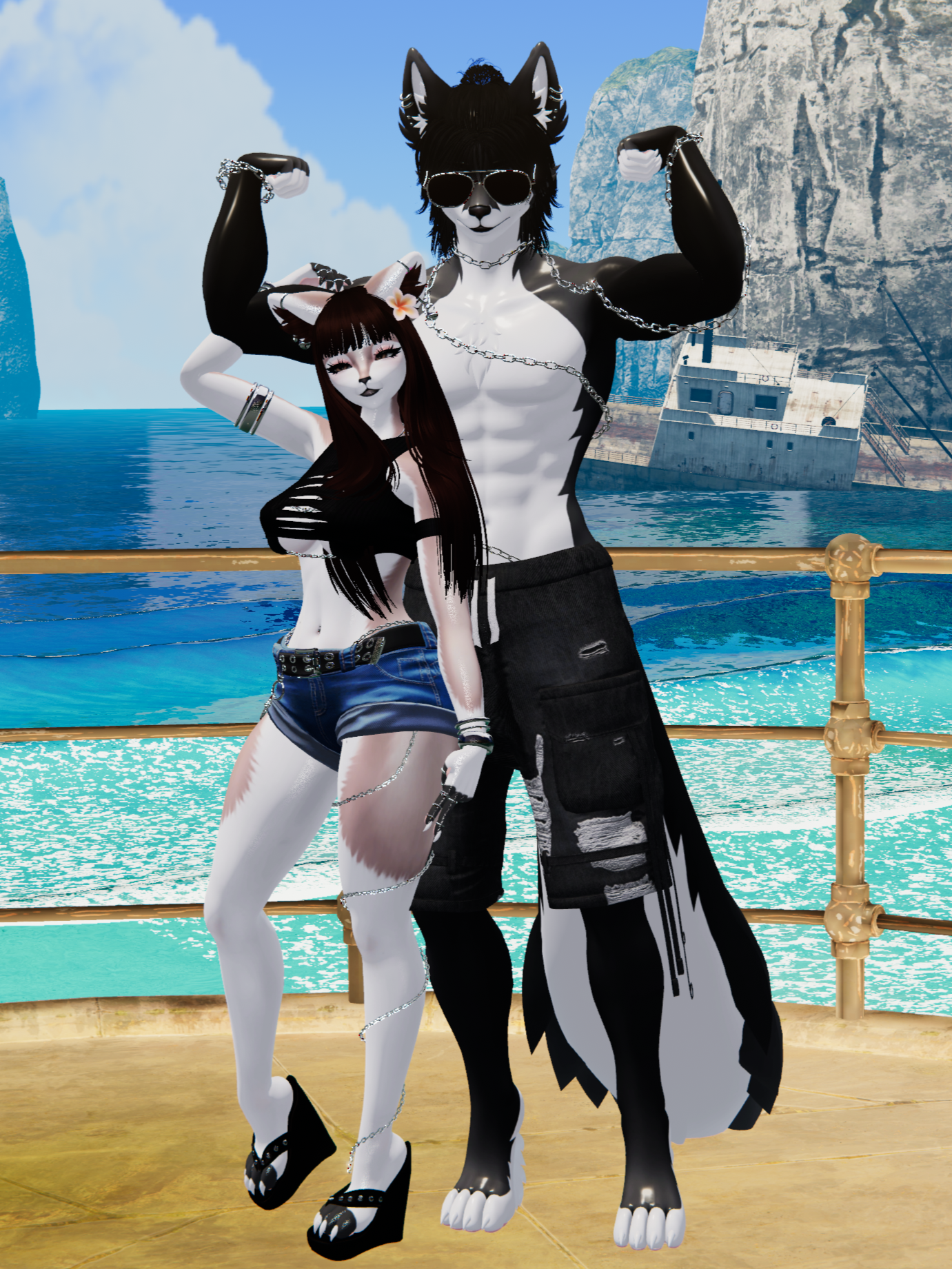
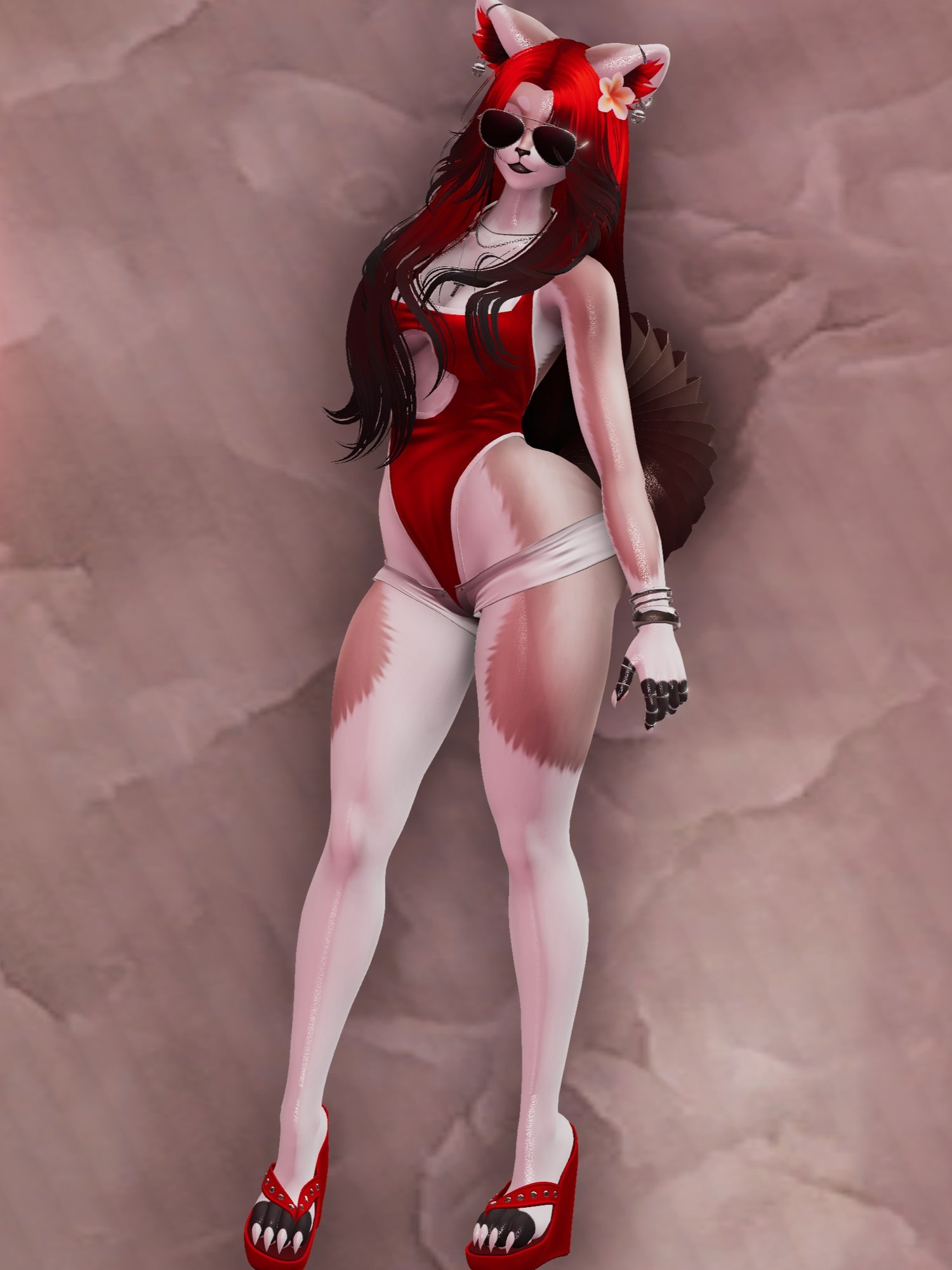

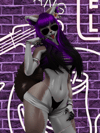

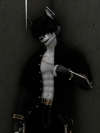
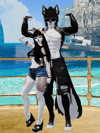
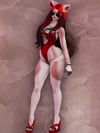
Gabby & Gavin | PC ONLY
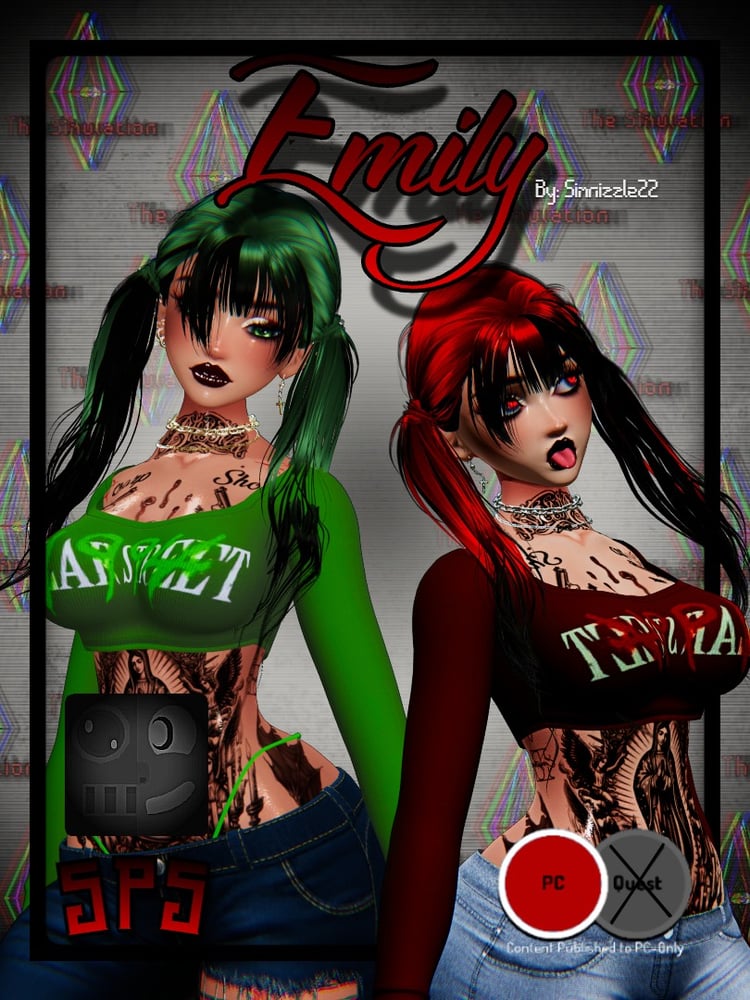
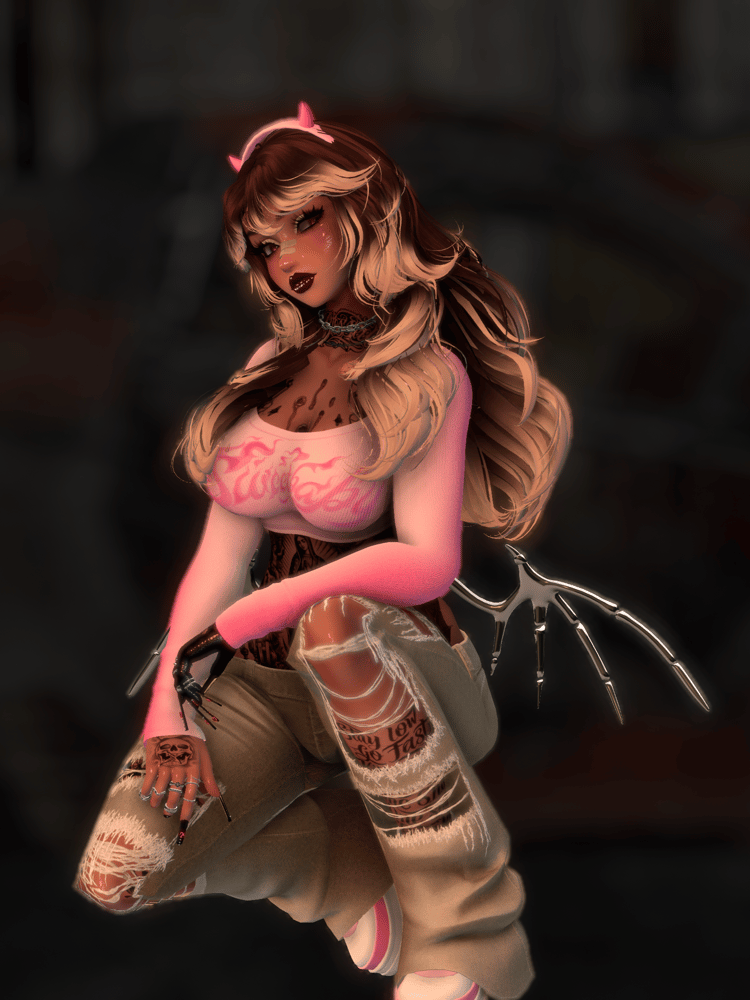
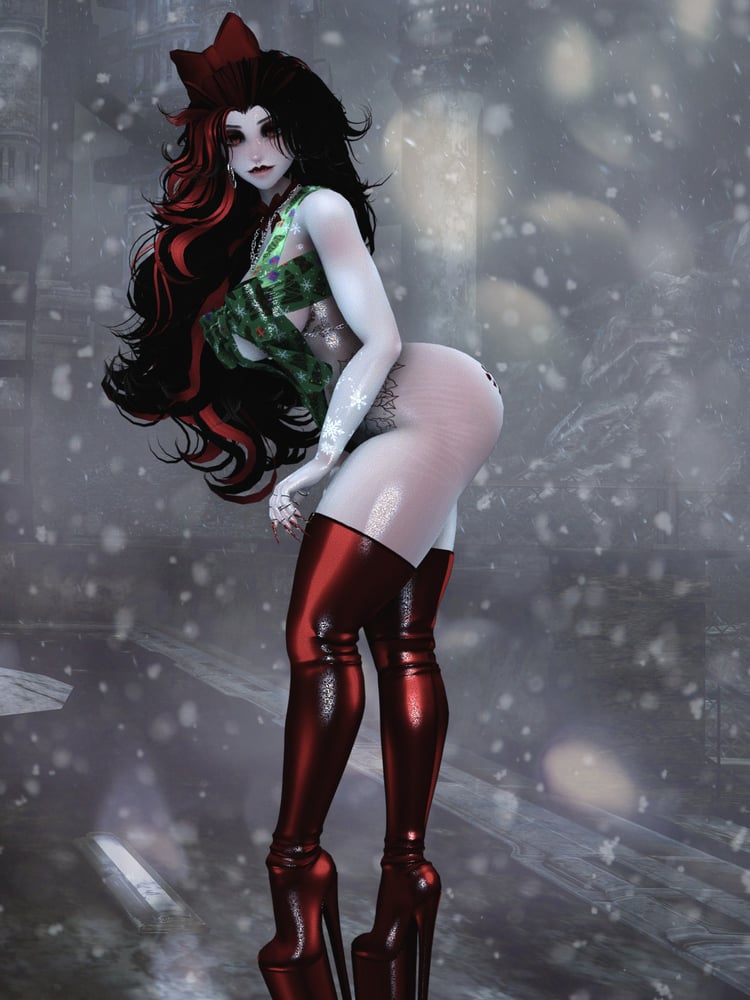
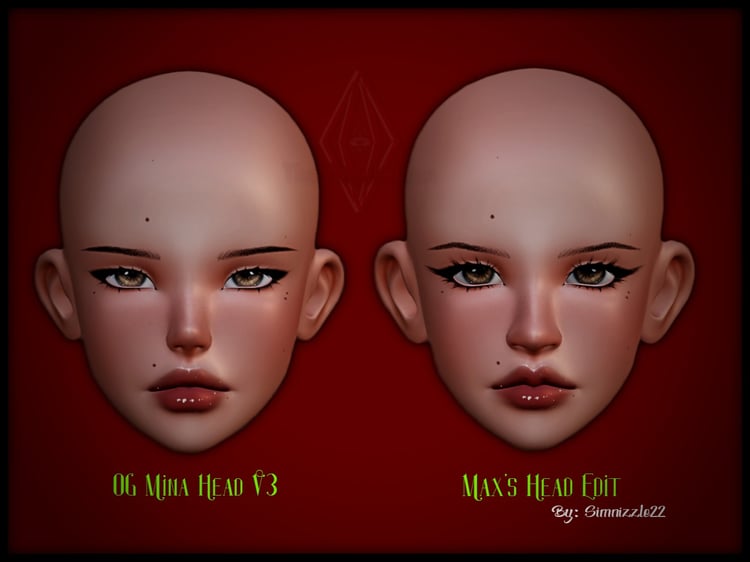
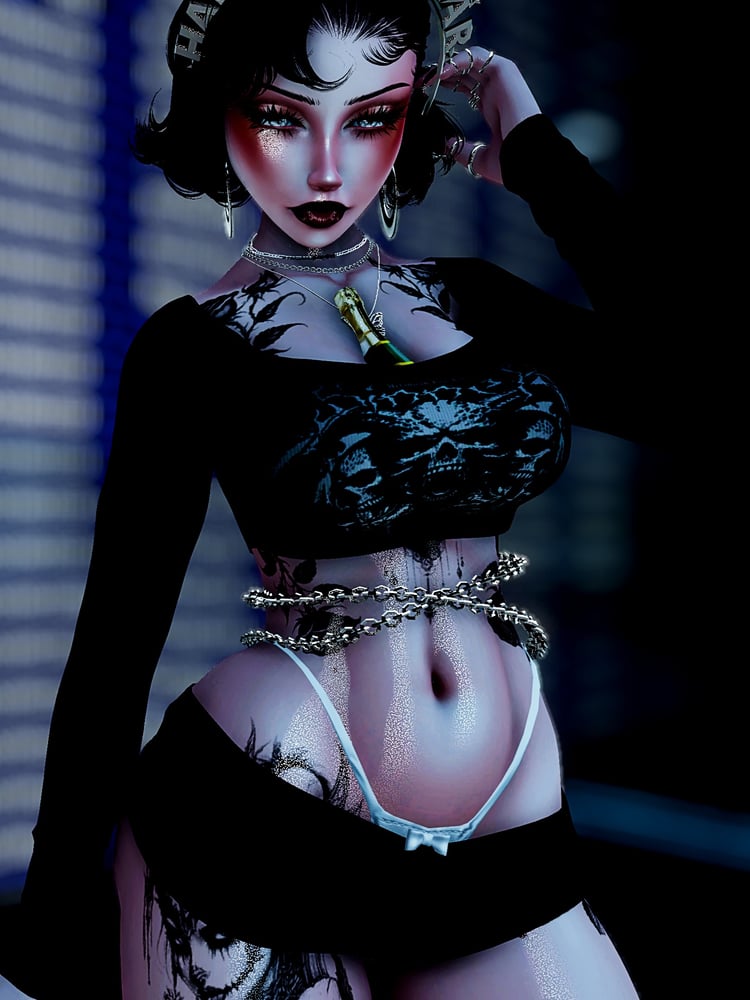
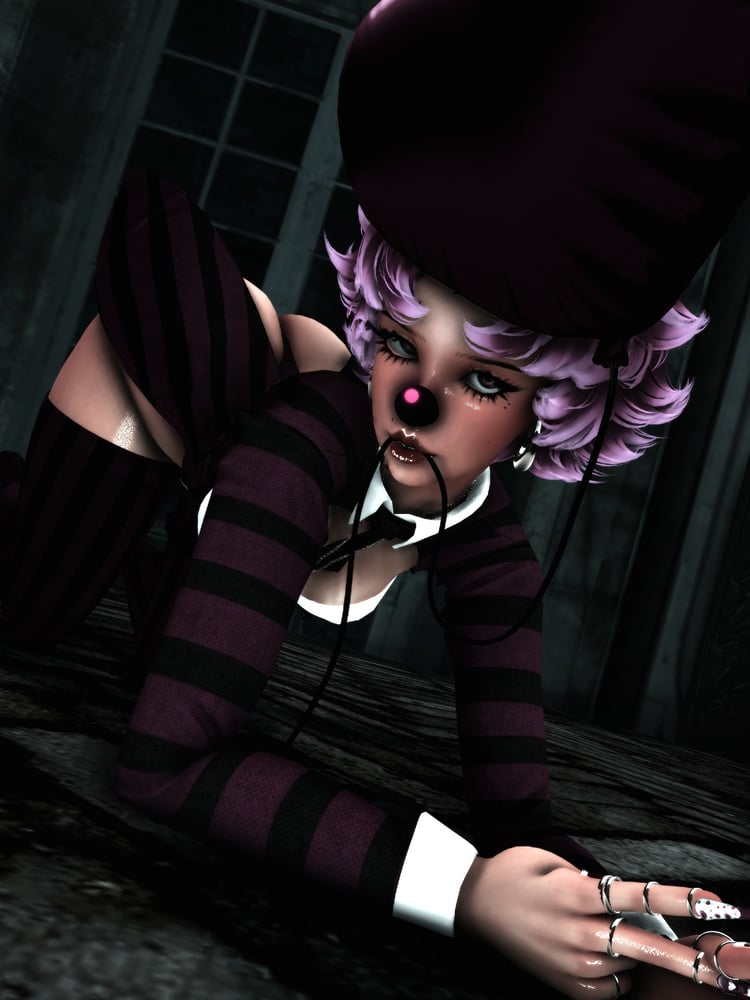
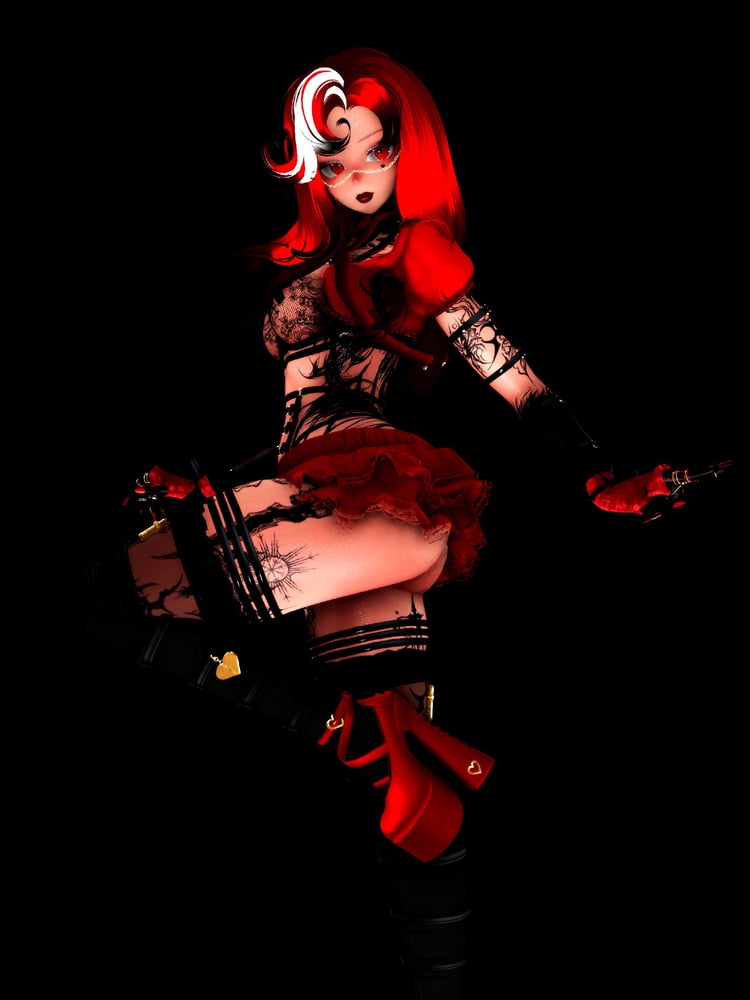
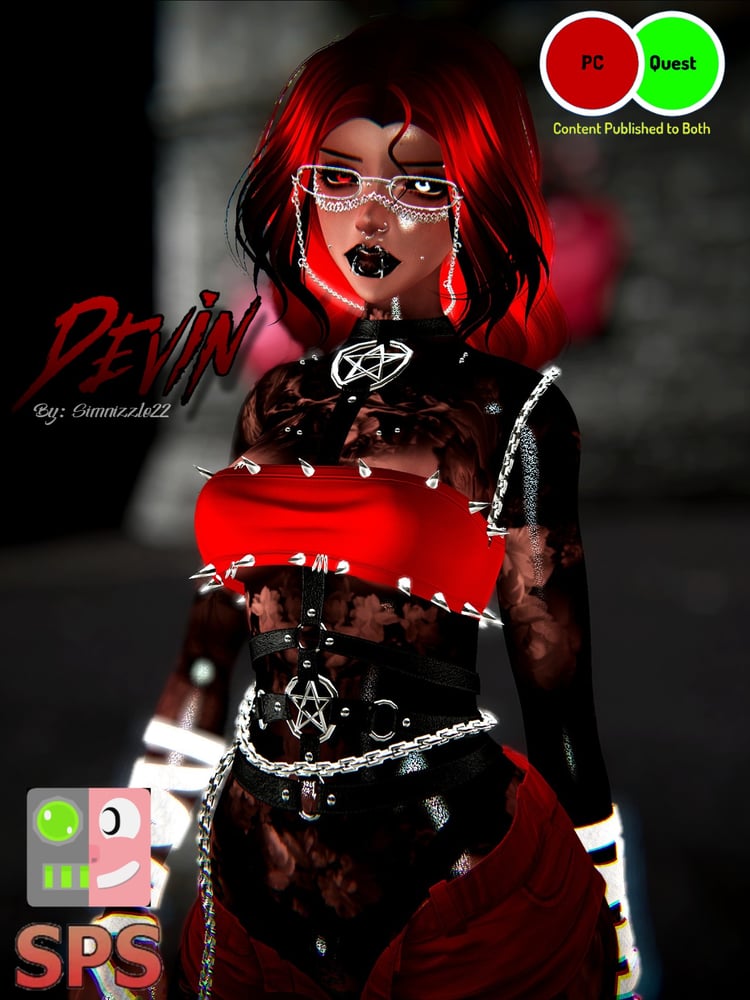
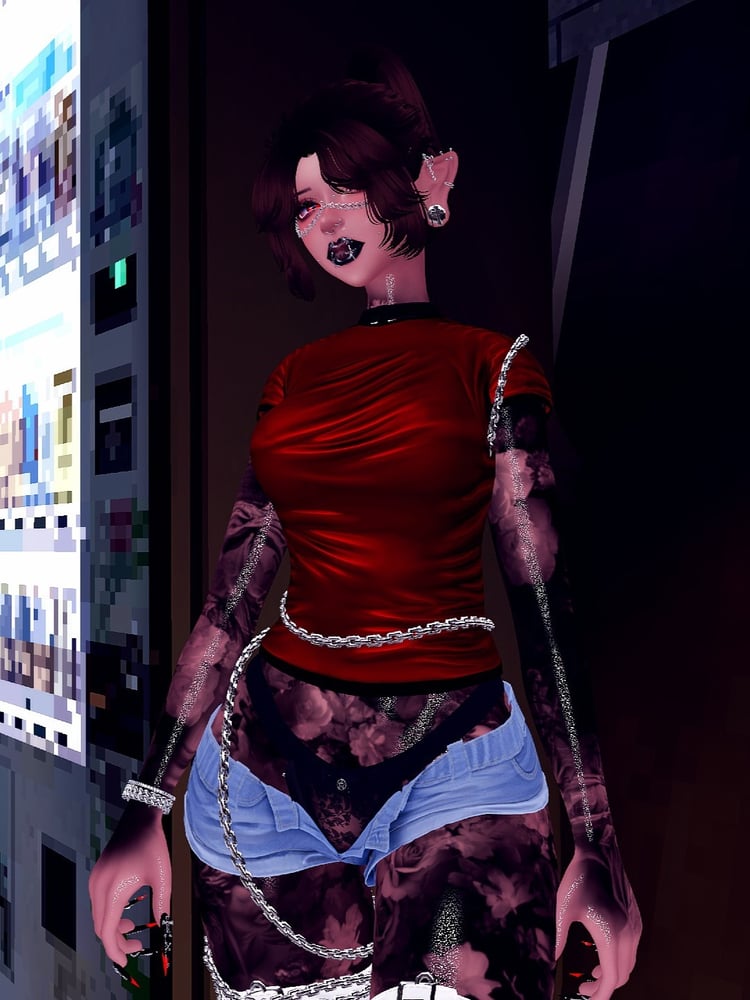
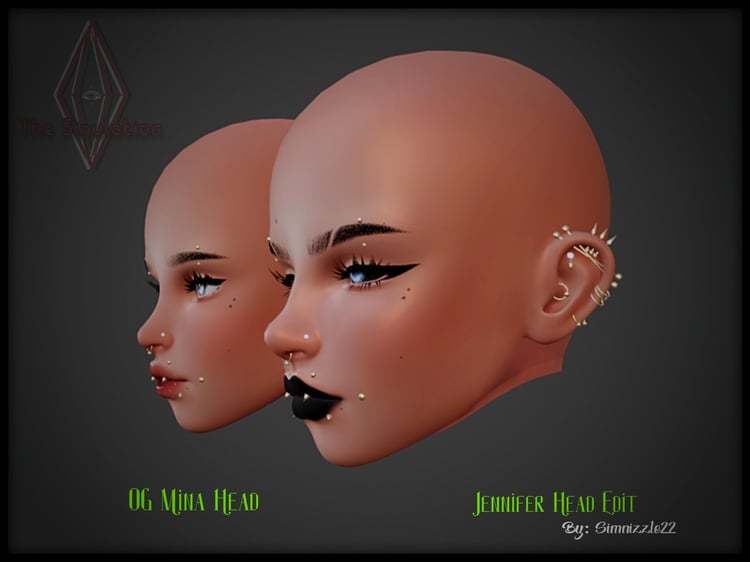
GABBY AND GAVIN - BY SIMNIZZLE22
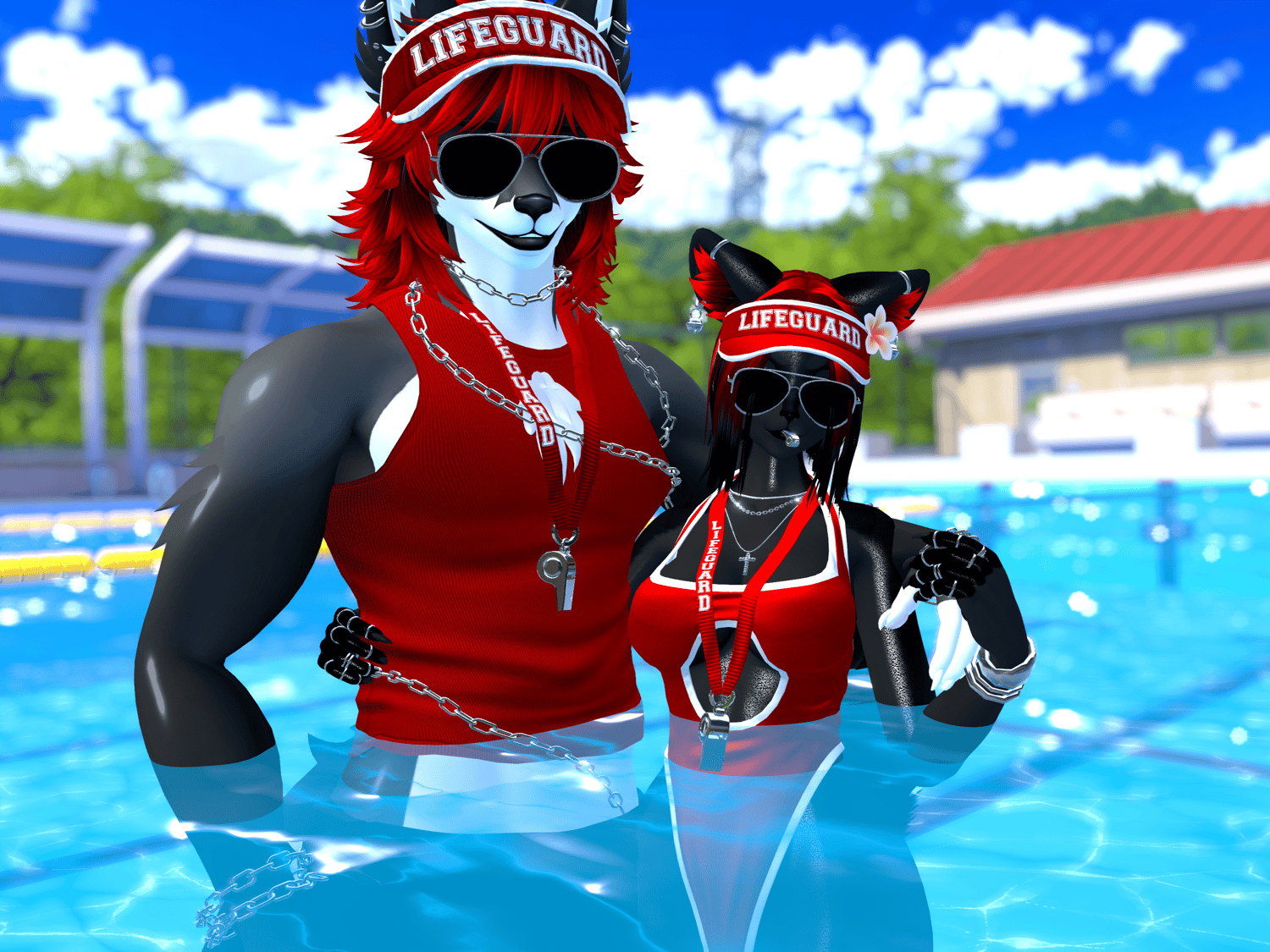
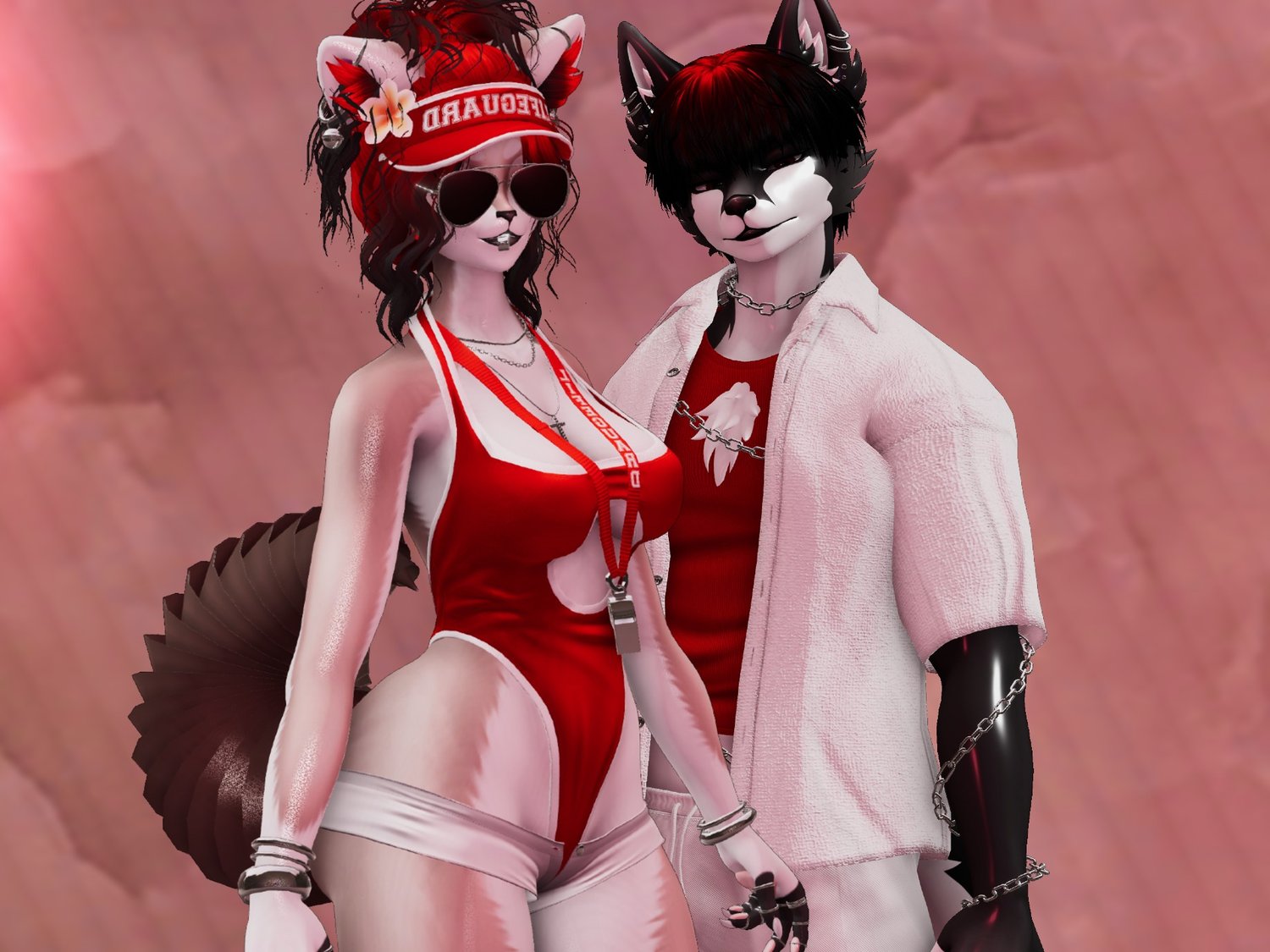
Welcome Gabby & Gavin to The Sim-ulation
PLEASE BE SURE TO CLICK THE RIGHT AVATAR FILE YOUR LOOKING FOR !
ALL MY AVATARS COME READY TO DOWNLOAD.
UNITY 2022.322F1
POLY 7.3 || OLDER VERSION
VCC 24.4
PLEASE HAVE BASIC UNITY KNOWLEDGE BEFORE PURCHASING!!!
(NEED HELP ? JOIN THE DISCORD)
SIMPLE STEP BY STEP INTRUCTIONS AT THE BOTTOM <3
PLEASE READ THEM
UPLOADING INTRUCTIONS AT THE BOTTOM
PLEASE READ THEM!
ALL DIGITAL SALES ARE FINAL!
NO REFUNDS ON DIGITAL ITEMS !
THEY ARE
- PC ONLY
- FBT READY
- NSFW WITH SPS (ON FEMALE AVI ONLY)
THEY HAVE
- GOLOCO
- FACIAL EXPRESSIONS VERSION
- FACETRACKING (ON MALE ONLY)
- PHYSBONES
- PHYSBONE COLLIDERS
- SKIN SWAPS
- MATSWAPS
- HUESHIFT
AND MANY MORE
RULES
THIS AVATAR IS FOR PERSONAL USE ONLY !
THIS AVATAR IS FOR 18+ ONLY
SOME STUFF IS NOT MENT TO BE WORN TOGETHER !
IF IT CLIPS IT NOT SUPPOSE TO BE WORN TOGETHER!
- You CAN edit my avatars
- You CAN add tat or take off tat textures
- You CAN NOT take off any items on my avatar!
- You CAN NOT use any assets from my avatar unless purchased from the original creator!
- You CAN NOT claim my avatar as your own!
- You CAN NOT make my avatar public!
- You CAN NOT resell my avatar even if edited!
- You CAN NOT split or share price my avatar!
- YOU CAN NOT MAKE MY PC ONLY AVATARS QUEST!!!
CREDITS
Gabby --
BASE - zinpia
LIFESUIT SET - nessy
BIKINI & SHORTS -saikura
CHAINED SHORTS - nessy
CROP TOP - saikura
WEDGES - kibb
ACCESSORIES - lolovrc
HAIR BOB - saikura
HAIR FLOR - nessy
HAIR MAIBANGS - saikura
HAIR VITA - saikura
HAIR PONY - saikura
wholesomeSPS - wholesomevr (ON GABBY ONLY)
plumbob -peachesncream
Gavin --
BASE - zinpia
OPEN TEE SET - hayweeesstash
TANK TOP - hayweeesstash
PANTS - Bruce
CHAINS - HELP ME FIND!!
HAIR 90'S - Bruce
HAIR CURVY - Bruce
HAIR PONY - Bruce
HAIR STRAIT - nessy
If both avatars have the same item link is only listed once on first credits.
If im missing any items please message me on discord or instagram so i can properly credit.
How To Download Video HERE!
UPLOADING INSTRUCTIONS
PLEASE READ !
- After purchase download avatar file
- Save avatar file in a familiar folder
- open CREATOR COMPANION
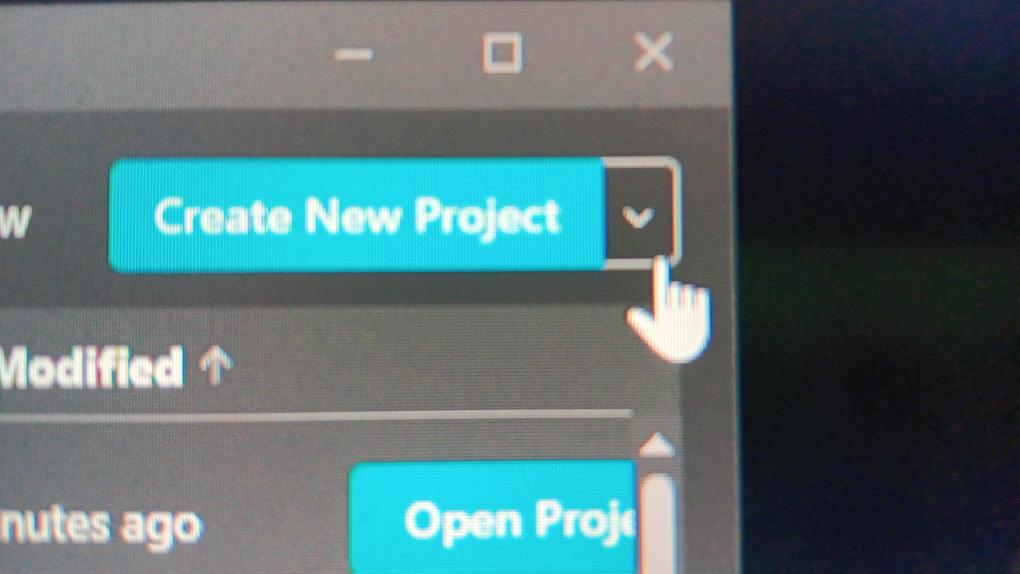
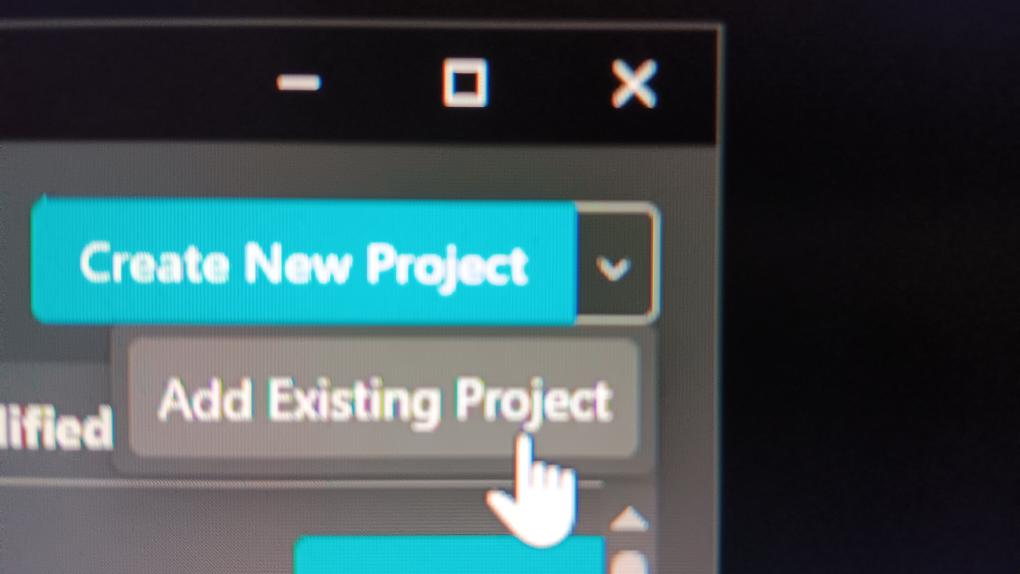
- click on the arrow to the right NEXT to create project (DONOT CLICK CREATE PROJECT)
- CLICK ON ADD EXISTING PROJECT, find then select the avatar file
- check for updates in manage projects (update if needed)
- open project
- REMOVE BLUEPRINT !!!
- LOGIN to your vrc account
- NAME, DOWNLOAD AND ENJOY