

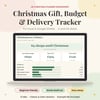
Christmas Gift & Budget Tracker | UK Spreadsheet
On Sale
£5.99
£5.99
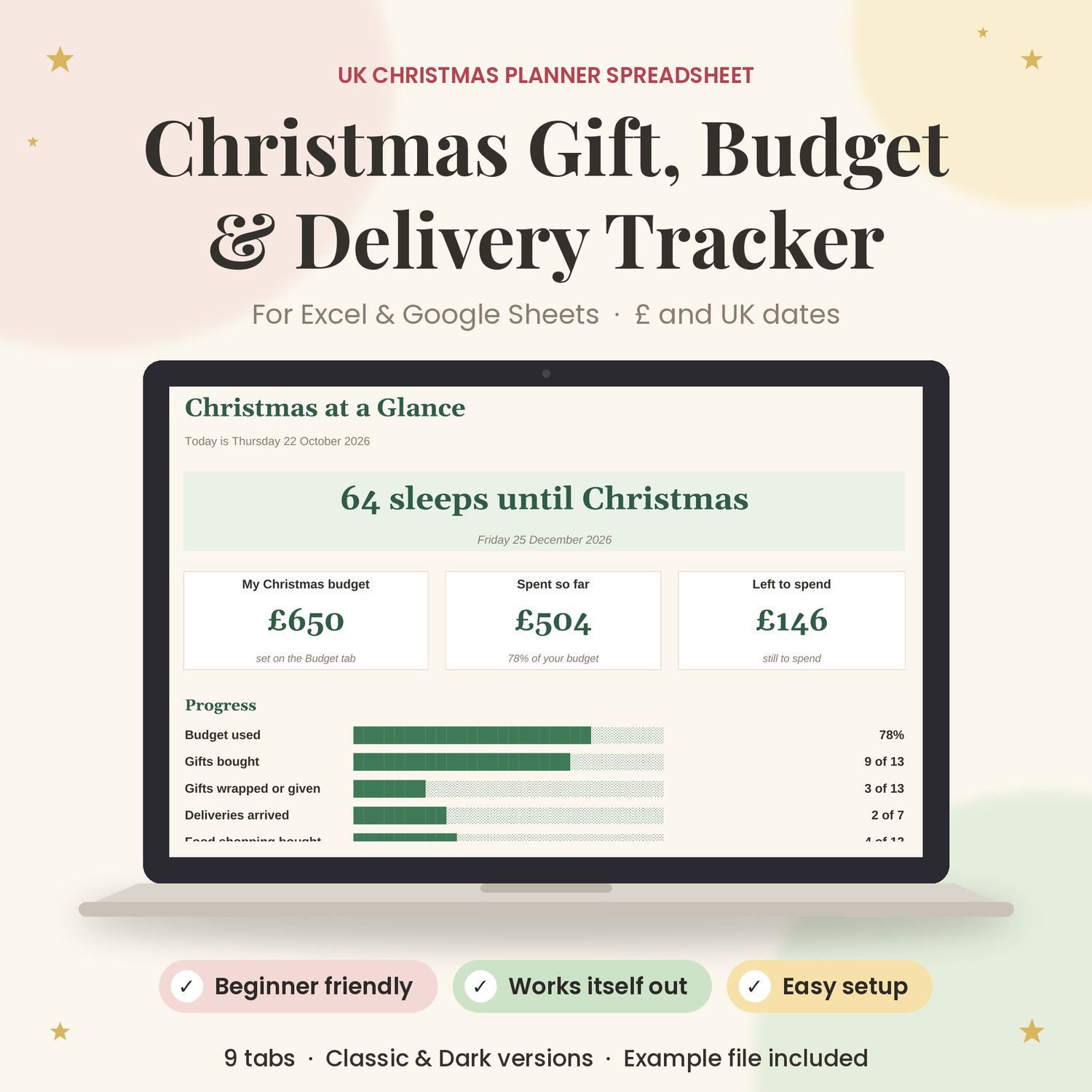
Keep Christmas in one place. This UK spreadsheet keeps your budget, gift list, parcels, food shop and card list together. Most of the adding up and checking is done for you.
You type in the coloured boxes, and the tracker works out what you've spent, what's left, which gifts are still to buy and which parcels are late.
What it does
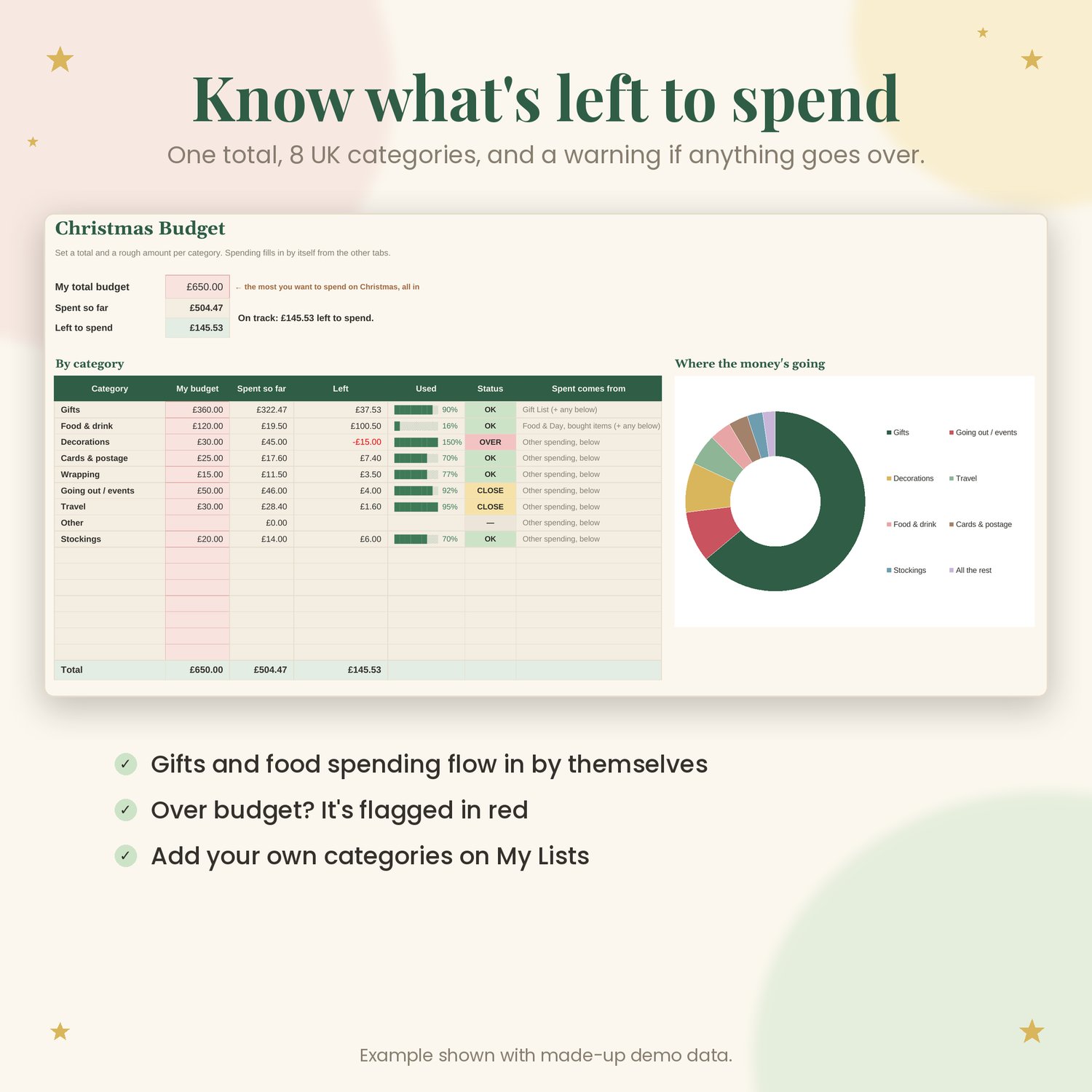
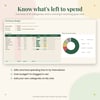
- Set one total Christmas budget, plus a rough amount for each category (Gifts, Food & drink, Decorations, Cards & postage, Wrapping, Going out / events, Travel, Other). Each category shows what's spent and what's left, and turns amber or red when it gets close to or goes over its budget.
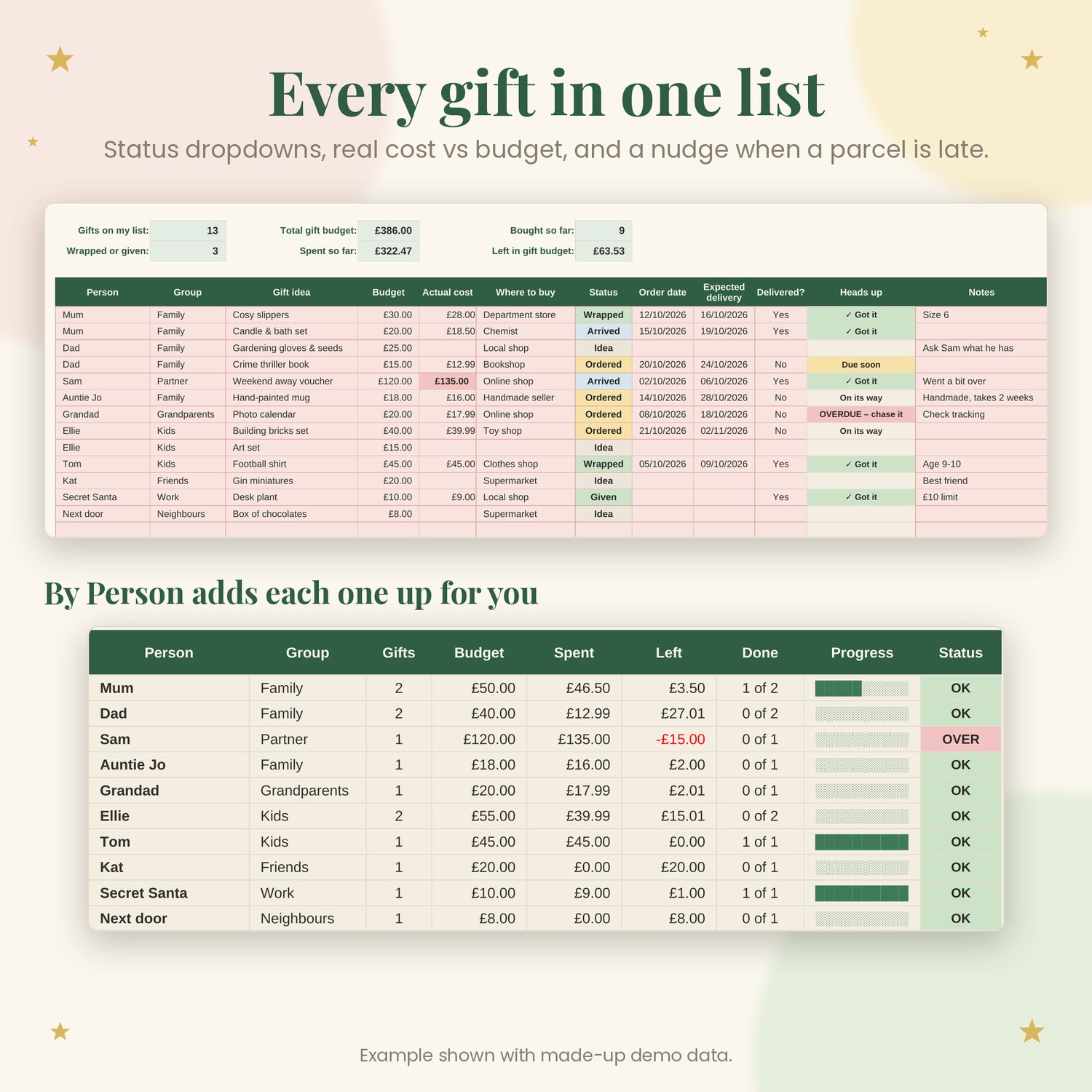
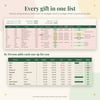
- Gift List: one row per gift, with the person, group, idea, budget, actual cost, where to buy, status (Idea, Ordered, Arrived, Wrapped, Given), order and delivery dates, and notes. A cost that goes over its budget is highlighted.
- By Person: adds up every person's gifts, budget and spending for you. You don't type anything on this tab.
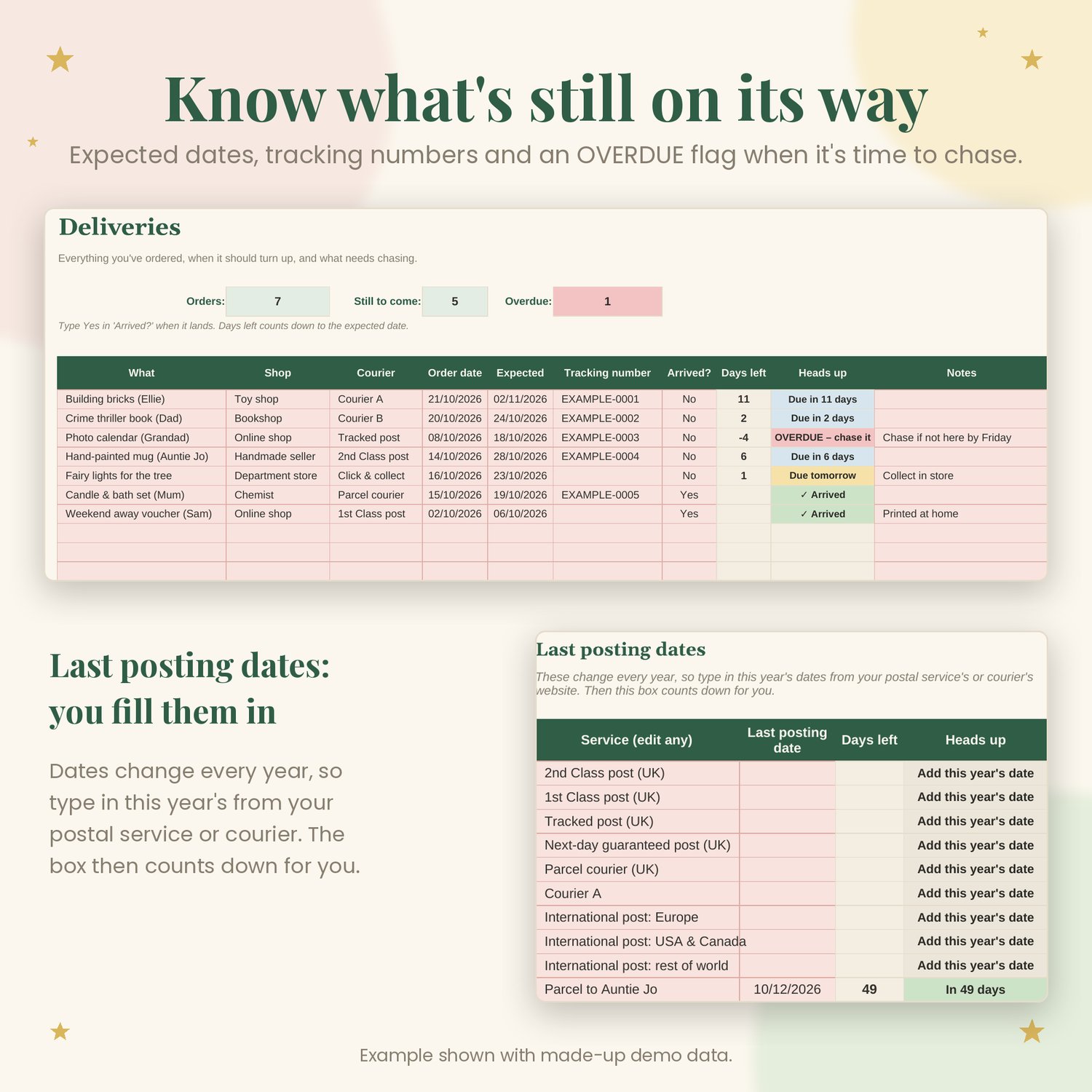
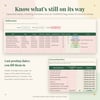
- Deliveries: what you ordered, the shop, the courier, the expected date and the tracking number. It counts down the days and flags anything overdue.
- Last posting dates box: type in this year's dates from your postal service or courier and it counts down to each one. The dates aren't pre-filled because they change every year.
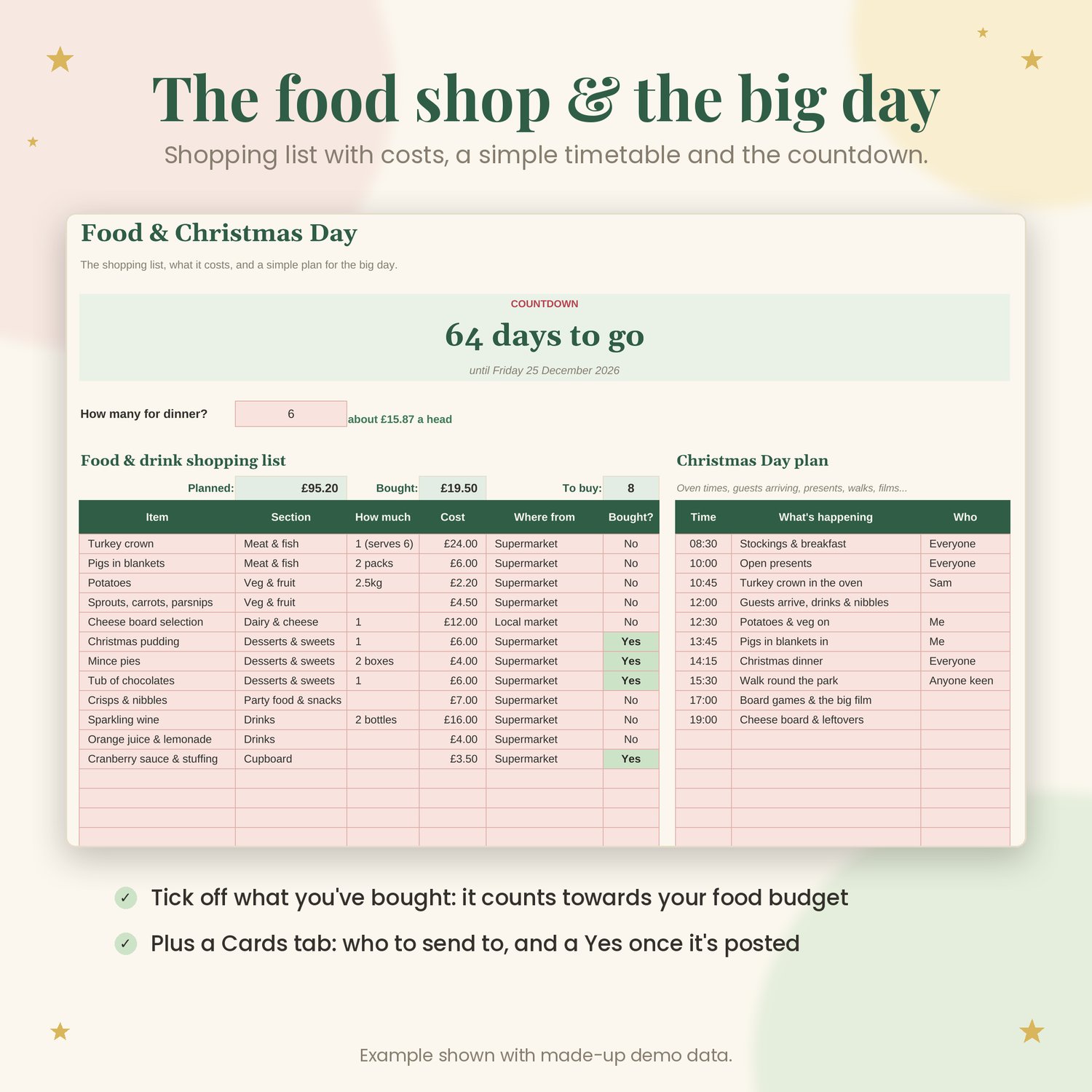
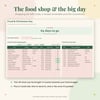
- Food & Day: a shopping list with costs (items you mark as bought count towards your food budget), a timetable for the big day and a countdown to 25 December.
- Cards: who you're sending to, an optional address, and whether it's sent.
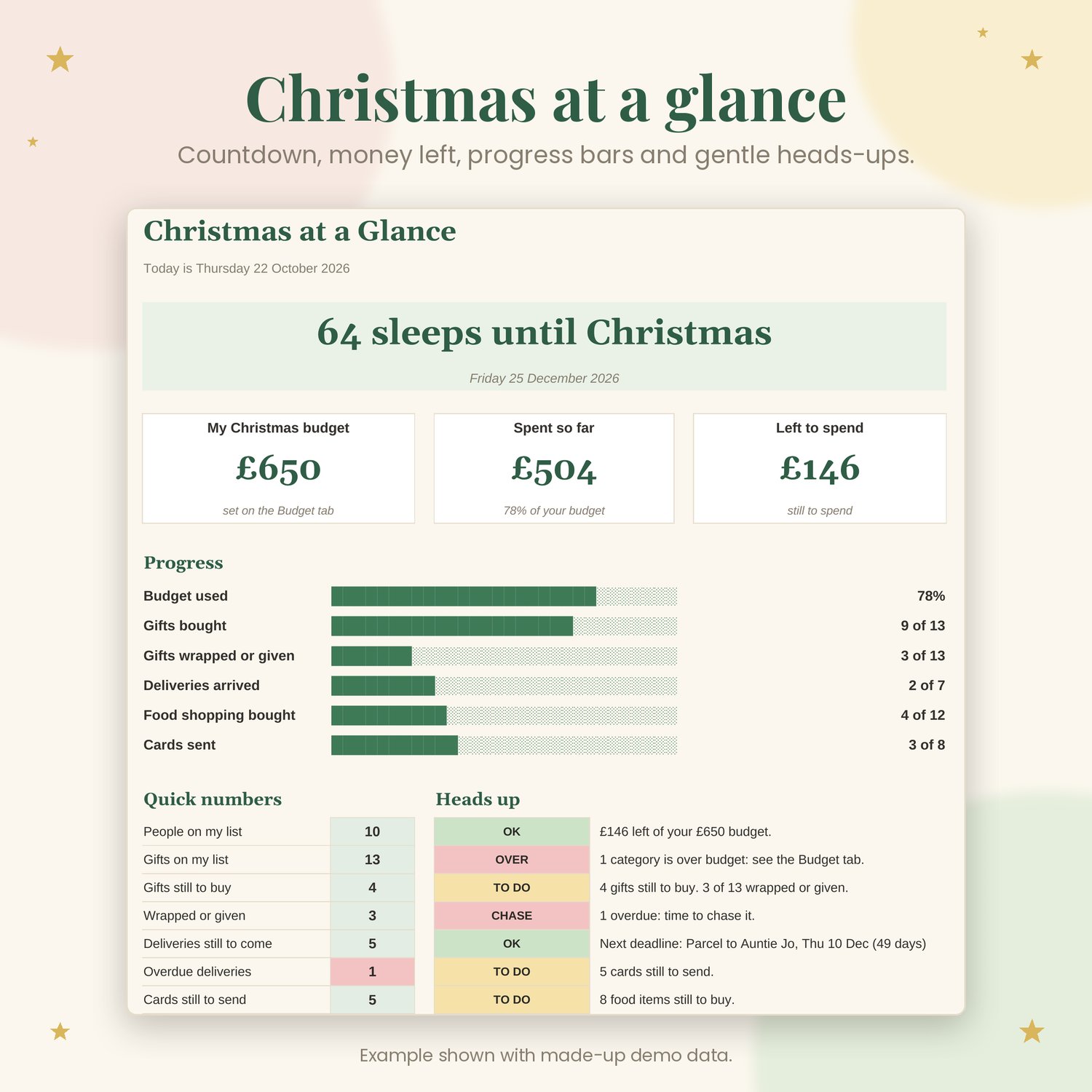
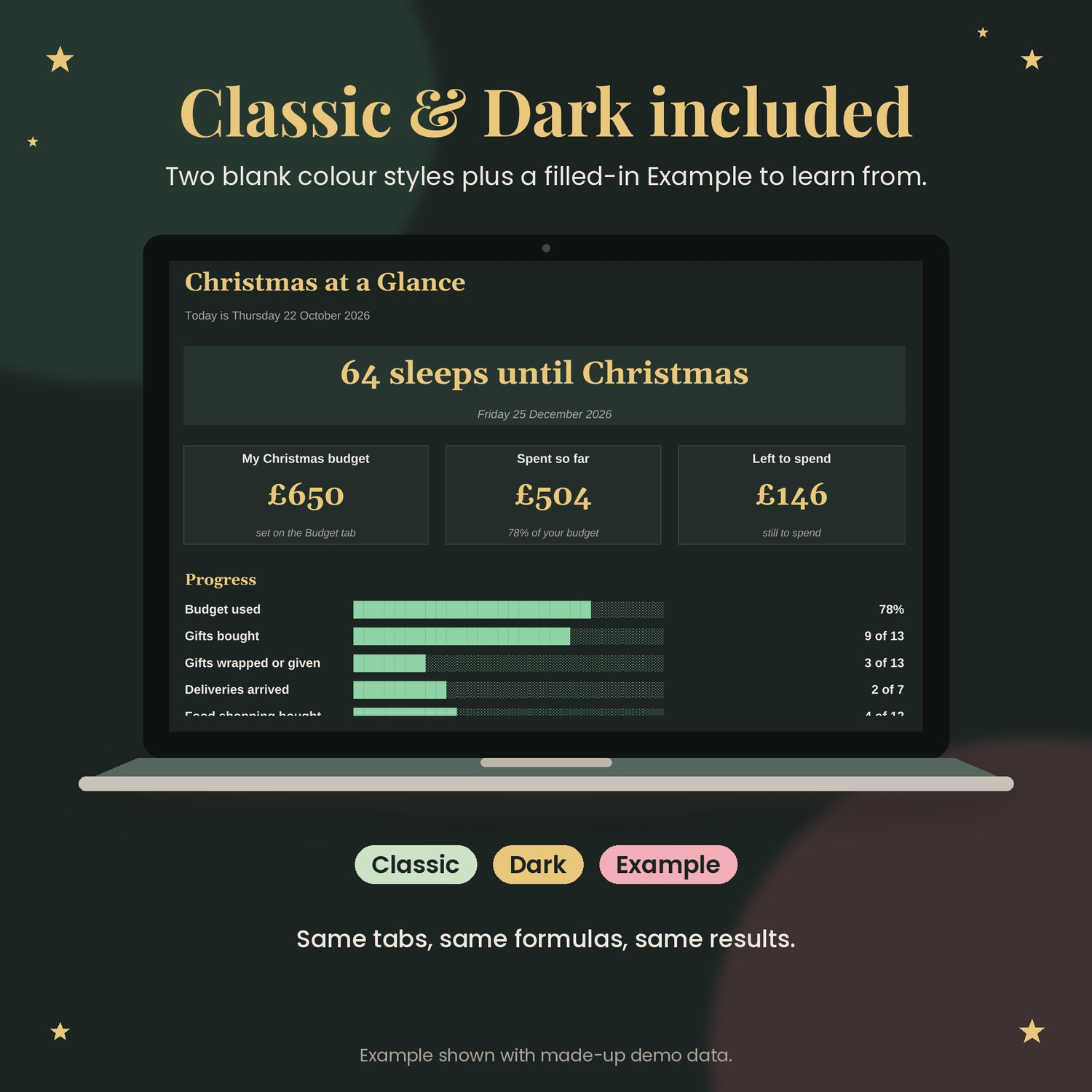
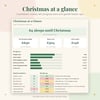
- Dashboard: total budget, spent, left, a countdown, progress bars (gifts bought, wrapped or given, deliveries, food, cards) and short heads-up notes.
- My Lists: every dropdown comes from here. UK defaults are already filled in, with spare boxes for your own groups, shops, couriers, food sections and extra budget categories.
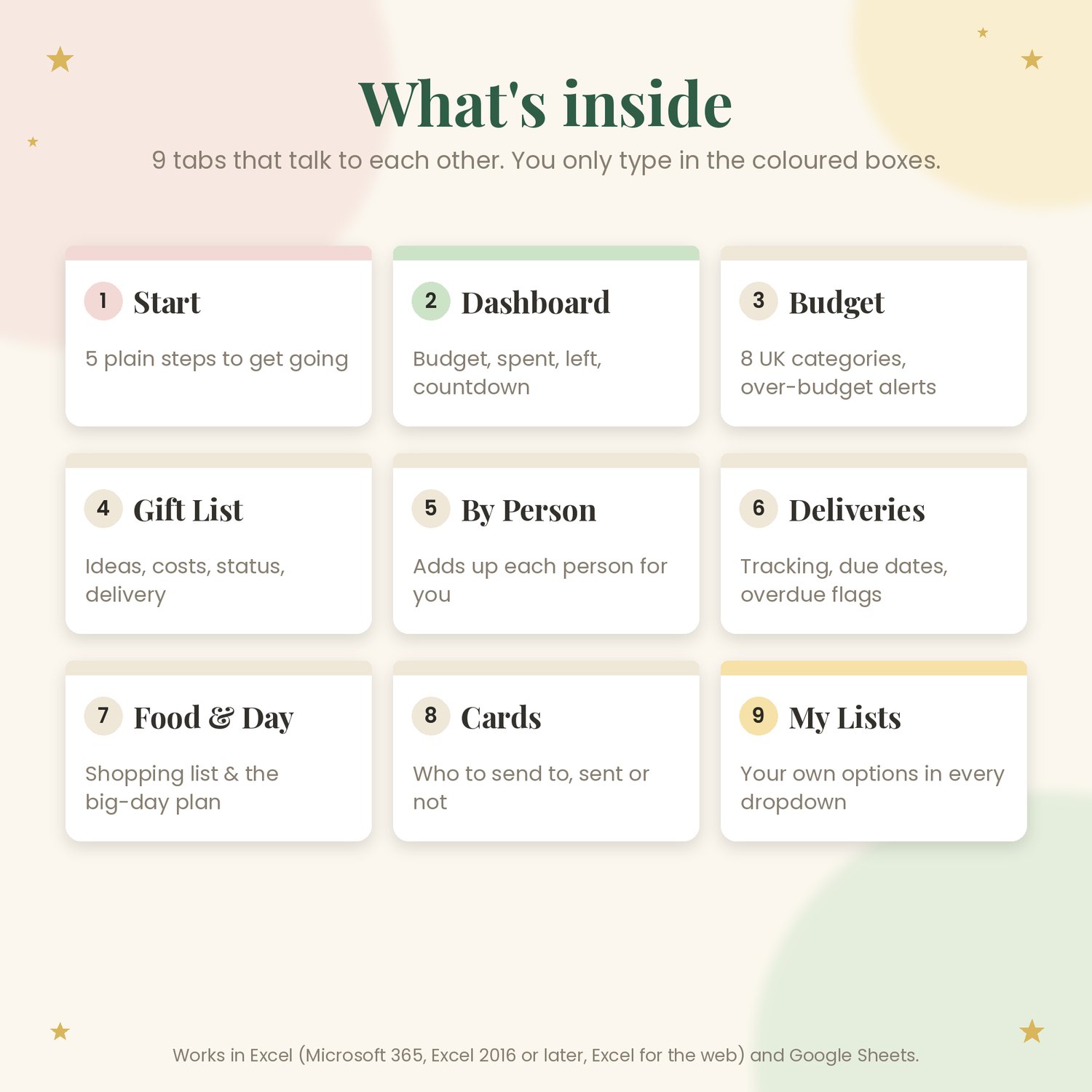
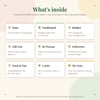
What's inside: 9 tabs
- Start: 5 plain steps
- Dashboard
- Budget
- Gift List
- By Person
- Deliveries
- Food & Day
- Cards
- My Lists
What you get
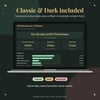
- A blank tracker in Classic (deep green & cream)
- The same blank tracker in Dark
- An Example copy filled with made-up demo data, so you can see how it works
- A short README with the how-to steps
Good to know
- Amounts are in £ and dates are shown UK style (dd/mm/yyyy).
- The calculated cells are locked so they can't be overwritten by accident. There's no password, and there are plenty of spare rows on every list.
- Works with Microsoft Excel (Microsoft 365, Excel 2016 or later, Excel for the web) and Google Sheets. In Google Sheets, go to File > Import > Upload.
- It's a digital download. Nothing physical is sent.
This is a planning and organising tool. It isn't financial advice.