
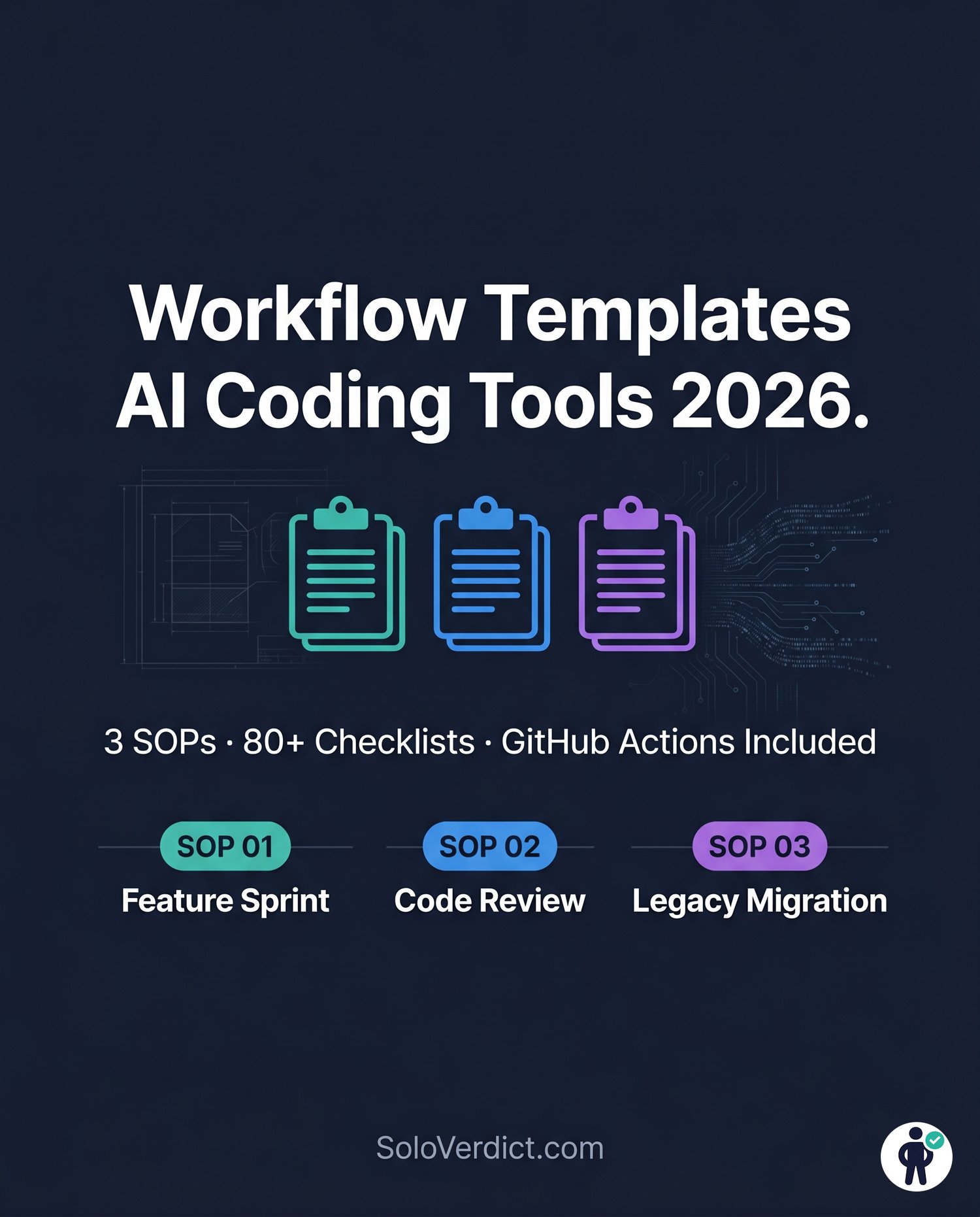
Workflow Templates for AI Coding Tools 2026 — 3 Standard Operating Procedures for Dev Agencies & Freelance Engineers
Every development team using AI tools in 2026
faces the same problem: no two developers use
them the same way, quality is inconsistent,
and nobody has written down the process.
This bundle fixes that.
Workflow Templates for AI Coding Tools gives
you three enterprise-grade Standard Operating
Procedures that tell every developer on your
team exactly how to use AI tools — at each
phase of the development lifecycle.
Copy. Customize. Deploy as your team's
official AI workflow standard.
──────────────────────────────────────
WHAT'S INSIDE (3 SOPs × 5 Phases Each)
──────────────────────────────────────
① SOP 01 — AI-ASSISTED FEATURE SPRINT
From Jira ticket to shipped, documented
feature using AI at every stage.
PHASE 1 — Ticket Intake & Requirements
- Definition of Ready checklist
- AI requirements extraction prompt
(extracts functional requirements, edge
cases, risks from any Jira ticket)
- Output: structured spec saved to /docs/
PHASE 2 — AI Architecture Generation
- Pre-architecture checklist (6 steps)
- Architecture generation prompt
(generates component diagram, data flow,
file list, migration plan, complexity score)
- Human architect approval gate
- Output: design doc + Mermaid diagram
PHASE 3 — AI Pair Programming Execution
- TDD-first implementation checklist (8 steps)
- SCOPE.md boundary template
- Cursor CLI commands for every task type
- Output: tested feature branch with commits
PHASE 4 — Documentation Generation
- Documentation checklist (6 steps)
- Doc generation prompt
(JSDoc/YARD/Sphinx + README + CHANGELOG)
- Output: inline docs + API spec + ADR
PHASE 5 — Validation & Handoff
- Pre-PR validation checklist (7 steps)
- cursor pr command with test summary
- Security scan on AI-generated code
- Output: green PR ready for human review
──────────────────────────────────────
② SOP 02 — AUTOMATED CODE REVIEW PIPELINE
AI acts as first-line defense on every PR
before human reviewers see the code.
PHASE 1 — One-Time Pipeline Setup
- GitHub Actions workflow YAML (copy-paste ready)
- AI_REVIEW_PROMPT.md template
(customizable style rules for your team)
- PR template for structured AI input
- Semgrep security rules (.semgrep.yml)
- Required status check configuration
PHASE 2 — AI First-Pass Review
- Per-PR developer checklist (5 steps)
- Review prompt template with JSON output format
- Integration: posts inline PR comments
within 5 minutes of PR open
PHASE 3 — Style & Complexity Analysis
- Complexity thresholds reference table
(cyclomatic, cognitive, nesting depth,
function length — warning vs fail levels)
- Team-specific style rules configuration
- Auto-escalation rules for critical findings
PHASE 4 — Edge Case & Security Scan
- Edge case detection prompt extension
(null/empty/overflow/concurrent access)
- Semgrep security rules for SQL injection,
hardcoded secrets, missing auth checks
- Runs in parallel with AI review
PHASE 5 — Human Review Handoff
- Human reviewer checklist (6 steps)
- False positive handling guide
(when to override AI findings with
documented justification)
- Output: review complete in < 12 minutes
──────────────────────────────────────
③ SOP 03 — LEGACY CODE MIGRATION SOP
Safely map undocumented legacy codebases
and translate to a modern tech stack.
PHASE 1 — Codebase Discovery & Mapping
- Discovery preparation checklist (6 steps)
- Two-prompt discovery sequence
(system map + hidden business logic)
- Tools: Claude Code + dependency-cruiser
+ cloc + git log analysis
- Output: system map + business rules doc
PHASE 2 — Architecture Documentation
- Documentation checklist (6 steps)
- Behavior specification extraction prompt
(reverse-engineers Given/When/Then specs
from undocumented legacy code)
- Output: full API spec + behavior library
- Human sign-off gate before any translation
PHASE 3 — Translation Strategy & Tools
- Component-to-tool mapping table
(7 component types → right AI tool for each)
- Safety rules for agent use on legacy code
- Environment setup checklist (5 steps)
- Tracking spreadsheet structure
PHASE 4 — Incremental Migration Execution
- Per-module translation checklist (7 steps)
- Module translation prompt template
(preserves business logic exactly —
translate only, do not improve)
- Behavior comparison test methodology
- Output: validated modules with sign-offs
PHASE 5 — Validation, Testing & Cutover
- Pre-cutover validation checklist (7 steps)
- Cutover execution checklist (6 steps)
- Traffic migration plan:
1% → 5% → 25% → 50% → 100%
- Rollback procedure at every step
- Output: zero-incident production cutover
──────────────────────────────────────
WHAT MAKES THESE SOPs DIFFERENT
──────────────────────────────────────
Most AI workflow guides are blog posts
dressed up as PDFs.
These SOPs are built like engineering
runbooks — the format DevOps teams use
for critical infrastructure processes:
✓ Every step is a checkbox item
→ Print and use immediately on your
next sprint, PR, or migration project
✓ Every phase has expected outputs defined
→ Your team knows what "done" looks like
before they start, not after
✓ Every AI prompt is included verbatim
→ Not "write a prompt asking for X" —
the actual prompt text, ready to use
✓ Failure modes are documented
→ What to do when AI gives wrong output,
hallucinates, or goes off-scope
✓ Gates are explicit
→ 8 human approval gates across 3 SOPs
ensure AI never runs unsupervised on
critical decisions
✓ Tool configurations included
→ GitHub Actions YAML, Semgrep rules,
SCOPE.md template, PR template —
all copy-paste ready
──────────────────────────────────────
WHO THIS IS FOR
──────────────────────────────────────
✓ Development agencies (3-50 developers)
standardizing AI tool usage across clients
✓ Freelance engineers who want repeatable,
professional AI-assisted delivery
✓ Engineering managers introducing AI
tools to their team for the first time
✓ Staff engineers and tech leads building
internal AI coding standards
✓ Any team where different developers use
AI tools completely differently and
output quality is inconsistent
──────────────────────────────────────
WHO THIS IS NOT FOR
──────────────────────────────────────
✗ Solo developers who already have a
personal AI workflow that works
(start with the Prompt Pack instead)
✗ Teams not yet using AI coding tools
(set up Cursor or Claude Code first)
✗ Anyone looking for a course with videos
(this is an operational reference PDF)
──────────────────────────────────────
WHAT YOU GET
──────────────────────────────────────
- Immediate PDF download
- 3 complete SOPs (15 phases total)
- 80+ checkbox items — print and use
- 15 exact AI prompts included verbatim
- GitHub Actions YAML (copy-paste)
- Semgrep security rules (.semgrep.yml)
- SCOPE.md agent boundary template
- PR template for structured AI input
- Component-to-tool mapping reference
- 15-phase quick reference master table
- Dark professional design — readable
on screen and printed
──────────────────────────────────────
REAL NUMBERS FROM THESE WORKFLOWS
──────────────────────────────────────
Teams using the SOP 02 pipeline report:
- 40-60% reduction in human review time
- Zero critical security findings reaching
production on AI-generated code
- PR review cycle under 12 minutes total
Teams using the SOP 01 sprint workflow:
- Documentation written on every feature
(for the first time in most cases)
- Architecture review happening before
code — not during code review
──────────────────────────────────────
FREQUENTLY ASKED QUESTIONS
──────────────────────────────────────
Q: Which AI tools do these SOPs support?
A: Cursor CLI (primary), Claude Code,
GitHub Copilot Workspace, and Aider.
The methodology works with any AI
coding tool — only the specific commands
reference named tools.
Q: Do I need all three SOPs?
A: Each SOP is fully standalone. Most teams
start with SOP 01 (Feature Sprint) or
SOP 02 (Code Review) and add SOP 03
(Legacy Migration) when they have a
migration project coming up.
Q: Can I customize these for my team?
A: Yes — that's the point. The SOPs are
templates. Every checklist, prompt,
and threshold is designed to be edited
to match your team's conventions,
tools, and thresholds.
Q: Do these work for solo developers?
A: SOP 01 and SOP 02 work well for solos.
SOP 03 is designed for team migration
projects. If you are a solo developer,
consider the Cursor CLI Prompt Pack
as your primary purchase.
Q: Is there a refund policy?
A: Due to the digital nature of this
product, all sales are final. The three
SOPs are fully described above.
──────────────────────────────────────
Built by SoloVerdict.com — honest tools, software and productivity guides for
independent professionals.
More free developer resources at SoloVerdict.com