
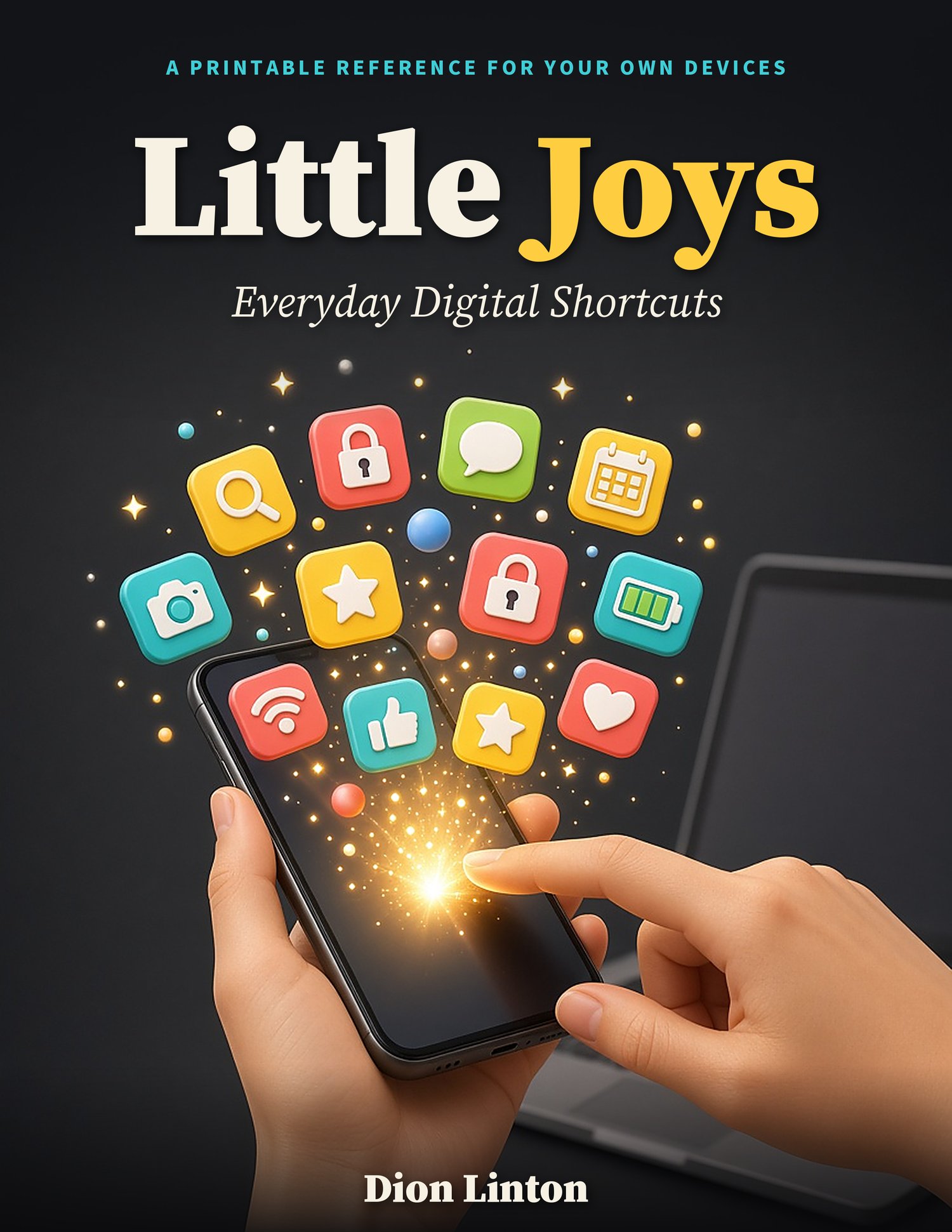
Little Joys: Everyday Digital Shortcuts (Printable PDF)
On Sale
CAD13.99
CA$13.99
You don't have to read a whole manual to fix one annoying thing. Pick the one that is in your way right now — moving a link from your phone to your computer, reaching your home computer from your tablet, or finding a file later — and do that first.
This is a short printable of the shortcuts I actually use: Telegram Saved Messages as a way to send things to myself, Chrome Remote Desktop set up step by step, file naming, backups, a five-minute audit, and blank pages to write your own.
WHAT'S INSIDE
- A 20-page printable PDF, US Letter (8.5 × 11 in) and A4
- - A fill-in PDF of the same pages, if you would rather type than print (never type a password, PIN, or access code into the file)
- - A map on page 3 so you can circle the one thing you want to fix first
- - Safety notes before any remote-access or Saved Messages steps
- - Checklists, a comparison grid, message templates, a naming guide, backups and recovery, a five-minute audit, and recipe cards for your own shortcuts
- GOOD TO KNOW
- - Instant digital download (PDF). No physical item will be shipped.
- - Print at 100% / "Actual size." Print only the pages you need.
- - For adults managing their own devices and accounts (18+). Work or school devices: check with your IT team first.
- - This printable is independent and is not affiliated with or endorsed by Telegram or Google. Apps change; confirm on the current official help page before you rely on a step.
- - Remote access means full access to that computer. Never send a remote-access PIN to someone who contacted you out of the blue. Saved Messages is a cloud chat, not end-to-end encrypted — do not store passwords, codes, bank details, or ID scans there.
- - For personal use. Please don't resell or share the files.
- - Questions: hello@dionlinton.com
- Dion Linton, author and independent publisher
- Dion Linton Publishing, Ajax, Ontario, Canada
- dionlinton.com