

Screen Time Control
Know how long your children have been on screens, and stop arguing about it.
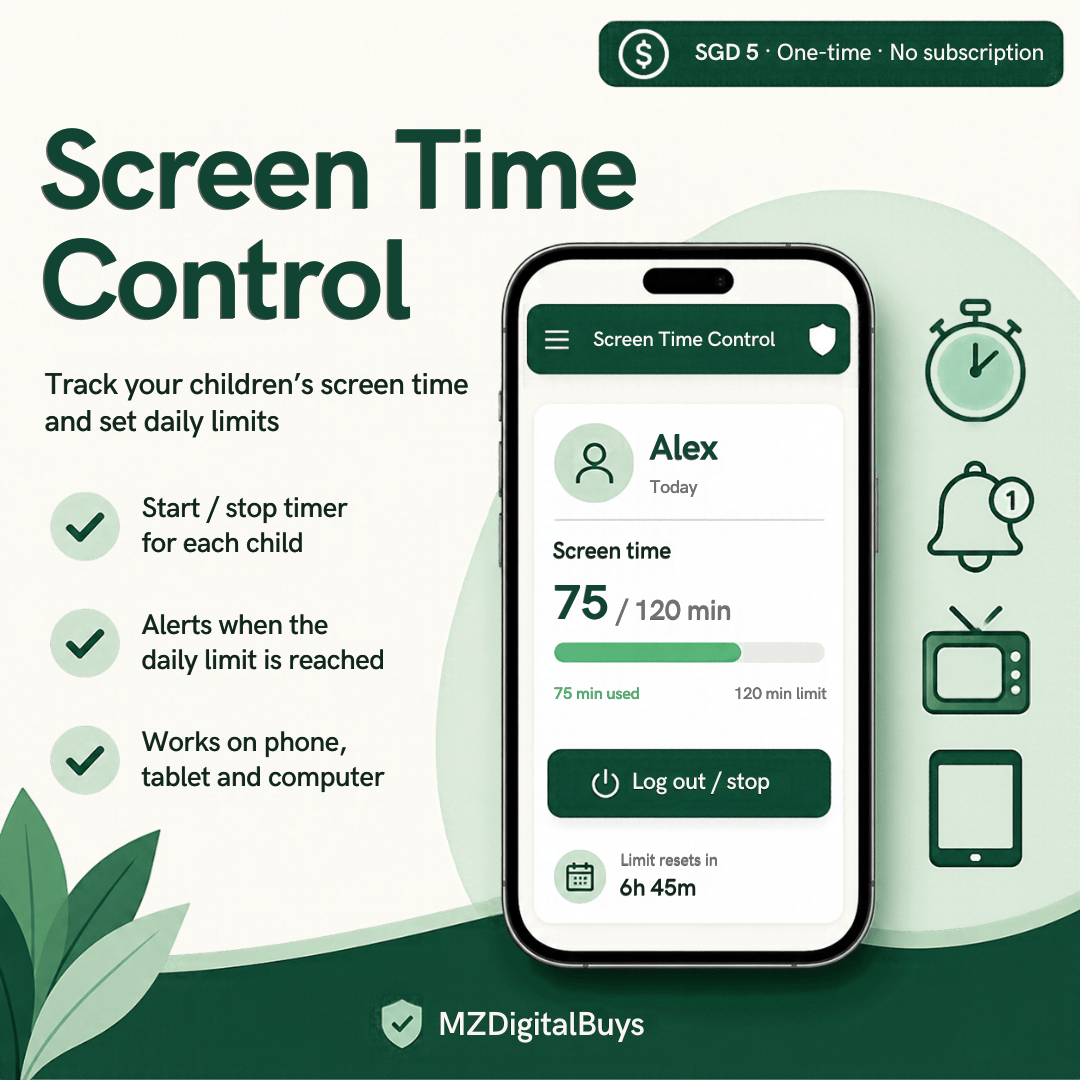
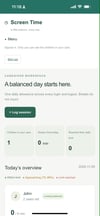
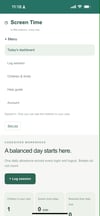
Screen Time Control is a simple web app for parents and carers. Add your children, press Start when a screen goes on and Stop when it comes off. The app keeps the count against each child's daily limit.
WHAT YOU GET
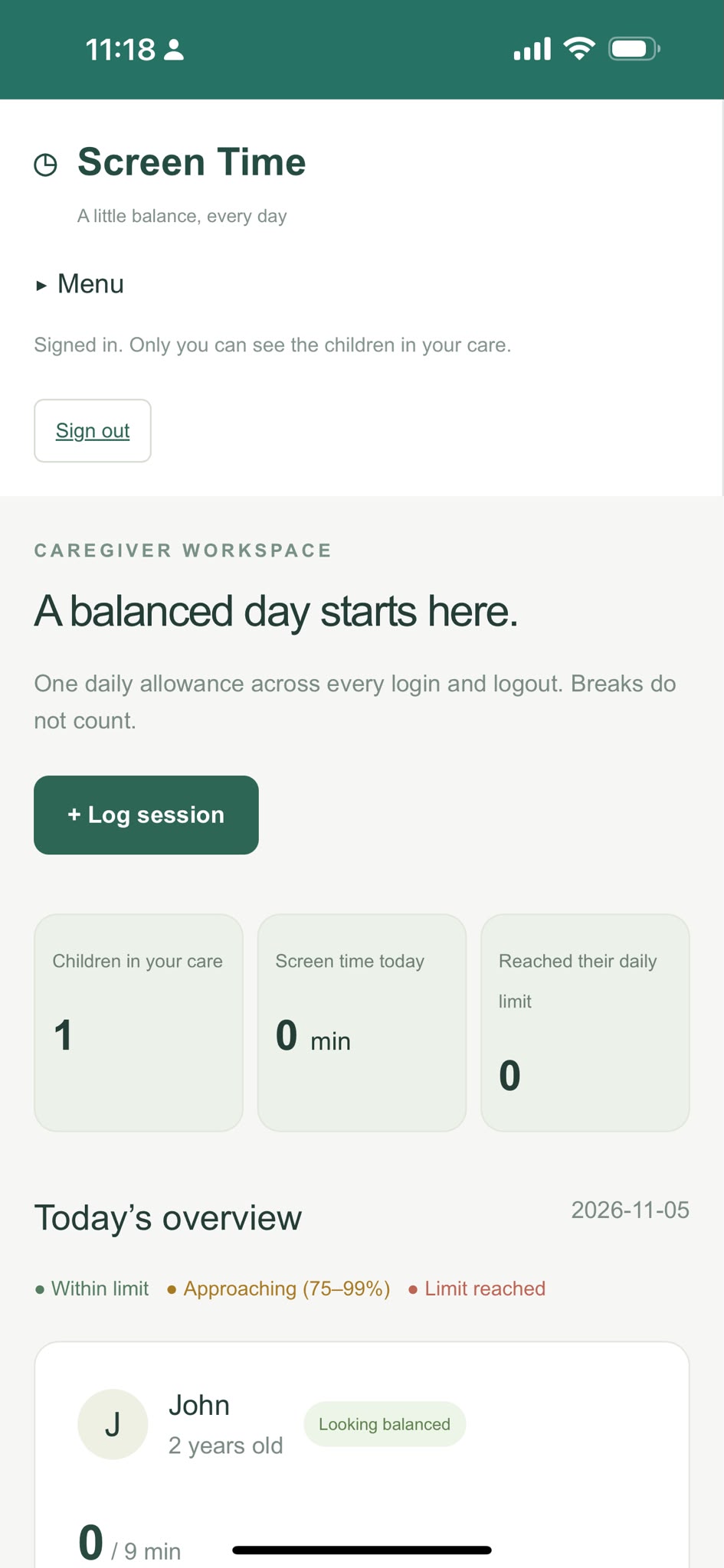
- A profile for each child with their own daily limit
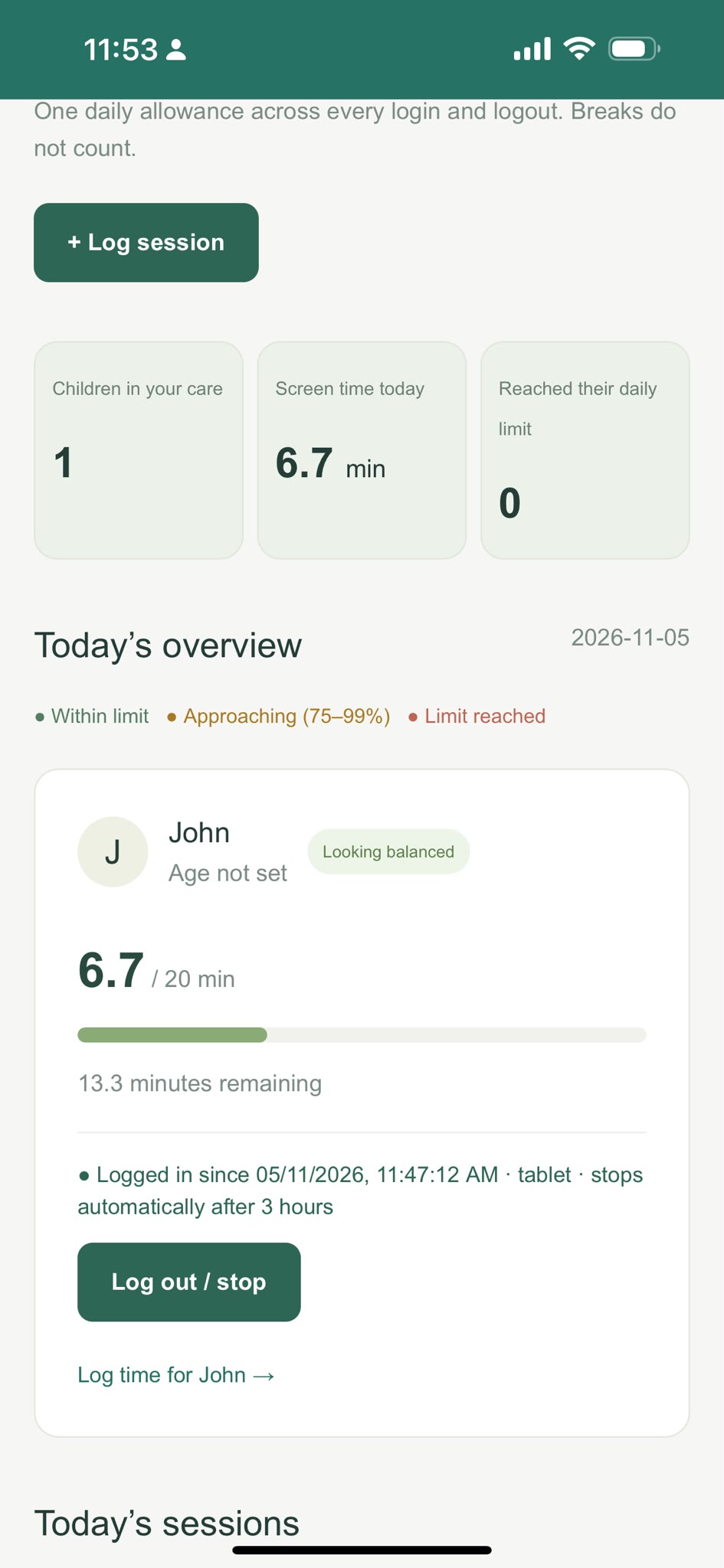
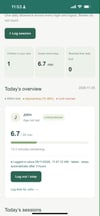
- A timer for each screen session: TV, tablet, phone, computer or game console, with the activity (video, game, educational and so on)
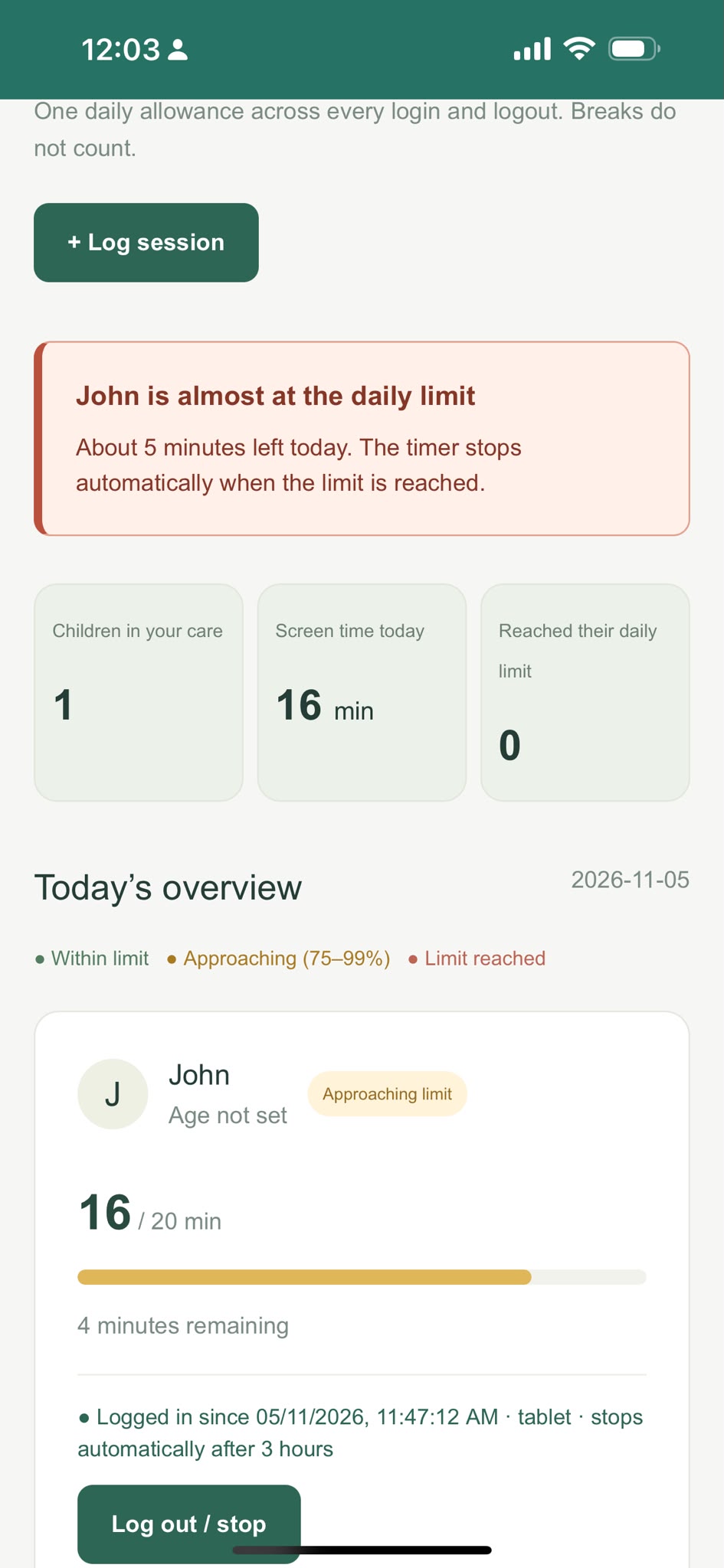
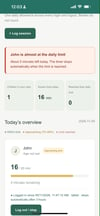
- Today's dashboard showing time used and time left for each child
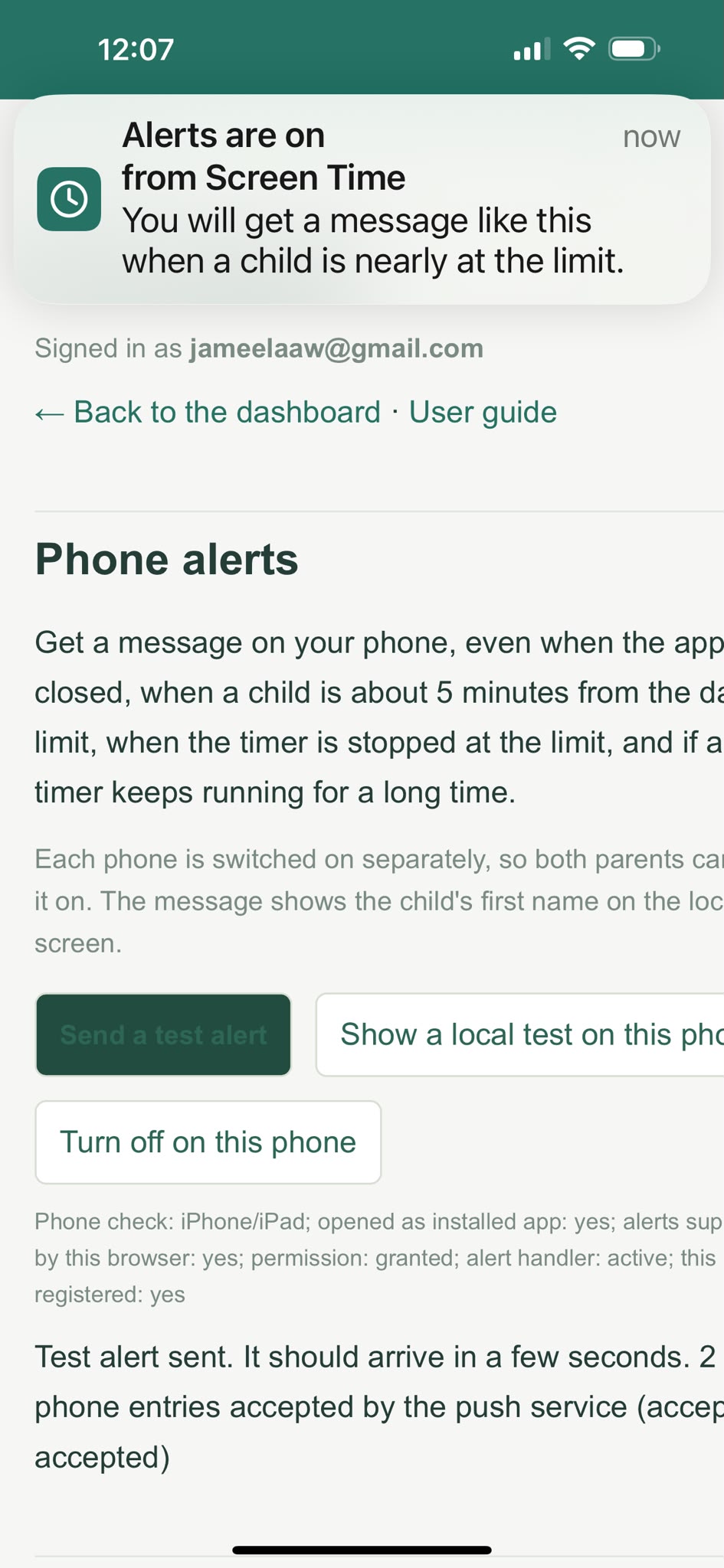
- A warning shortly before the limit and an alert when it is reached
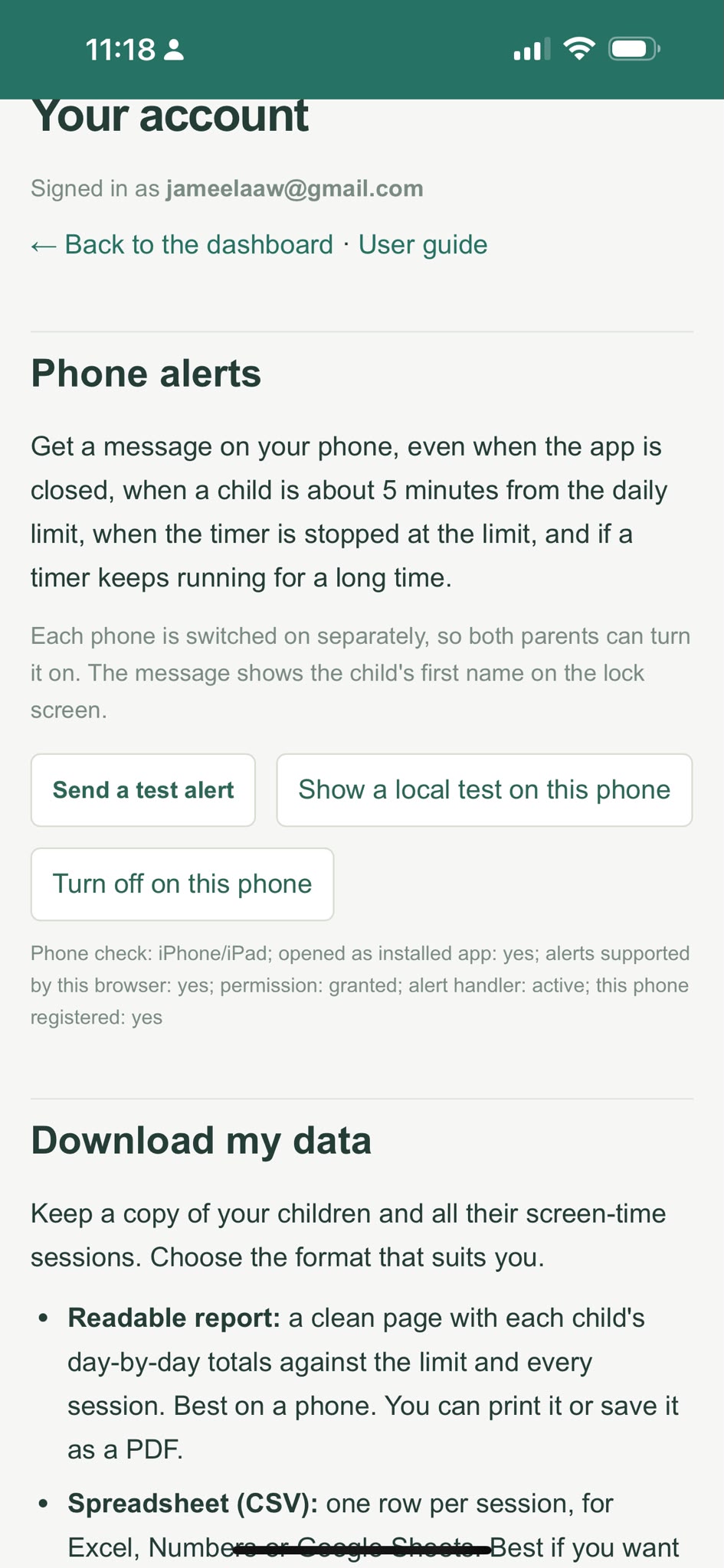
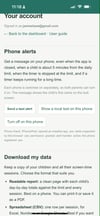
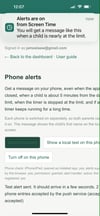
- Phone alerts that arrive even when the app is closed
- The timer stops itself at the limit, and a forgotten timer is stopped after 3 hours
- Shared use: parents or carers sign in with the same email and password and see the same data on their own phones
- A readable report of your data you can save as a PDF, plus a spreadsheet (CSV) download
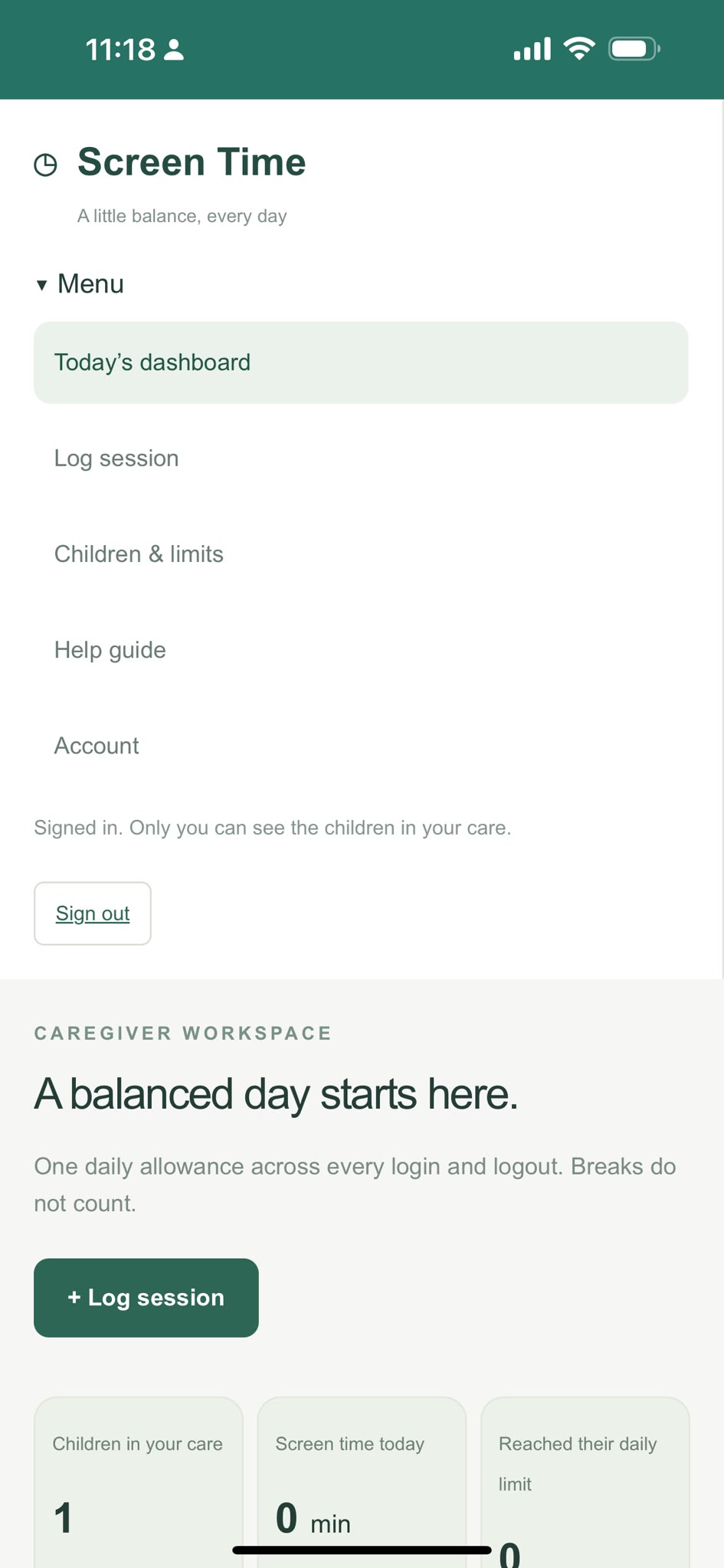
- A built-in user guide and a one-page Start-here guide
- Delete your account and data yourself at any time
HOW IT WORKS
1. Pay first. Buy on Payhip. Your licence key arrives straight away, on the receipt and by email.
2. Create your account. Open the app link and sign up with the email you want to keep. Confirm it from the email we send.
3. Activate. Sign in and paste your licence key when asked. You only do this once. One key works for one account.
4. Start. Add your children, set their daily limits and start timing.
Tip: keep your Payhip receipt. If you ever lose the key, it is there.
It works in any modern browser on a phone, tablet or computer. You can add it to your Home Screen so it opens like an app.
PLEASE READ BEFORE YOU BUY
- This is a tracker and reminder tool. It does not lock or block a child's device. You press Start and Stop, and the alerts tell you when time is up.
- Phone alerts on iPhone need iOS 16.4 or later, with the app added to the Home Screen. Focus modes and Scheduled Summary on the phone can silence alerts.
- One licence is for one account, which is one email address. Parents or carers who want to see the same data sign in with that same email and password, on as many phones as they like.
- Your children's data is stored securely online, not on your phone. We do not sell or share it. See the Privacy page in the app.
One payment of SGD 5.00. No subscription.
REFUNDS AND SUPPORT
Questions or problems: support@mzdigitalbuys.com
Terms of Service: https://screentime-control.vercel.app/terms
Refund Policy: https://screentime-control.vercel.app/refunds
Privacy Policy: https://screentime-control.vercel.app/privacy
By buying, you agree to the Terms of Service.