


BULK IMAGE GENERATION | RENAME ENGINE | 4X UPSCALER
What these workflows do
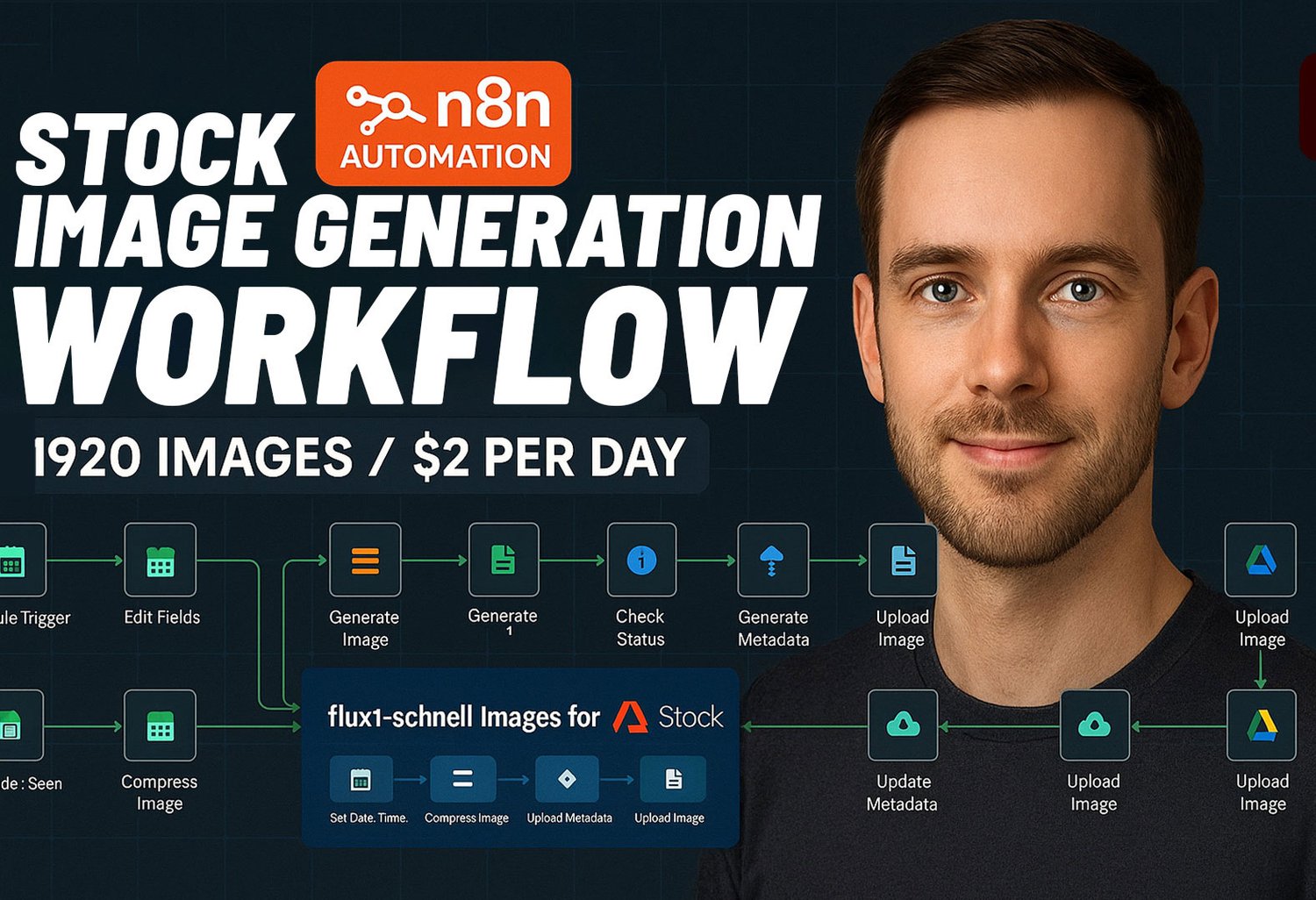
Automate 2,000+ Daily Images Bulk Rename & Upscaler — Under $4/Day
AI Image Generator & Renamer Workflow — effortlessly generate, tag, rename, and upload thousands of AI images every day.
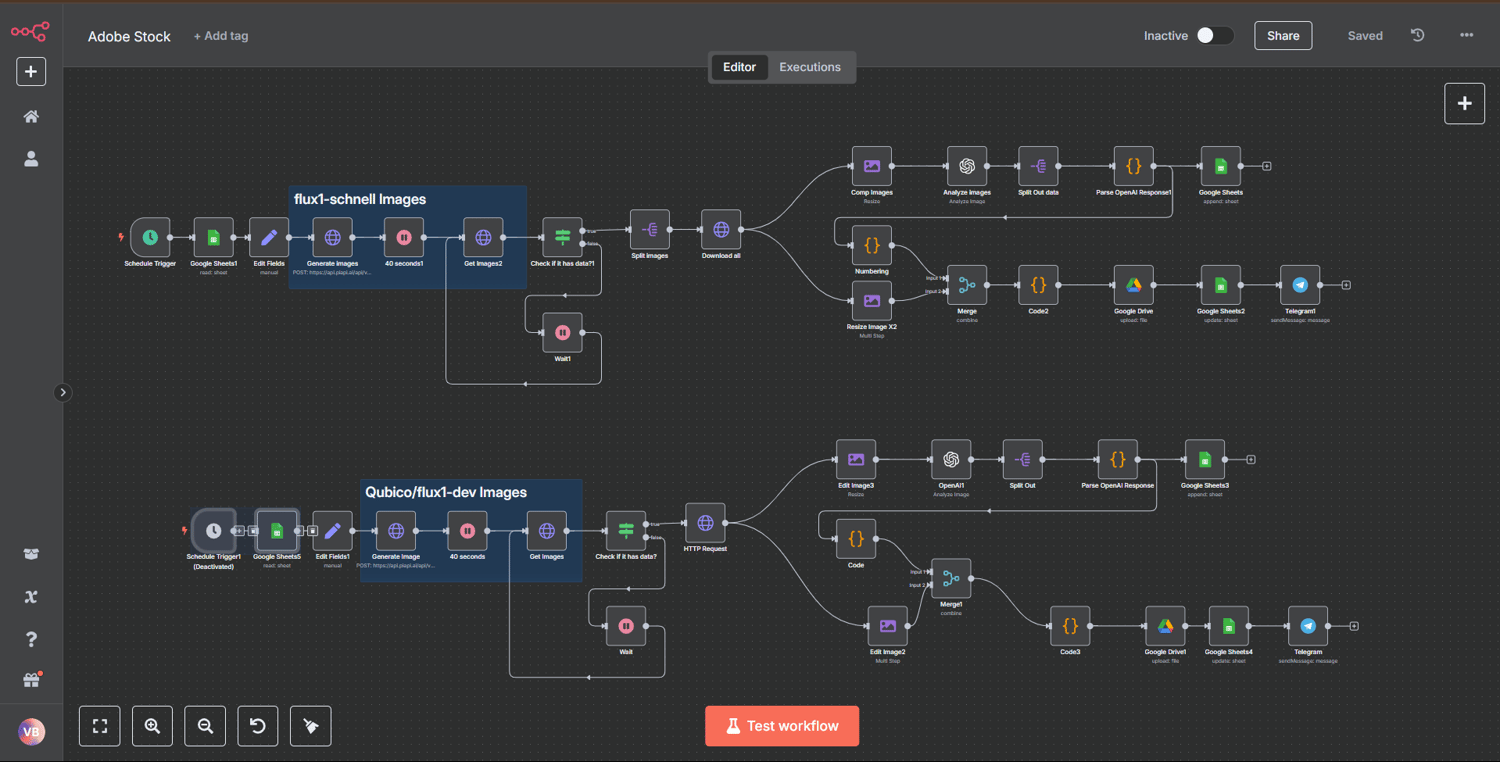
MAIN Workflow 1
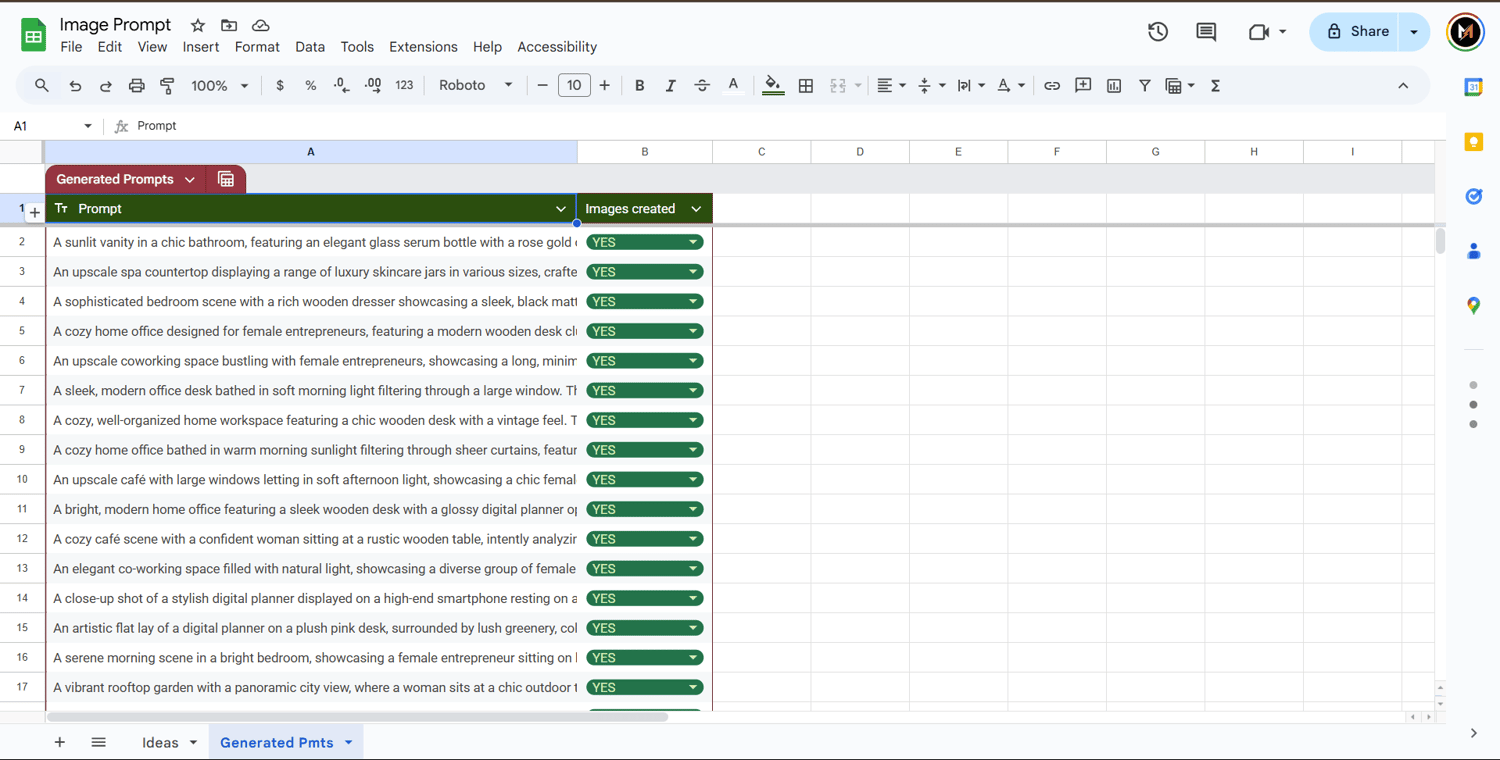
✍️ Auto-generates prompts using GPT from your ideas
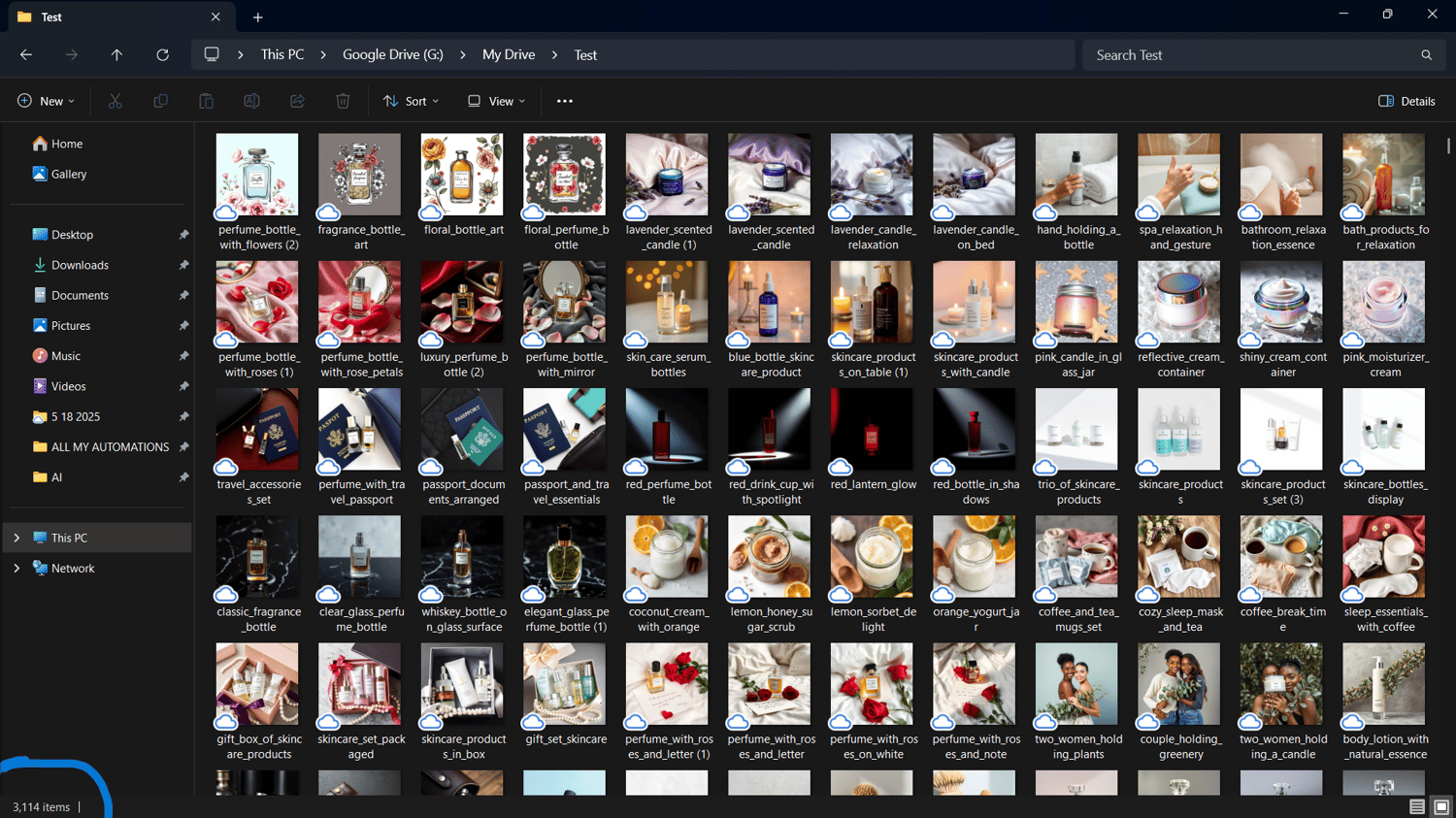
🎨 Creates 4 high-quality AI images per prompt with the Flux Schnell model
🧠 Enriches images with SEO metadata: title, filename, category, 25 keywords
☁️ Uploads images to Google Drive in organized folders
📊 Logs data to Google Sheets and marks completed tasks
🚨 Sends error/success notifications via Telegram
……………………………………………………………………….
What You Get:
✅ Full n8n automation workflow (import-ready)
✅ Setup guide (Google Sheets, Drive, API keys, Telegram)
✅ Bonus: Image renaming workflow for batch SEO optimization
✅ Unlimited usage — generate up to 2,000 AI images daily
……………………………………………..
Requirements:
✅ A free n8n instance (local or hosted)
✅ Google Account (Drive + Sheets)
✅ OpenAI & PIAPI.ai API keys
✅ (Optional) Telegram Bot for alerts
—– AND MANY MORE —–
MAIN Workflow 2
AI Image Rename & Metadata Automation Workflow
Sell More. Work Less.
Automate your entire image renaming and metadata generation process using AI + n8n. This template handles:
✅ – Renaming image files with unique, SEO-friendly titles
✅ – Auto-generating metadata (title, category, keywords)
✅ – Uploading optimized files to Google Drive
✅ – Logging all data to Google Sheets
………………………………………
🛠️ What’s Included
1. Controller Workflow (Rename_workflow):
✅ – Automatically scans a Google Drive folder for new files every few minutes
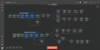
✅ – Splits and routes files to 20 sub-workflows (like Image_1)
✅ – Each file is processed individually to avoid collisions or rate limits
2. Rename & Metadata Generator (Image_1):
✅ – Cleans and formats JSON metadata (filename, title, category, keywords)
✅ – Verifies uniqueness against a connected Google Sheet
✅ – Uploads the renamed image to a target Google Drive folder
✅ – Logs metadata to Google Sheets
✅ – Notifies you on Telegram when upload completes
—– AND MANY MORE —–
AI Image Upscaler Automation Workflow (n8n)
Sharper Images. Better Conversions.
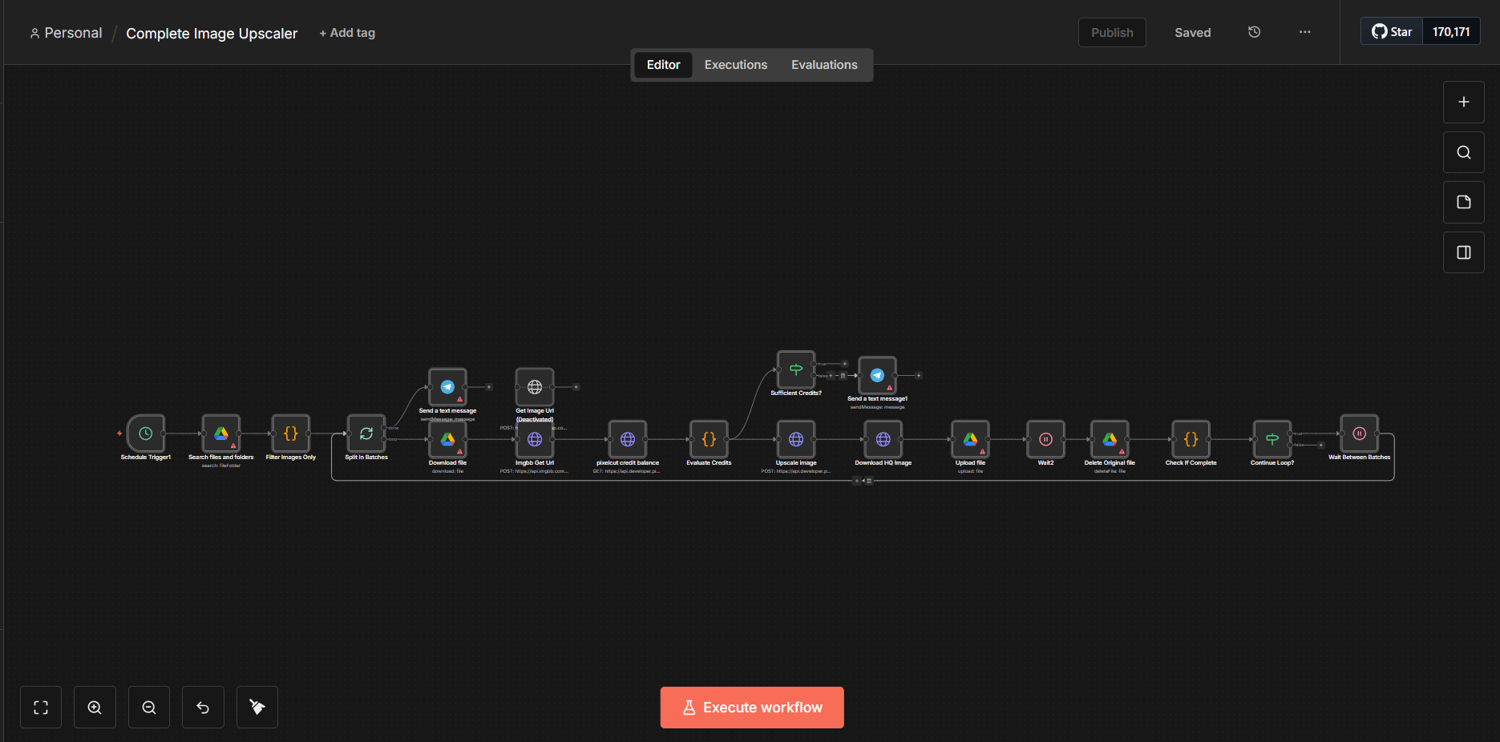
Automate your entire image upscaling + delivery pipeline using AI + n8n. This template handles:
✅ – Upscaling low-res images (2× / 4×) for crisp, high-quality output
✅ – Enhancing details (optional: denoise, sharpen, restore faces)
✅ – Converting formats (JPG/PNG/WebP) + optimizing file size
✅ – Auto-naming outputs consistently (e.g., originalname_4x_upscaled.webp)
✅ – Uploading enhanced images to Google Drive (or S3)
✅ – Logging input/output links + settings to Google Sheets
✅ – Notifying you when the batch is done (Slack/Email/Telegram)
Typical Flow (Nodes)
- Trigger (Manual / Webhook / Google Drive “New File”)
- Fetch Image (Drive download / HTTP request)
- Validate (check file type, size, dimensions)
- Upscale via AI (Replicate / Stability / Topaz / Cloud API)
- Post-process (compress, convert, strip metadata if needed)
- Upload Output (Google Drive folder + share link)
- Log to Sheets (original URL, upscaled URL, scale factor, timestamp)
- Notify (success + failed items)
What You Get Out
- A clean “Upscaled” folder with production-ready images
- A sheet that tracks every run + settings used
- Consistent output quality without manual editing