

Hearthmonth Bill Calendar | Paycheck Bill Tracker Spreadsheet for Excel & Google Sheets
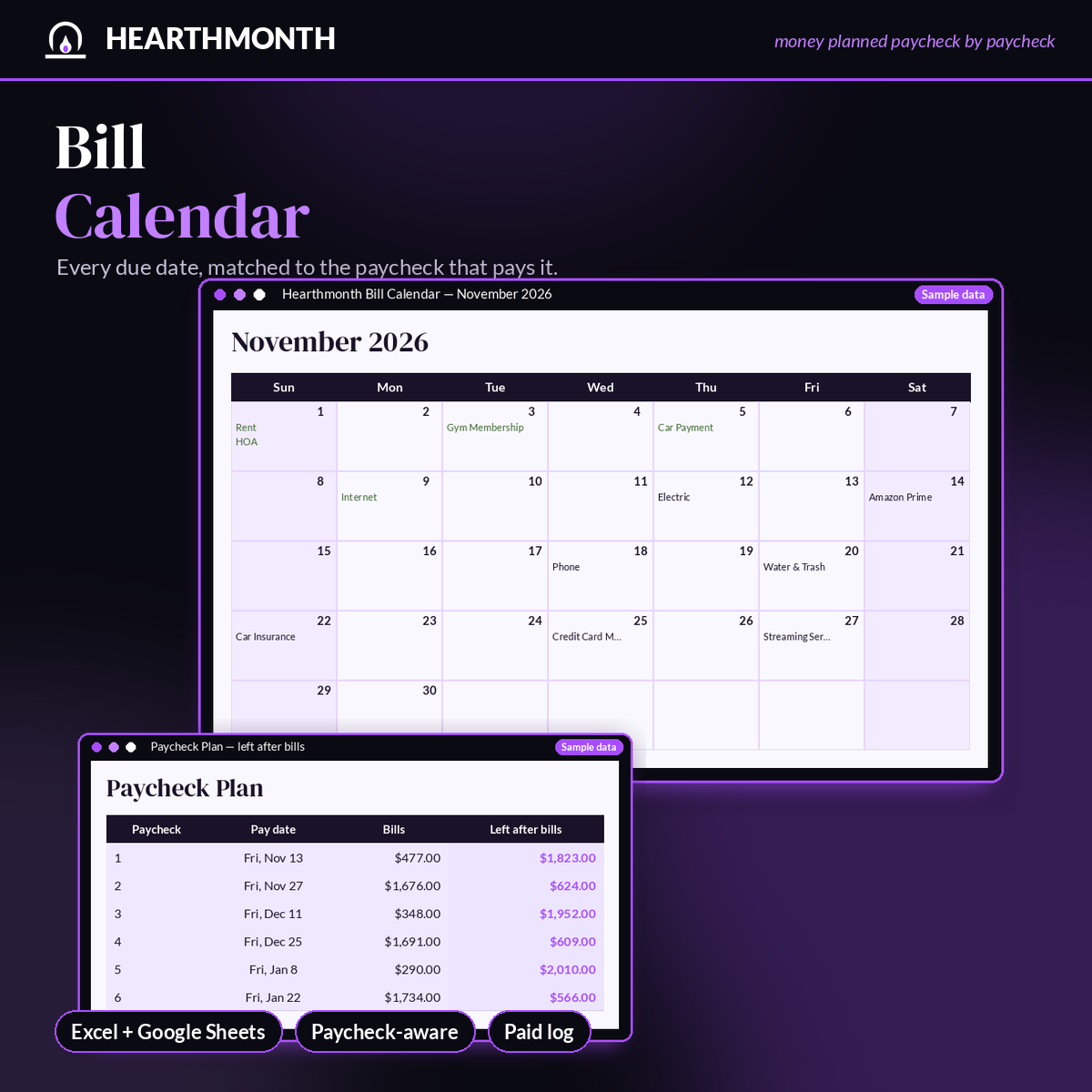
Stop wondering which paycheck is supposed to cover which bill. The Hearthmonth Bill Calendar puts every due date on a monthly calendar and matches each bill to the paycheck that arrives in time to pay it — then shows how much of that check is left.
Enter how often you're paid (weekly, biweekly, semi-monthly, or monthly), your next payday, and your bills once. Monthly, quarterly, annual, and one-time bills are all supported, including due dates at the end of shorter months. When you pay a bill, add it to the Paid Log and the calendar and year-at-a-glance grid update.
What's included:
- Bills register for up to 40 bills: amount, due day, frequency, category, and autopay
- A monthly calendar view of due dates
- Paycheck Plan that assigns each bill to a check and shows the amount left after bills
- Paid Log and a 12-month Year at a Glance so you can see what's been logged as paid
- Dashboard with monthly totals, leftover per paycheck, and bills by category
- Locked formulas, a Start Here tab, clearable sample data, and a 3-page quick-start PDF
Works in Microsoft Excel and Google Sheets (free). Instant digital download; no physical item ships. One-time purchase. A planning tool, not financial advice.
The Paycheck Budget Spreadsheet for Excel & Google Sheets ($14) adds savings set-asides and a Safe to Spend number for the next six paychecks. The Money Kit ($24) puts that spreadsheet, sinking funds, and a debt payoff tracker in one file. This calendar is the paycheck-aware due-date and paid-log tool.