

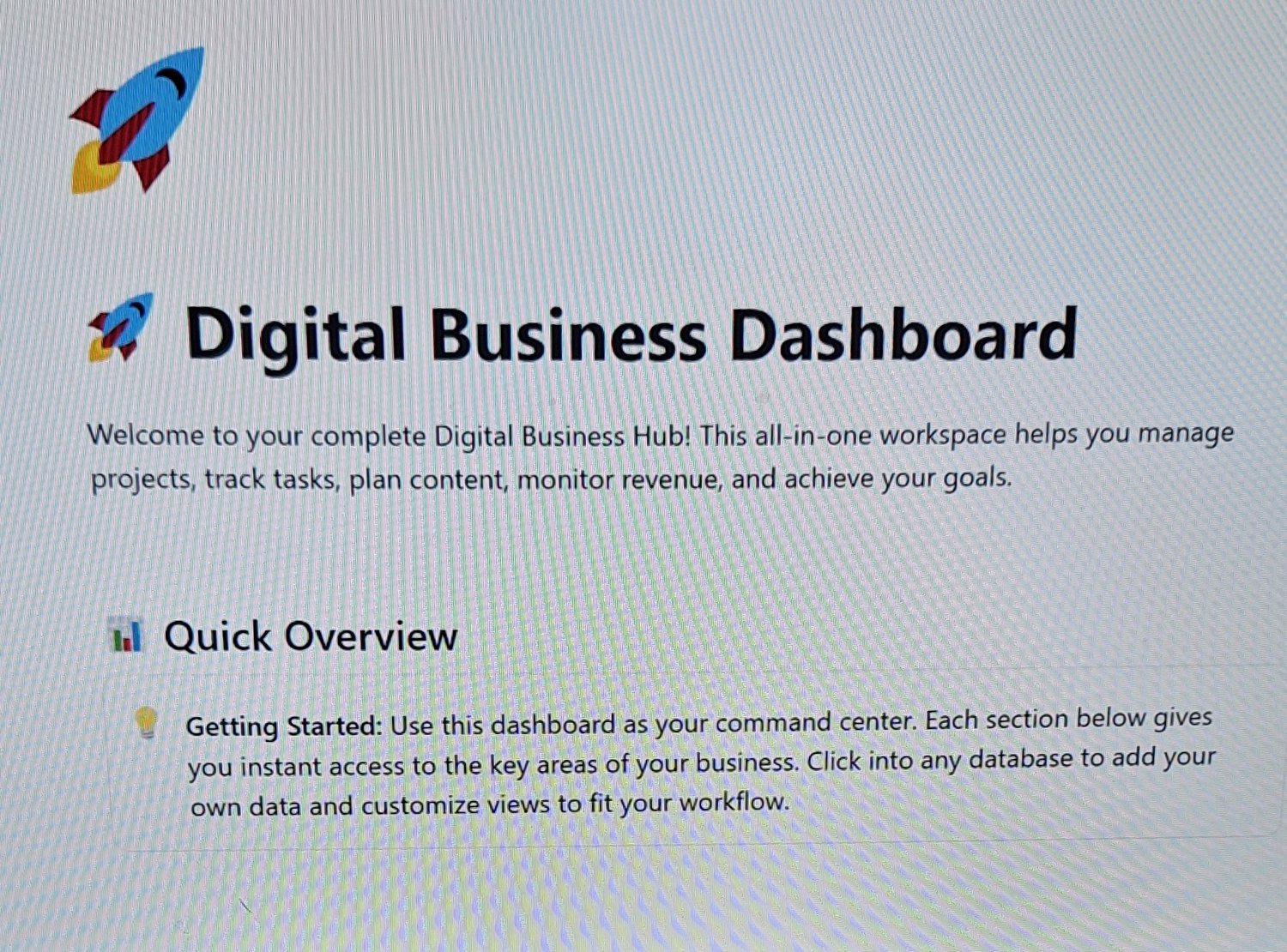
Digital Project Management Dashboard
On Sale
$8.00
$8.00
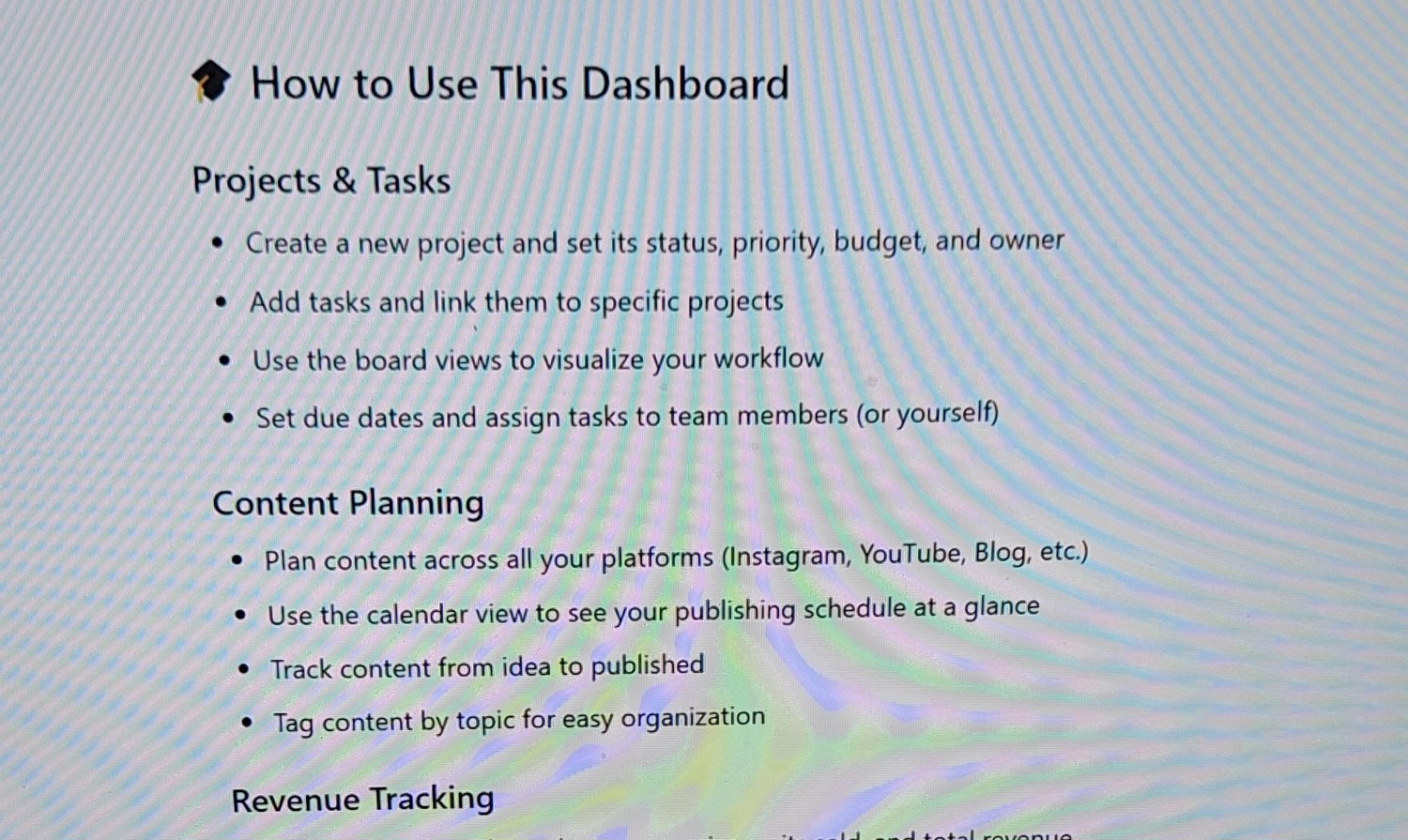
🎓 How to Use This Dashboard
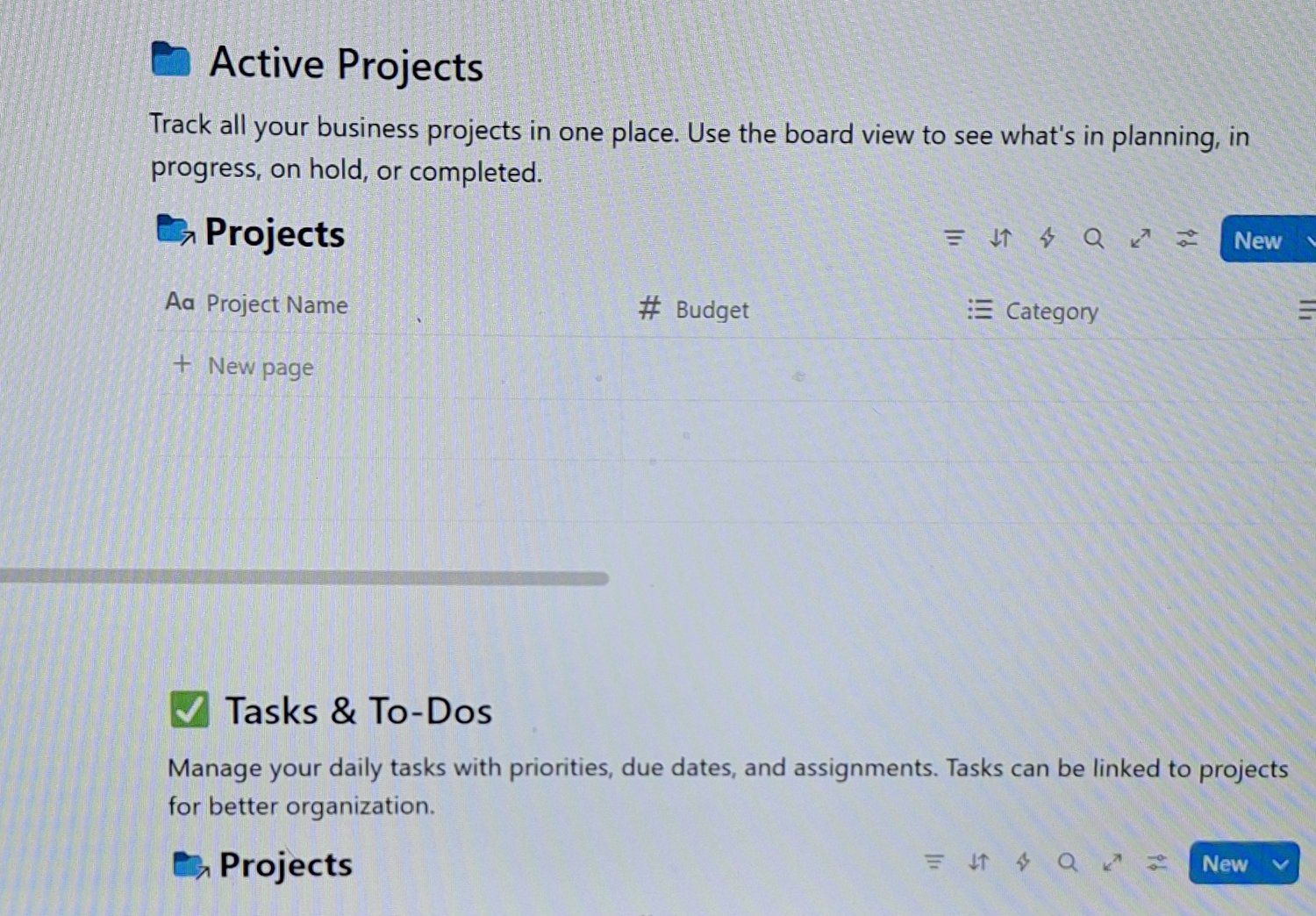
Projects & Tasks
- Create a new project and set its status, priority, budget, and owner
- Add tasks and link them to specific projects
- Use the board views to visualize your workflow
- Set due dates and assign tasks to team members (or yourself)
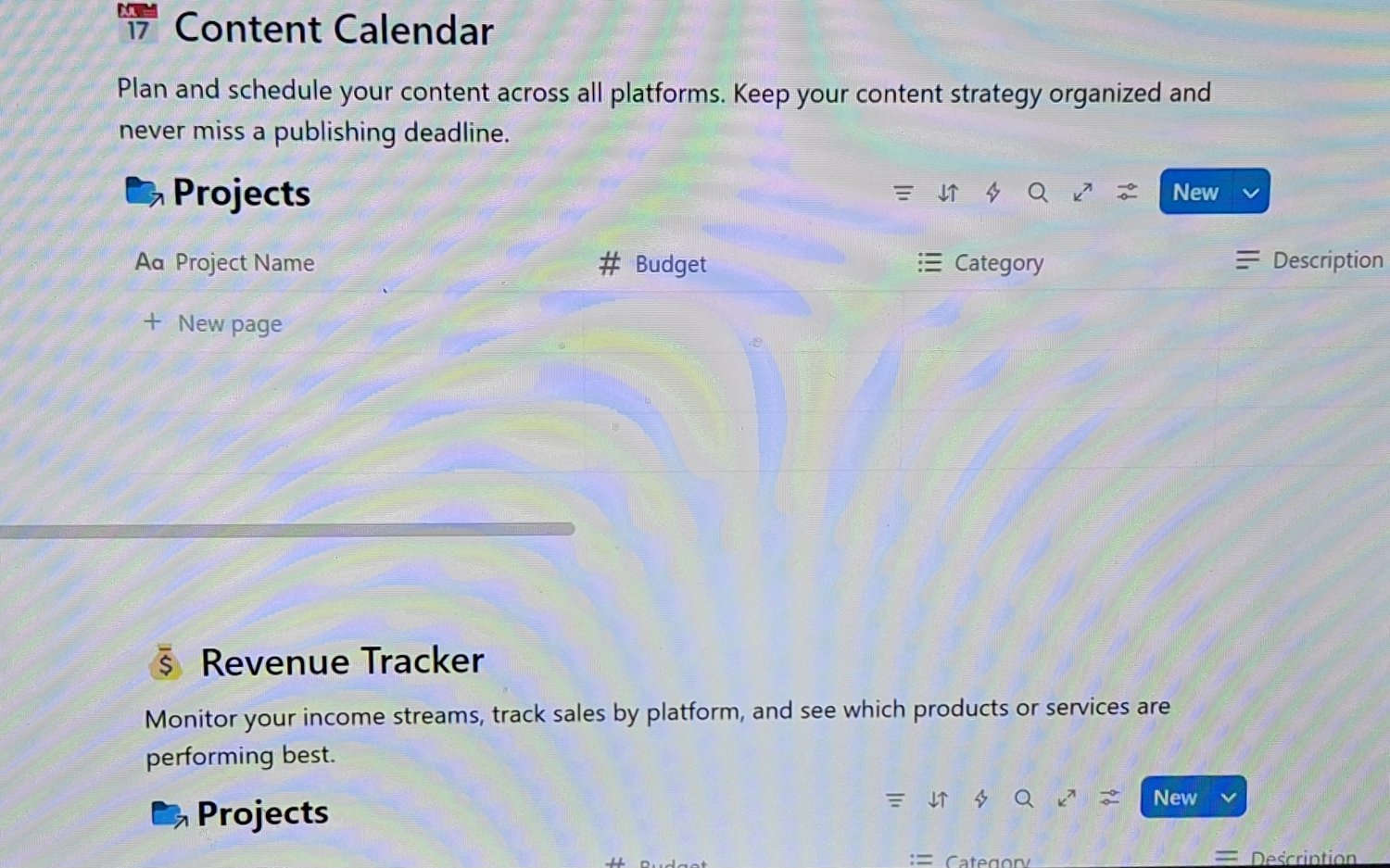
Content Planning
- Plan content across all your platforms (Instagram, YouTube, Blog, etc.)
- Use the calendar view to see your publishing schedule at a glance
- Track content from idea to published
- Tag content by topic for easy organization
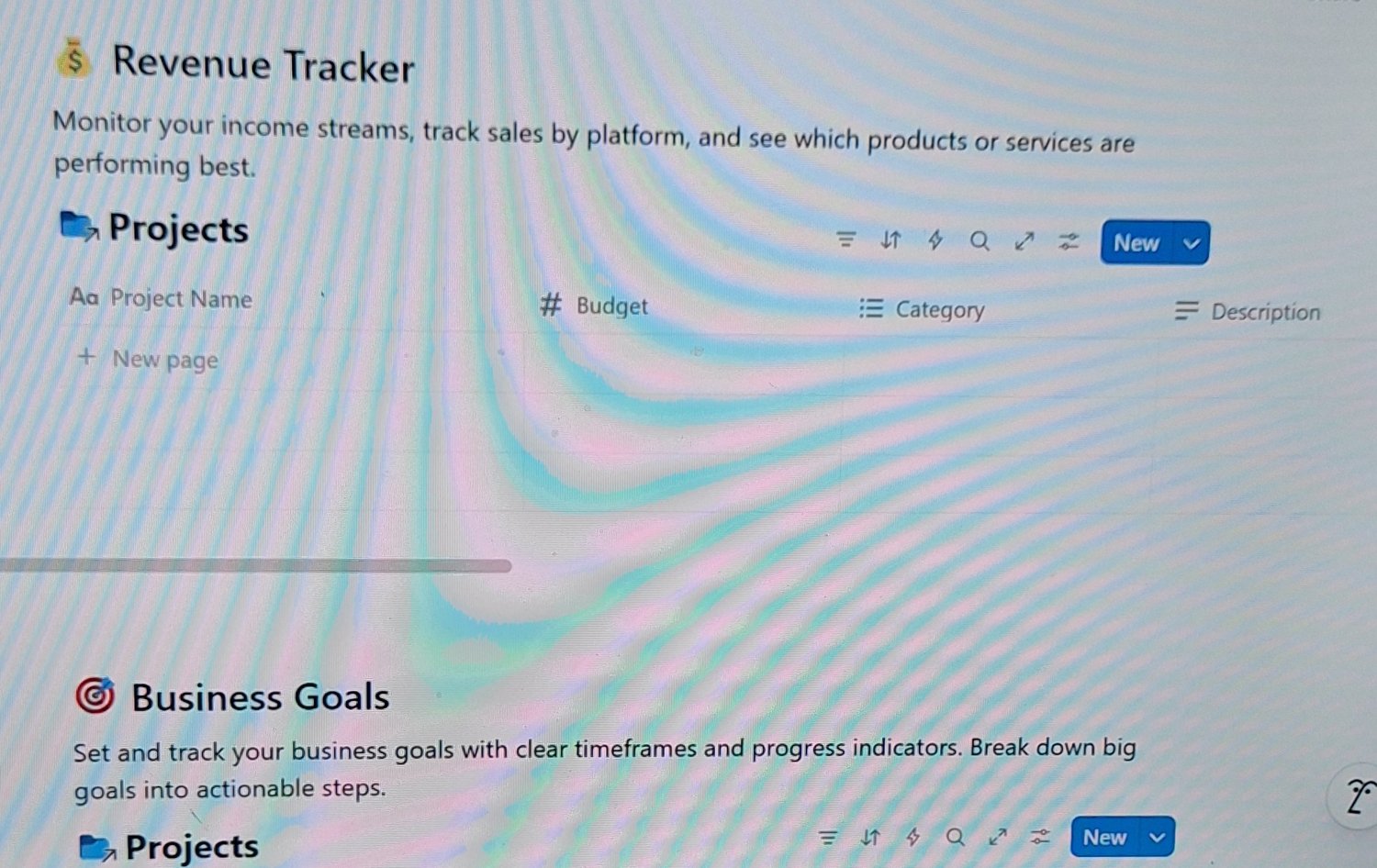
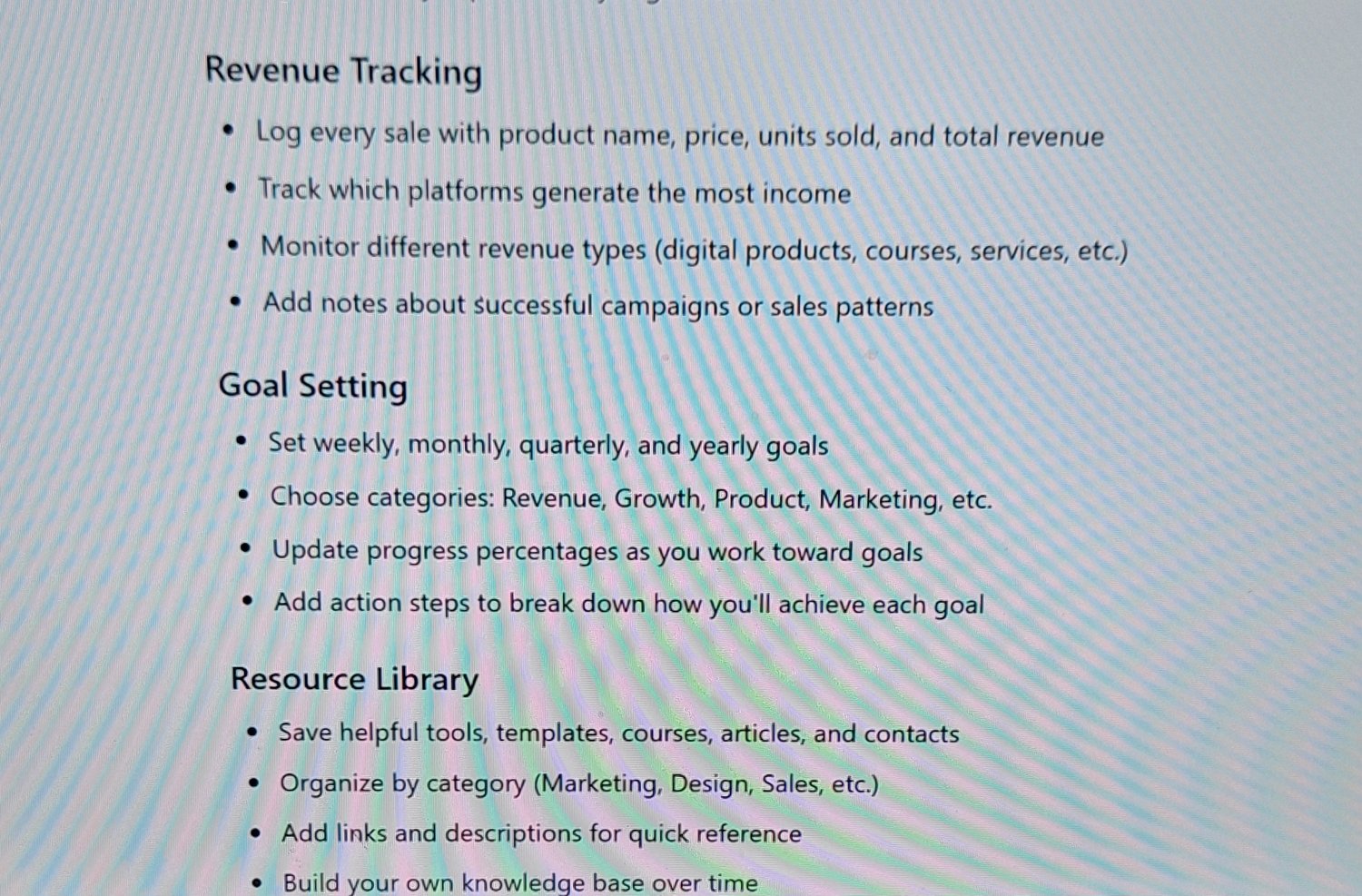
Revenue Tracking
- Log every sale with product name, price, units sold, and total revenue
- Track which platforms generate the most income
- Monitor different revenue types (digital products, courses, services, etc.)
- Add notes about successful campaigns or sales patterns
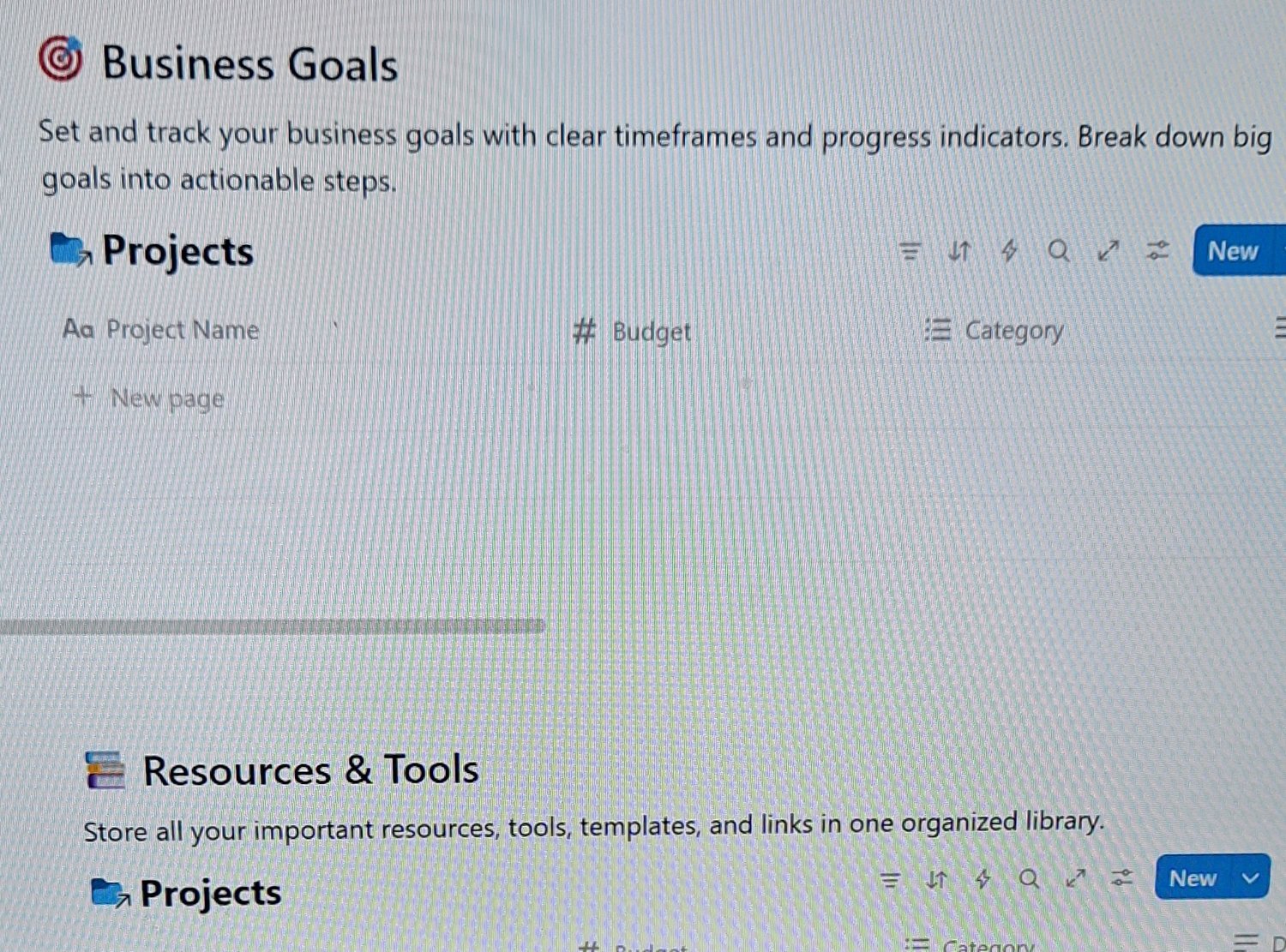
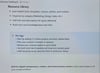
Goal Setting
- Set weekly, monthly, quarterly, and yearly goals
- Choose categories: Revenue, Growth, Product, Marketing, etc.
- Update progress percentages as you work toward goals
- Add action steps to break down how you'll achieve each goal
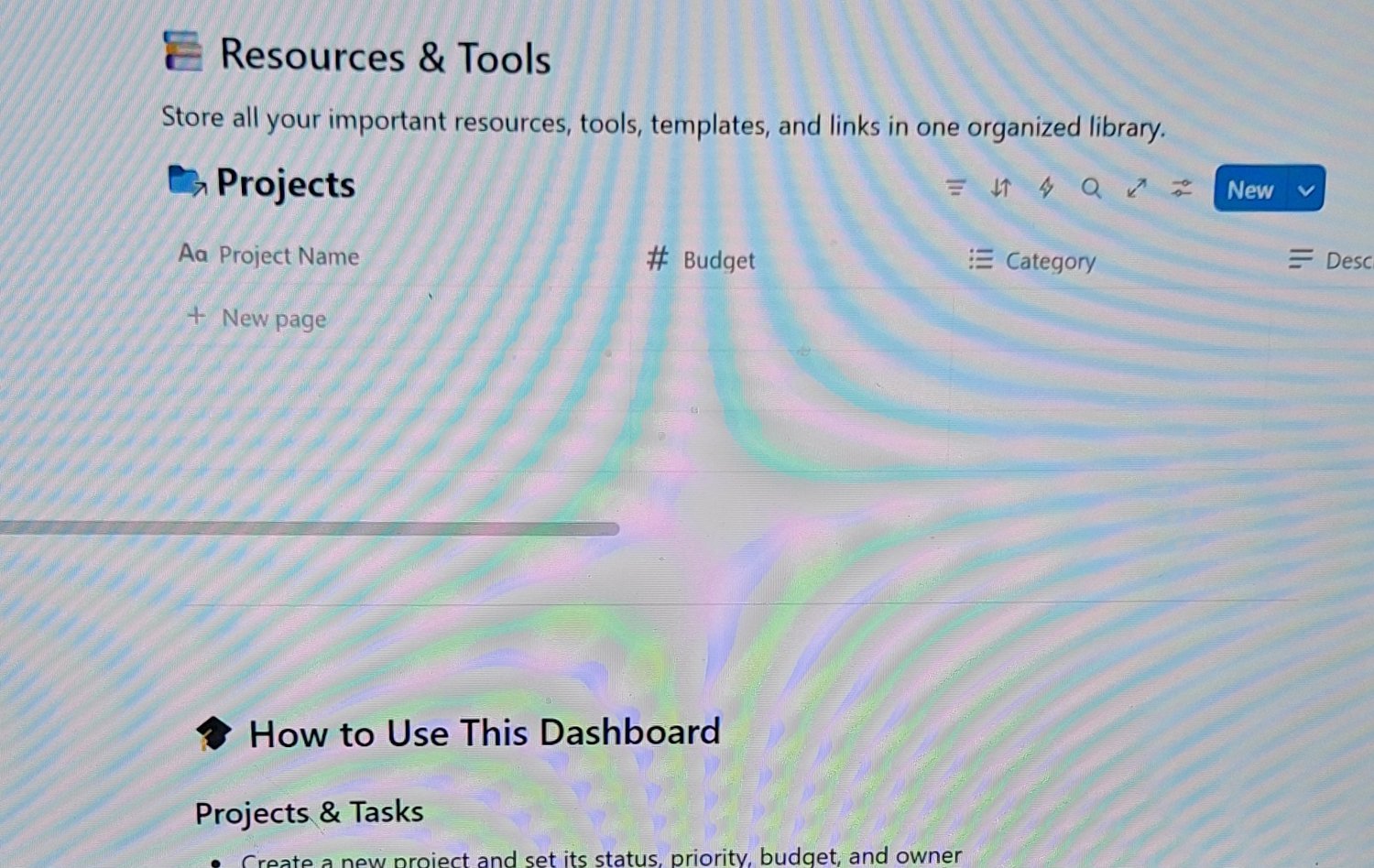
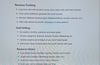
Resource Library
- Save helpful tools, templates, courses, articles, and contacts
- Organize by category (Marketing, Design, Sales, etc.)
- Add links and descriptions for quick reference
- Build your own knowledge base over time
For Entertainment Only!
All Rights Reserved