



Outside Your Window (Mac OS Game)
On Sale
$0.00
Pay what you want:
$
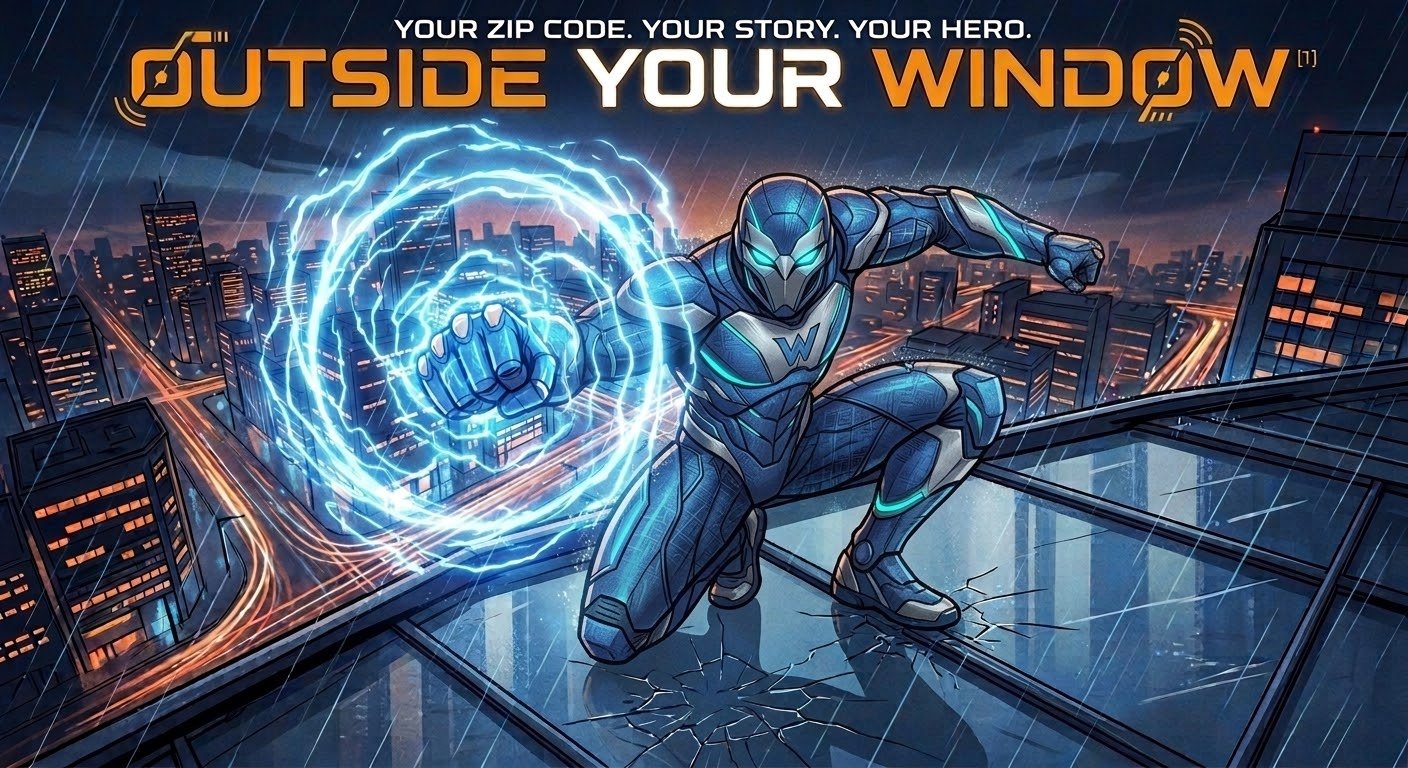
Outside Your Window is a local, AI-powered web game that transforms real-world current events into an interactive superhero role-playing experience. Players create a custom hero and input a U.S. ZIP code to ground their story in a unique opening world seeded by live news headlines. The application utilizes the user's local Codex CLI installation as an intelligent game master to dynamically orchestrate the narrative and resolve turn-based actions using d20 rolls.
Here are the step-by-step instructions for setting up and running the game on macOS:
- Open the game folder.
- Double-click the setup-mac.command file.
- Wait for the setup script to finish running.
- If the script prompts you to sign into Codex, complete the sign-in process.
- Once the setup is complete, double-click the start-mac.command file.
- The game should automatically open in your web browser at http://localhost:4312.
Troubleshooting Tips:
- Ensure you are connected to the internet during setup.
- The script might need to install Homebrew first if you don't already have it.
- If Node.js was just installed during this process, you may need to close and reopen your terminal window to get things working.