

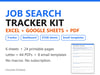
Job Search Tracker & Application Kit | Excel + Google Sheets Spreadsheet + Printable Planner + STAR Interview Worksheets
Keep your job search organized in one place.
WHAT YOU GET (counted)
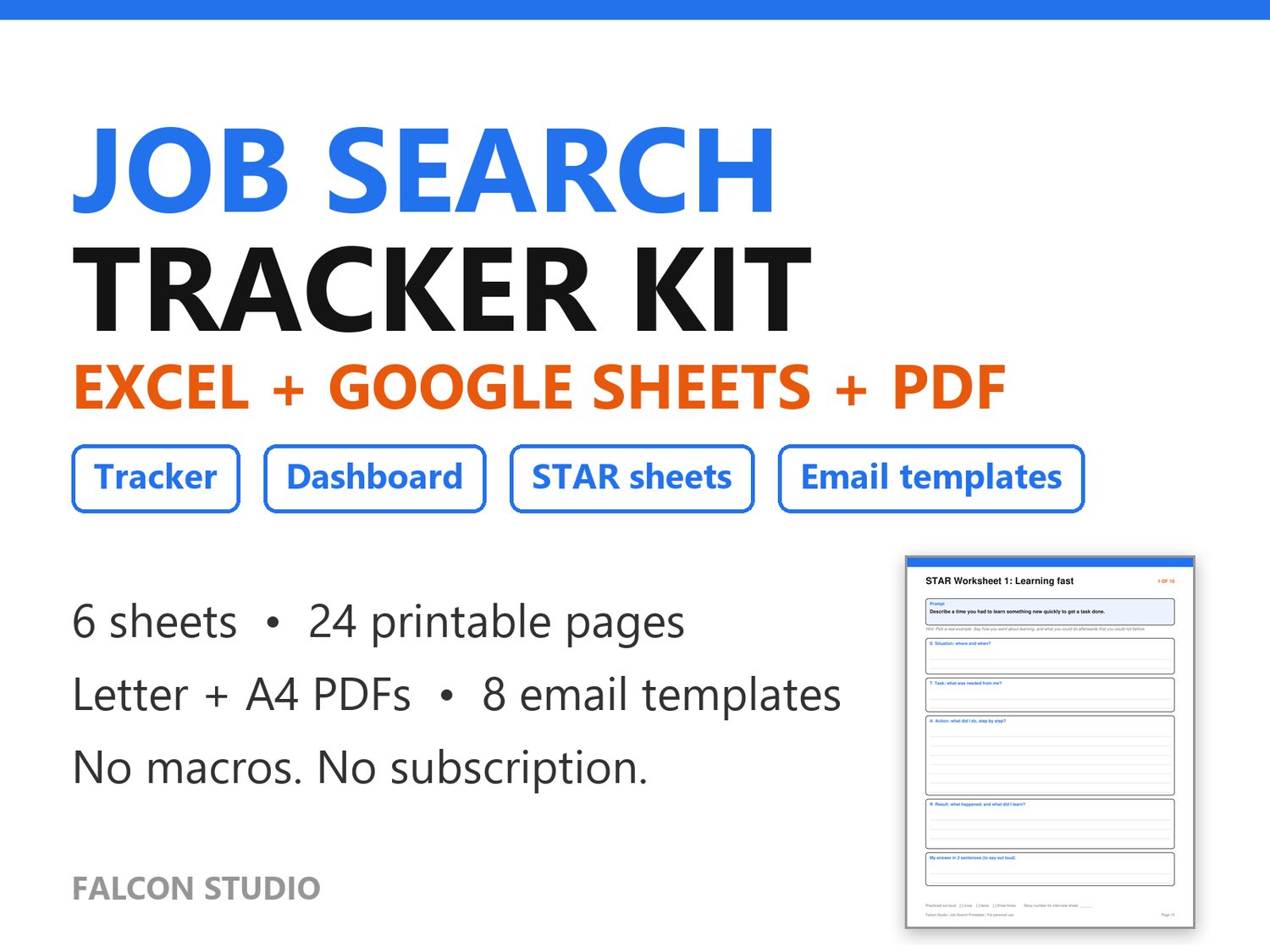
- 1 spreadsheet file (.xlsx) with 6 sheets: Start Here, Applications, Dashboard, Interviews, Networking, Email Templates
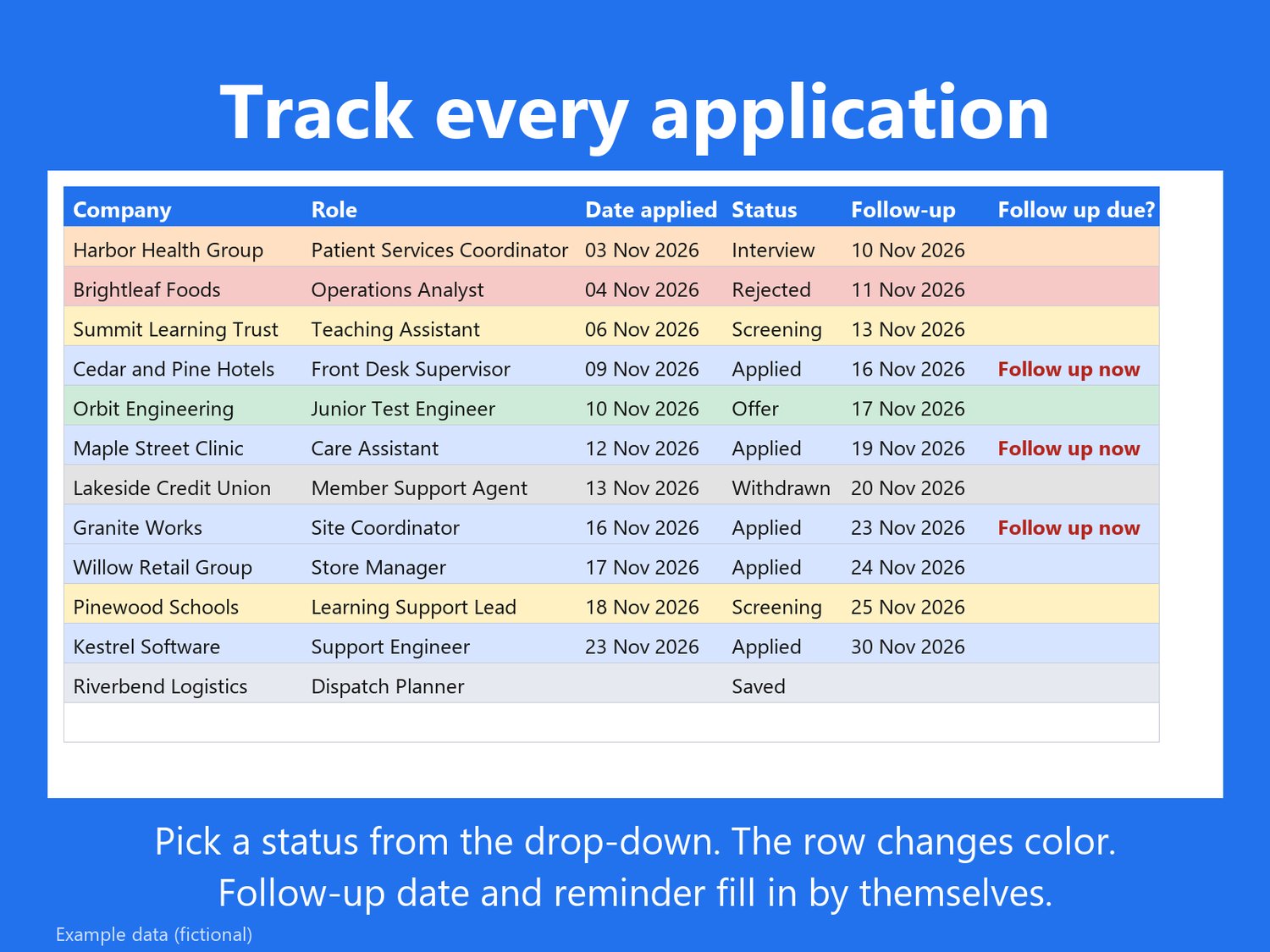
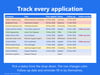
- Applications sheet: 200 rows, a Status drop-down (Saved, Applied, Screening, Interview, Offer, Rejected, Withdrawn), row colors by status, a follow-up date that fills in as date applied + 7 days, a "Follow up now" flag, salary range and notes
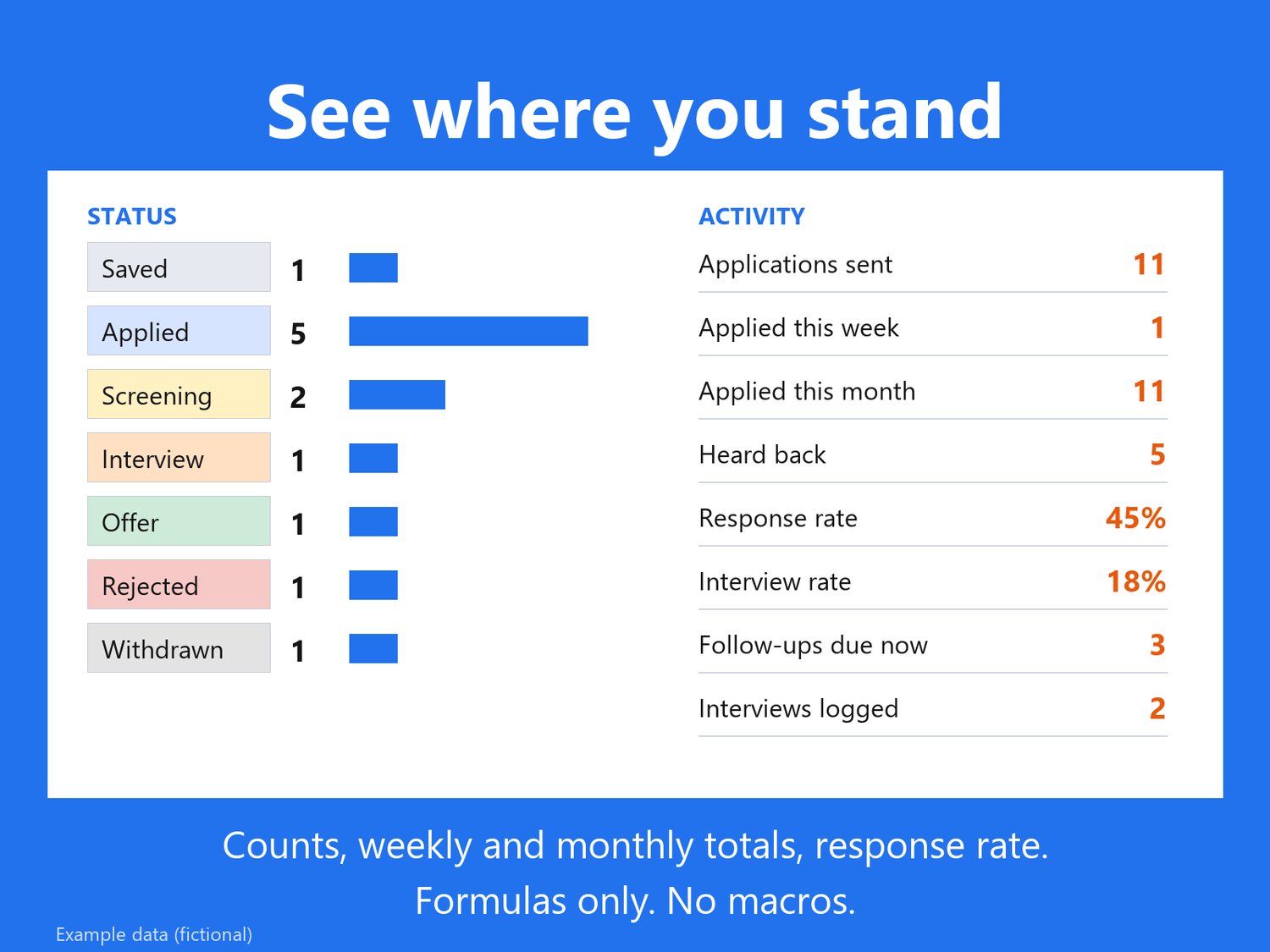
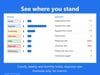
- Dashboard: counts by status, applications this week and this month, response rate and interview rate, follow-ups due (formulas only, no macros)
- Interviews log (60 rows) and Networking contacts log (60 rows)
- 8 short follow-up email templates (after applying, after a screen, after an interview, asking about timing, reaching out, withdrawing, replying to a rejection, asking for time on an offer)
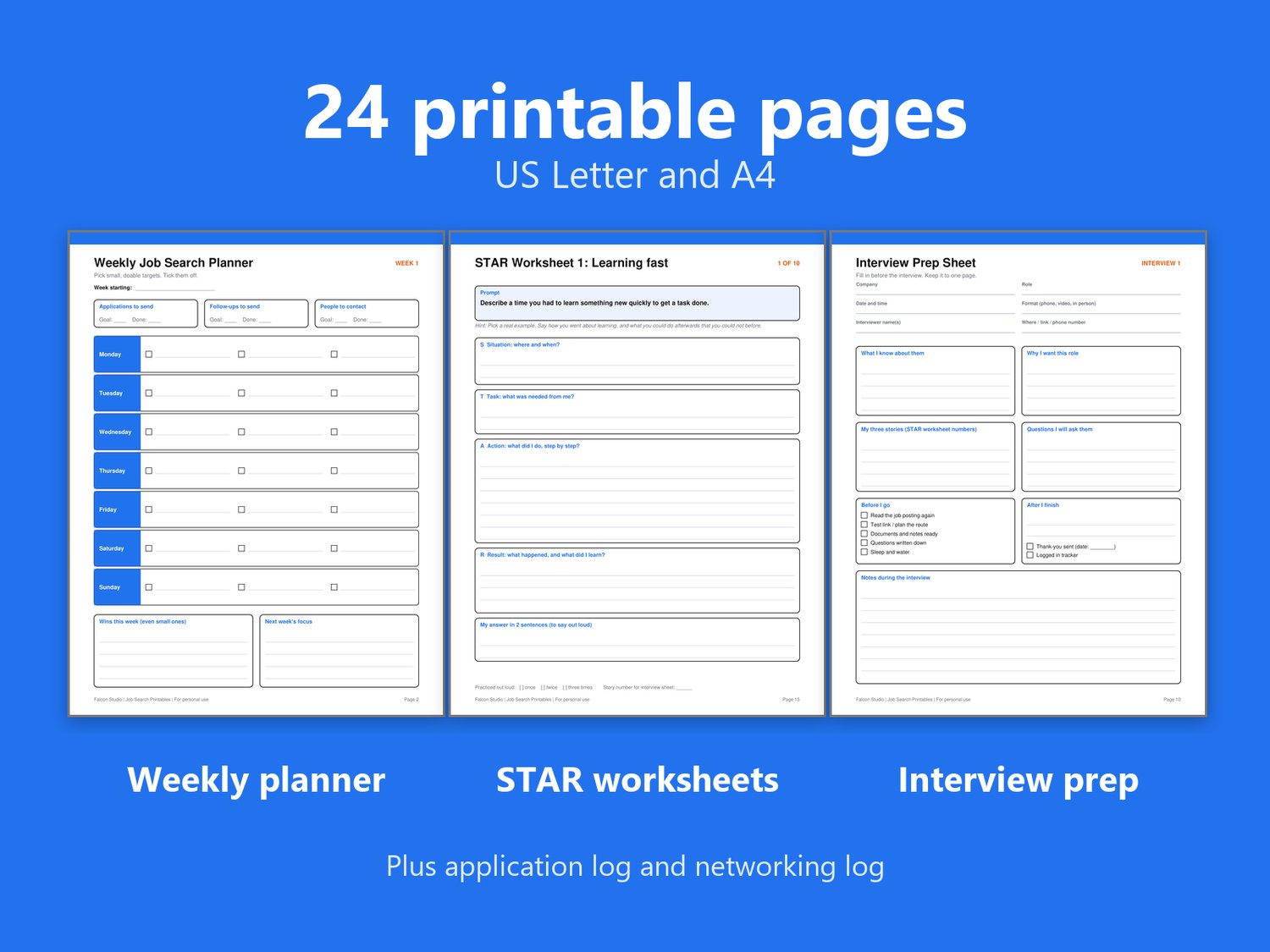
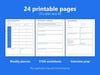
- 24 printable pages as PDF, in US Letter and in A4 (2 PDF files): weekly planner (4), application log (4), interview prep sheet (3), networking log (1), STAR method page (1), STAR answer worksheets with Situation / Task / Action / Result boxes (10), and an intro page
- 2-page guide as PDF (Letter and A4), including how to copy the tracker into Google Sheets
- Personal-use license
HOW IT WORKS
- Open the .xlsx in Excel, or upload it to your own Google Drive and open it with Google Sheets (File > Save as Google Sheets).
- Delete the 3 example rows, add your first job, and pick a status from the drop-down.
- Check the Dashboard once a week. Print the planner and STAR sheets if you like paper.
GOOD TO KNOW
- Works in Microsoft Excel and Google Sheets. Numbers, LibreOffice and Excel on the web open .xlsx files too. Use the full version of Excel or Sheets on a computer for the best result; phone apps may show fewer features.
- No macros, no add-ons, no subscription.
- The STAR prompts are our own wording. Use only true examples in your answers.
- This is an organizing and practice tool. It does not promise interviews, job offers or any result, and it cannot predict how an employer will respond.
- Digital download. Nothing is shipped. Not affiliated with any employer, job site, Google or Microsoft.
- Pairs well with our ATS Resume Templates (see the bundle below).
SAVE WITH THE BUNDLE
Need a resume too? Get the ATS Resume Templates Bundle + Job Search Tracker together for US$22 instead of US$24.99.
FAQ
Q: Does it work in Google Sheets?
A: Yes. Google Sheets opens Excel files after you upload them to your own Drive. The Start Here sheet and the guide give the steps (upload, Open with Google Sheets, then File > Save as Google Sheets). The drop-downs, row colors and Dashboard formulas use standard features that Google Sheets supports. Dates may show in your regional format.
Q: Which printable PDF should I use?
A: Use the Letter file if you print on US Letter paper (US, Canada) and the A4 file for A4 paper (most other countries). Both have the same 24 pages. Print at 100% / Actual size.
Q: Will this get me a job?
A: No tool can promise that. This kit helps you keep track of applications, remember to follow up, and practice clear interview answers. The results depend on you and the employers.