

Lawn Care Board: Phone App for Today's Route, Clients & Payments
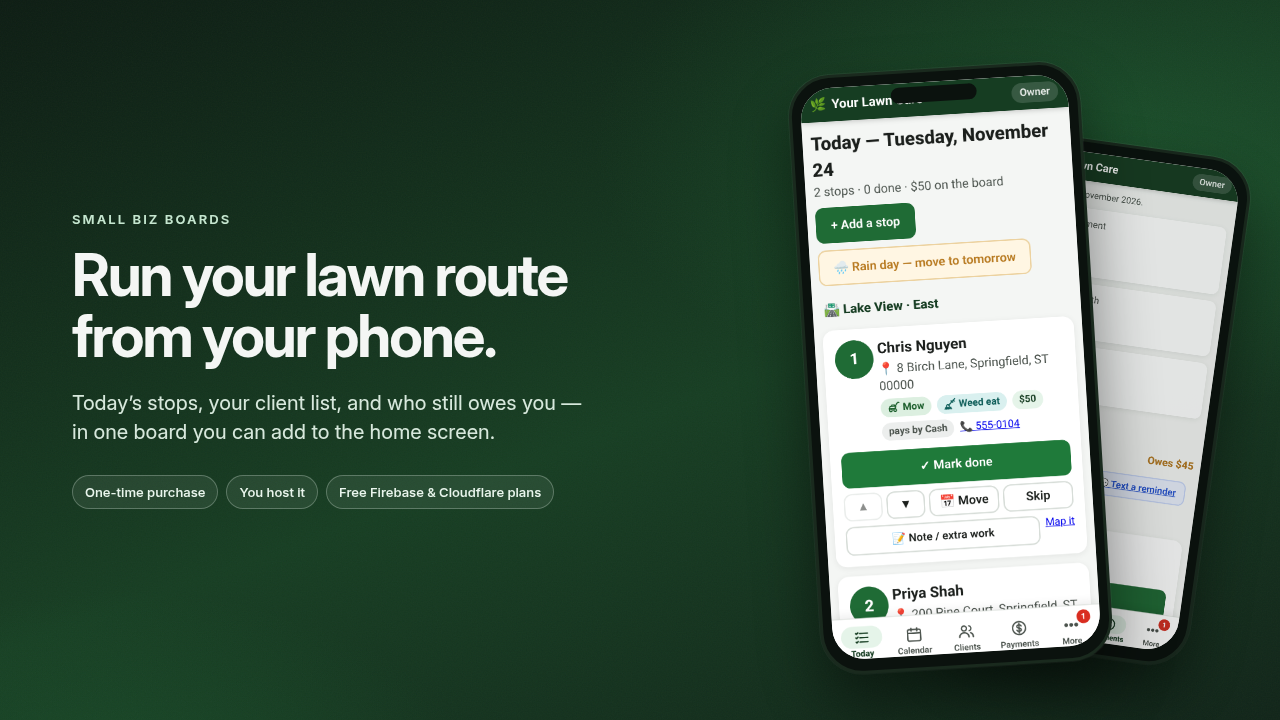
Run your lawn route from your phone — without a monthly software bill.
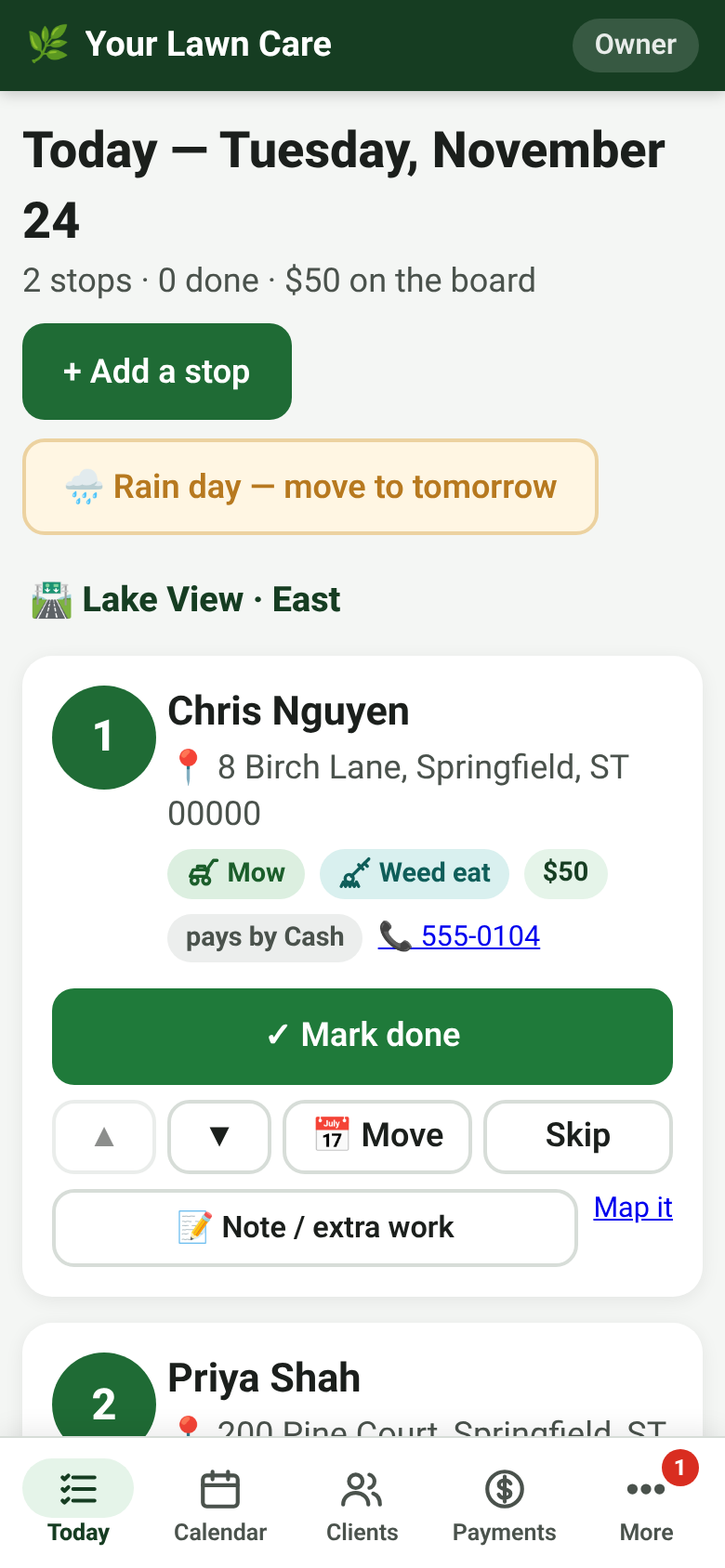
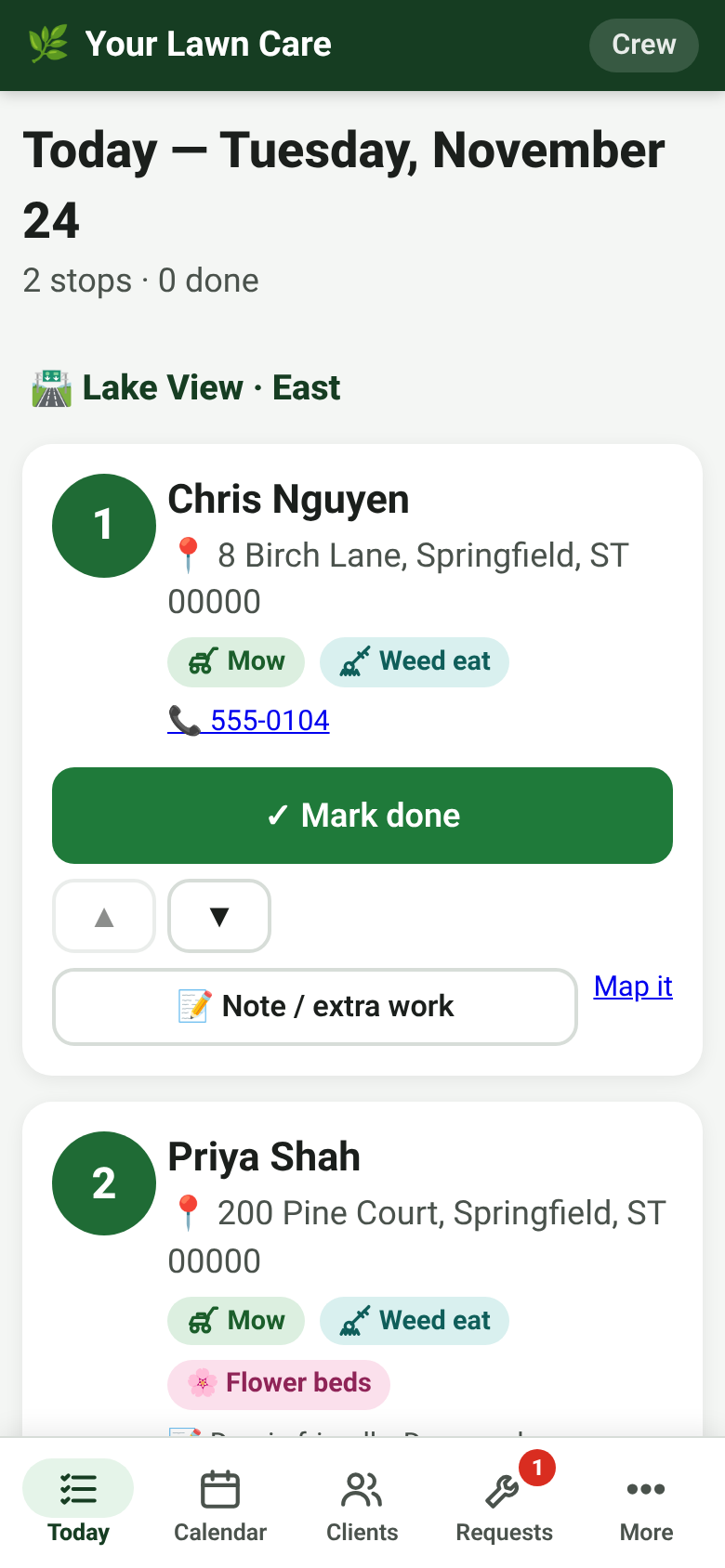
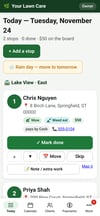
Lawn Care Board is a simple web app you can add to an iPhone or Android home screen. It keeps today’s stops, your client list, payments, expenses, and extra-work notes in one place. Your crew can mark jobs done without seeing dollar amounts. When they spot extra work, they can send the customer a simple yes-or-no page with a photo.
This is a template you host yourself. The purchase is one-time. The board is built to run on a free Firebase plan (the shared list) and free Cloudflare Pages (the website). A step-by-step guide is included, written for a non-technical owner.
What you can do
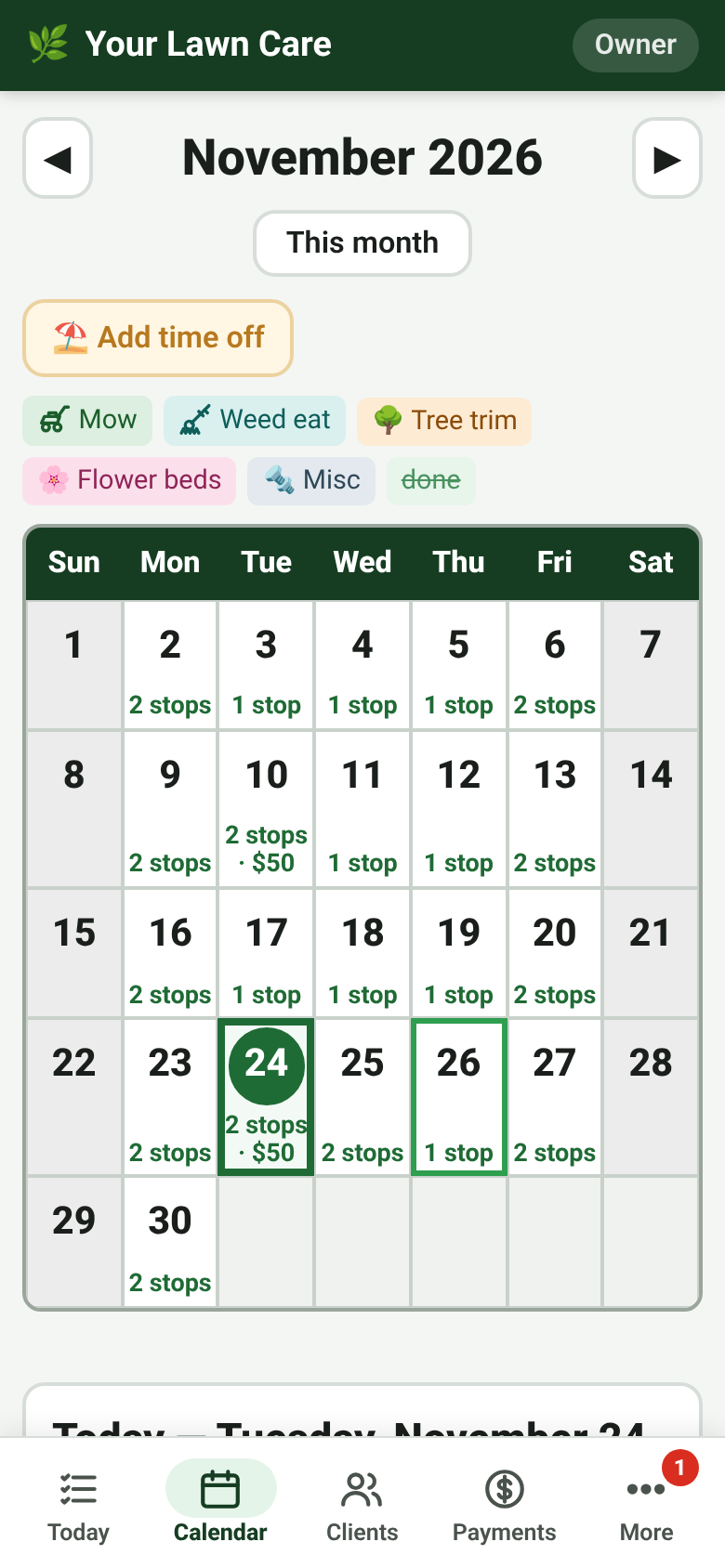
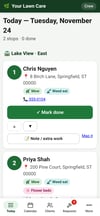
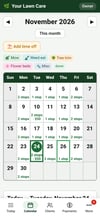
- See today’s route on your phone, mark stops done, and move or skip a job when the day changes
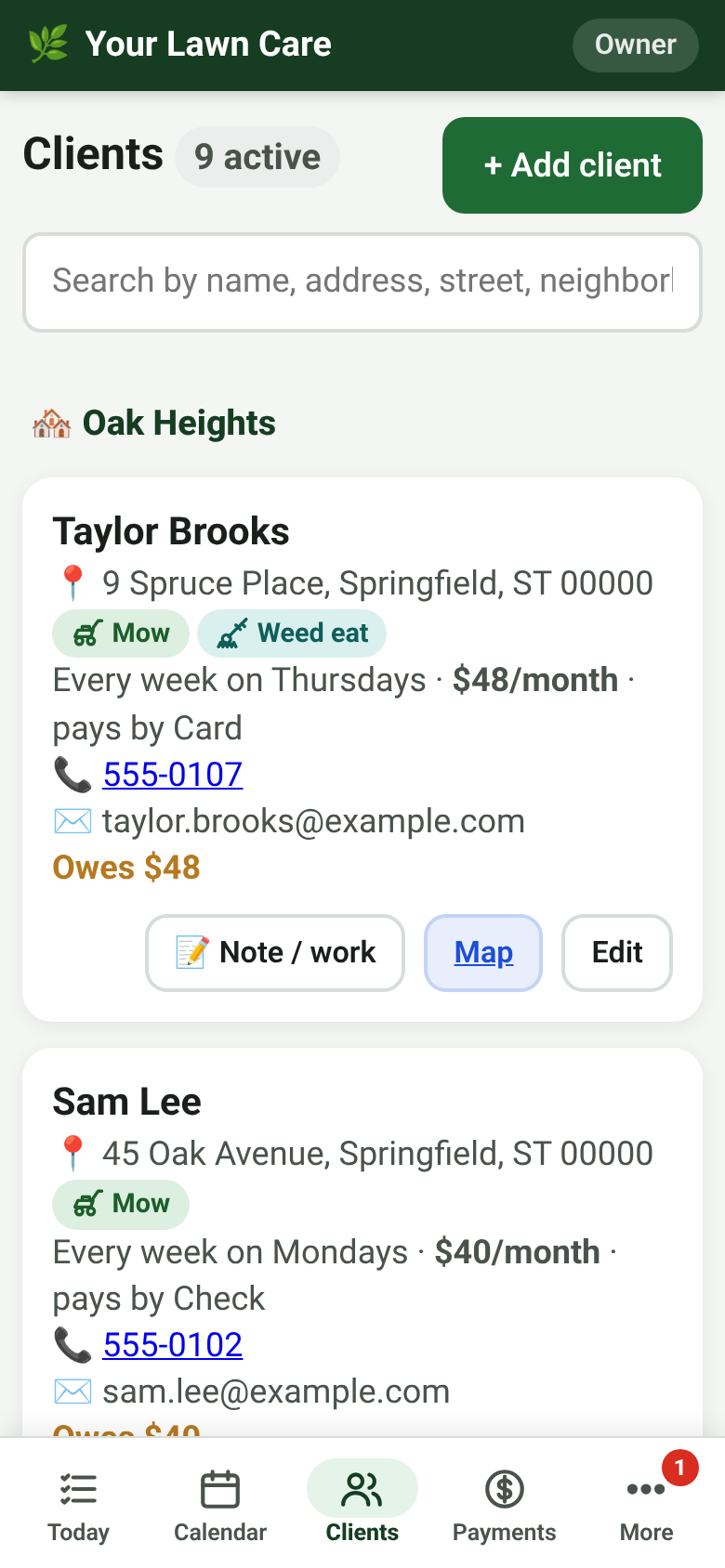
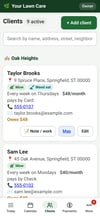
- Keep clients, addresses, services, and prices in one list, grouped by area
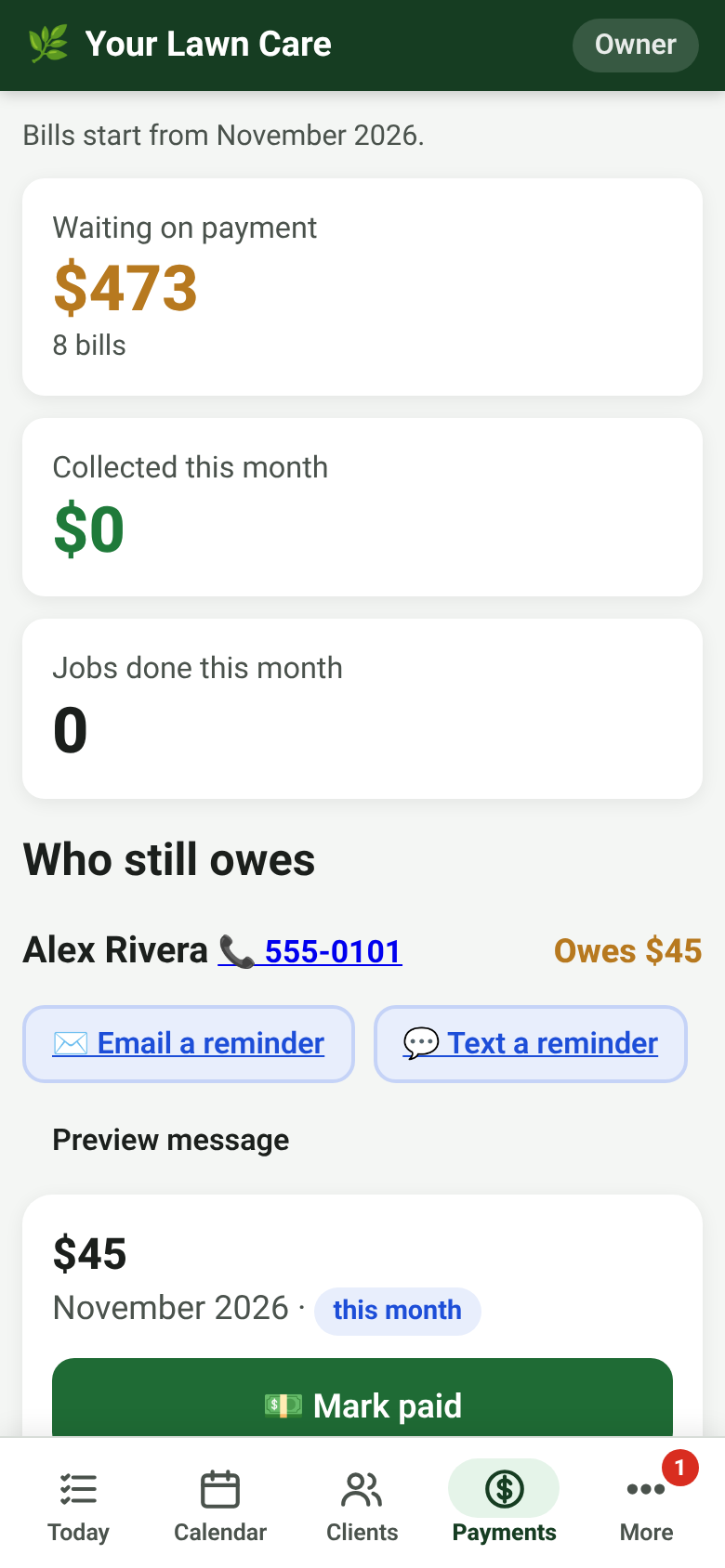
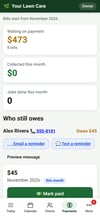
- Record payments — cash, check, Zelle, Venmo, Cash App, or card — including partial payments, and see who still owes you
- Log expenses, with optional receipt photos
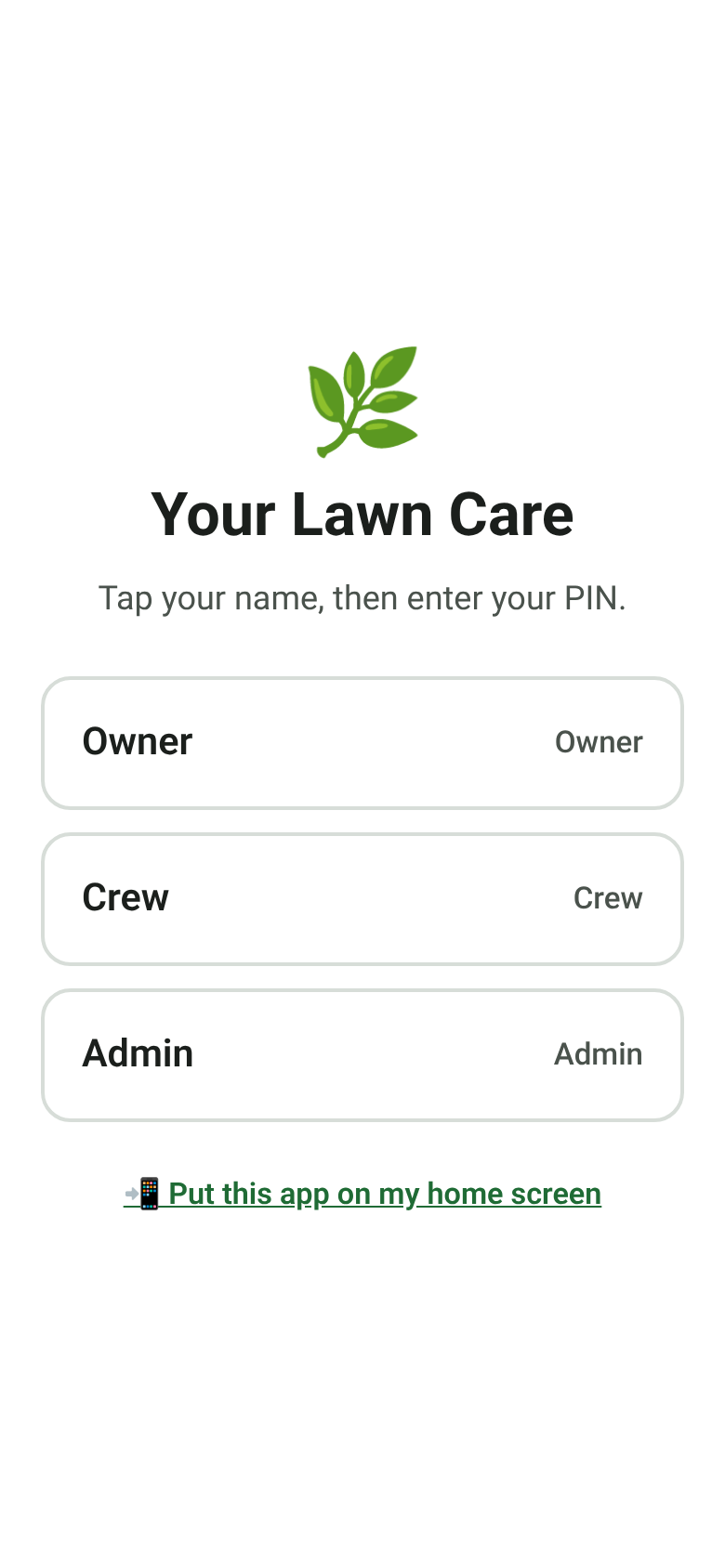
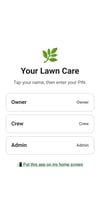
- Give crew members their own PIN so they can run the route without seeing prices
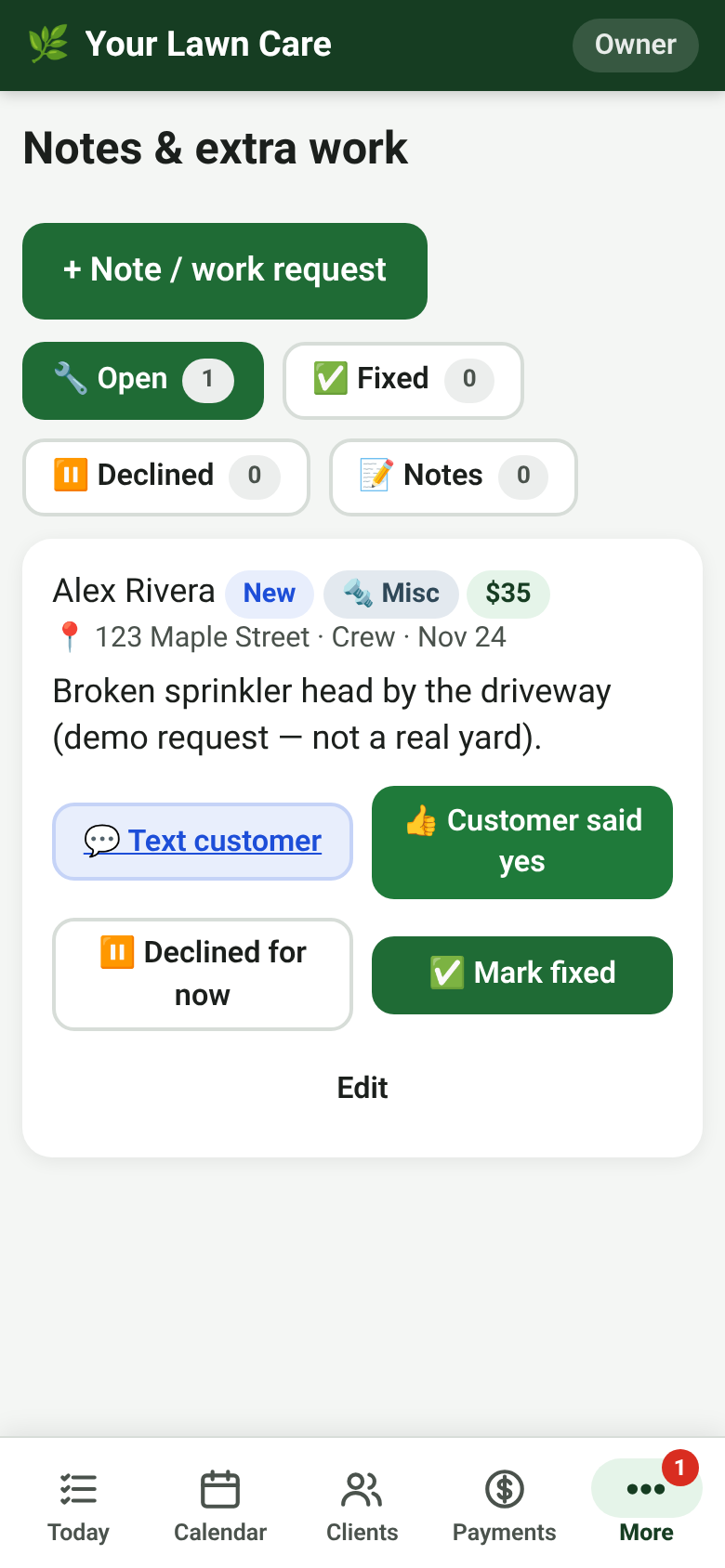
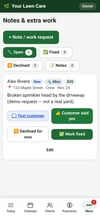
- Send a customer a short page with a photo when extra work comes up
- Put the board on a phone home screen so it feels like an app
- Change your business name and colors in one file
What’s included
- The complete app files (HTML, CSS, JavaScript, and icons)
- A placeholder for your own Firebase keys — no one else’s project is included
- Database rules that require sign-in, plus the file to paste into Firebase
- A local preview with clearly invented demo customers (fake names and 555 numbers) so you can try the board on your computer first
- BUYER-SETUP.md — plain steps for Firebase, Cloudflare, your name, and colors
Who it’s for
- Solo lawn care and small crews who want today’s route, clients, and payments on a phone
- Owners who would rather pay once and host the board themselves than pay a monthly app fee
- People who are willing to follow a copy-and-paste setup guide (no coding required, but it is not a one-click install)
Who it’s not for
- Anyone who needs a done-for-you install or wants the seller to log into their accounts
- Teams that need Jobber-level features, automatic imports from another app, or a marketplace for new customers
- Buyers who want custom programming included in this price
Good to know
- Open the files on your computer first and try the fake demo route. Your live Firebase project starts empty so you can add your own clients.
- Firebase and Cloudflare free plans are enough for a typical small lawn route. You are responsible for staying within those plans; the guide explains the basics. A custom domain is optional and is paid to the domain company, not to me.
- This does not import data from Jobber or other apps automatically.
Support
Email only, through Payhip. I can help you find the right step in the guide. I do not log into your accounts, and I do not build or host the board for you as part of this purchase.
FAQ
Do I need to know how to code?
No. Follow BUYER-SETUP.md in order. You will copy and paste a few values and upload a folder to Cloudflare.
Does this work on iPhone and Android?
Yes. It opens in the phone’s browser, and you can add it to the home screen so it feels like an app.
Is there a monthly fee for the template?
No. The template is a one-time purchase. Hosting is on free Firebase and Cloudflare plans for a typical small route. If you later add a custom domain, that cost goes to the domain company.
Will you set it up for me?
Not as part of this purchase. Support is email-only through Payhip, to help you follow the guide.
Can my crew use it too?
Yes. Each person gets a name and a PIN. Crew members can run the route without seeing prices or payments.
Is the demo data from real customers?
No. The preview uses invented names, 555 phone numbers, and Springfield addresses, and only on your computer.
Can I change the name and colors?
Yes. Open js/brand.js and change the name and colors. You can also change the name under Settings after you sign in as Admin.
What is your refund policy?
Because this is a digital download, please try the local preview (Part A of the guide) as soon as you get the files. If the product is not as described, or the files will not open, email me through Payhip within 14 days and I will refund you. I cannot refund a change of mind after you have deployed the board with your own data, and I cannot refund a request for a custom install that is not included.