
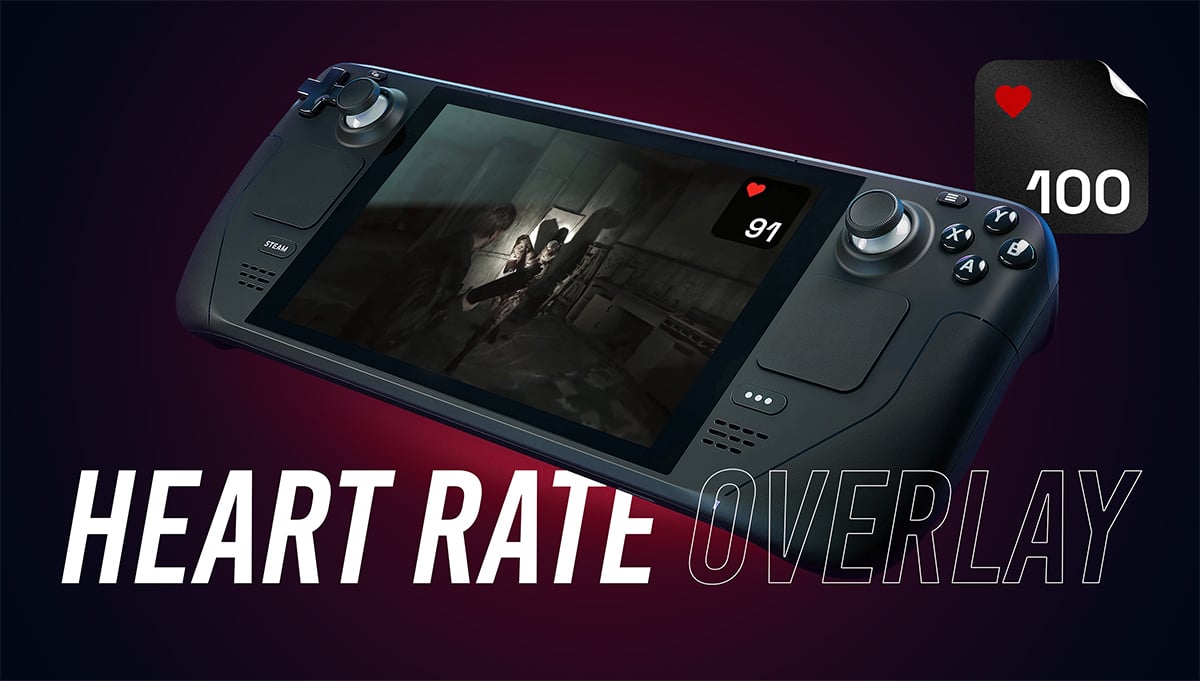
Steam Deck Heart Rate Overlay
This plugin shows your heart rate from Apple Watch while you're playing video games on the Steam Deck.
The plugin can do this…
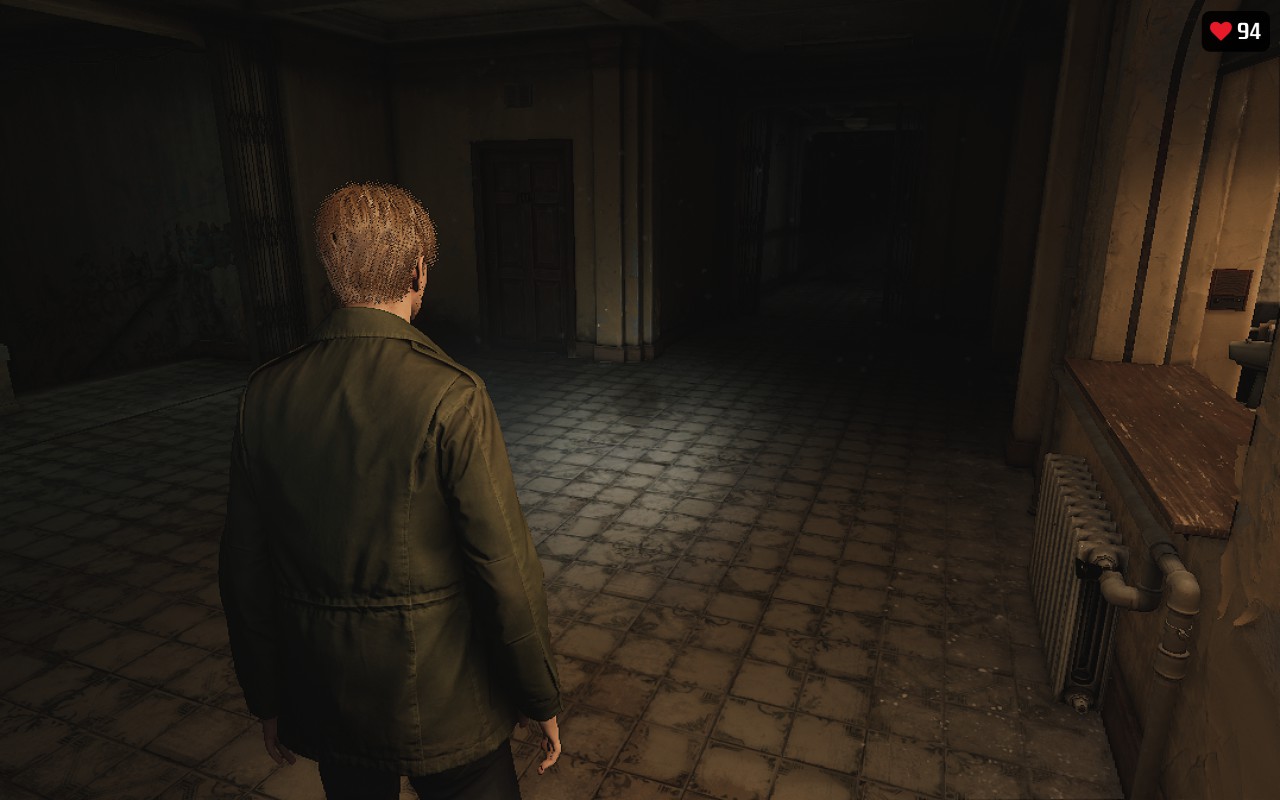
During gameplay, the plugin shows your current heart rate from your watch in a simple widget on the Steam Deck screen. You can set 3 different widget sizes and use 8 predefined positions on the screen. You can also adjust the widget's opacity using a simple slider.
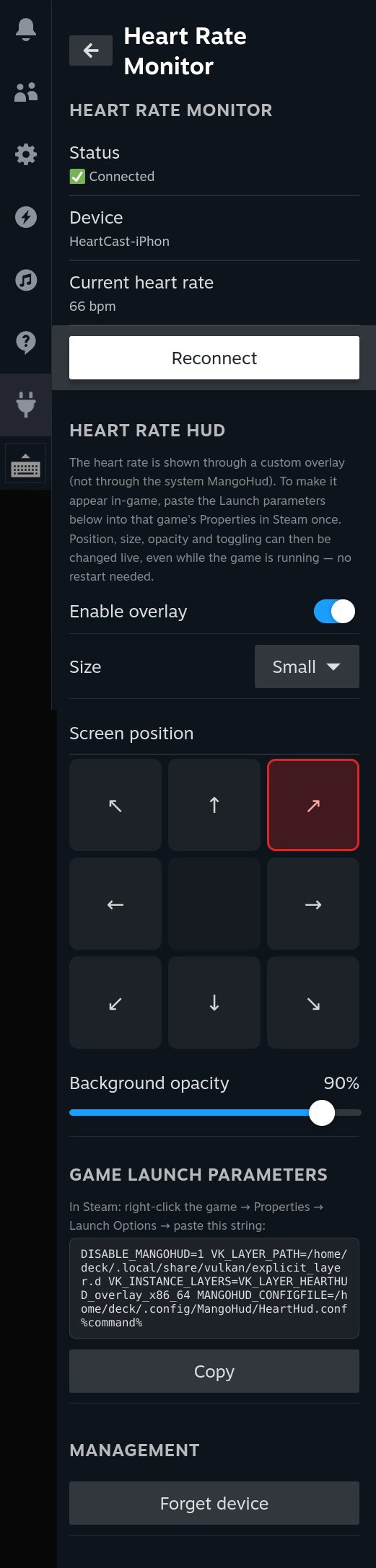
How it works…
First, you'll need an iPhone and an Apple Watch. It doesn't matter which models. Install the HearCast app from the App Store. You'll also need to have the Decky Loader installed on your Steam Deck.
Start the heart rate measurement in the HeartCast app, and then pair your phone in the plugin using the “Scan and connect” button on the deck. If pairing is successful, the plugin will display your current heart rate. Don’t forget to copy the launch parameter into the game launcher’s “Launch options” field under “Properties.” Copy the parameter using the button in the plugin window. That’s it, the heart rate widget should now appear in the game. Now just adjust its position, size, and opacity as needed, and start playing or streaming.
Large size:
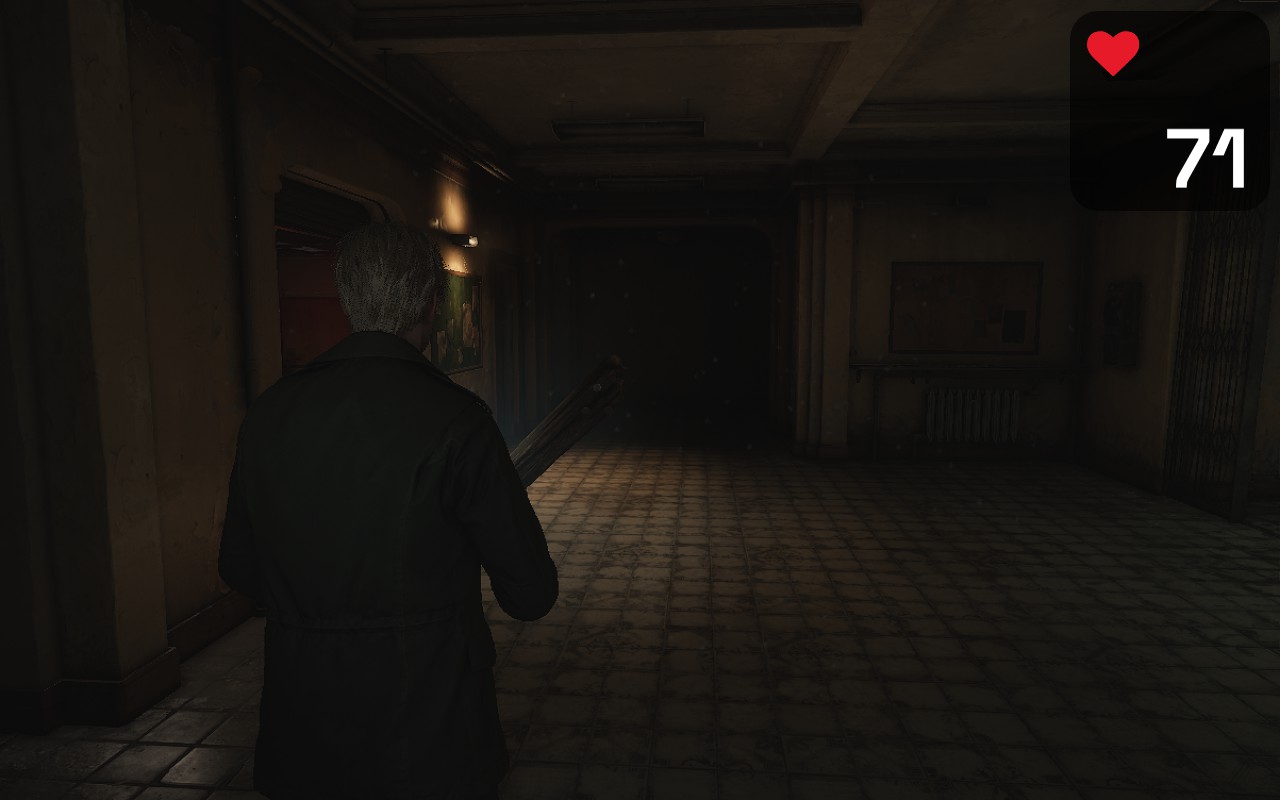
Medium size:
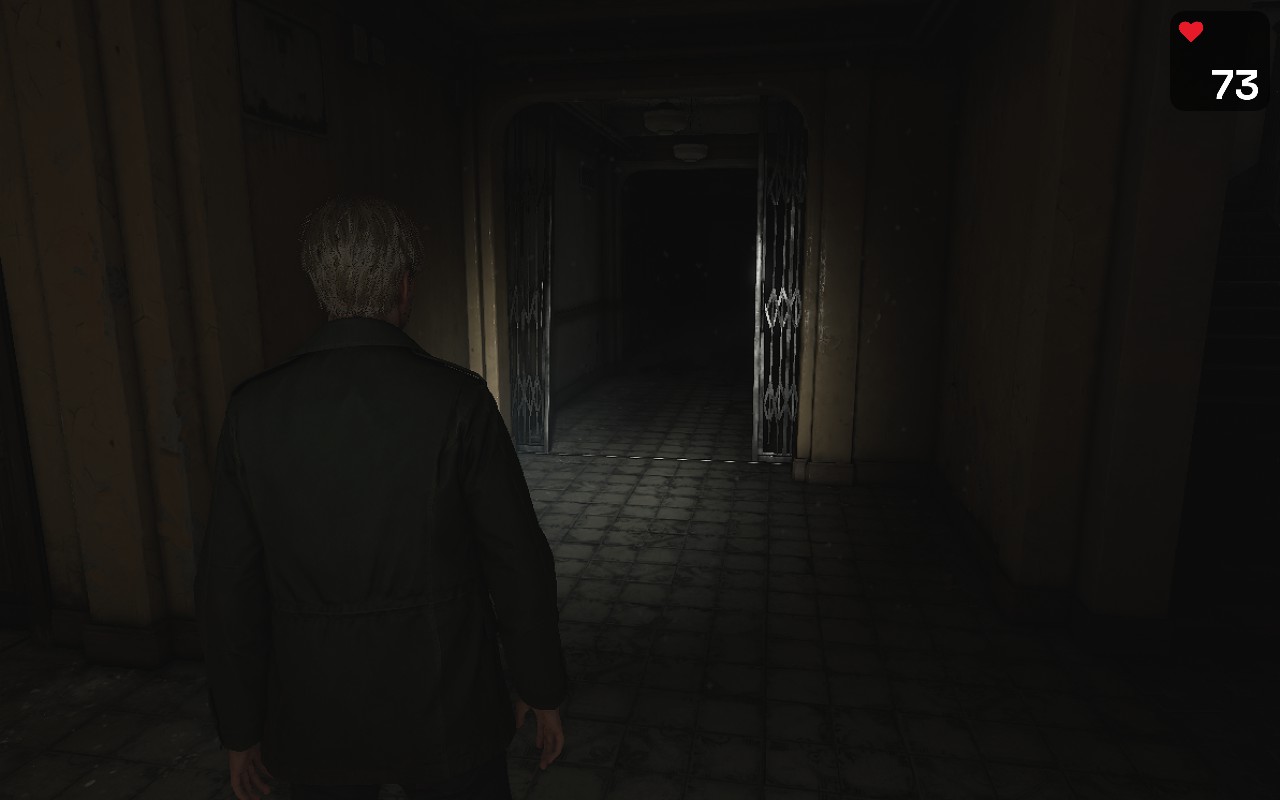
Small size:
What doesn’t work…
The plugin doesn't work with Android watches, Garmin, etc. It might work on Android using a similar app, such as BLE Heartrate Transmitter, but I haven't tried it. If you're interested in an Android friendly version, let me know.
Older 32-bit games are not currently supported. Modern games which using Proton and Vulcan will work fine, but older titles such as Half-Life 2 don’t work.
How to install…
- Make sure you have Decky Loader installed on your Steam Deck
- In the Decky loader go to Settings > General and turn on Developer Mode
- Download the Heart Rate Overlay plugin's installation ZIP file and save it somewhere on your Steam Deck or a USB stick.
- In Decky Loader go to Settings > General > Install Plugin from Zip
- Select the downloaded file
- Open the plugin from the Quick Access Menu
- Hit "Copy Launch Parameters," paste it into your game's Launch Options in Steam
- On your phone, open the Heart Cast app and start a heart rate measurement
- On the deck, go back to the plugin and press the “Scan and Connect” button
- Be ready to confirm the pairing prompt on your phone
- Once pairing is complete, the plugin will show your current heart rate, and you're all set.
- Launch the game and enjoy
The plugin builds on MangoHud, which is MIT licensed, full license and attribution included in the download.
Support
Found a bug or have a request? Email iwoshek@gmail.com — happy to help.
Changelog
v1.0.0
Initial release
Follow me
If you're interested in what's new and what I'm doing right now, check it out here:
Twitch: twitch.tv/iwoshek
Instagram: instagram.com/iwoshek
Reddit: https://www.reddit.com/user/Junior-Doctor-9102/