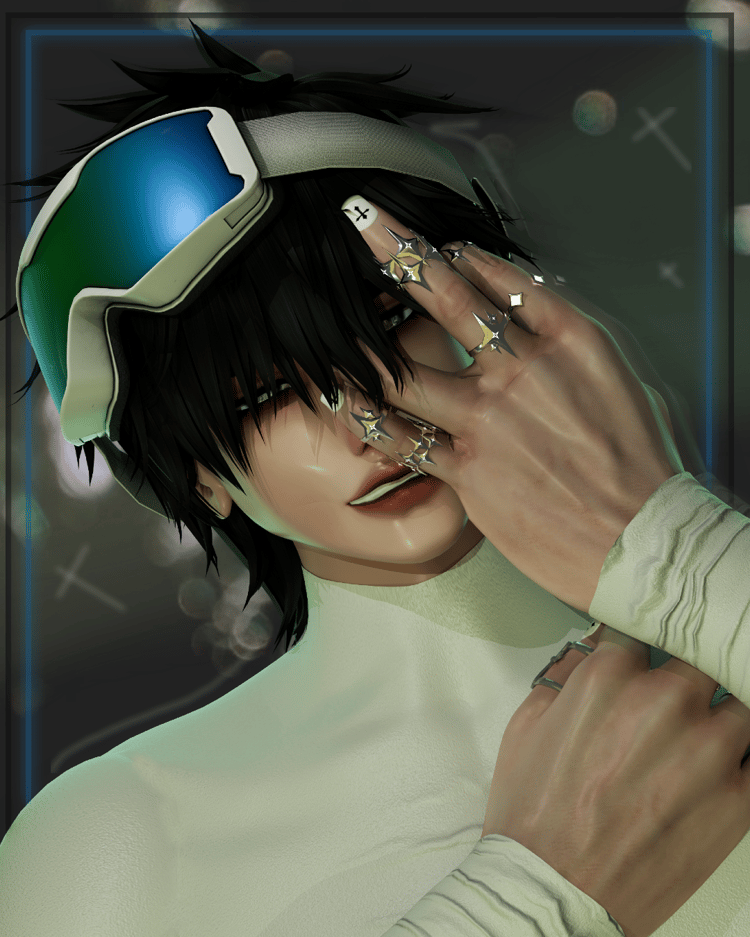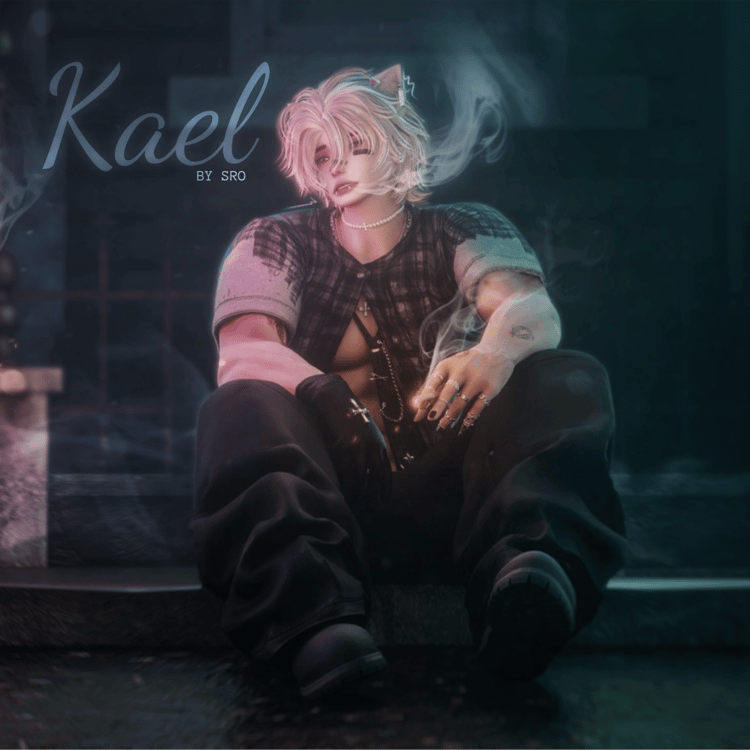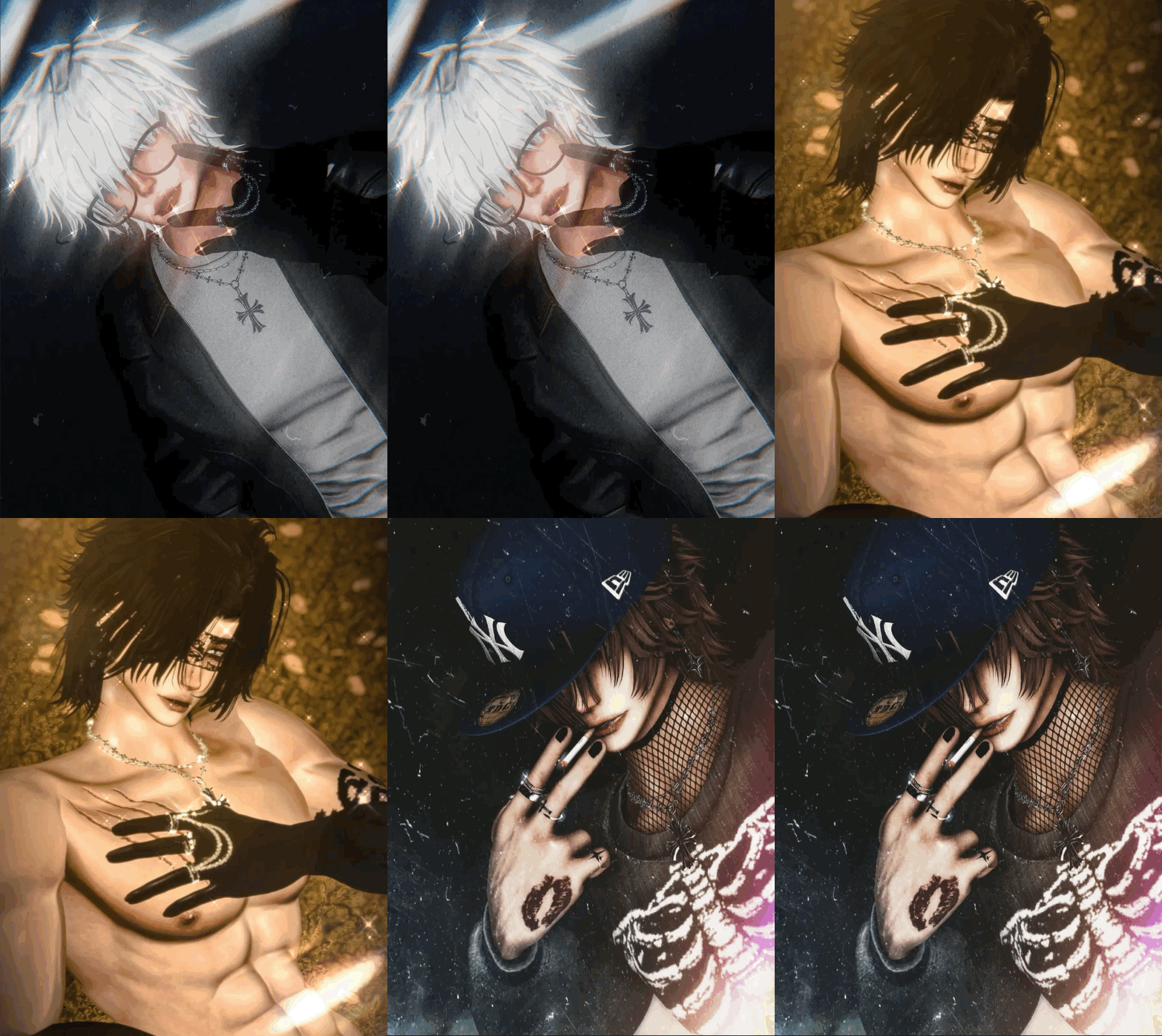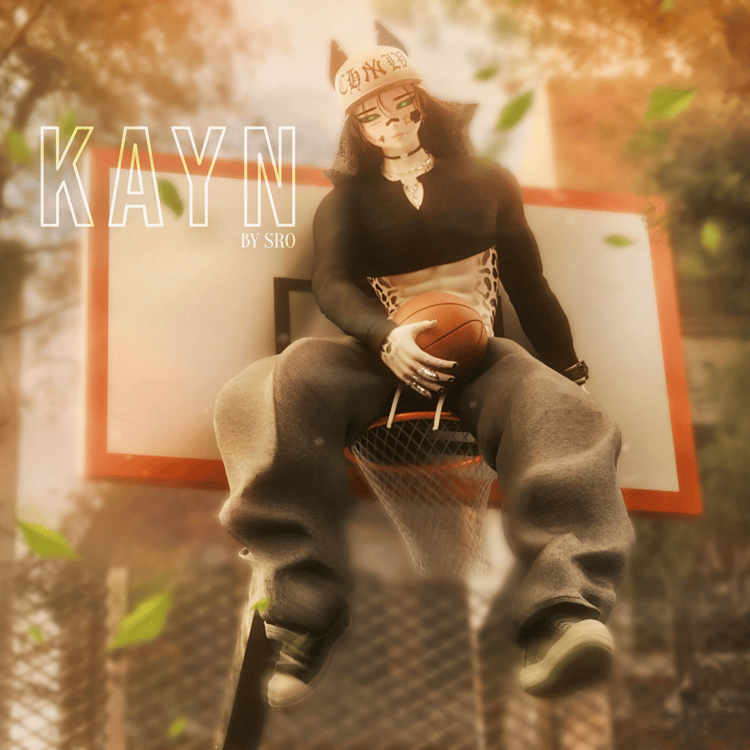

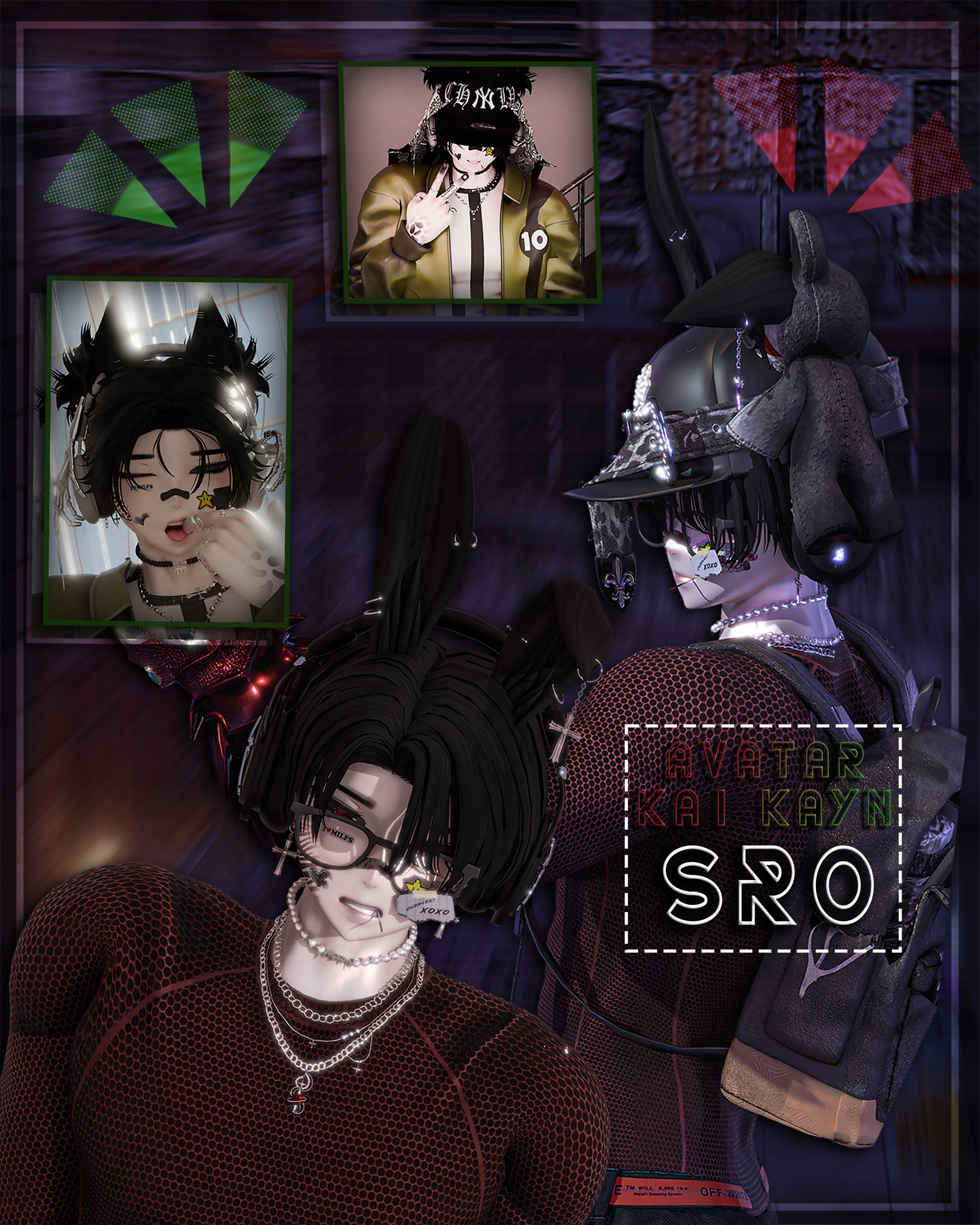
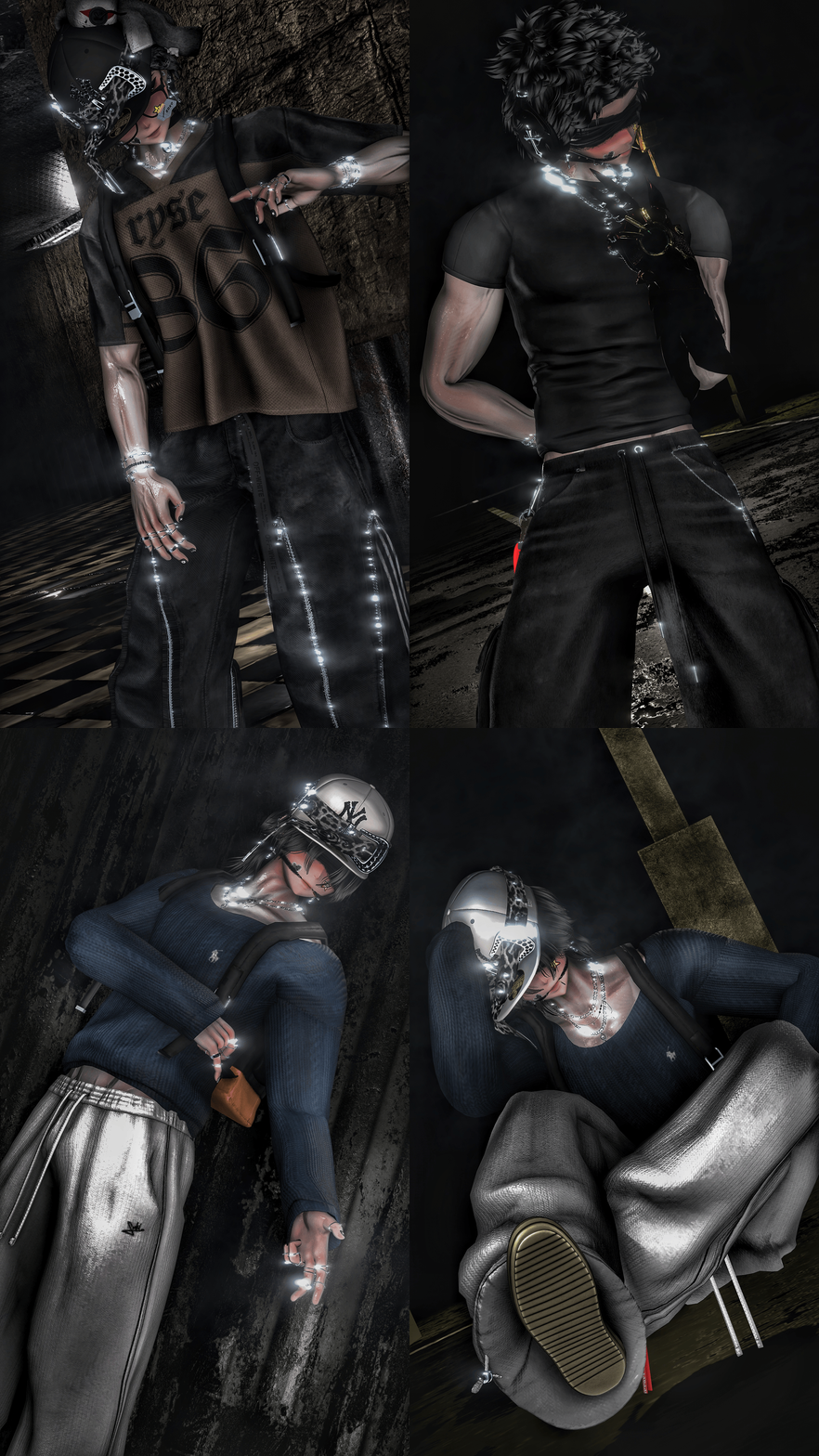
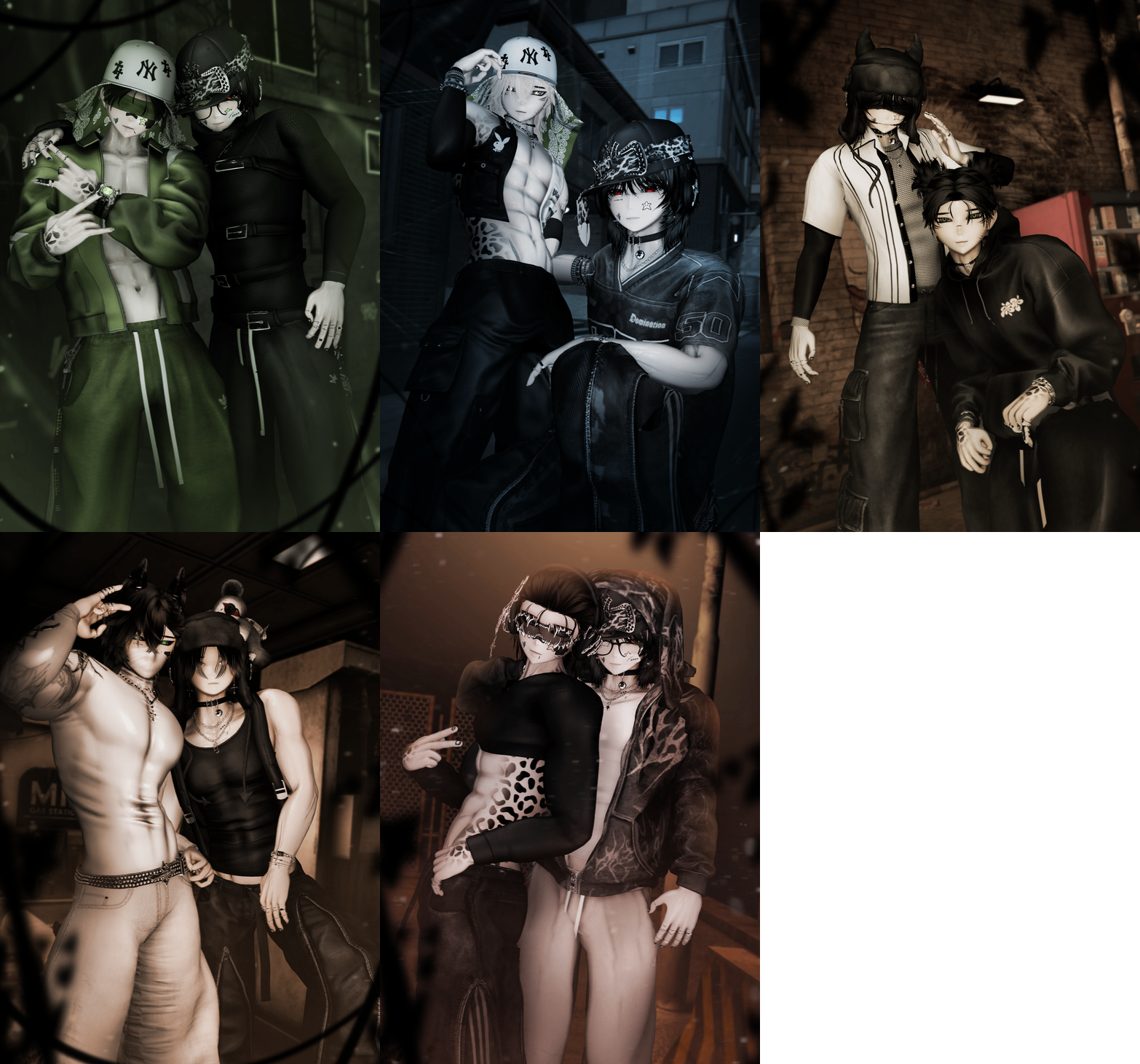
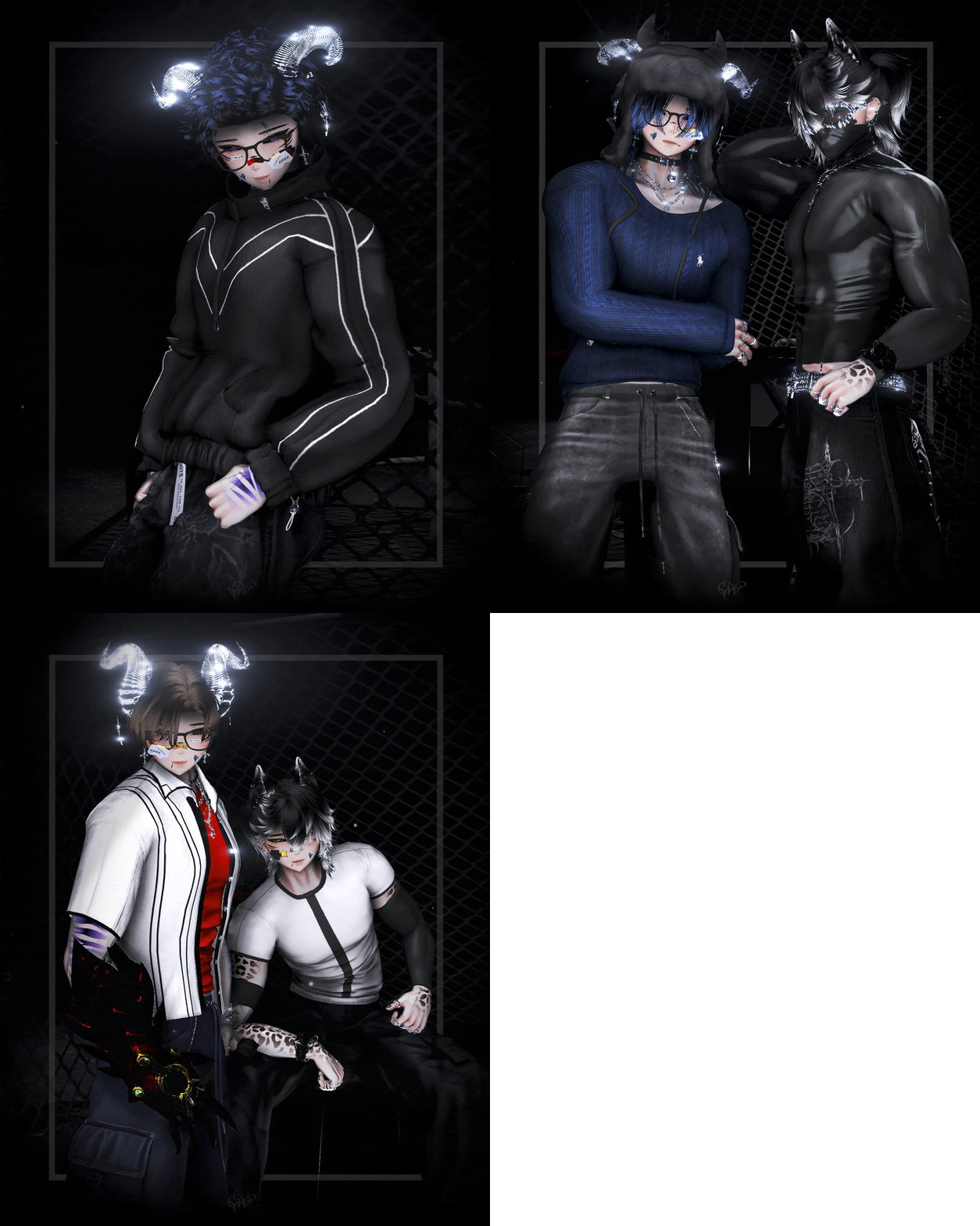
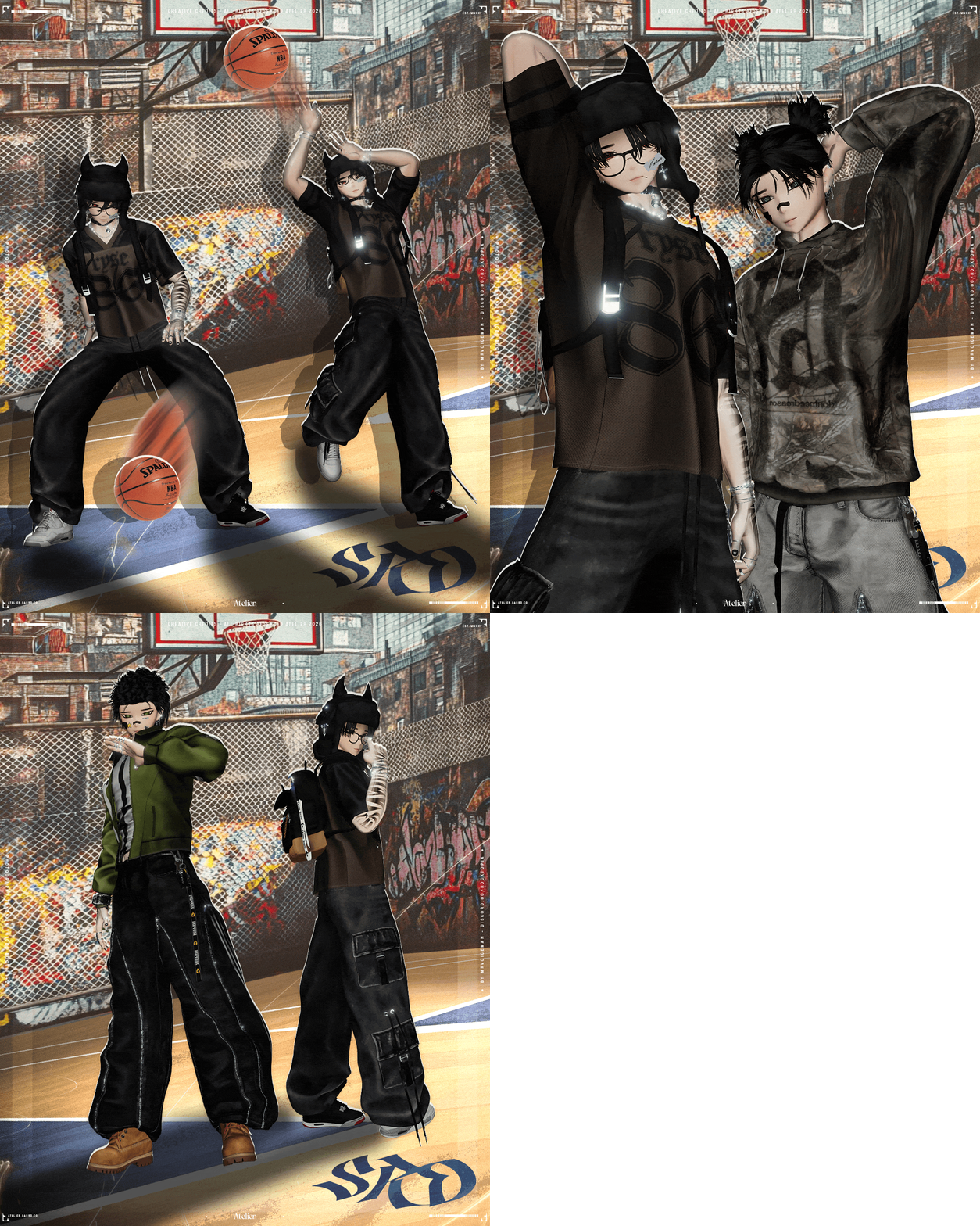
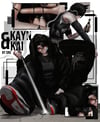
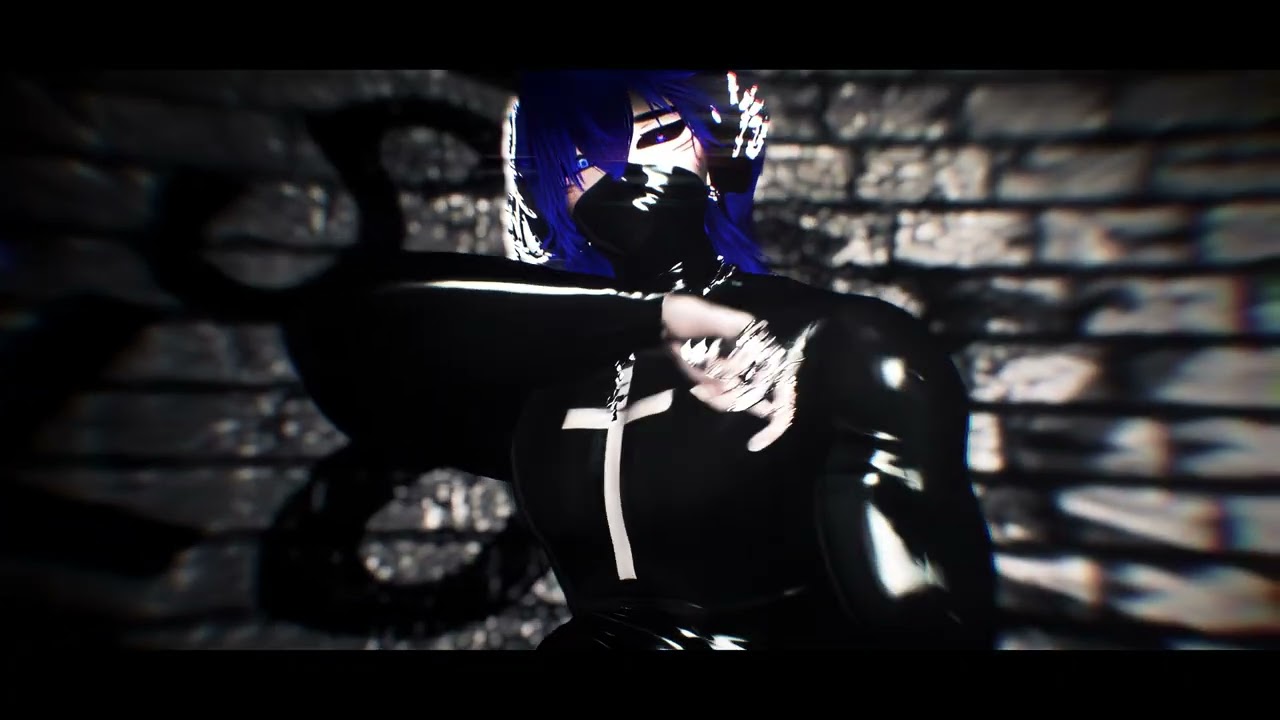
Kai PC/FT!
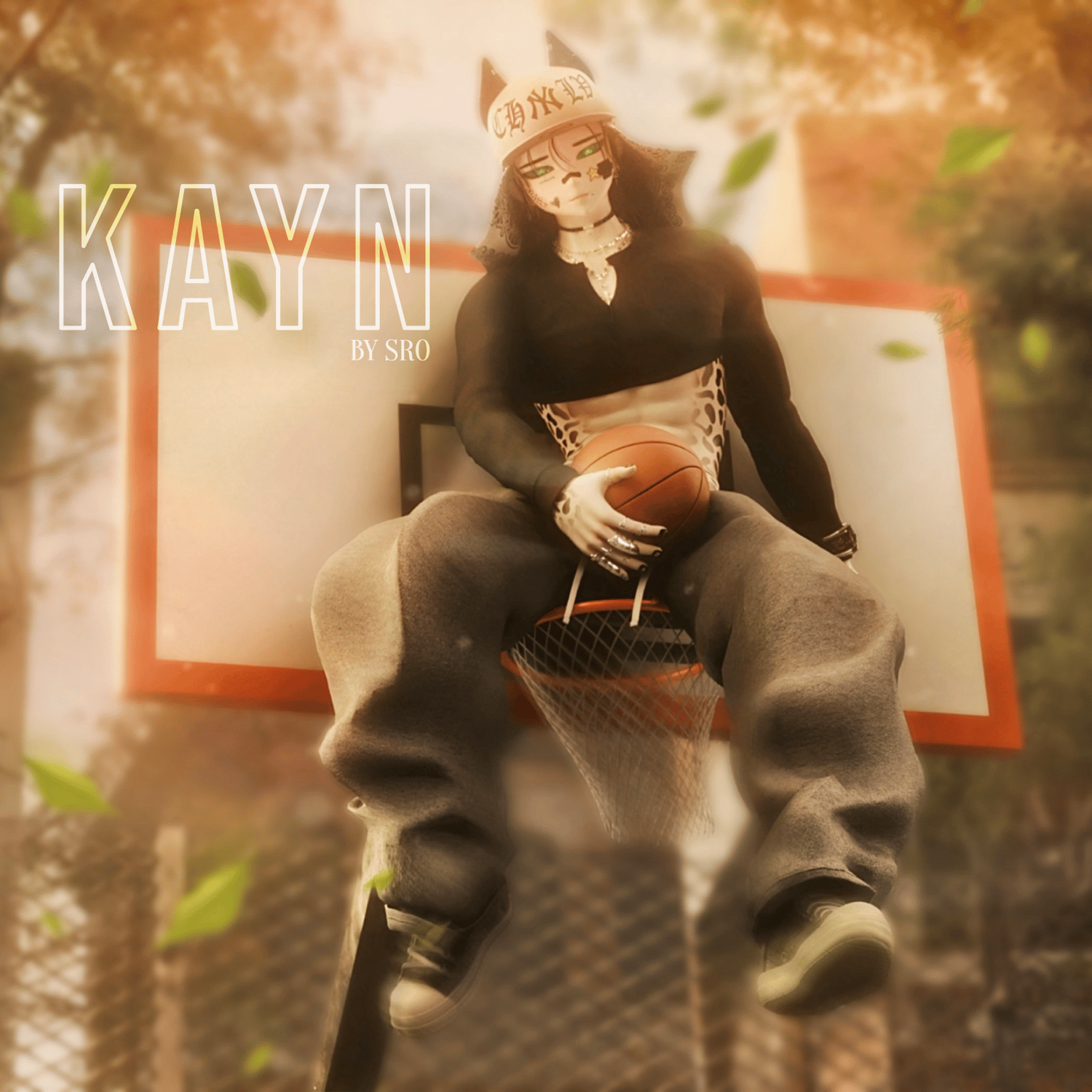
- PC ONLY
- EXPRESSIVE FACETRACKING!
- LIMB SCALING
- GOGO LOCO
- CREATOR COMPANION
- UNITY VERSION 2022
- CUSTOM MENU ICONS
- NO SPS AND SPS VERSIONS IN THE PACKAGE
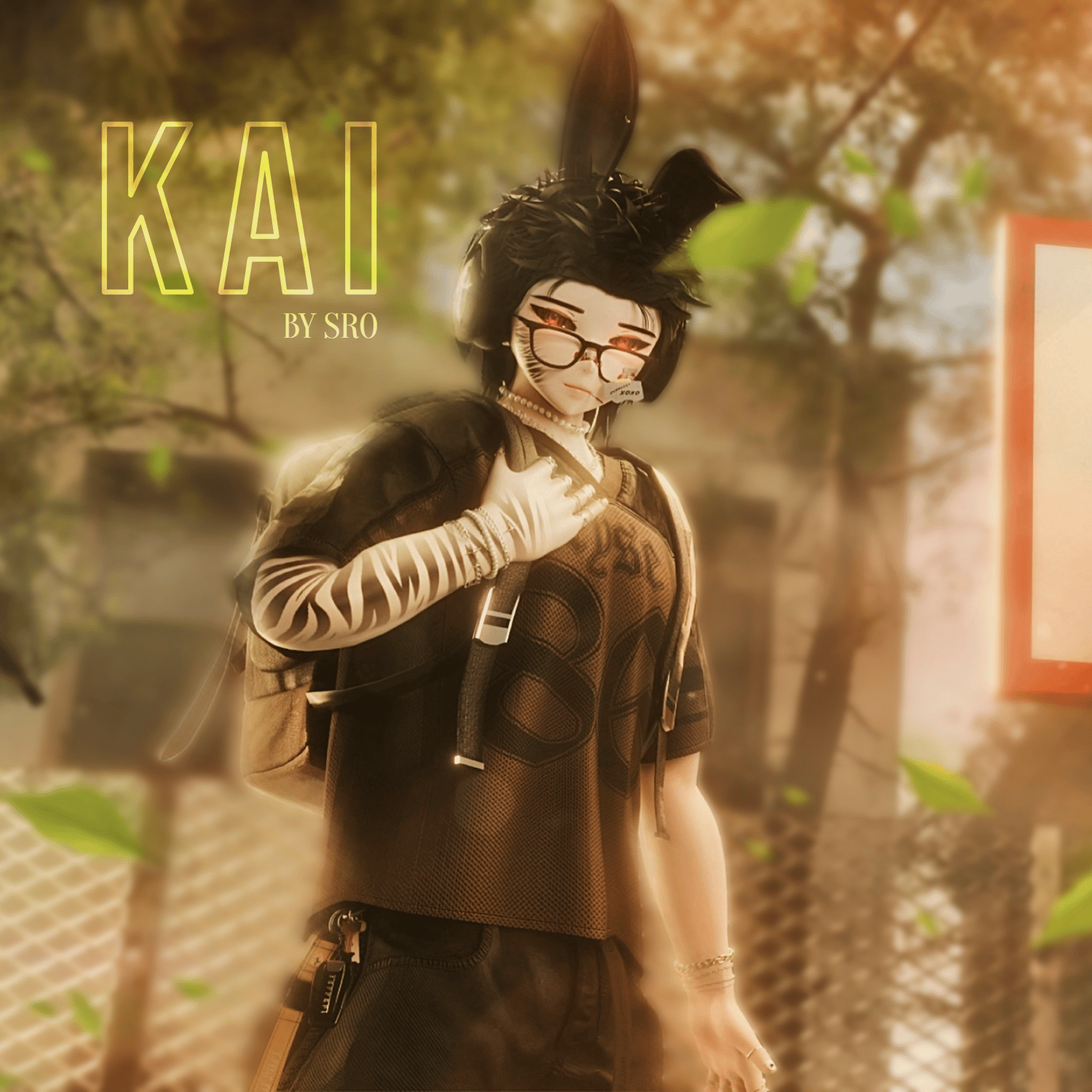
- 7 Hairstyles, 9 Tops, 4 Bottoms, 3 Shoes+Socks (Shoes/Socks have Individual R-L Swaps),8 Jewelry Toggles,9 Head Acc Toggles, 5 Body Acc Toggles.
- Animated Eye Swaps to Dragon Eyes, Eye Customizations!
- Head swaps! Clean face, Blush and Black eyeliner! Cat stripes, Matching Stripes with body texture and Shadow Face
- 2 Body swaps with Hue and Emission for Stripes! 3 Skin tone swaps! Body wet texture!
- Animal parts! Bunny ears and Bunny Tail(Works with Hair Emissions and such!), Dragon Horns with different shapes!
- ALL MENU TOGGLES & SWAPS INCLUDE CUSTOM PICTURES FOR EASY NAVIGATION.
Head: Starlight Head Sculpted by ME! NO REUSE! Face Make up by Faiz and Chii! Edited by Miniweeds!
Body: VRBASE Eboy Edited by ME! NO REUSE!
CREDITS: Sukifbx, KIKOxVR, LittleMoon, Wen3d, TOP PROSPECT, Luvdy3d, Brae's Gallery, Devilishsly, Jonglhong, Miruu, Spoonal, Lesh, Evan3d, Ezra.mp3, Delorblouse, Starlynn3D, PLAZ, collectiveworld
PROMO CREDITS: SOON!
TOGGLE SHOWCASE SOON!
✕ TERMS OF SERVICE
• You are allowed to modify this model.
• You are NOT allowed to take any parts off my model! textures, meshes, Icons etc.
• This avatar is for personal use only — not for sharing or public distribution.
• You are NOT allowed to make this model Public.
• Re-selling is strictly prohibited.
• If VRChat or Unity update's cause any issues with the package, I am not responsible for any fixes.
• Do not claim this avatar as your own creation.
• Unity basic knowledge is required to use this product correctly.
• No refunds will be provided.
• Commercial use only with Creator permission.
✕ UPLOAD INSTRUCTIONS(FOR UNITY VERSION)
- Create a new Unity project. Unity 2022.3.22f1.
- Add Poiyomi Toon, Vrcfury, GoGo Loco, Avatar Limb Scaling, (VRCFT IF NEEDED)
- Import the Unity package and log into the VRChat SDK.
- Open the Builder, run Auto-Fix if prompted.
- Press Upload to publish the avatar.
- FOLLOW THESE INSTRUCTIONS! DONT MAKE A TICKET IF U TRY UR OWN UPLOAD METHOD AND IT DOESNT WORK!
✕ UPLOAD INSTRUCTIONS (FOR ZIP FILE) 2022 ver.
- Extract Downloaded Zip File
- Open VCC
- Click Dropdown next to Create New Project and Select Extracted Zip File
- Everything should be set! Name the avi in the builder and upload!
✕ SUPPORT & ISSUES
• If you experience problems uploading, join the Discord and open a ticket with proof of purchase.
• For Functional issues, please include a screenshot so they can be fixed promptly.
• Make a Ticket for a Upload requests. (Make sure to show Proof of purchase first otherwise ticket will not be taken seriously!)