


DataCleanPak
DataCleanPak Add-in
DataCleanPak is a lightweight yet powerful Excel add-in designed to help you clean and standardize your data quickly. This add-in saves hours of manual work and ensures data accuracy.

Tool Sets Overview
Data Clean Tool Set
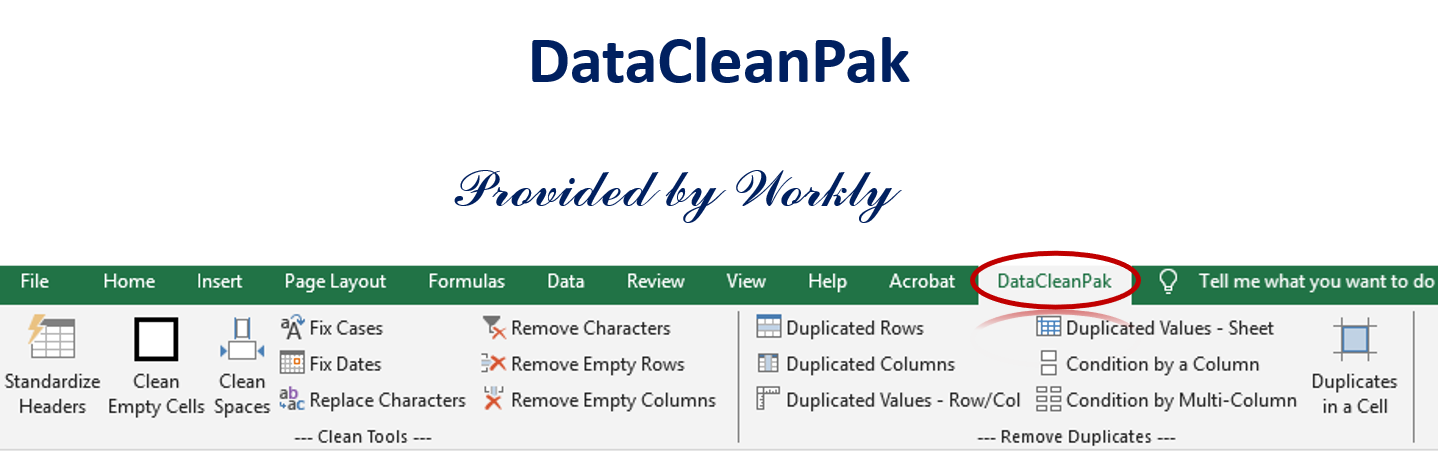
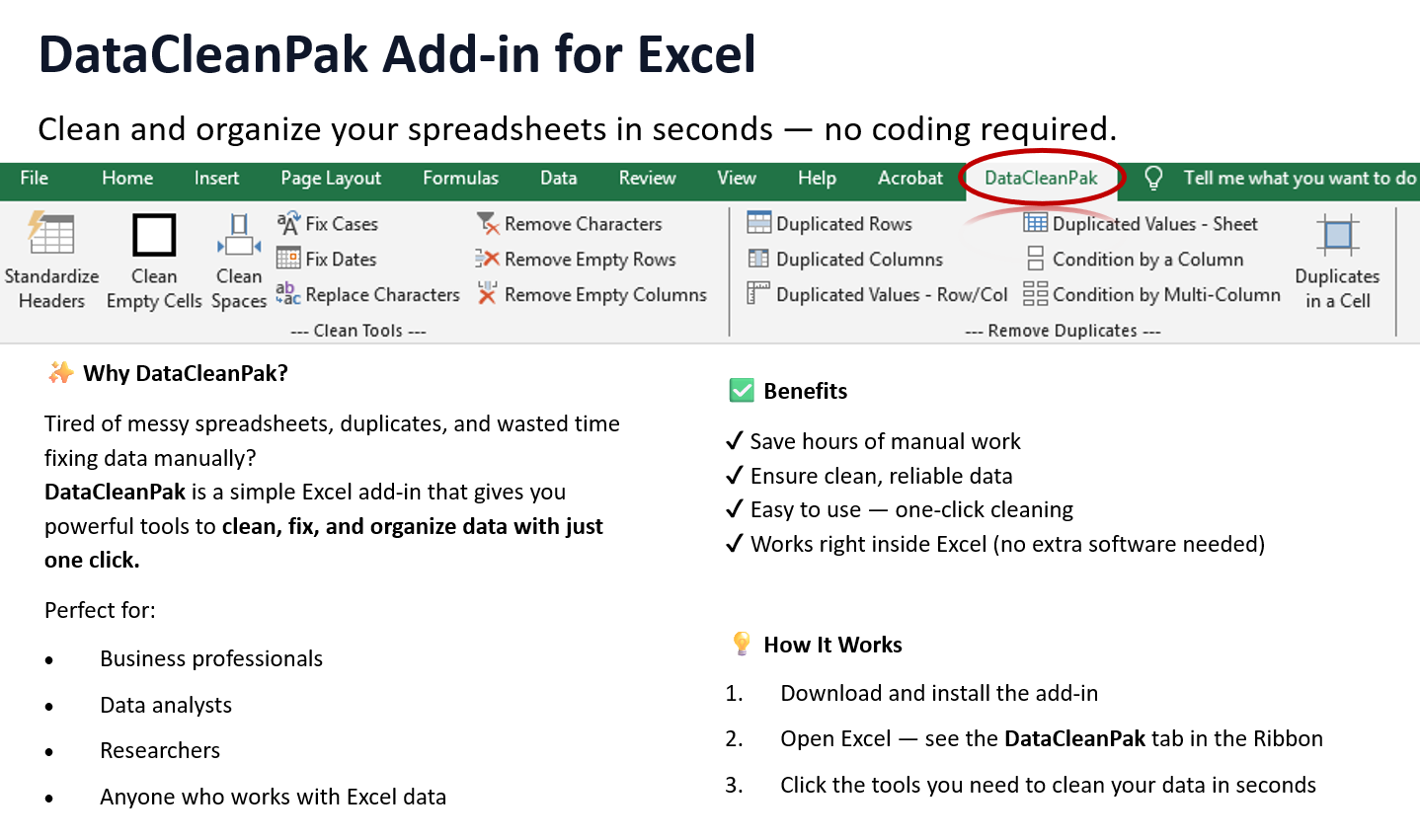
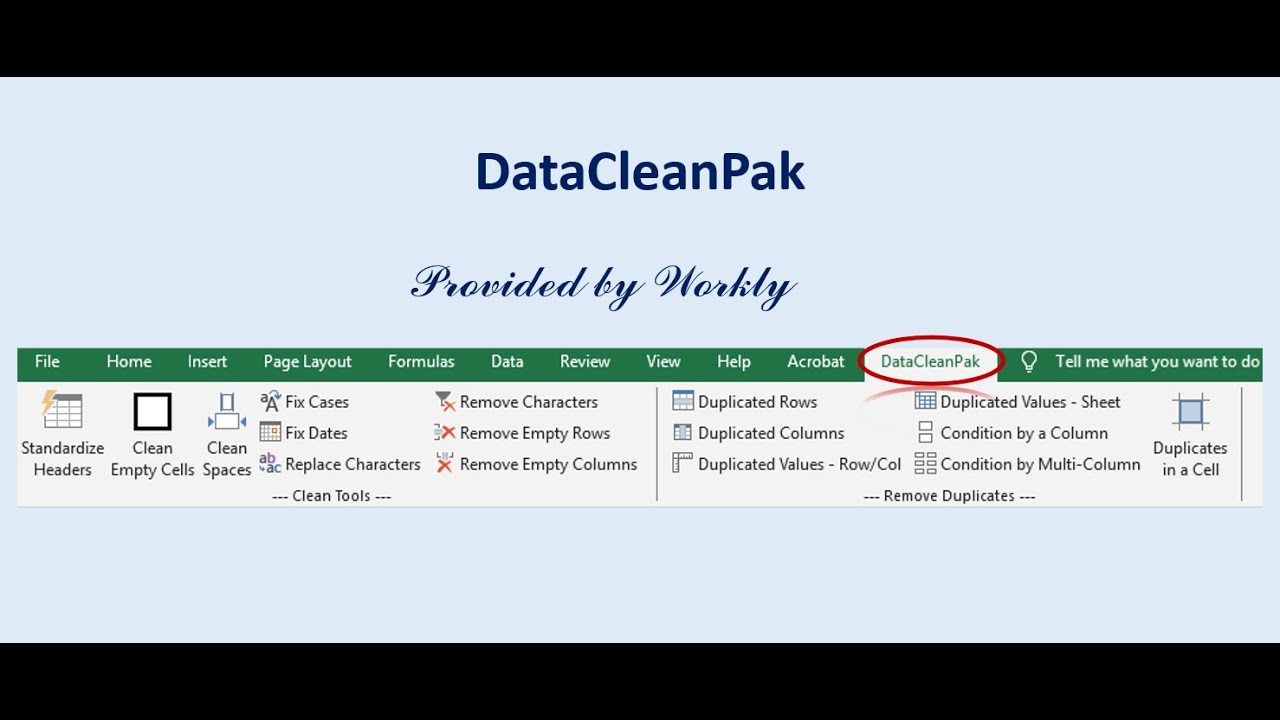
Tidy up your data effortlessly with tools that handle common cleanup tasks:
1. Clean Empty Cells – Remove all blank cells from a range.
2. Clean Spaces – Trim leading, trailing, and extra spaces inside cells.
3. Fix Cases – Convert text to Proper Case, UPPERCASE, or lowercase.
4. Fix Dates – Standardize inconsistent date formats.
5. Delete Empty Rows – Remove unnecessary blank rows.
6. Delete Empty Columns – Eliminate empty columns in one step.
7. Remove Characters – Strip out unwanted special characters.
8. Replace Characters – Replace custom characters or text.
9. Standardize Headers – Normalize column headers for consistency.
Duplication Removal Tool Set
Quickly identify and remove duplicate data at different levels:
1. Duplicate Columns – Find and remove repeated columns.
2. Duplicate Rows – Identify and clean duplicate rows.
3. Duplicate Values (Row/Column) – Detect duplicates within a single row or column.
4. Duplicate Values Across Sheet – Check duplicates across the entire worksheet.
5. Conditional by a Column – Remove duplicates based on a single column’s values.
6. Conditional by Multi-Column – Remove duplicates based on a combination of columns.
7. Duplicates in a Cell – Remove repeated text values within the same cell.
Why Choose DataCleanPak?
- Easy-to-use Ribbon interface integrated into Excel.
- Saves time by automating repetitive cleanup tasks.
- Flexible options for both quick fixes and detailed data cleaning.
- Works seamlessly across datasets of all sizes.