
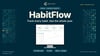
HabitFlow 2027 – Habit Tracker Spreadsheet (Excel + Google Sheets)
A calmer way to keep your habits on track
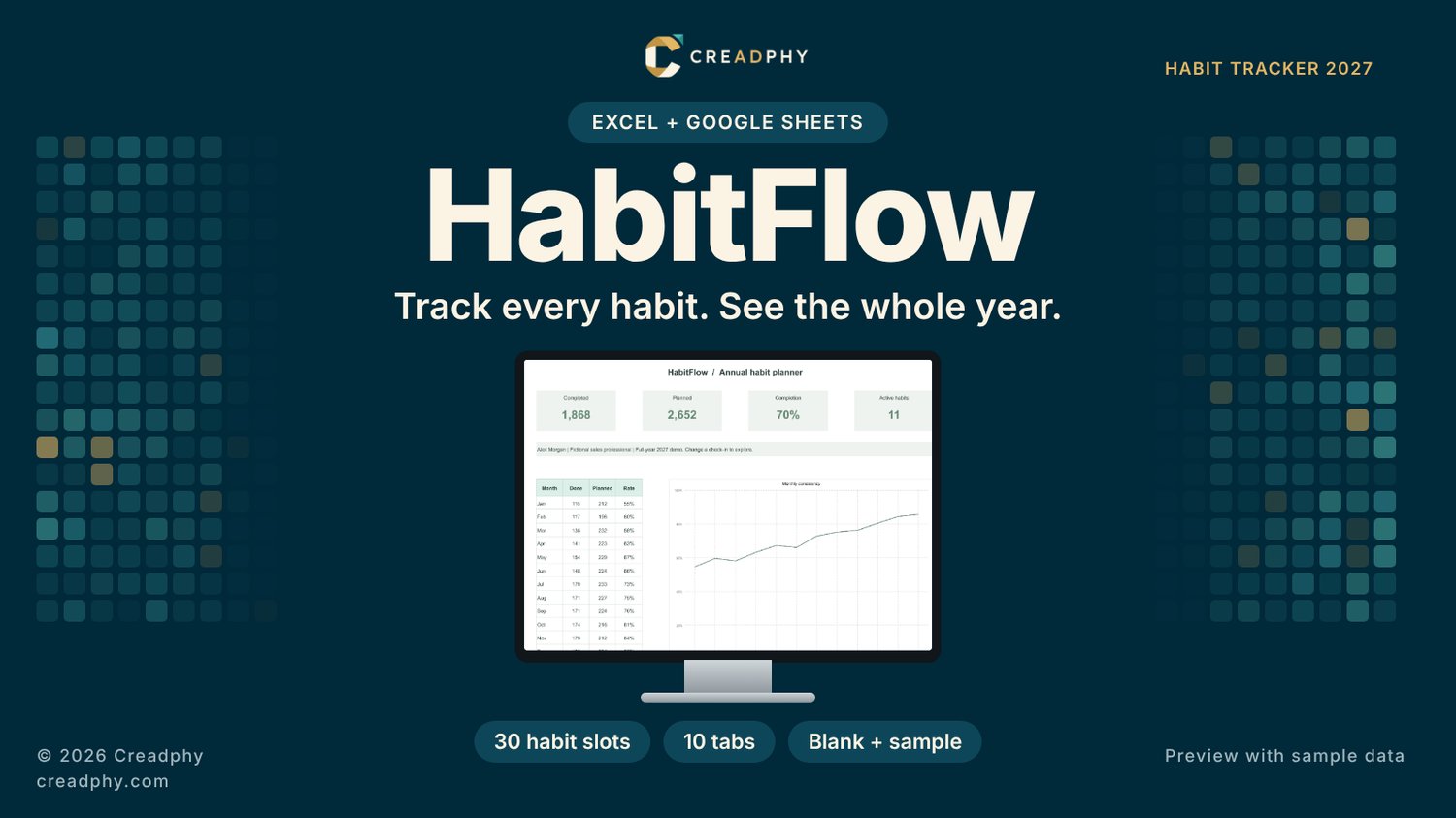
HabitFlow is an Excel habit tracker that keeps a whole year of habits in one workbook. You note what you did each day. The tracker shows how your routine is going: completion rates, streaks, monthly patterns and a yearly overview. Matching Google Sheets copies are included, so you can use whichever app you prefer.
It suits work habits, study, exercise, reading, water, or any personal routine. Begin with two or three habits and add more later, up to 30.
Track what matters, your way
Each habit can be a simple check-in, a quantity (like glasses of water) or minutes (like reading time). Give it a daily schedule, certain weekdays, or a weekly target such as 3 times a week. Every habit has its own goal and start and end dates.
Rest days are left out of your planned days, and extra effort in a weekly habit is capped at the target. Your percentages stay honest and do not drift above 100%.
Enter once, see it everywhere
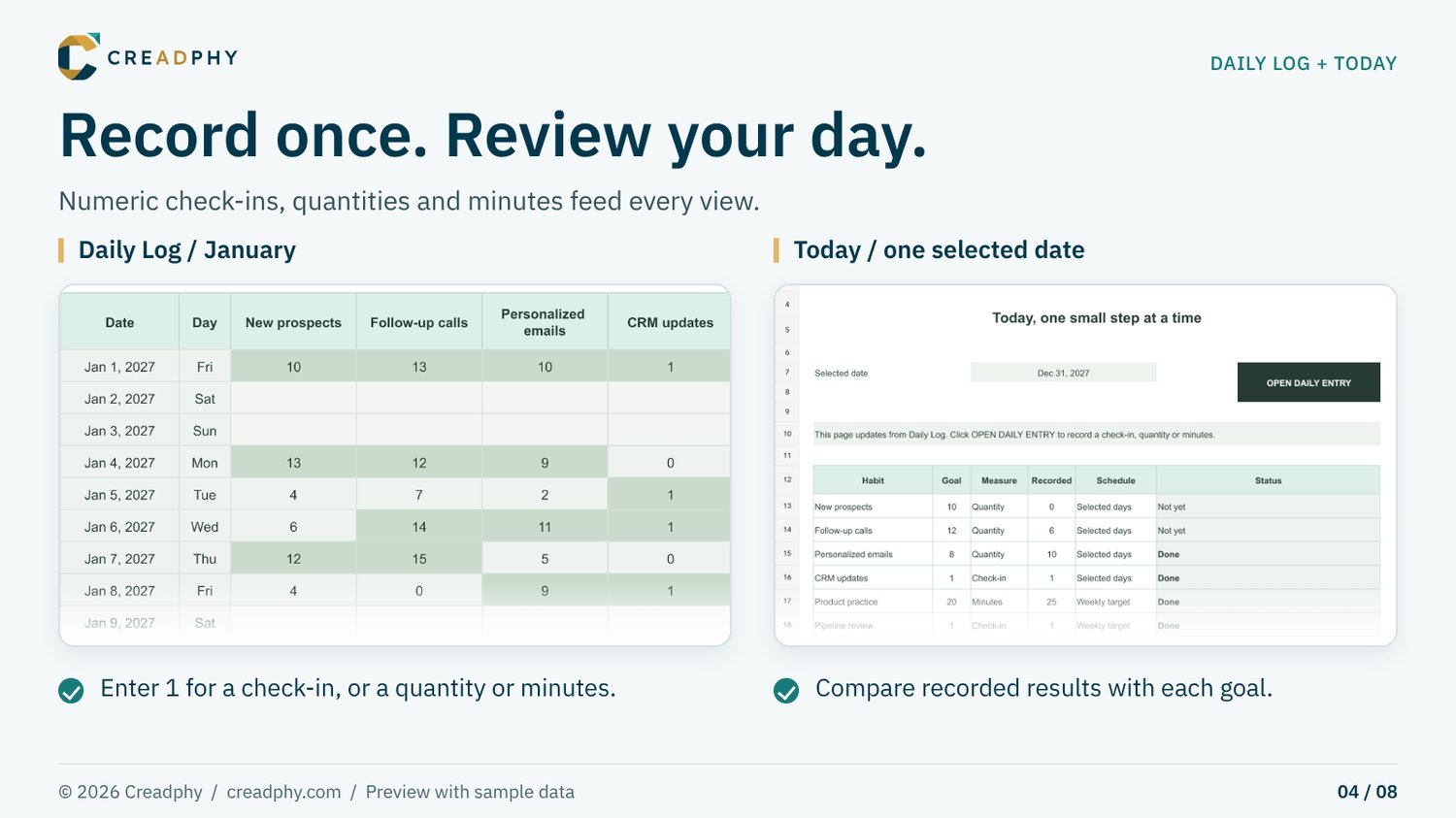
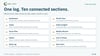
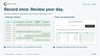
You type results into the Daily Log, and the rest of the workbook updates by itself.
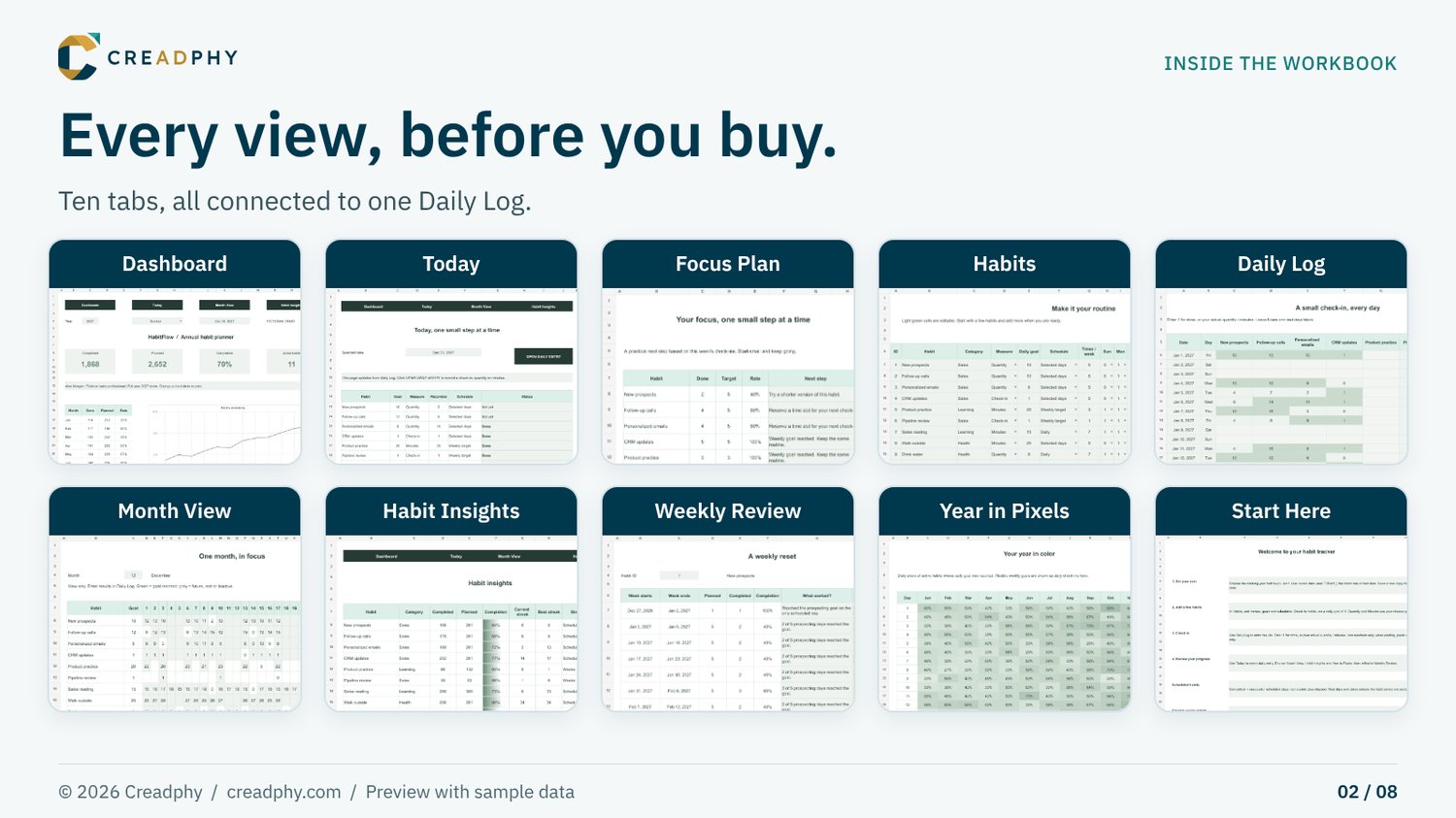
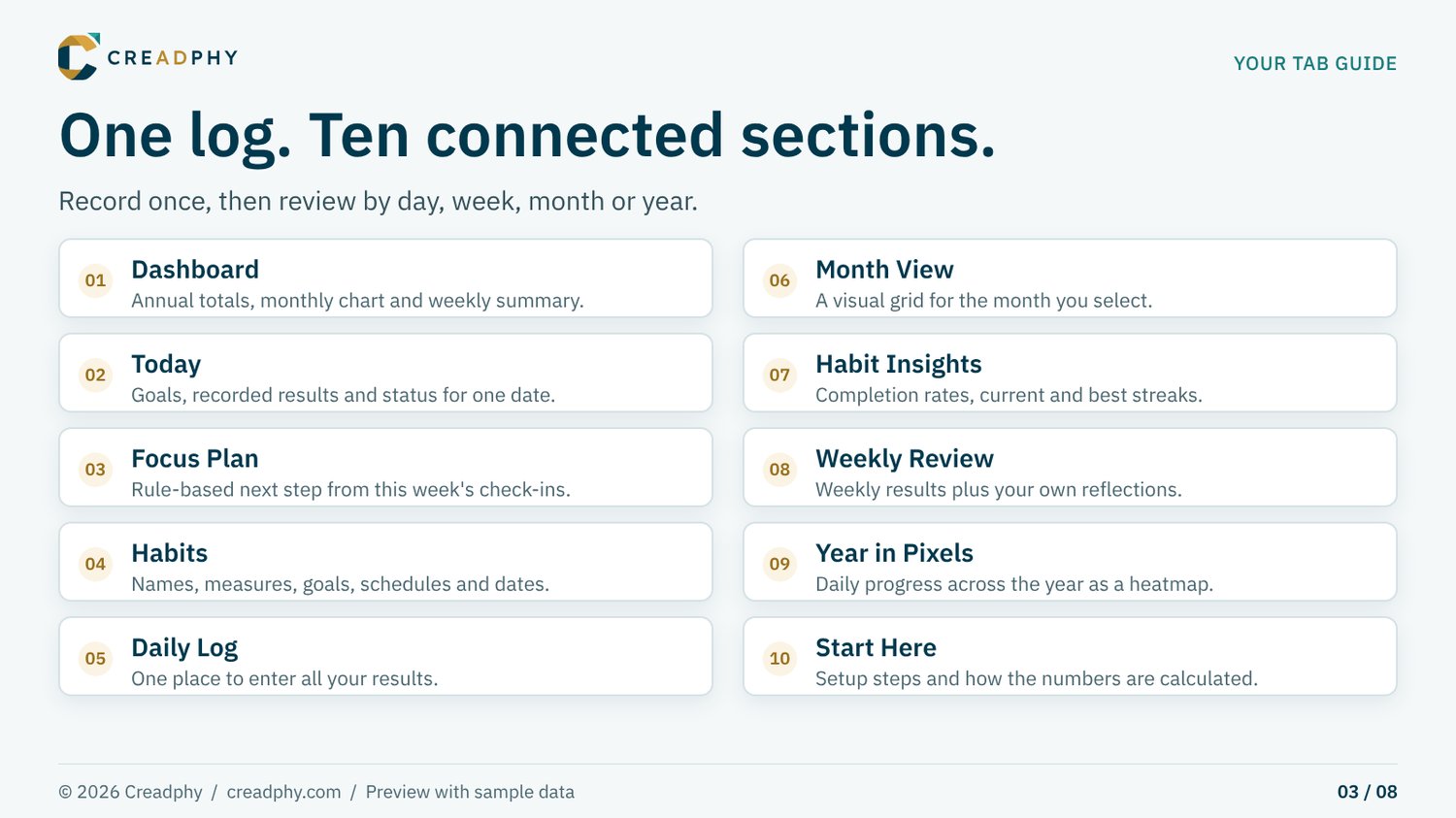
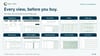
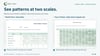
- Dashboard: yearly totals, a monthly trend chart and a weekly summary.
- Today: goals, results and status for any date you choose.
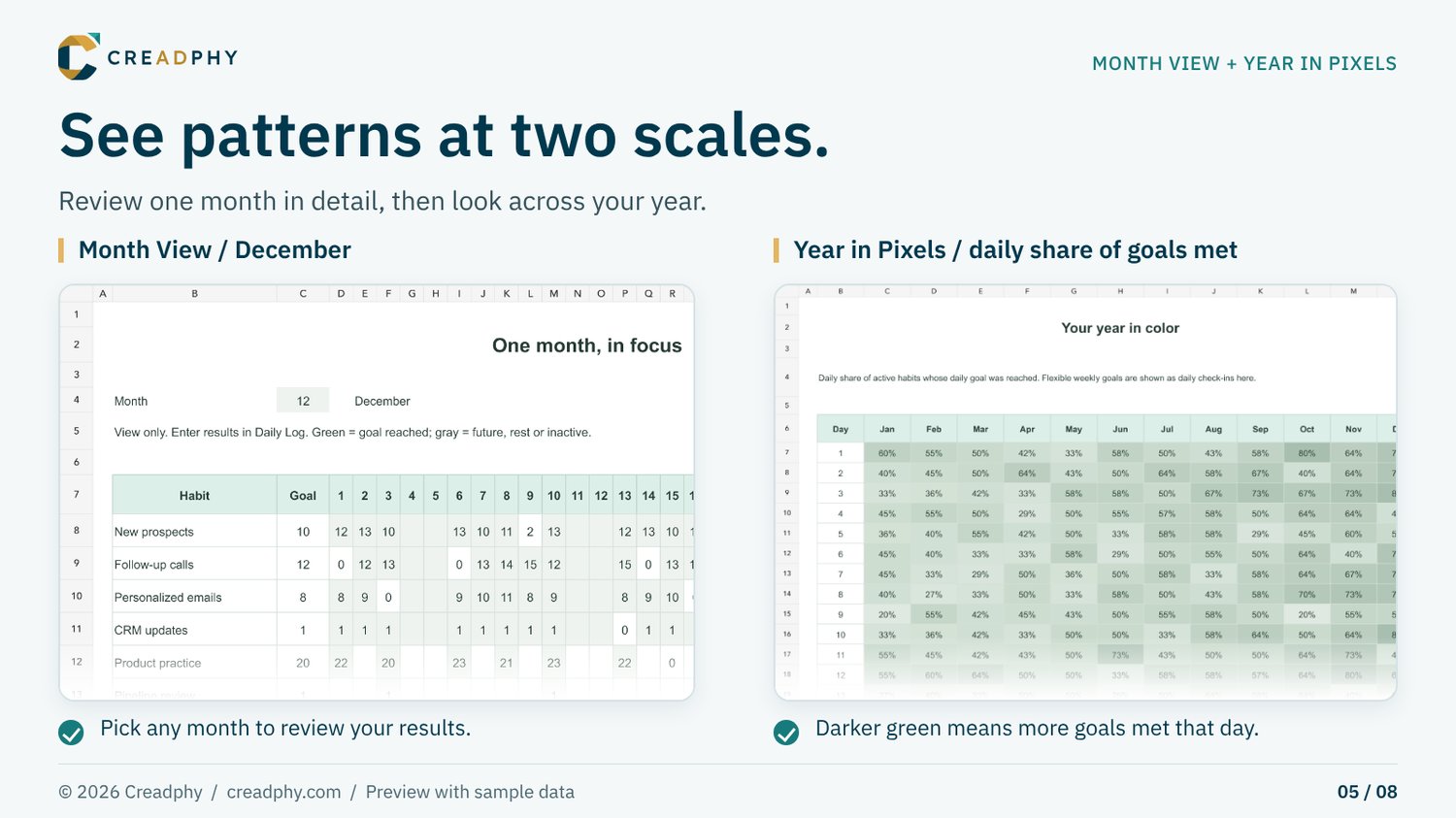
- Month View: every habit in one monthly grid.
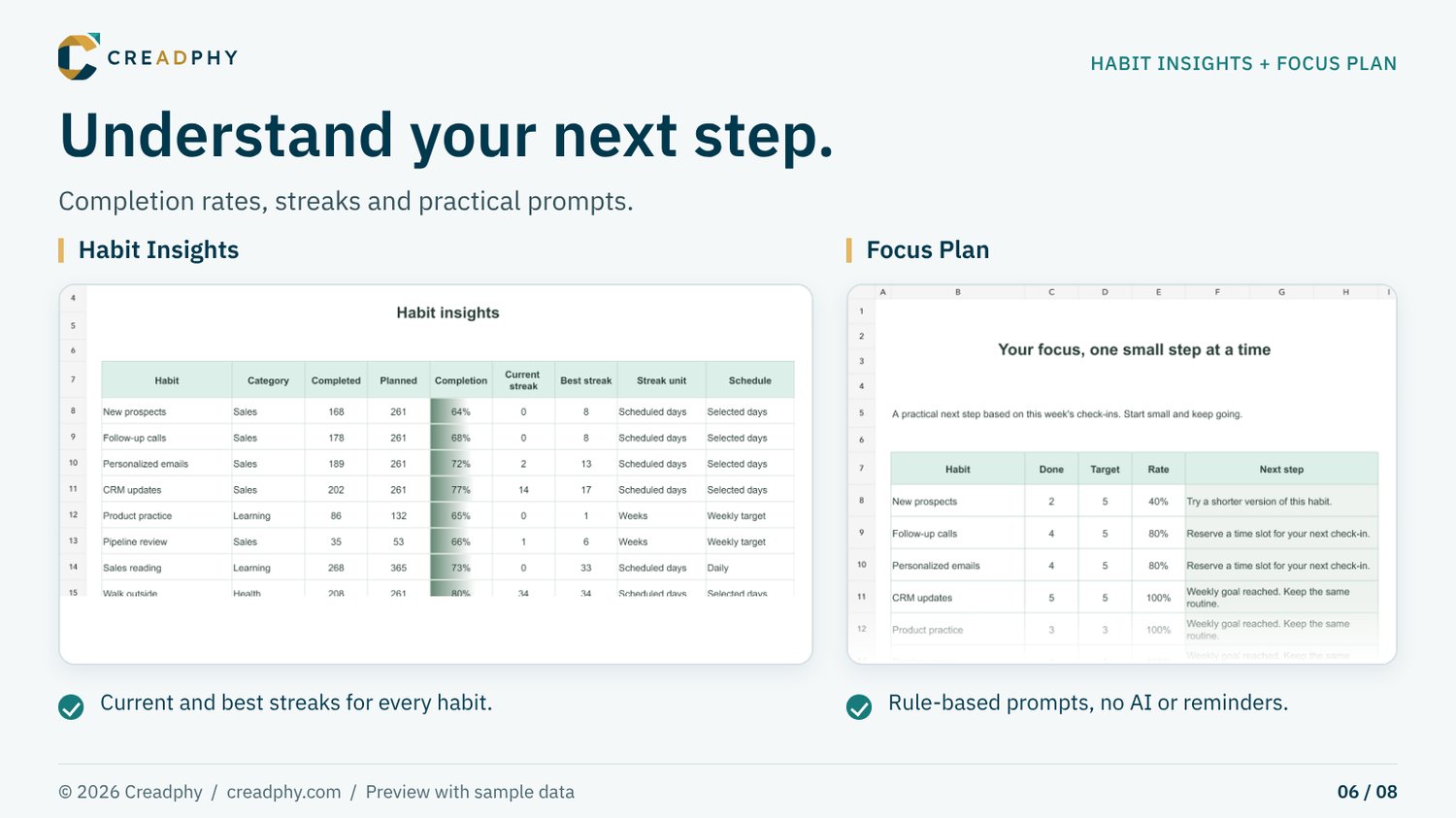
- Habit Insights: completion rates plus current and best streaks.
- Year in Pixels: your whole year as a heatmap.
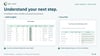
- Focus Plan: next-step suggestions from simple rules (no AI involved).
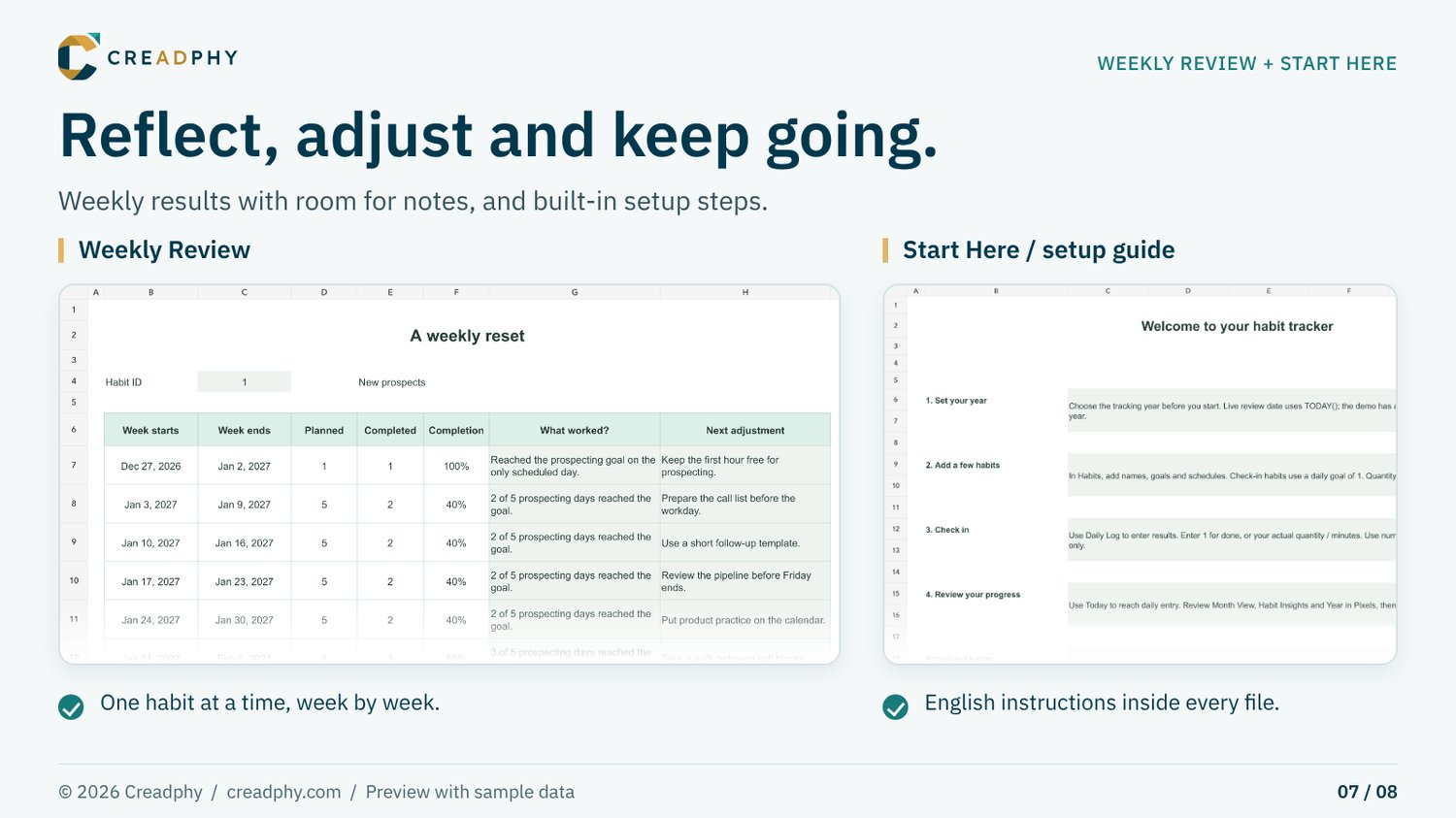
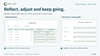
- Weekly Review: a habit's week in detail, with room for notes.
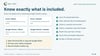
- Habits, Daily Log and Start Here: setup, data entry and plain-English explanations of every calculation.
Your download includes
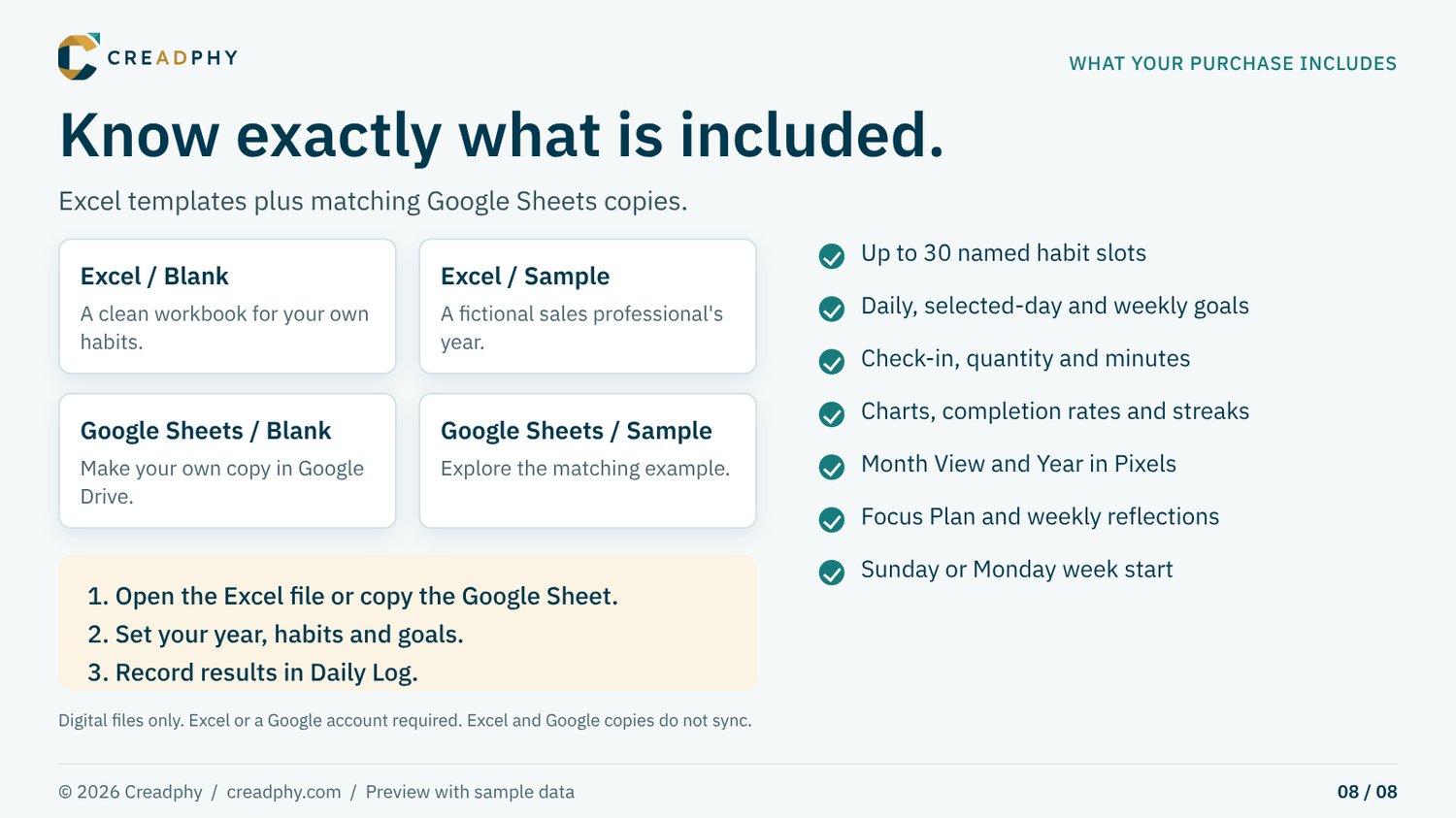
- A clean Excel template (.xlsx) for your own routine.
- A demo Excel file (.xlsx) with a year of fictional habits for a sales professional, so you can explore before you start.
- PDF with your Google Sheets links, one for the blank copy and one for the demo. Open a link while signed in to Google, choose Make a copy, and it is saved in your own Drive.
Setting up takes a few minutes
- Open the blank Excel file, or make a copy of the blank Google Sheet.
- Choose your year on the Dashboard. The week starts on Sunday, and Monday is available.
- Name your habits in Habits, then type your results in Daily Log.
Requirements and details
- The Excel files are made for Microsoft Excel on desktop. Google Sheets needs a free Google account. Neither program is included.
- This is a digital download. No physical item is shipped.
- You enter 1, a quantity or minutes. There are no tick boxes and no macros.
- Formula cells are protected against accidental edits (no password in Excel, a warning in Google Sheets). Light green cells are for your entries.
- Excel and Google Sheets copies are independent and do not sync.
- If Excel shows a yellow Protected View bar, click Enable Editing. In Google Sheets, set your time zone under File, then Settings.
- A laptop or desktop is best for setup and the full 30-habit log.
- Use a fresh blank copy for each new year. The demo uses 2027 and its results are fictional, so they are not a promise of personal results. The monitor in the images is a mockup.
Questions
Can I use fewer than 30 habits? Yes. Only habits you name are counted. Leave the other slots empty.
Is it only for 2027? No. The files open on 2027, but you can change the year on the Dashboard to any year from 2020 to 2100.
Will it work on my phone? You can open the Google Sheets copy in a mobile browser, but the full layout is designed for a larger screen.
Build a routine you can see, review and adjust. Start with one small habit today.