

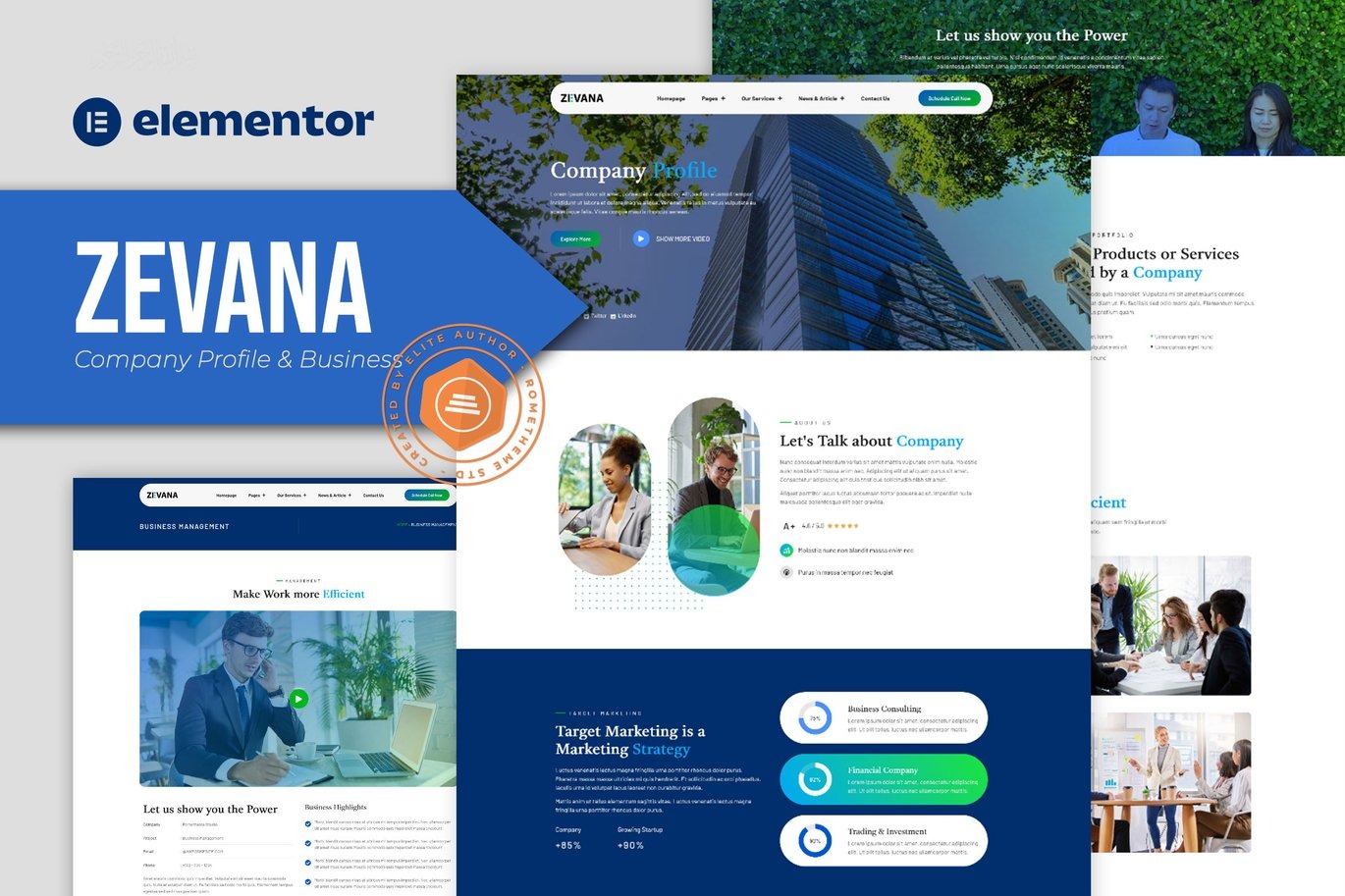



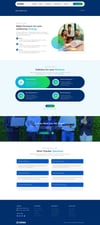
Zevana Company Profile & Business Elementor Template Kit Download
On Sale
$5.00
$5.00
Introducing Zevana, an Elementor Template Kit specially designed for creating professional company profiles and business websites. This versatile kit includes a selection of templates perfect for businesses, agencies, startups, corporate entities, services, and profiles. Featuring a modern and creative design, Zevana offers a 100% fully responsive layout, easy installation, and effortless customization with Elementor, eliminating the need for any coding skills.
Key Features:
- Cross Browser Compatibility: Works seamlessly on Chrome, Firefox, Safari, and Opera.
- Free Plugins: No need for Elementor Pro; uses free plugins for functionality.
- 100% Fully Responsive & Mobile-Friendly: Ensures your website looks great on all devices.
- Modern and Unique Design: Sleek and contemporary layout to impress your visitors.
- 17+ Pre-Built Templates: Ready-to-use templates for various business needs.
- Global Kit Style: Customize fonts and colors in one place for consistent branding.
- Optimized for "Hello Elementor" Theme: Ensures optimal performance and compatibility.
Templates Included:
- Homepage
- About Us
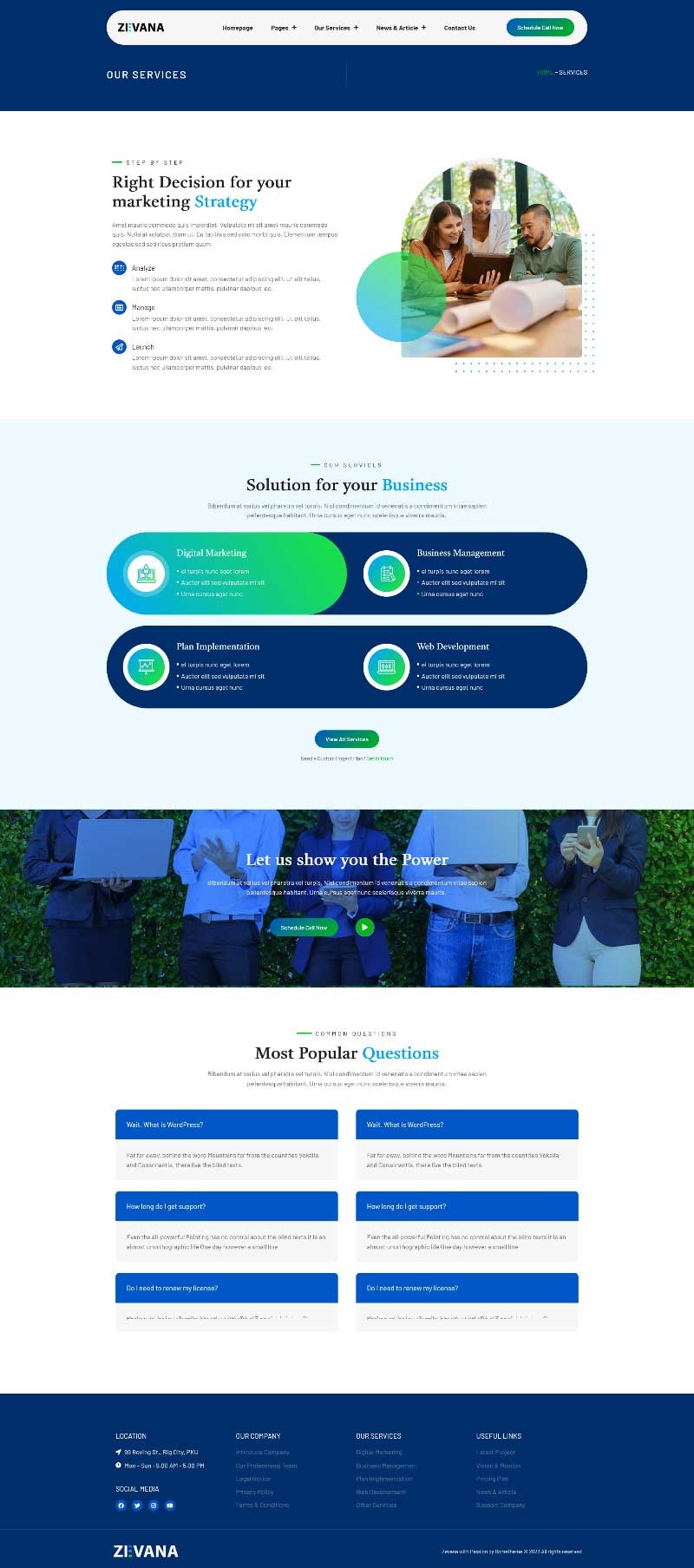
- Our Services
- Digital Marketing
- Business Management
- Plan Implementation
- Web Development
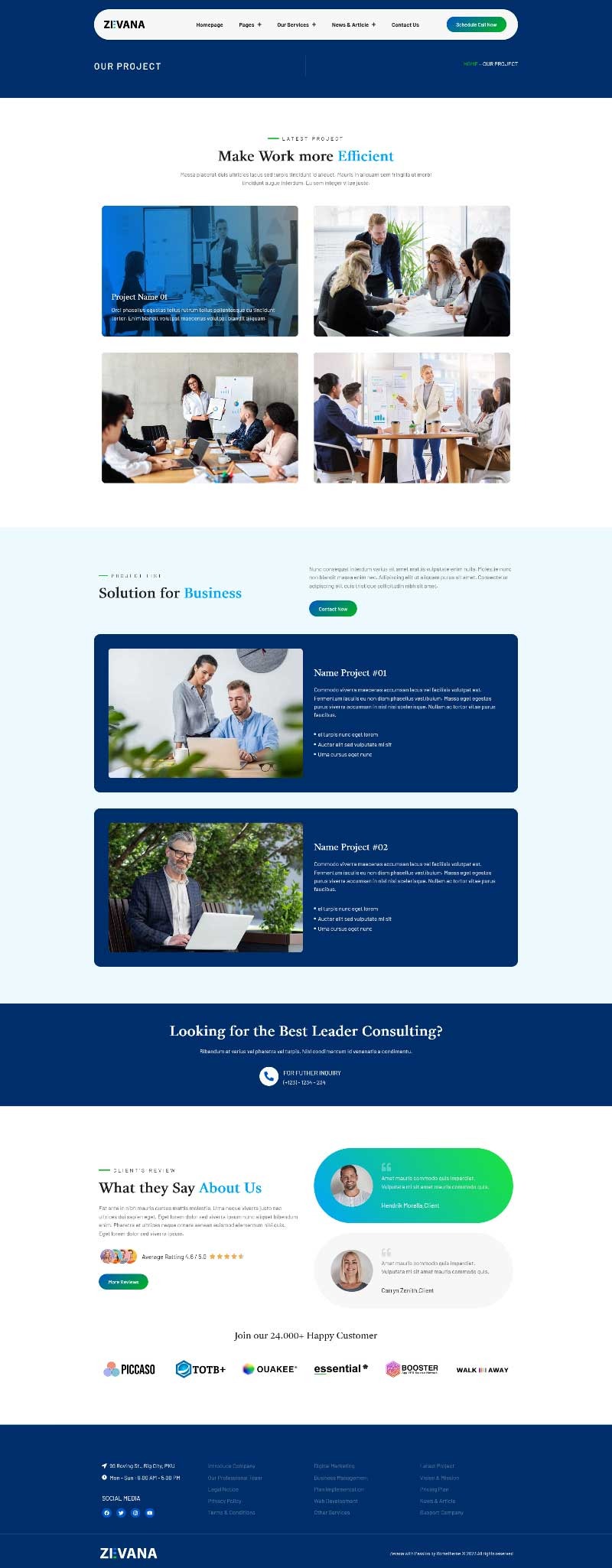
- Our Project
- Our Team
- Pricing
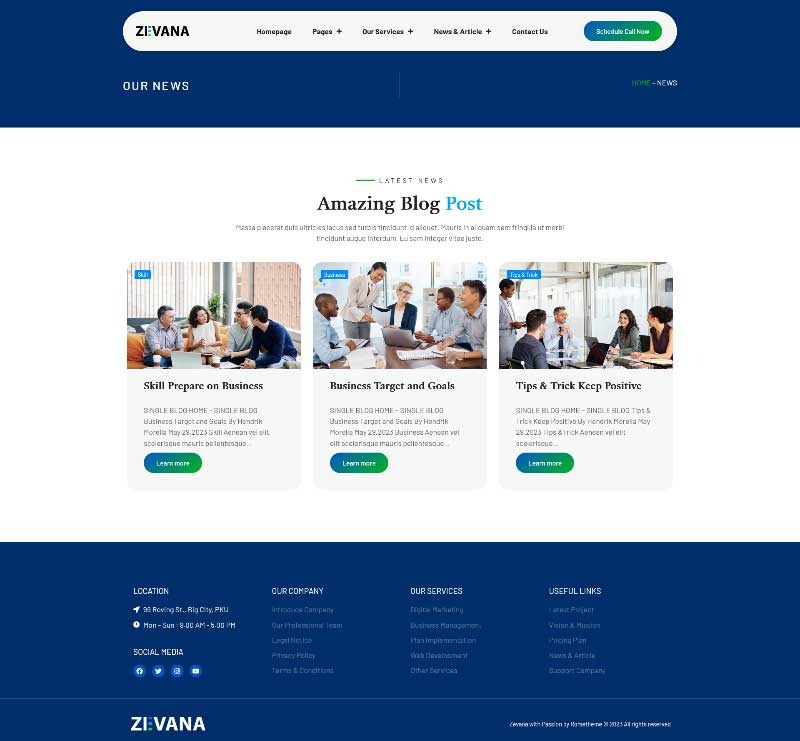
- Our Blog
- Single Blog
- Testimonial
- Contact Us
- Contact Form
- Header
- Footer
Addons Installed with Kit:
- RomethemeForm
- RomethemeKit for Elementor
- ElementsKit Lite
- Premium Addons for Elementor
How to Use Template Kits:
- Install and Activate the "Elementor" Plugin:
- Go to Plugins > Add New in WordPress.
- Install and activate the "Elementor Pro" plugin.
- Download your kit file and do not unzip it.
- Go to Elements > Installed Kits and click the Upload Template Kit button. You may also import automatically by clicking Connect Account to link your Elements subscription, then import under Elements > Template Kits.
- Check for the orange banner at the top and click Install Requirements to load any plugins the kit uses.
- Click import on the Global Kit Styles first.
- Click Import on one template at a time. These are stored in Elementor under Templates > Saved Templates.
- Go to Pages and create a new page and click Edit with Elementor.
- Click the gear icon at the lower-left of the builder to view page settings and choose Elementor Full Width and hide page title.
- Click the gray folder icon to access My Templates tab and then Import the page you'd like to customize.
- If you have Elementor Pro, headers and footers may be customized under Theme Builder.