
Welcome To My Doll's World
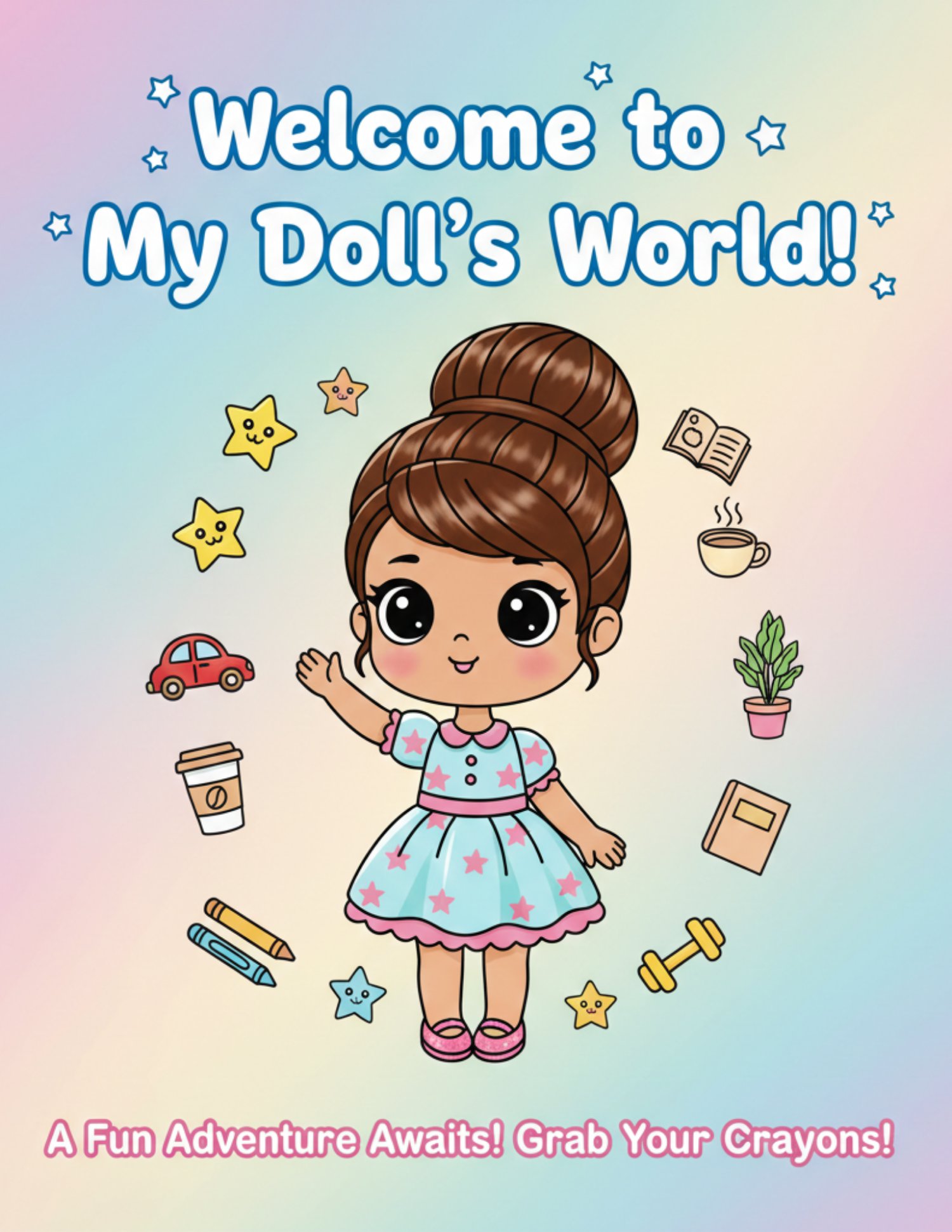
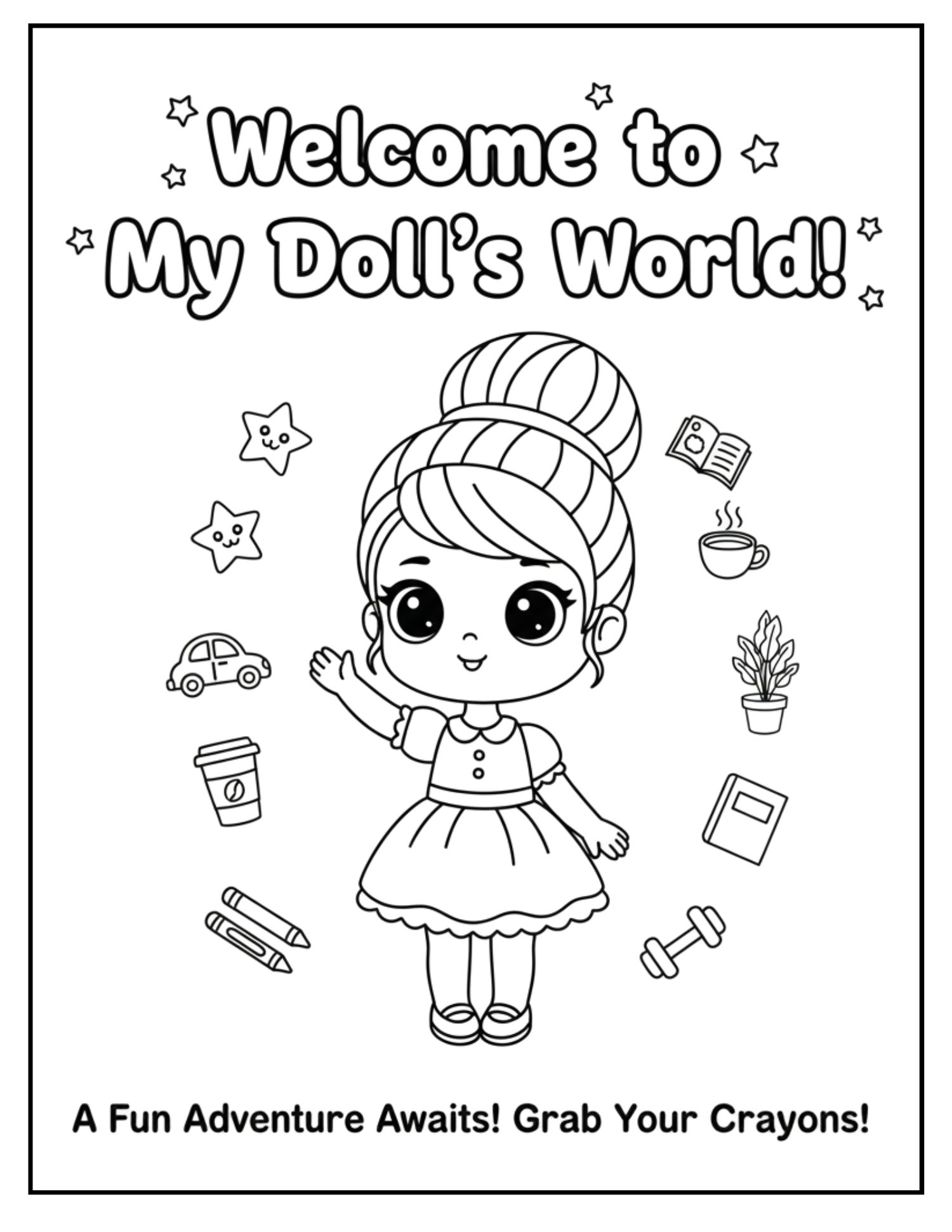
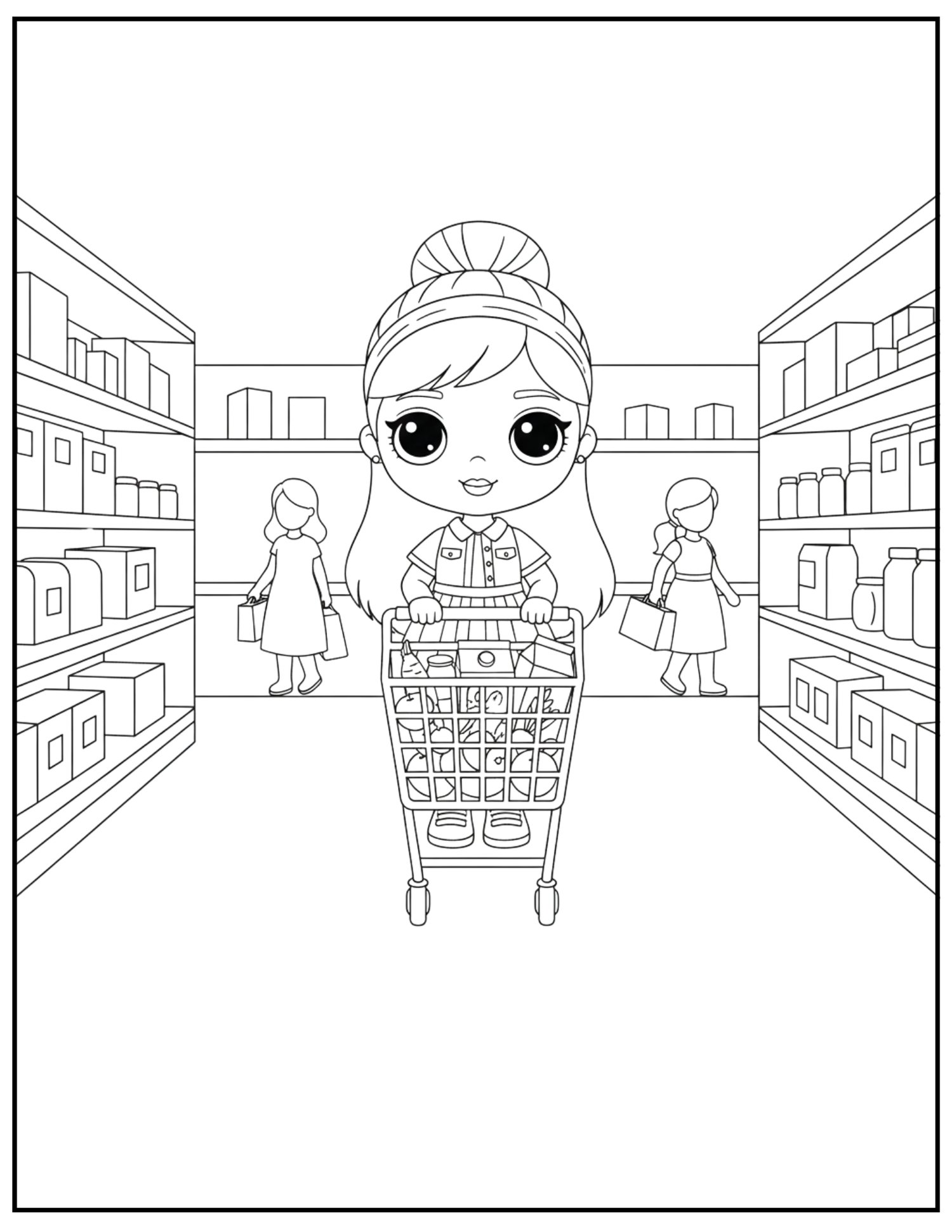
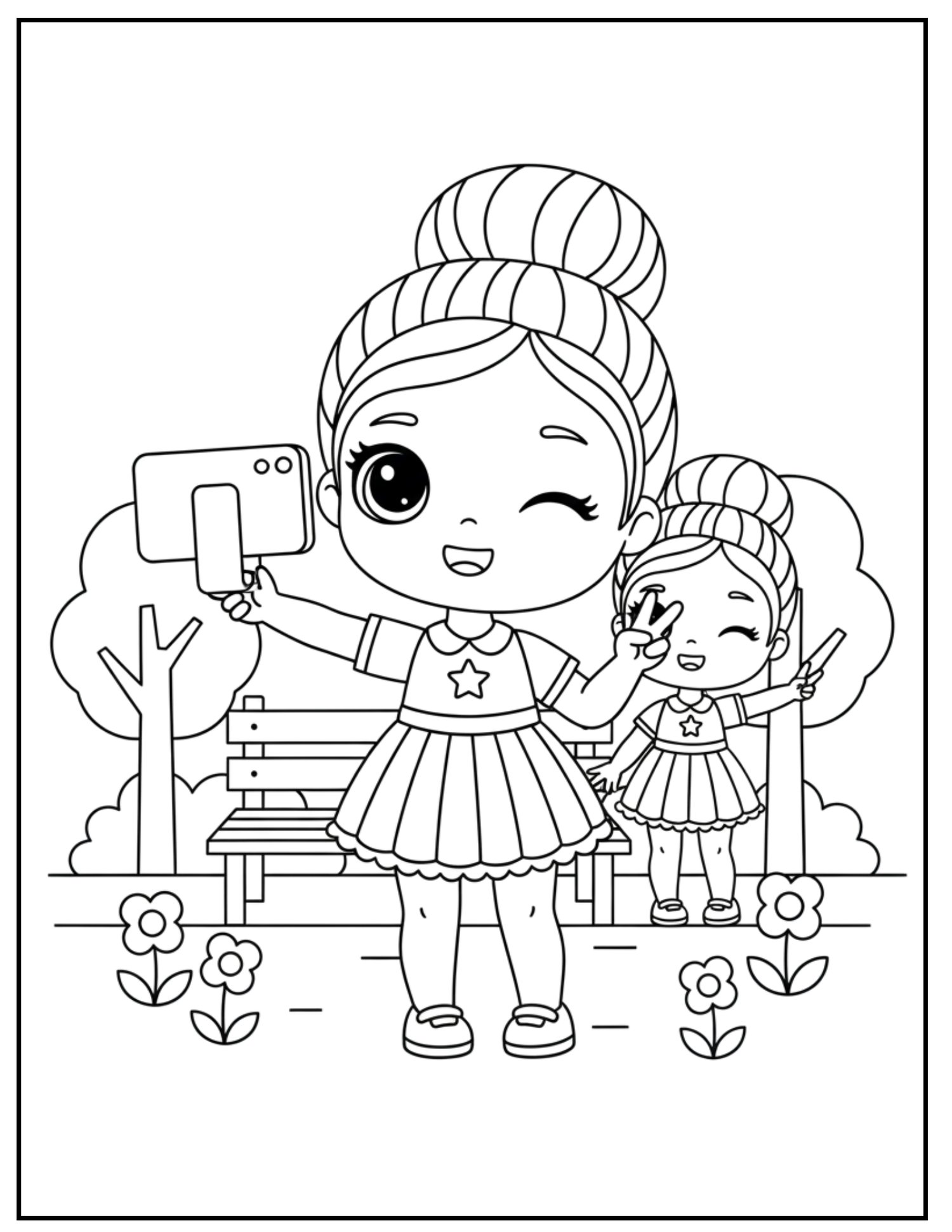
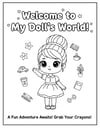
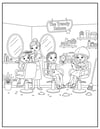
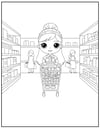
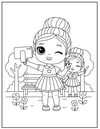
Welcome to My Doll’s World! Step into a world of style, imagination, and everyday adventures! This charming coloring book is designed specifically for young artists who love fashion, friendship, and fun. Featuring a lovable, wide-eyed doll character, each page invites children to bring her story to life with their favorite colors.
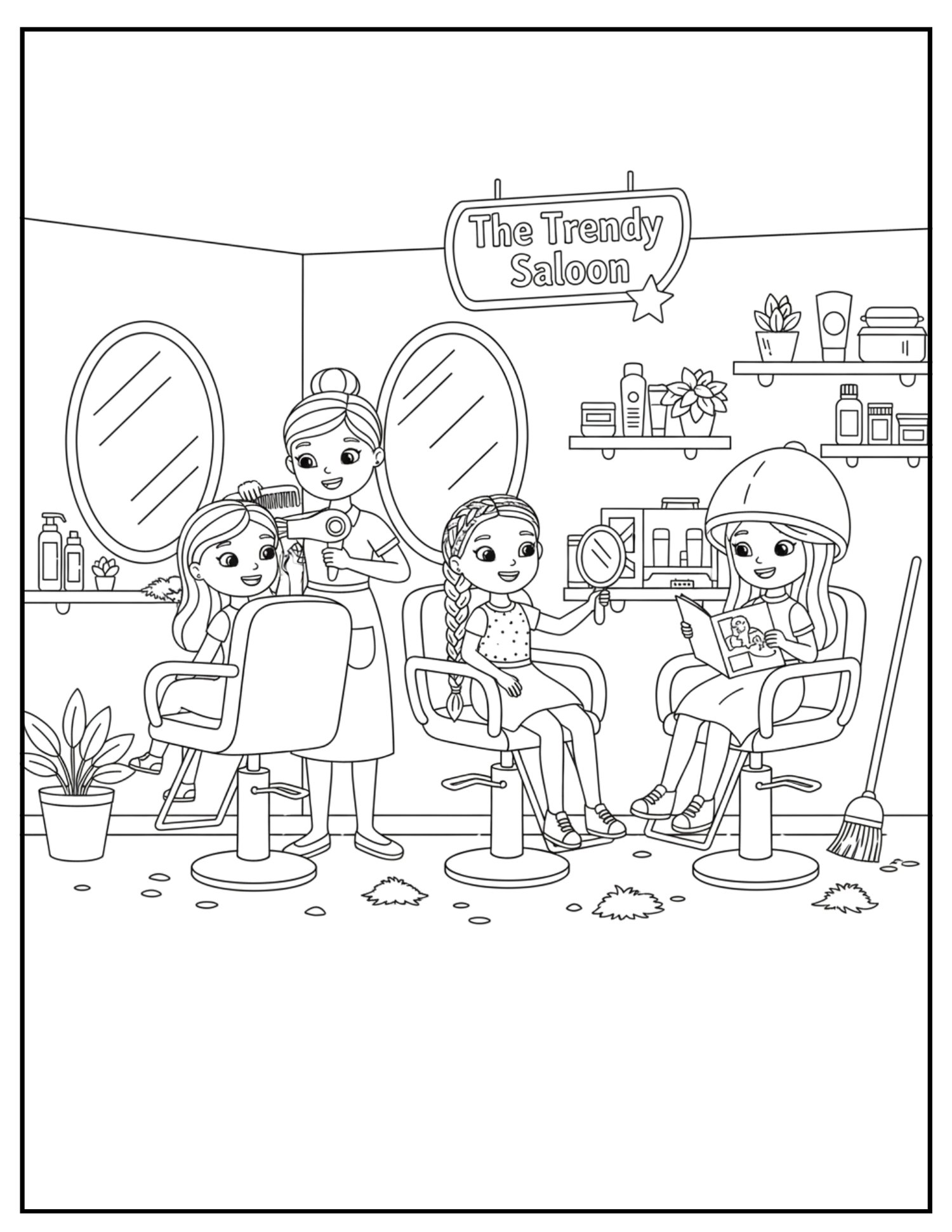
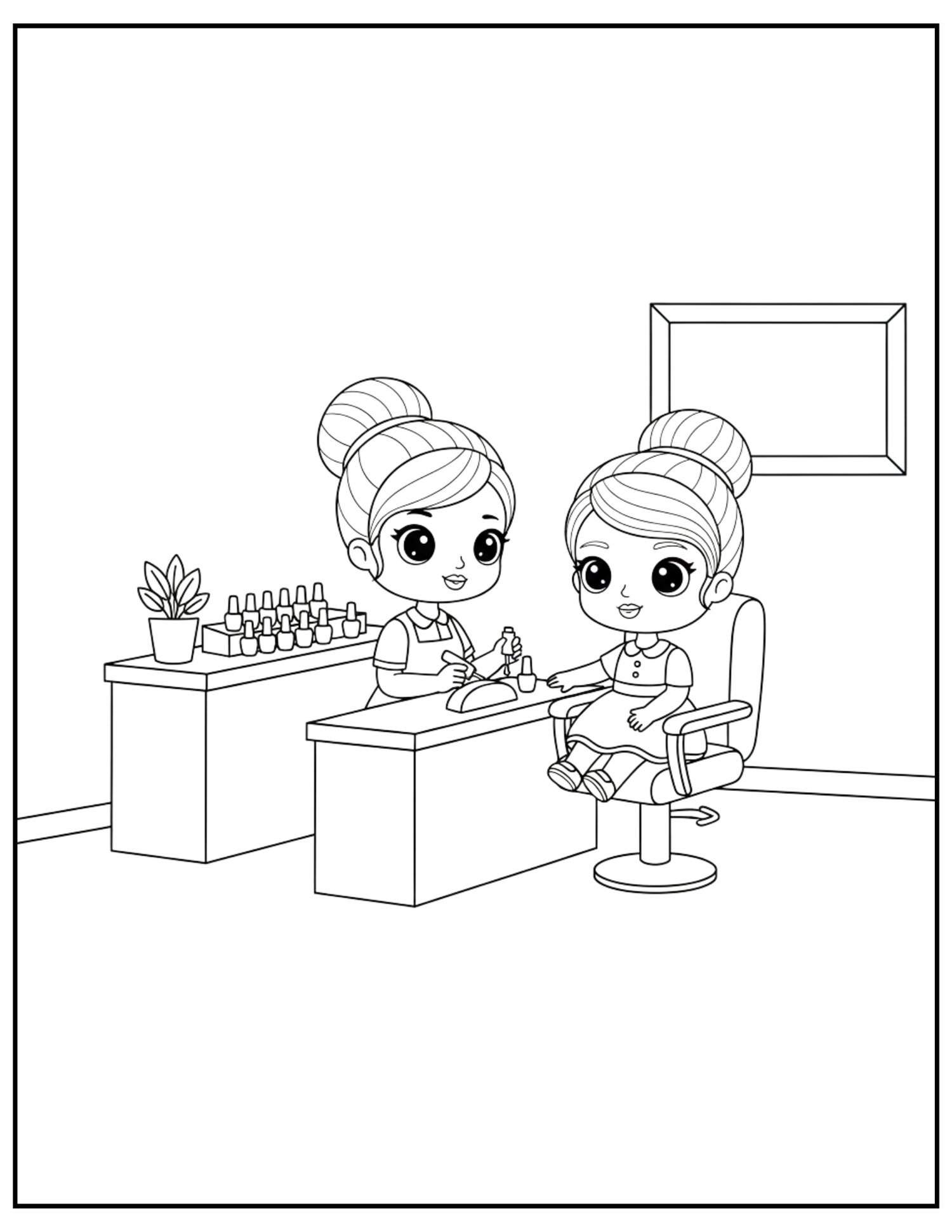
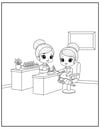
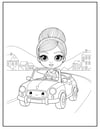
What’s Inside: * A Day in the Life: Follow Doll as she goes from her morning routine and "work-from-home" desk to glamorous moments like Fashion Week in New York City!
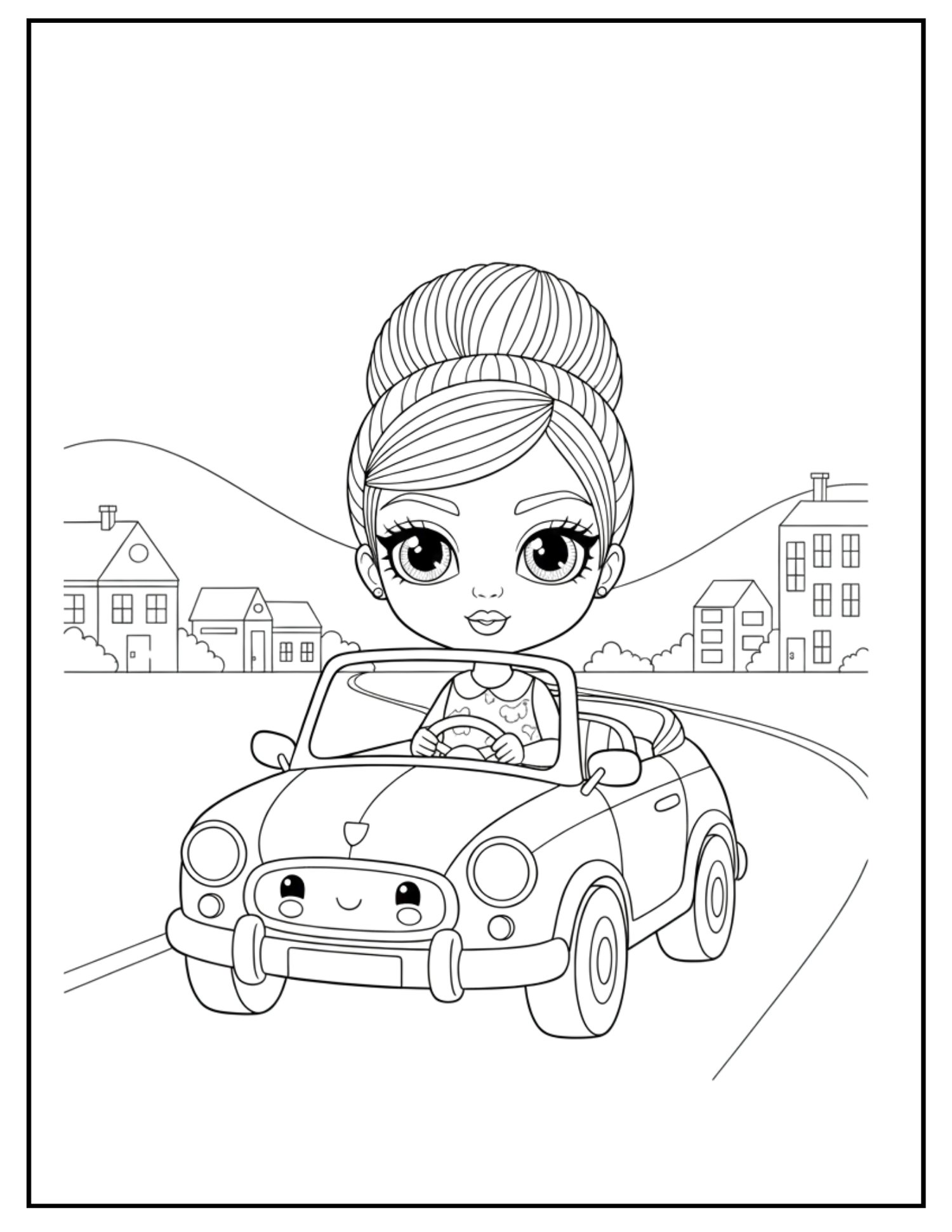
- Fun & Games: From driving her convertible through the carwash to relaxing at the park with a good book, there is a scene for every mood.
- Simple & Bold: Each illustration features bold, thick outlines and minimalist details, making it easy for little hands to stay within the lines while still providing plenty of space for creativity.
- Interactive Fun: Includes a special Maze Adventure and a "World of Doll" intro page to make the coloring journey even more engaging.
Perfect for: * Developing fine motor skills and hand-eye coordination.
- Encouraging storytelling and creative expression.
- Quiet time, travel, or a rainy day activity.
Grab your crayons, markers, or colored pencils—a fun adventure awaits!
Note: This coloring book features unique, high-quality illustrations that are AI-generated, ensuring a consistent, clean, and professional style across every page to provide the best experience for young artists.
- Digital files provided upon purchase.
- This product is delivered electronically.
- No physical materials are included.
Printing Your Digital Download
Thank you for your purchase! To get the best results from your digital file, please follow these simple steps:
- Download on a Computer: For the best experience, download and save your files to a desktop or laptop rather than a mobile device.
- Use Adobe Acrobat: Open your PDF using the free Adobe Acrobat Reader for the most accurate colors and layout.
- Print Settings: * Scale: Always select "Actual Size" or "100% Scale" in your printer settings. Choosing "Fit to Page" may distort the dimensions.
- Quality: Set your printer to "High Quality" or "Best" for crisp lines and vibrant colors.
- Paper: For best results, we recommend using a heavier weight paper (like cardstock) or high-quality matte paper.
Colors: Please note that colors may vary slightly depending on your monitor settings and printer calibration