
DeptCompare — Department & Cost Center Budget Comparison (Excel/Sheets)
Which department is actually the problem?
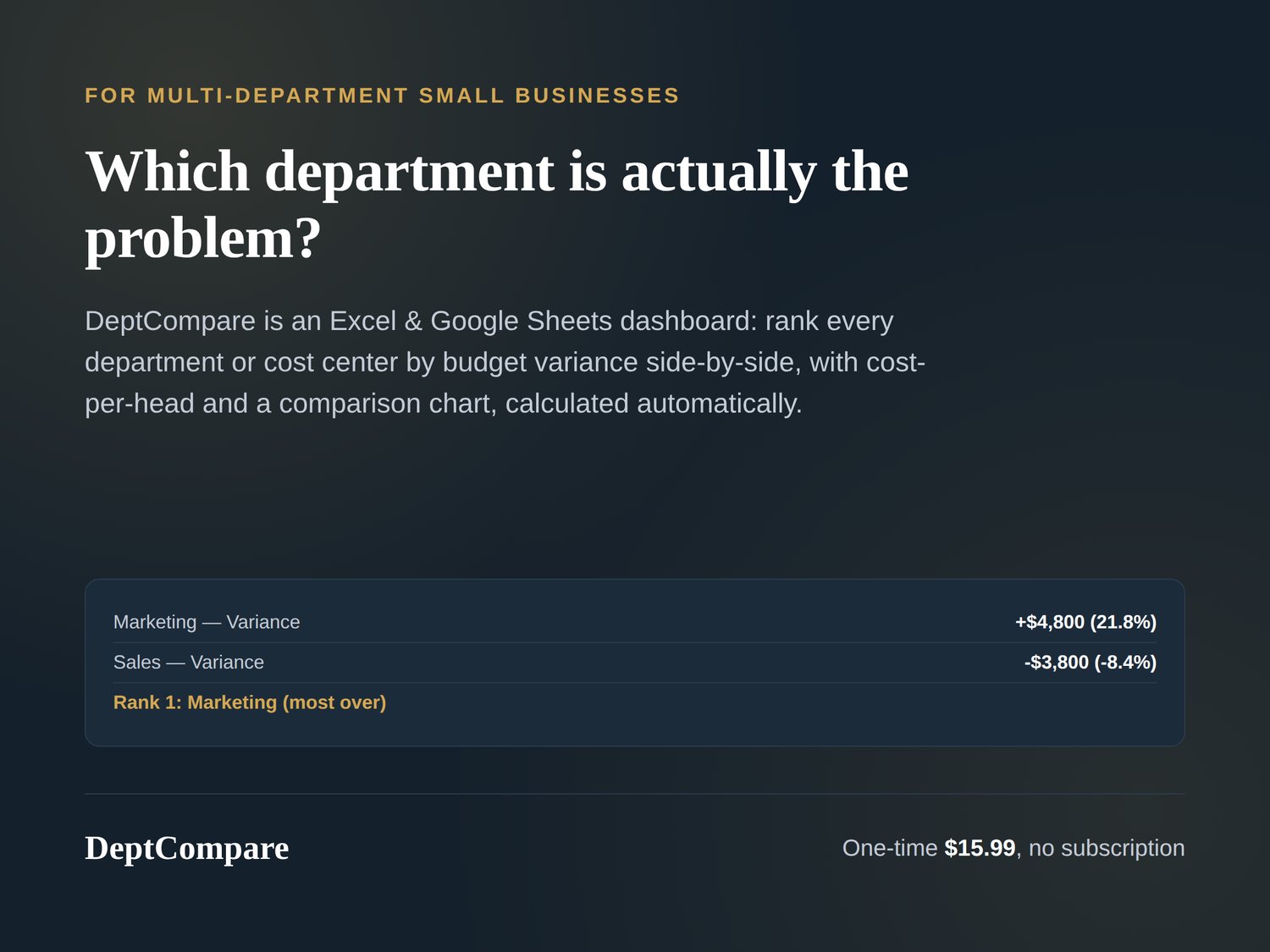
DeptCompare is a simple Excel & Google Sheets workbook for multi-department small businesses: enter each department's budget, actual spend, and headcount, and see them ranked side-by-side by how over or under budget they are, automatically.
What's inside:
Department Input — each department or cost center's budget, actual spend, and headcount for the period
- Comparison Dashboard — every department ranked side-by-side by budget variance, with cost-per-head and a comparison chart, calculated automatically
No account, no login, no subscription. Works in Excel, Google Sheets, and LibreOffice Calc.
Pairs naturally with VarianceView: VarianceView tracks one entity's budget over time; DeptCompare compares multiple departments against each other.
Delivered instantly after checkout as an editable .xlsx workbook, along with a quick-start guide.
This is a budgeting convenience tool, not accounting or tax advice — for anything filed with a tax authority, please check with a qualified professional.