
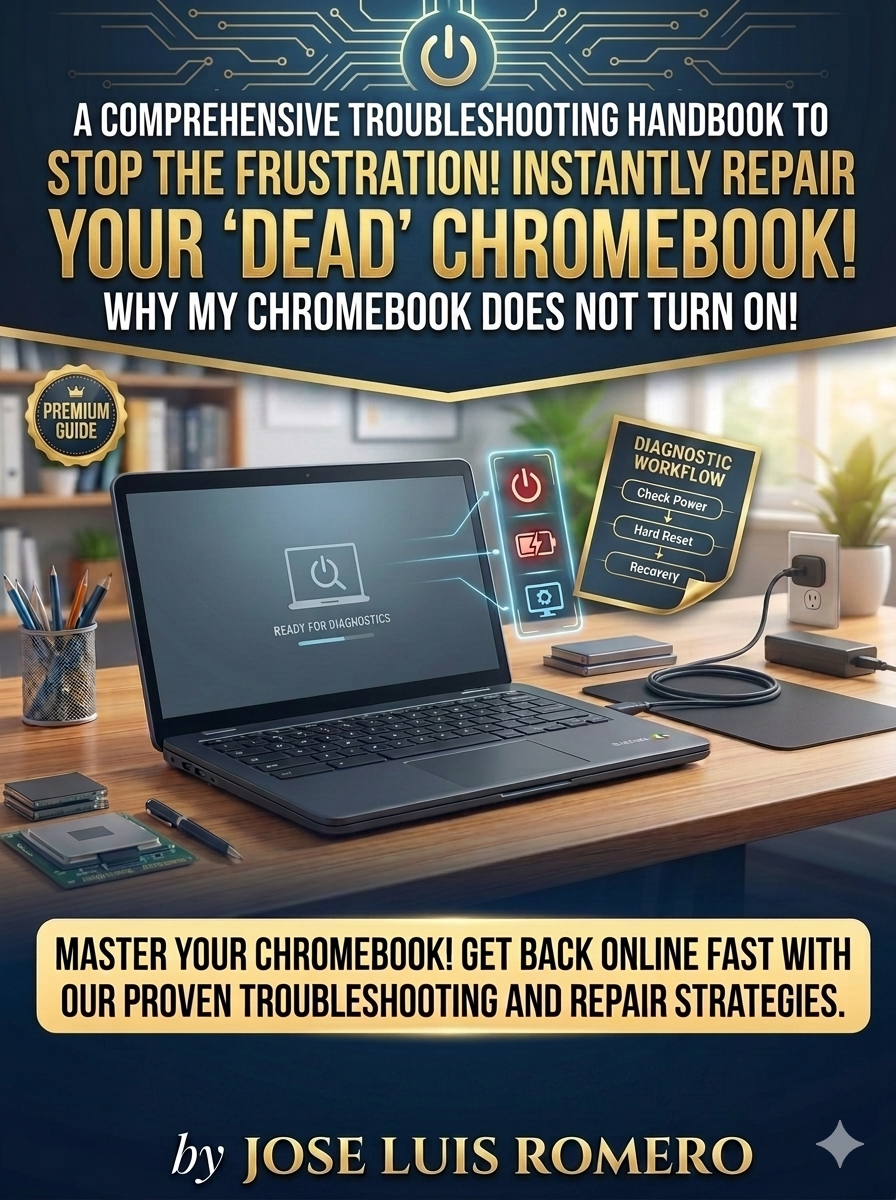
My Chromebook WIll Not Turn On!
Chromebook Won’t Turn On? How to Fix Your Dead Chromebook (Step-by-Step Troubleshooting Guide)
Is your Chromebook completely dead, refusing to boot up, or failing to charge? Before you spend hundreds of dollars on a professional computer repair technician or buy an expensive new laptop, you can safely troubleshoot your Chromebook power issues yourself right from home!
This comprehensive, beginner-friendly Chromebook troubleshooting guide is your ultimate DIY resource for diagnosing and fixing an unresponsive Chromebook. Written by tech guide author T.C. Dweller, this digital book breaks down complex hardware testing into a simple, actionable blueprint that anyone can follow.
Whether you own a Dell Chromebook 3112 or any other popular brand (including Asus, Acer, HP, Samsung, or Lenovo), the universal principles in this guide apply to almost all ChromeOS devices.
🔍 What’s Inside the Chromebook Repair Guide?
- Physical Power Source Checks: Learn exactly how to test a Chromebook charger, verify wall sockets, and ensure your Chromebook power cord is in good condition.
- Visual Damage Assessment: Easy methods to inspect your device charging brick and power cable for exposed or cut wires.
- Chromebook Hard Reset Technique: Discover the exact Chromebook hardware reset button combination (using the Refresh button and power button) to force-reboot a frozen system.
- Charging Indicator Insights: Understand your Chromebook charging light codes—whether it is flashing orange, amber, or solid white.
- Advanced Laptop Hardware Next Steps: Clear, practical guidance on what to do if you encounter deeper hardware failure, such as a Chromebook battery replacement or a faulty laptop daughterboard/motherboard.
💡 Why Download This ChromeOS Troubleshooting Ebook?
- High-Quality Visuals: Packed with close-up, clear photos so you can easily follow along visually without making costly mistakes.
- Sectioned Breakdown: Organized logically into easy-to-follow steps, starting with the most basic external power fixes first.
- Money-Saving Advice: Save time and money by ruling out minor external adapter issues before you take your device to a local repair shop.
Don't let a black, blank laptop screen slow you down. Purchase your copy today, learn how to fix a Chromebook that won't turn on, and bring your dead device back to life.