
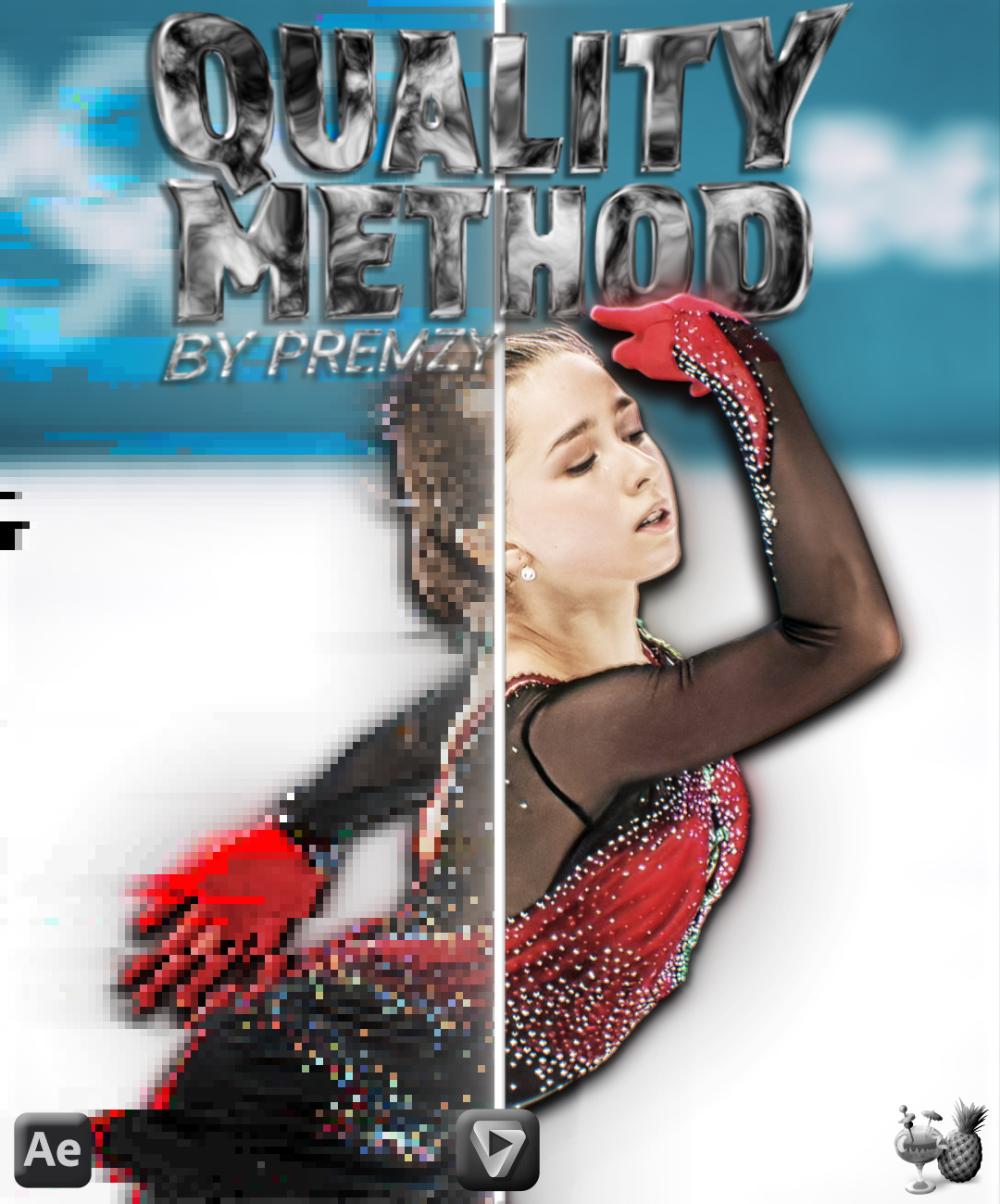
Premzy Quality method
On Sale
€3.00
€3.00
The Exact Workflow Behind My Sharpest, Highest-Quality Edits
My complete After Effects → Topaz → HandBrake process
WHAT YOU GET:
- My full After Effects comp + export settings, step by step
- My exact Topaz Video AI enhancement preset (drag-and-drop import)
- My exact HandBrake compression preset (drag-and-drop import)
- The posting method I use to keep quality intact after upload
REQUIREMENTS:
- After Effects
- Topaz Video AI
- HandBrake (free)
HOW IT WORKS:
Follow the 6-step PDF guide included in the pack — set your comp, export from AE, run it through Topaz with my preset, compress with my HandBrake preset, then post using my upload method for max quality retention.
SUPPORT:
If you need help or have any questions, DM me on TikTok: @Premzy.ae