



Macro Manager Pro
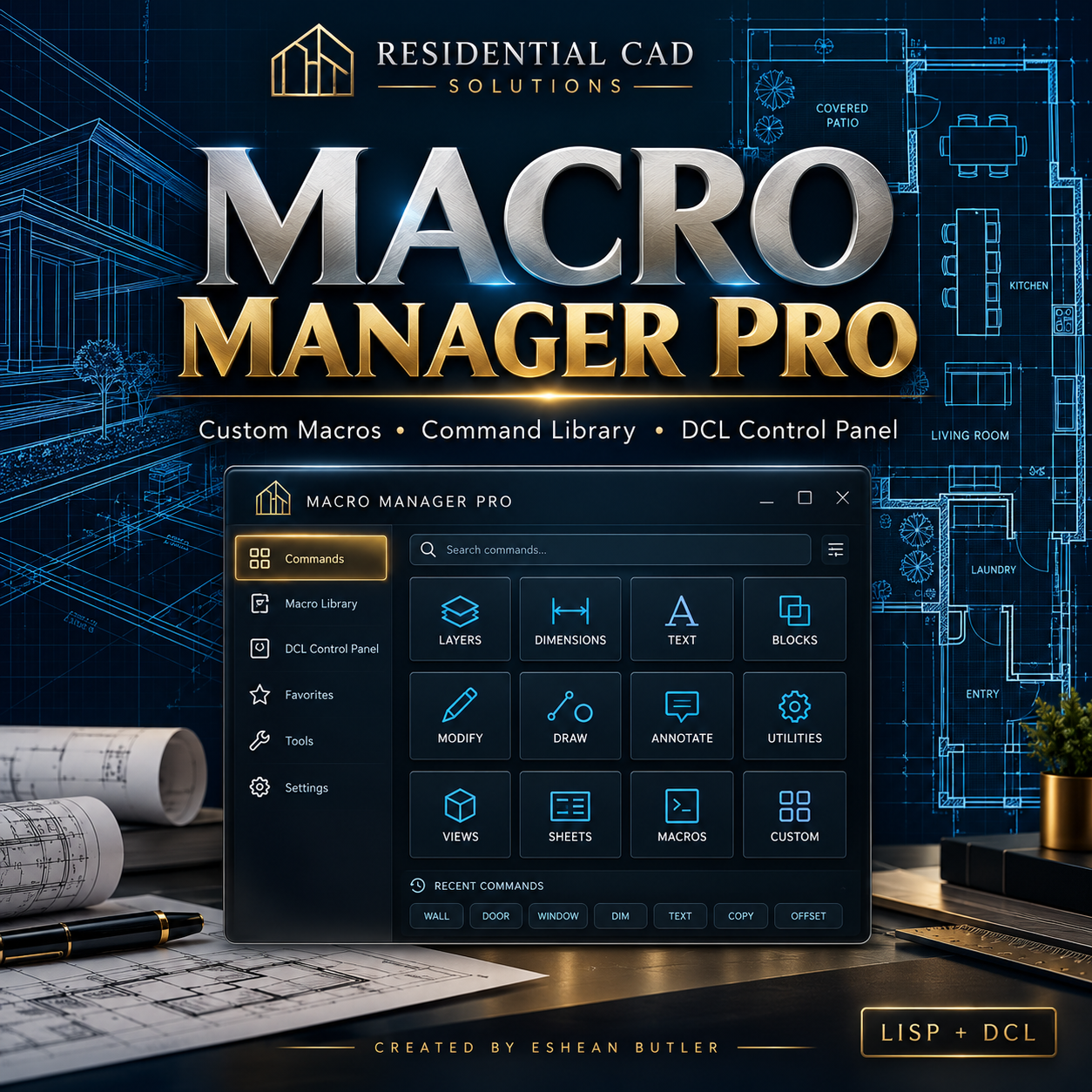
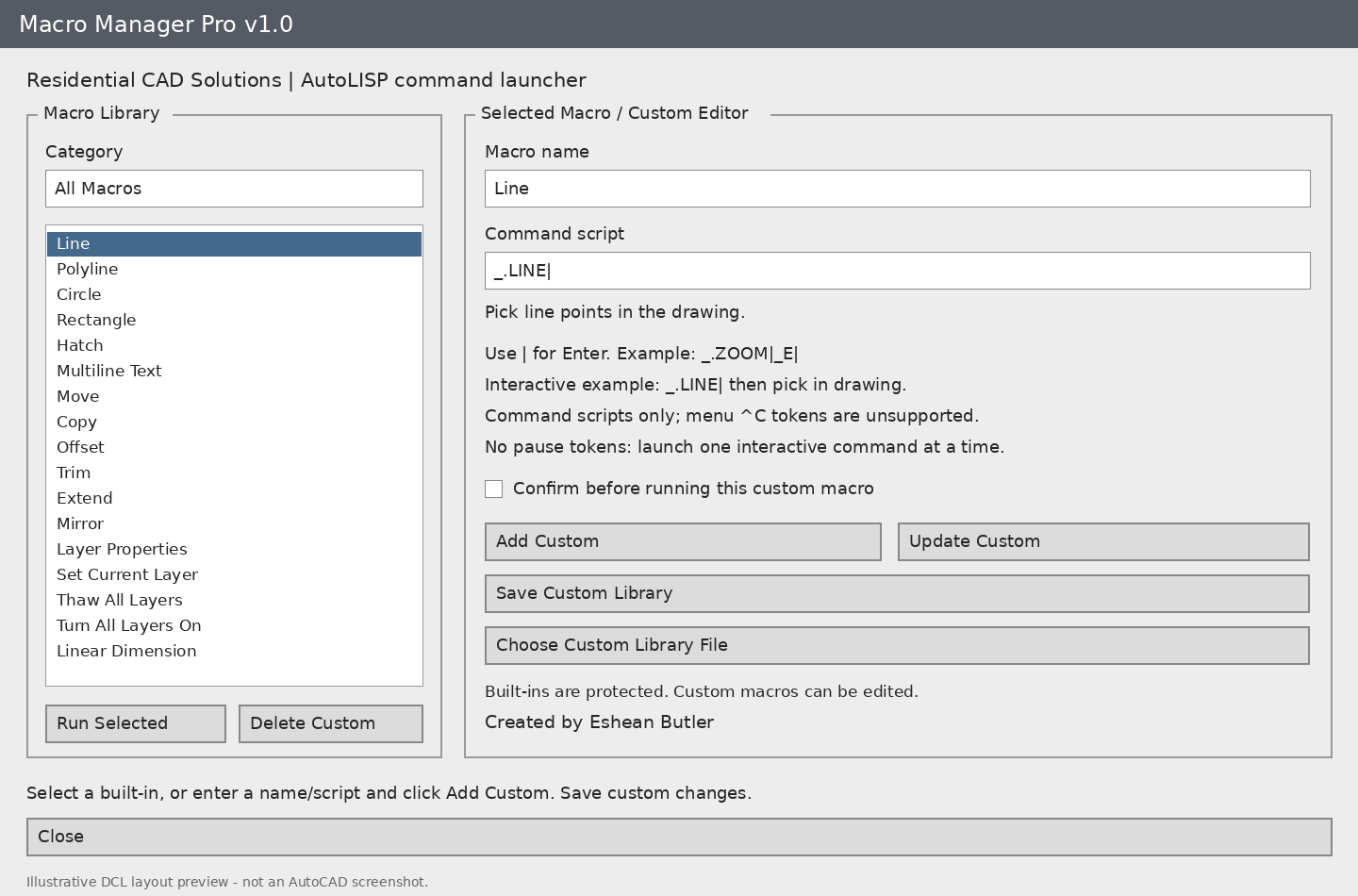
Organize your AutoCAD commands and custom macros in one convenient DCL control panel. Macro Manager Pro includes 26 built-in command launchers and a custom macro editor to keep your frequently used actions together.
Features
- Launch drafting commands, including Line, Polyline, Circle, Rectangle, Hatch, and Multiline Text.
- Access Move, Copy, Offset, Trim, Extend, and Mirror.
- Open Layer Properties, set the current layer, thaw layers, and turn layers on.
- Launch dimension commands and Dimension Style Manager.
- Access Zoom Extents, Zoom Previous, Pan, and Regen All.
- Open the Purge dialog, run an audit without repairs, or Quick Save with confirmation.
- Add, edit, and delete custom command scripts.
- Save custom macro libraries for reuse.
- Launch separately loaded AutoLISP routines by command name.
- Enable confirmation before running a custom macro.
Simple Script Entry
Use | to represent Enter. For example, _.ZOOM|_E| runs Zoom Extents. The panel closes when you launch a macro so you can complete interactive prompts in your drawing.
Your Download Includes
- AutoLISP program (.LSP).
- DCL control panel (.DCL).
- Installation instructions and script examples.
- Gray DCL layout preview.
Commands: MACROMANAGER or MMPRO
Written for Windows AutoCAD with Visual LISP, targeting AutoCAD 2002. Package structure checks have passed; runtime testing in AutoCAD has not yet been completed.
Custom macros use command-script syntax. CUI/menu tokens such as ^C, pause tokens, Diesel, and embedded LISP expressions are unsupported. Separately launched LISP routines must already be loaded.