
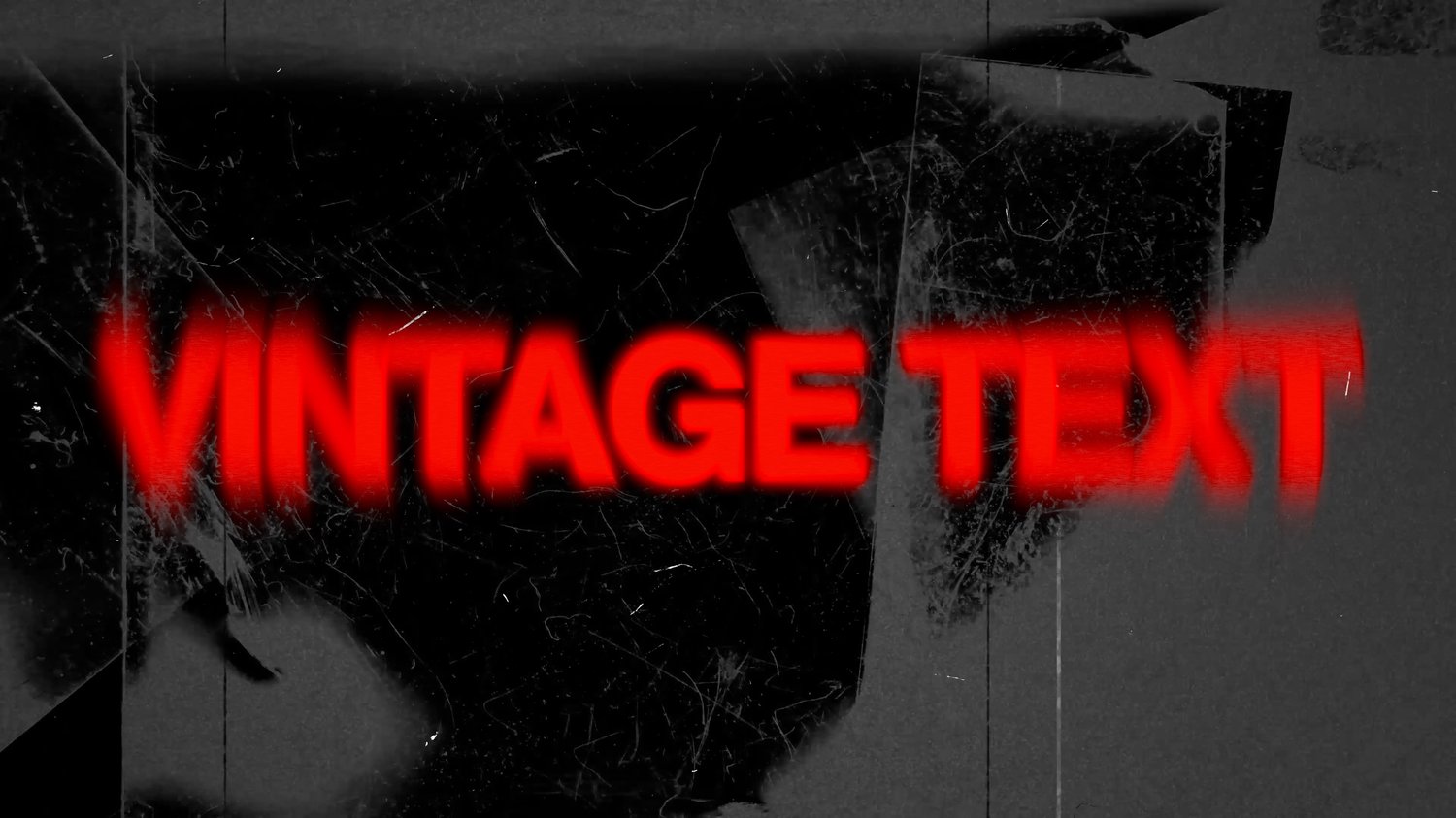
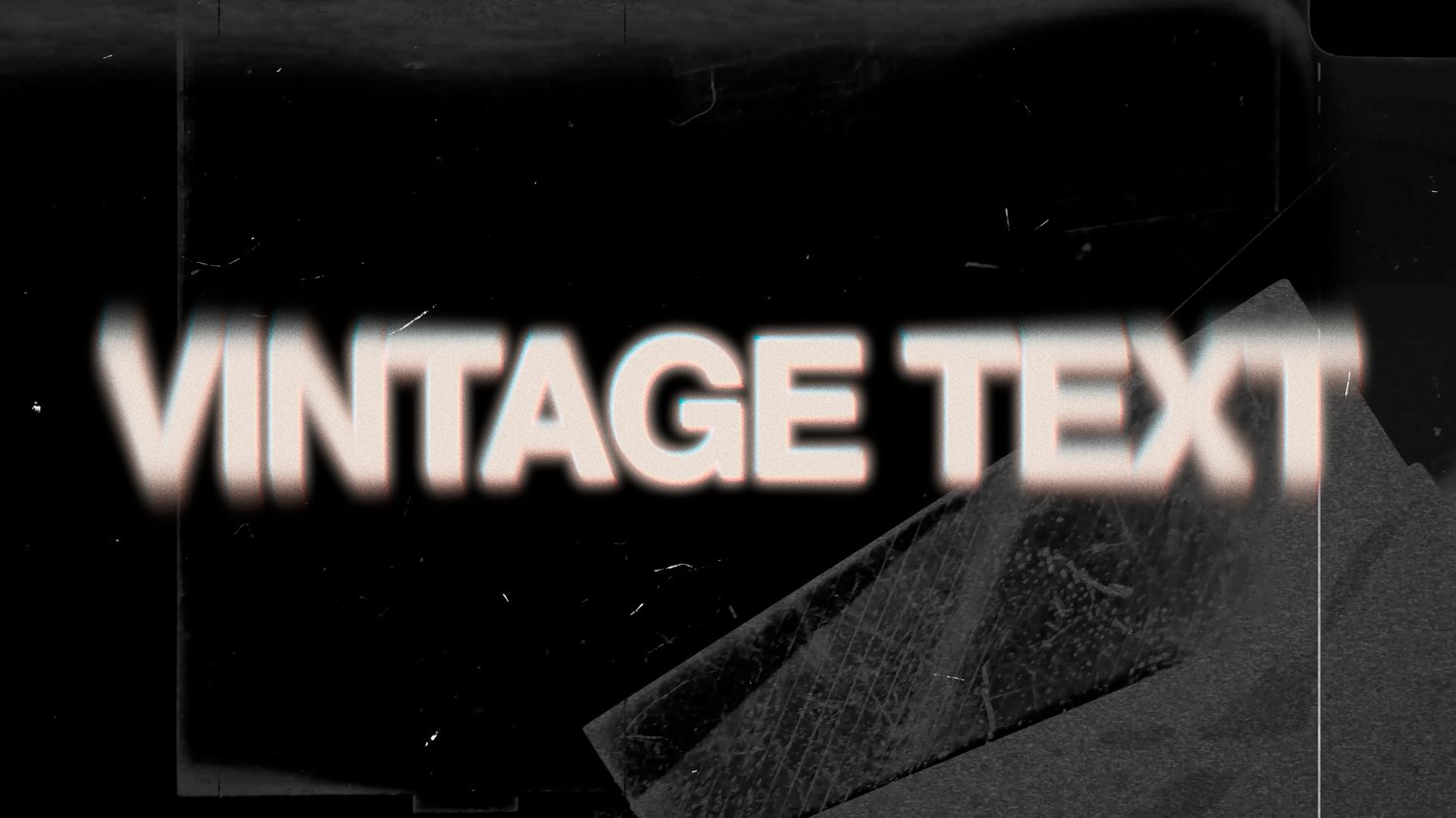
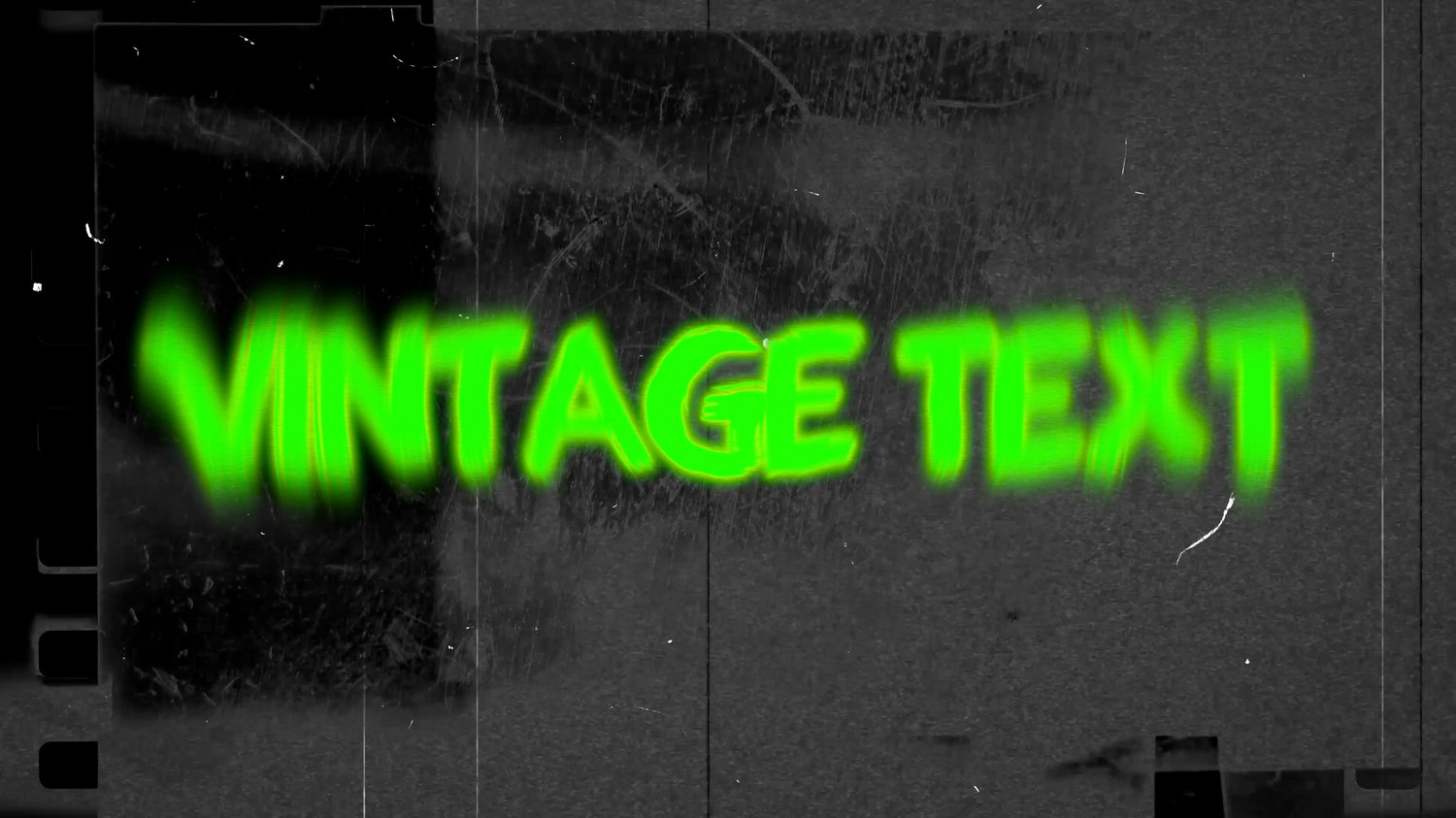
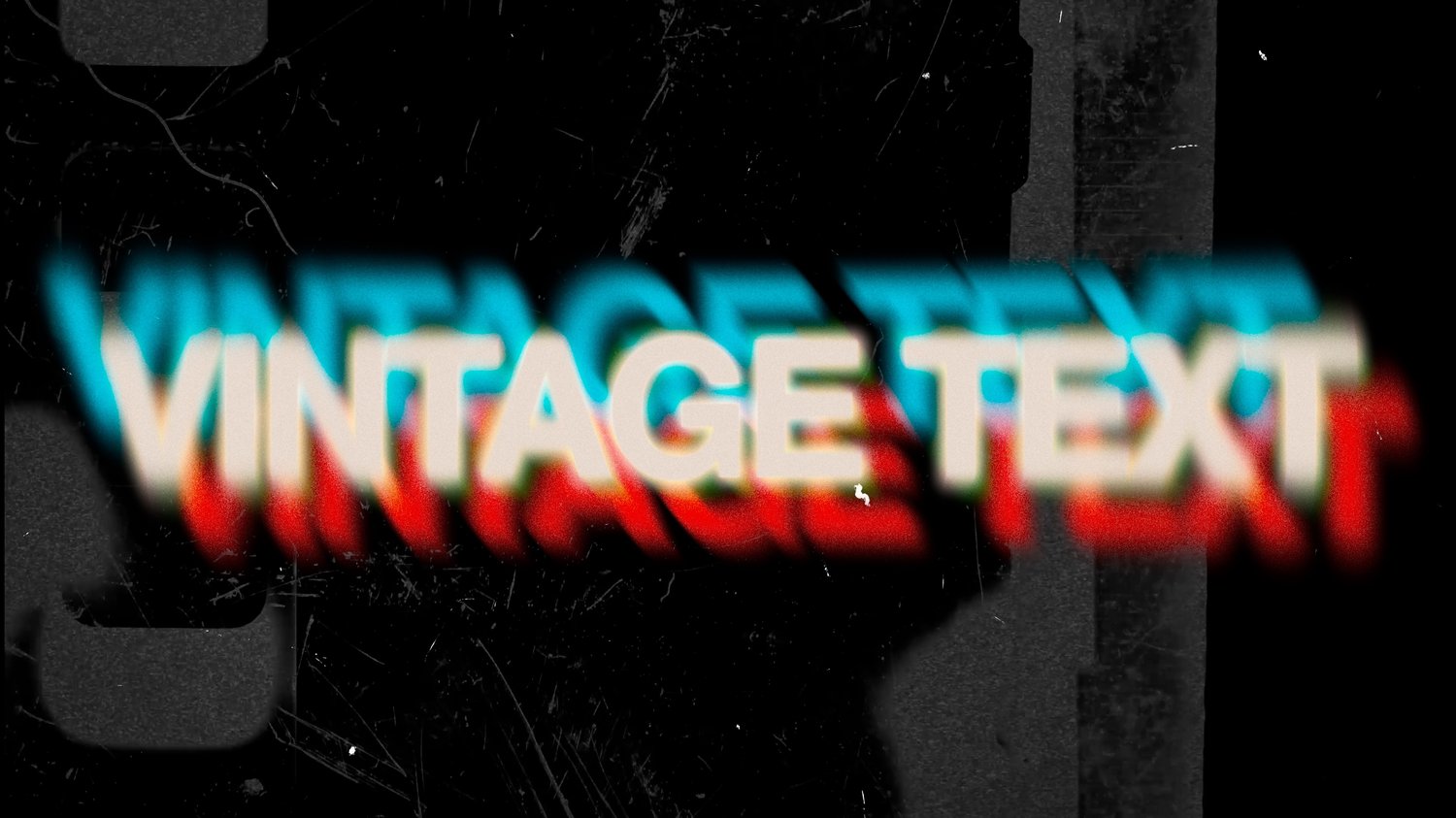





Vintage Text – Drag & Drop Title (Final Cut Pro)
On Sale
$0.99
Pay what you want:
(minimum $0.99)
$
A drag-and-drop Final Cut Pro title, custom built in Motion, that gives you:
- Film-style halation around highlights
- Adjustable chromatic / 3D color separation
- Subtle radial + zoom blur for motion and softness
- Built-in film grain
- Organic micro-jitter for analog movement
Everything stays linked.
Change the text once and the entire effect updates correctly.
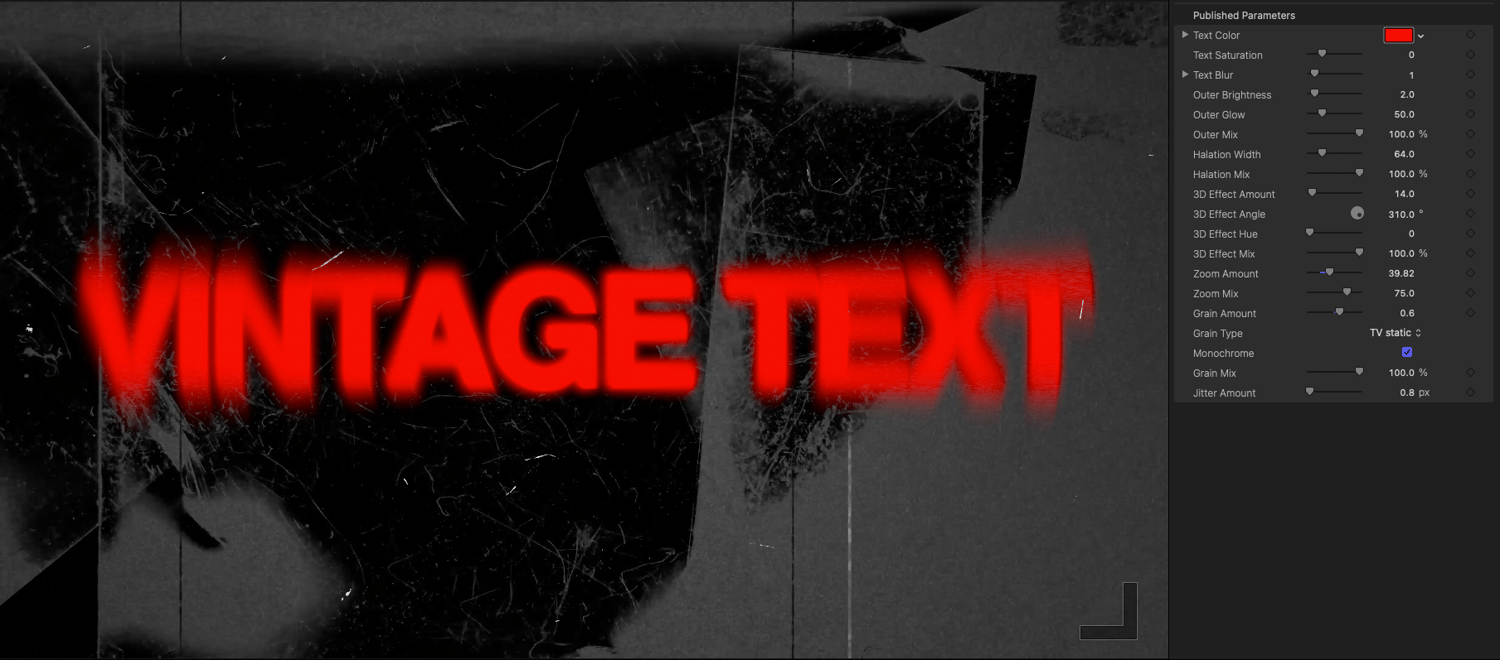
Full control
- Any font
- Any color
- Adjustable halation width
- Adjustable glow and blur
- Adjustable 3D offset and angle
- Adjustable grain and jitter
Keep it clean and cinematic
or push it into full retro chaos.
Built for Final Cut Pro
- Native Final Cut Pro title
- Built entirely in Motion
- No third-party plugins
- Optimized performance
- Works at any resolution (landscape or vertical)
Drop it on the timeline.
Type your text.
Done.
Perfect for
- YouTube titles
- Cinematic edits
- Trailers
- Branding and openers
- Retro or nostalgic visuals
Anywhere digital text feels too perfect.
Backdrop's NOT included.
How to Install the Vintage Text Title (Final Cut Pro)
- Quit Final Cut Pro if it’s open and unzip the Vintage Text download.
- In Finder, go to:
- Movies > Motion Templates > Titles
- If Motion Templates doesn’t exist, create it.
- If Titles doesn’t exist inside it, create that too.
- Copy the Vintage Text folder into the Titles folder.
- The final path should look like:
- Movies/Motion Templates/Titles/Vintage Text
- Open Final Cut Pro.
- In the Titles Browser, look for:
- Category: Installed Titles (or the custom folder name)
- Title: Vintage Text
- Drag it onto the timeline like any other title.