





Trades Super Bundle: 17 Tools in One Command Center Workbook (Excel, Google Sheets)
Your whole trade business in one file.
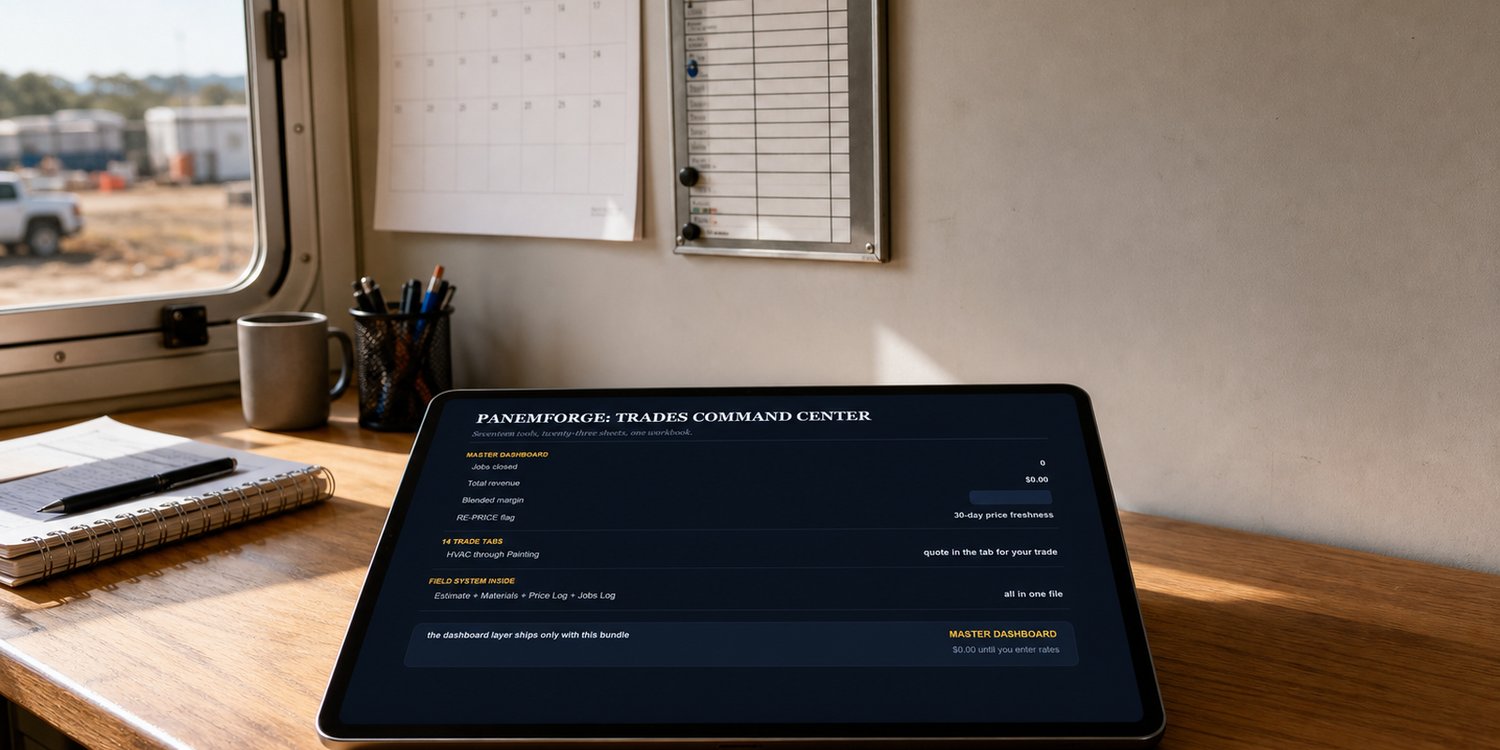
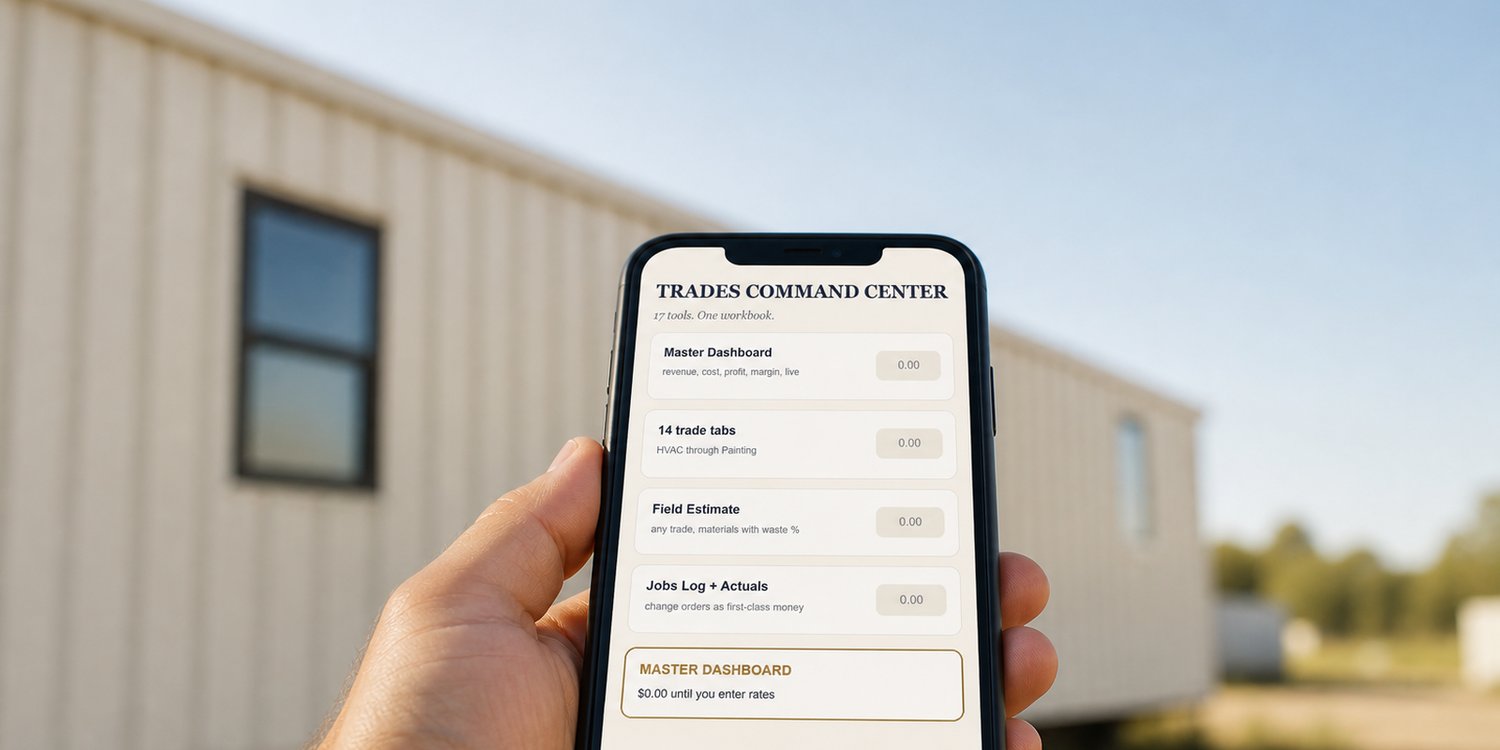
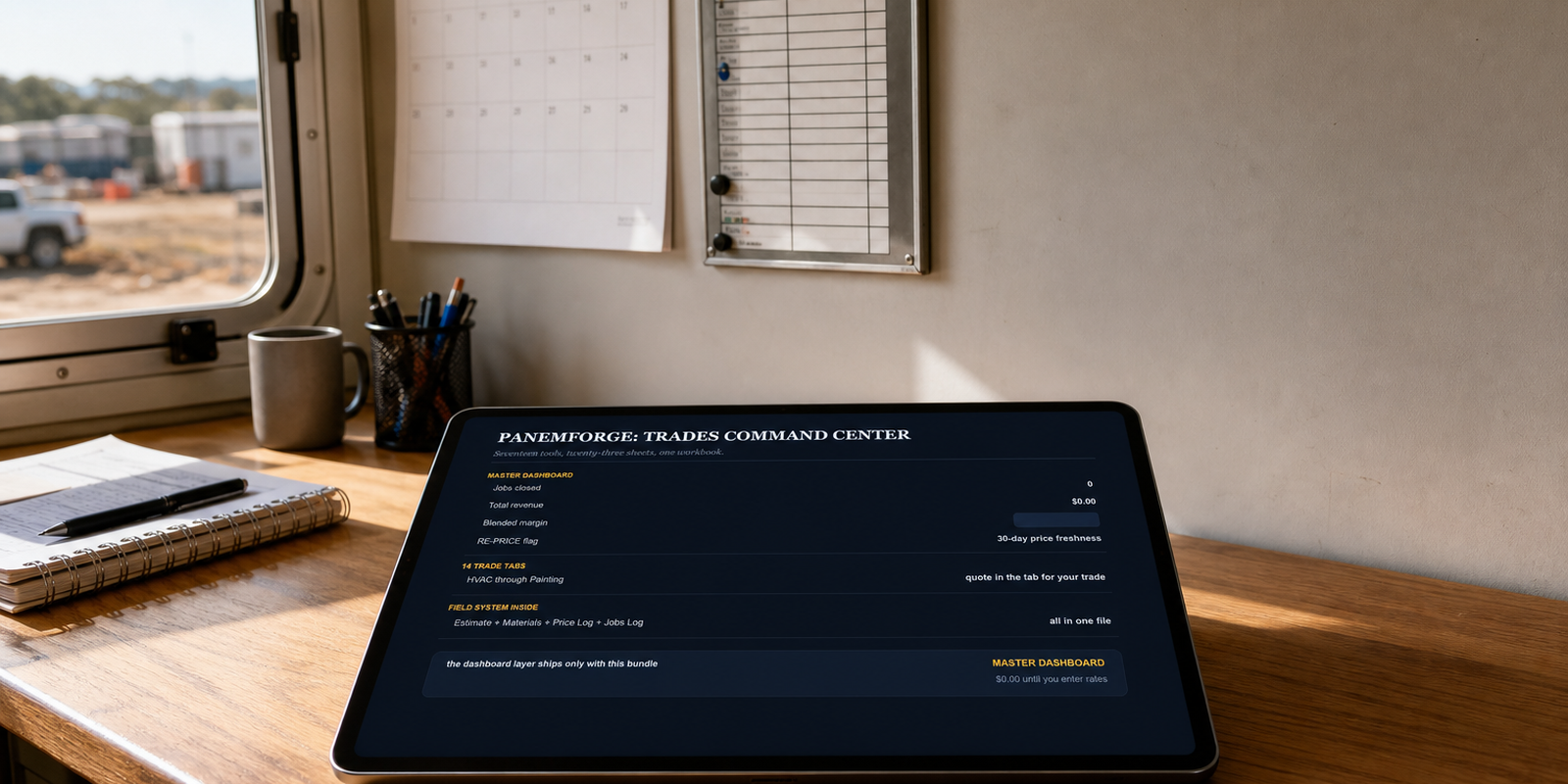
The Super Bundle ships as one mega-workbook with 23 sheets: Start Here, a Master Dashboard, a quote tab for each of the 14 trades, the field system (Field Estimate, Field Materials, Field Price Log, Field Jobs Log, Field Actuals), an AI Help sheet, and a README.
Quote in the tab for your trade, HVAC through Painting. Your rates sit at the top of each tab and the job's lines sit below: task, quantity, hours, materials, line total. Type your own lines. Or quote any trade at all in Field Estimate: labor hours times your rate, materials with a waste percent, other costs as lines, with a valid-until date that counts 14 days out.
The Master Dashboard updates itself from all of it. Jobs closed, total revenue, total actual cost, total profit, blended margin. Today's quote price and its gross margin. The total material budget, the date of your latest supplier quote, and a RE-PRICE flag when that quote is older than 30 days. No setup, no wiring. Every connection lives inside the file.
Close jobs in the Field Jobs Log, with change orders counted as first-class money. Track real costs by category in Field Actuals. Budget materials per job in Field Materials, and keep dated supplier prices in the Price Log.
Every rate and price cell ships blank on purpose. The file does your math with your numbers. It never suggests what to charge and it gives no tax advice. Ask your CPA about sales tax and markup.
AI Help is a sheet of copy-paste prompts you can hand to any AI chat to draft emails, letters, and price language: the estimate email, the scope gap check, a change order draft, the follow-up nudge, a supplier price check, a margin health check, a rate increase letter, and the bid or no-bid call. The AI drafts, you decide. There are no external links inside the file.
The Command Center layer, the dashboard that ties all 17 tools together, ships only with this bundle. The Field Bundle and the Complete Set bought apart come to $109. The Super Bundle is $100, and it opens as one system the moment it opens.
No macros. No bank connections needed. No subscriptions, accounts, or logins. Works in Excel, LibreOffice, and Google Sheets. One file, $100, yours forever.
SALES POLICY: All sales are final. Digital files can't be returned. If a file won't open, or is damaged, reply to your purchase email and we'll send a fixed or replacement file, free.
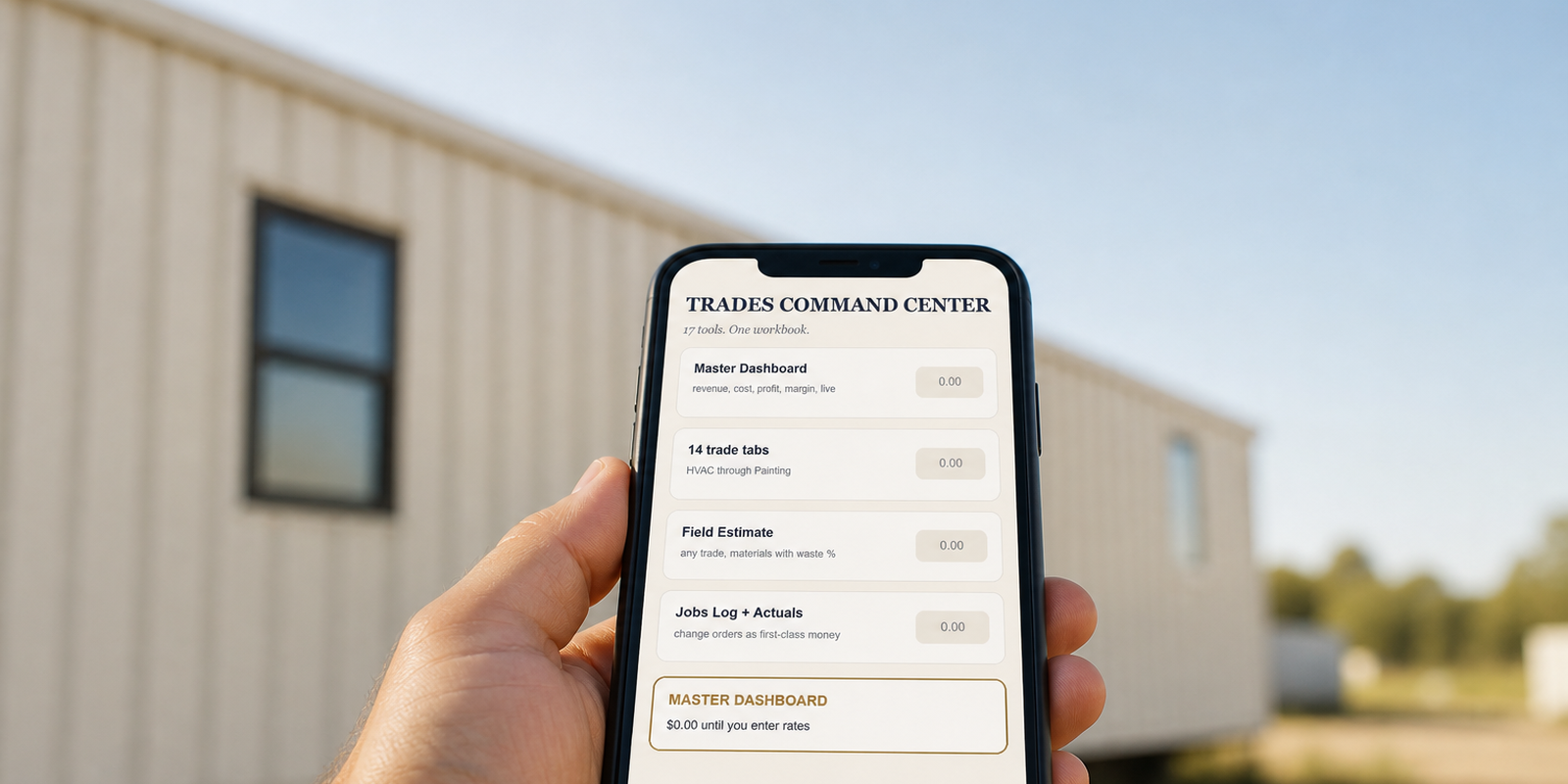
Q: What are the 17 tools?
A: The 14 trade quote tabs, HVAC through Painting, plus the field estimator, the materials budget, and the job profit tracker. All of them are sheets inside the one workbook, all wired to the Master Dashboard.
Q: So I get one file, not 17?
A: Yes, one 23-sheet workbook. The trade tabs are condensed builders: your rates and the job's lines on one sheet, with no catalog tab. If you want the full 12-item trade catalogs as 14 standalone files, that is the Complete Set.
Q: How does the Master Dashboard update itself?
A: Same-file formulas. You type in the tabs, and the dashboard reads them: revenue, cost, profit, blended margin, today's quote, material budget, price freshness. A row that shows an incomplete marker is telling you a line is not finished.
Q: What is the RE-PRICE flag?
A: The price log is dated. When your newest supplier quote is more than 30 days old, the dashboard flags it so you re-check prices before the next quote goes out.
Q: Does it come with prices?
A: No. Every rate and price cell ships blank. Your rates, your supplier costs, your markup. The file does the math and never suggests what to charge.
Q: What if the file does not work for me?
A: Digital files cannot be returned, so all sales are final. If the file will not open, is damaged, or is not what this page promised, reply to your purchase email and we will send a fixed or replacement file, free.
Watch the walkthrough on YouTube at youtube.com/@PanemForge.
For more ideas and free guides, visit Pinterest at pinterest.com/panemforge.