
Pet Care and Expense Tracker Spreadsheet (Google Sheets and Excel)
A Pet Care & Expense Tracker for Google Sheets and Excel that keeps your pet's money and health in one file — for up to four pets. Log every expense, set a monthly budget by category, keep a vet-visit record with insurance claims, get vaccine and medication due dates worked out for you, and compare pet insurance quotes side by side.
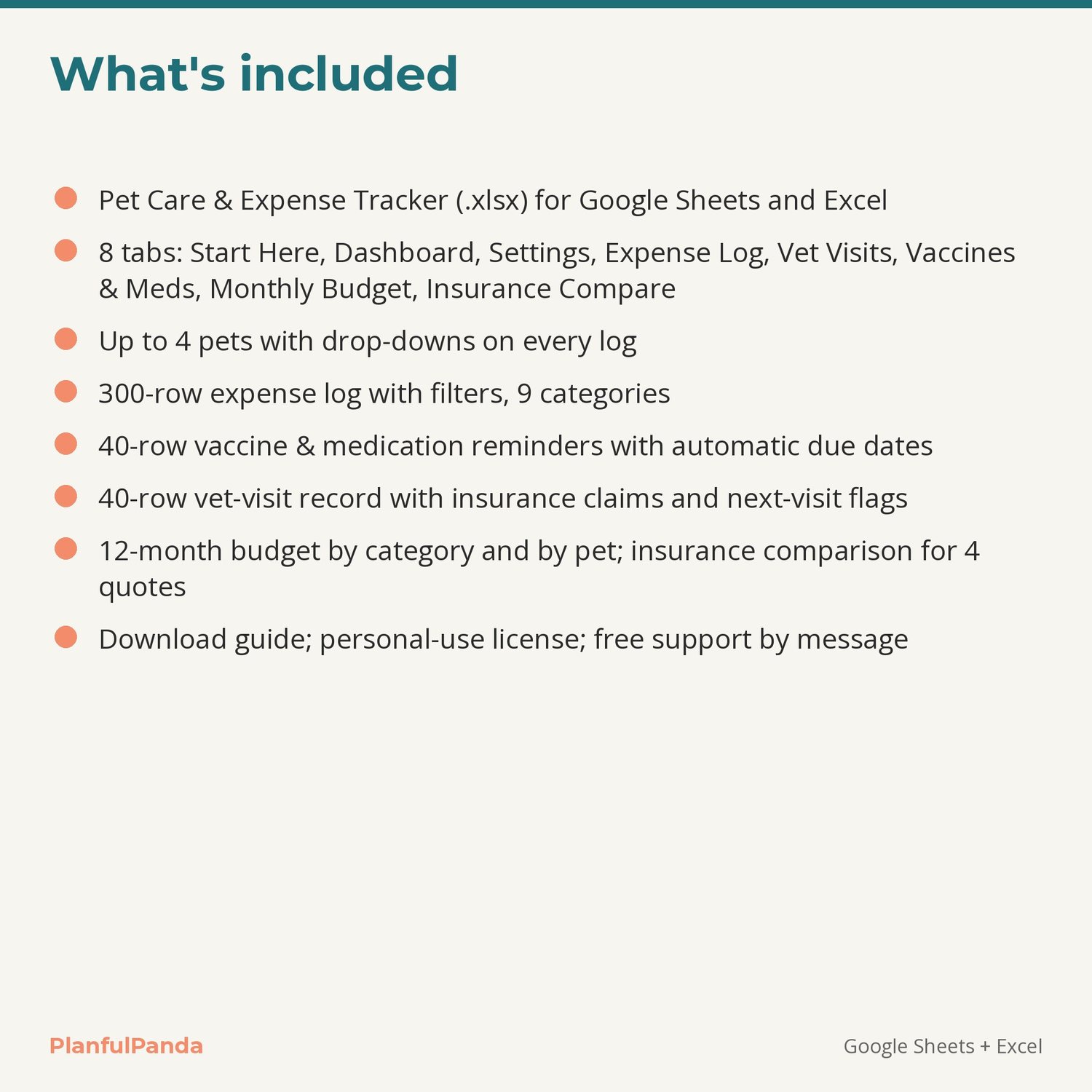
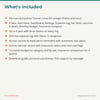
• Settings: up to four pets (name, type, birthday — age is worked out for you), the first month to budget and your "due soon" window.
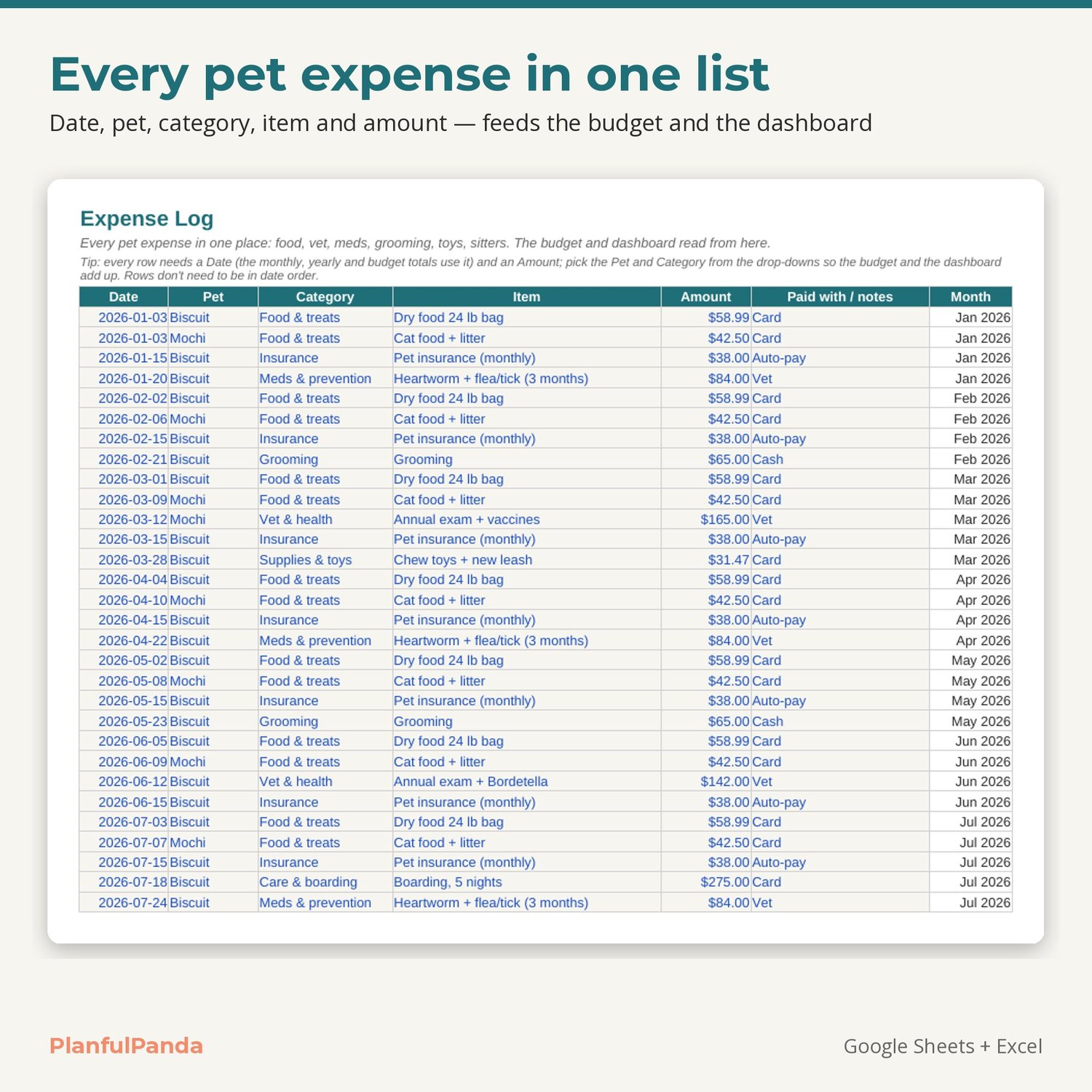
• Expense Log: 300 rows — date, pet, category, item, amount, paid with. One list feeds the budget and the Dashboard. Filters on every column.
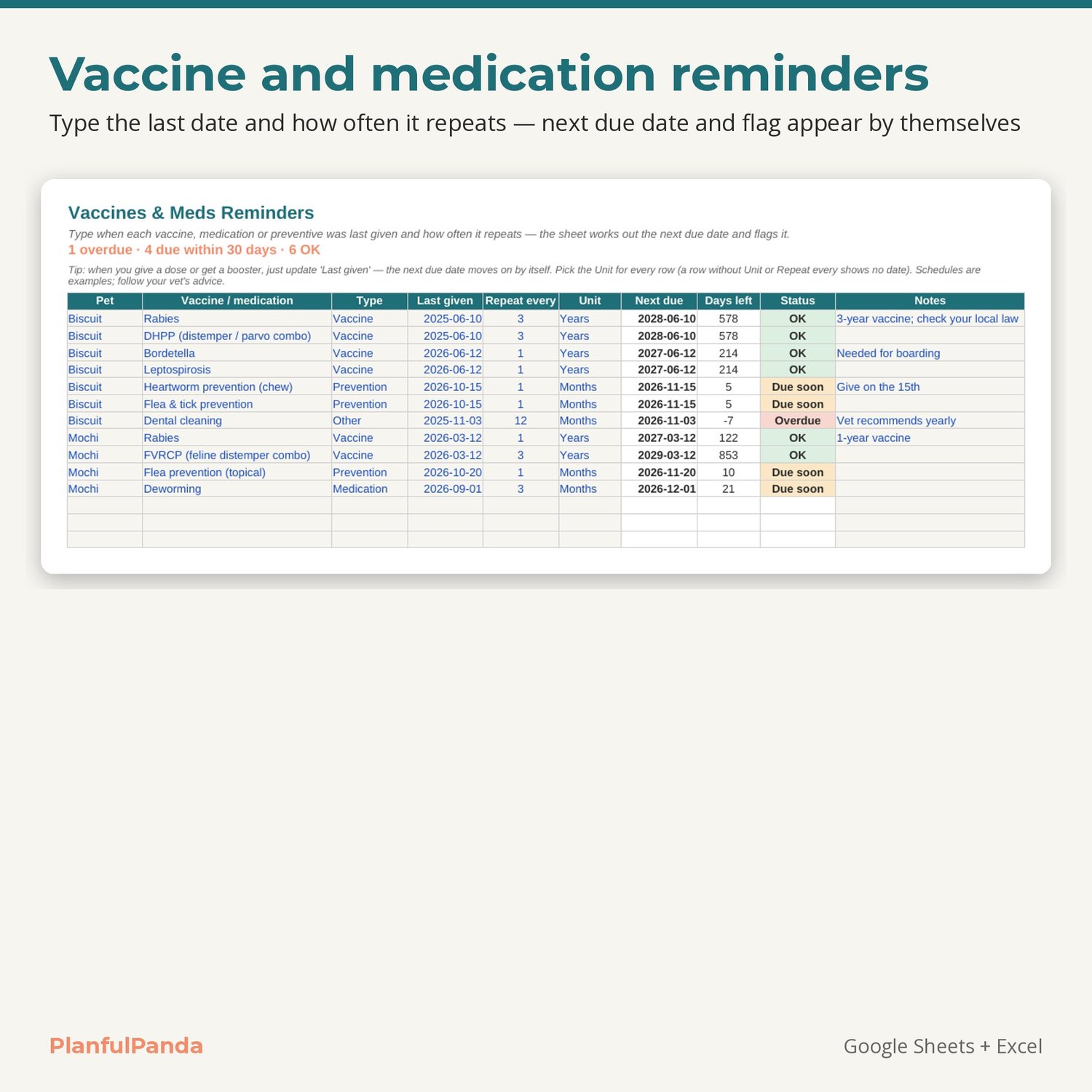
• Vaccines & Meds: 40 rows — type when each vaccine, medication or preventive was last given and how often it repeats (days, weeks, months or years); the next due date, days left and an Overdue / Due soon / OK flag appear by themselves. After a dose, just update "Last given".
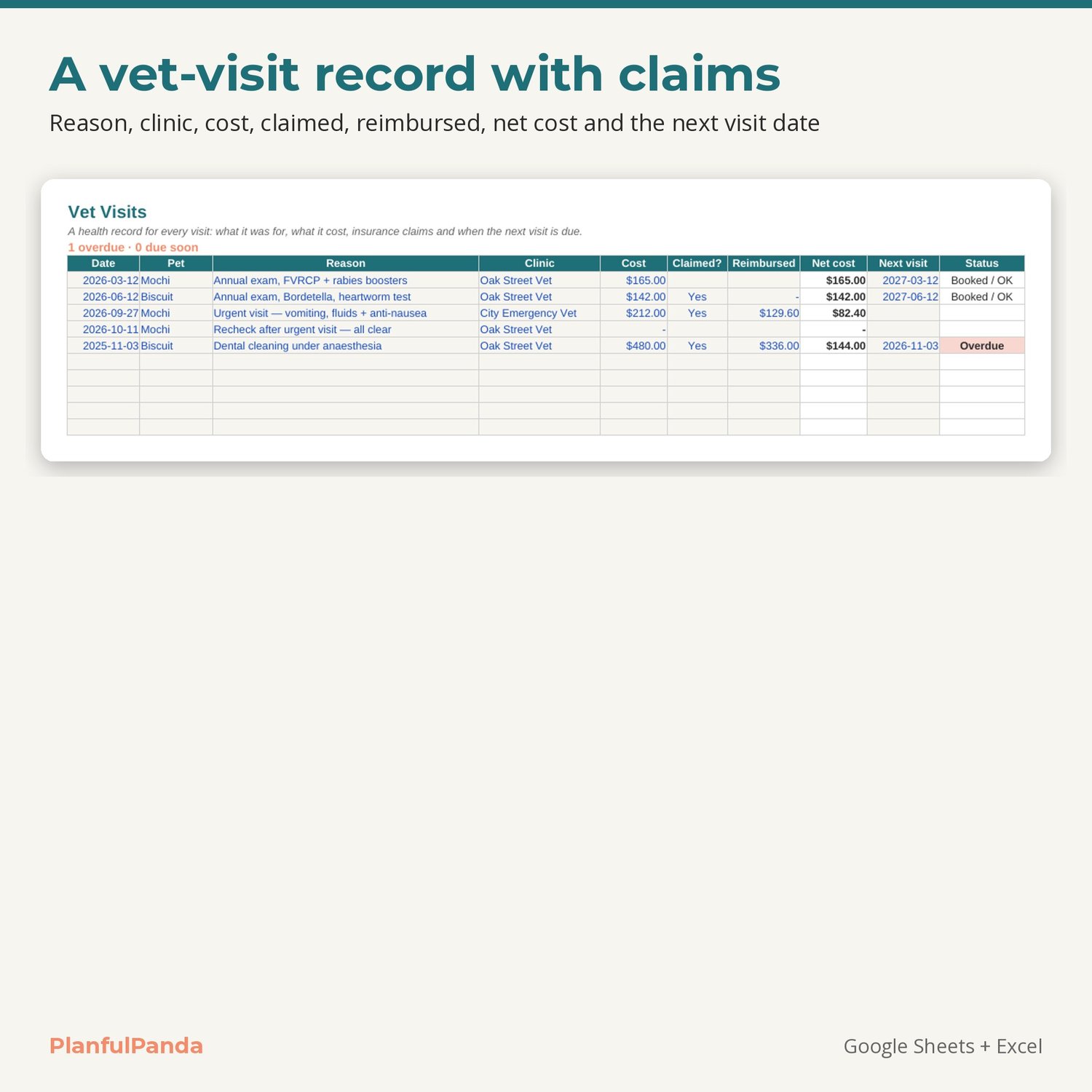
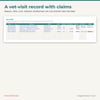
• Vet Visits: 40 rows — date, pet, reason, clinic, cost, claimed?, reimbursed, net cost, next visit date with a flag when it's close. A health and claims record you can hand to a sitter or a new vet.
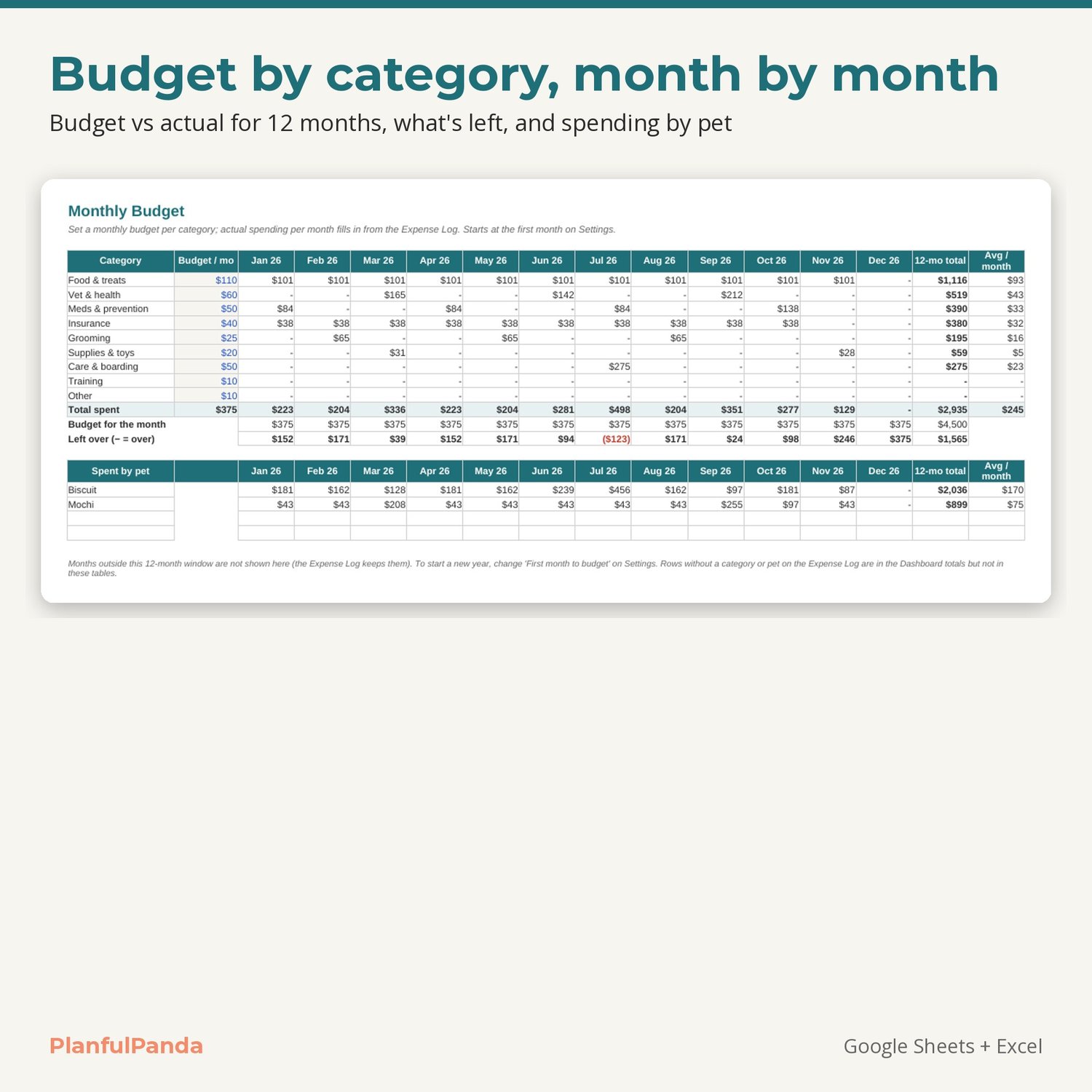
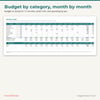
• Monthly Budget: 9 categories × 12 months — budget per category, actual spending per month from the Expense Log, 12-month total, average, what's left each month, plus spending by pet per month.
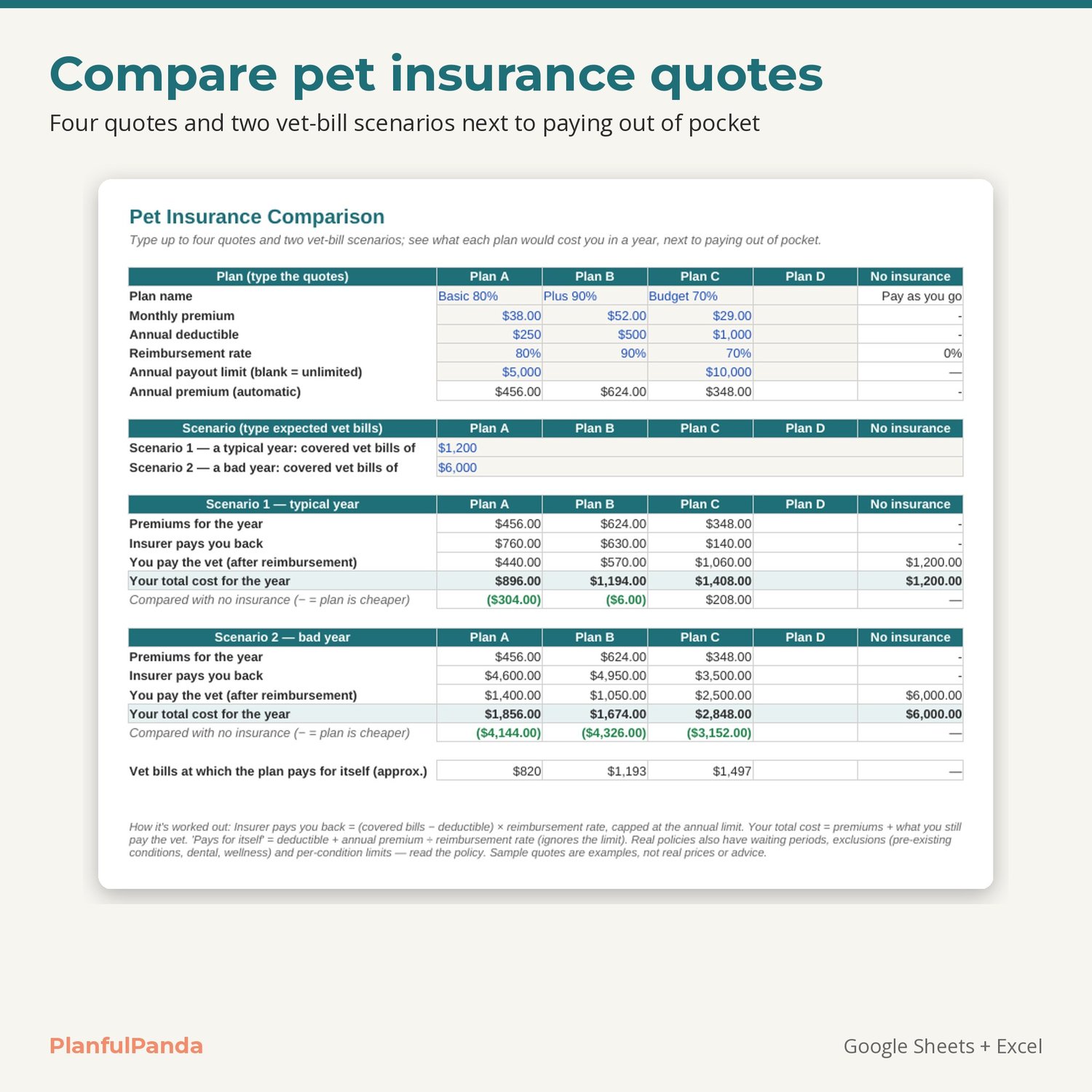
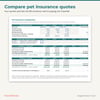
• Insurance Compare: up to four quotes (premium, deductible, reimbursement rate, annual limit) and two vet-bill scenarios — see premiums, what the insurer pays back, what you still pay the vet and your total for the year, next to paying out of pocket, and the vet bills at which each plan pays for itself.
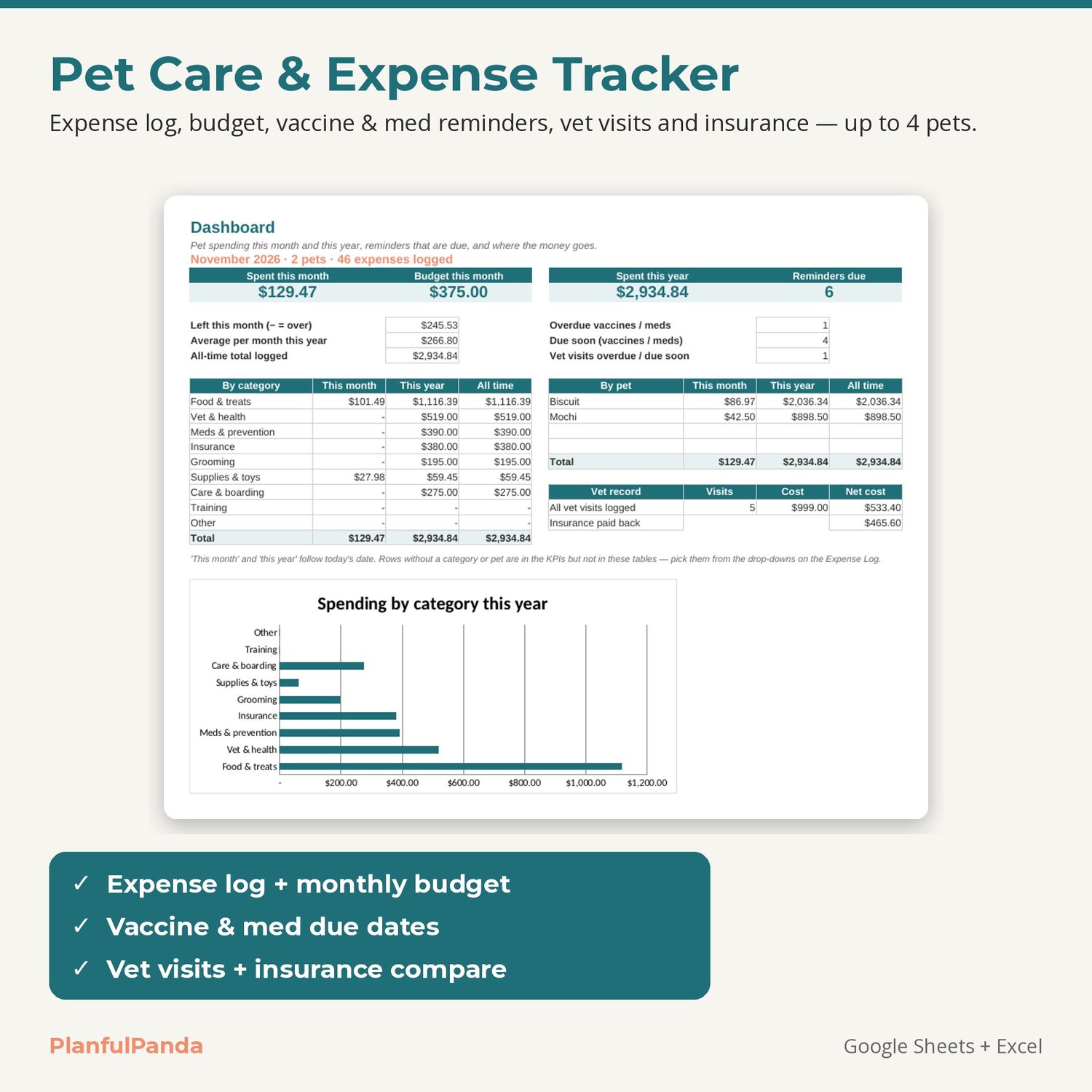
• Dashboard: spent this month and this year, budget left, reminders due, spending by category and by pet, vet totals and a chart.
• Add a row by typing in the next empty cream row; remove one by clearing it. Formula cells are protected (no password).
YOU RECEIVE
• Spreadsheet file (.xlsx) for Microsoft Excel — it also opens in Google Sheets, plus a one-click "make a copy" link to the Google Sheets version in the download guide.
• Download guide PDF.
Made for dogs and cats; categories and lists are fully editable, so it works for rabbits, birds, horses and other pets too.
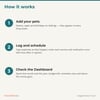
HOW IT WORKS
1. Download the files and open the Excel file, or use the "make a copy" link for Google Sheets.
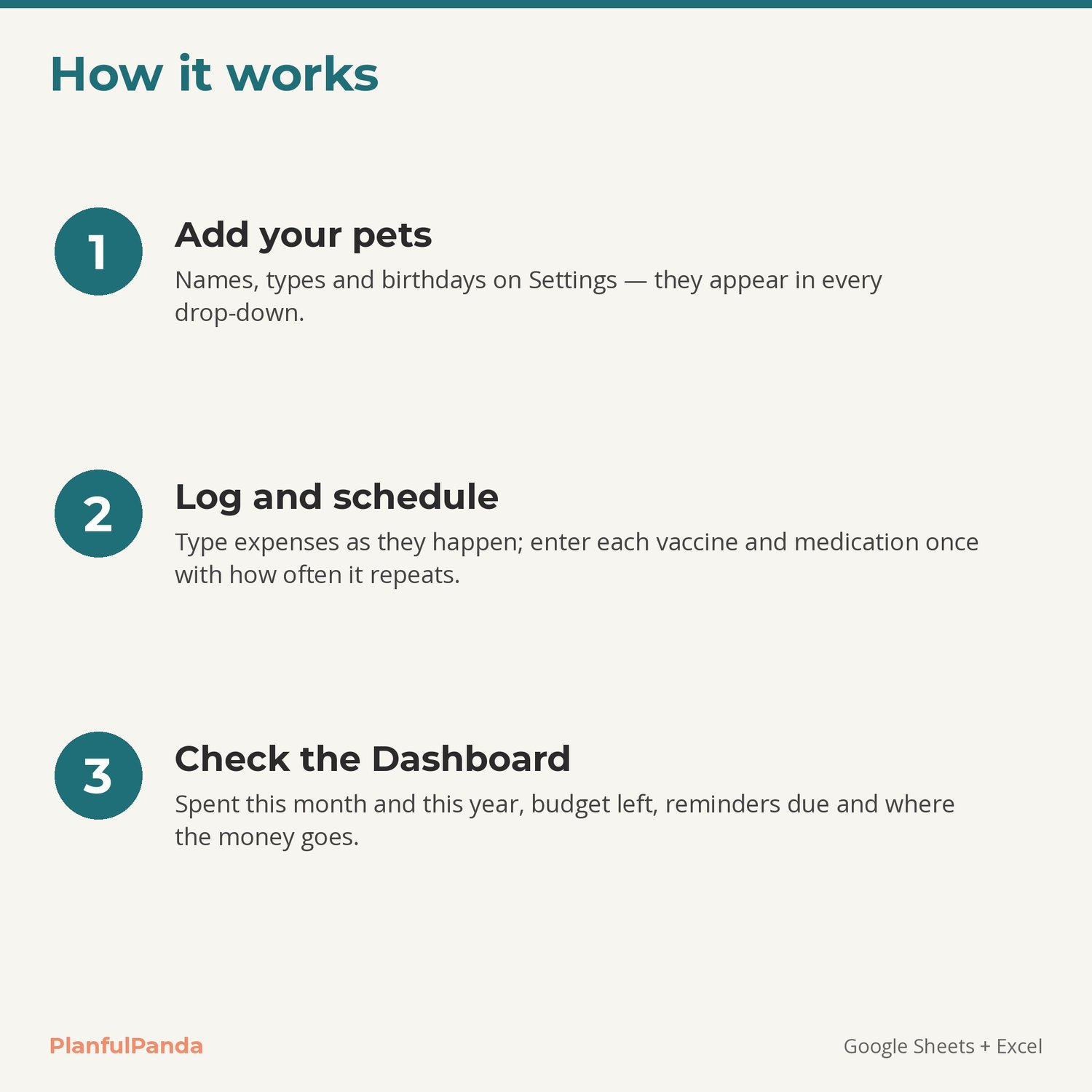
2. Add your pets on Settings, clear the sample rows and start logging expenses; enter each vaccine and medication once.
3. Check the Dashboard once a month: what you've spent, what's left in the budget and which reminders are due.
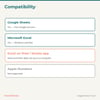
COMPATIBILITY
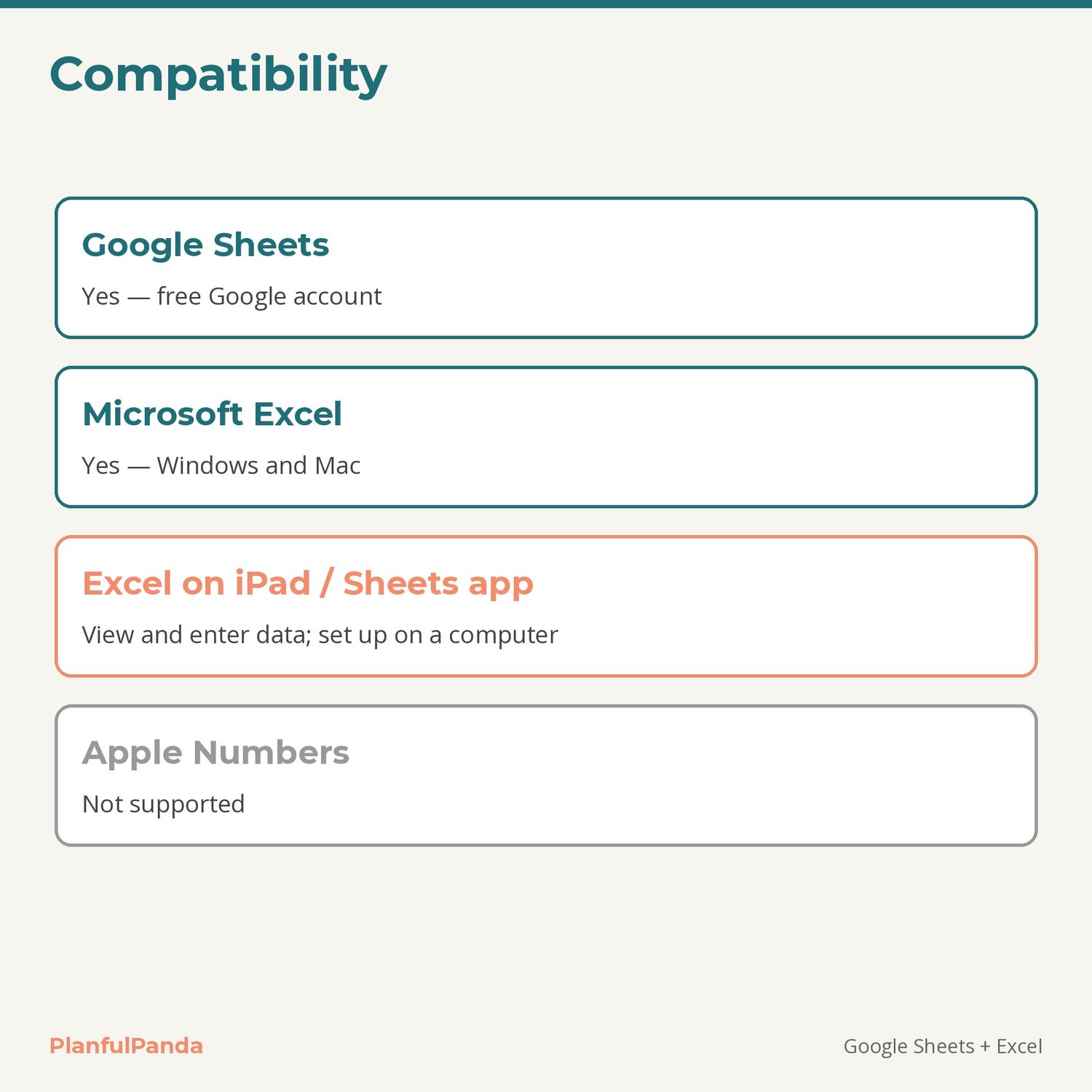
Google Sheets (free Google account) and Microsoft Excel (Windows and Mac). Set-up is easiest on a computer. Not designed for Apple Numbers.
LICENSE
Personal use. Please don't resell, share or redistribute the files.
FAQ
Refunds: digital files can't be returned once downloaded, but if anything doesn't work as described, message me and I'll fix it, usually the same day.
Currency: shows $, works for any currency.
Sample entries, schedules and insurance quotes: examples only, not veterinary, insurance or financial advice — follow your vet's schedule and read any policy before buying.
Questions? Message PlanfulPanda through Payhip — replies within one business day.
Personal-use licence: https://www.planfulpanda.com/licence/ · Refund policy: https://www.planfulpanda.com/refunds/
Templates are budgeting tools, not financial advice. Not affiliated with or endorsed by Google or Microsoft.
Designed by PlanfulPanda with AI-assisted tools; every formula and layout is checked before listing.