

Landlord MTD Record Book 2026/27
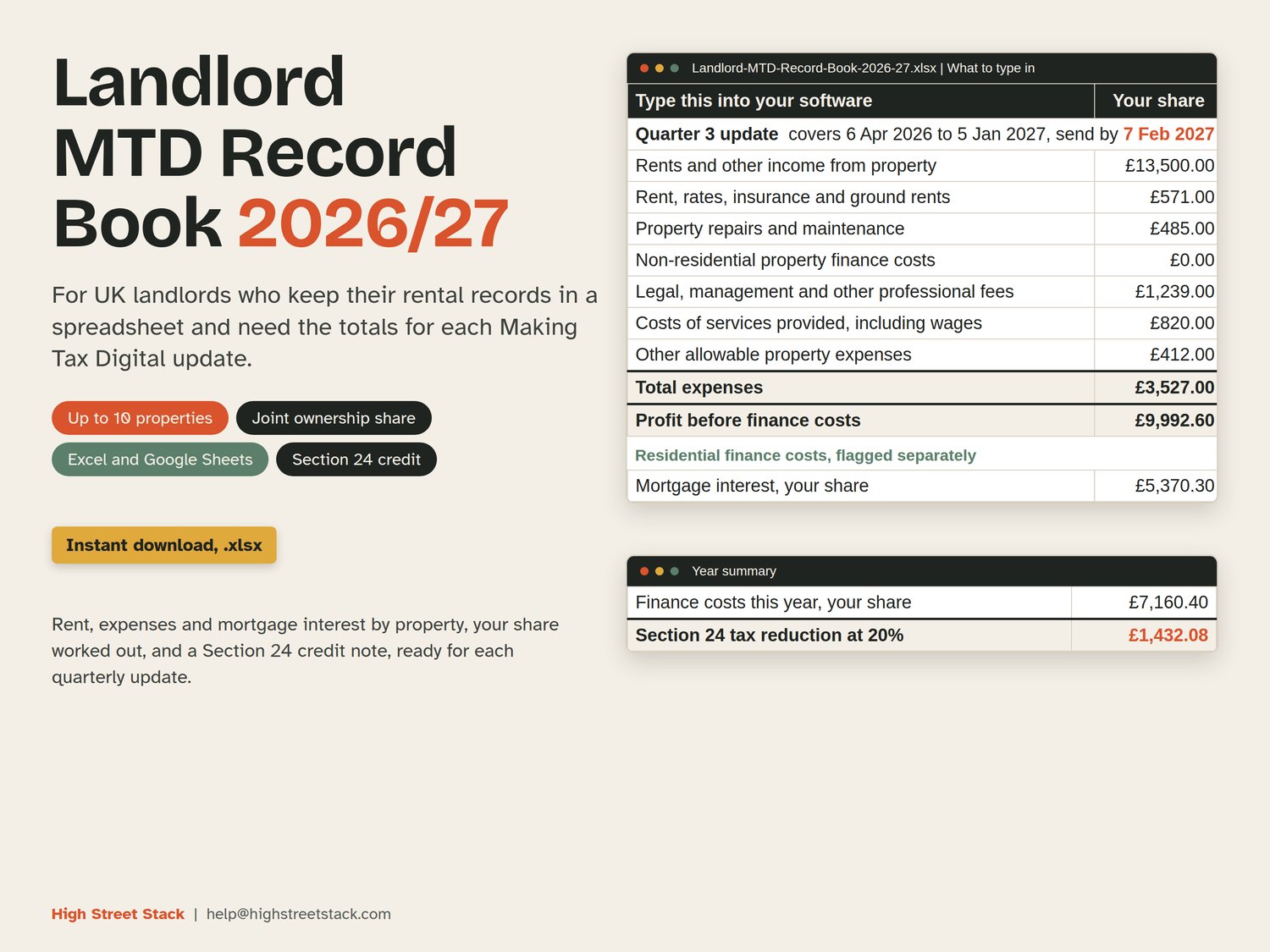
Landlord MTD Record Book 2026/27: the year-to-date totals for each Making Tax Digital quarterly update, from the rent and costs you already keep in a spreadsheet.
MTD for landlords: qualifying income over £50,000 now, over £30,000 from April 2027. If you let property and keep your own records in a spreadsheet, this workbook gives you the year-to-date totals each quarterly update asks for, so you can type them into your software on the day.
Qualifying income is your gross rent plus any self-employment turnover, before expenses. Joint property counts your share only. The over-£50,000 group started on 6 April 2026, judged on the 2024/25 return. The over-£30,000 group starts on 6 April 2027, judged on the 2025/26 return, which you file by 31 January 2027.
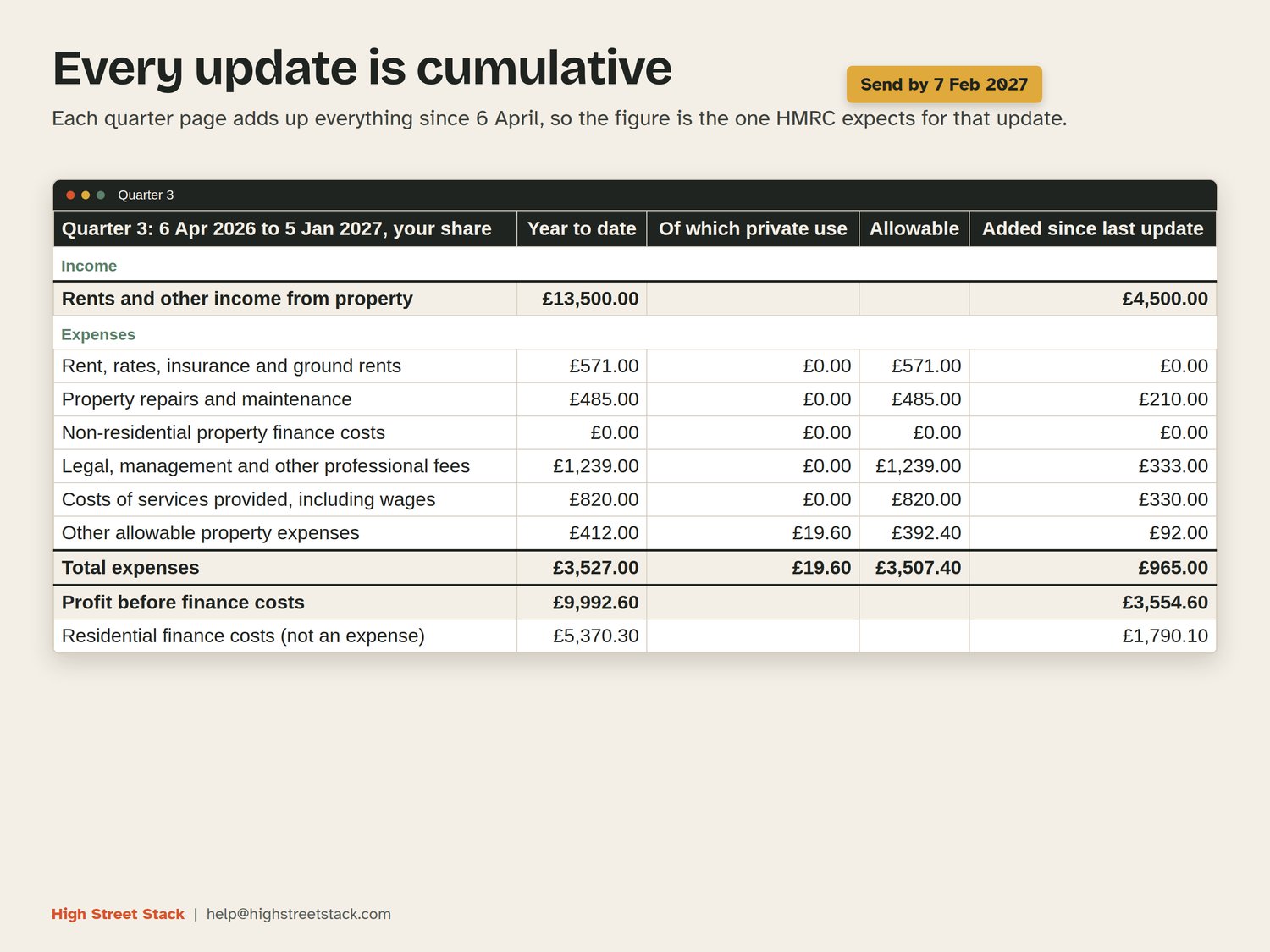
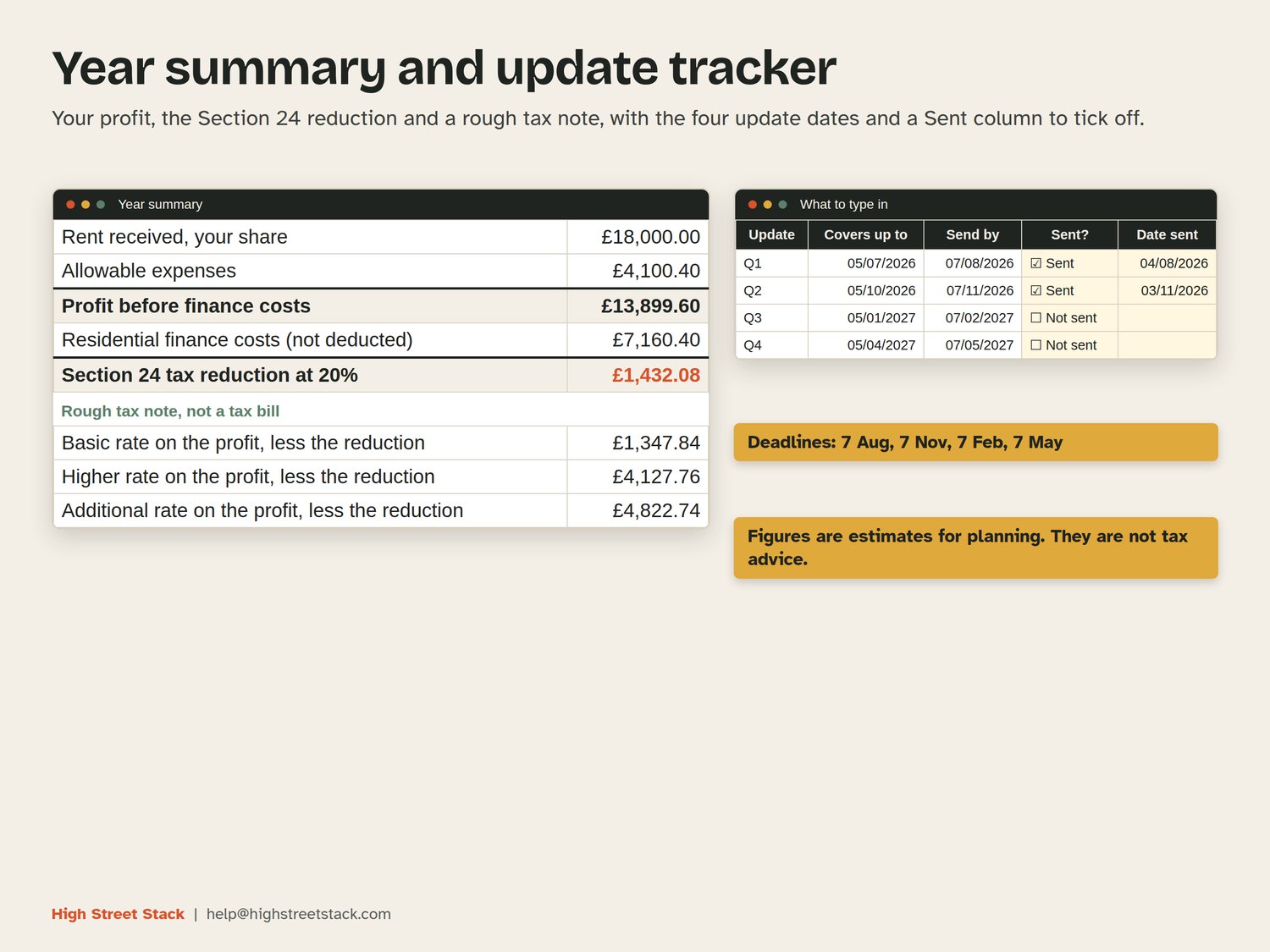
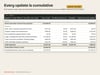
Each quarterly update is cumulative: the one due on 7 November covers everything from 6 April, not just the last three months. The four quarter sheets do that sum for you. The dates are 7 August, 7 November, 7 February and 7 May.
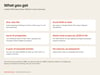
WHAT IS INSIDE
- Instructions: six steps, how to clear the example data, and what each sheet does.
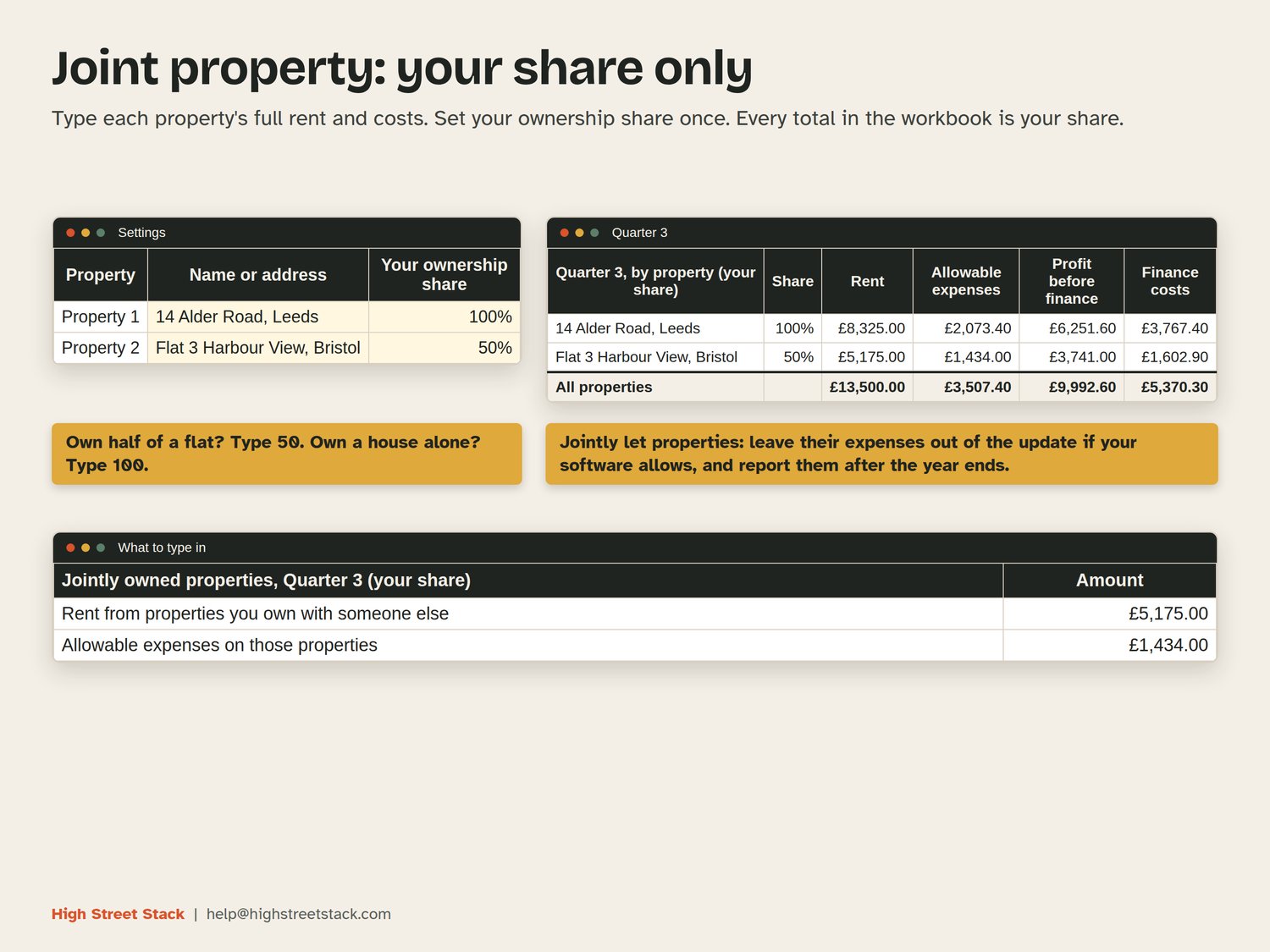
- Settings: your name, standard or calendar quarters, how many properties you have (up to 10), and each property's name with your ownership share. Own half of a flat? Type 50. Every rate sits here with the page it came from, read on gov.uk on 2026-11-06.
- Rent: date, property, tenant or reference and the amount received. Room for 1,000 lines.
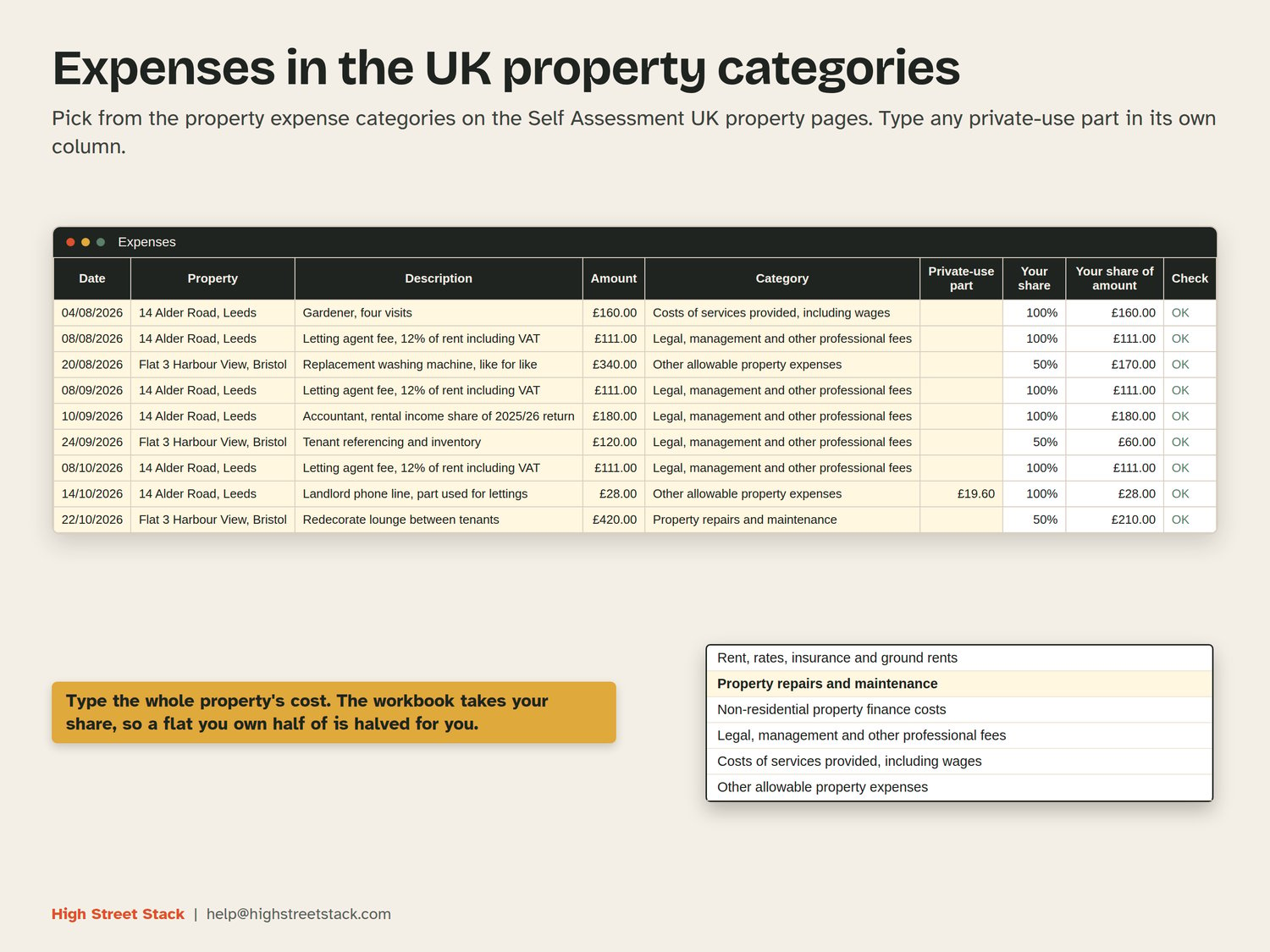
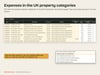
- Expenses: date, property, description, amount, category and any private-use part. The six categories follow the UK property pages (SA105): rent, rates, insurance and ground rents; property repairs and maintenance; non-residential property finance costs; legal, management and other professional fees; costs of services provided, including wages; other allowable property expenses. Room for 1,500 lines.
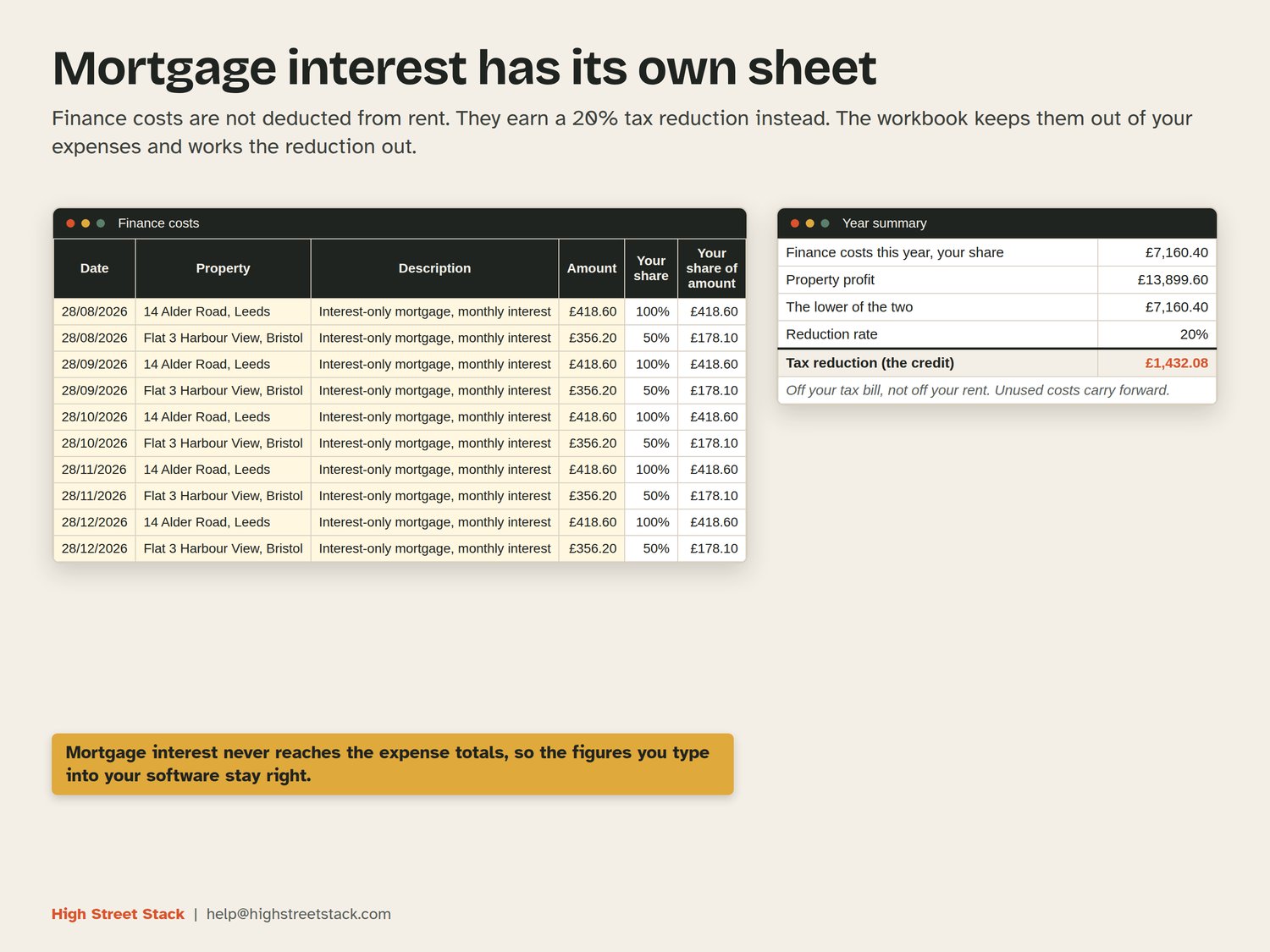
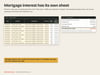
- Finance costs: mortgage interest and other residential finance costs, kept apart from expenses. They are not deducted from your rent. They earn a tax reduction instead (Section 24), and the workbook keeps them out of your expense totals.
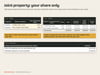
- Quarter 1 to Quarter 4: year-to-date totals by category for your share, what was added since the last update, a split by property, and the part that comes from jointly owned properties.
- What to type in: pick a quarter and it shows the figures to enter, the deadline and a Sent column to tick off.
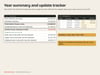
- Year summary: rent, allowable expenses, profit, finance costs and the Section 24 tax reduction at 20%, with a rough tax note at basic, higher and additional rate. It does not work out a full tax bill. For that, the free landlord tax calculator on highstreetstack.com/tools/landlord-tax-calculator uses your other income as well.
HOW IT WORKS
You type only in the pale yellow cells. Everything else is a formula and is locked, with no password, so you can unprotect a sheet if you want to change something. Type each property's full rent and costs; the workbook takes your share. The Check column on each log flags a missing date, amount or property, and warns you if a description mentions mortgage interest, which belongs on the Finance costs sheet.
The Section 24 reduction is 20% of the lowest of your finance costs, your property profit and your income above the personal allowance. The workbook applies the first two. The third depends on your other income, so the Year summary points you to the free calculator for it.
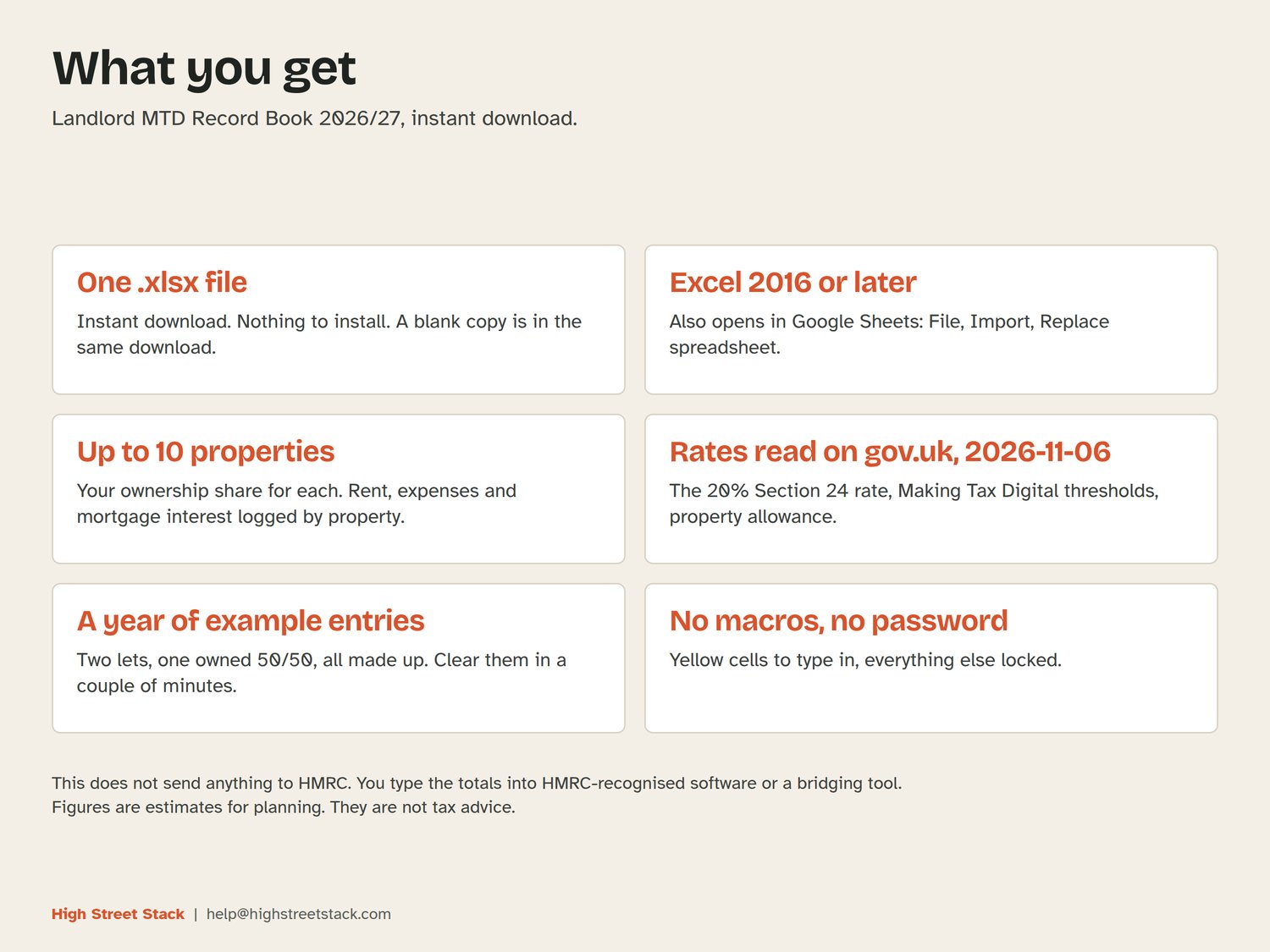
A year of example entries for two lets is already in the file, so you can see it working: a house owned alone and a flat owned 50/50. All names, tenants and figures are made up. A blank copy comes in the same download.
WHAT YOU GET
Two .xlsx files, available to download straight after purchase: the example version and a blank copy. They open in Excel 2016 or later and in Google Sheets (open Google Sheets, choose File, then Import, upload the file and pick Replace spreadsheet). No macros. It uses ordinary functions such as SUMIFS, INDEX and MATCH, so it behaves the same in both.
WHAT IT DOES NOT DO
It does not connect to HMRC and it does not send updates. You copy the totals into HMRC-recognised software or a bridging tool. There is no mileage sheet, and it does not cover furnished holiday lets, partnerships or limited companies. Joint owners: gov.uk lets you leave the expenses of jointly let properties out of the quarterly updates and report them after the year ends. The quarter sheets show that part separately.
This does not send anything to HMRC. You type the totals into HMRC-recognised software or a bridging tool.
Figures are estimates for planning. They are not tax advice.