
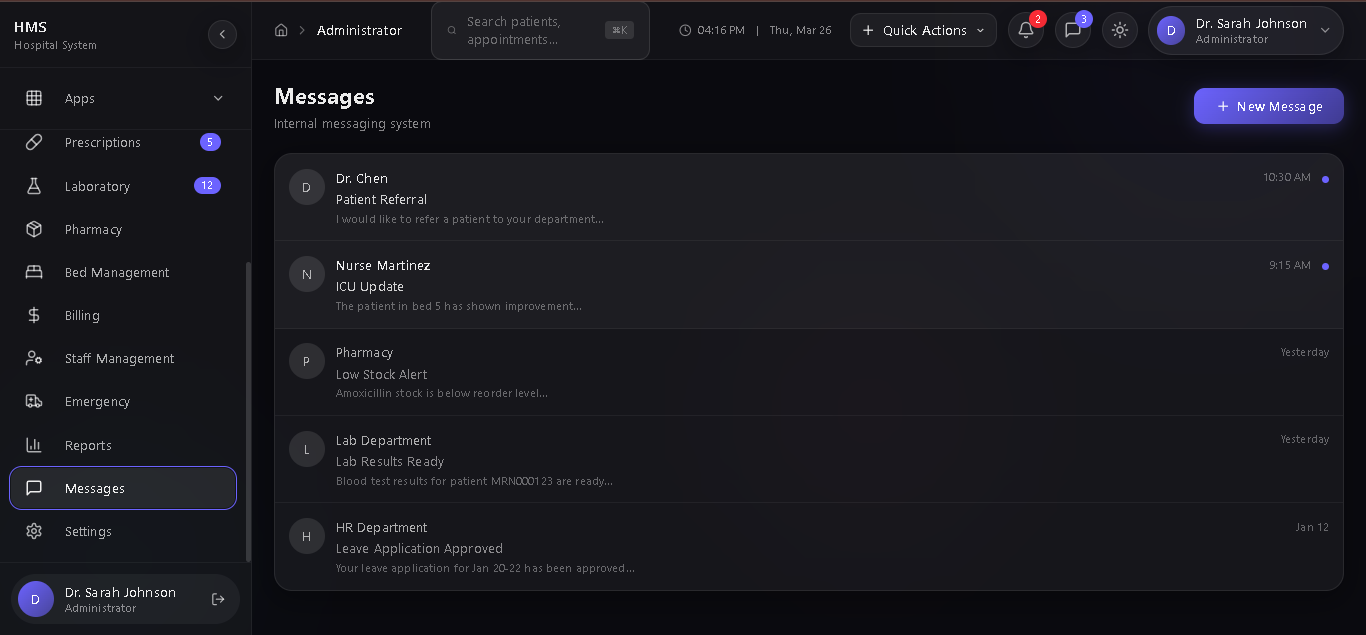
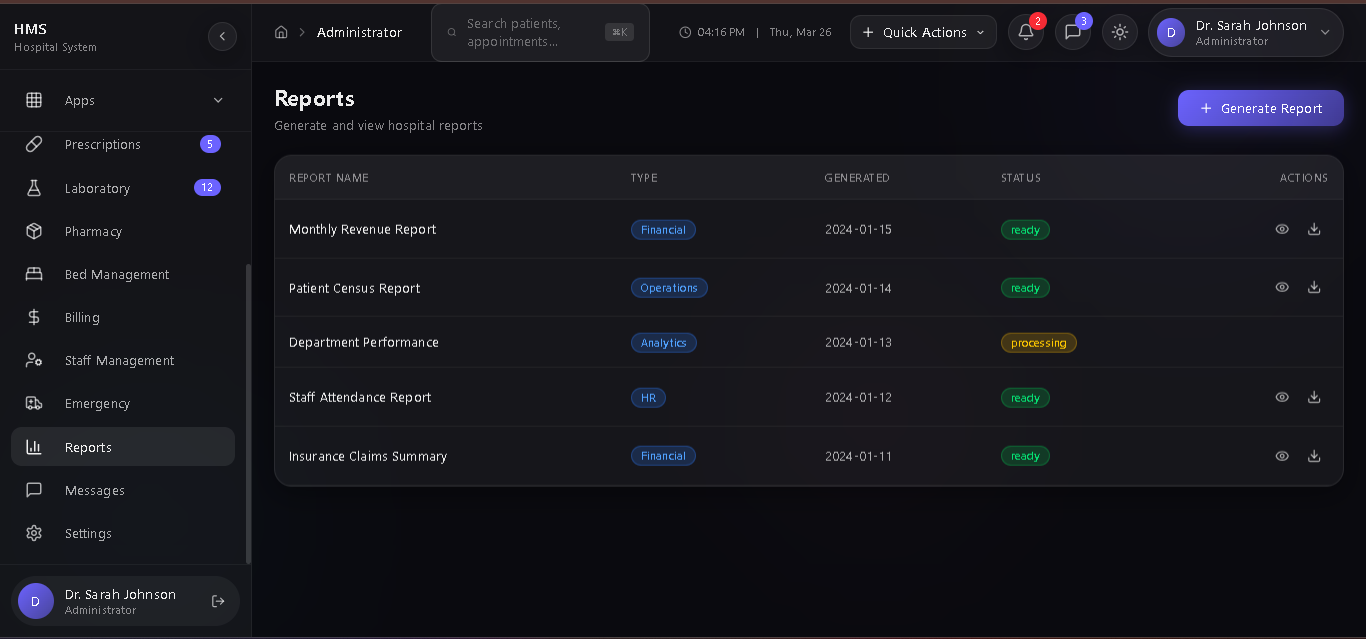
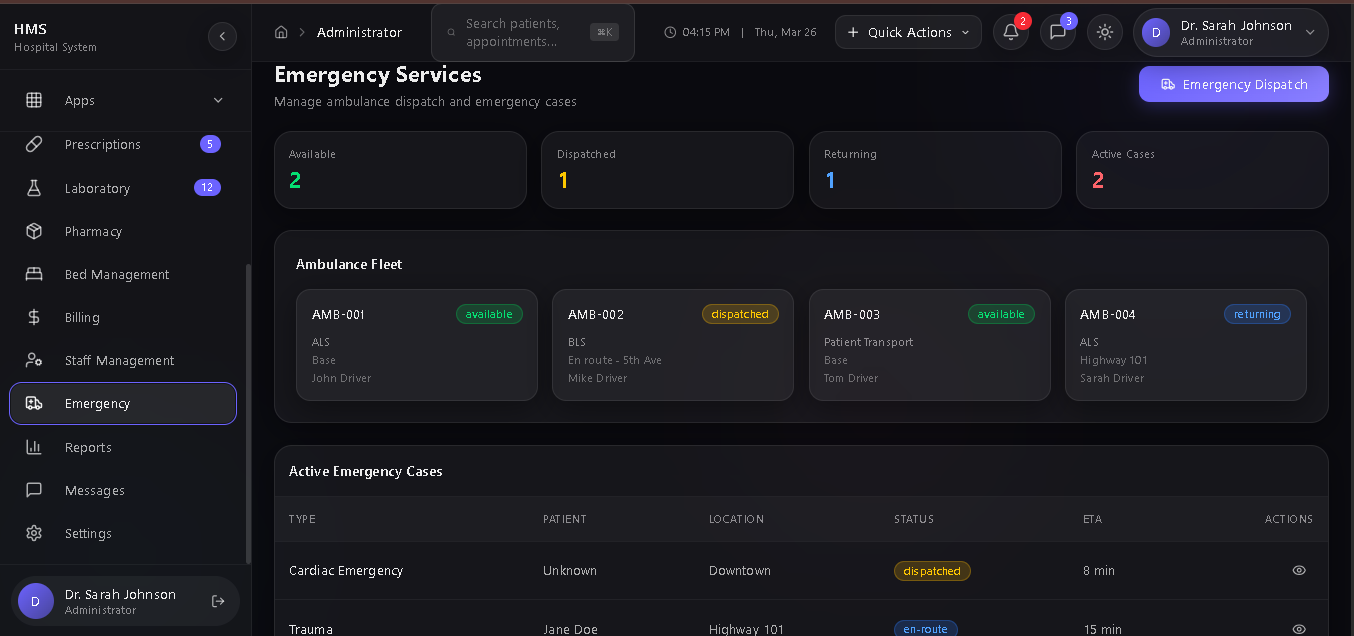
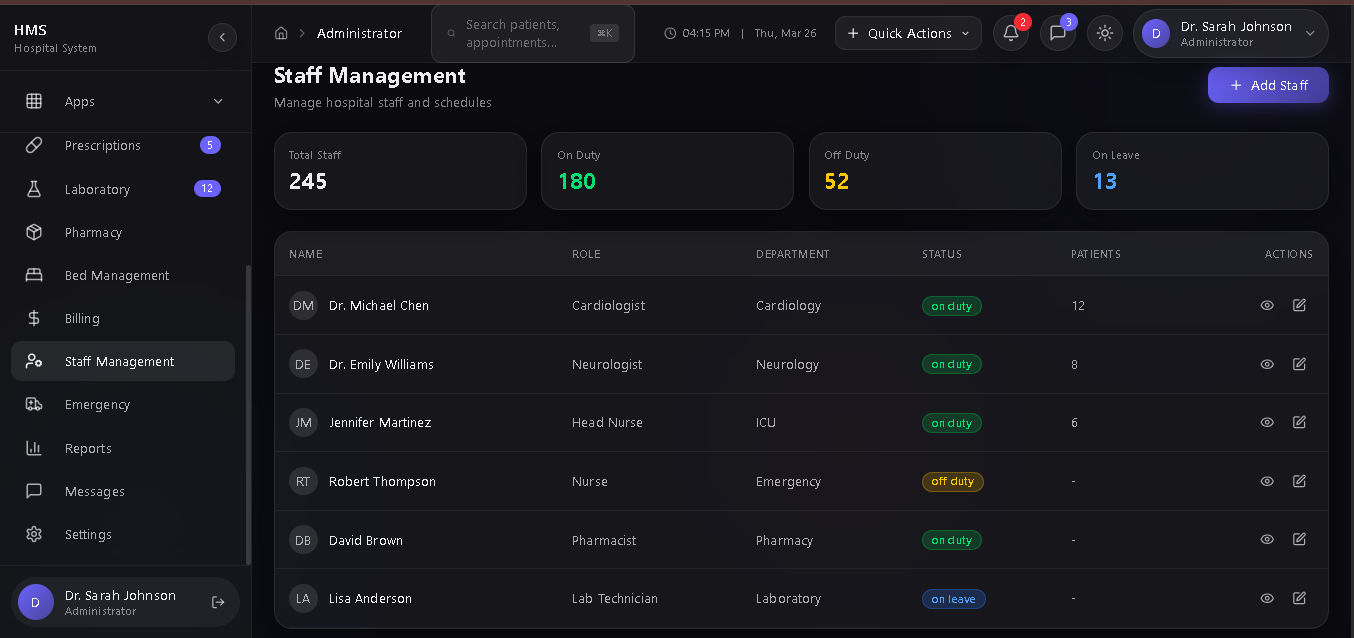
Production-Ready (Hospital Management System
Hospital Management System (HMS) - Complete Overview
📋 Project Description
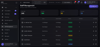
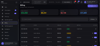
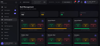
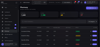
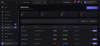
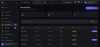
A comprehensive, production-ready Hospital Management System with a stunning dark mode UI featuring glassmorphism, claymorphism, and liquid morphism design principles. Built with modern web technologies for healthcare facilities to manage patients, appointments, medical records, pharmacy, laboratory, billing, and more.
👥 User Roles (12 Roles)
Role
Access Level
Description
AdminFull AccessSystem administrator with complete control over all modulesDoctorClinicalPatient care, consultations, prescriptions, lab reviewsNurseClinical SupportWard management, medication administration, vitals recordingPatientSelf-ServiceView own records, book appointments, access prescriptionsPharmacistPharmacyDispense medications, manage inventory, process prescriptionsLab TechnicianLaboratoryProcess lab tests, enter results, manage samplesReceptionistFront DeskPatient registration, appointment scheduling, check-insAccountantFinanceBilling, invoicing, insurance claims, financial reportsHR ManagerHuman ResourcesStaff management, attendance, leave requests, recruitmentEmergencyEmergency ServicesAmbulance dispatch, emergency protocols, fleet managementKitchenSupportMeal planning, dietary management, food inventoryHousekeepingSupportRoom cleaning, maintenance requests, sanitation
✨ Features by Module
🏠 Dashboard
- Role-based customizable dashboard
- Real-time statistics and KPIs
- Patient flow charts
- Revenue trends
- Bed occupancy visualization
- Activity feed
- Quick action buttons
- Critical alerts system
👤 Patient Management
- Patient registration with MRN generation
- Comprehensive patient profiles
- Medical history tracking
- Allergy management
- Insurance information
- Emergency contacts
- Search and filter functionality
- Export capabilities
📅 Appointments
- Calendar and list views
- Multi-department scheduling
- Appointment types (Consultation, Follow-up, Emergency, Telemedicine)
- Status tracking (Confirmed, Pending, Urgent)
- Duration management
- Doctor assignment
- Automated reminders
📋 Medical Records
- Electronic Health Records (EHR)
- Document management
- Consultation notes
- Lab result attachments
- Imaging records
- Discharge summaries
- HIPAA-compliant storage
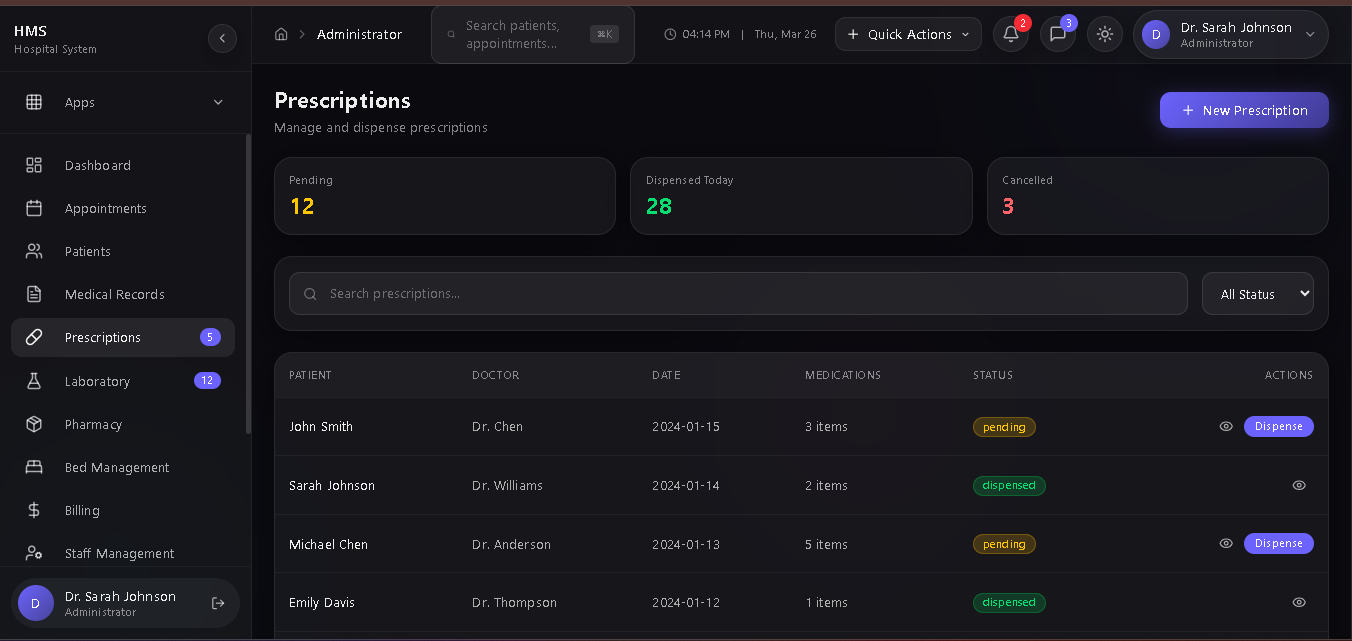
💊 Prescriptions
- E-prescription generation
- Medication database
- Drug interaction alerts
- Dosage calculations
- Refill management
- Dispensing tracking
- Print/email prescriptions
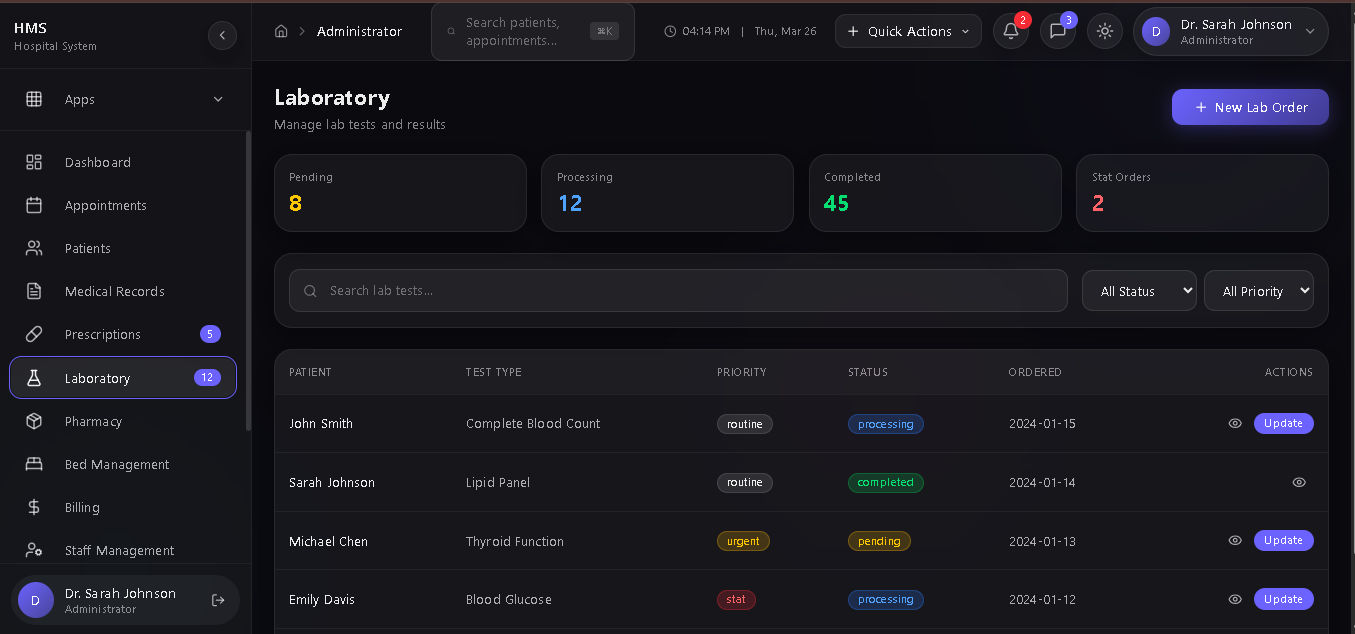
🧪 Laboratory
- Test order management
- Sample collection tracking
- Result entry workflow
- Priority levels (Routine, Urgent, STAT)
- Result notifications
- Report generation
- Integration with patient records
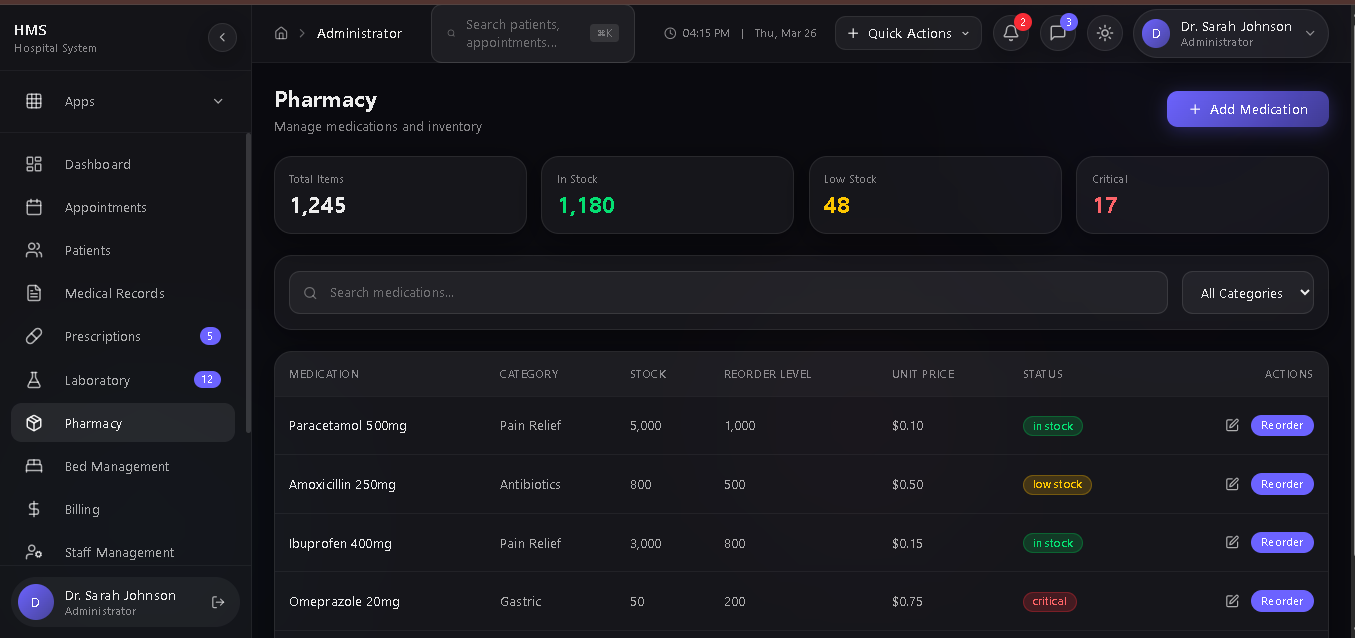
🏥 Pharmacy
- Inventory management
- Stock level monitoring
- Reorder alerts
- Drug database
- Price management
- Expiry tracking
- Purchase orders
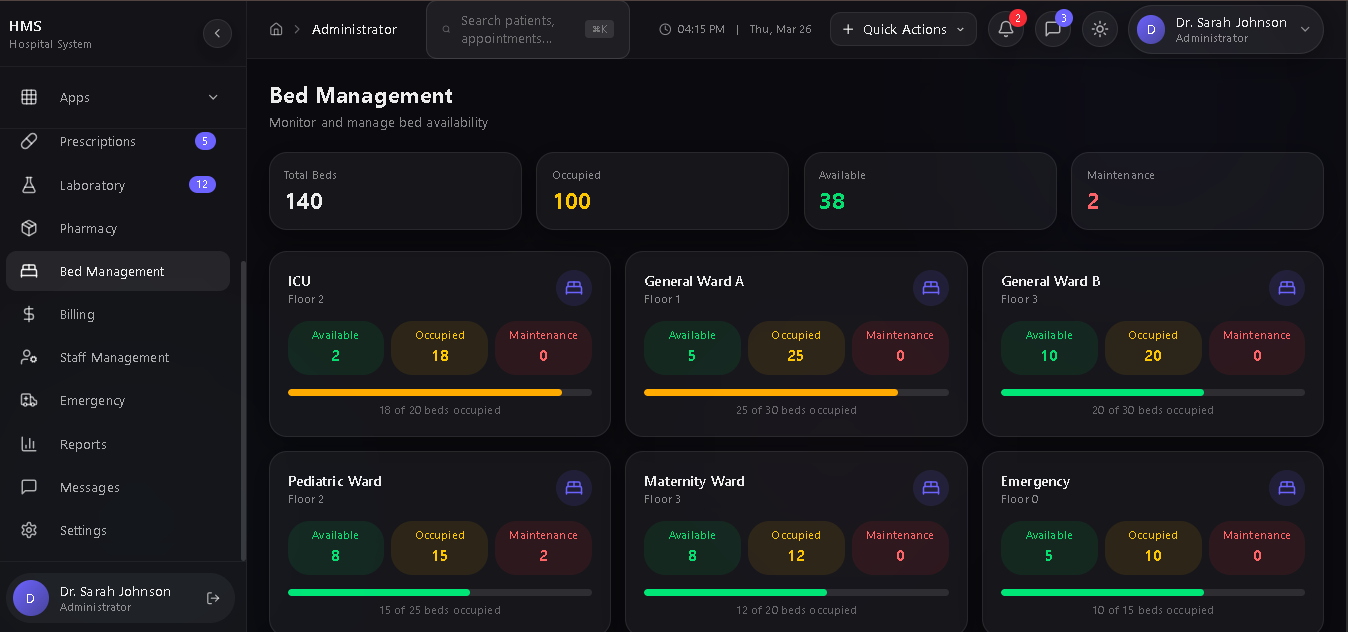
🛏️ Bed Management
- Ward-wise bed tracking
- Real-time availability
- Occupancy rates
- Maintenance status
- Patient assignment
- Transfer management
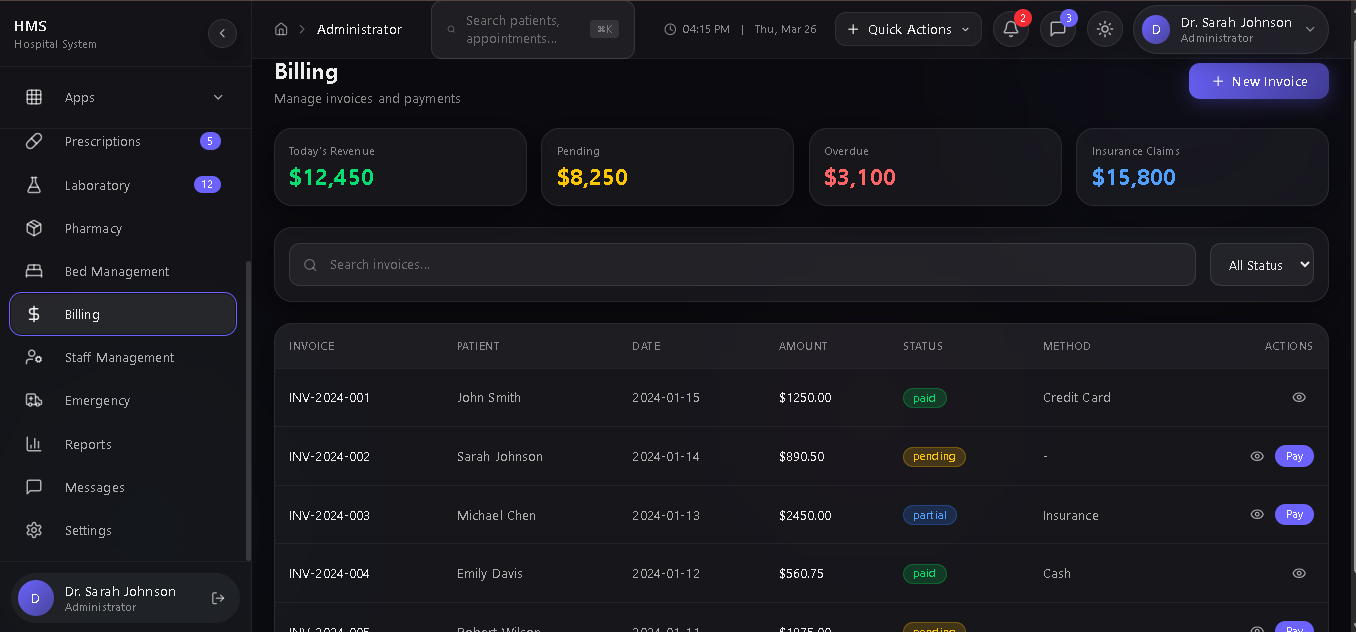
💰 Billing
- Invoice generation
- Payment processing
- Insurance claims
- Multi-payment methods
- Financial reports
- Outstanding tracking
- Receipt printing
👨💼 Staff Management
- Employee records
- Department assignment
- Attendance tracking
- Leave management
- Performance reviews
- Scheduling
🚑 Emergency Services
- Ambulance dispatch
- Fleet tracking
- Emergency protocols
- Incident logging
- Response time monitoring
📊 Reports
- Customizable reports
- Export to PDF/Excel
- Analytics dashboards
- Trend analysis
- Performance metrics
⚙️ Settings
- System configuration
- User management
- Role permissions
- Notification settings
- Integration settings
💻 Technology Stack
Category
Technology
FrameworkNext.js 16 (App Router)LanguageTypeScript 5StylingTailwind CSS 4UI Componentsshadcn/ui (New York style)IconsLucide ReactAnimationsFramer MotionDatabasePrisma ORM with SQLiteState ManagementZustandChartsRechartsForm HandlingReact Hook FormNotificationsSonner/Toaster
🎨 Design System
Glassmorphism
- Frosted glass effects with blur
- Semi-transparent backgrounds
- Subtle borders with glow
- Layered depth perception
Claymorphism
- Soft 3D elements
- Inset shadows
- Elevated components
- Tactile feel
Liquid Morphism
- Animated background blobs
- Smooth transitions
- Flowing gradients
- Dynamic color shifts
Color Palette
text
Admin: #6c63ff (Purple)
Doctor: #00d2ff (Cyan)
Nurse: #36d7b7 (Teal)
Patient: #ff6b9d (Pink)
Pharmacist: #ffa726 (Orange)
Lab: #ab47bc (Purple)
Receptionist: #42a5f5 (Blue)
Accountant: #66bb6a (Green)
HR: #ef5350 (Red)
Emergency: #ff1744 (Red)
🚀 How to Run - Step by Step
Prerequisites
- Node.js 18+ or Bun runtime
- npm, yarn, or bun package manager
Step 1: Navigate to Project
bash
cd /home/z/my-project
Step 2: Install Dependencies
bash
bun install
# or
npm install
Step 3: Set Up Database
bash
# Generate Prisma client
bun run db:generate
# Push database schema
bun run db:push
# (Optional) Seed with demo data
bun run db:seed
Step 4: Start Development Server
bash
bun run dev
# or
npm run dev
Step 5: Access the Application
- Open browser and go to: http://localhost:3000
- The app auto-logs in as Admin for demo purposes
Step 6: Switch Roles (Demo)
- Click on your profile in the top-right corner
- Select "Switch Role" from the dropdown
- Choose any role to experience different dashboards
📁 Project Structure
text
src/
├── app/
│ ├── layout.tsx # Root layout
│ ├── page.tsx # Main entry point
│ ├── globals.css # Global styles
│ └── api/ # API routes
│ ├── auth/
│ ├── patients/
│ ├── appointments/
│ ├── dashboard/
│ └── users/
├── components/
│ ├── layout/
│ │ ├── AppShell.tsx # Main layout wrapper
│ │ ├── Sidebar.tsx # Navigation sidebar
│ │ └── Header.tsx # Top header
│ ├── dashboard/
│ │ ├── Dashboard.tsx # Main dashboard
│ │ └── MainContent.tsx # Tab content router
│ ├── patients/
│ │ └── PatientManagement.tsx
│ ├── shared/
│ │ └── GlassComponents.tsx
│ └── ui/ # shadcn components
├── lib/
│ ├── prisma.ts # Database client
│ └── utils.ts # Utilities
├── store/
│ └── index.ts # Zustand stores
├── types/
│ └── index.ts # TypeScript types
└── prisma/
└── schema.prisma # Database schema
🔧 Available Scripts
Command
Description
bun run devStart development serverbun run buildBuild for productionbun run startStart production serverbun run lintRun ESLintbun run db:pushPush schema to databasebun run db:generateGenerate Prisma clientbun run db:studioOpen Prisma Studio
🔐 Demo Credentials
The system auto-logs in as Admin. To test different roles:
Role
Adminadmin@hospital.comDoctordoctor@hospital.comNursenurse@hospital.comPatientpatient@email.comPharmacistpharmacy@hospital.comLab Techlab@hospital.comReceptionistreception@hospital.comAccountantbilling@hospital.comHRhr@hospital.comEmergencyemergency@hospital.com
🌐 API Endpoints
Endpoint
Method
Description
/api/authPOSTAuthentication/api/patientsGET, POSTPatient CRUD/api/appointmentsGET, POSTAppointment management/api/dashboardGETDashboard statistics/api/usersGET, POSTUser management
📱 Responsive Design
- Desktop: Full sidebar, all features
- Tablet: Collapsible sidebar, touch-optimized
- Mobile: Hidden sidebar (hamburger menu), simplified views
🎯 Key Features Highlights
- Role-Based Access Control - Each role sees relevant features only
- Real-time Updates - Live data synchronization
- Dark Mode Default - Beautiful glass UI design
- Fully Responsive - Works on all devices
- Type-Safe - Full TypeScript implementation
- Modular Architecture - Easy to extend
- Production Ready - Scalable and maintainable