
Automated File & Downloads Organizer (Python Script / Executable)
On Sale
$5.00
$5.00
Project Content & Summary
- organizar_descargas.py - The main script featuring:
- Automatic sorting of Downloads folder contents into clean categories (Images, Documents, Videos, Audio, Compressed Archives, Programs, Data, Others).
- Prevention of duplicate file overwriting by automatically appending numeric counters like (1), (2), etc.
- Safe handling that strictly moves regular files while ignoring directories and the script itself.
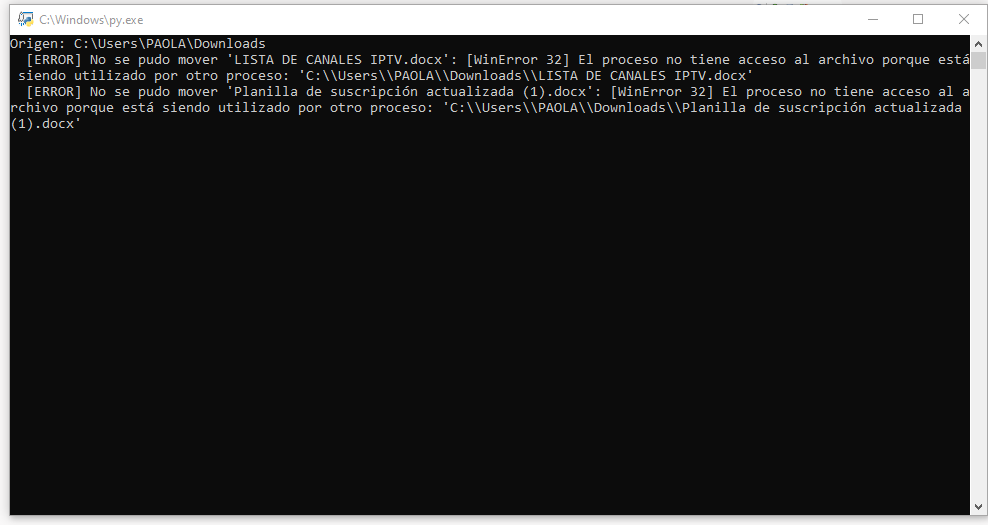
- Final confirmation report detailing the count of moved files and any permission errors encountered.
- Built 100% with Python's standard library (requires zero external dependencies).
- Clean syntax, full documentation, and robust error handling.
- README.md - Usage guide containing:
- Feature descriptions.
- Step-by-step installation and execution instructions.
- Security warnings and permission notes.
- Contribution section.
- MIT License.
- organizar_descargas.py.zip - The complete packaged project archive ready for distribution.
How It Works:
- Scans all files located in your downloads directory.
- Determines the appropriate category for each file based on its extension (e.g., image.jpg $\rightarrow$ "Imágenes").
- Moves the file into its respective subfolder inside your downloads directory.
- If a file with the same name already exists, it safely appends a numeric counter (e.g., document (1).pdf).
- Displays a final execution report with the total moved files and status.
The script is ready to use right away—just run it using python organizador_descargas.py!