
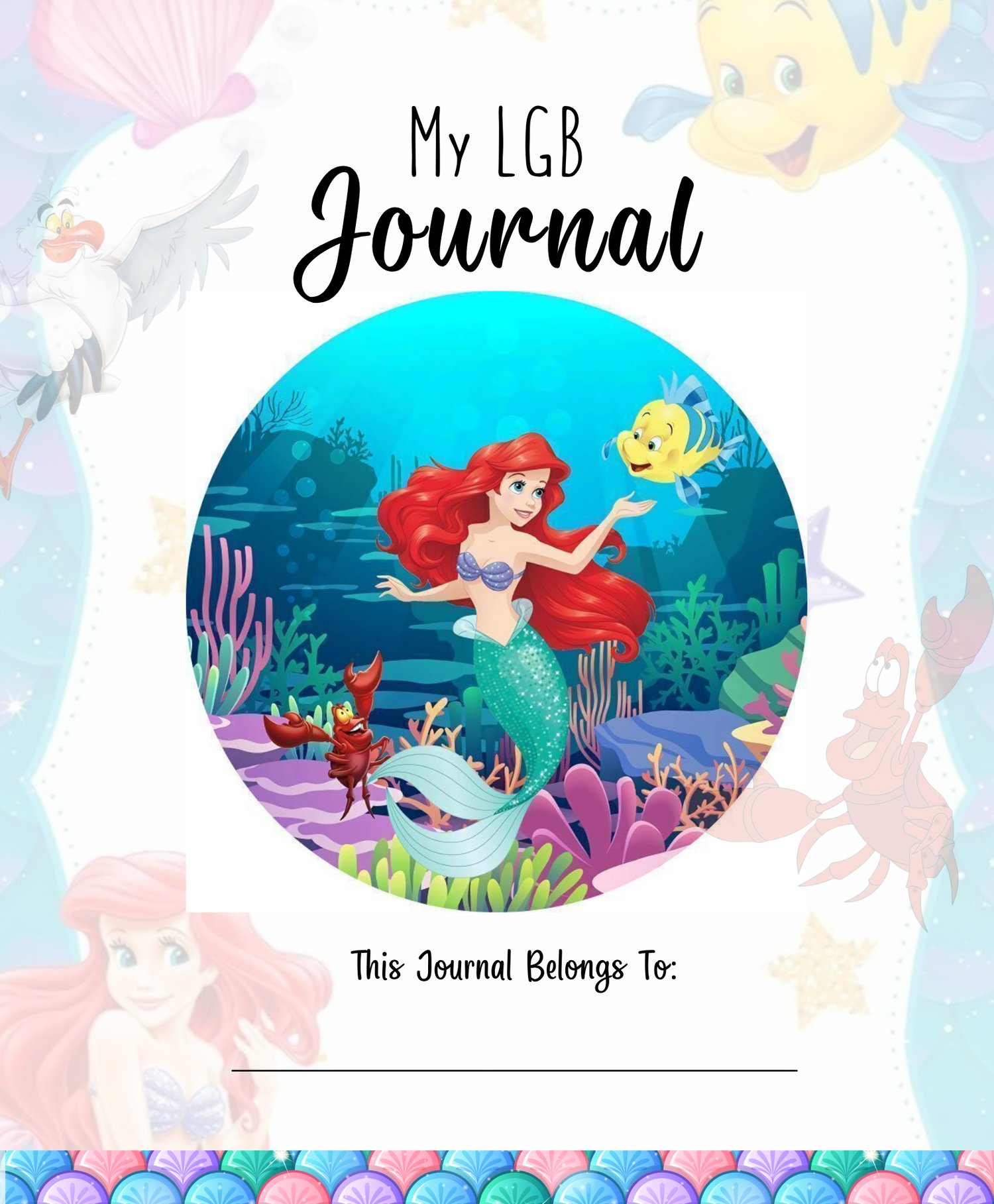
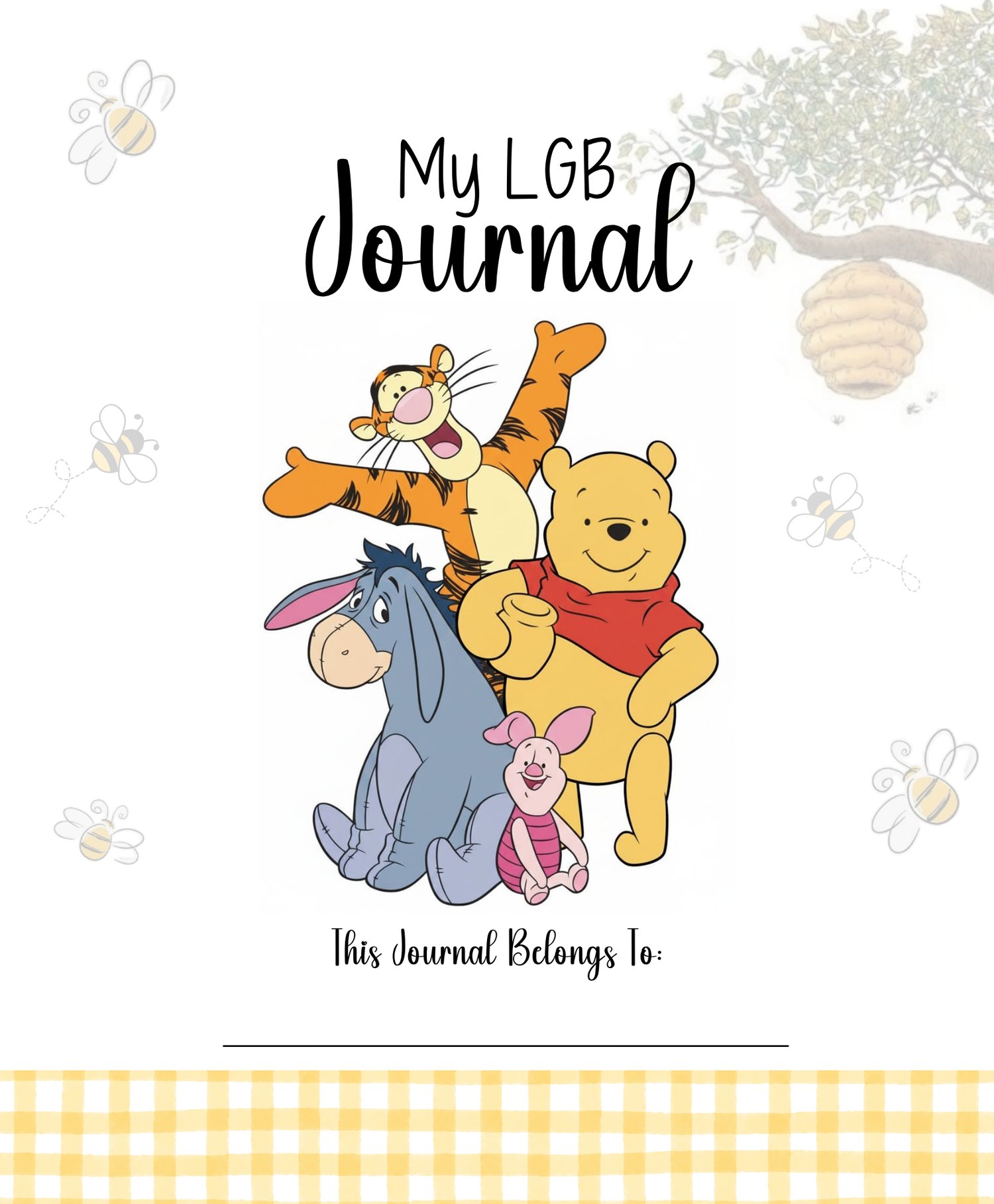
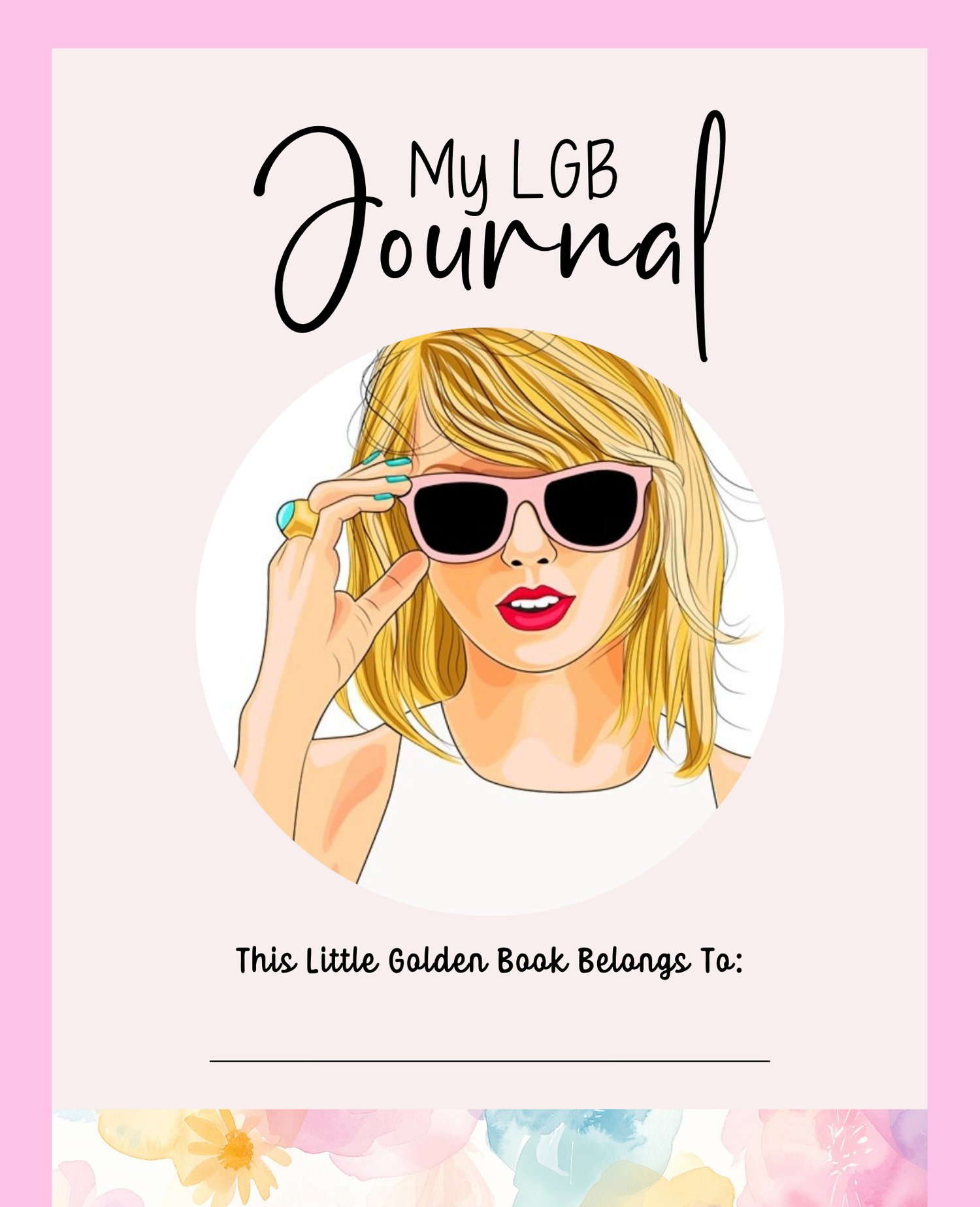
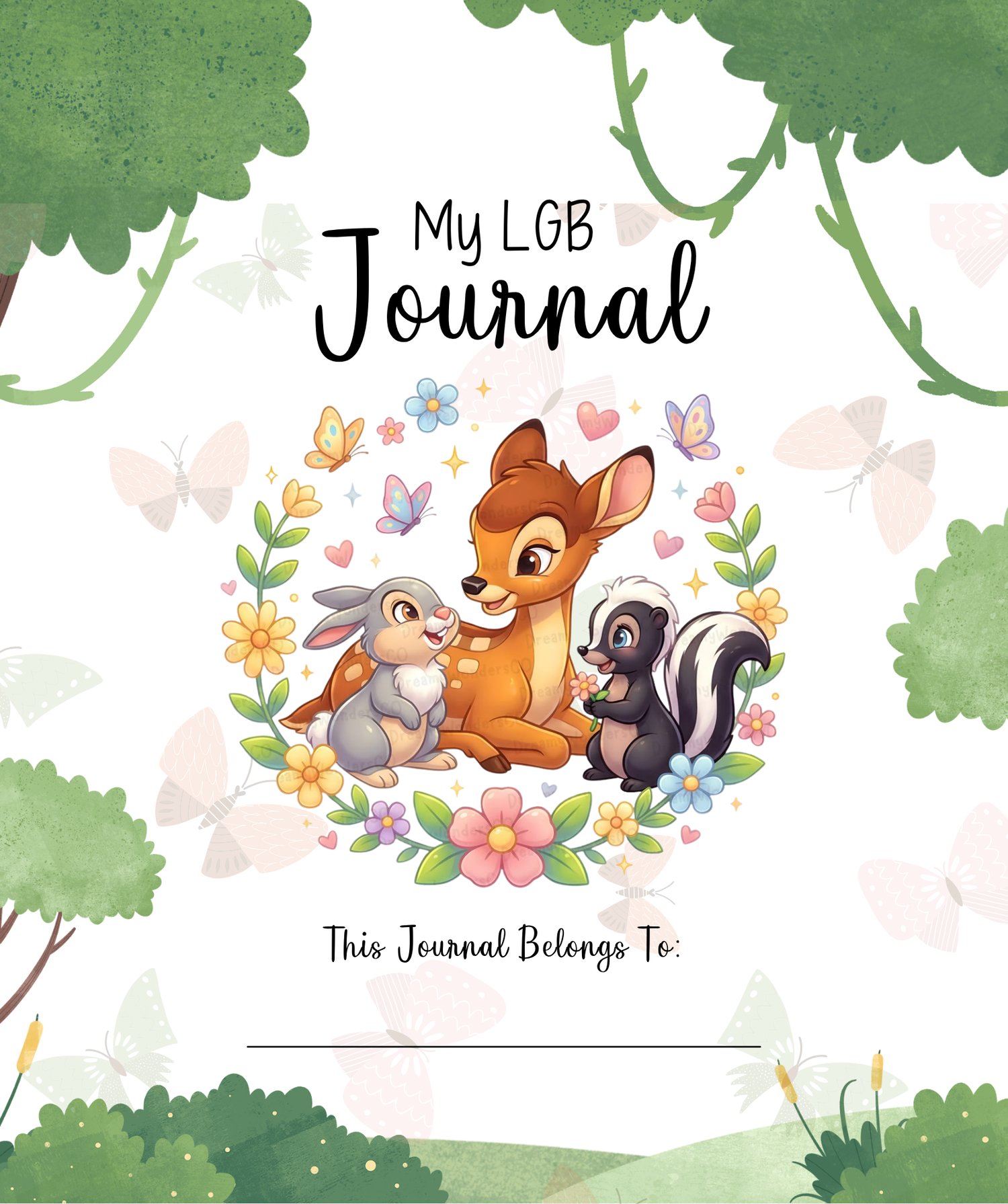
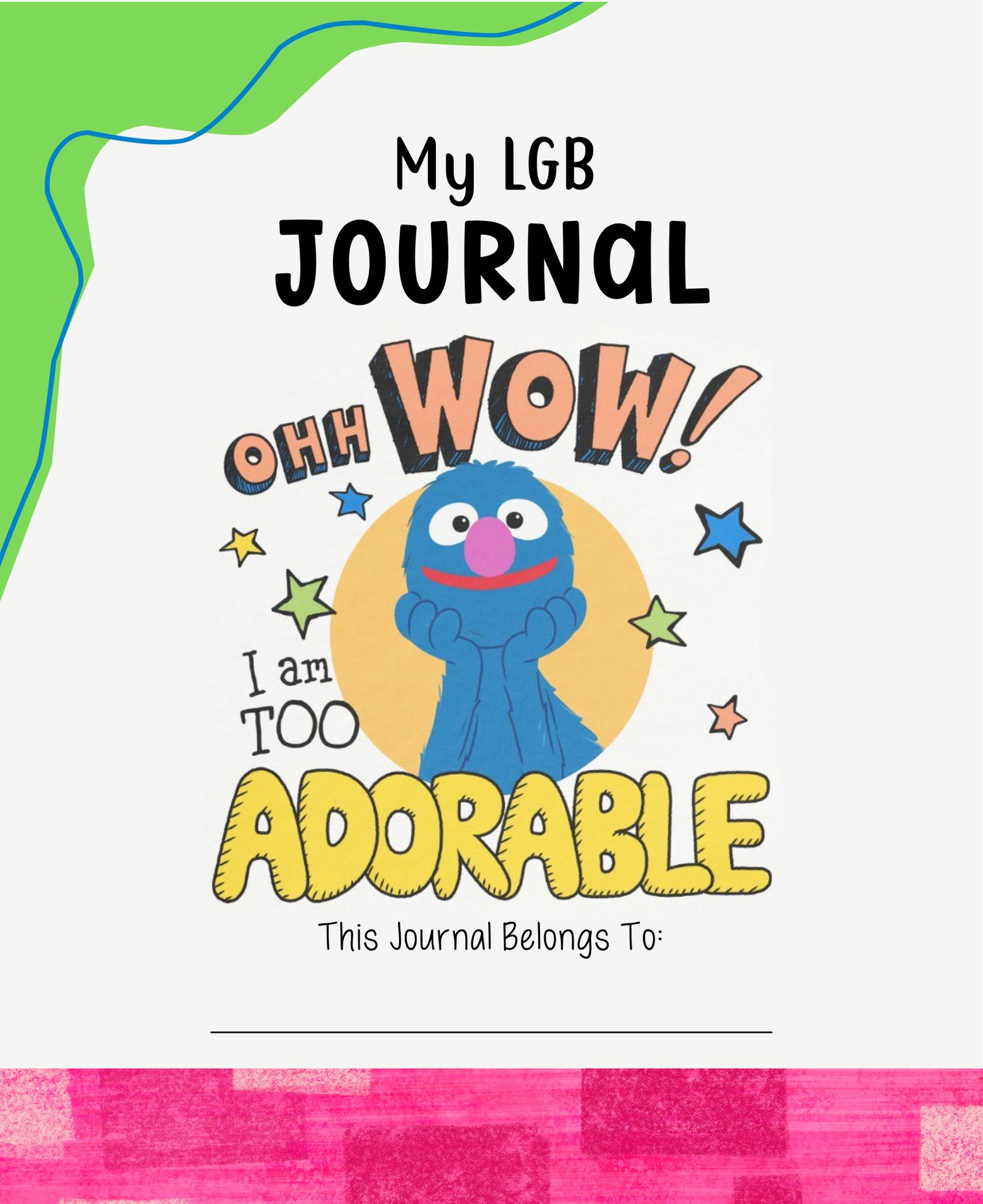
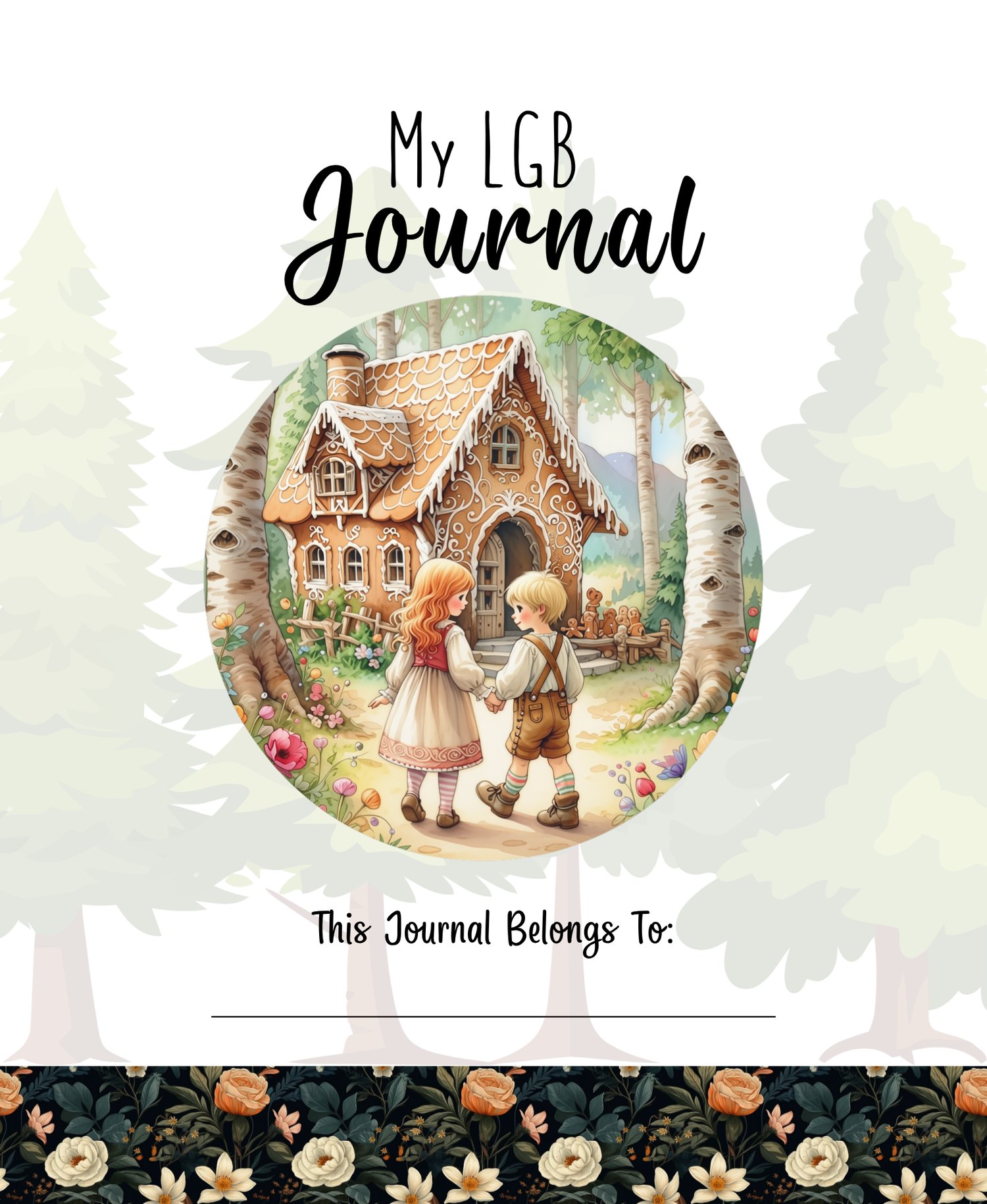
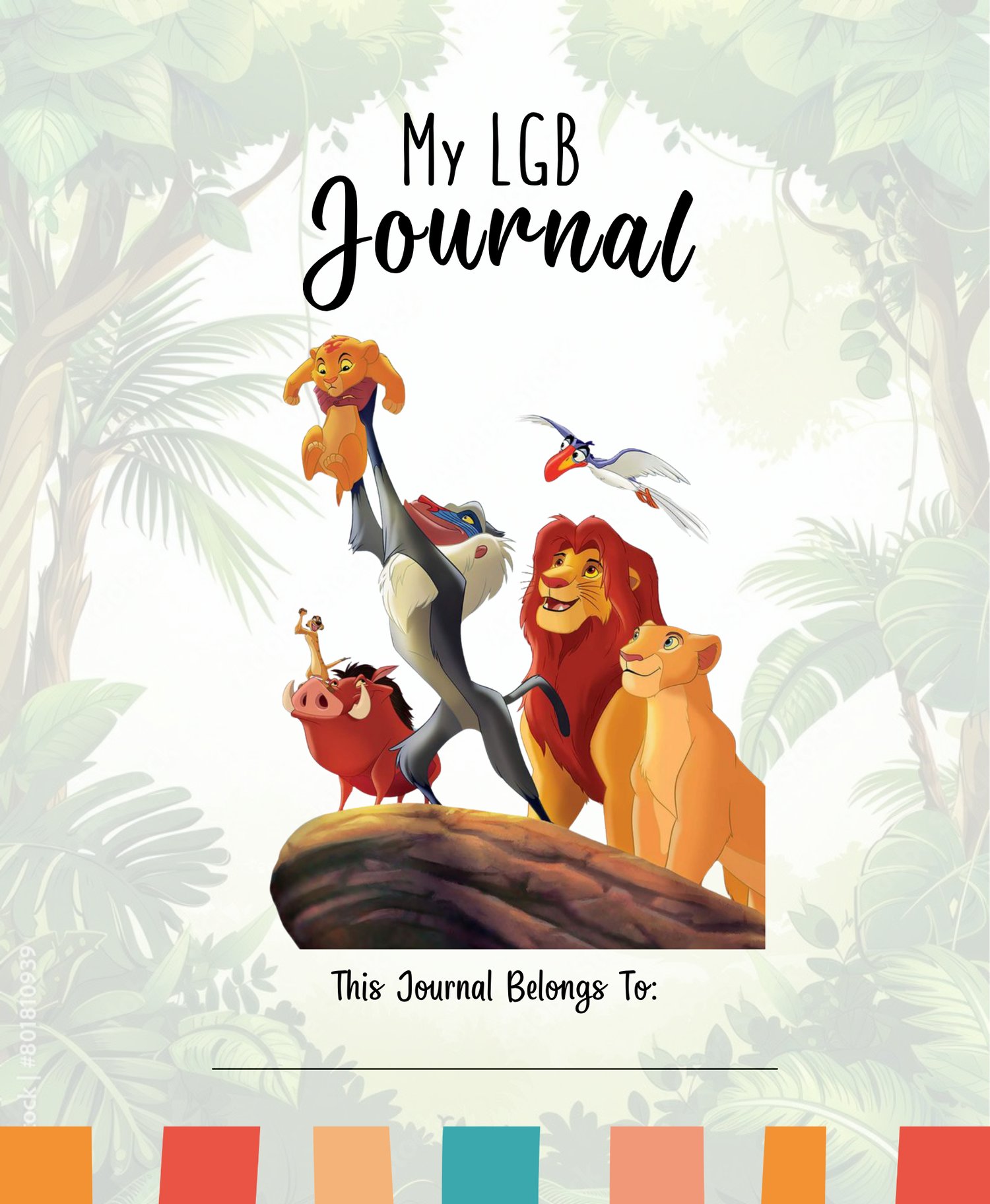
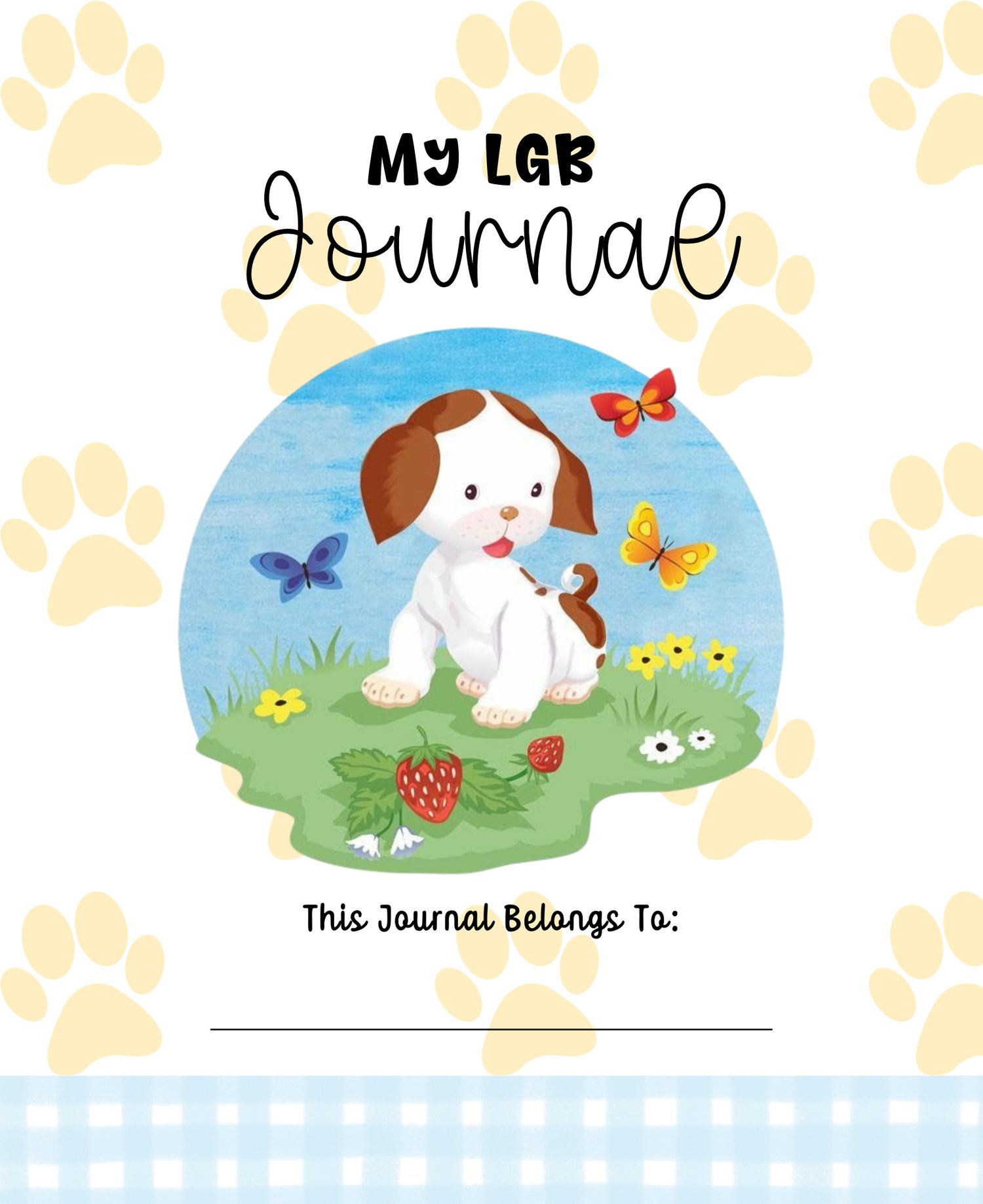
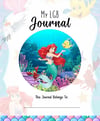

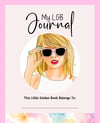

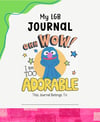
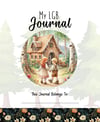
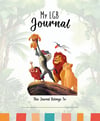

Little Golden Book Journal Cover Page Tutorial
Little Golden Book Cover Page Design Course
Want to learn how I create custom cover pages for my Little Golden Book journals? In this step-by-step video course, I’ll walk you through the process from start to finish while screen recording directly in Canva so you can follow along and see exactly what I’m doing.
✨ What You’ll Learn
In this course, I’ll show you how I create my Little Golden Book-style cover pages, including:
- Setting up your Canva design to the correct size
- Creating and designing your cover page
- Adding, arranging, and sizing images
- Working with fonts and text
- Creating the overall layout and look of the cover
- Tips and tricks I use while designing
- Preparing your finished cover page for printing
- And more as I walk you through my actual design process
This is a hands-on, follow-along course, so you’ll be able to watch me complete the process in Canva and pause, rewind, and work along with me at your own pace.
💻 What You’ll Need
You should be at least somewhat familiar with Canva before taking this course. You do NOT need to be a Canva expert or highly proficient, but knowing the basics—such as how to navigate Canva, add elements, upload files, and work with text—will make the course much easier to follow.
Canva Pro is highly recommended for this course. Some of the tools, graphics, fonts, and features I use may require Canva Pro, so having a Pro account will give you the best experience and allow you to follow along more closely with what I’m doing.
This is a course for laptops and computers only. Using a phone would be very complicated.
⚠️ Important Copyright Notice
This course is provided for educational purposes only. I am teaching you the design techniques and process I use to create cover pages; I am not giving you permission to use copyrighted characters, artwork, logos, or other protected content.
Please understand that just because an image or character can be found online or in Canva does not necessarily mean you have the legal right to use it on products that you sell. Characters, artwork, logos, book illustrations, and other recognizable intellectual property may be protected by copyright or trademark.
It is your responsibility to make sure that any images, characters, artwork, fonts, or other materials you use are properly licensed or otherwise legally permitted for your intended use.
What you choose to create or do with your cover page after taking this course is your responsibility. I do not provide legal advice or guarantee that a particular design is legally permitted for commercial use.
If you plan to sell products using copyrighted characters or other intellectual property, please do your own research and, when necessary, seek advice from a qualified intellectual-property attorney.
❤️ A Few Things to Keep in Mind
This course teaches you how to design a cover page—not what content you are legally allowed to put on that cover.
🎨 Learn the Process — Make It Your Own
This course is designed to teach you how to use the tools and techniques, not to have you copy my exact designs.
Please do not reproduce, trace, duplicate, or sell copies of my specific cover designs shown in the course. My examples are there to demonstrate the process and teach you how to use Canva.
Once you learn the techniques, I encourage you to take what you've learned and make it your own! Experiment with different layouts, colors, fonts, graphics, themes, and design elements to create something that is uniquely yours.
The goal isn't to make another version of my cover — it's to learn the skills so you can create your own. ❤️
My goal is to teach you the skills so you can understand the design process and create your own beautiful cover pages in Canva. What you create with those skills is ultimately up to you, but please be responsible about the images and intellectual property you choose to use.
So grab your computer, open Canva, and let's get started! ✨