

Revit Schedule Image Exporter-Trial Version
Stop manually copying images into Excel!
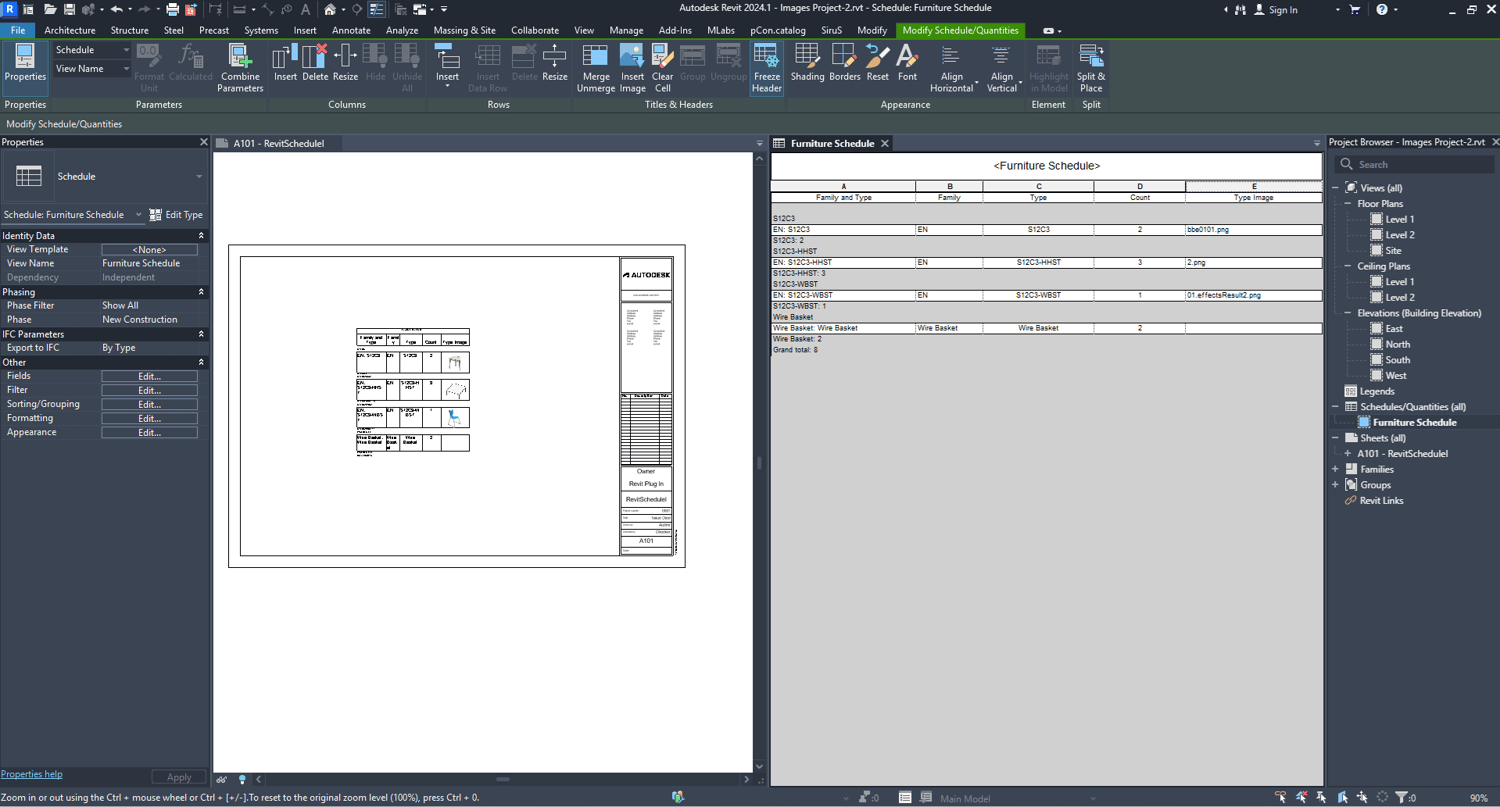
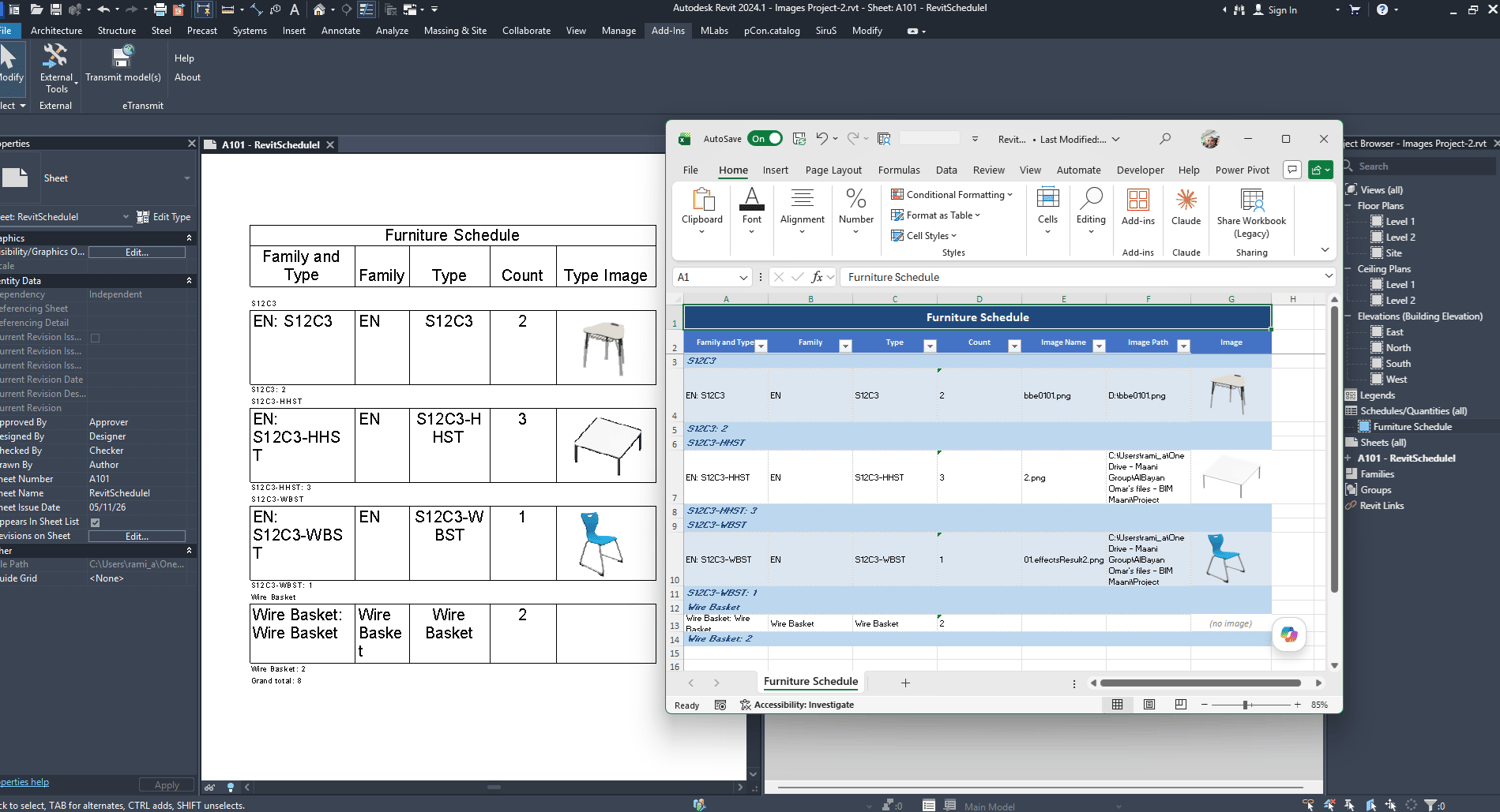
Revit Schedule Image Exporter exports any Revit schedule
to a professionally formatted Excel file with embedded
element images — automatically.
KEY FEATURES:
✓ Exports all schedule data with correct headers
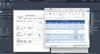
✓ Embeds Type Images directly in Excel cells
✓ Supports grouped schedules with headers/footers
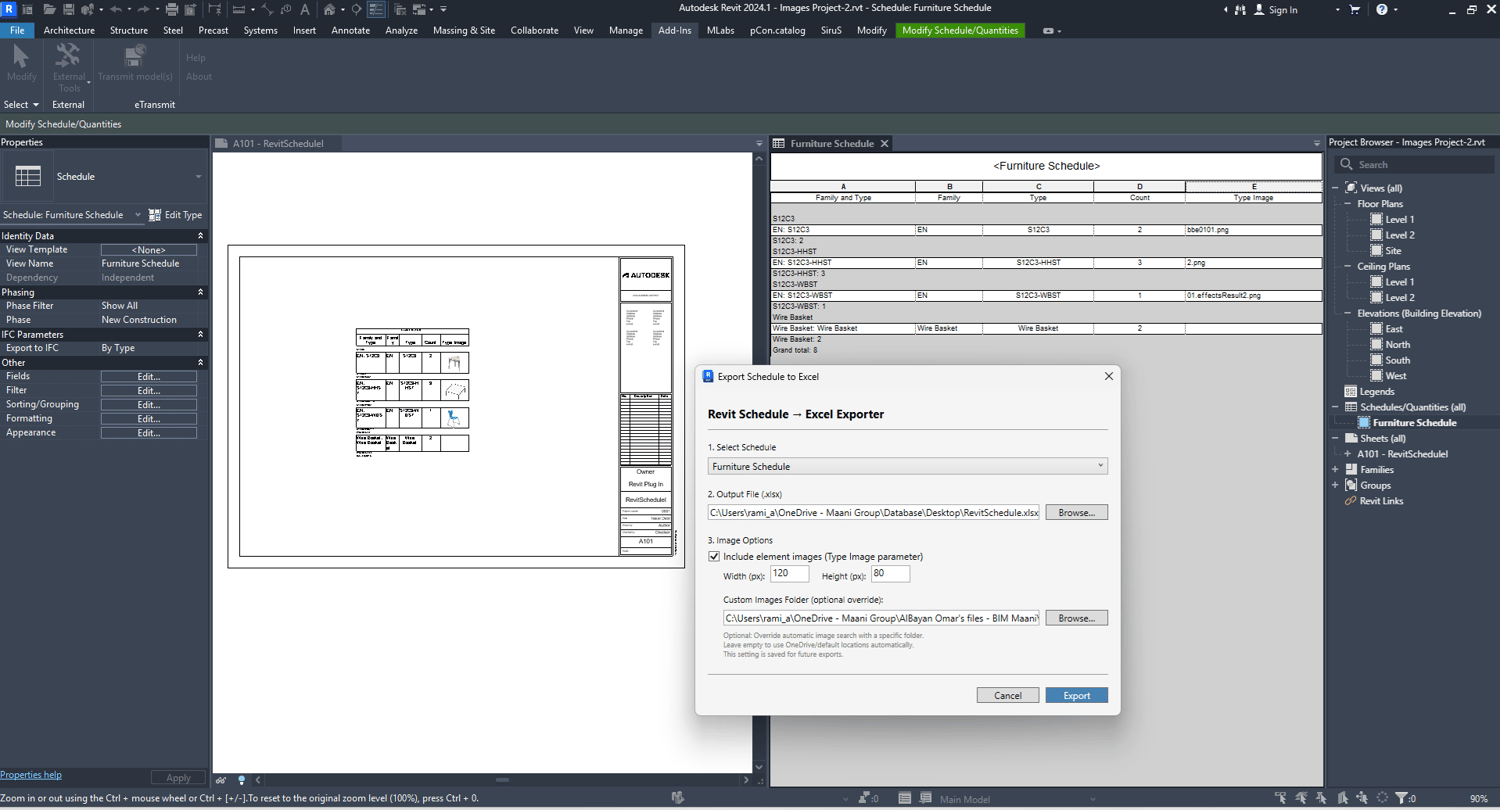
✓ Auto-detects images from OneDrive automatically
✓ Custom image folder for local/network storage
✓ Saves image folder path for future exports
✓ Auto-renames file if already open in Excel
✓ Image Name and Path columns for reference
✓ Professional Excel formatting with colors
PERFECT FOR:
- Furniture schedules with product photos
- Equipment schedules with manufacturer images
- Any schedule with Type Image parameter
REQUIREMENTS:
- Autodesk Revit 2024
- Microsoft Excel (to view output)
- Images stored in OneDrive or local folder
HOW IT WORKS:
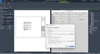
1. Open any Revit project with schedules
2. Go to Add-Ins → External Tools
3. Click "Export Schedule with Images"
4. Select schedule and output path
5. Click Export — done!