
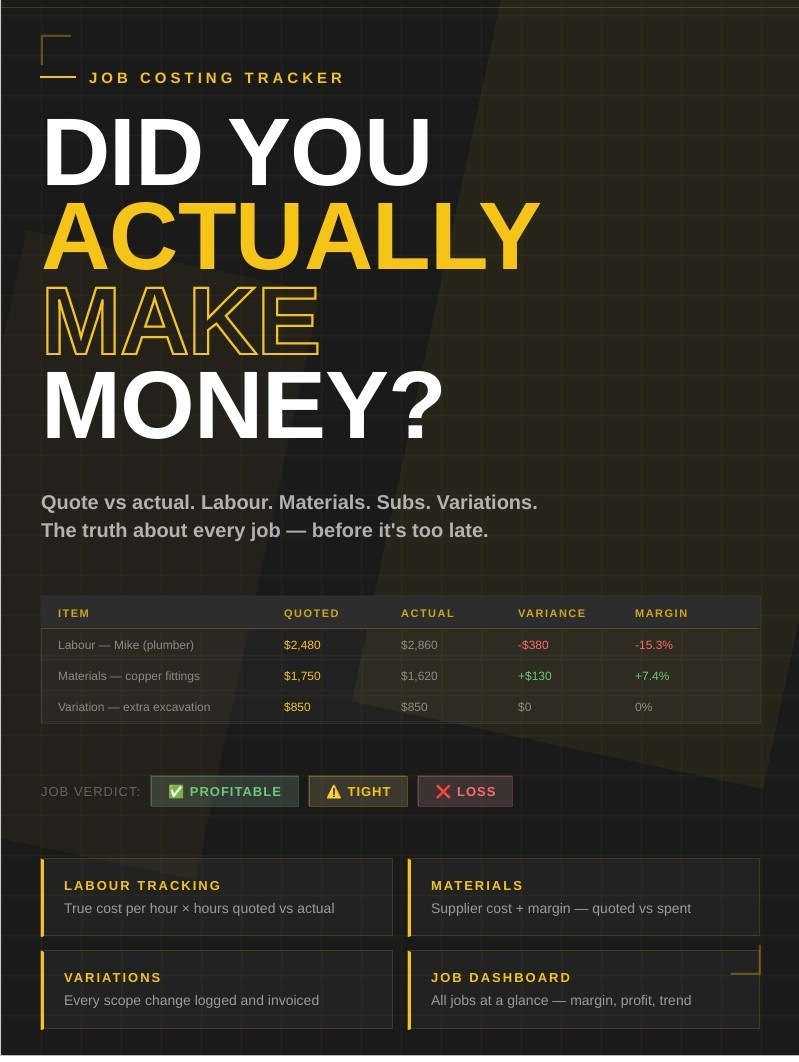
Job Costing Tracker Spreadsheet
Find out if you actually made money on every job — before it's too late.
Most tradies find out they lost money on a job when the bank account tells them.
By then it's too late to do anything about it.
The Anonymous Tradie Job Costing Tracker is a straightforward Excel spreadsheet that tracks every dollar quoted vs every dollar spent on a job — labour, materials, subcontractors and variations — and tells you exactly where you made money and where you didn't.
What's inside:
📋 Job Costing Sheet One tab per job. Fill it in as the job progresses — not from memory afterwards.
- Section A — Labour: Enter each person on the job, their true hourly cost (including super and WorkCover), hours quoted vs hours actual. Variance calculates automatically.
- Section B — Materials: Supplier cost, your margin %, quoted price to client, actual spend. See exactly where materials came in over or under.
- Section C — Subcontractors: What you quoted each sub, what they invoiced, payment tracking.
- Section D — Variations: Every scope change logged with amount, approval status and invoice tracking. No more variations falling through the cracks.
- Section E — Job Summary: Total quoted, total actual cost, gross profit, margin % — and a plain English Job Verdict.
- Section F — Lessons Learned: Notes after the job closes. This is how you get sharper over time.
📊 Job Dashboard All your jobs in one view. Running totals across the top: total jobs, total revenue, total profit, average margin. Start to see the patterns in your business — which job types make money and which ones don't.
The Job Verdict tells you straight:
- ✅ Profitable — 20%+ margin. Good job.
- ⚠️ Tight — 10–20% margin. Watch your costs.
- 🔴 Thin — Under 10%. Barely broke even.
- ❌ Loss — You paid to do this job.
No hiding from the numbers.
Who it's for: Any tradie going out on their own or already running a small operation who wants to actually know if their jobs are making money.
What you need: Microsoft Excel or Google Sheets (free). No macros, no complicated setup. Open it, duplicate the job tab, start filling it in.
Built by: Someone who ran a trade business to 28 staff, learned the hard way what job costing can do to a business when you don't track it — and built this so you don't have to find out the same way.