

Couples Budget Spreadsheet, Paycheck Planner, Bill Calendar, Sinking Funds, Household Finances, Google Sheets Excel
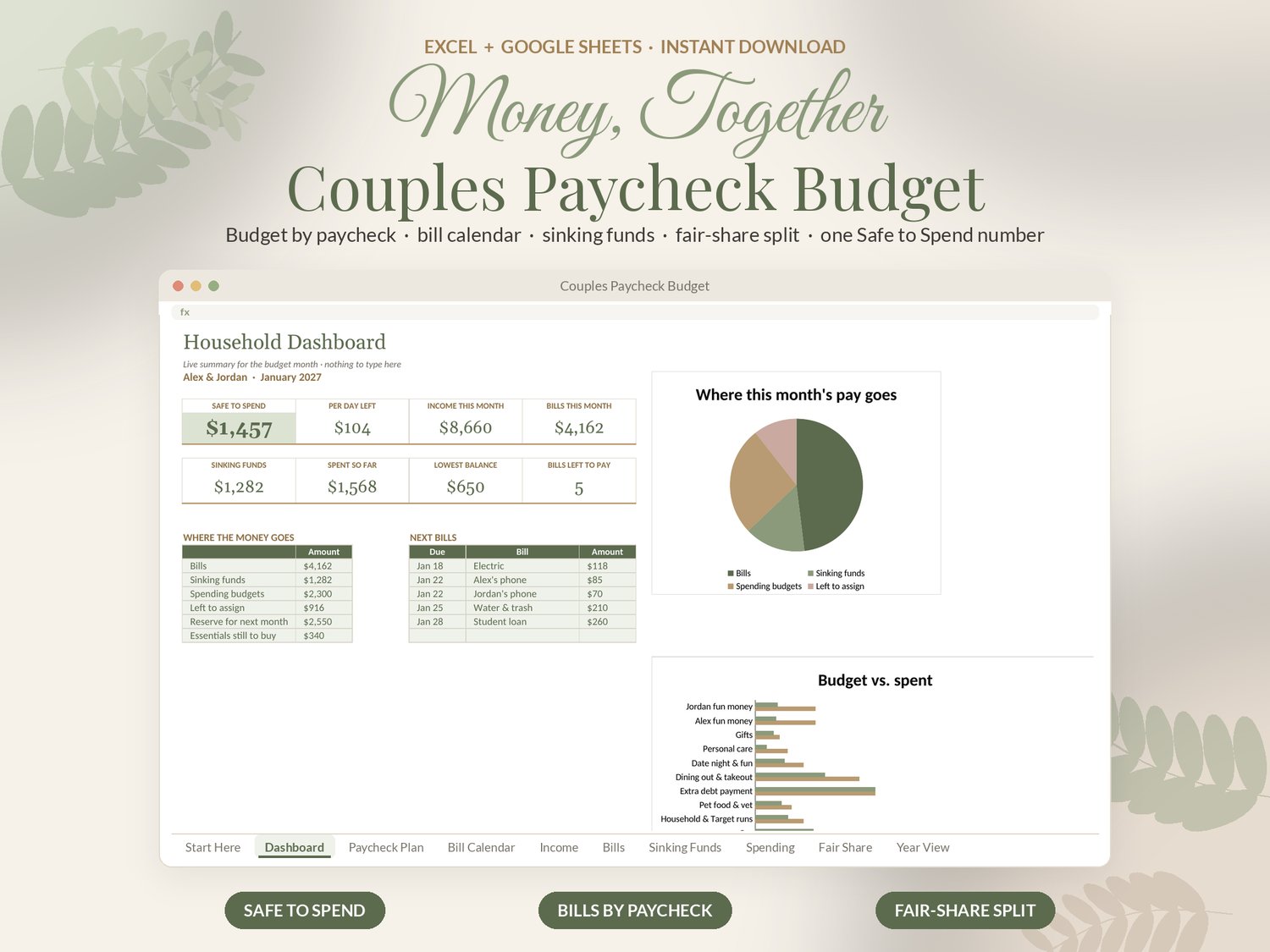
This couples budget spreadsheet plans your money paycheck by paycheck: every bill matched to the check that pays it, sinking funds that save themselves, a fair way to split joint costs, and one Safe to Spend number you can both trust.
✦ WHAT'S INCLUDED
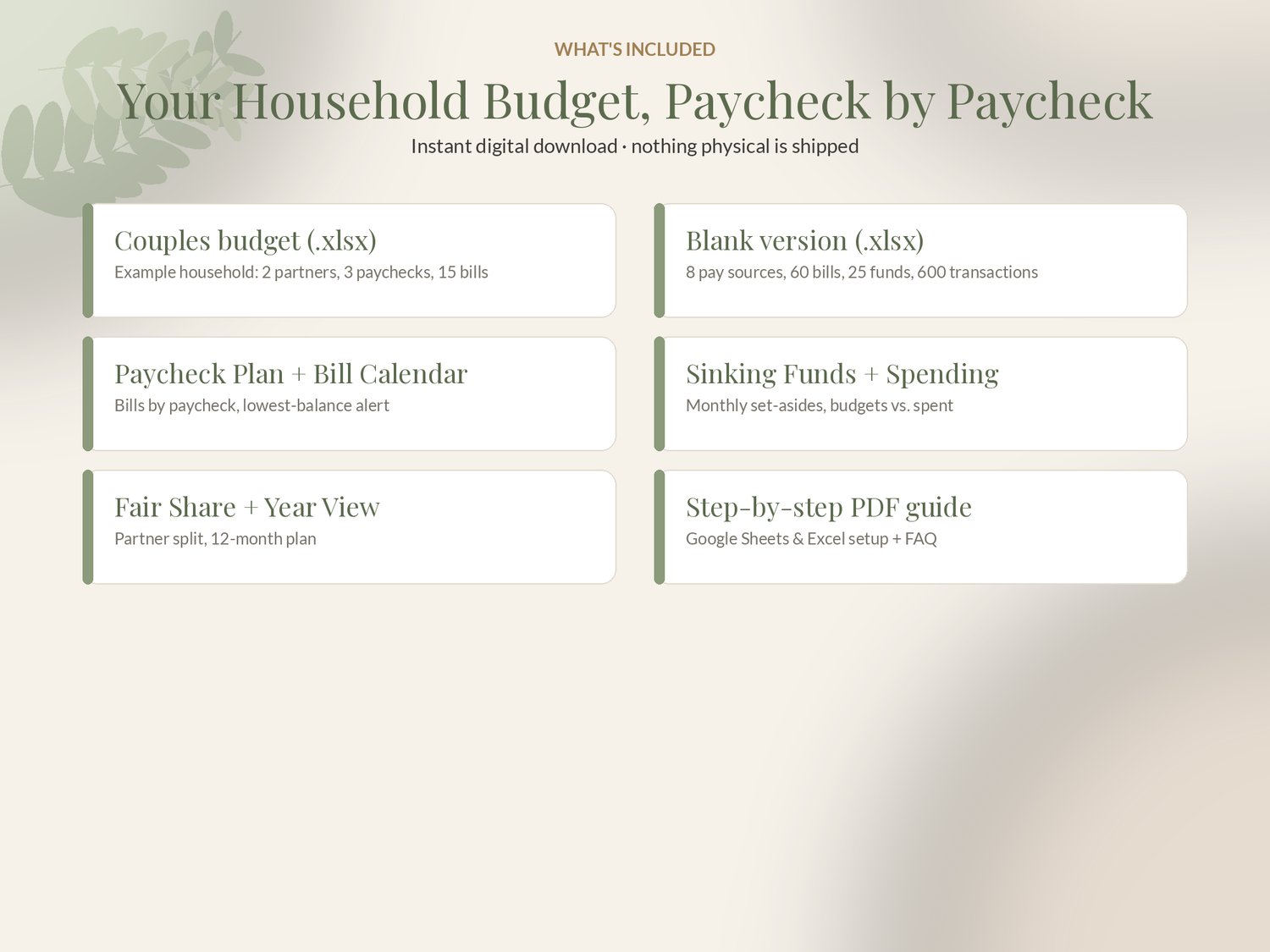
• Couples paycheck budget (.xlsx), example household: 2 partners, 3 pay sources, 15 bills, 7 sinking funds, a month of spending
• Blank version (.xlsx): 8 pay sources, 60 bills, 25 sinking funds, 30 spending categories, 600 transactions
• Step-by-step PDF guide for Google Sheets and Excel
✦ FEATURES
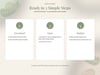
• Safe to Spend: what you can still spend this month after bills, sinking funds, essentials, your buffer and next month's early bills, plus a per-day amount
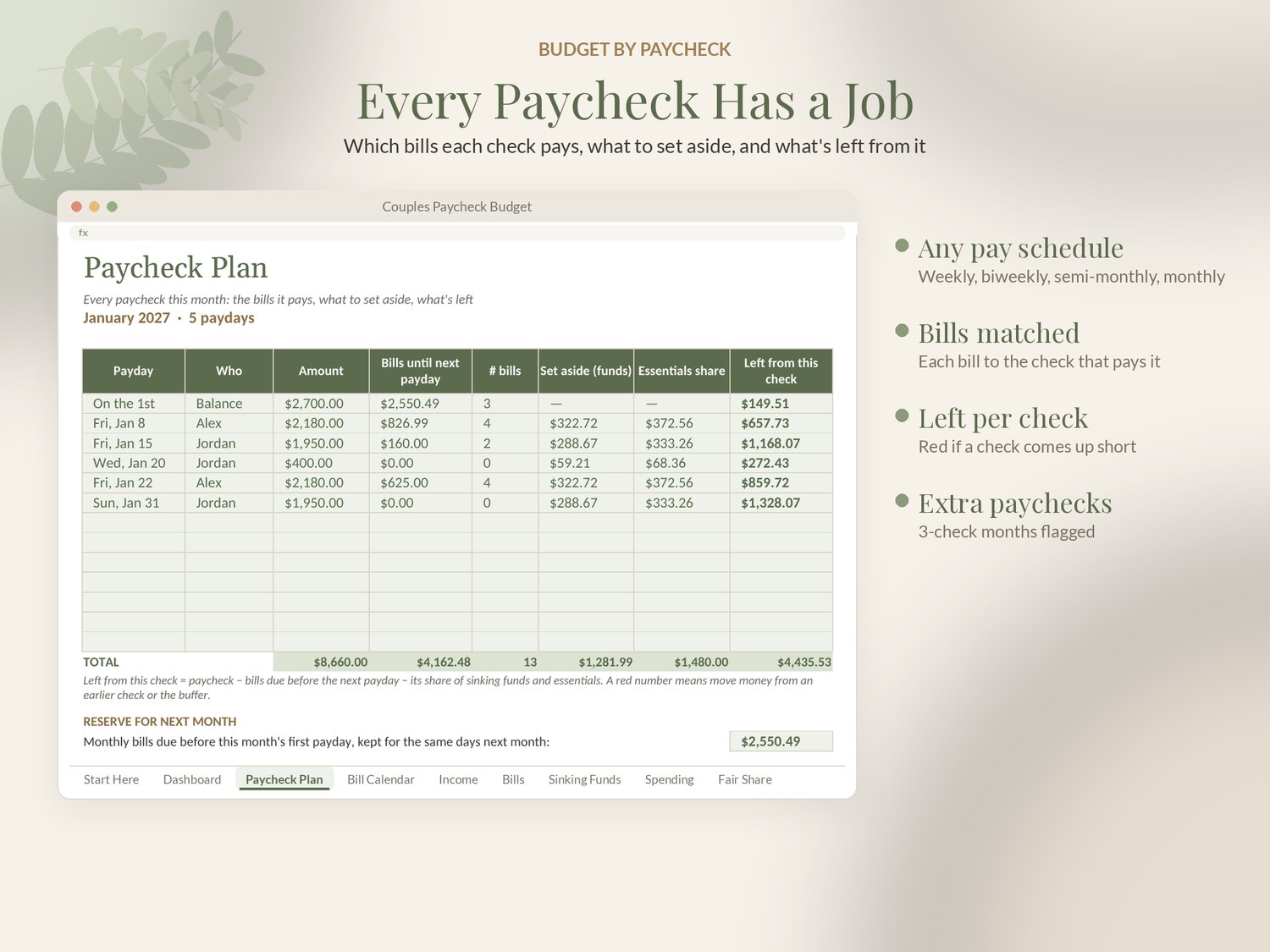
• Income for any pay schedule: weekly, biweekly, semi-monthly or monthly, for both partners. Pay dates calculate for the month
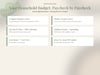
• Paycheck Plan: every payday with the bills due before the next one, its share of savings and what's left from that check
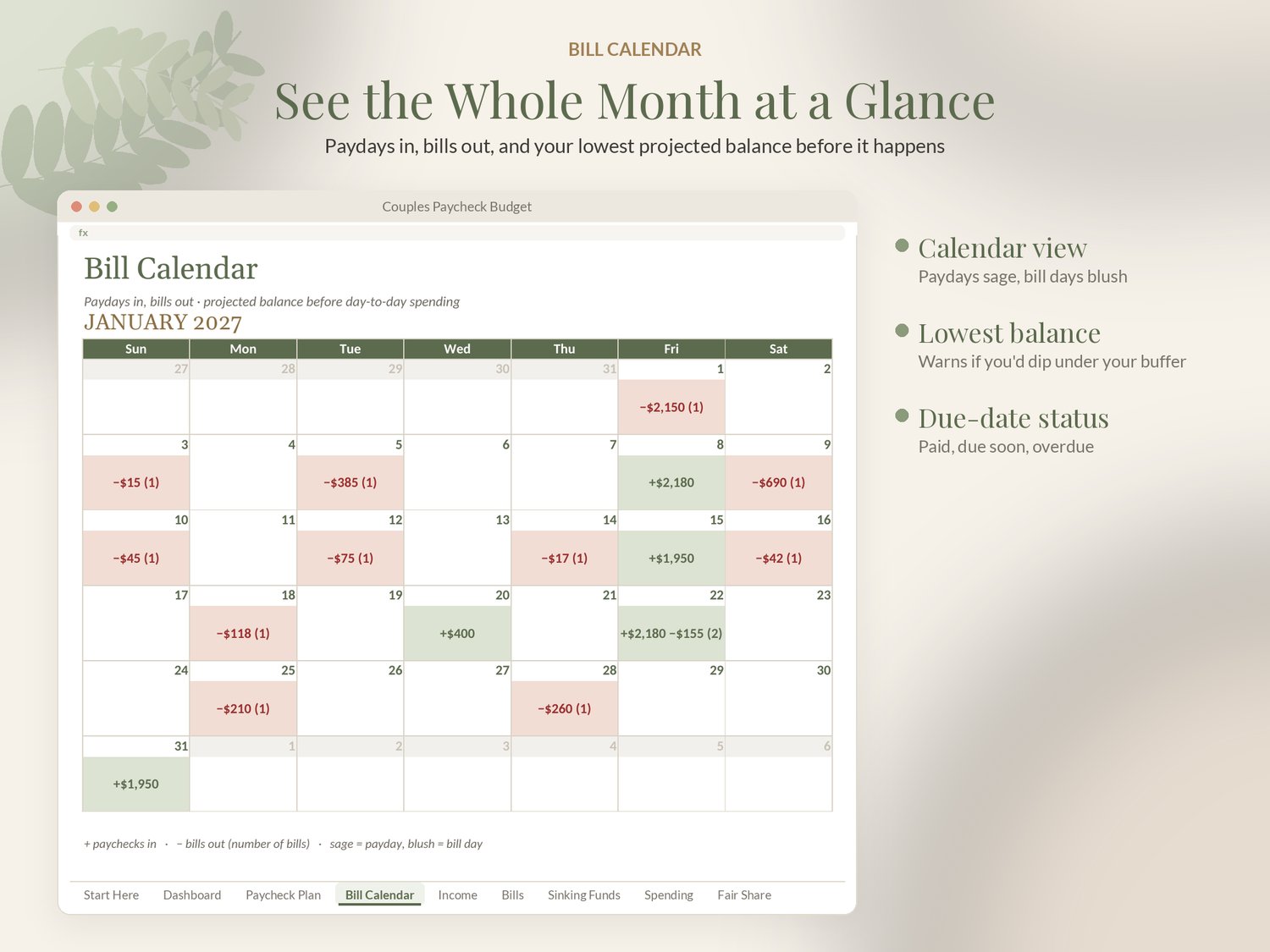
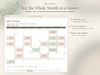
• Bill calendar: the month as a calendar with paydays in and bills out, plus your lowest projected balance and a buffer warning
• Bills that repeat monthly, quarterly, semi-annually or yearly, matched to the paycheck that pays them, with paid / due soon / overdue status
• Sinking funds and savings goals: target and date in, monthly set-aside out, with progress bars and a deposit log
• Spending budgets marked Essential or Flexible, budget vs. spent, and a transaction log
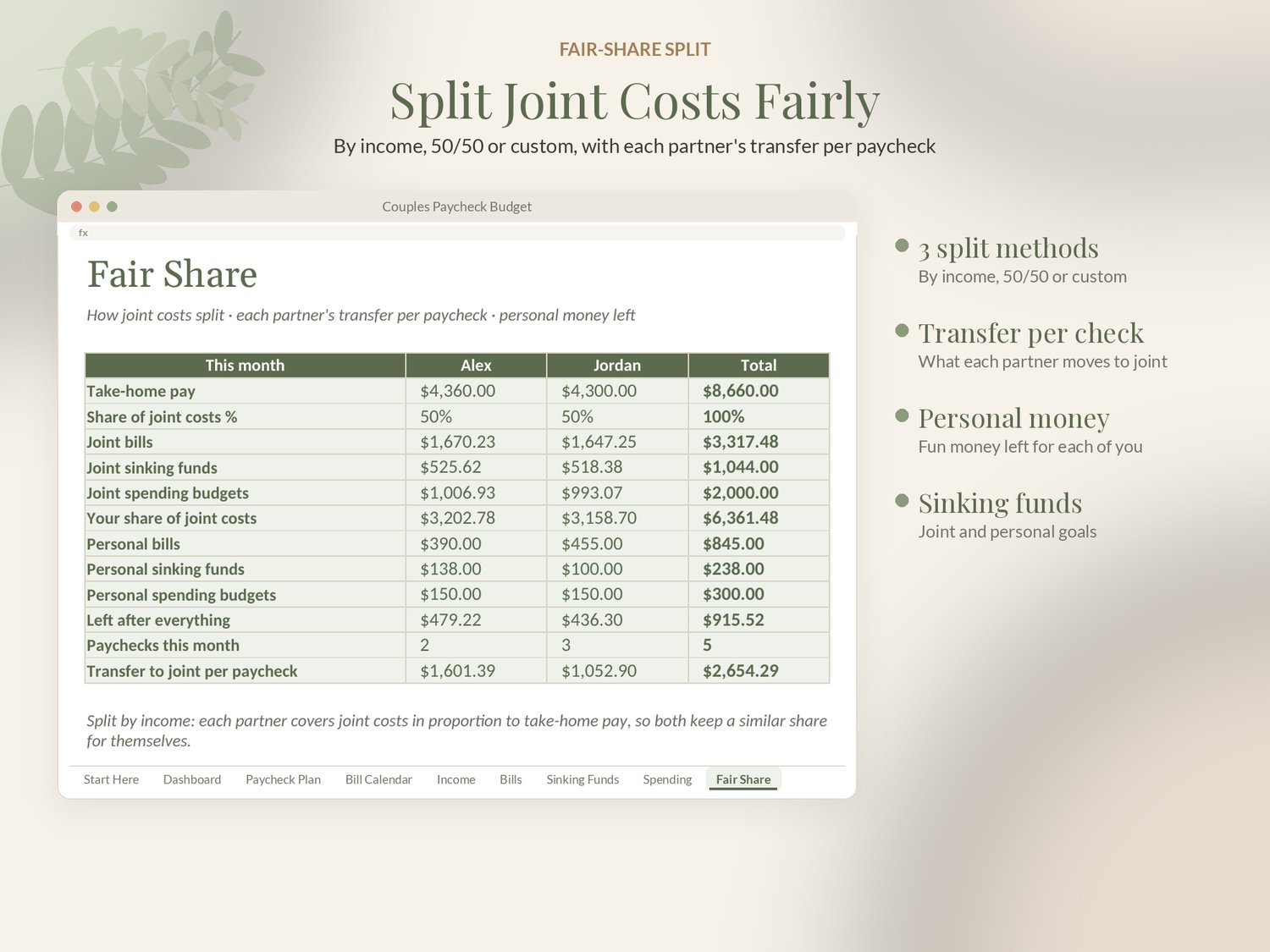
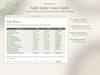
• Fair Share: split joint costs by income, 50/50 or a custom %, with each partner's transfer per paycheck and personal money left
• Year View: all 12 months, with extra-paycheck months flagged, plus a dashboard with charts
✦ WHY IT'S DIFFERENT
• Built for two people and real paychecks. Most budgets cover one person by calendar month
• One honest Safe to Spend number, not just a list of categories
• Bill calendar with a lowest-balance warning before an overdraft happens
• Google Sheets AND Excel, example and blank versions, no macros, no subscription
✦ HOW IT WORKS
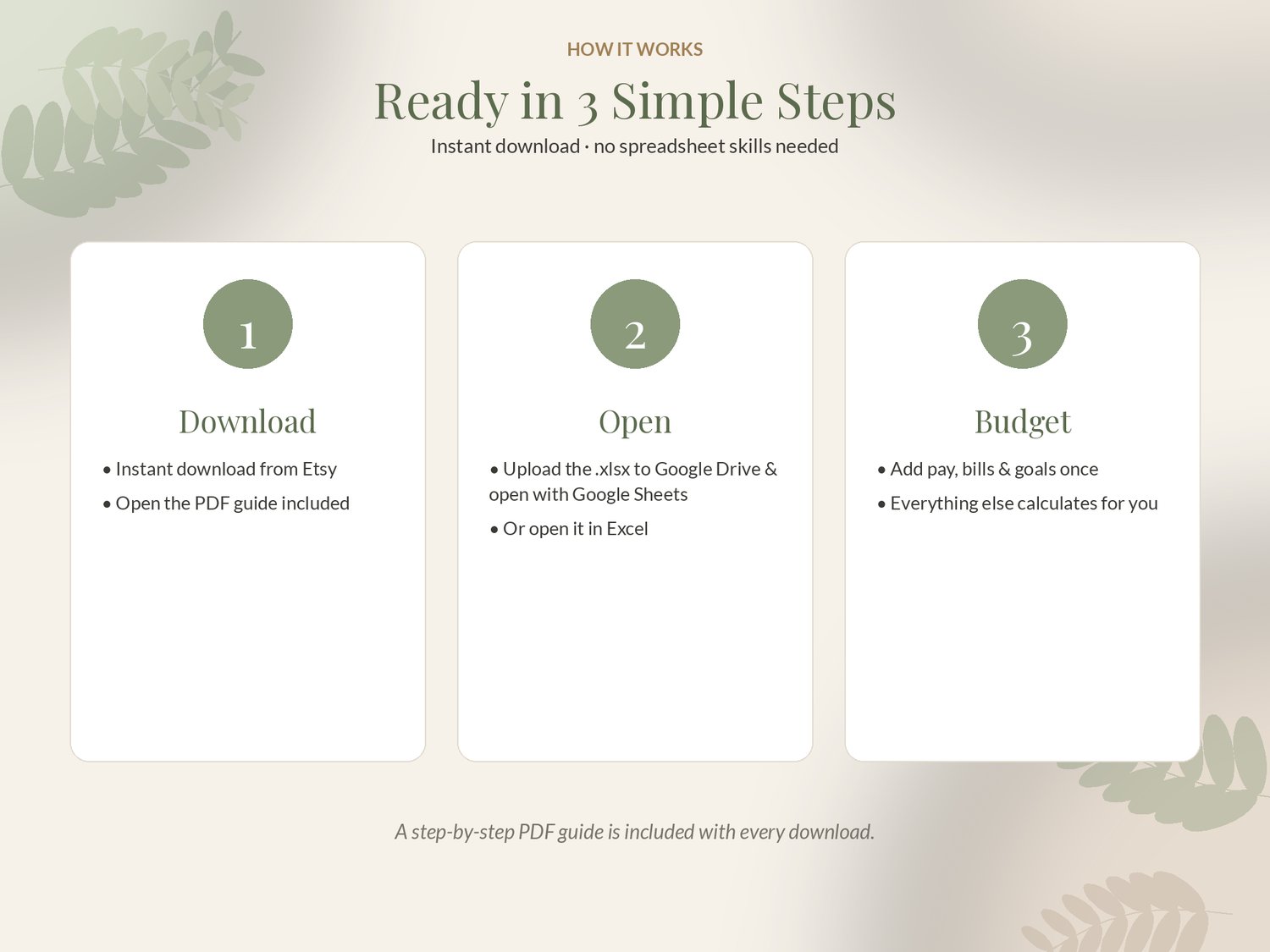
1. Buy and download your files instantly.
2. Upload the .xlsx to Google Drive and open it with Google Sheets, or open it in Excel.
3. Follow the Start Here tab. Everything else calculates.
✦ GOOD TO KNOW
• Instant download: nothing physical is shipped.
• Works in Google Sheets (free) and Microsoft Excel 2016+ / Microsoft 365 / Excel for the web. Not compatible with Apple Numbers.
• Works on desktop and in the Google Sheets and Excel phone apps (a computer is easiest for setup).
• No macros. Example and blank versions included. Licensed for one person or one business.
• Record-keeping and planning tool, not tax, legal or financial advice.
• Questions? Message me. I usually reply within a day.
© SageAndSheets. Please do not share or resell. Because this is a digital download, refunds aren't offered, but if anything isn't working, message me and I'll make it right.