
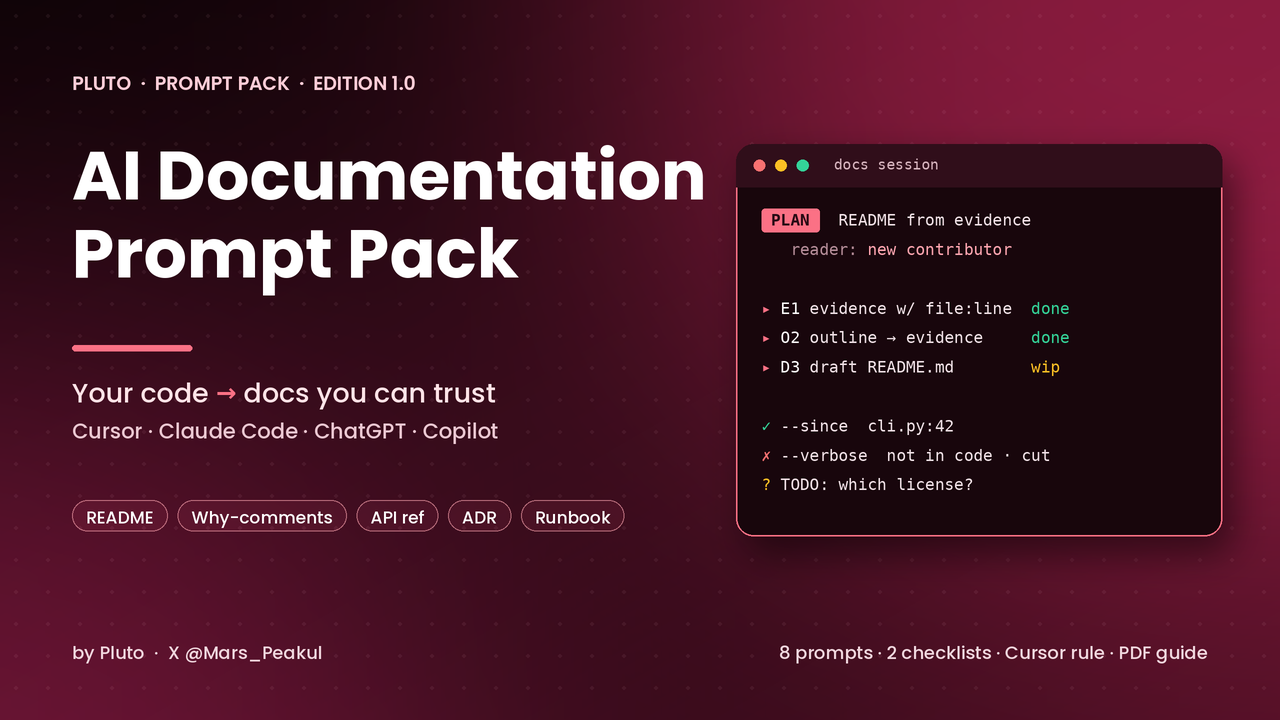
AI Documentation Prompt Pack
AI can write a README in seconds. Without structure, it documents the project it imagined, not the one you have.
Ask an AI coding tool to “write docs for this,” and you usually get something that reads like documentation: a features list, a quickstart, usage examples, a contributing section. Then a newcomer runs step two and it fails, because the script is called dev, not start, the --verbose flag never existed, and the .env.example it mentions isn't in the repo. Comments explain reasons nobody ever gave. API docs list the same five status codes for every endpoint. Release notes miss the breaking change hidden in a “chore” commit.
AI Documentation Prompt Pack gives you ready-to-paste prompts with roles, {{placeholders}}, a plan-before-writing process, output contracts and hard rules (above all: never invent APIs, flags or behaviour that aren't in the code; mark unknowns as TODO), so Cursor, Claude Code, ChatGPT or Copilot Chat work from evidence. You get evidence tables with file:line sources, outlines before prose, commands labelled RAN or UNVERIFIED, and honest questions where the code can't answer.
This is not an AGENTS.md / agent-workflow pack, not a PR-review pack, not a test-writing pack, not a debugging pack and not a refactoring pack. It is only about writing and maintaining documentation with AI.
What you get
• PDF field guide (30 pages): why “write docs for this” fails, the documentation loop (evidence → outline → draft → verify → keep in sync), every prompt explained, combining prompts with an illustrative (fictional) worked example, team norms, prompt anatomy and follow-up prompts
• templates/: 8 prompts + 2 checklists + Cursor .mdc rule + README
The 8 prompts
1. README from a codebase: evidence table from manifests, scripts and entrypoints; gaps as maintainer questions; clean-clone quickstart; RAN / UNVERIFIED commands
2. Docstrings & comments that explain why: contract docstrings with line citations, why-comments only with a source, TODO(why) questions, comment-only diff
3. API reference docs (OpenAPI / endpoint docs): endpoint inventory with handler and auth, fields from validators, status codes only with a code path, drift vs existing spec
4. Architecture Decision Record (ADR): claims table from the thread or notes, fair alternatives, negative consequences, Proposed when no decision was actually made
5. Changelog & release notes from commits/PRs: classification with a ref on every row, revert-cancelling, breaking-change and semver checks, precise changelog + readable notes
6. Onboarding guide: “how this repo works”: repo map with evidence, one real flow traced file by file, glossary, “where to change X”, questions for maintainers
7. Runbook & troubleshooting: exact signal strings, read-only checks first, ⚠ and approval on risky steps, expected result per step, “last verified” left to a human
8. Doc drift audit: claim ledger (MATCH / DRIFT / MISSING-IN-CODE / UNDOCUMENTED / UNVERIFIABLE), ranked by reader harm, report-only by default, doc-only patches
Also included
• Docs quality checklist: Must / Should / red flags before you merge AI-written docs
• When NOT to trust AI-written docs: a 10-minute hallucination check, the categories where AI most often invents things, and docs AI shouldn't write alone
• Cursor rule (documentation.mdc): reader first, evidence before prose, never invent, TODO unknowns, doc-only changes, code is the source of truth
Who it’s for
• Developers using Cursor, Claude Code, ChatGPT or Copilot Chat who want docs they can actually trust
• Maintainers whose README, API reference or runbooks have quietly drifted from the code
• Teams that want ADRs, changelogs and onboarding guides to exist without a dedicated technical writer
• Anyone onboarding into (or handing over) a repo that lives in one person's head
Who it’s not for
• People looking for a docs generator that publishes unattended
• Anyone who wants AI to write security, compliance, legal or SLA statements without a human owner
• Teams whose policy forbids pasting code into AI tools. This pack doesn't change that
How it works
1. Pick the prompt that matches the doc you need
2. Fill the {{placeholders}} with paths, the reader, and the real source material (code, PR bodies, notes)
3. Review the evidence table and outline before the model writes prose
4. Let it draft; answer or keep the TODOs it raises
5. Verify with the checklist and the hallucination check; a human decides what merges
Honest positioning
No fabricated testimonials, download counts, time-saved claims or benchmarks. The worked example in the guide is clearly labelled as fictional. Judge it by running prompt 08 (drift audit) against a doc you know well, or regenerating your own README with prompt 01 from the code alone, and checking every claim and TODO it produces.