

Small Business Finance and Profit Command Center, Excel Spreadsheet Template, Digital Download
Understand your sales, costs and product margins.
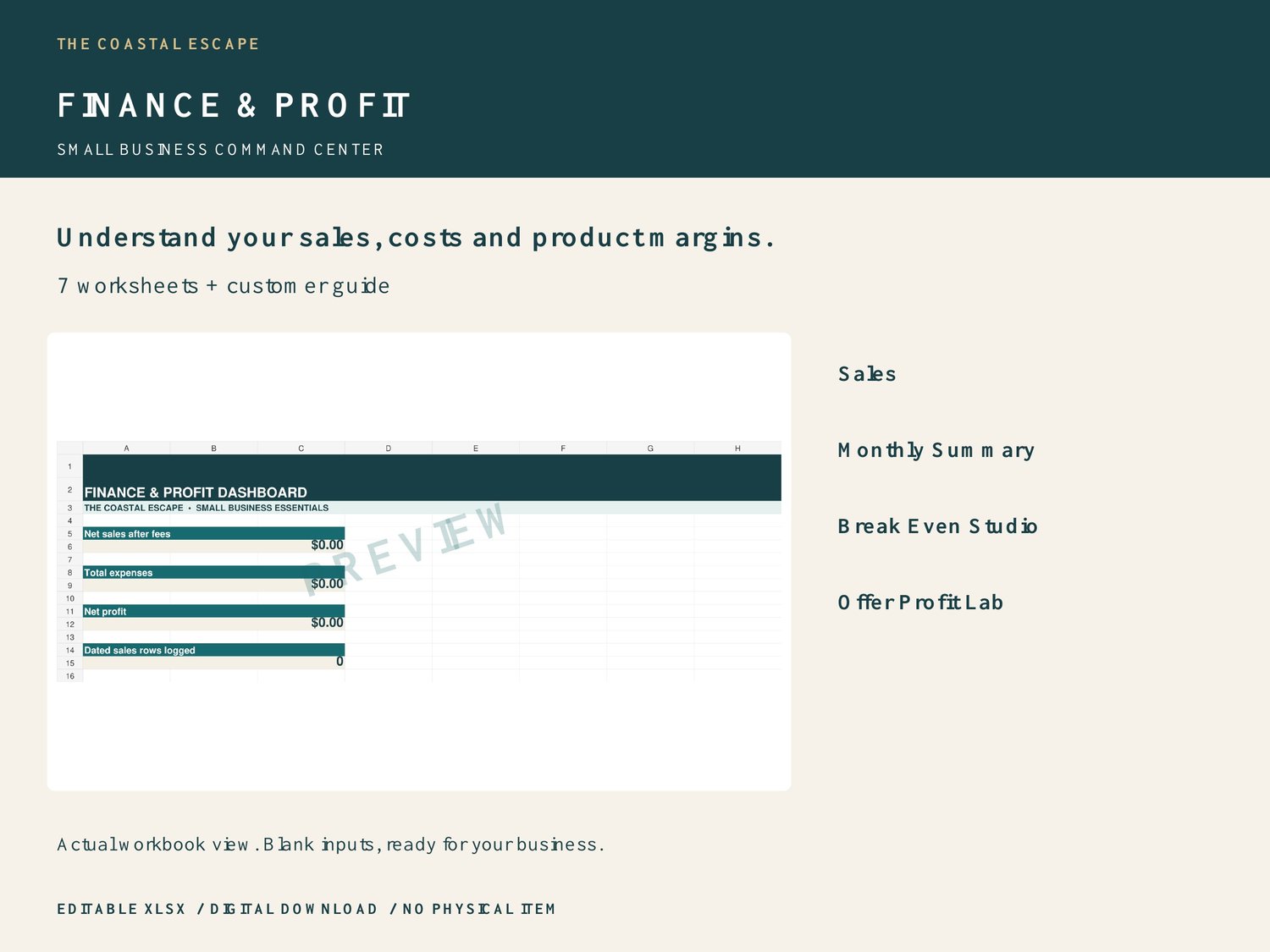
Small Business Finance & Profit Command Center by The Coastal Escape is an editable Excel-format workbook for small-business owners who want a clear, hands-on way to manage their own information.
WHAT YOU RECEIVE
One ZIP containing Finance_and_Profit_Command_Center.xlsx and Finance_and_Profit_Instructions.pdf. 100 sales rows and 100 expense rows; a 12-month summary; 30 break-even scenarios and 30 offer-pricing scenarios.
INCLUDED WORKSHEETS
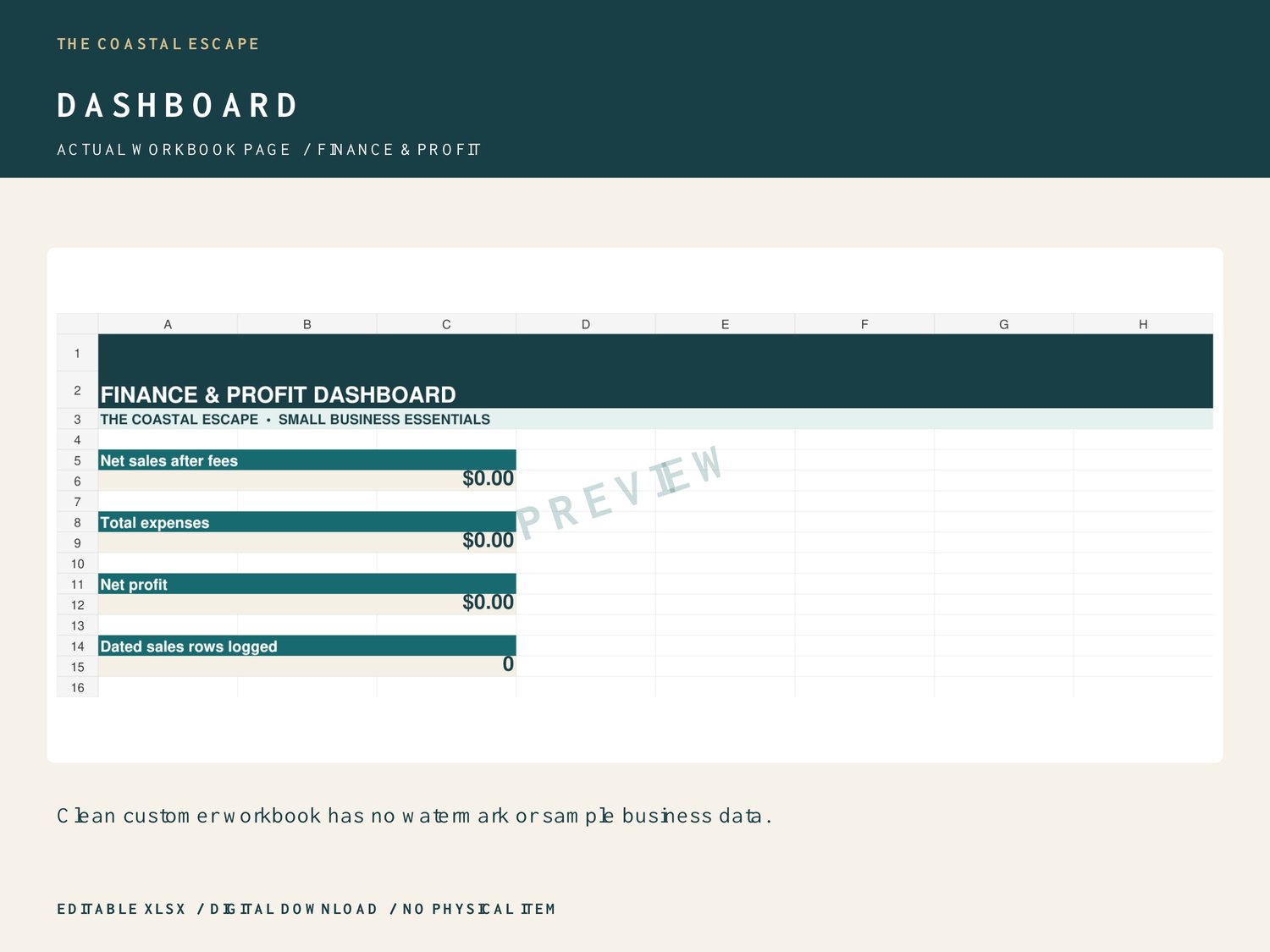
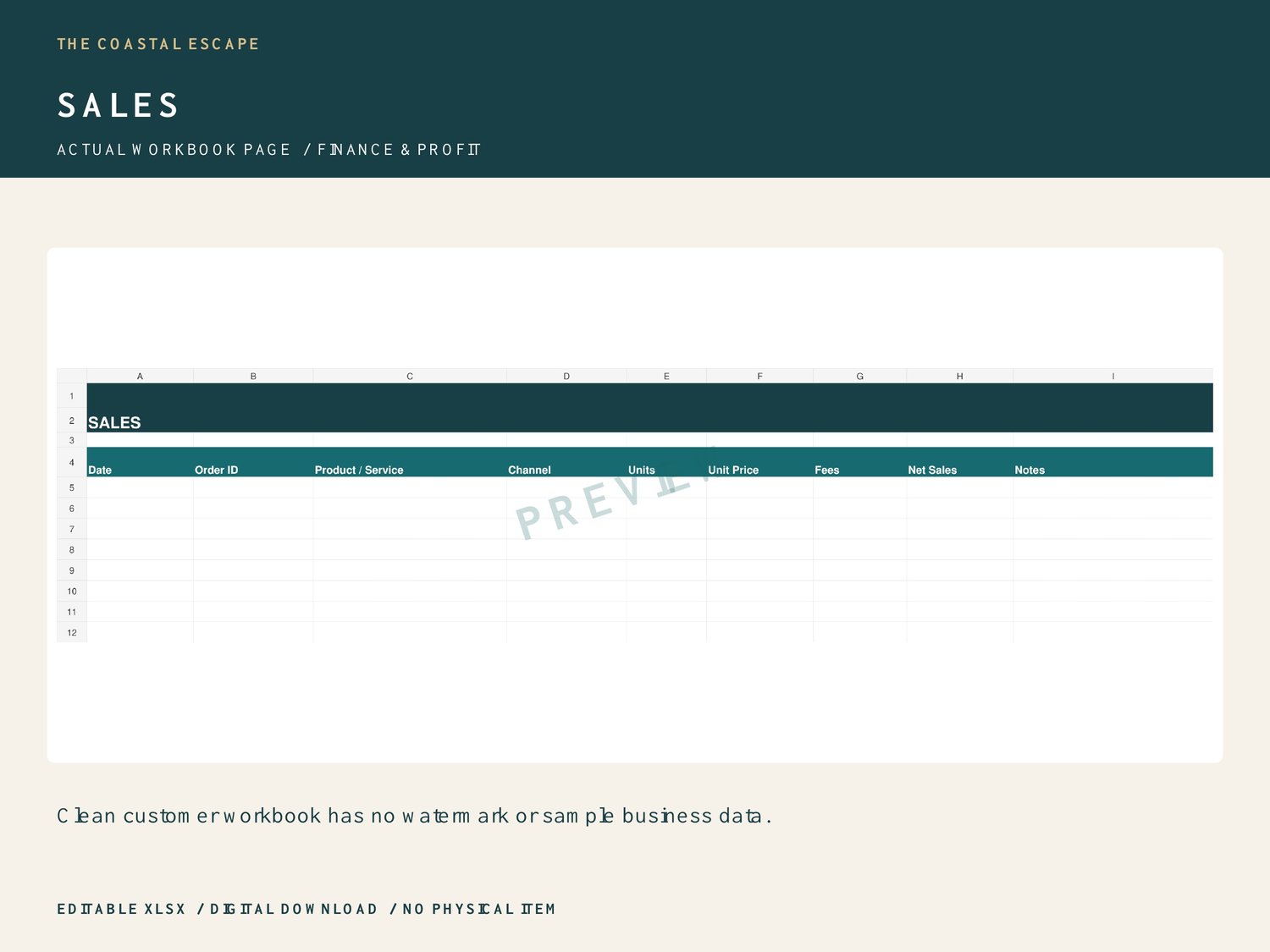
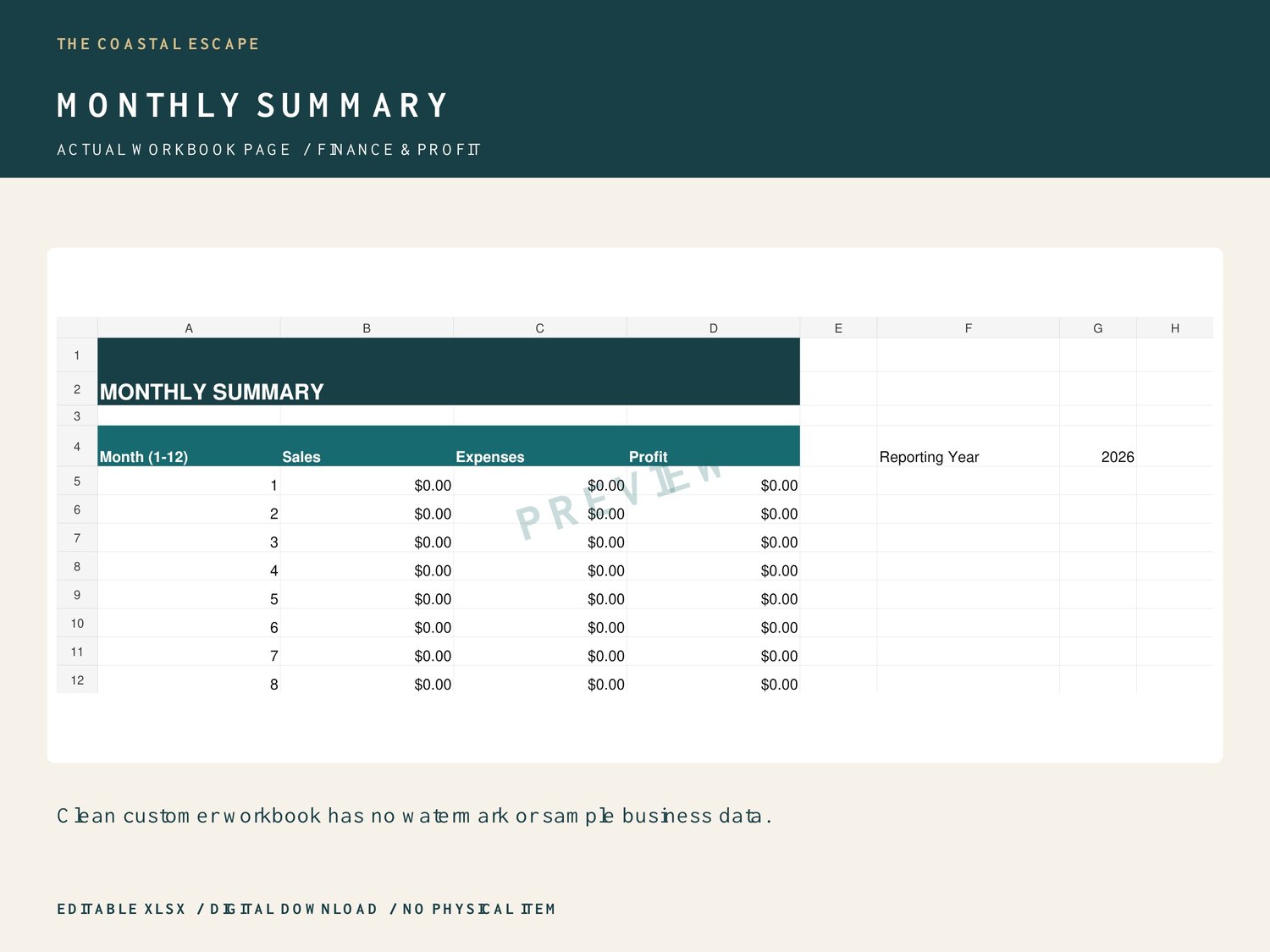
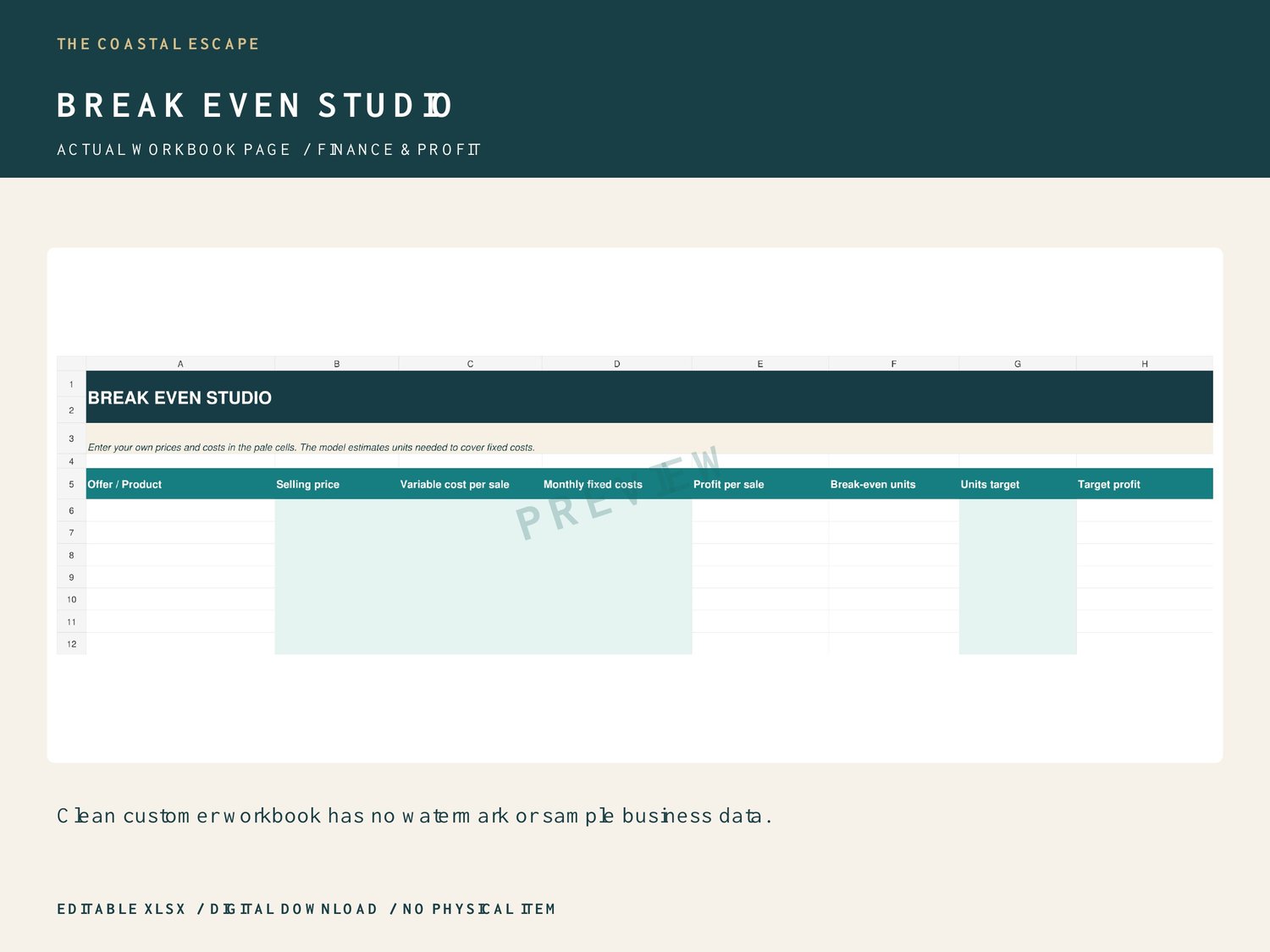
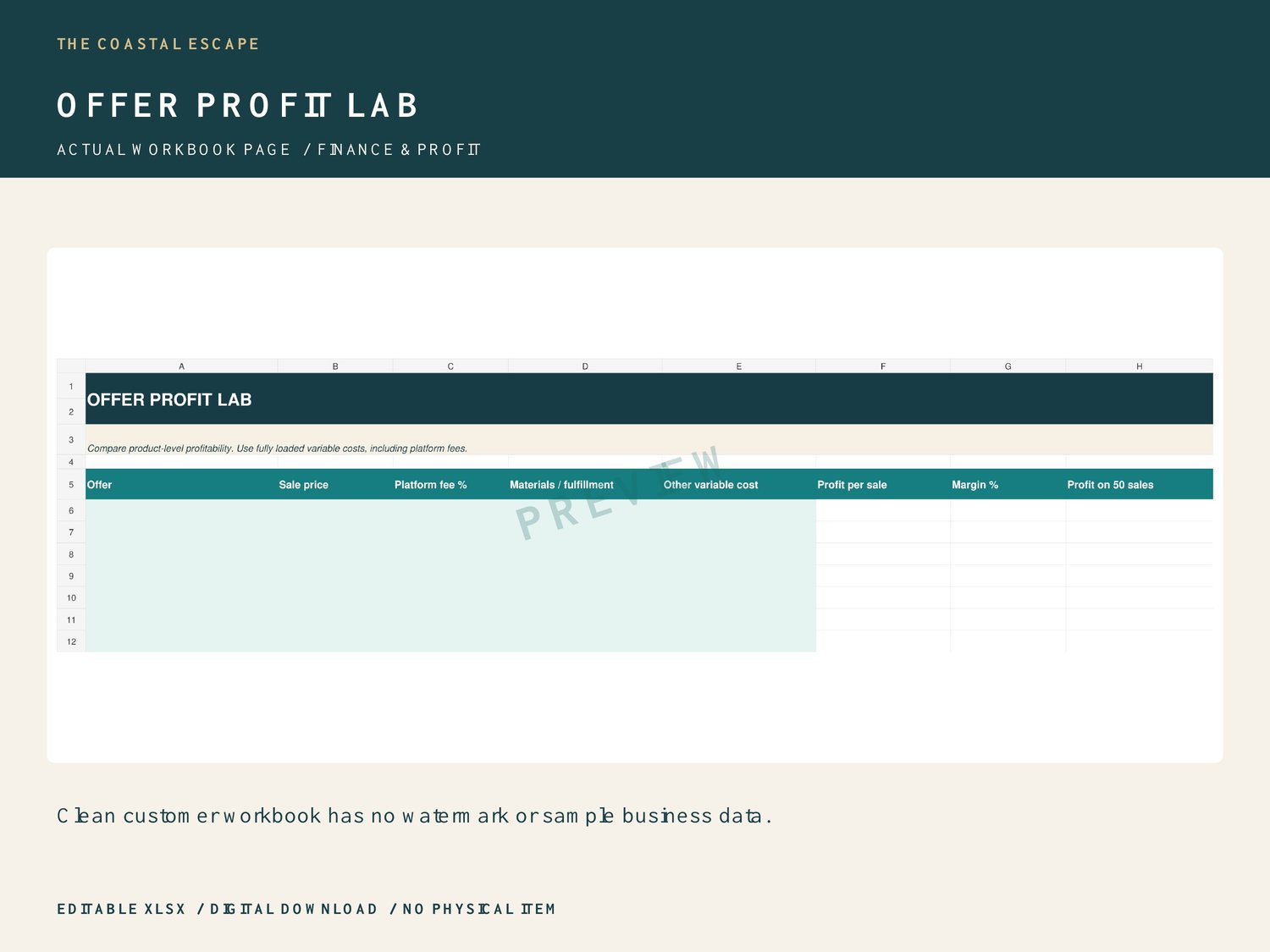
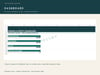
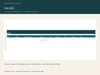
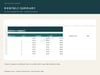
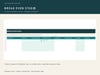
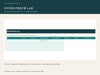
Dashboard, Sales, Expenses, Monthly Summary, START HERE, Break Even Studio, Offer Profit Lab.
HOW IT WORKS
TRACK SALES AND EXPENSES
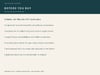
Enter real spreadsheet dates, units, prices and fees on Sales. Net sales = units × unit price minus fees. Add operating expenses on Expenses. The dashboard totals all 100 prepared rows, across all dates. Dated sales rows are counted, not unique order IDs.
REVIEW A REPORTING YEAR
Change Monthly Summary G4 from 2026 to your reporting year. January through December calculate using the dates you entered. Check your records for missing dates before relying on the summary.
COMPARE PRICES AND BREAK-EVEN
Break Even Studio uses selling price minus variable cost as contribution per sale. Break-even units round up fixed costs divided by positive contribution. Nonpositive contribution leaves break-even blank. Target profit = contribution × target units minus fixed costs. Offer Profit Lab estimates profit after the percentage platform fee and other variable costs. Enter 10% as 10% or 0.10, never 10. Margin = estimated profit divided by selling price. Profit on 50 sales excludes fixed overhead unless you allocate it into the inputs.
SOFTWARE AND IMPORTANT DETAILS
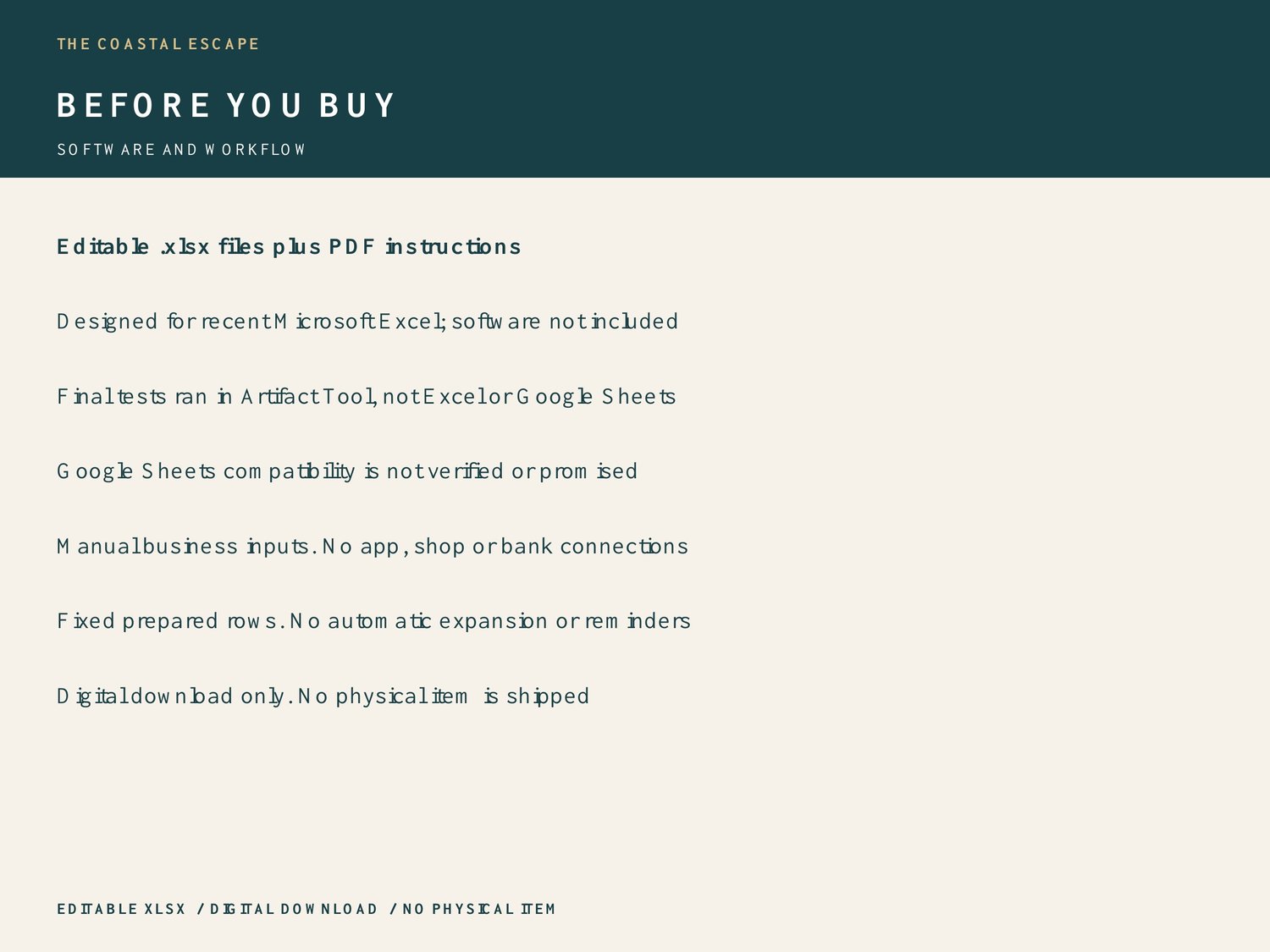
Download and unzip on a computer. Keep a backup of the original. Open the editable .xlsx in spreadsheet software that supports this format. These files are designed for recent Microsoft Excel. This final review tested calculations and file structure in Artifact Tool, not Microsoft Excel or Google Sheets. The supplied earlier QA report described LibreOffice tests, which were not repeated here. Google Sheets compatibility has not been verified and is not promised. Spreadsheet software is not included.
Start with START HERE. Customer input rows are blank; zeros on dashboards are calculated starting values. Type business information into input cells and leave formula cells intact. The decision-tool inputs are pale teal; use the supplied guide for other input columns. Prepared row limits are fixed. Adding rows requires extending formulas, summary ranges, dropdowns and formatting; automatic expansion is not included. Use one currency consistently. Currency displays use $, which you can reformat; there is no currency conversion.
These are standalone templates with manual data entry. There are no Etsy, Payhip, bank, supplier or software connections, macros, automated imports or notifications. They are management aids, not a complete accounting or tax system. Verify entered data and results against your business records. No sales or profit outcome is guaranteed. Customer downloads are clean, editable and contain no PREVIEW watermark or example business data.
Digital download only. No physical item is shipped. Listing images are watermarked views of the actual blank workbook; watermarks are not in your customer files. Created with AI assistance and reviewed for calculation accuracy. Contact The Coastal Escape through the storefront if you need help locating your download.