





Rent Ledger: Rent and Expense Tracker App for Small Landlords, Schedule E Ready (Phone and Laptop)
Tax time comes and your rent records are in bank statements, texts and a shoebox of receipts. Rent Ledger keeps rent and expenses for 1 to 20 units in one place and hands you a year-end summary in the same categories as IRS Schedule E.
Try it free: Link – try the rent and expenses screens with sample data.
What it does
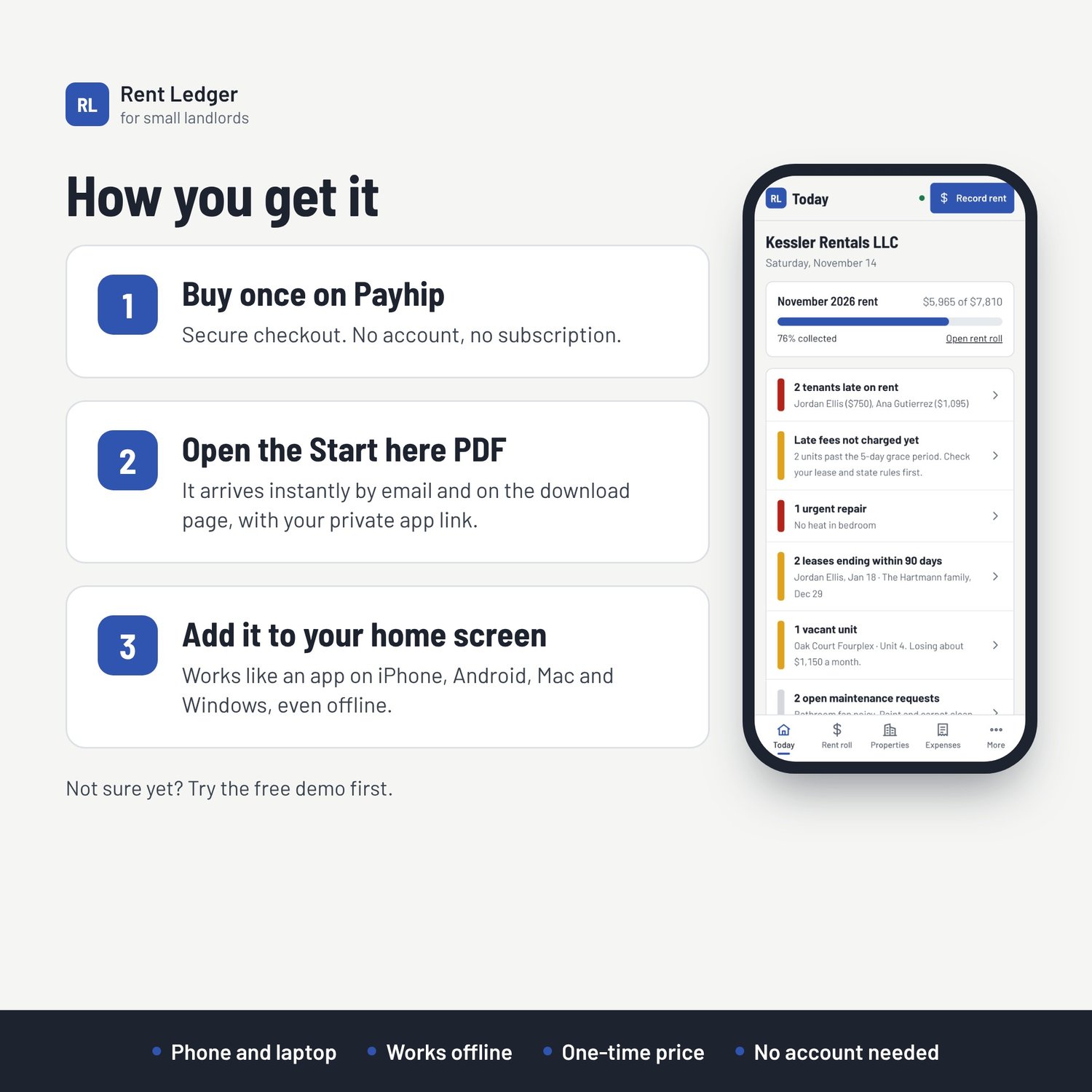
- See at a glance who has paid, who is late and how much is owed this month
- Handle monthly, weekly and every-2-weeks rent, and rent increases, without changing past months
- Log expenses in seconds, using Schedule E categories or your own
- Get a year-end summary per property, ready to give your tax preparer
- Filter by property type: single-family, multi-unit, short-term and more
- Export to Excel, CSV or Word, or print
What you get: a private link to the full app, a Start here guide, free updates to version 1.x, and a bonus pack of 5 printable sheets (rent roll, expense log, tenant record, move-in/move-out inspection, year-end summary) in US Letter and A4.
Works on: iPhone, iPad, Android, Mac and Windows, in Safari, Chrome or Edge.
Your data: your tenants’ names and your numbers stay on your device. Nothing is linked to your bank, and there is no account to hack. Back up to a file any time.
Not included: online rent collection, bank syncing, tenant screening, leases.
FAQ
- Does it file my taxes? No. It organizes your numbers for you or your tax preparer. It isn’t tax advice.
- I’m not in the US. Switch the region and the Schedule E labels become general categories; GBP, CAD, AUD, NZD and EUR are supported.
- Why pay when Stessa is free? No bank connection, no account, nothing to upsell. Your records stay with you.
- How many properties? No fixed limit; it’s designed for 1–20 units.
- Is there a monthly fee? No. One payment.