

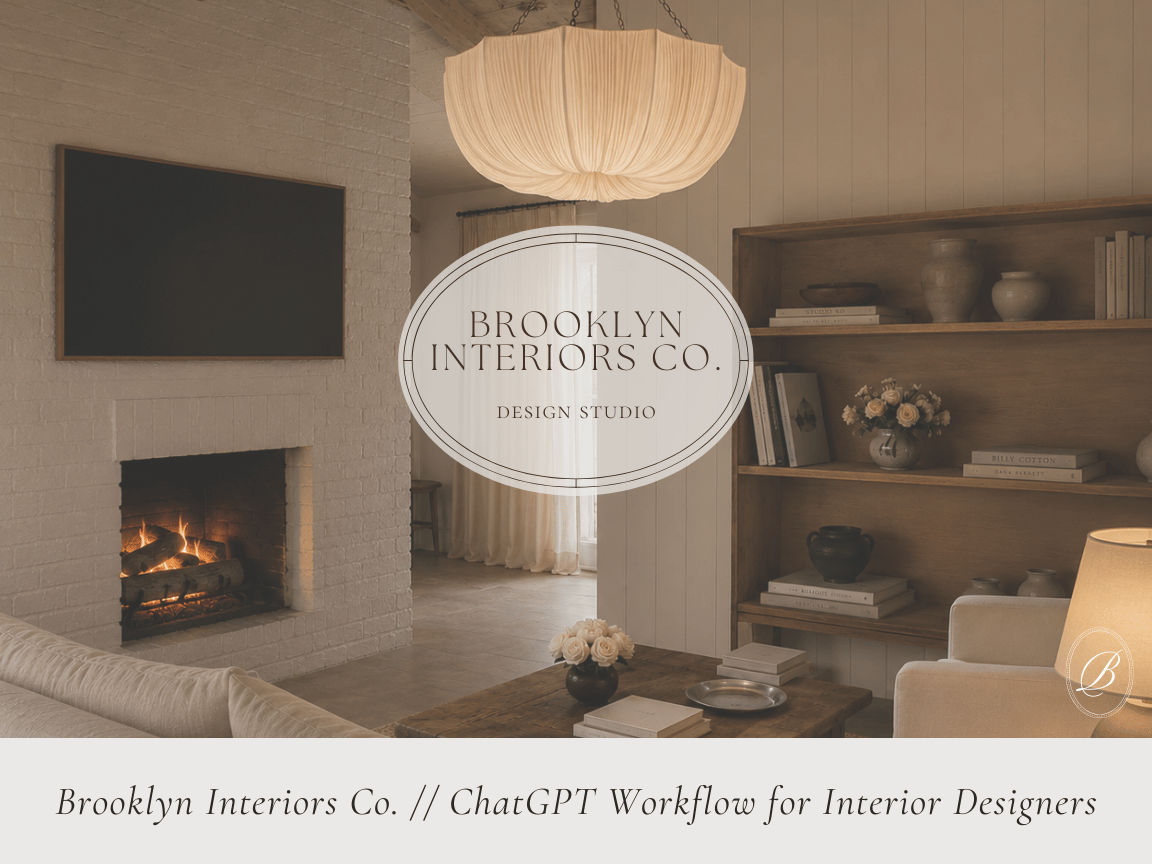
Brooklyn Interiors Co. // ChatGPT Rendering Workflow for Interior Designers
Welcome!
First of all, thank you so much for being here!!!
I am genuinely so excited that you're ready to learn how to create beautiful, photorealistic renderings using ChatGPT Premium! When I first started experimenting with AI, I quickly realized that creating a realistic rendering wasn't about luck AT ALL it was all about the quality of the information you give it!
I've spent countless hours testing prompts, refining workflows, making mistakes, and learning exactly what works and what doesn't. My hope is that this guide saves you hundreds of hours of trial and error by sharing everything I've learned along the way.
This isn't just a list of prompts. It's the exact workflow I personally use to transform simple elevations and concept boards into realistic client presentations that communicate my design vision before construction ever begins.
If you're willing to be patient, refine your prompts, and trust the process, I truly believe this guide will completely change the way you present your designs.
I'm so excited to help you get started :)
— Brooklyn Bergmann
Before You Purchase
This guide teaches you how to create better renderings by improving your inputs. The quality of your renderings is directly related to the quality of the information you provide ChatGPT!!!
To get the best possible results, you should already have:
• A ChatGPT Plus subscription (required for image generation)
• Elevations or 2D drawings
• A materials or concept board
• Design callouts, notes, and dimensions
• Inspiration images or reference photos
• A clear design direction or aesthetic
This guide is designed for interior designers, architects, builders, students, decorators, and anyone who wants to create realistic renderings without spending countless hours in traditional rendering software.
Inside you'll learn:
✓ My exact rendering workflow from start to finish
✓ The order I upload every file
✓ How I structure prompts for realistic results
✓ The words I use in nearly every rendering
✓ My favorite revision prompts
✓ How to improve lighting, materials, styling, proportions, and realism
✓ How to create additional camera angles
✓ The workflow I use to achieve client presentation-quality renderings
This guide focuses on the inputs, because better inputs create better outputs. Once you understand how to communicate your design clearly, ChatGPT becomes an incredibly powerful visualization tool :)