

SeatKeeper - Wedding Seating Chart
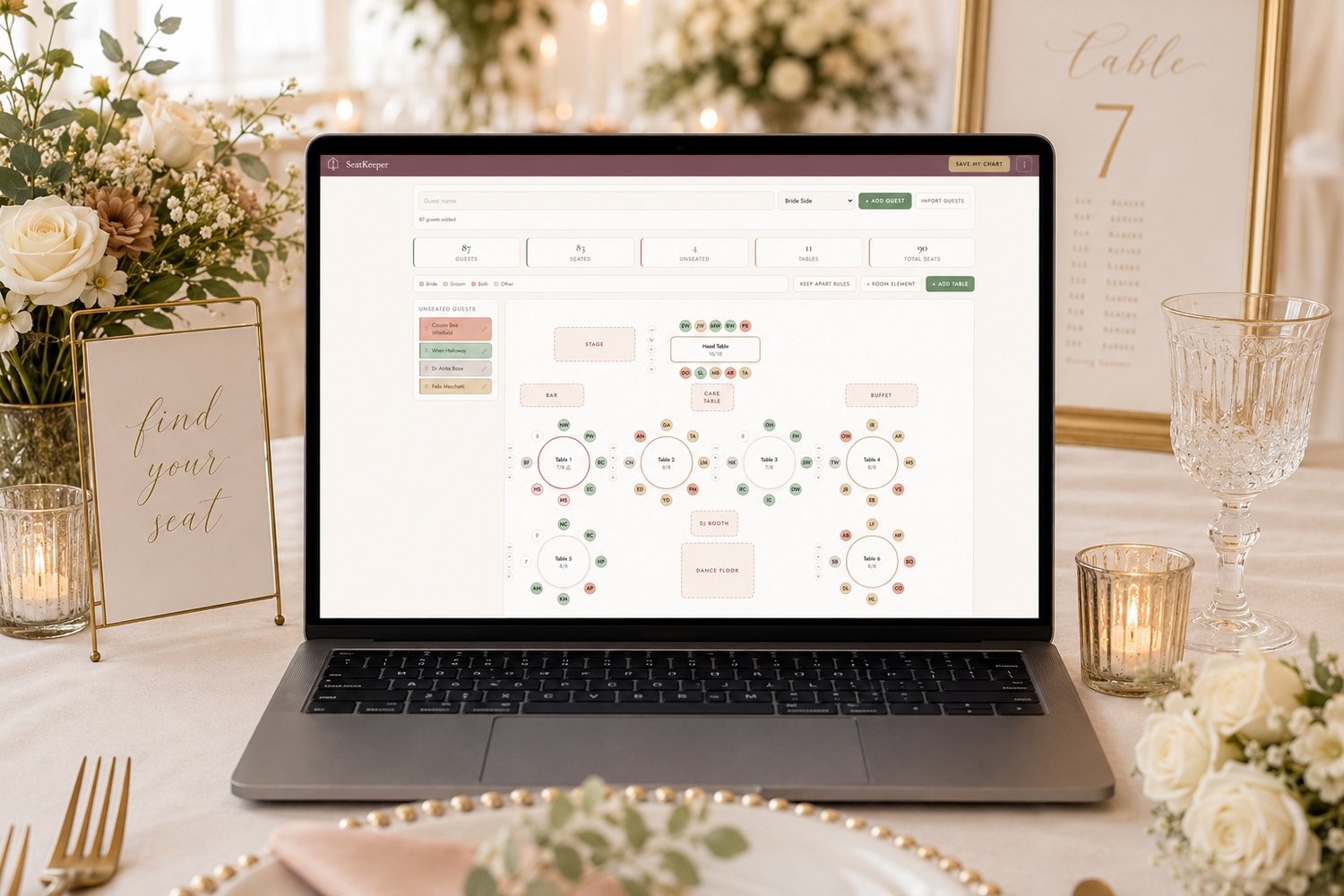
Seat your whole wedding without a spreadsheet! Interactive seating chart maker that works right in your browser. No app to download, no subscription to pay, and works offline.
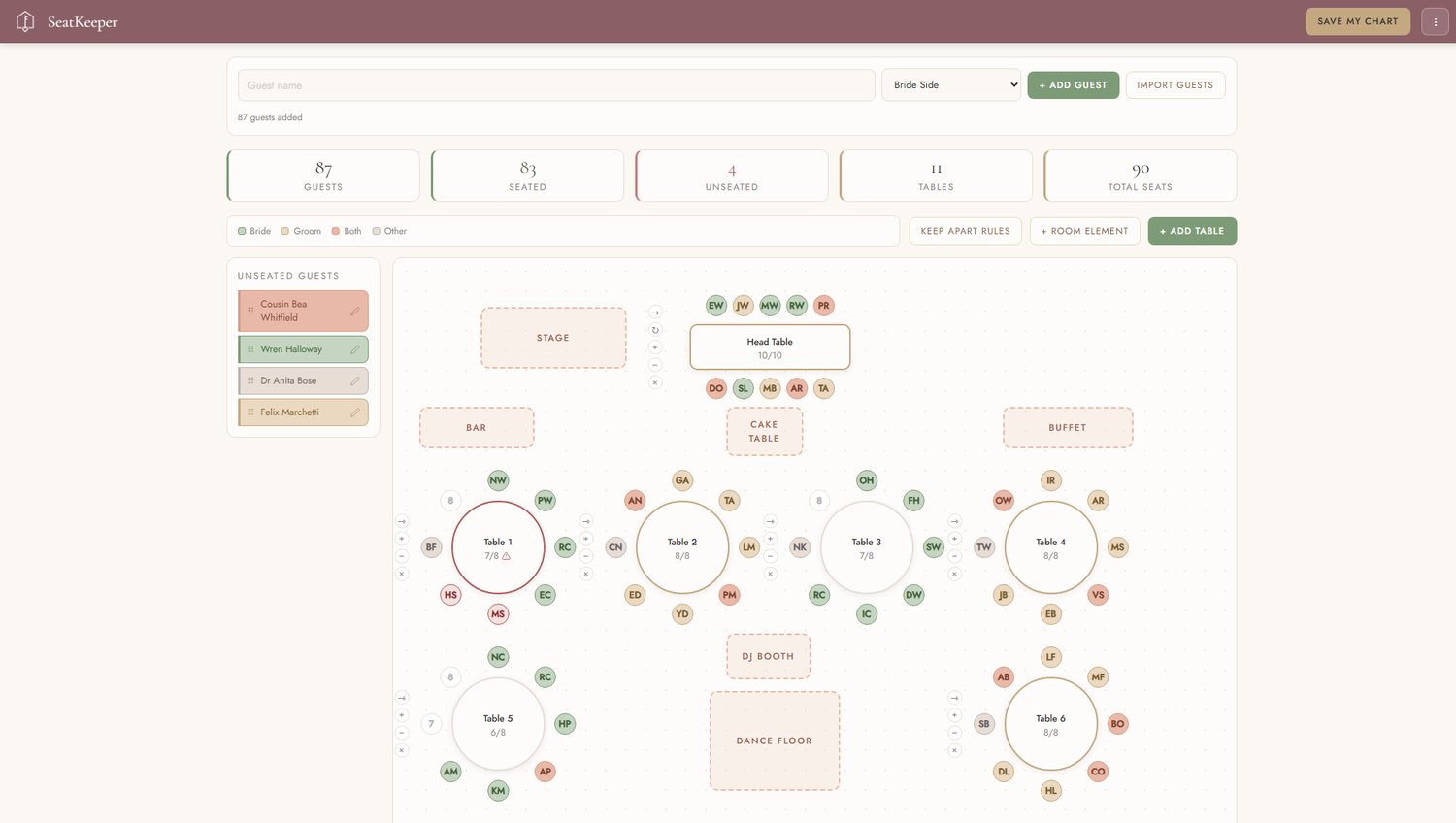
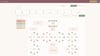
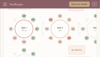
Drag each guest onto a seat and watch the room come together. Round tables, long tables, a sweetheart table, the dance floor, the bar, the cake. Move anything, rename anything, and the plan updates as you go.
No app to download. No account. No subscription. You buy it once and it is yours.
Unlimited tables and unlimited guests. Whether you are seating forty people or four hundred, nothing caps you and nothing asks you to upgrade partway through.
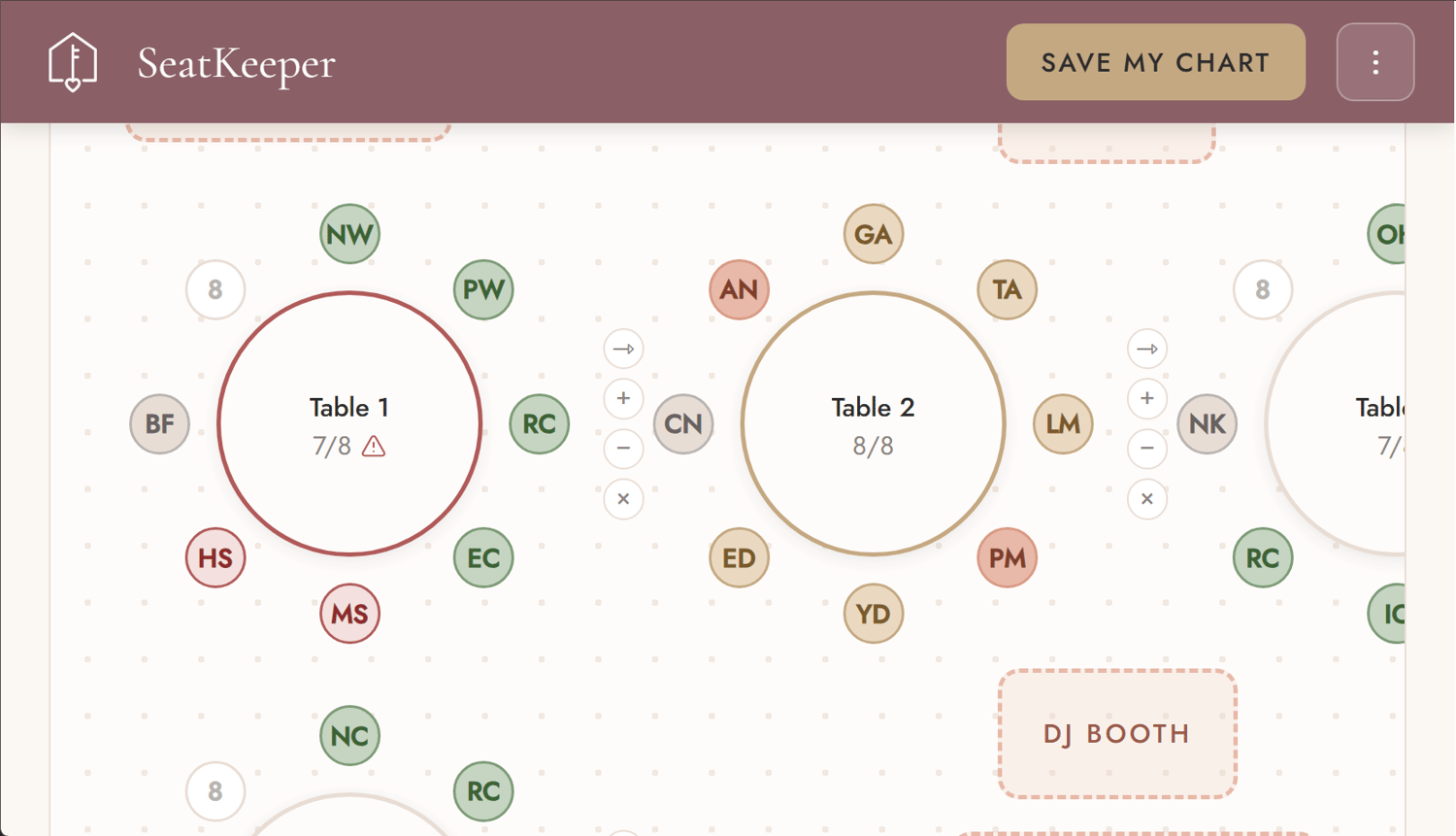
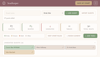
It warns you about the people who must not sit together. Set a Keep Apart rule for two guests and SeatKeeper watches for you. If they ever land at the same table you get a clear warning on the table and on both names. A spreadsheet will never tell you that.
It works without internet. Add it to your home screen the first time you open it and it runs like any other app on your phone, on the plane, at the venue, in the barn with one bar of signal.
Everything stays on your device. Your guest list is saved in your own browser. Nothing is uploaded, and we cannot see any of it.
Everything included
- Unlimited tables and guests
- Round and rectangular tables, with a sweetheart layout for the two of you
- Drag and drop on a computer, tap to seat on a phone
- Keep Apart rules, with a warning when one is broken
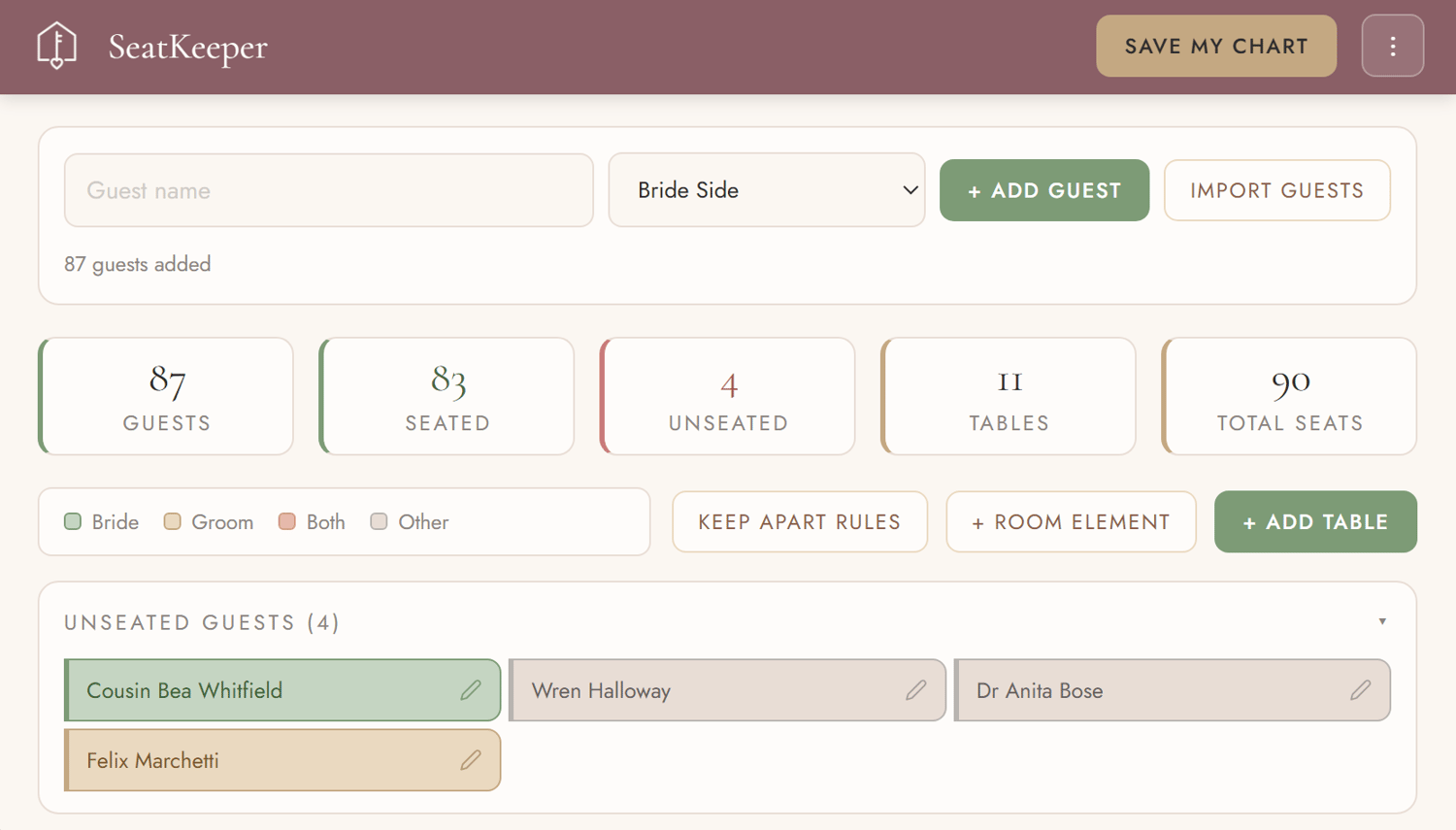
- Bride side, groom side, both, and other, color coded on every seat
- Room elements: dance floor, DJ, bar, buffet, cake table, stage
- Add guests one at a time, paste a whole list, or import a CSV
- Edit or remove any guest, including fixing a name you typed wrong
- Print place cards, an escort list, a floor plan, or a table by table roster
- Save your chart to a file, and open it again on any device
- Imports the chart from the free HavenKept seating tool
- Exports into the full HavenKept Wedding Planner, guests, tables and all
- Free updates
How you get it
After checkout you receive a link to your setup page (a PDF). Click the link to open it and follow the setup instructions. It takes about fifteen seconds and you only do it once.
Works on
iPhone, iPad, Android, Mac and Windows. Anything with a modern browser. You need internet the first time you open it, and after that it works offline.
Device Compatibility
You can easily swap between devices to use SeatKeeper on your laptop, desktop, phone and tablet. Simply "Save My Chart" to download the .json file. On your new device, click the menu button in the top right of the screen and select "Open a Saved Chart."
FAQ
Can I use it on my phone and my laptop? Yes. Your chart is saved on each device separately, so use Save My Chart on one and open that file on the other whenever you want them to match.
I started in the free tool. Do I have to redo it? No. Save My Chart in the free tool, then Open a Saved Chart in SeatKeeper. Your guests, tables, seats and Keep Apart rules all come across.
What happens if I clear my browser? Your chart lives in your browser, so your data would be cleared as well. Be sure to use Save My Chart to download a copy you keep. It is worth doing that now and then as a backup.
Is my guest list private? Completely. It never leaves your device.