


Array Studio
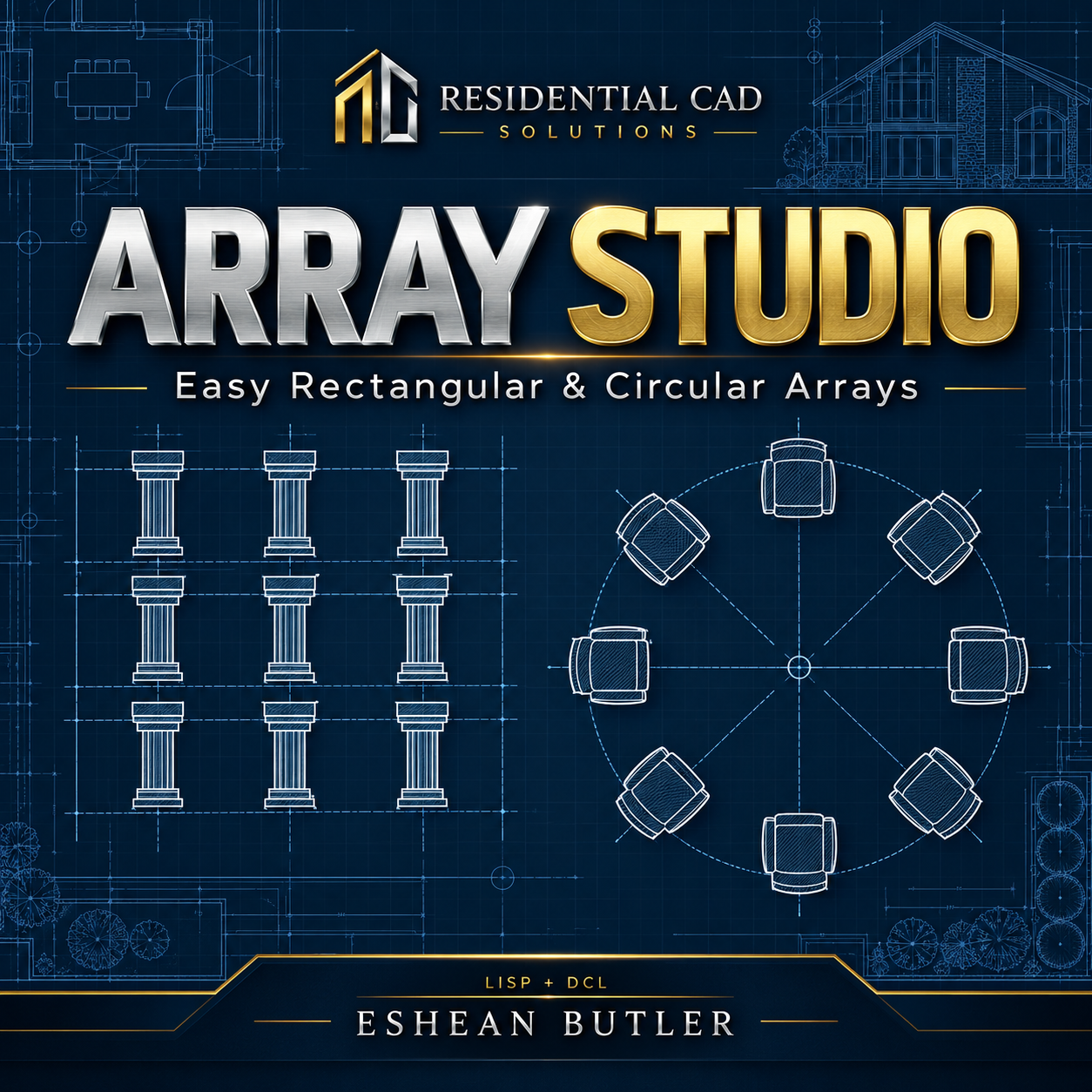
Array Studio — Easy Rectangular & Circular Arrays
Create organized object patterns in AutoCAD through a simple, compact dialog. Array Studio brings rectangular and circular array controls together, making it easy to set your spacing, choose quantities, and repeat selected objects.
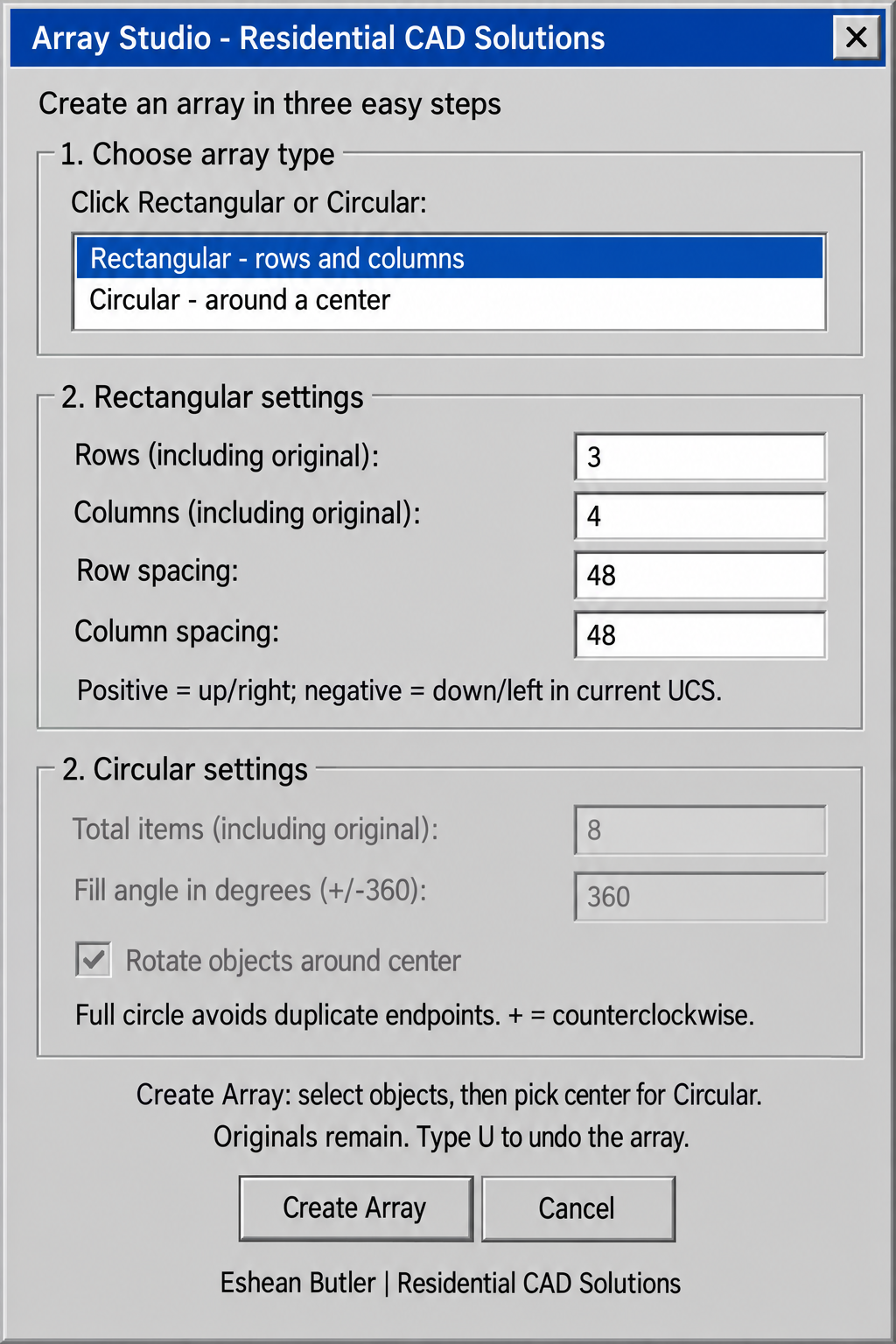
Build rectangular layouts with adjustable rows, columns, and spacing. Create circular arrangements with a total item count, full-circle or partial fill angle, and the option to rotate objects around the center or preserve their original orientation.
Both array choices remain visible for quick selection. Aligned input fields and clear instructions help keep the process straightforward: choose your settings, click Create Array, and select your objects. For circular arrays, pick the center when prompted.
Useful for repeating columns, furniture, fixtures, landscape symbols, and other drawing elements. Original objects remain in place, and completed arrays can be undone in one step. Copies are independent objects for further editing.
Your download includes the AutoLISP program, matching DCL dialog, and installation instructions.
Created by Eshean Butler | Residential CAD Solutions