
Teacher Gradebook and Attendance Tracker Spreadsheet (Excel, LibreOffice, Google Sheets)
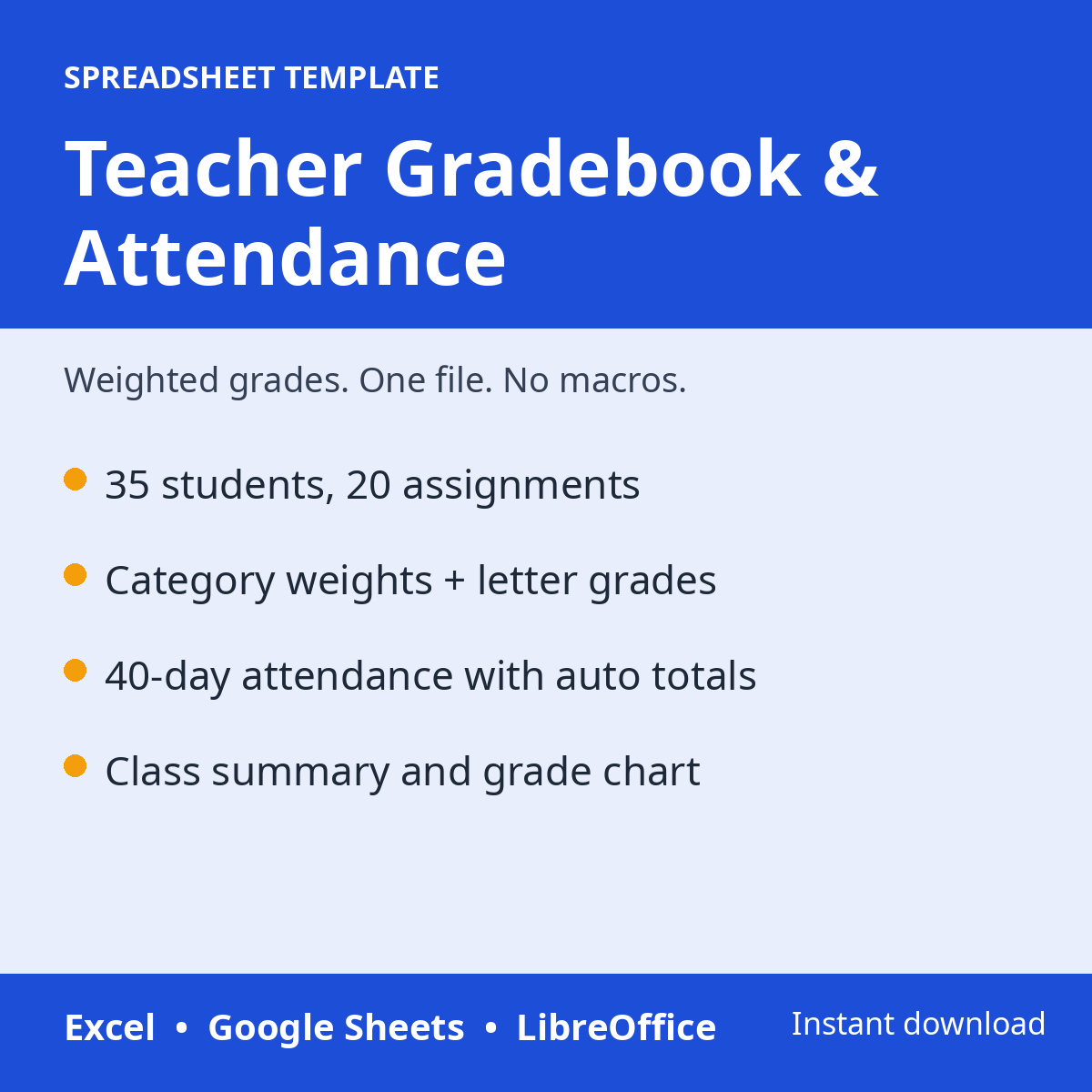
A weighted gradebook and attendance sheet for one class, in a single file. Enter student names and scores, and each student's category averages, final percentage and letter grade fill in on their own. A class summary shows the average, high, low, attendance rate and a grade chart.
WHAT YOU GET (one .xlsx file, 5 tabs)
- Start Here: short instructions
- Gradebook: up to 35 students and 20 assignments. Each assignment has a name, a category (dropdown) and max points. Final grades are weighted by category, and only graded work counts. Low grades turn red, 90%+ turn green
- Attendance: 40 school days. Enter P, A, T or E. Present, absent, tardy, excused and attendance % are totalled for each student
- Class Summary: class average, highest, lowest, number under 60%, attendance rate and a grade distribution chart
- Settings: class name, category weights (Homework, Quizzes, Tests, Projects, all editable) and your letter-grade scale
GOOD TO KNOW
- Tested in LibreOffice; should open in Excel and Google Sheets. No macros.
- Formulas were recalculated and checked in LibreOffice against hand-worked examples. The Excel and Google Sheets versions are not separately tested by me.
- One class per file. Copy the file for each class or period.
- Sample students and scores are included so you can see how it works. Clear the cream cells to start fresh.
- Final grades are calculated by formula. Check them against your school's policy before reporting them.
Digital download. You receive the .xlsx file right after purchase. No physical item is shipped.