

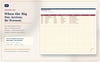
Dream Wedding Command Center — Wedding Planning & Budget Spreadsheet (Excel + Google Sheets)
Planning a wedding means juggling a budget, a guest list, a dozen vendor contracts, a payment schedule, and a checklist that never seems to get shorter — usually across five different apps and a pile of sticky notes.
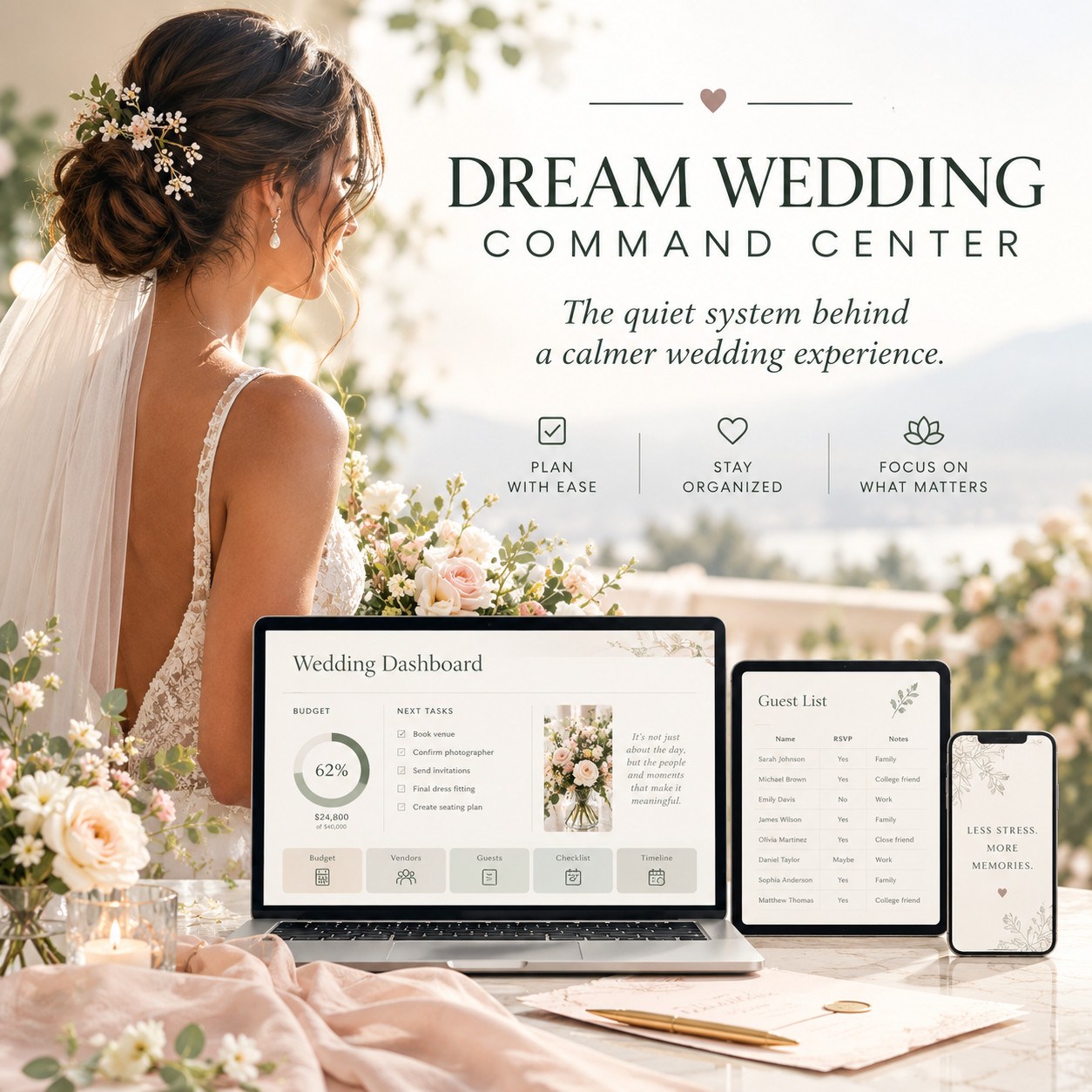
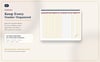
Dream Wedding Command Center puts all of it in one spreadsheet that does the math for you.
Enter your numbers once — your names, your date, your budget — and everything else calculates automatically: what you've committed, what you've paid, what's left, which categories are running hot, and which vendor payments are coming due.
What's inside
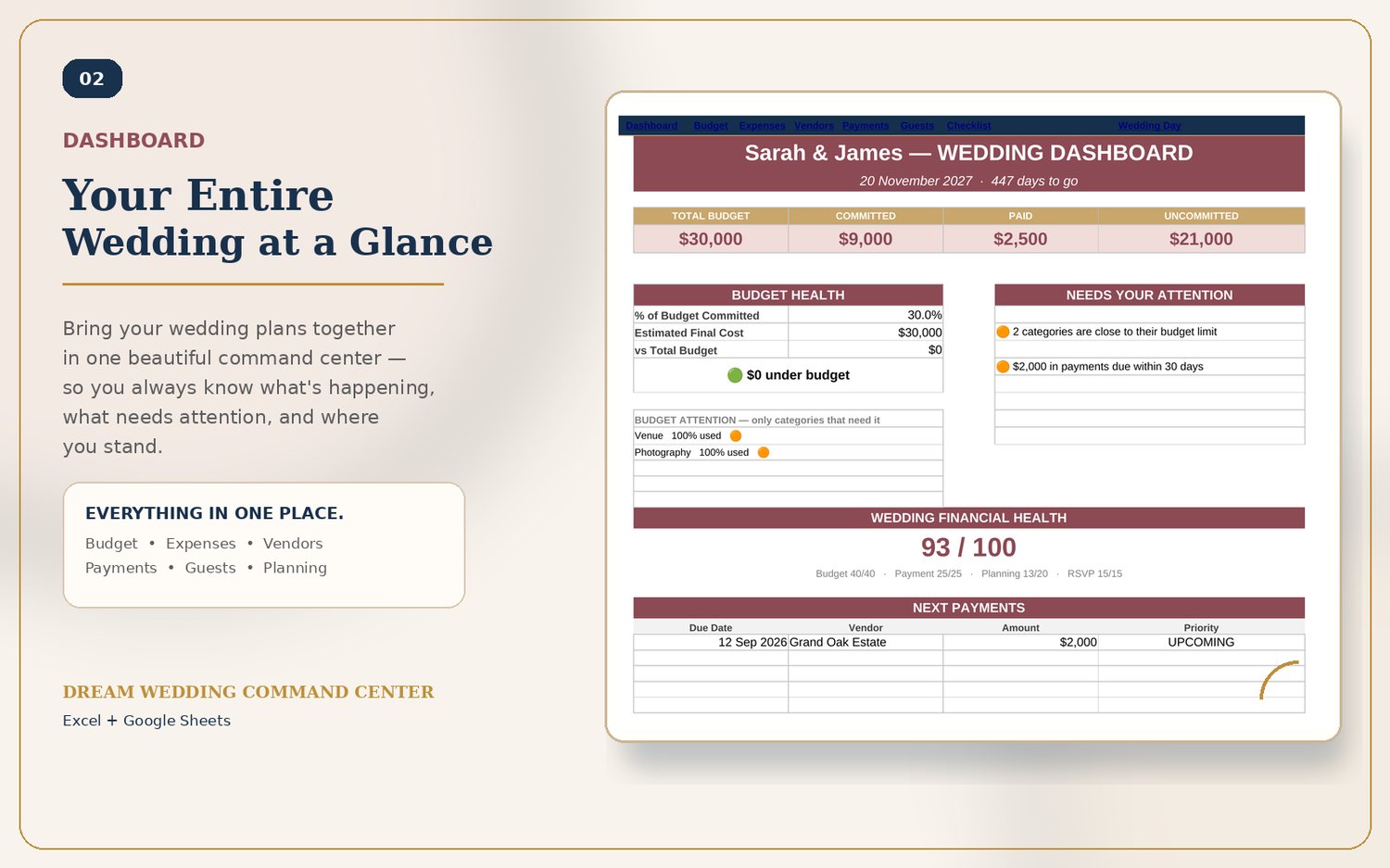
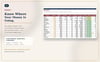
- Dashboard — your whole wedding at a glance: budget health, a 0–100 "Wedding Financial Health" score, upcoming payments, and what needs your attention right now
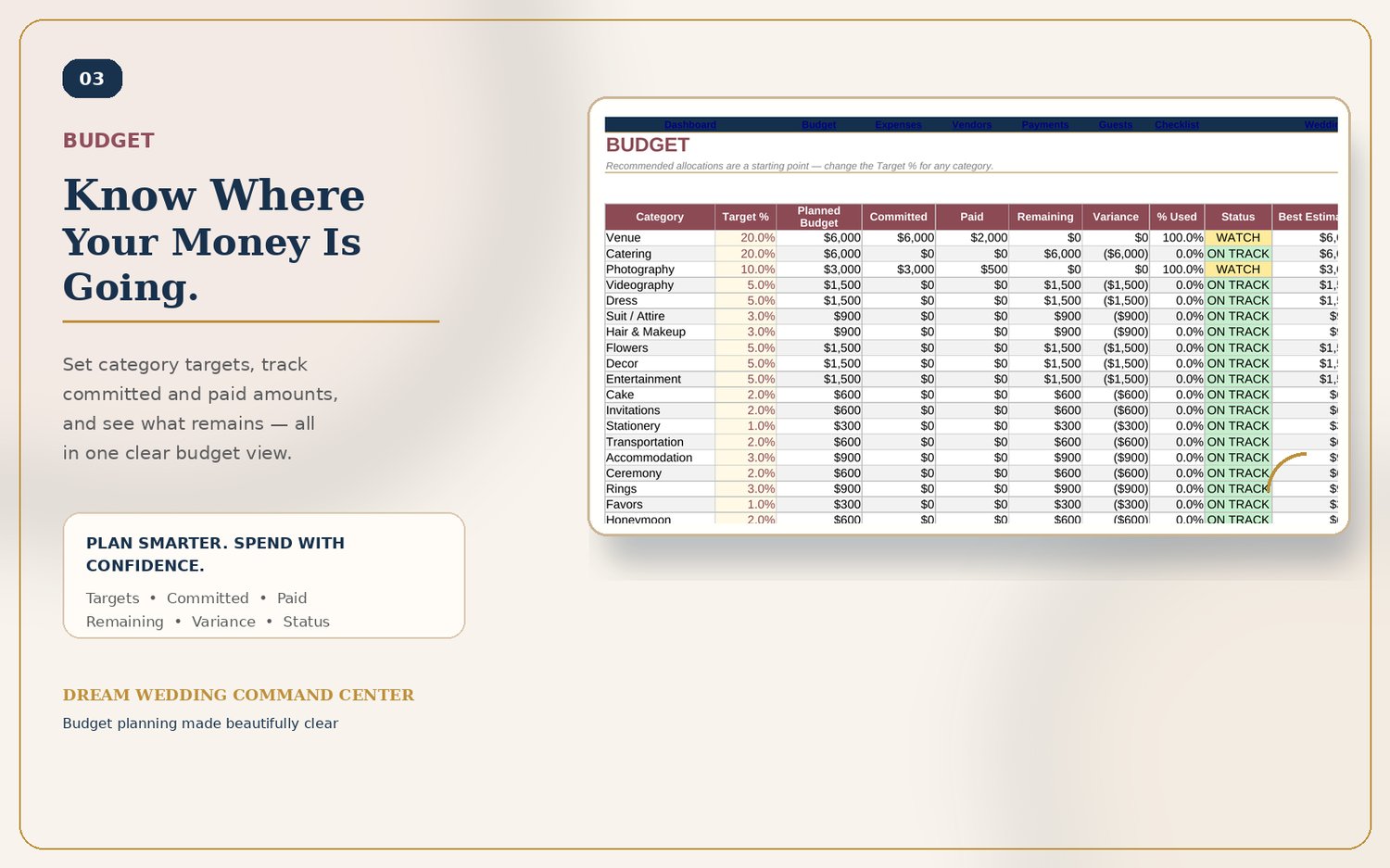
- Budget — 20 pre-built categories with target percentages, committed vs. paid vs. remaining, and automatic status flags (On Track / Watch)
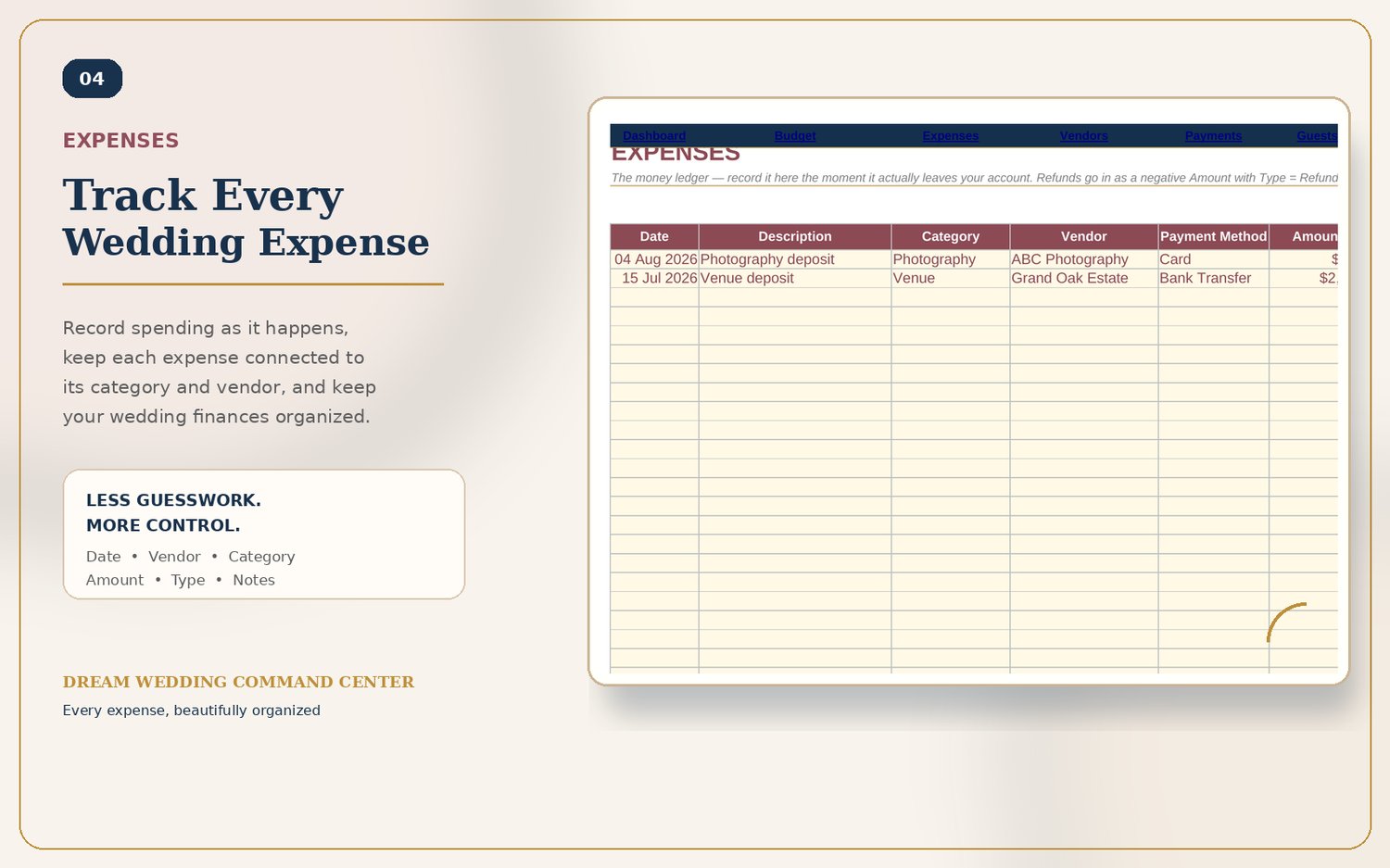
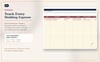
- Expenses — a simple running ledger of every dollar that's actually left your account
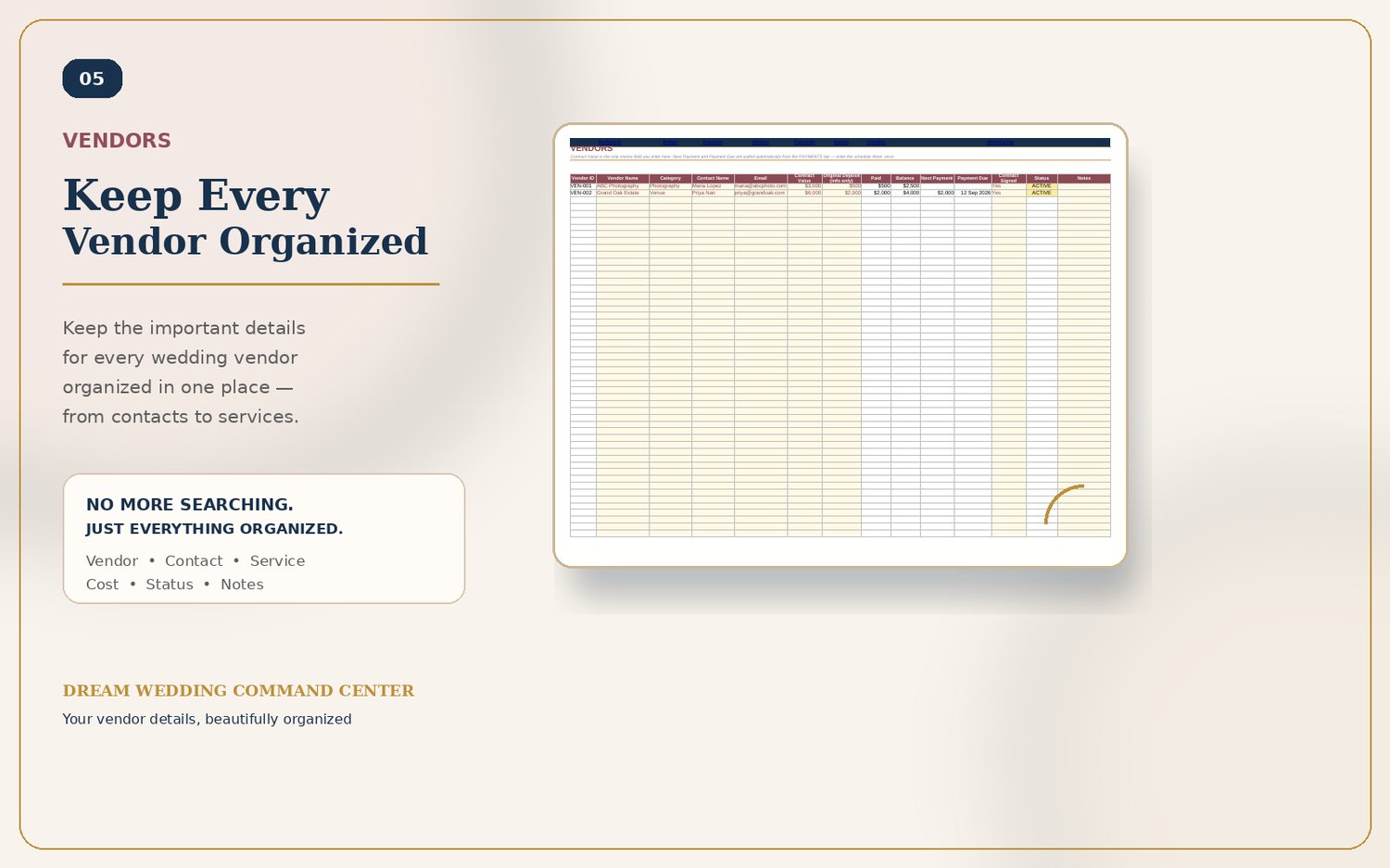
- Vendors — contracts, deposits, balances, and status for every vendor, in one table
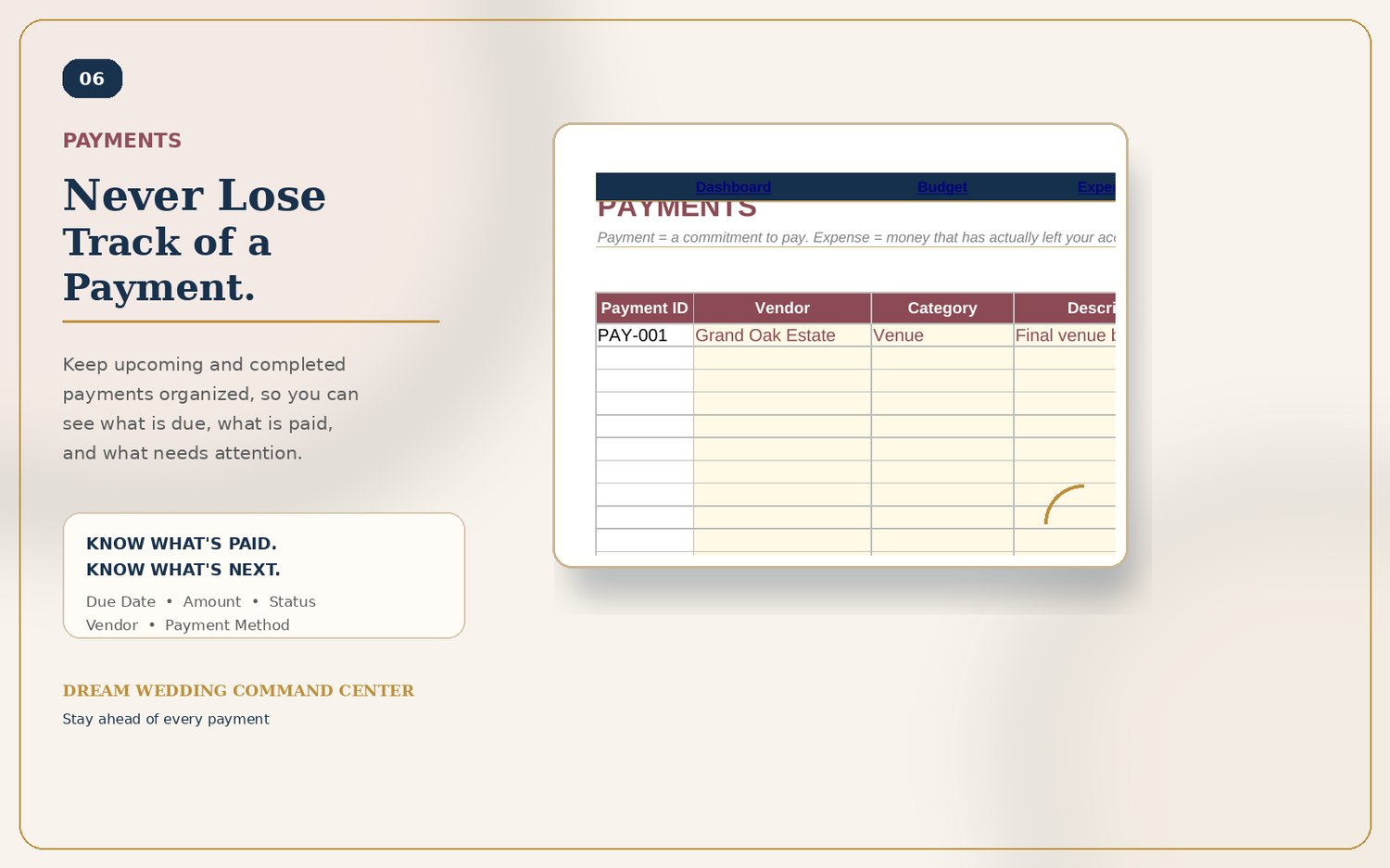
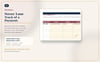
- Payments — every upcoming payment with due dates and days-remaining, so nothing sneaks up on you
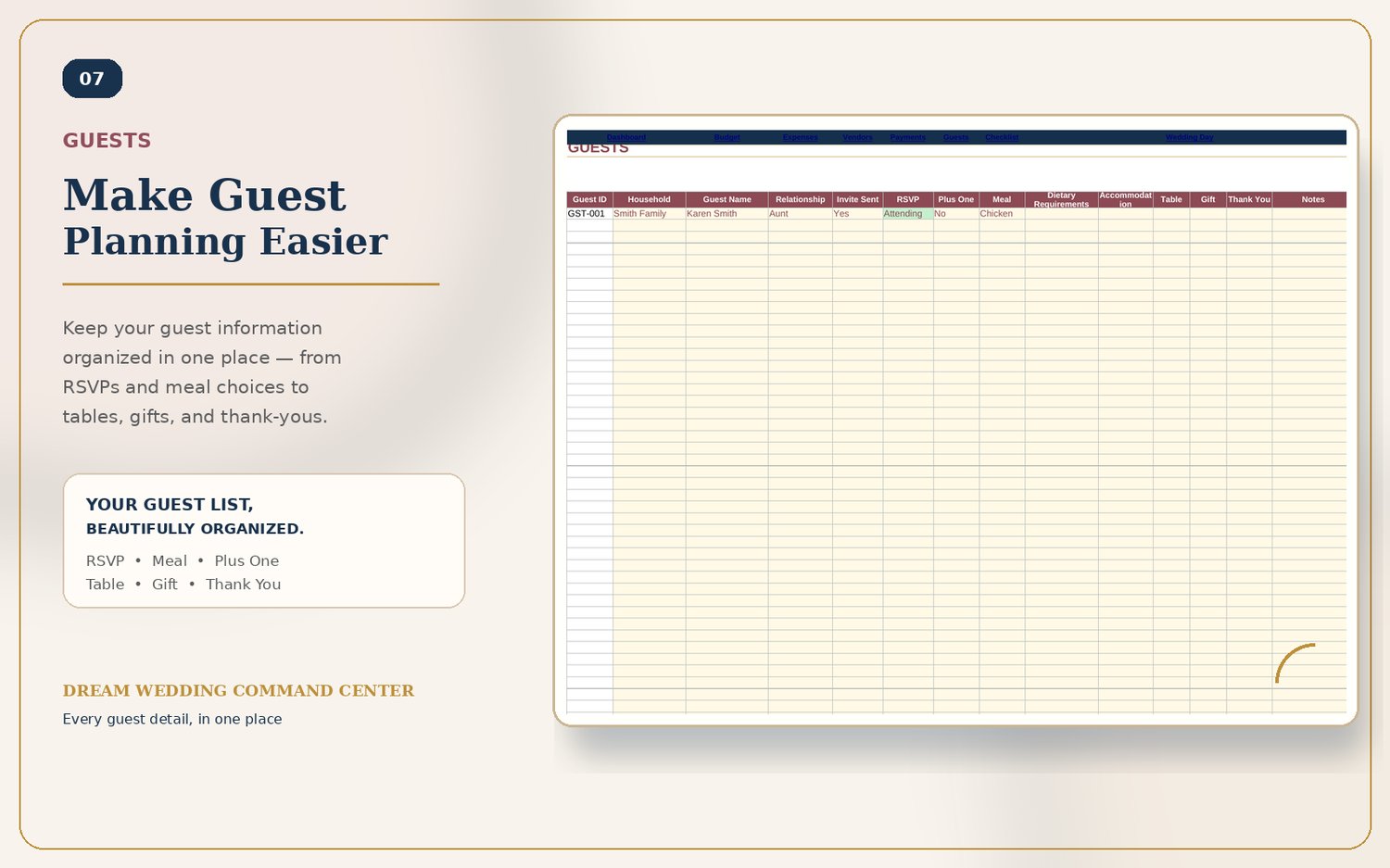
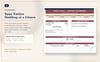
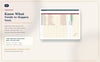
- Guests — RSVPs, meal choices, dietary needs, tables, and gifts, all in one list
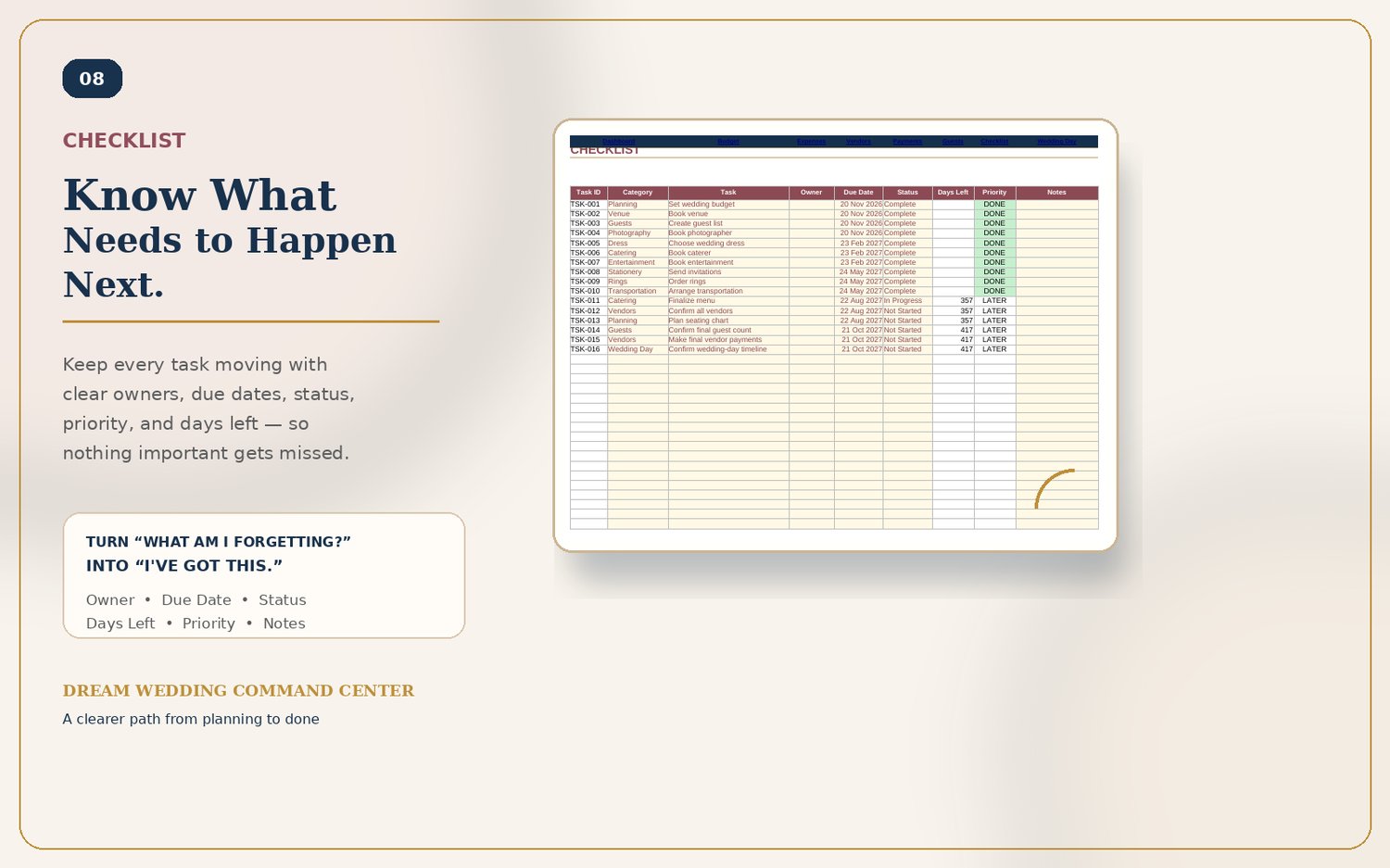
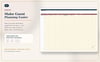
- Checklist — a full wedding planning timeline with due dates and priority flags
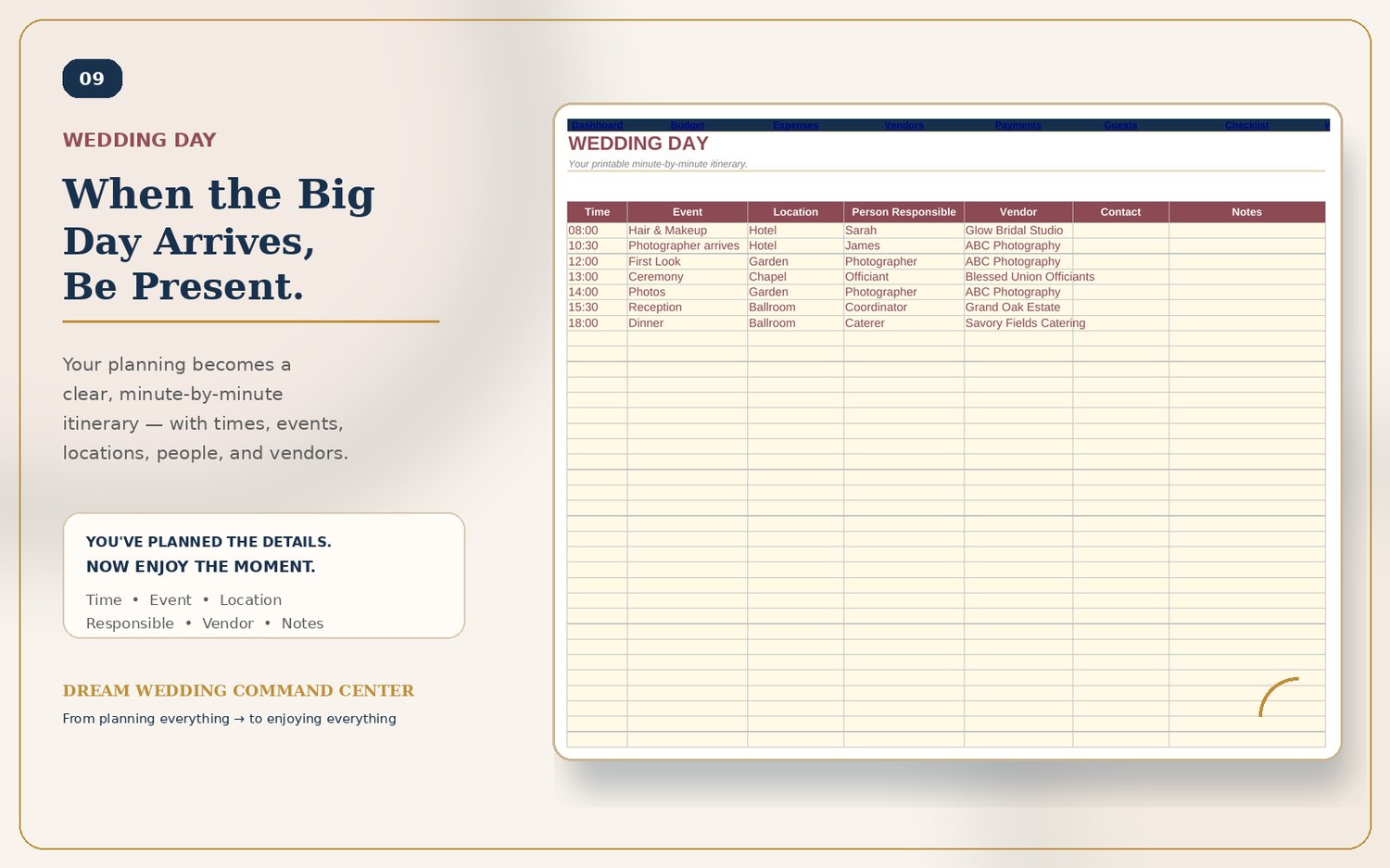
- Wedding Day — a minute-by-minute run sheet you can print and hand to your coordinator or photographer
Built to be foolproof
- Category names, vendors, and guest data are entered once and reused everywhere else — nothing to retype, nothing to get out of sync
- Input cells are clearly marked and protected, so formulas can't be accidentally overwritten
- Comes pre-loaded with realistic sample data so you can see exactly how it works before you touch a thing — or start from the included blank version
Two ways to use it
- Excel — a fully protected .xlsx with locked formulas and unlocked input cells
- Google Sheets — click the link, choose File → Make a copy, and you get your own fully editable copy in your own Drive, with the same automatic protection built in
Both versions come in Demo (pre-filled with sample data) and Blank (ready for your own wedding).
What you get
- Dream Wedding Command Center.xlsx (demo, pre-filled)
- Dream Wedding Command Center (Blank).xlsx
- Setup Guide & Google Sheets Access (PDF + Word)
- Links to your own Google Sheets copies (Demo + Blank)
No subscriptions, no app to install, no login required — just open it and start planning.
FAQ
Do I need to know Excel or Google Sheets to use this? No. Every input cell is clearly marked — you just type your numbers and names into the yellow cells. Everything else calculates on its own.
Which should I use, Excel or Google Sheets? Whichever you're more comfortable with — both are included. Google Sheets is easiest if you want to plan from your phone or share with a partner; Excel works fully offline.
Can I share this with my partner or planner? Yes. Once you've made your own copy in Google Sheets (File → Make a copy), you can share that copy with edit or view access from your own Drive. In Excel, just send them the file.
Is my data safe if I make a typo in a formula cell? Formula cells are locked in both versions, so you can't accidentally type over a calculation. Only the input cells are editable.
Can I change the currency? Yes — the template calculates in one currency at a time. Convert your figures to your preferred currency before entering them.
What if I want to start completely from scratch instead of using the sample data? Use the included Blank version — same template, same automation, no sample data.
What if I run into an issue? Reach out any time at financemadesimple.support@gmail.com — happy to help.