


Building Dimension Layout Pro
Building Dimension Layout Pro
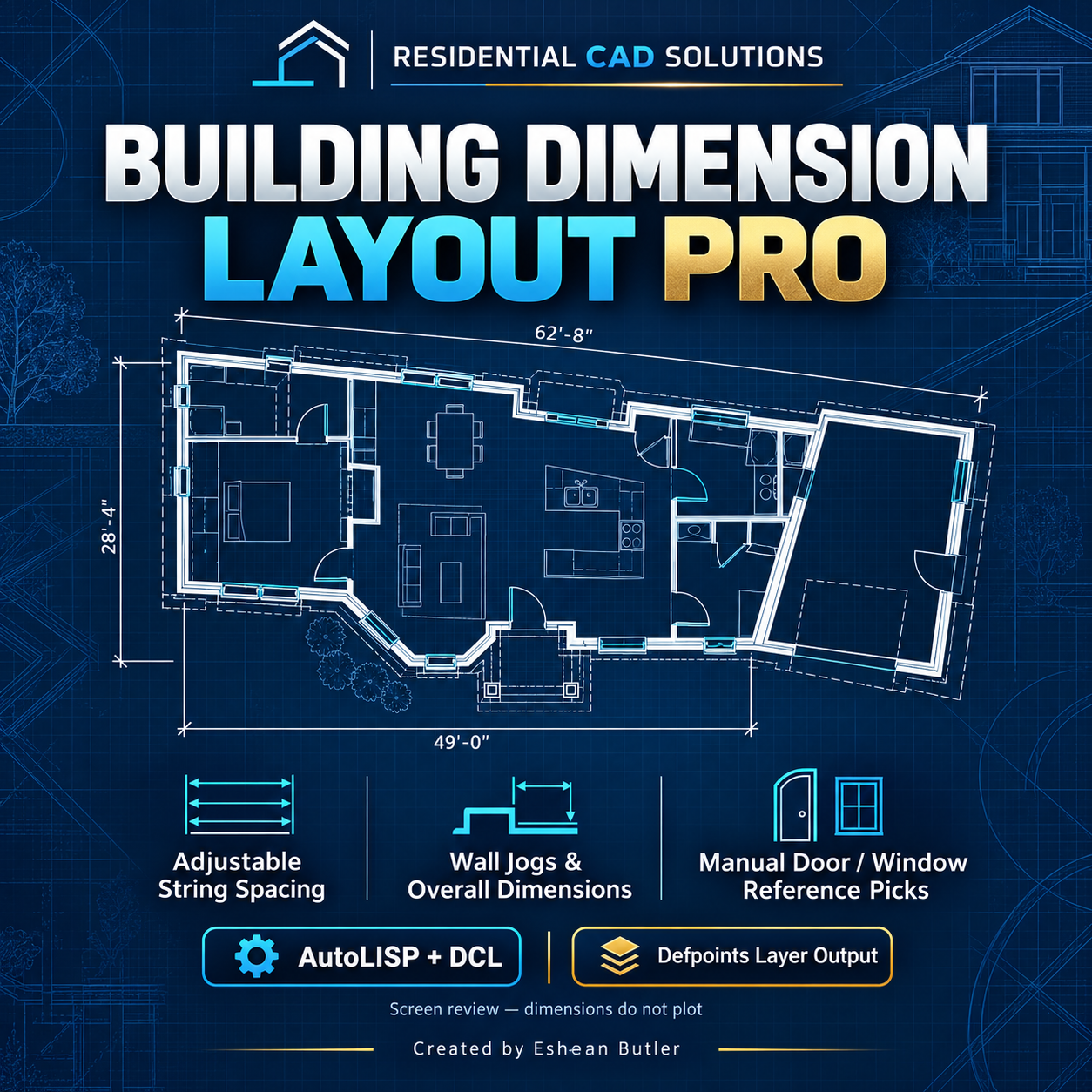
Create organized building dimension strings with adjustable spacing using an AutoLISP routine and DCL control panel.
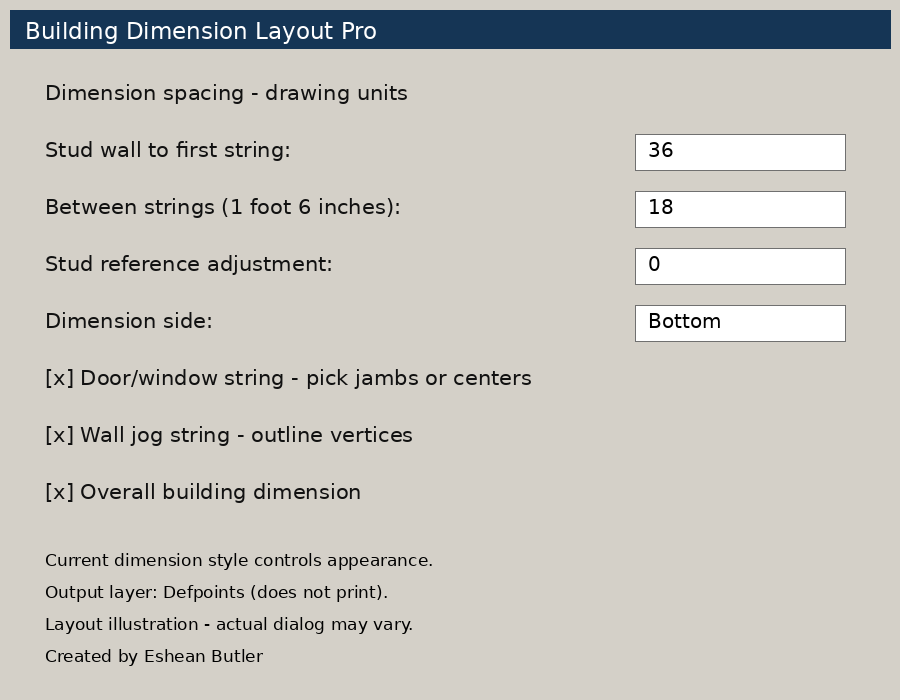
Draw a closed polyline around your building’s stud-wall outline, choose the side to dimension, and set the distance to your first string and between each row. Add door and window references by picking jambs or centerlines.
Features
- Adjustable wall-to-dimension distance and string spacing.
- Use 18 drawing units for 1′-6″ spacing in an inches-based drawing.
- Wall-jog strings based on projected outline vertices.
- Overall building dimensions.
- Manual door and window reference picks.
- Bottom, top, left, and right dimension controls.
- Optional stud-reference adjustment.
- Uses your current dimension style for text, arrows, and scale.
- Creates dimensions on Defpoints and restores your previous current layer.
Download includes
AutoLISP file, matching DCL dialog, installation instructions, Payhip cover, and DCL preview image.
Please note: Defpoints dimensions are for screen review and do not print or appear in plotted PDFs. Requires a closed, straight-segment 2D polyline. Door and window references are selected manually. Written for legacy AutoCAD workflows, including AutoCAD 2002; live AutoCAD testing is pending.
Created by Eshean Butler — Residential CAD Solutions