




Emergency Deployment Laptop Readiness Guide
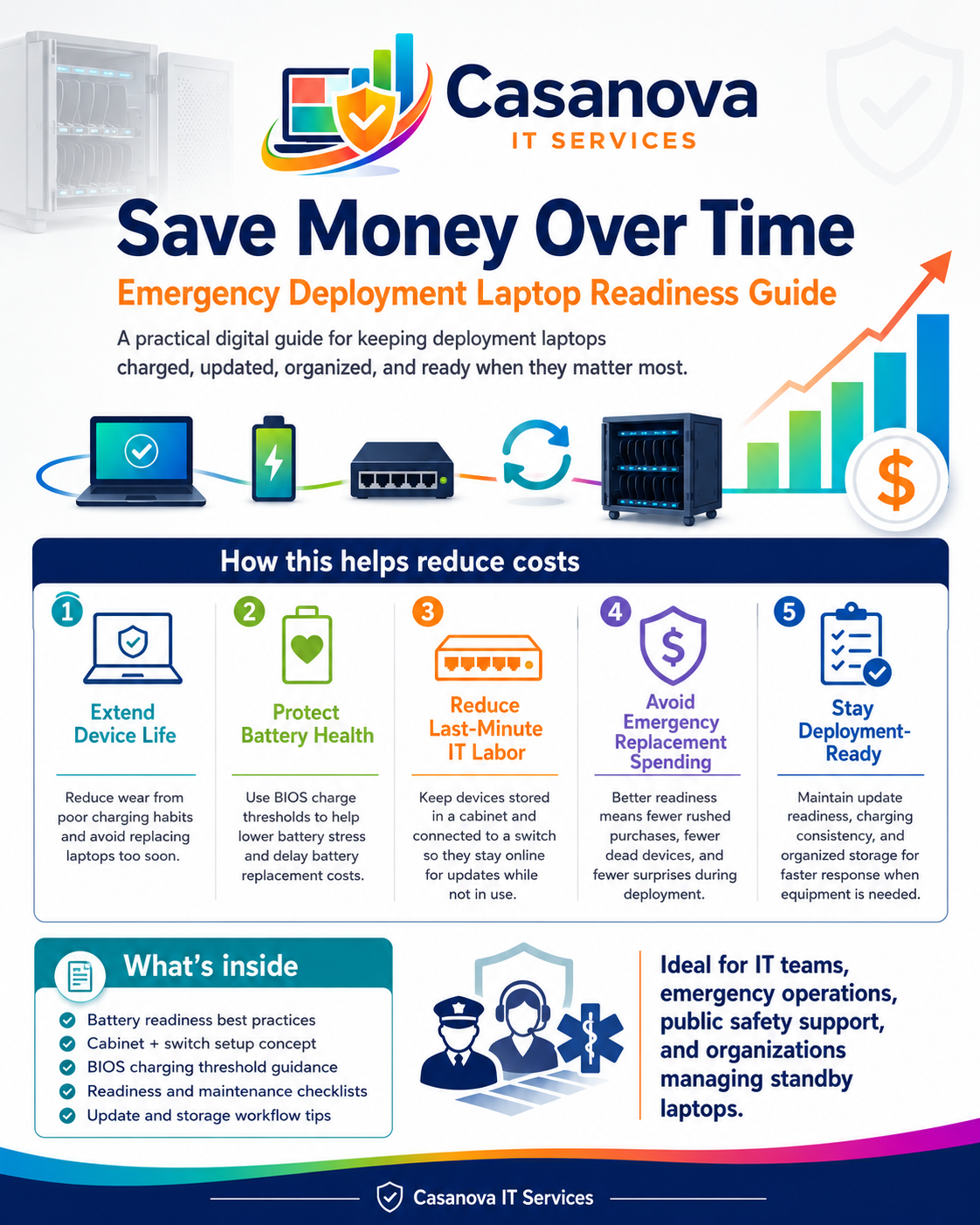
The Emergency Deployment Laptop Readiness Guide is a practical digital resource for keeping laptops charged, updated, organized, and ready for emergency use.
This guide was designed for situations where laptops may sit unused for periods of time but still need to work when they are needed most. A laptop can be fully charged and still not be deployment-ready if it has missed updates, has pending restarts, has battery health issues, has not checked in, or has not been tested recently.
This kit helps organizations create a repeatable readiness process for stored or standby laptops.
What’s included:
• Emergency Deployment Laptop Readiness Guide
• Emergency Laptop Readiness Checklists
• Charging Cabinet & Network Update Readiness Guide
• BIOS Battery Charge Limit Settings Guide
• How to Run the Laptop Readiness Report Tool guide
• Deployment Laptop Readiness Tracker Excel workbook
• Safe Laptop_Readiness_Report.bat tool
• README / Start Here guide
• Editable Word versions of included documents
• Personal-use and internal small-business-use license
This guide covers:
• Battery health and charging habits
• Keeping laptops ready for deployment
• Storing laptops in a cabinet or dedicated readiness area
• Using a switch/network connection to help devices stay online for updates
• Monthly update and readiness checks
• Windows update readiness
• Pending restart checks
• Charger and adapter tracking
• Cabinet/cart readiness tracking
• BIOS/manufacturer battery charge limit settings
• Emergency grab-and-go checks
• Documentation habits for standby laptops
The included Laptop_Readiness_Report.bat tool is designed for Windows computers. It creates a basic laptop readiness report and battery report to help document device condition.
The tool does not delete files, change BIOS settings, change battery settings, install software, remove software, or modify Windows settings.
This kit is helpful for:
• Emergency operations teams
• Public safety support teams
• Small municipalities
• Volunteer fire departments
• Nonprofits
• Schools
• Field teams
• Small businesses with standby laptops
• IT teams or “accidental IT” staff responsible for keeping devices ready
This guide will not replace your organization’s IT policies, manufacturer documentation, or security requirements. BIOS settings and battery charge limit options vary by manufacturer, model, and BIOS version. Always test settings on one device first and document the original configuration before making changes across multiple laptops.
For San Antonio-area organizations, Casanova IT Services also provides local support for computer cleanup, device readiness, Wi-Fi, printer support, and small-business IT maintenance.