

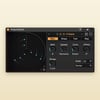
Polyrhythm — Visual Polyrhythm Generator for Max 4 Live
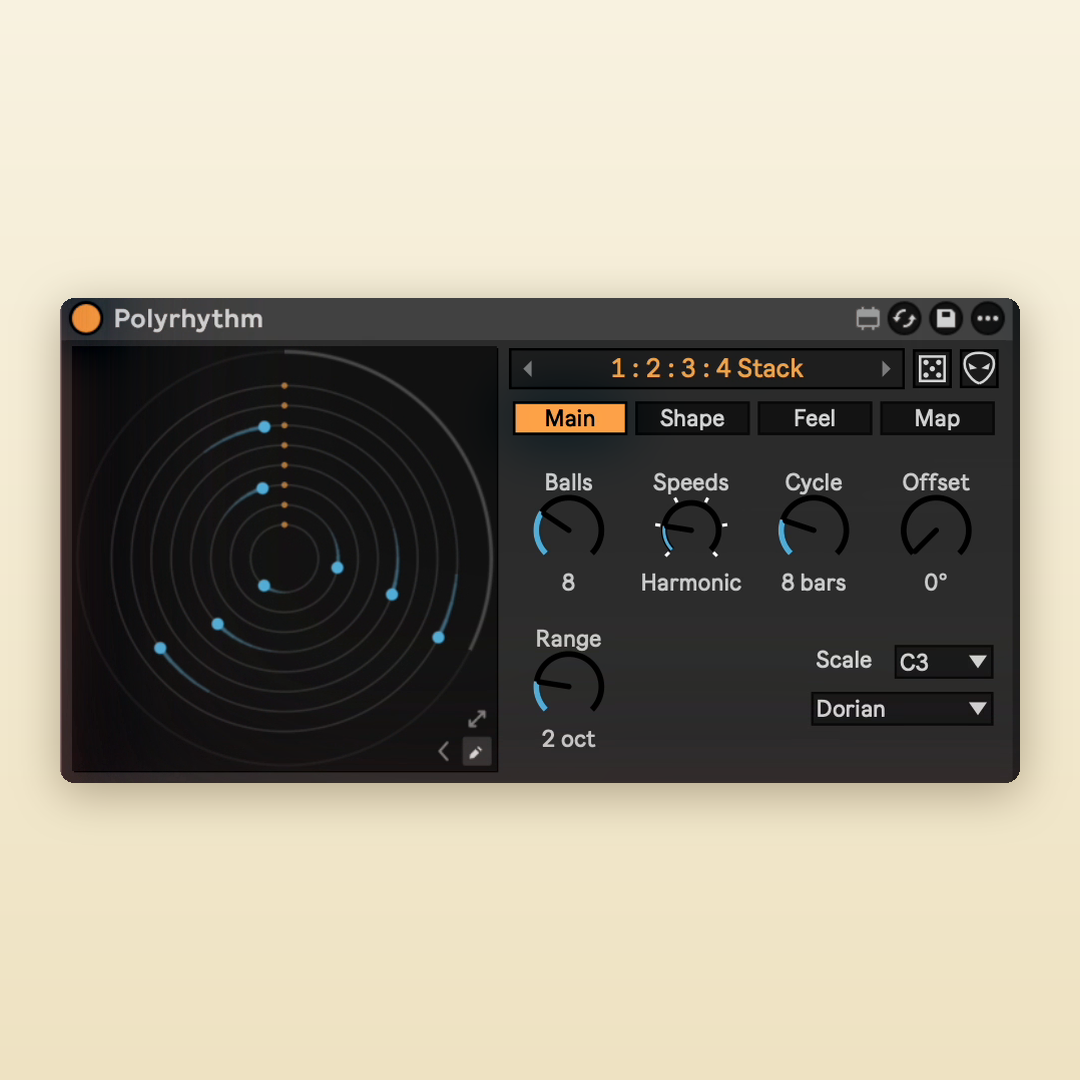
Dots orbit at different speeds, and every hit plays a note. A stock-style polyrhythm generator for Ableton Live.
By ELXR.
Overview
Polyrhythm is a visual rhythm playground: a MIDI effect that turns shapes into rhythms. Each dot circles at its own speed and plays a note every time it hits a trigger. They drift apart, weave patterns and all meet again at the end of the cycle, always locked to Live's transport.
Why I made it
I loved the polyrhythm videos where dots orbit and ring notes, but couldn't find a device that did it in Live and looked like it belonged there. So I built one you can play with and actually use in a track.
Features
Types
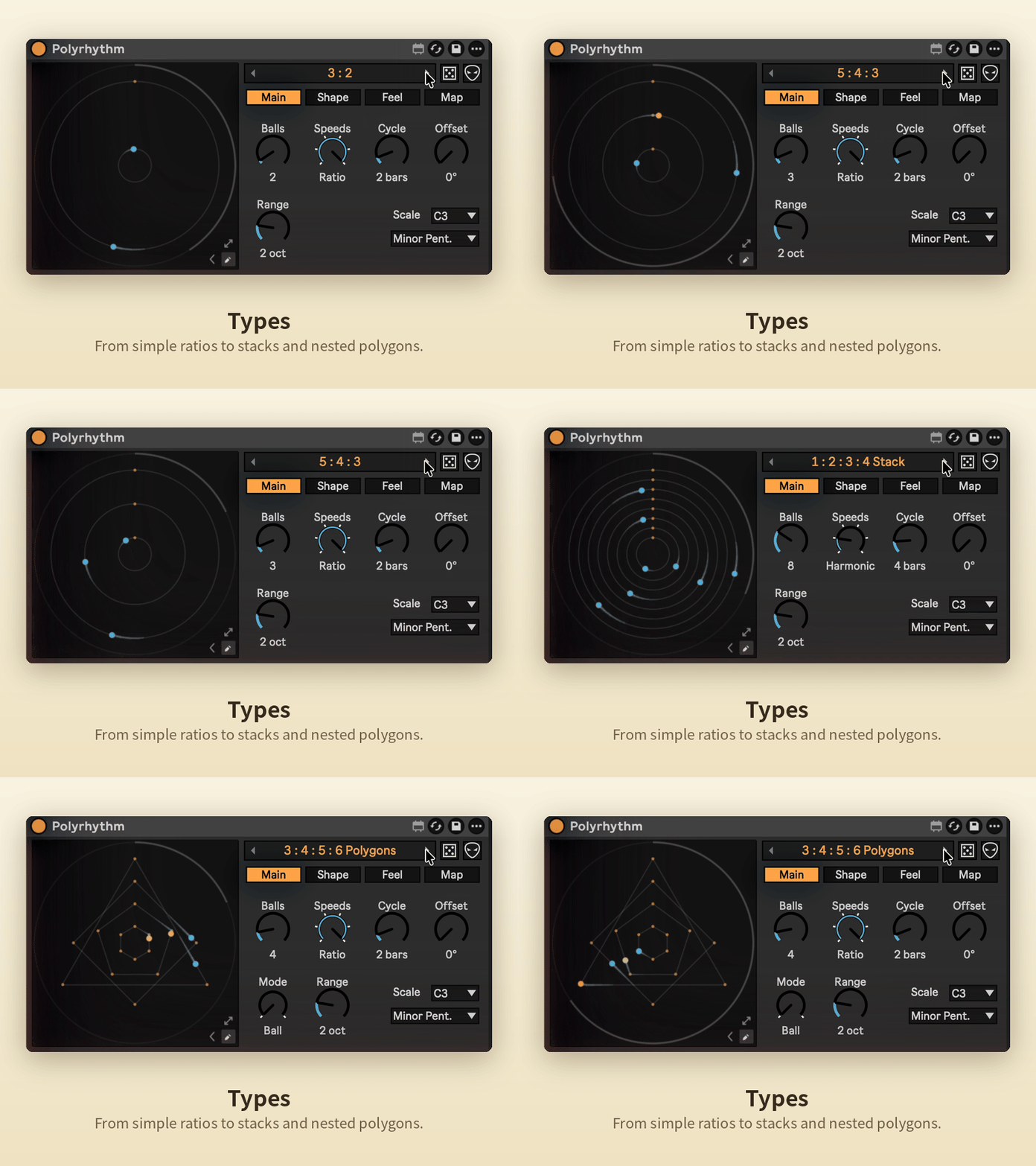
Start from 23 polyrhythm types, from simple ratios like 3 : 2 and 5 : 4 : 3 to stacks of speeds, nested polygons, phasing patterns and classic timelines.
Shape, Spacing, Motion
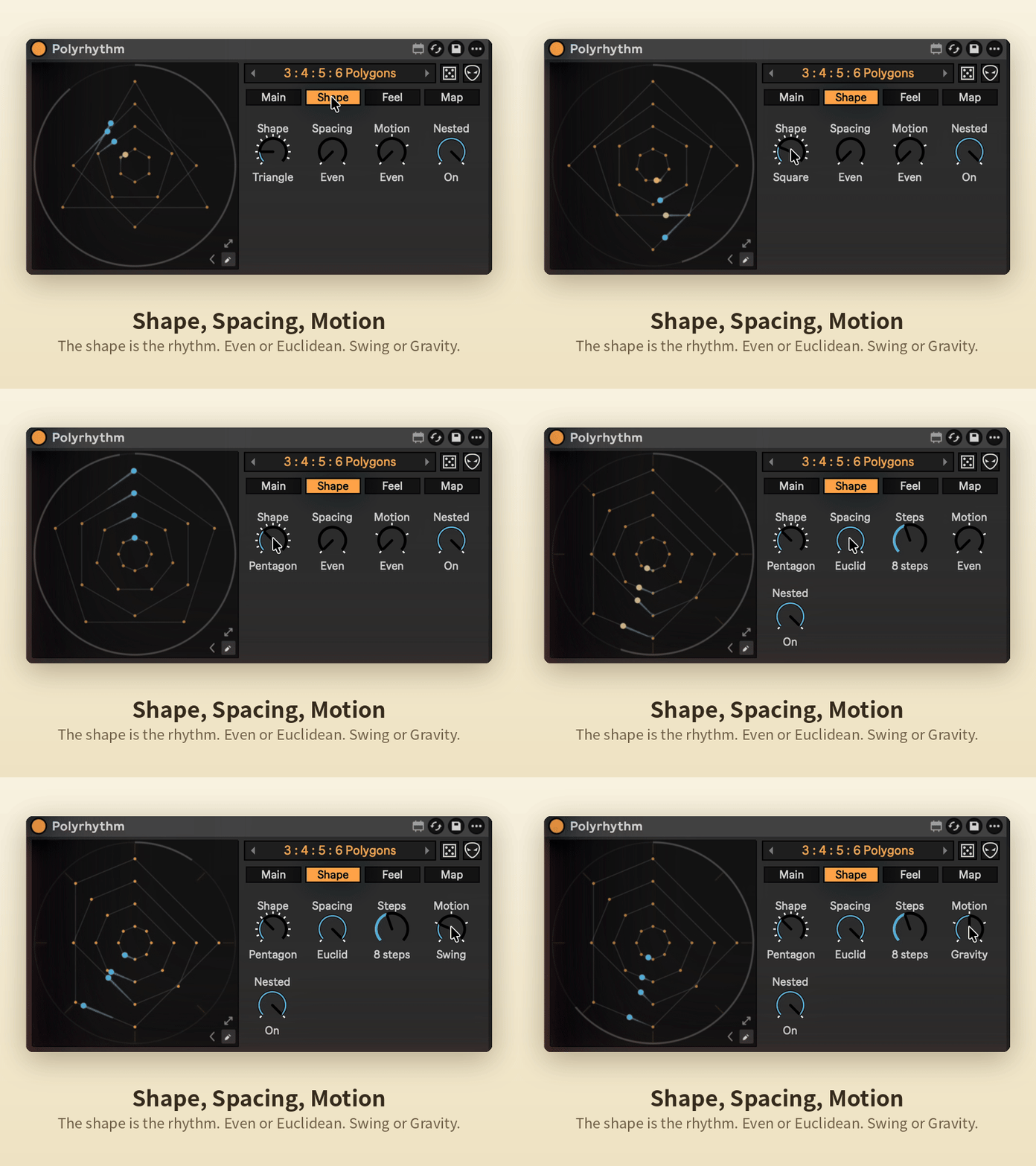
The shape is the rhythm: a triangle plays three notes per lap, a pentagon five. Spacing makes it Euclidean, Motion adds Swing or Gravity, and Nested gives every dot one more corner.
Draw
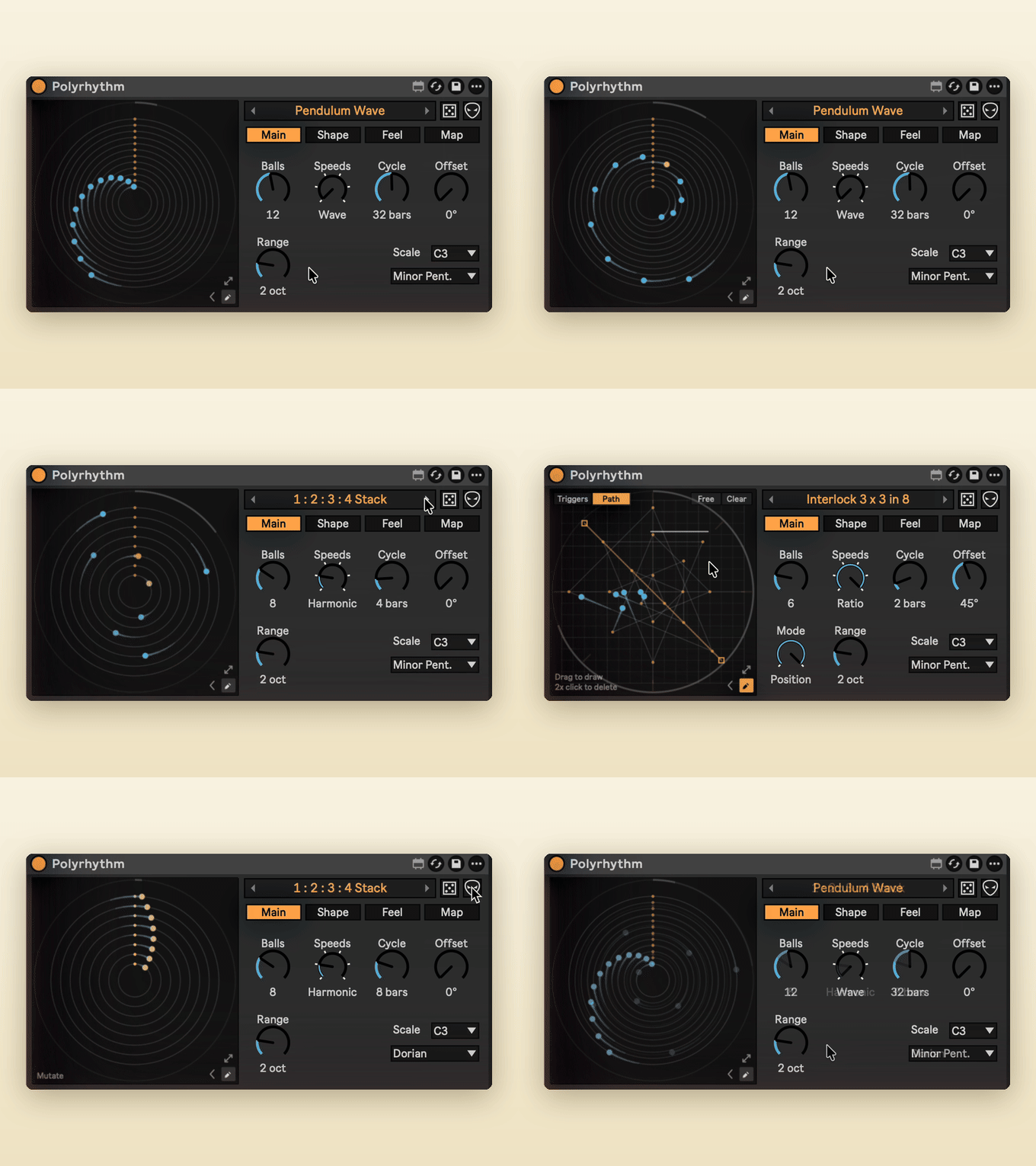
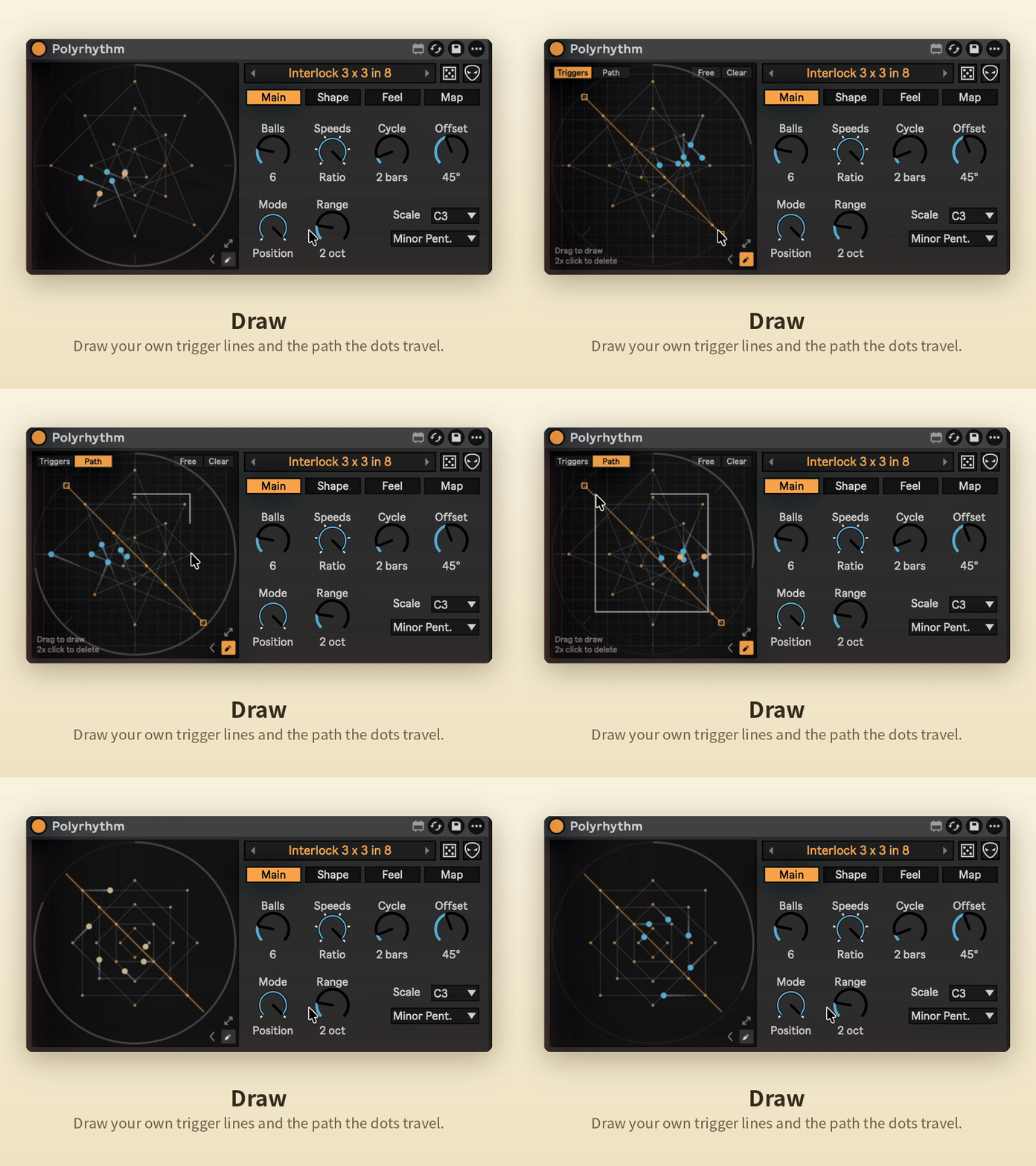
Draw your own trigger lines and the path the dots travel, on a grid or freehand.
Map
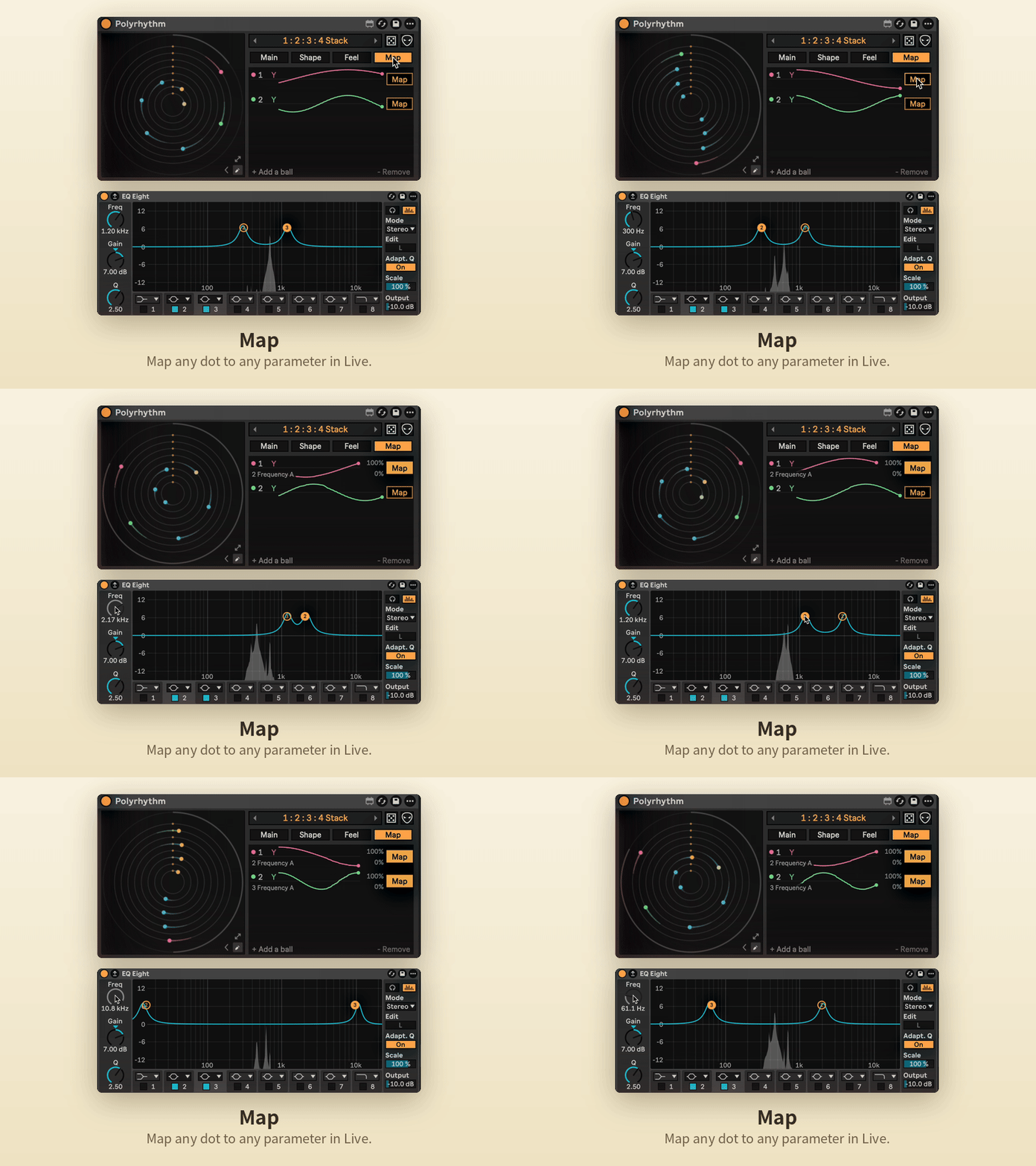
Map any dot to any parameter in Live, with Min / Max per mapping. Map as many dots as you like.
Drum Rack
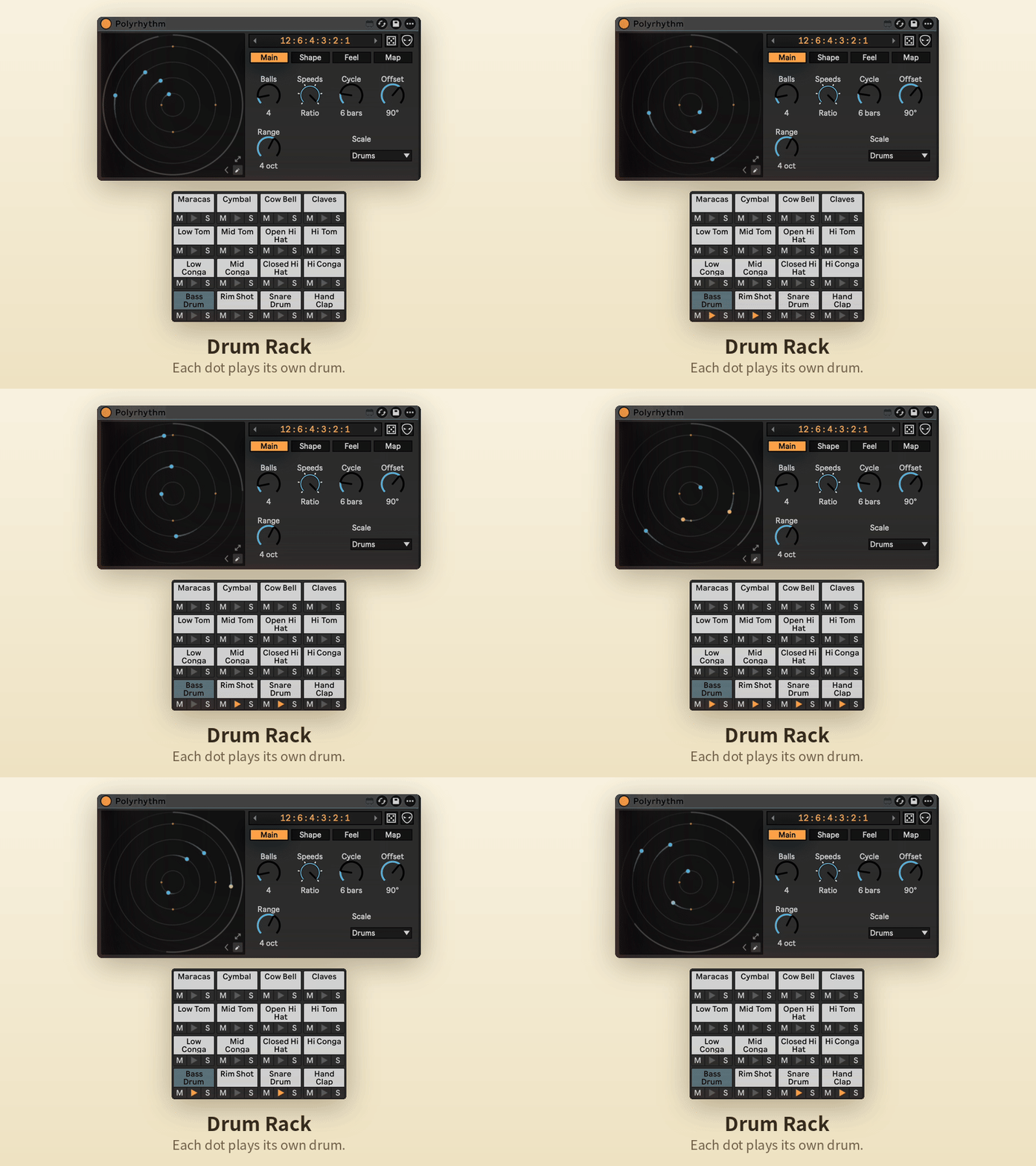
Set the scale to Drums and each dot plays its own pad.
Random and Mutate
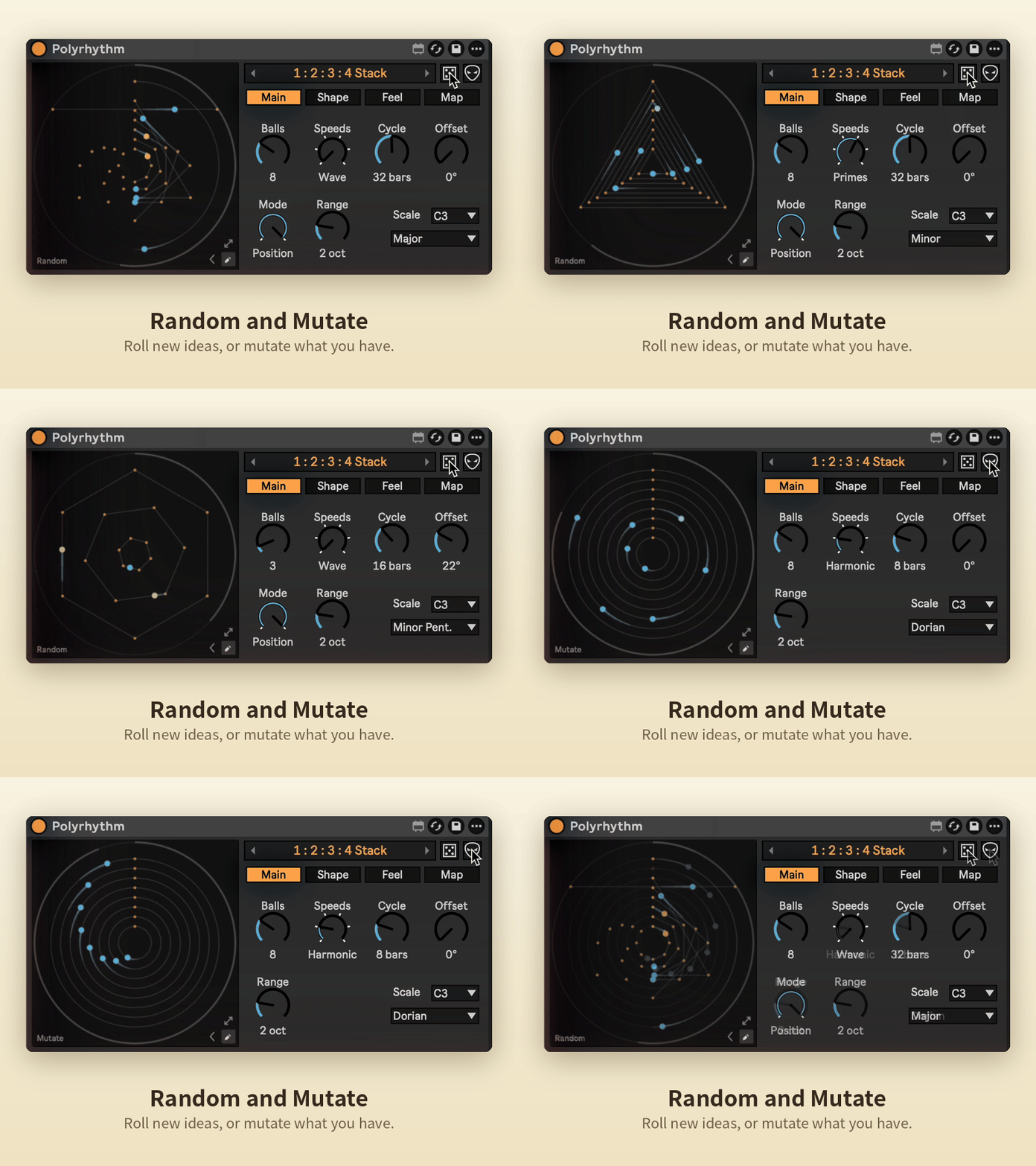
Roll the dice for a completely new pattern, or Mutate the one you have with a few small changes.
Feel
Swing, Humanize, Ratchet, Probability, Velocity and Gate, plus any scale and root.
Requirements
Ableton Live 12 with Max for Live.
Install
Download Polyrhythm.amxd and drag it into your User Library, or straight onto a MIDI track.